How to Record a Wellbeing Check
This guide will walk you through recording a Wellbeing Check for a resident within Care Control Cloud.
Takes 2 minutes
For: Care Staff
Updated: 3rd June 2026
Introduction
Wellbeing Checks provide a quick and consistent way to record observations about a resident's condition throughout the day. They help staff evidence resident welfare, identify concerns early, and maintain a clear record of routine observations and interactions.
In this guide you'll learn how to:
- Select a resident
- Use preset wellbeing comments
- Build and customise observations
- Add additional notes
- Save a wellbeing check
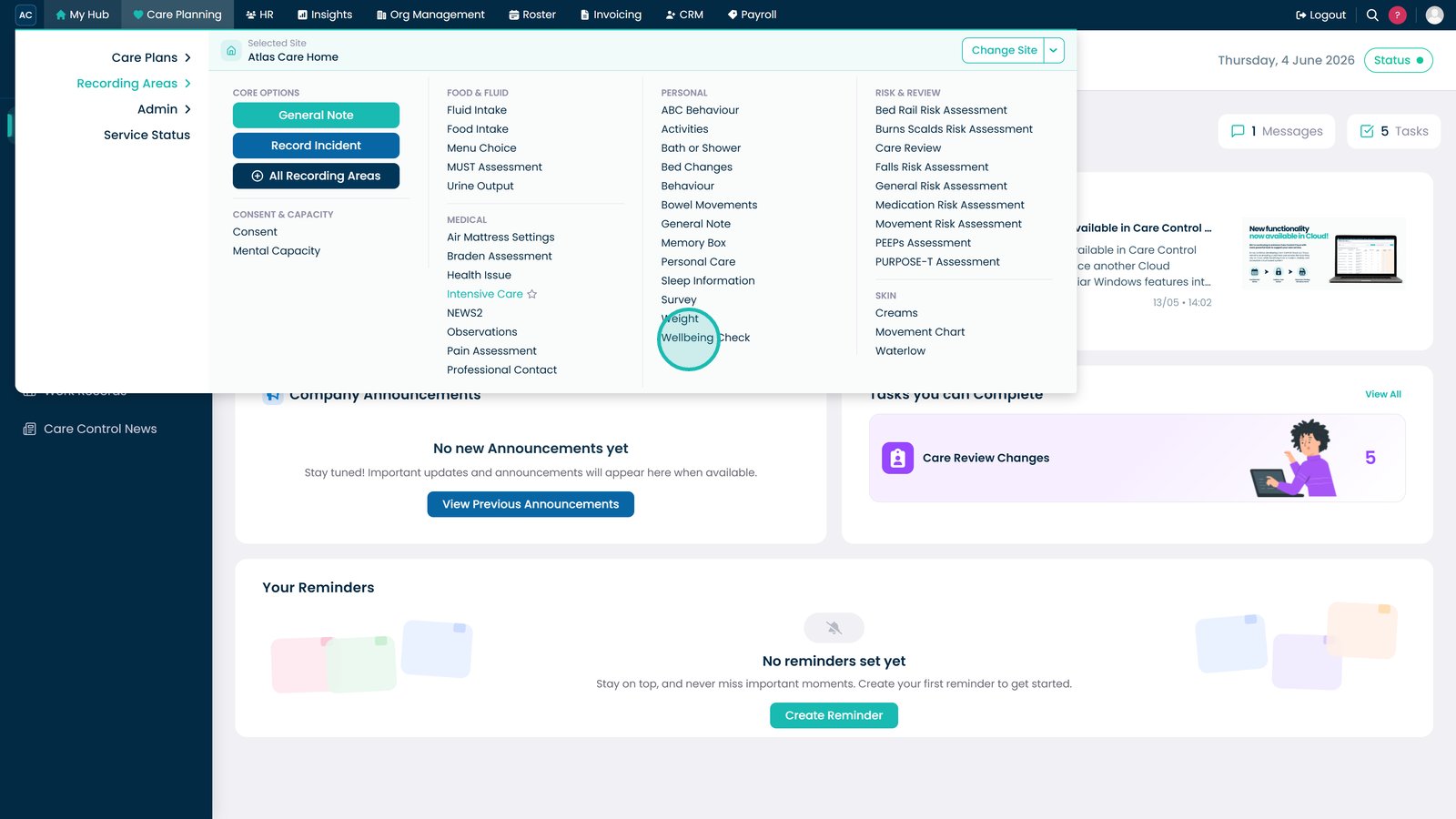
Open Wellbeing Check.

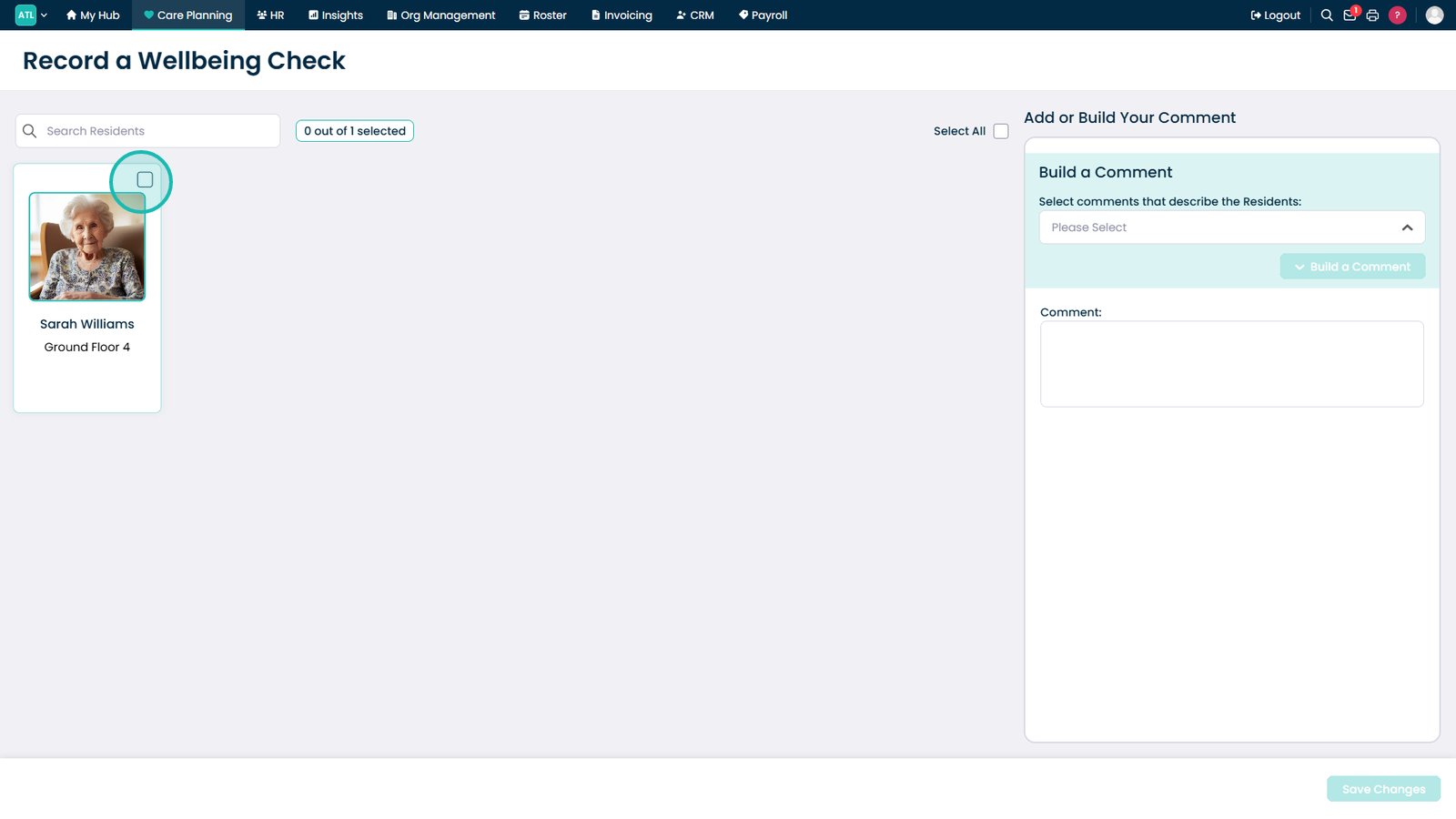
Select the resident.

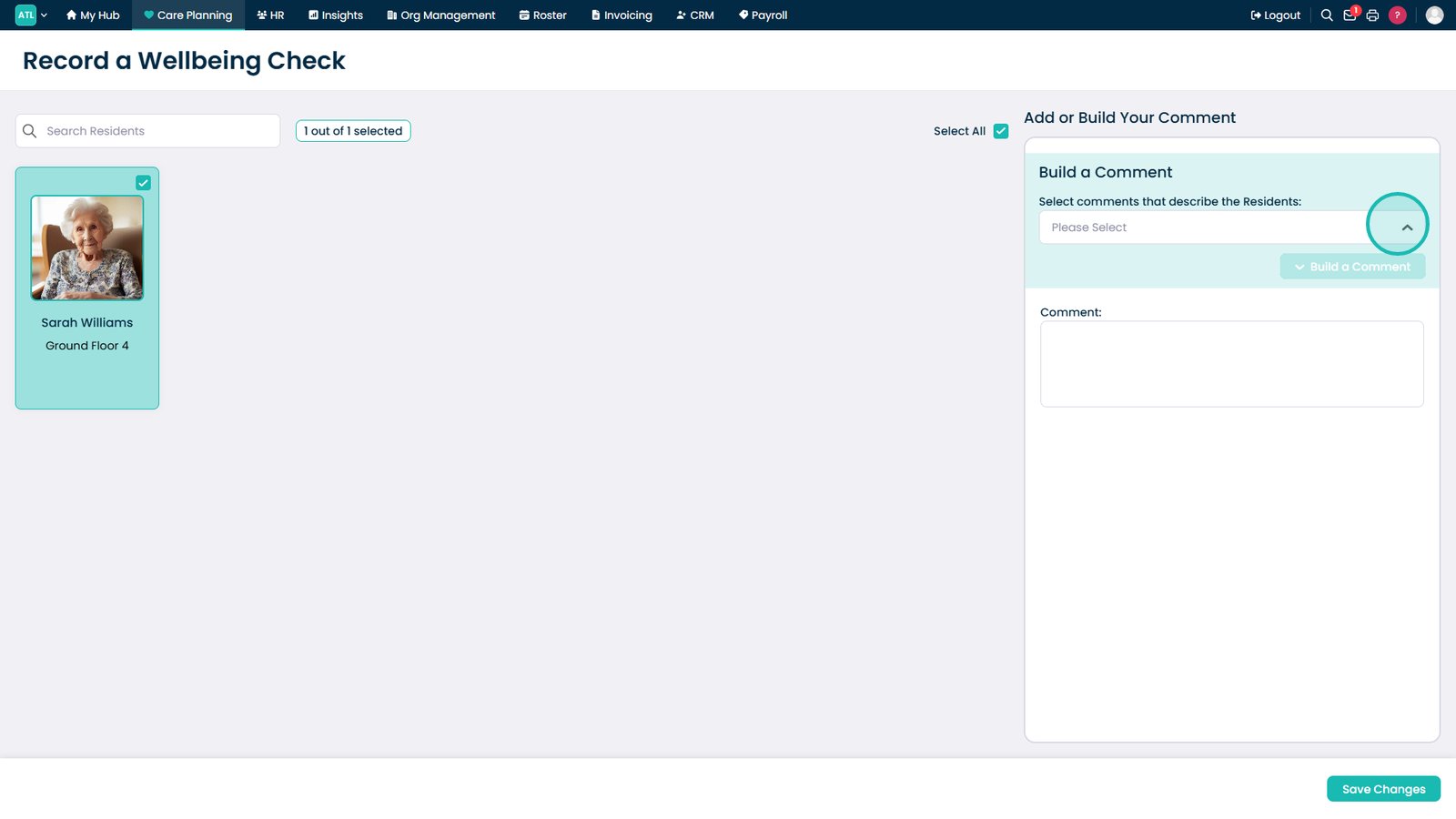
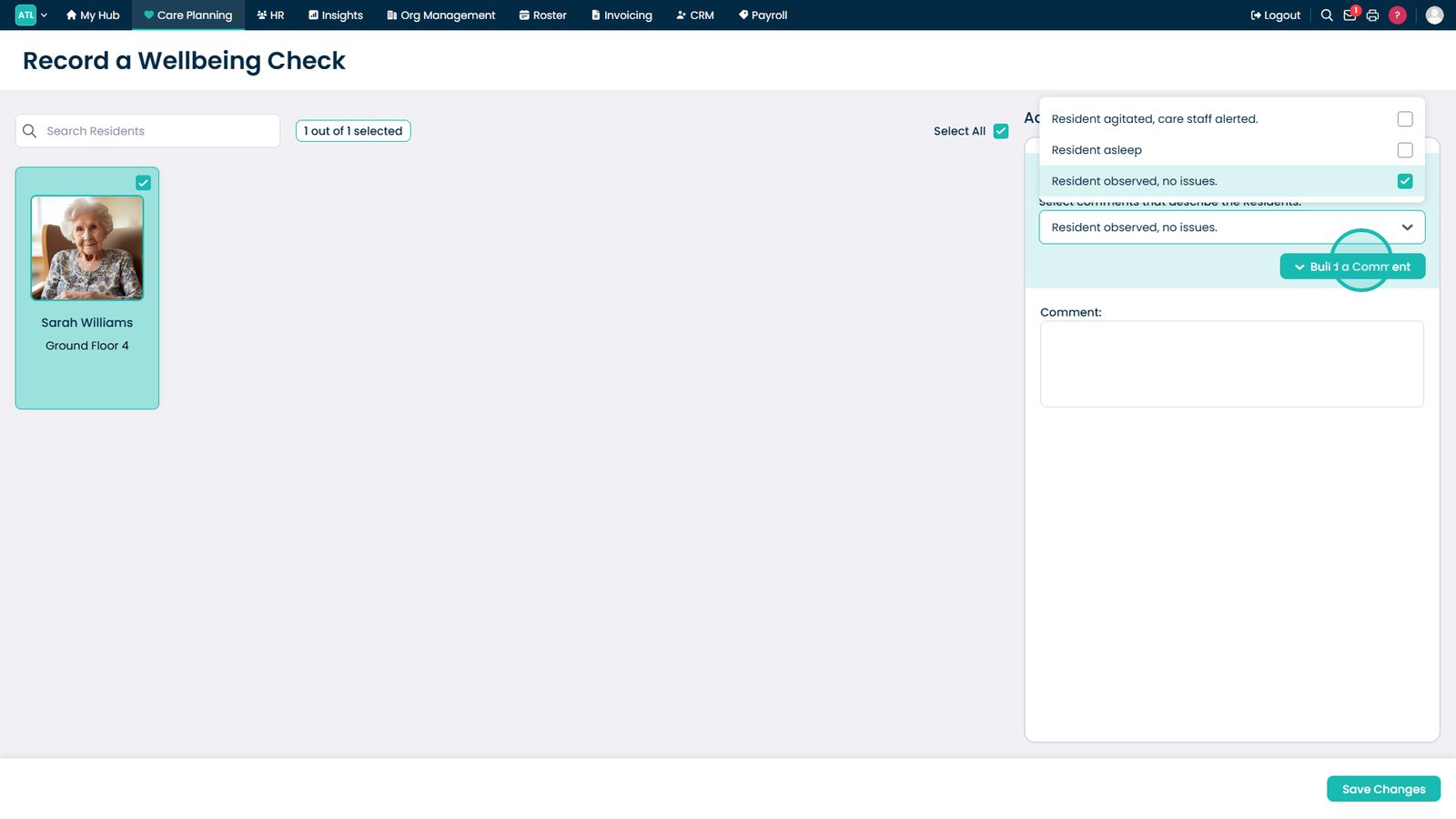
Open the preset comment list.

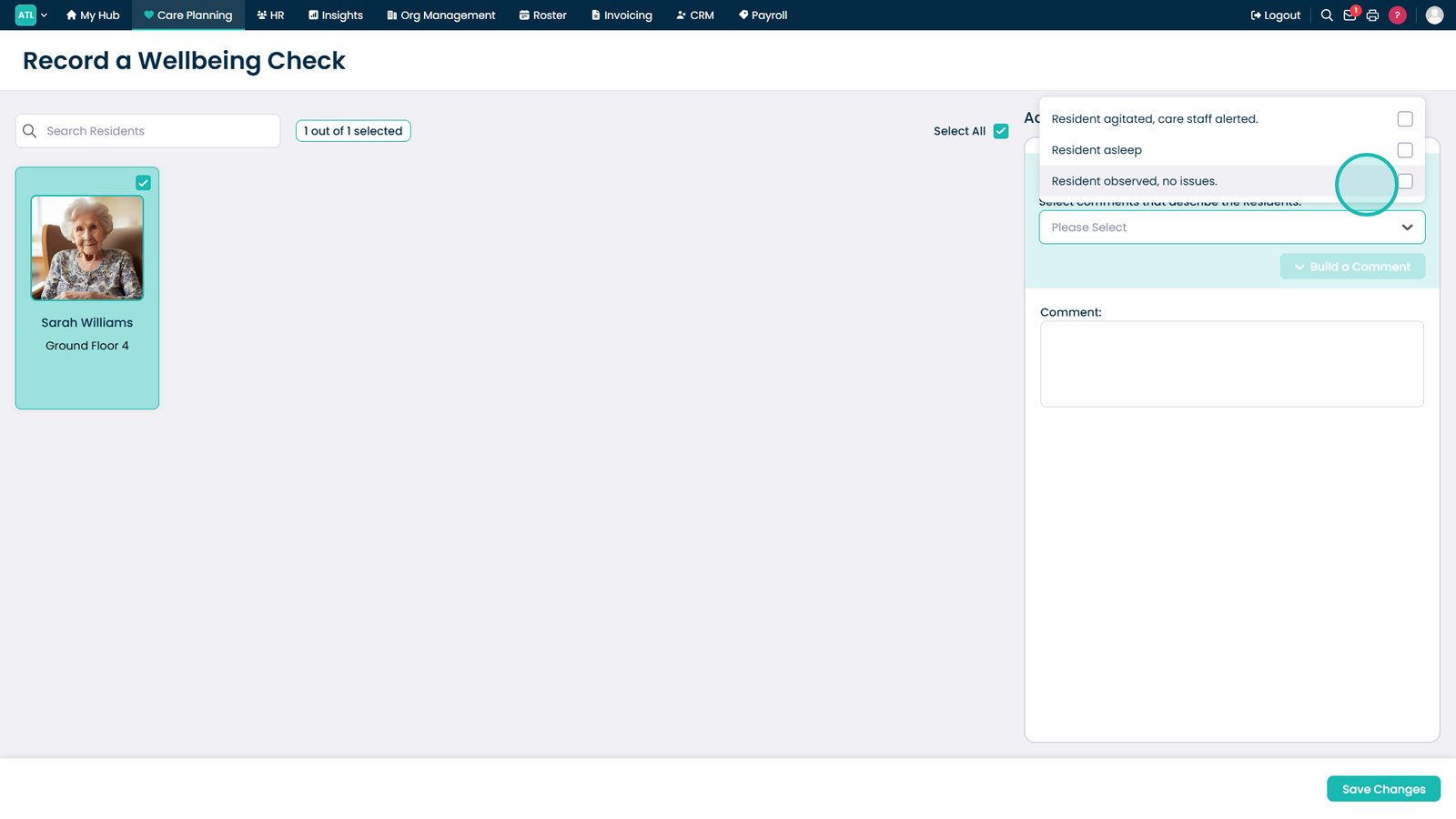
Select an observation.

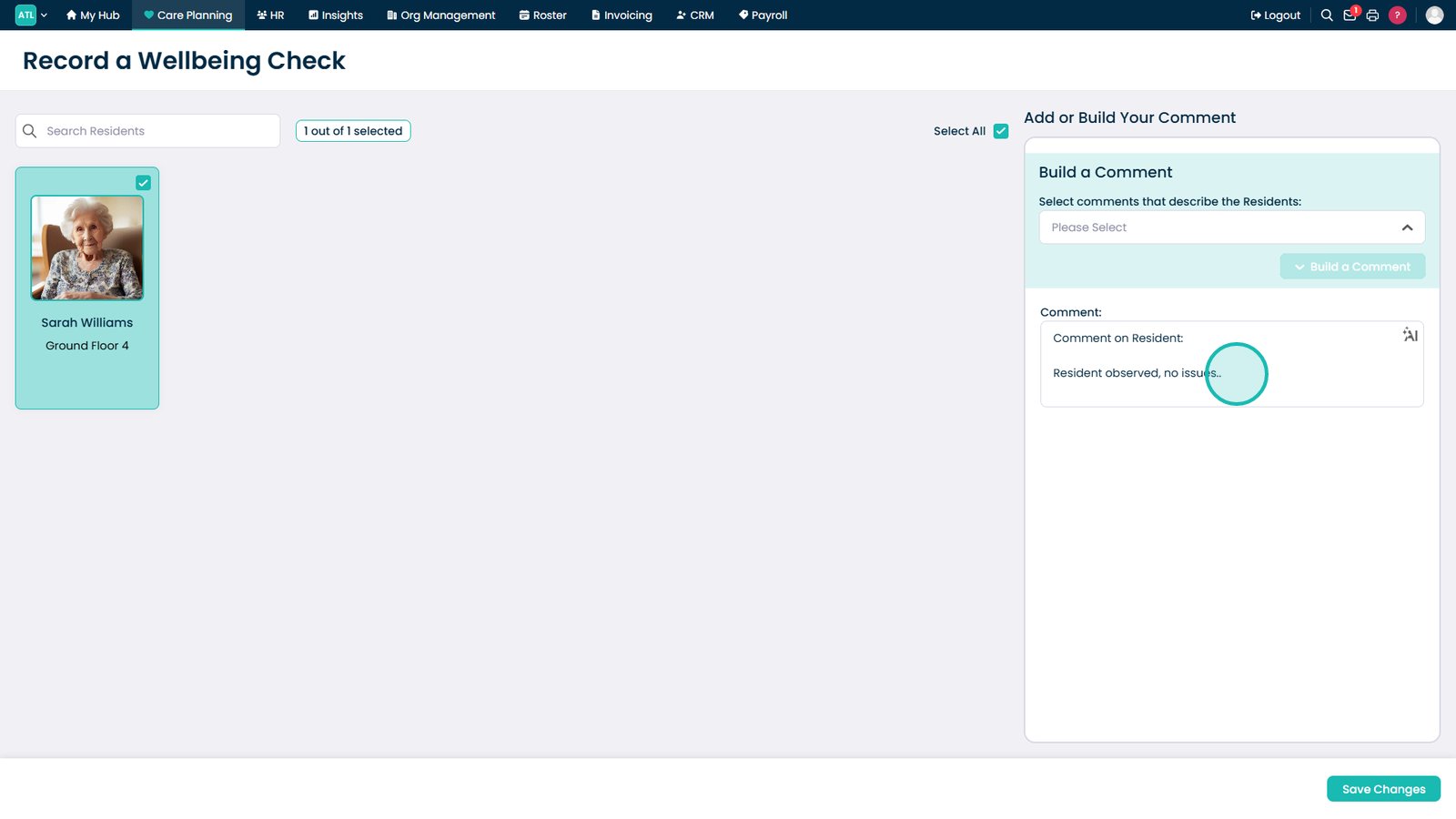
Select Build a Comment.

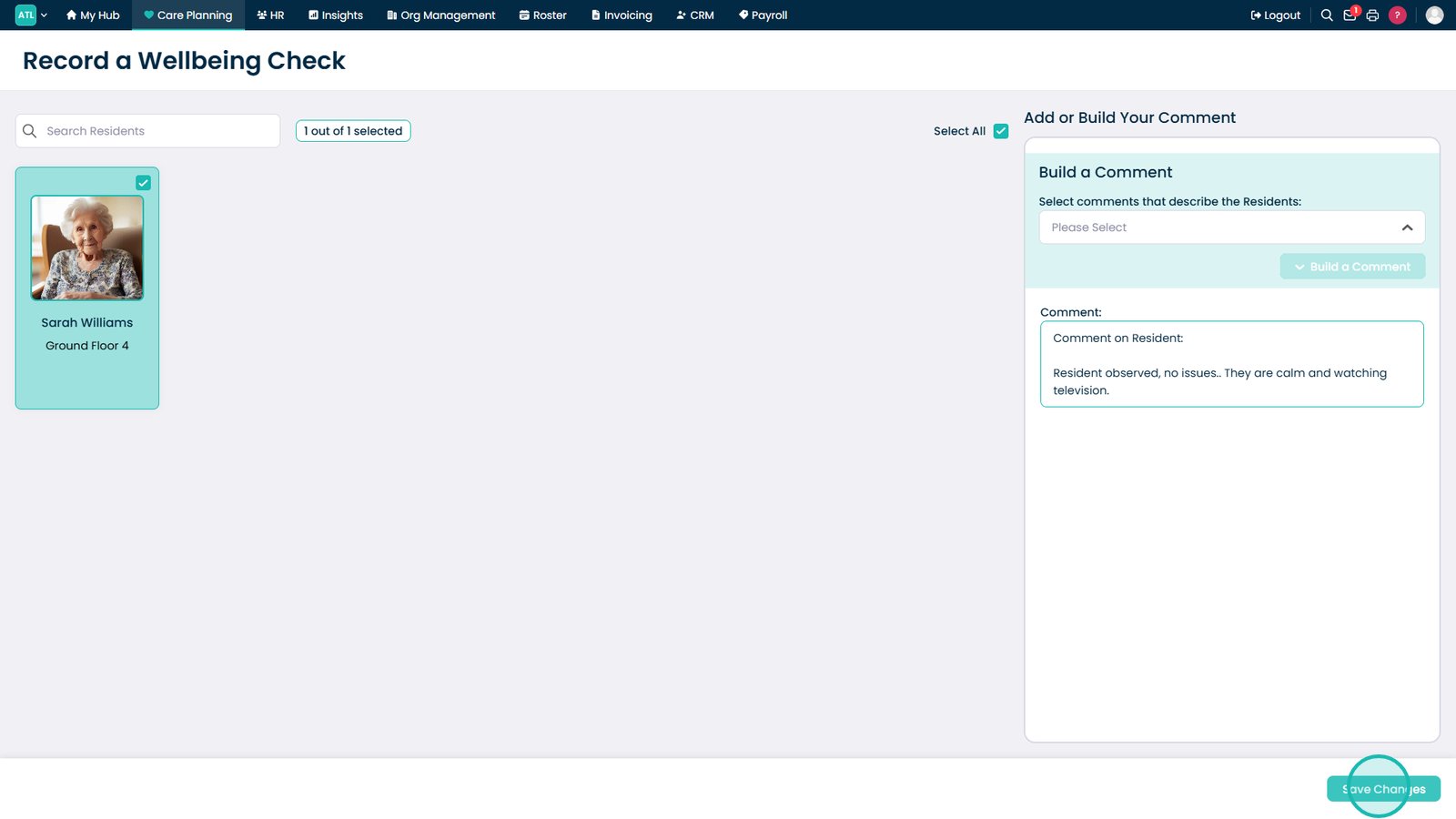
Add additional notes if required.

Select Save Changes.

Top tip
Use preset comments as a starting point, then add any relevant details to provide a fuller picture of the resident's wellbeing and presentation.
Need more help?
Can't find what you're looking for? Our support team is here to help.
Contact SupportOr call us on