View Categories

How to Record Consent on Cloud

This guide explains how to record consent within the Care Planning app, including selecting the correct consent type, capturing a signature, and completing the required details.

Accurately recording consent is essential for ensuring compliance, protecting service users, and maintaining clear and legally valid care records. Following this process helps improve accuracy, reduces the risk of missing information, and ensures all consent is properly documented and securely stored.

By following this guide, you will learn how to:

  • Access consent and capacity tools within the Care Planning app
  • Select the correct service user and consent type
  • Capture and save a digital signature
  • Complete witness details and finalise the consent record

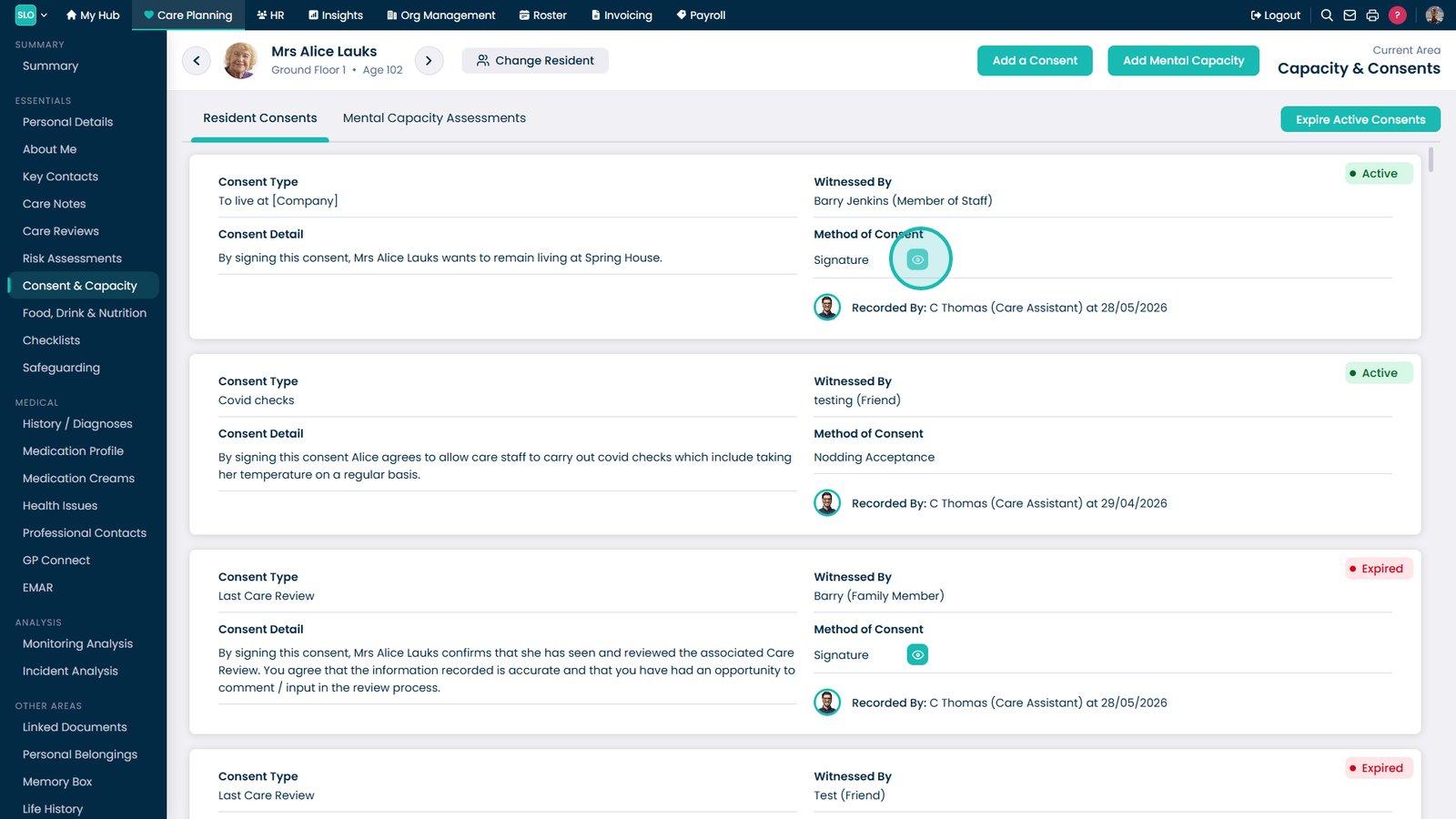
This ensures consent is recorded clearly, securely, and in line with care and compliance requirements.

Interactive Guide

Text based guide

Open the Care Planning app to begin recording consent and care plan information

Select the Record option to begin documenting care plan information

Select More Options to access additional care planning tools

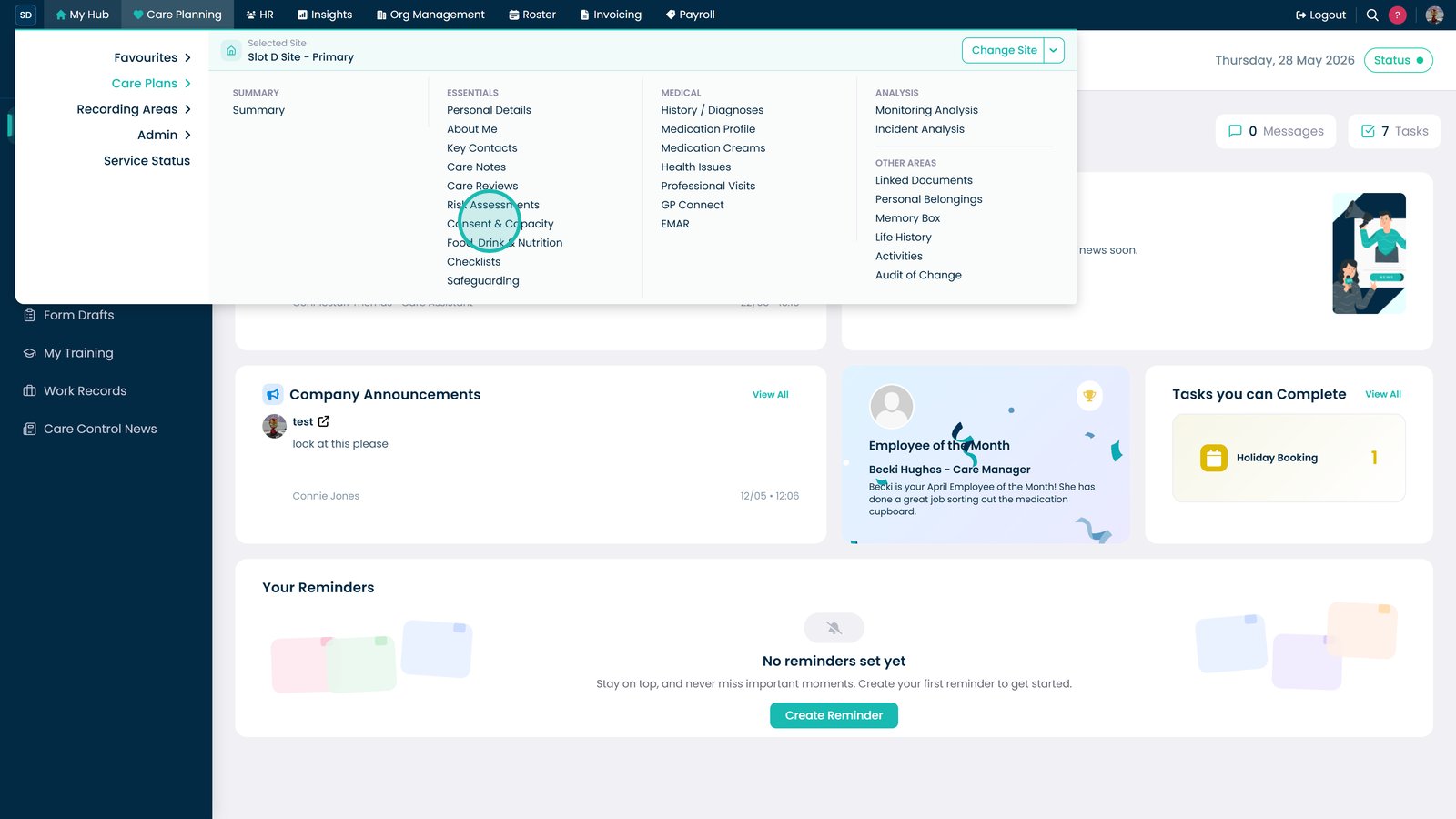
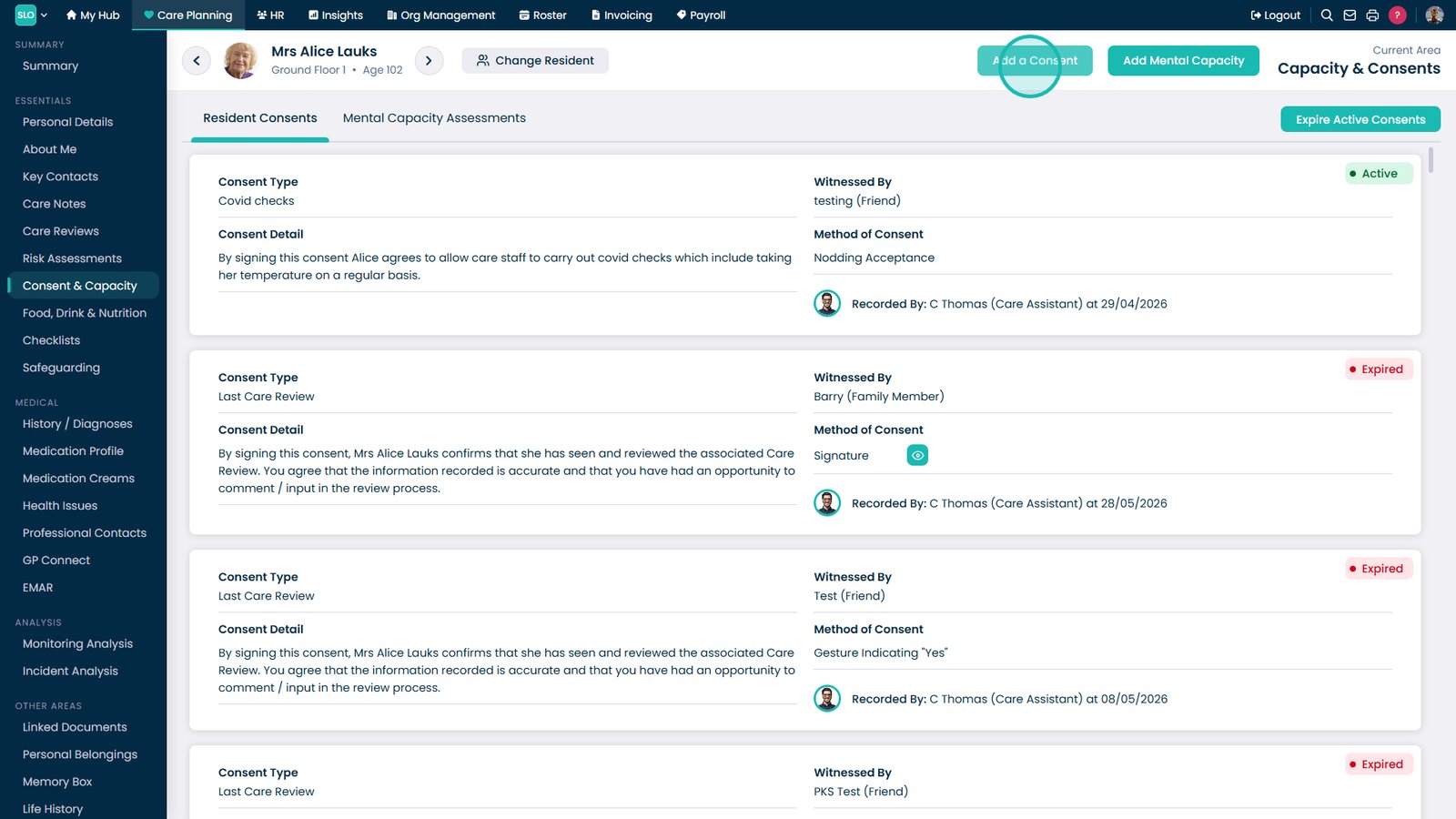
Scroll through the options and locate Consent & Capacity

Select Launch under Consent to open the digital consent form

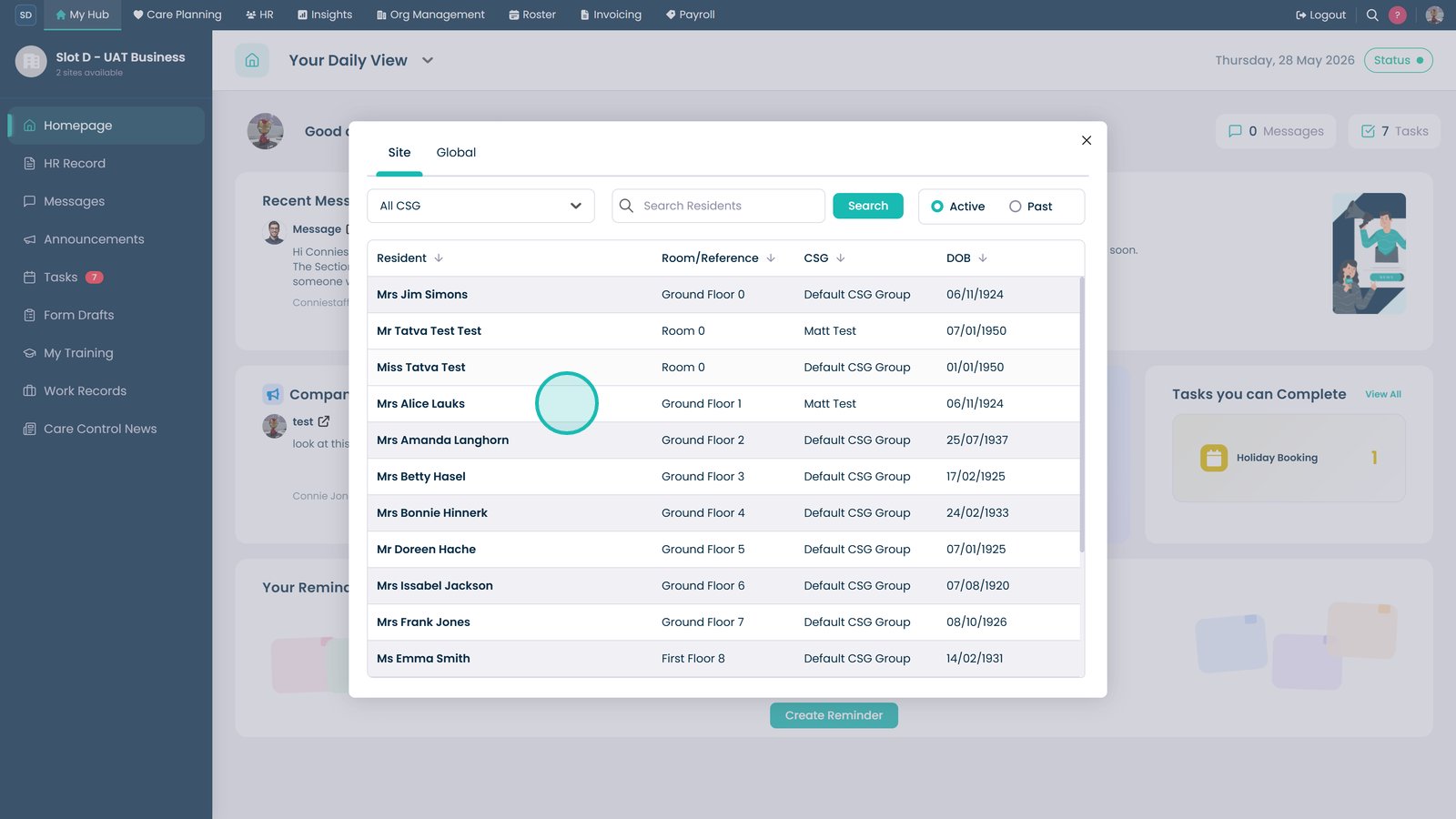
Select the service user you want to record consent for

Select Continue to proceed after choosing the service user

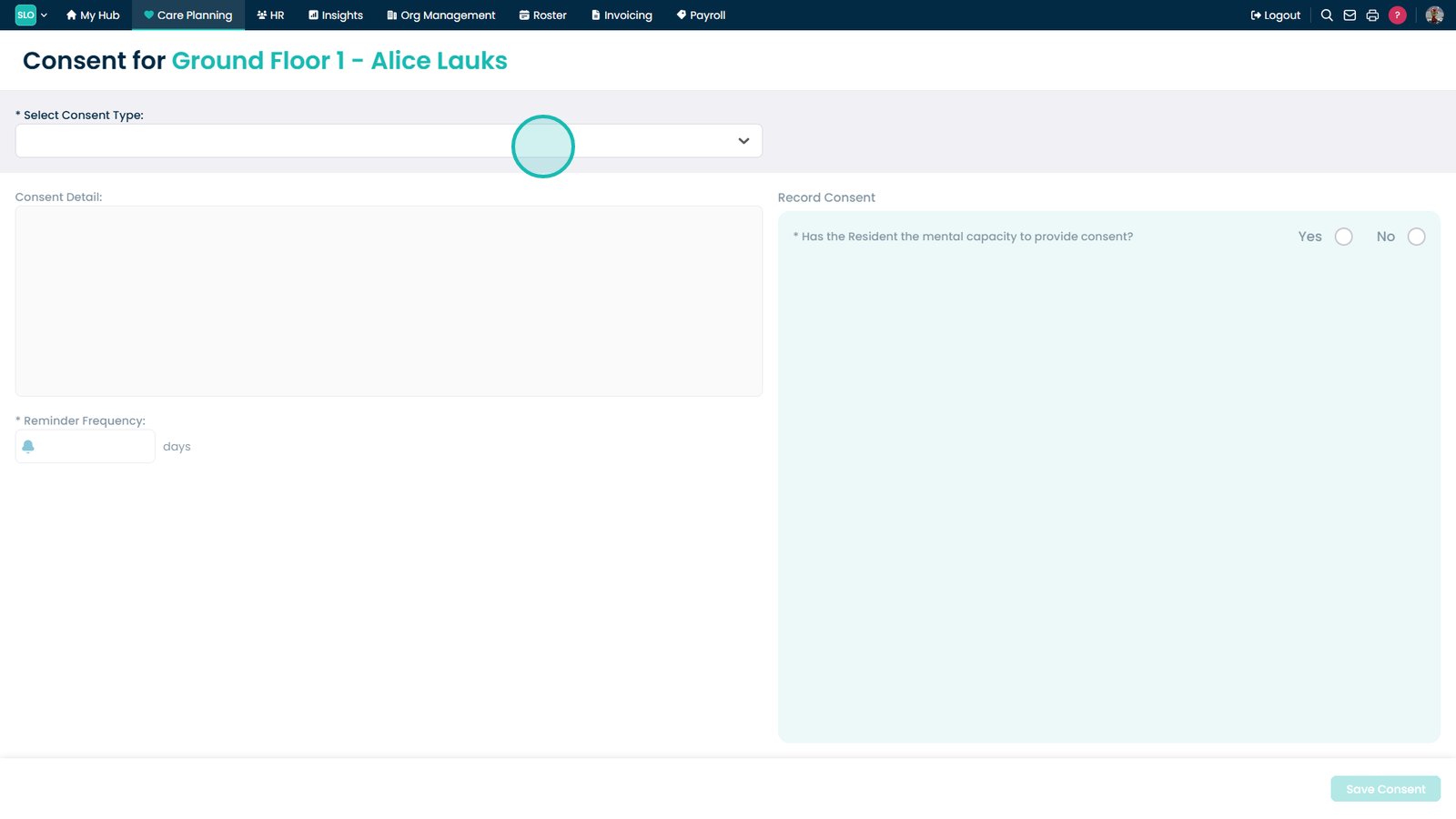
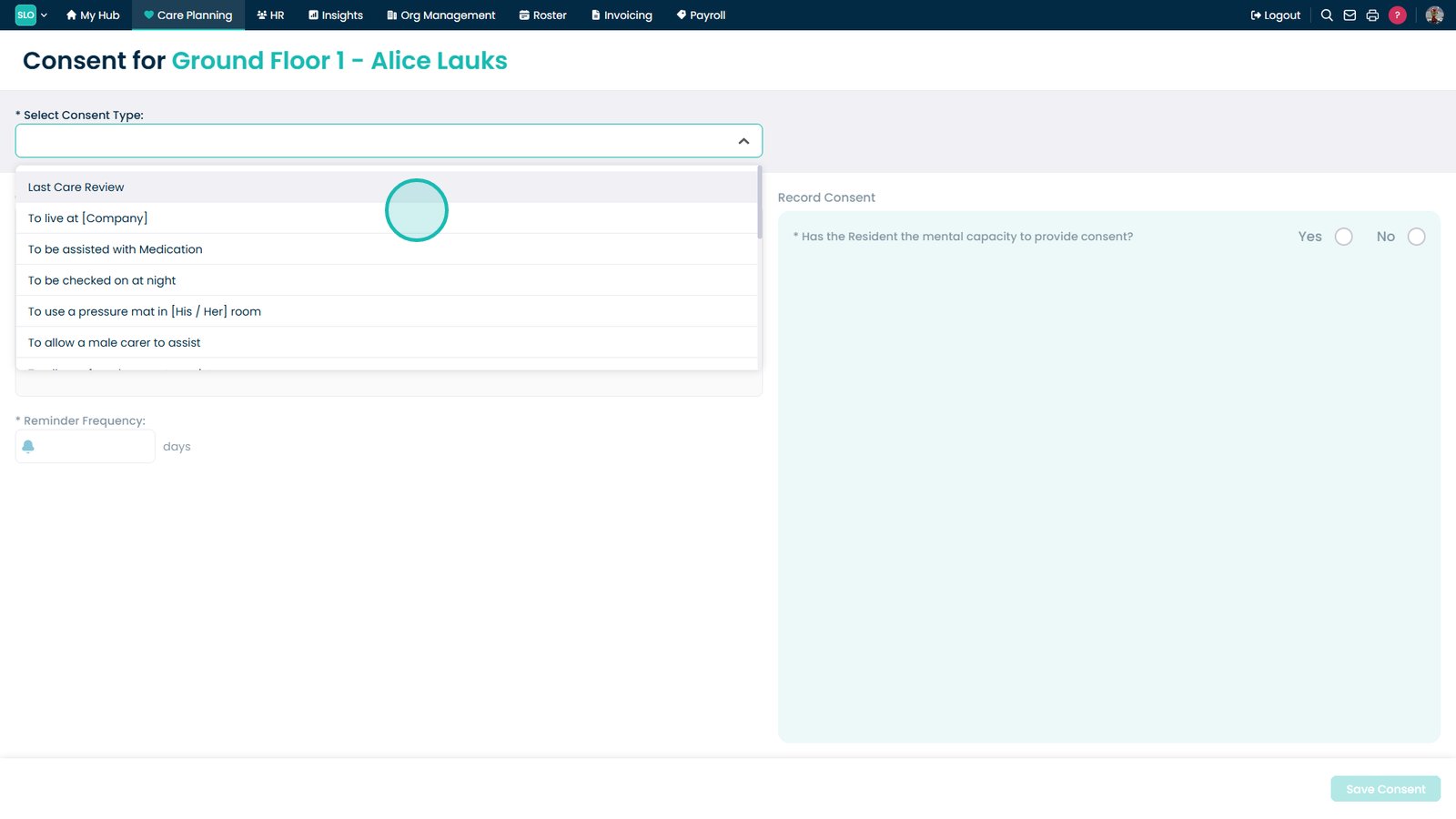
Open the Select Consent Type dropdown to choose the required consent

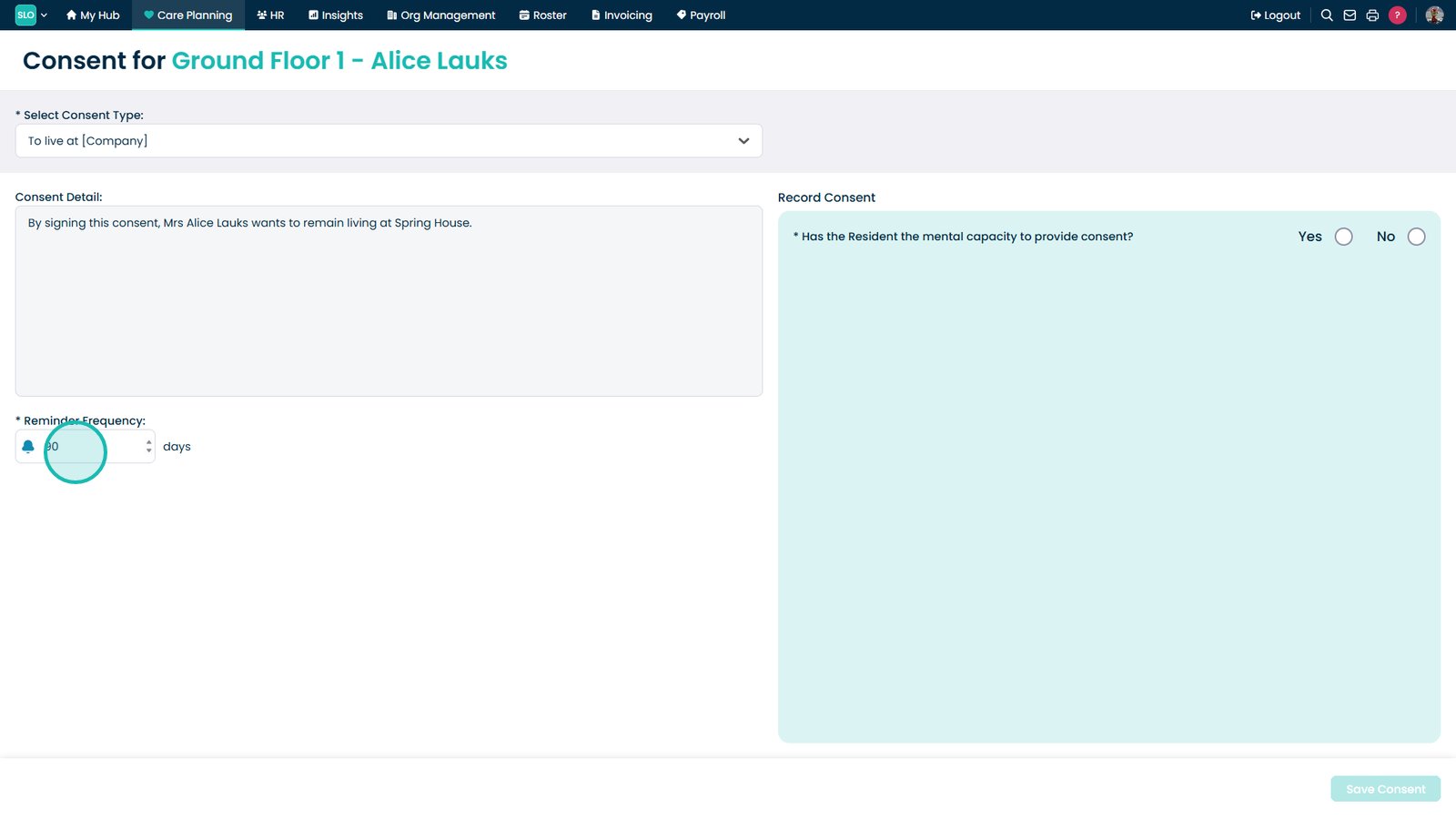
Select the consent type you want to record

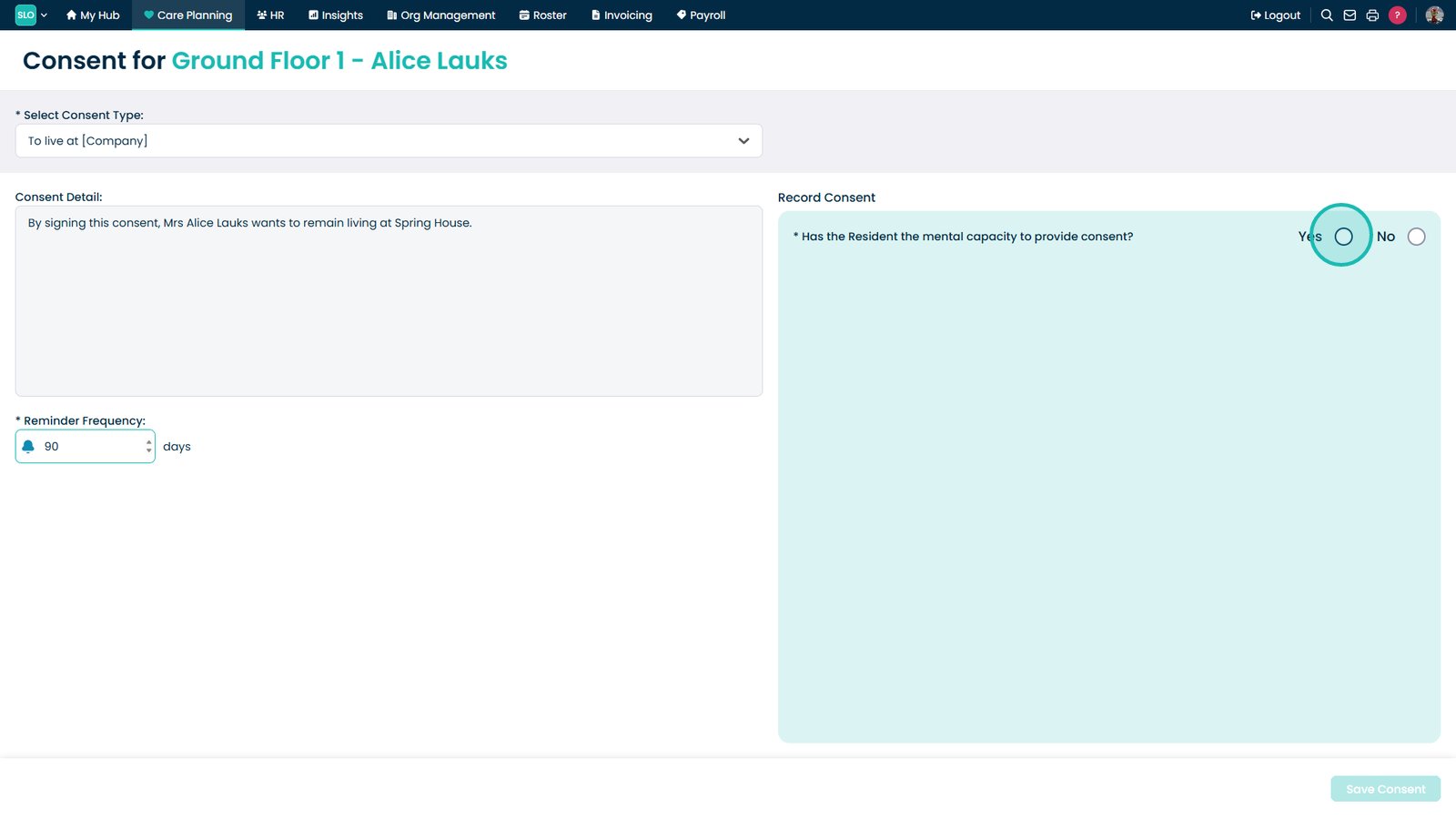
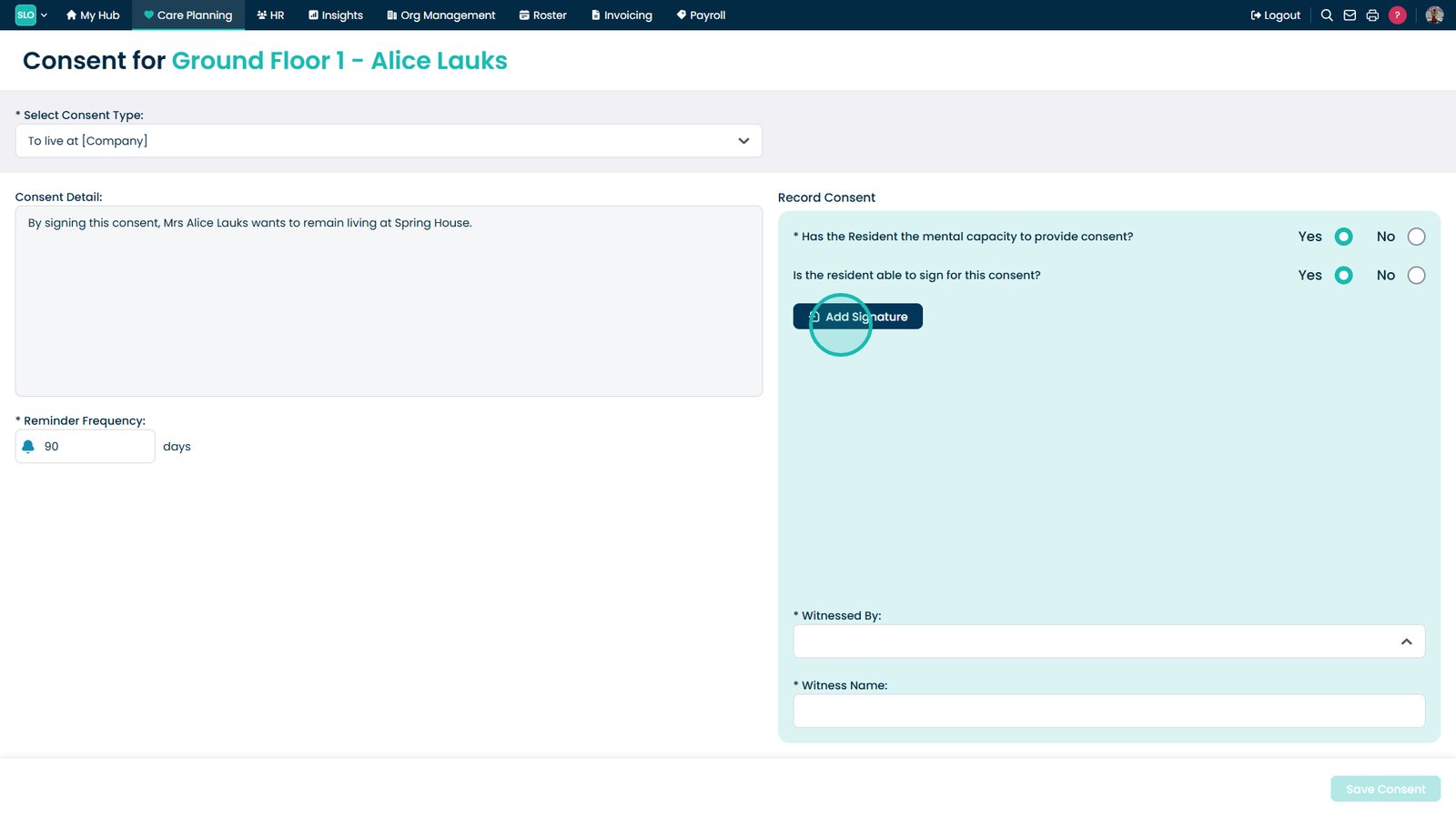
Confirm whether the service user has the mental capacity to give consent

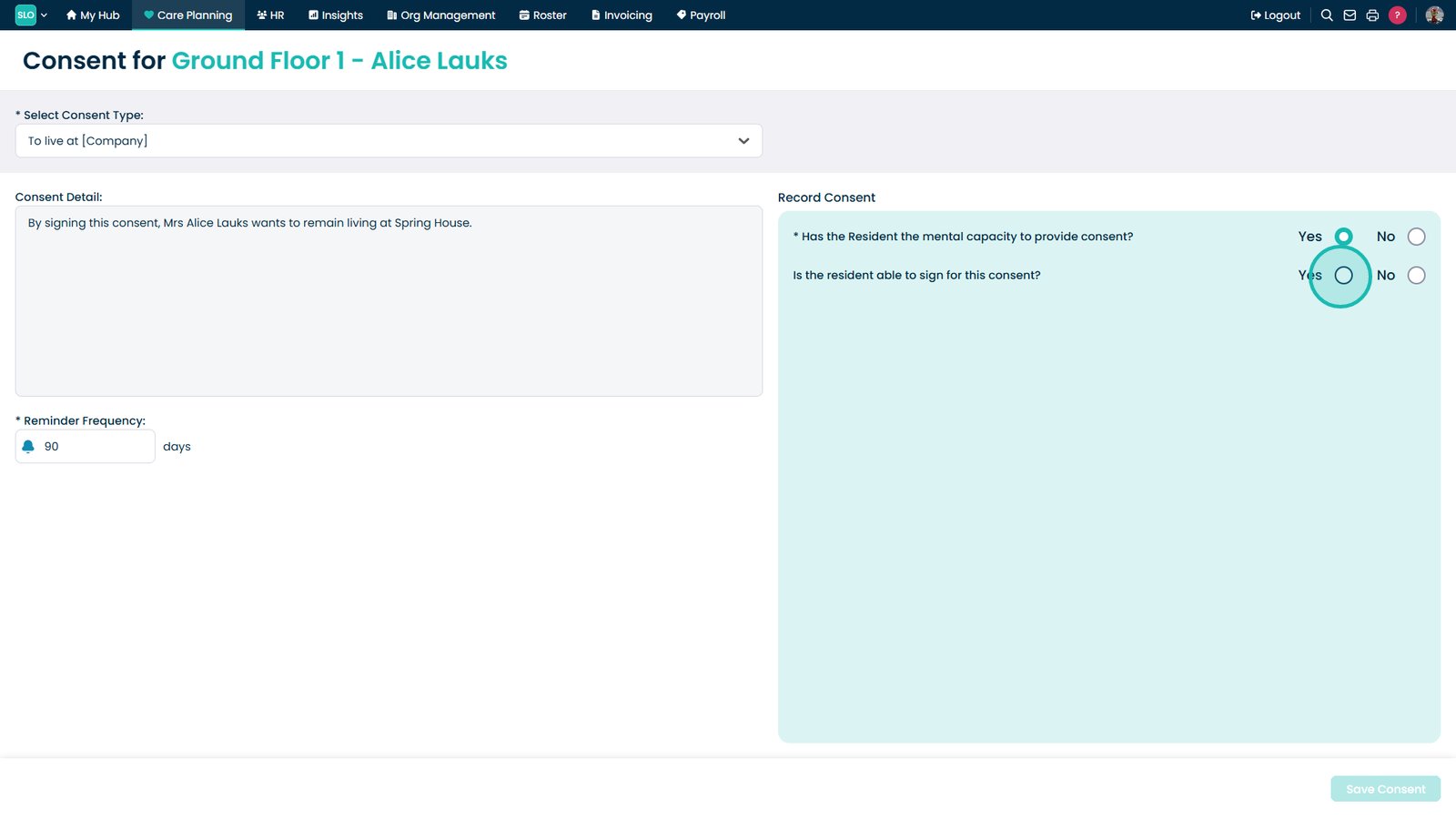
Specify whether the service user is able to provide their own signature

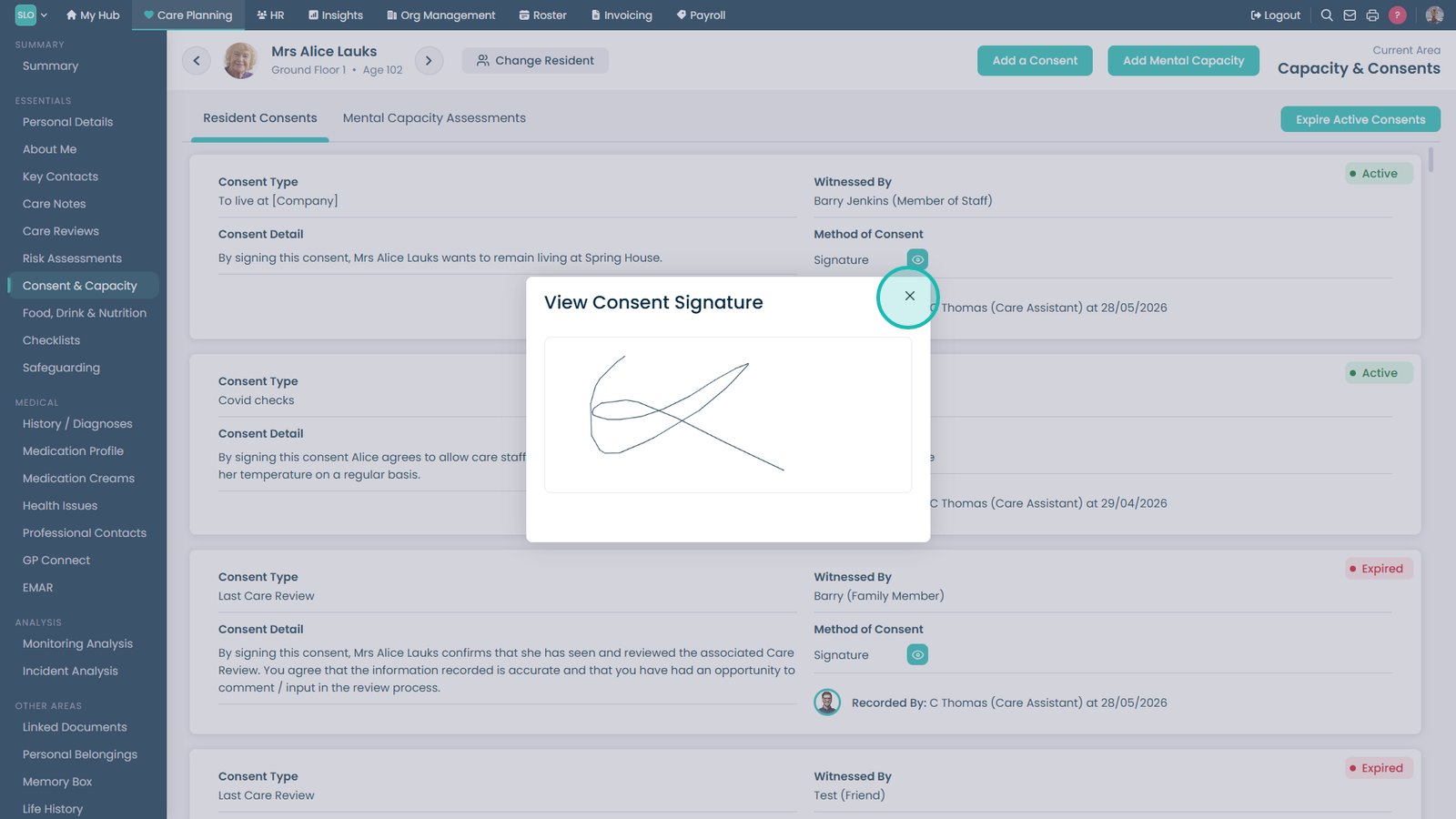
Select Add Signature to capture a digital signature

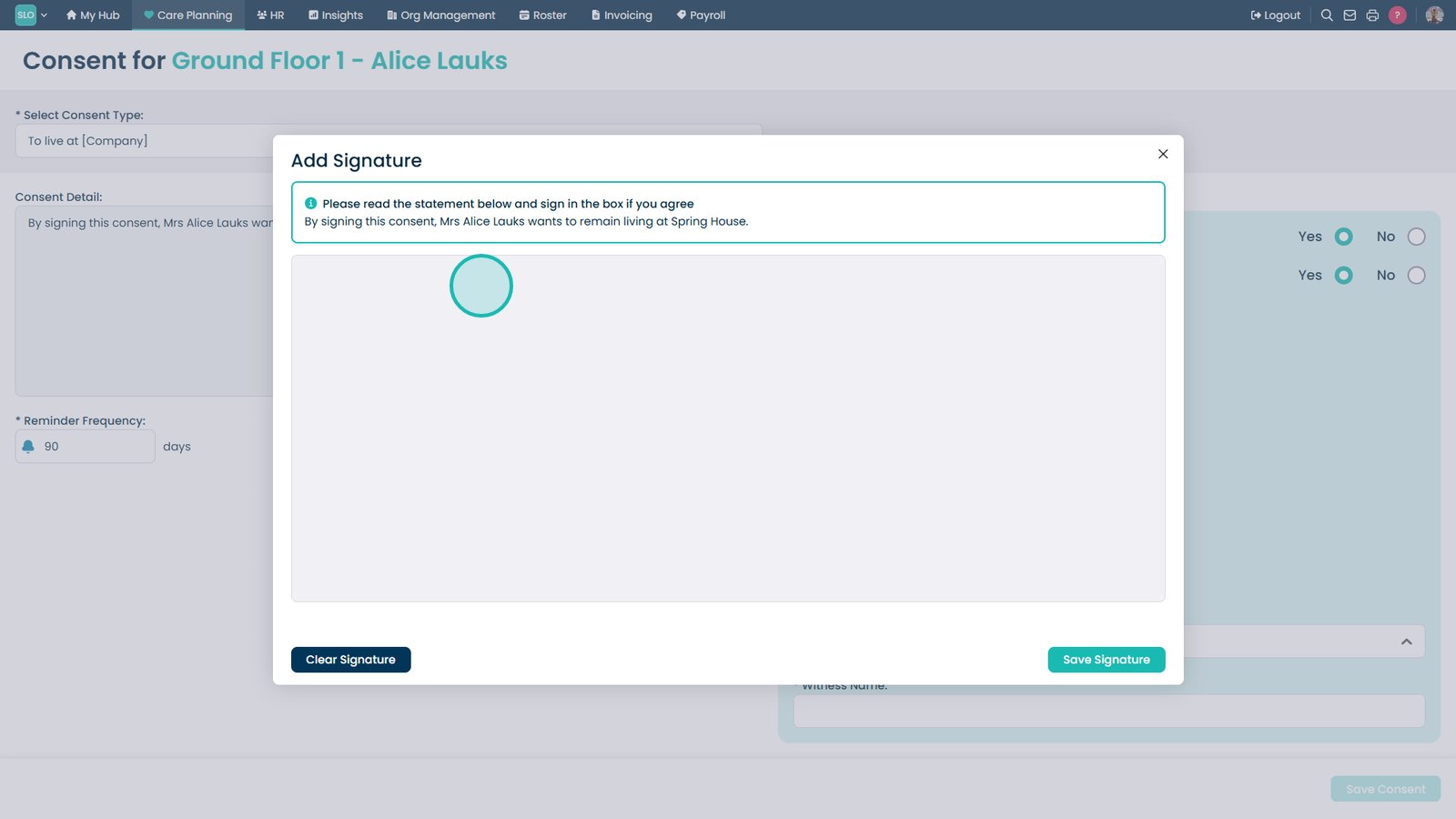
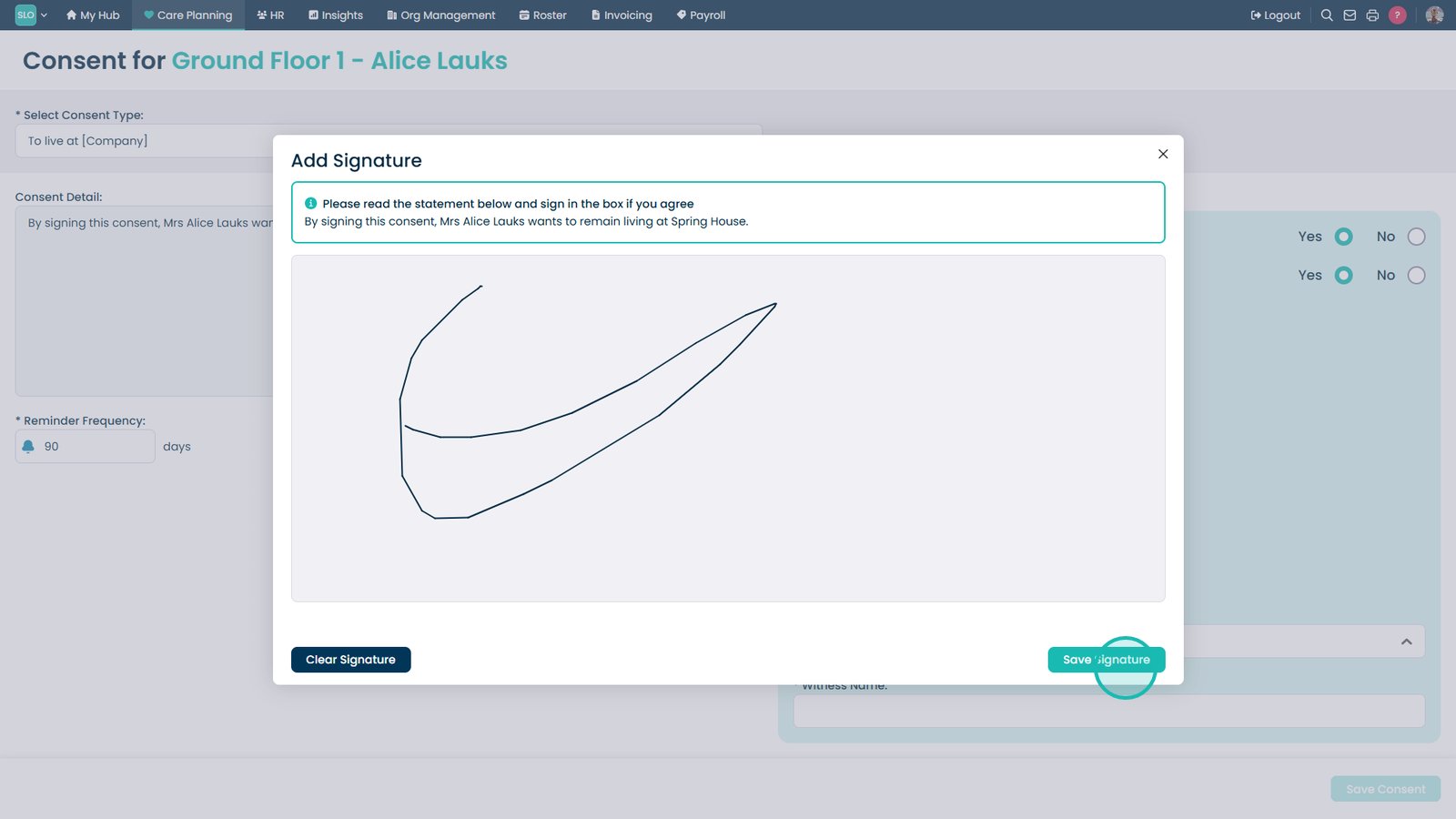
Ask the service user to provide their signature within the signature box

Select Save Signature to store and apply the captured signature

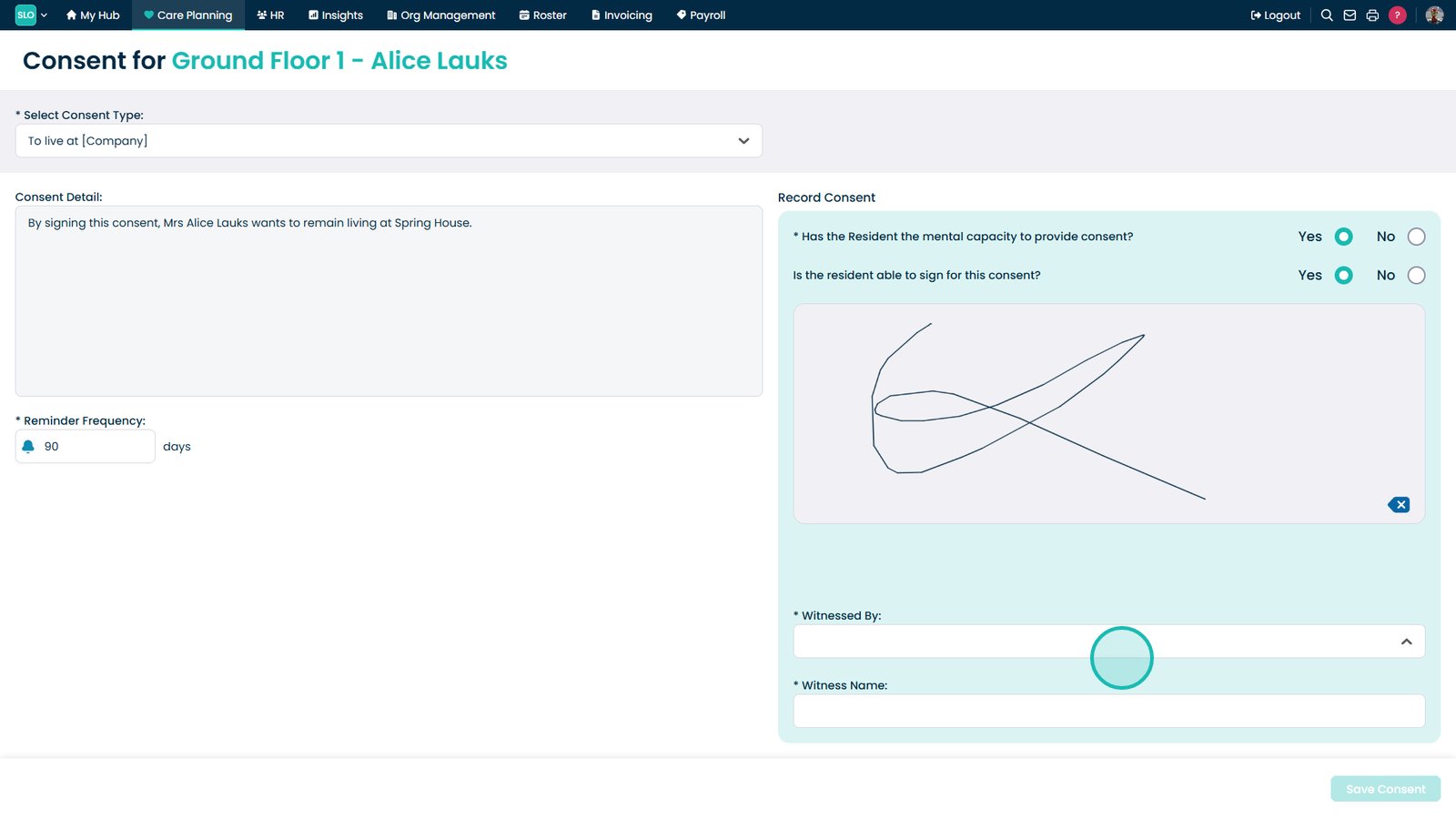
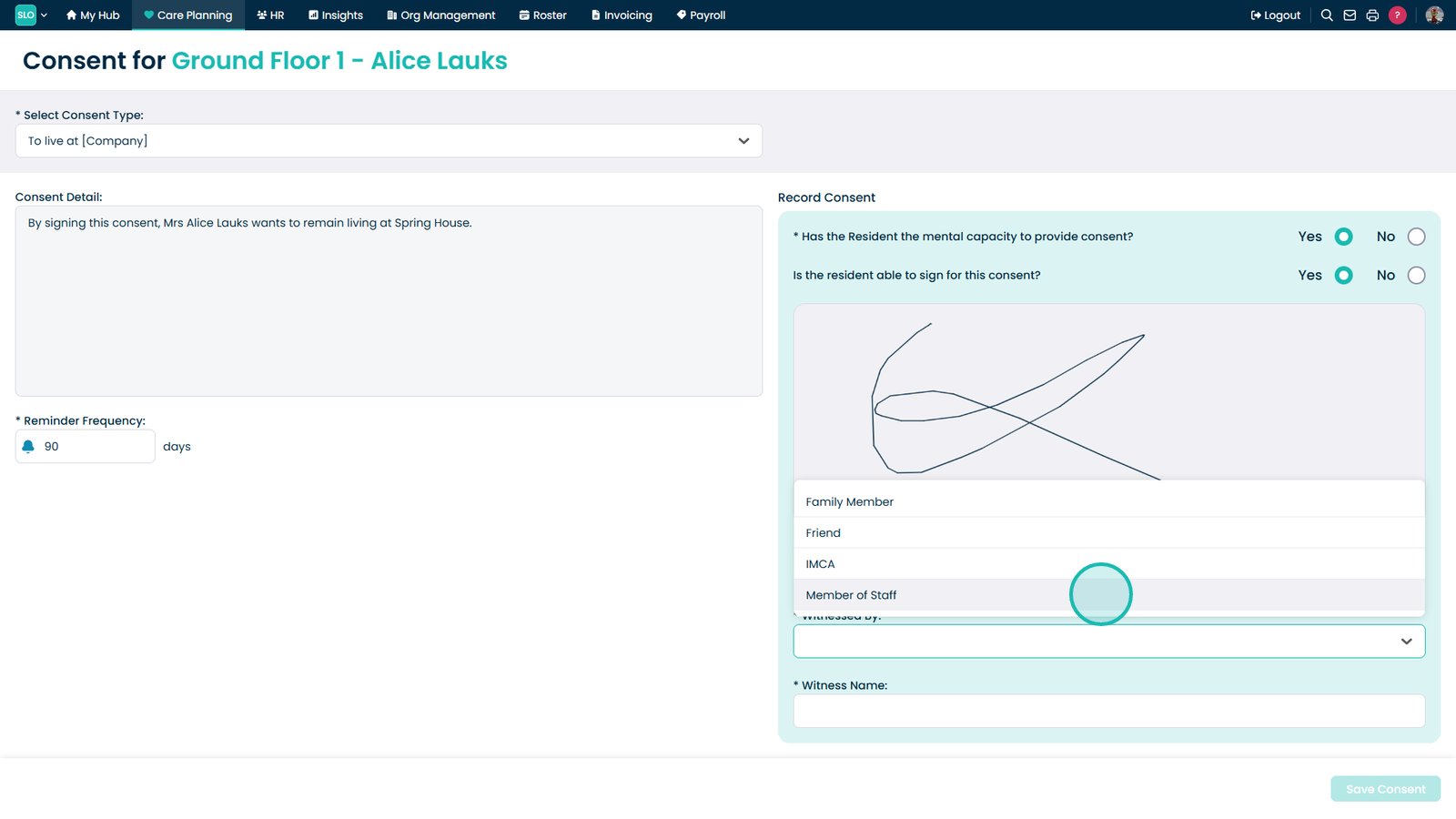
Open the Witnessed By dropdown to record who is witnessing the consent

Select the role of the person providing consent, such as Family Member

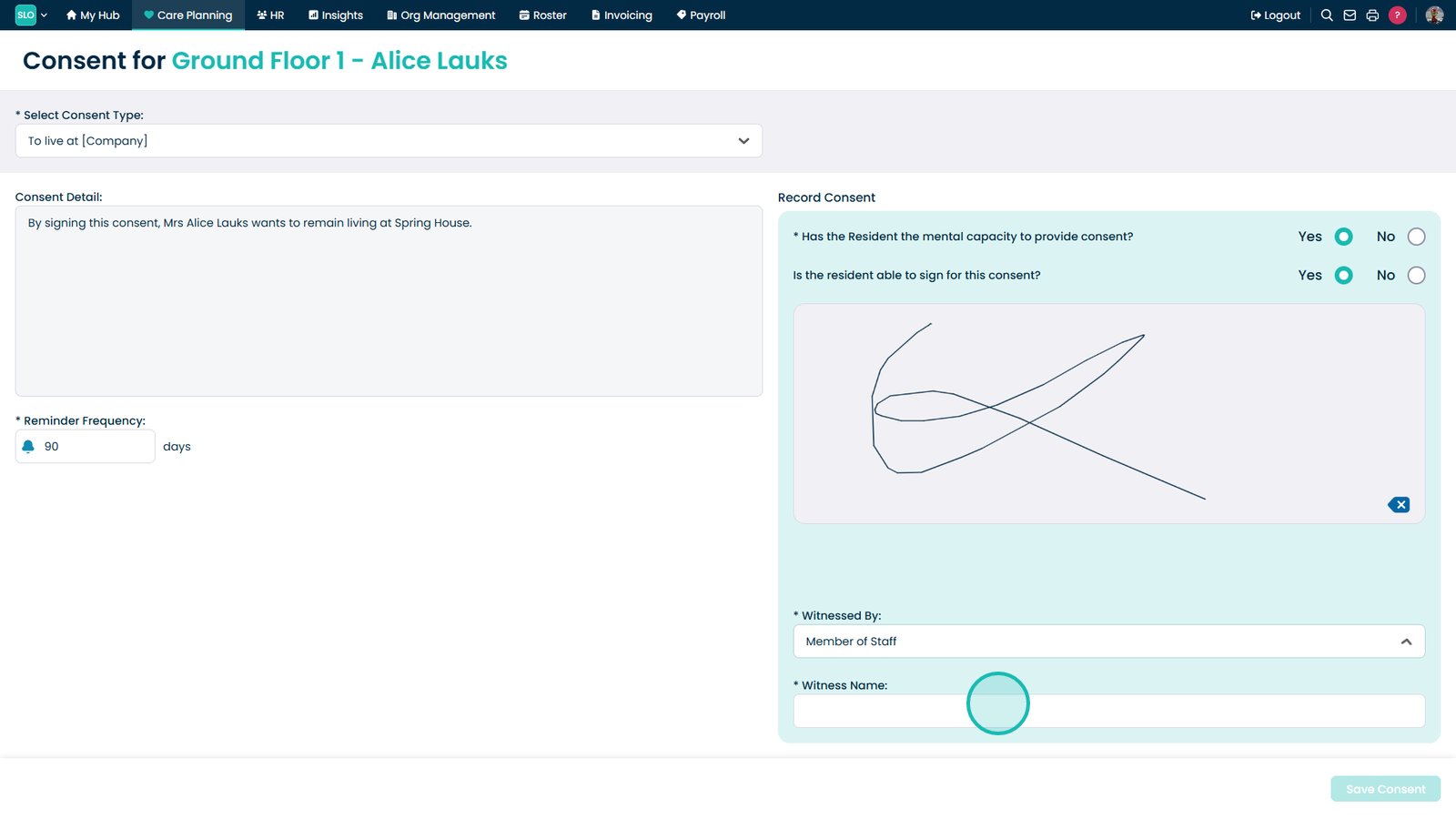
Enter the witness name to complete the consent form

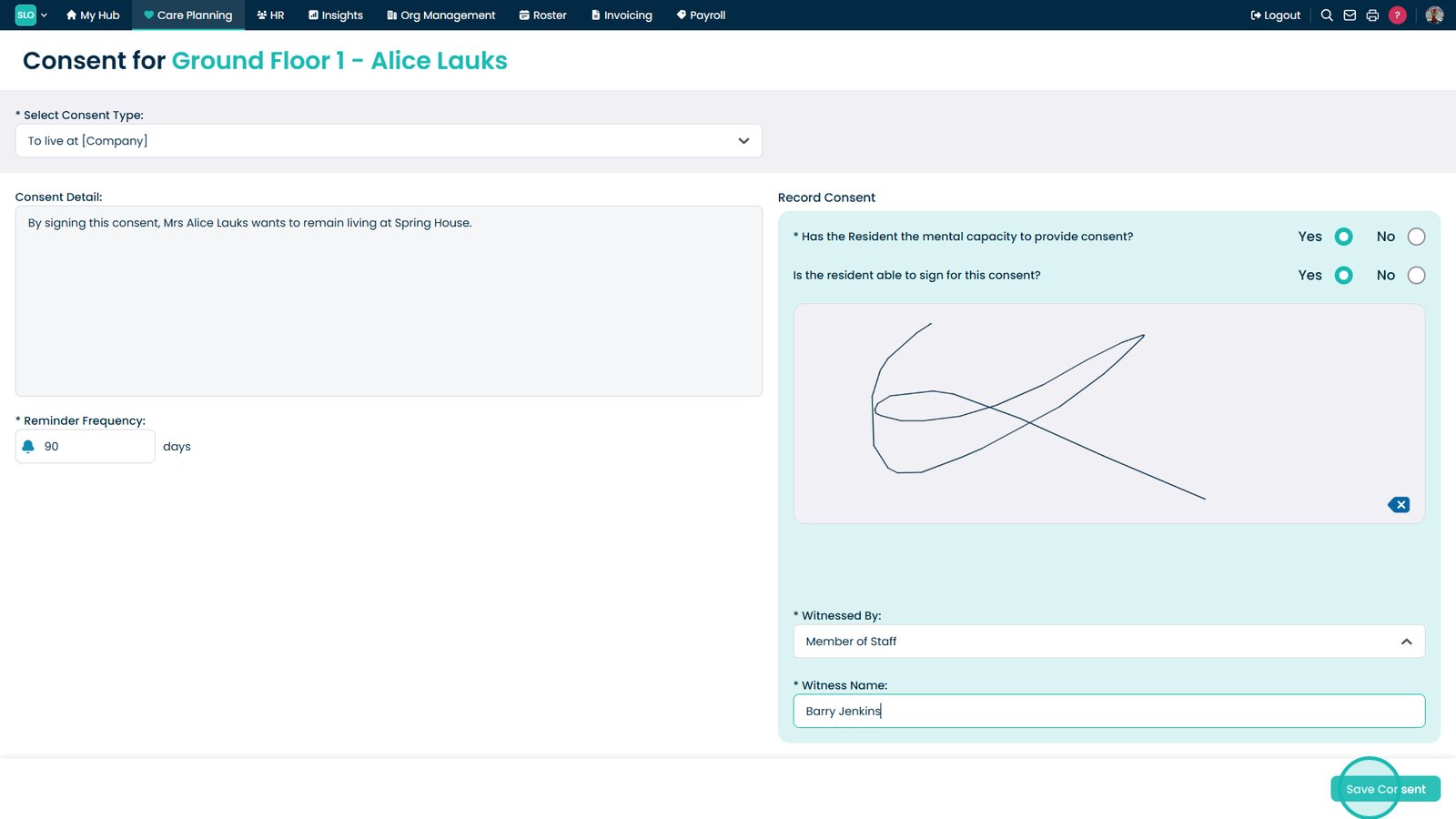
Select Save Consent to finalise and securely record the consent

 
Was it helpful ?
Table of Contents
↑ Top