On Sunday 8th February, our GP Connect service will undergo scheduled maintenance. While we cannot confirm the exact time, this work may result in up to 60 minutes of downtime. We apologise for any inconvenience this may cause and thank you for your understanding.

View Categories

Contacts on Cloud

This guide will cover how to access, add and amend contacts on your system via Care Control Cloud. This feature acts as a contact management tool where anyone from health professionals to service user friends can be recorded.

1

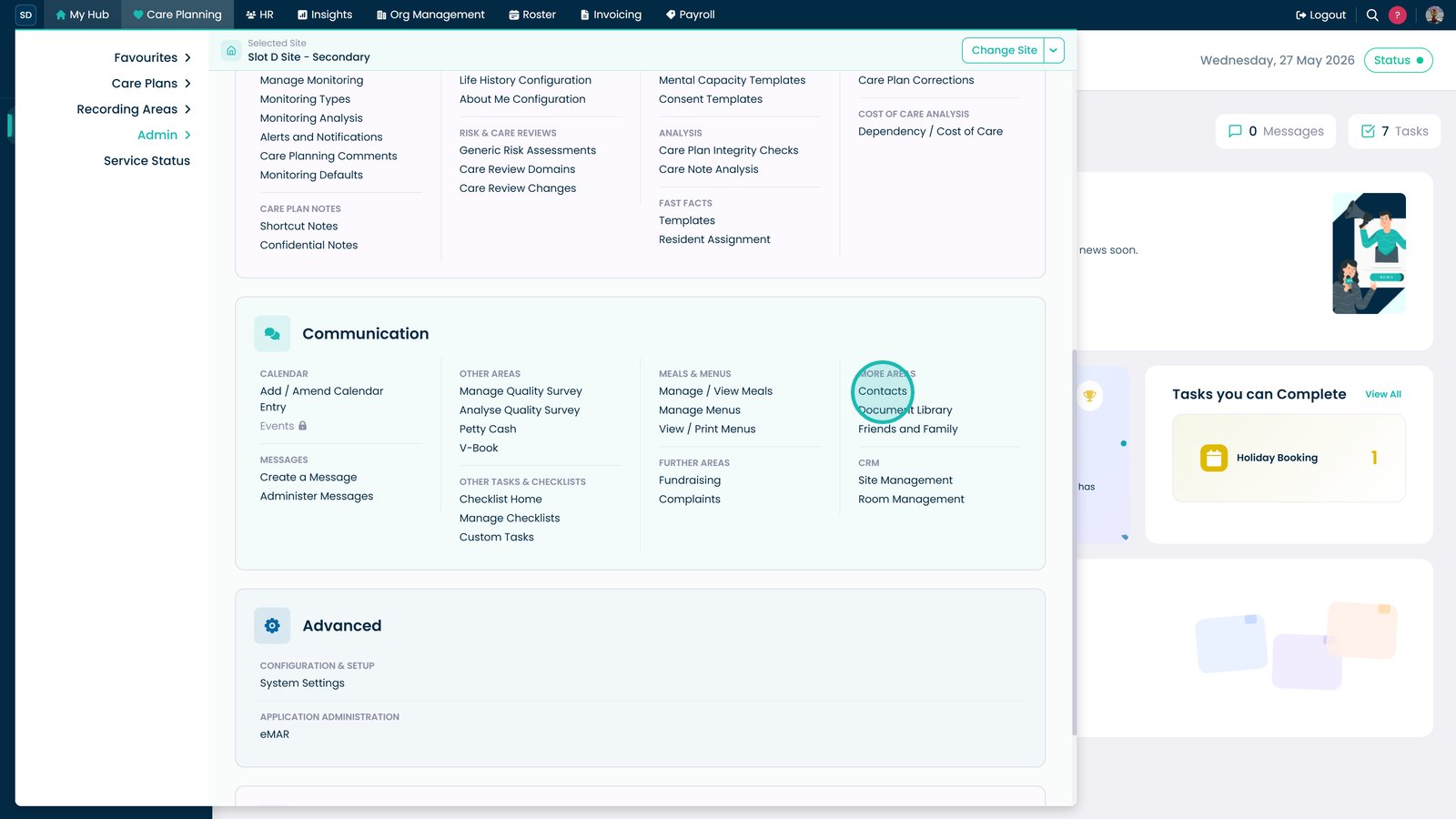
Within the Admin Application on Care Control Cloud, navigate to the ‘Communication area.

2

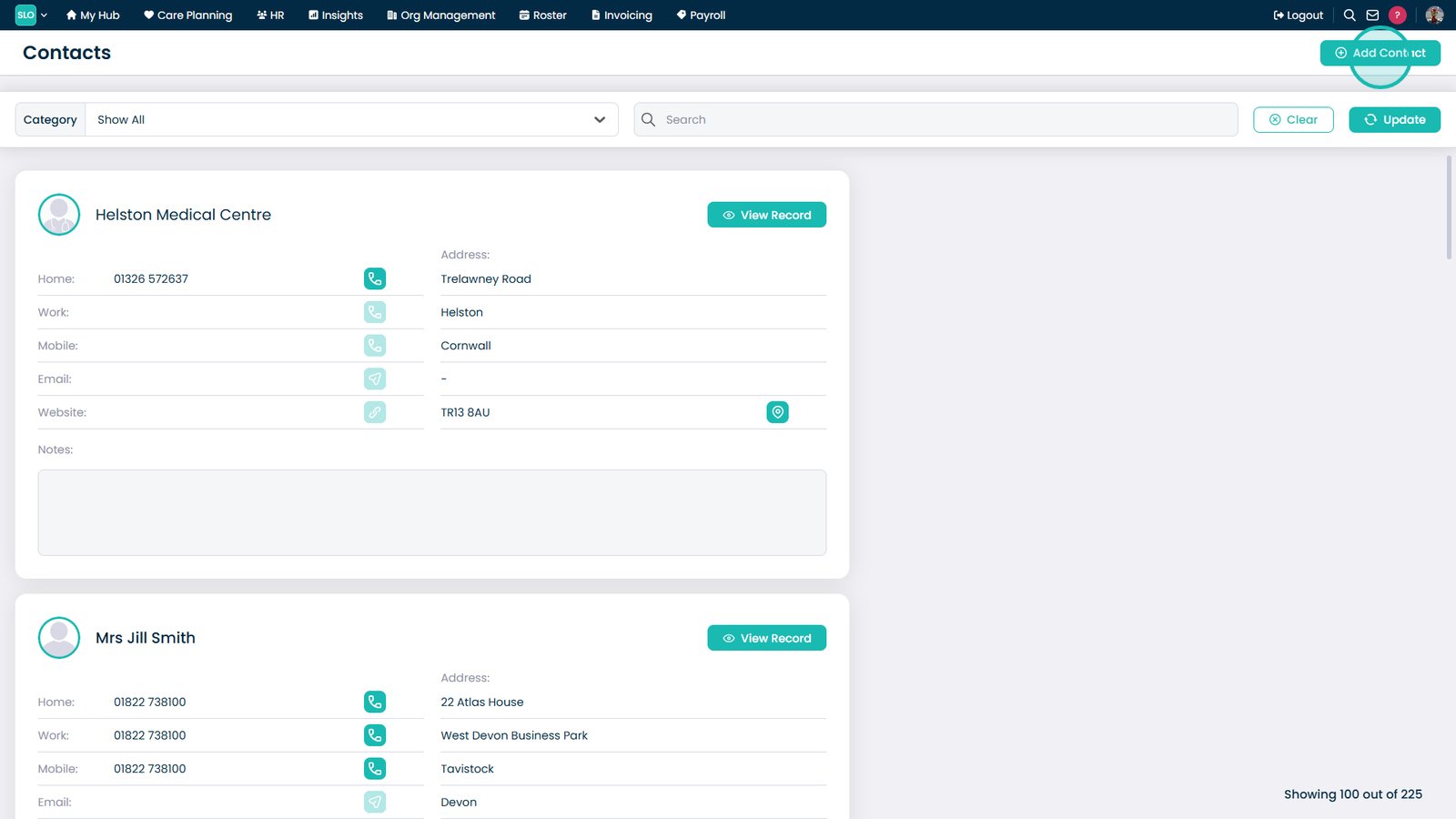
Here, select ‘Contacts at the top. A list of the current contacts on your system will be displayed.

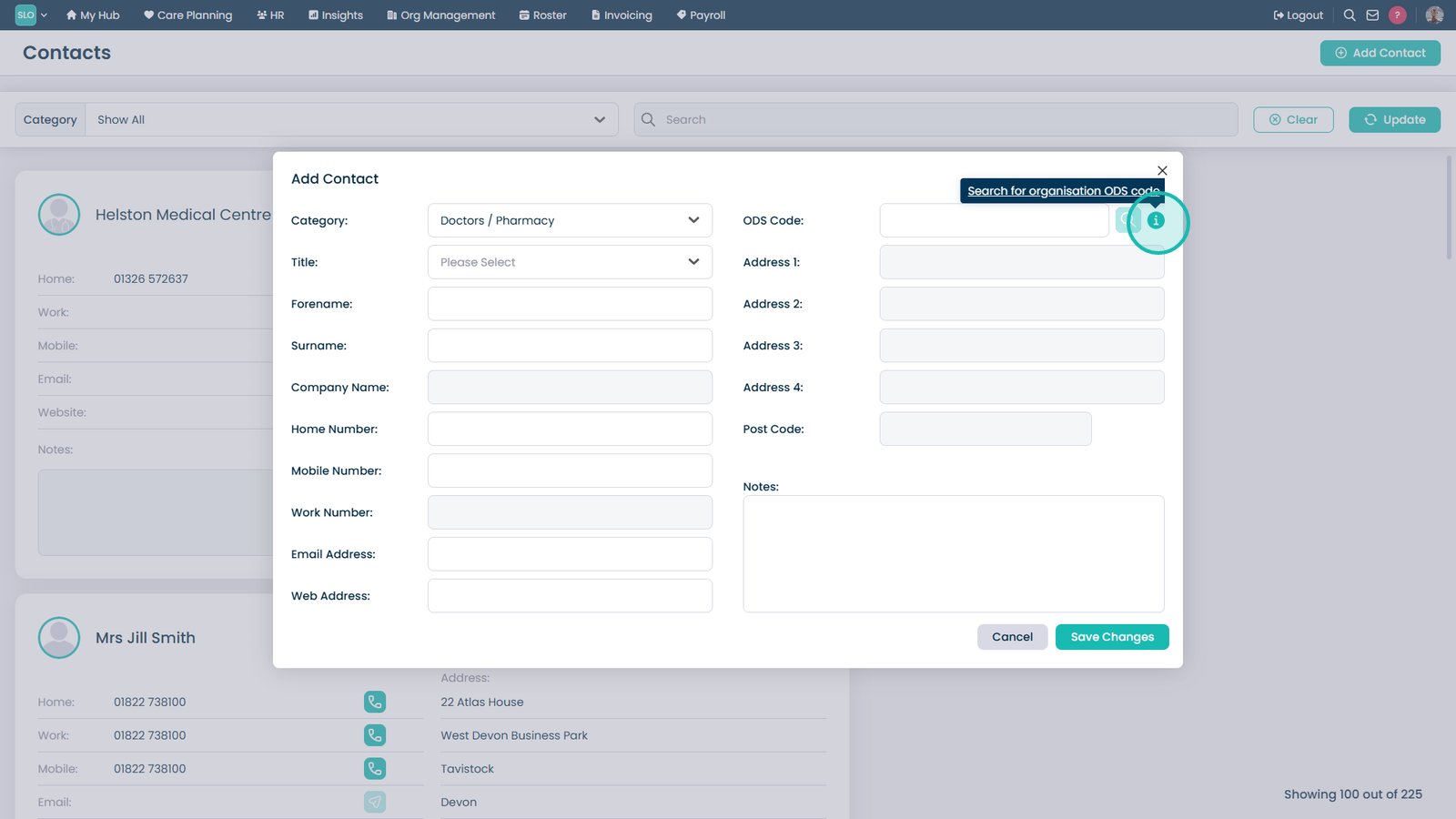
To add a new one, press ‘Add Contact‘.

3

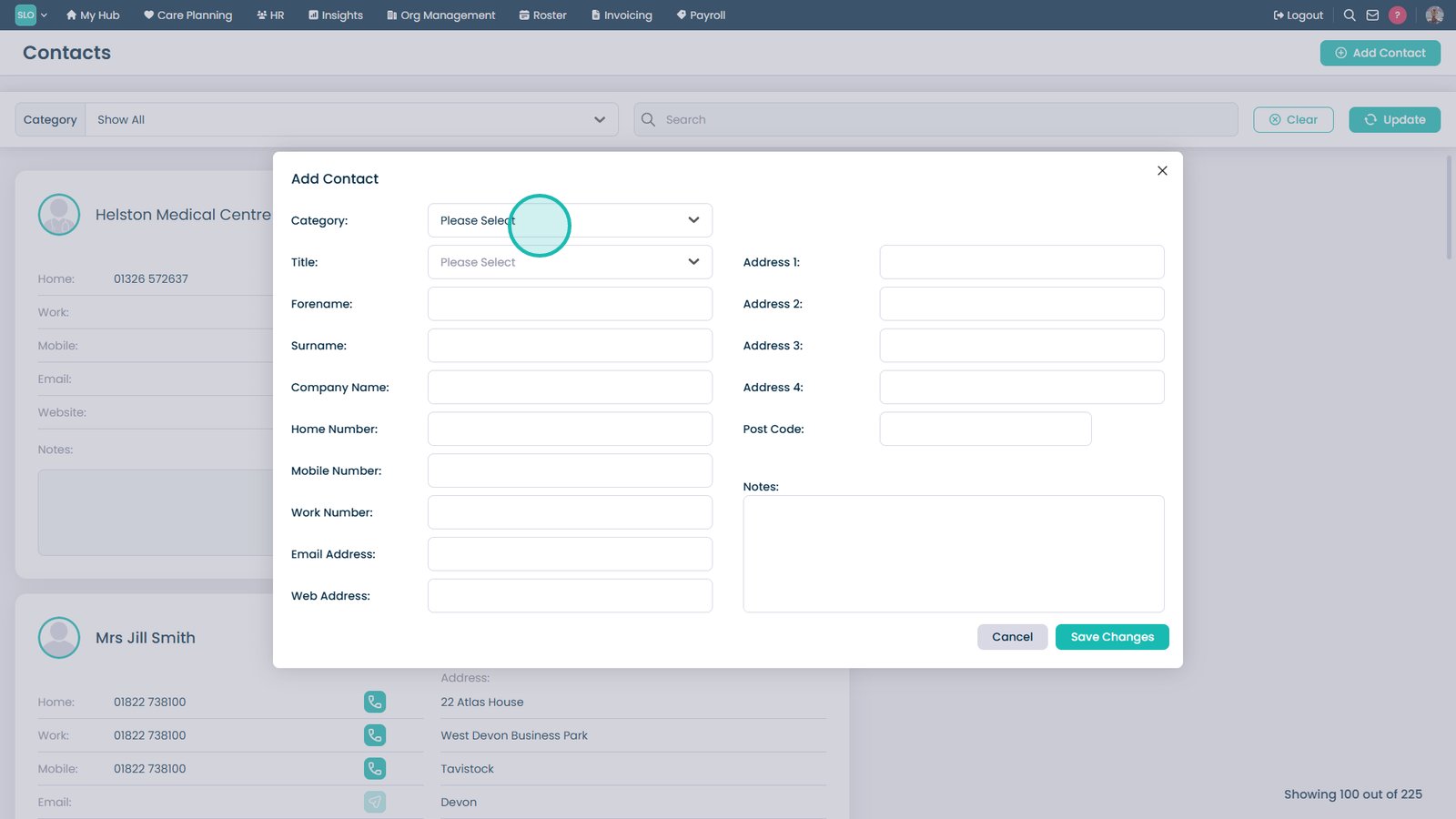
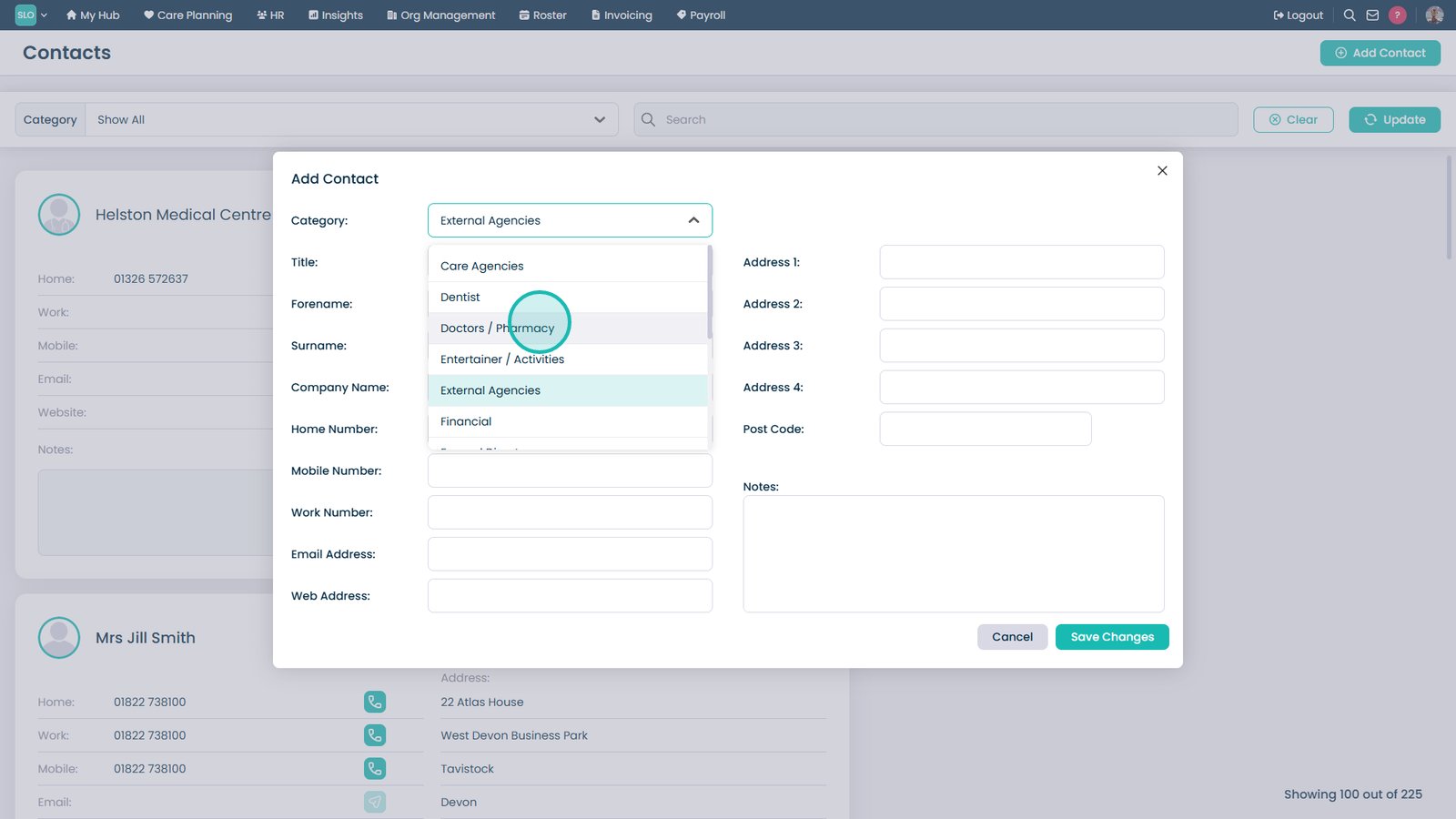
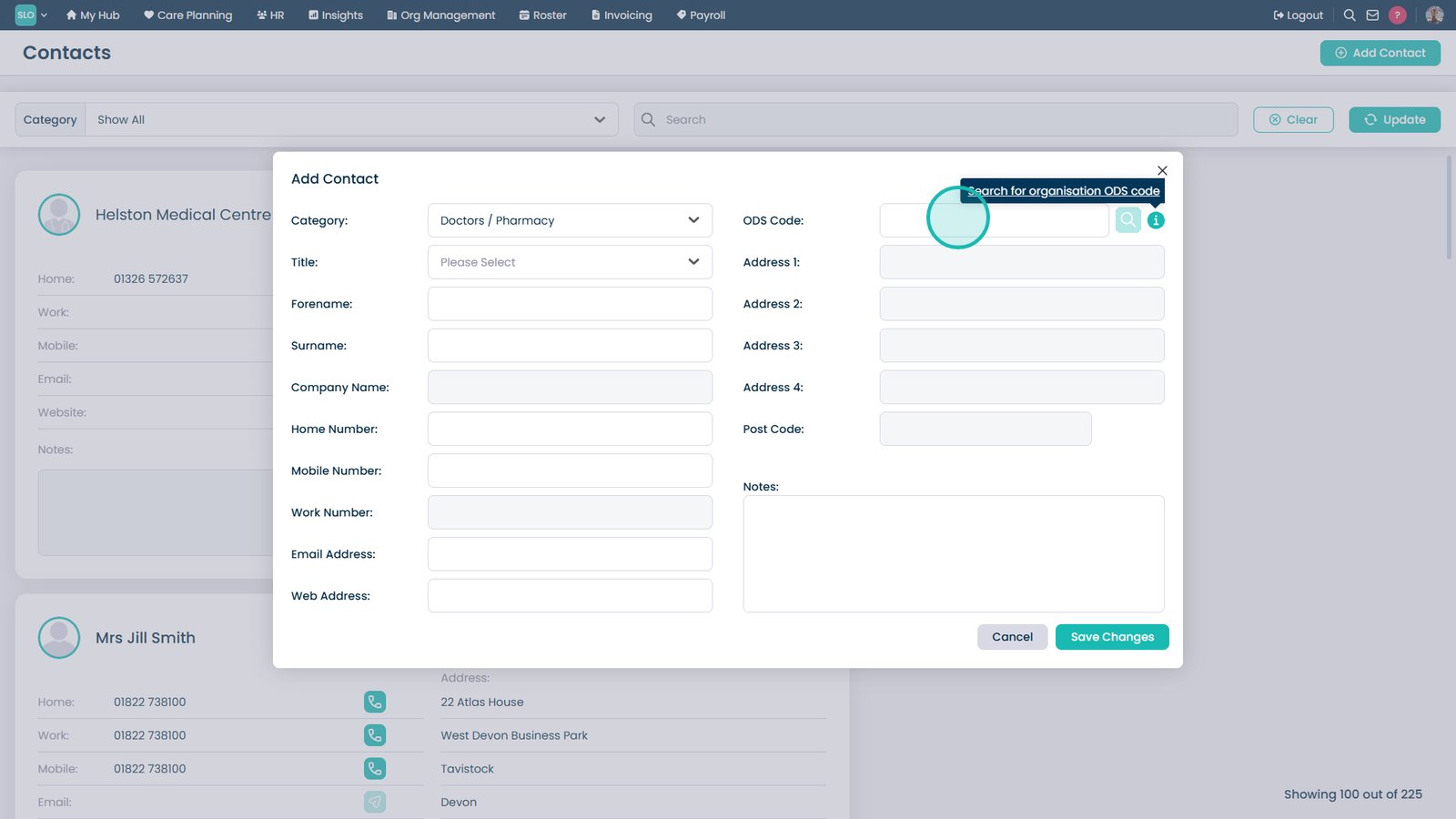
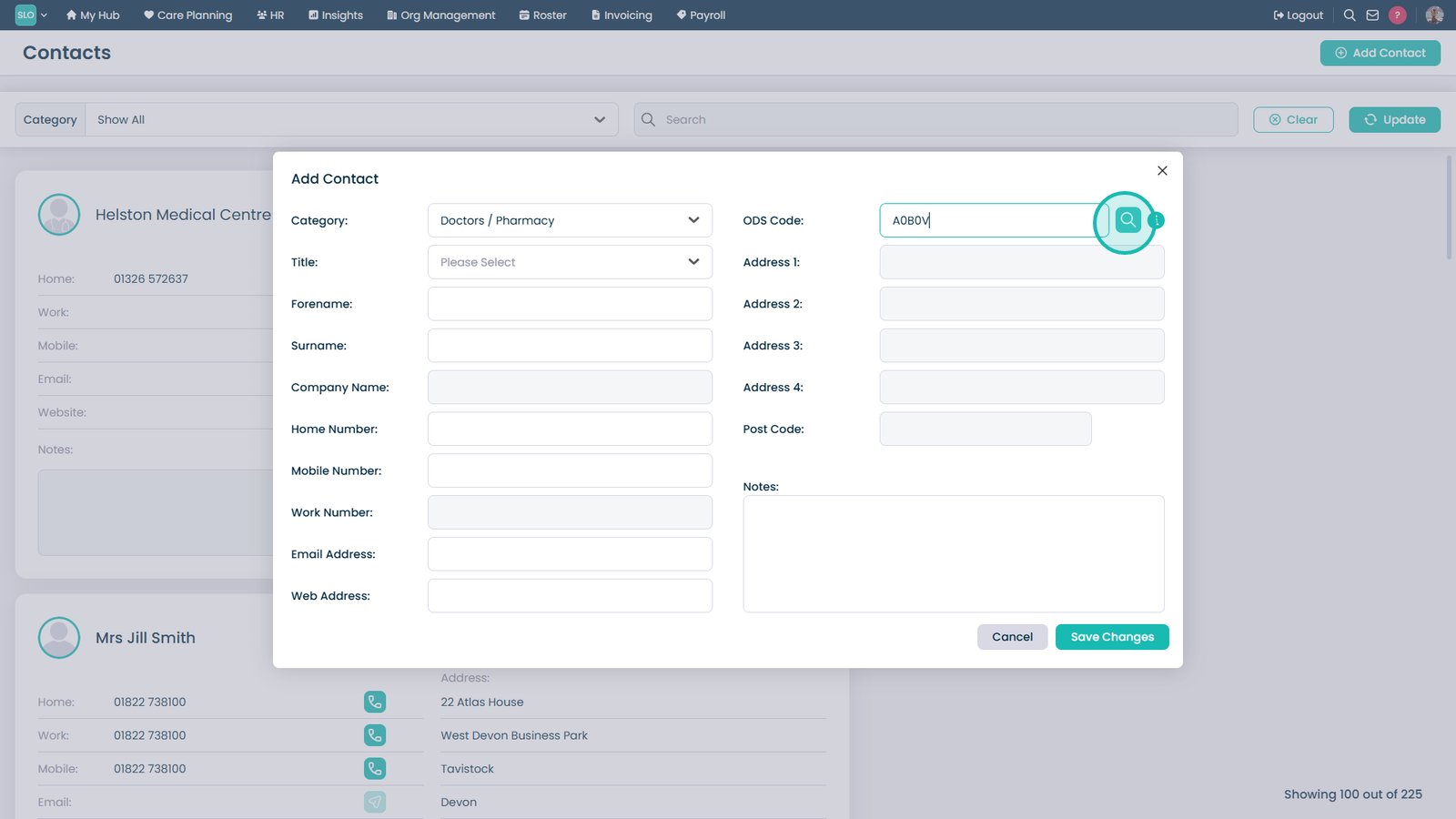
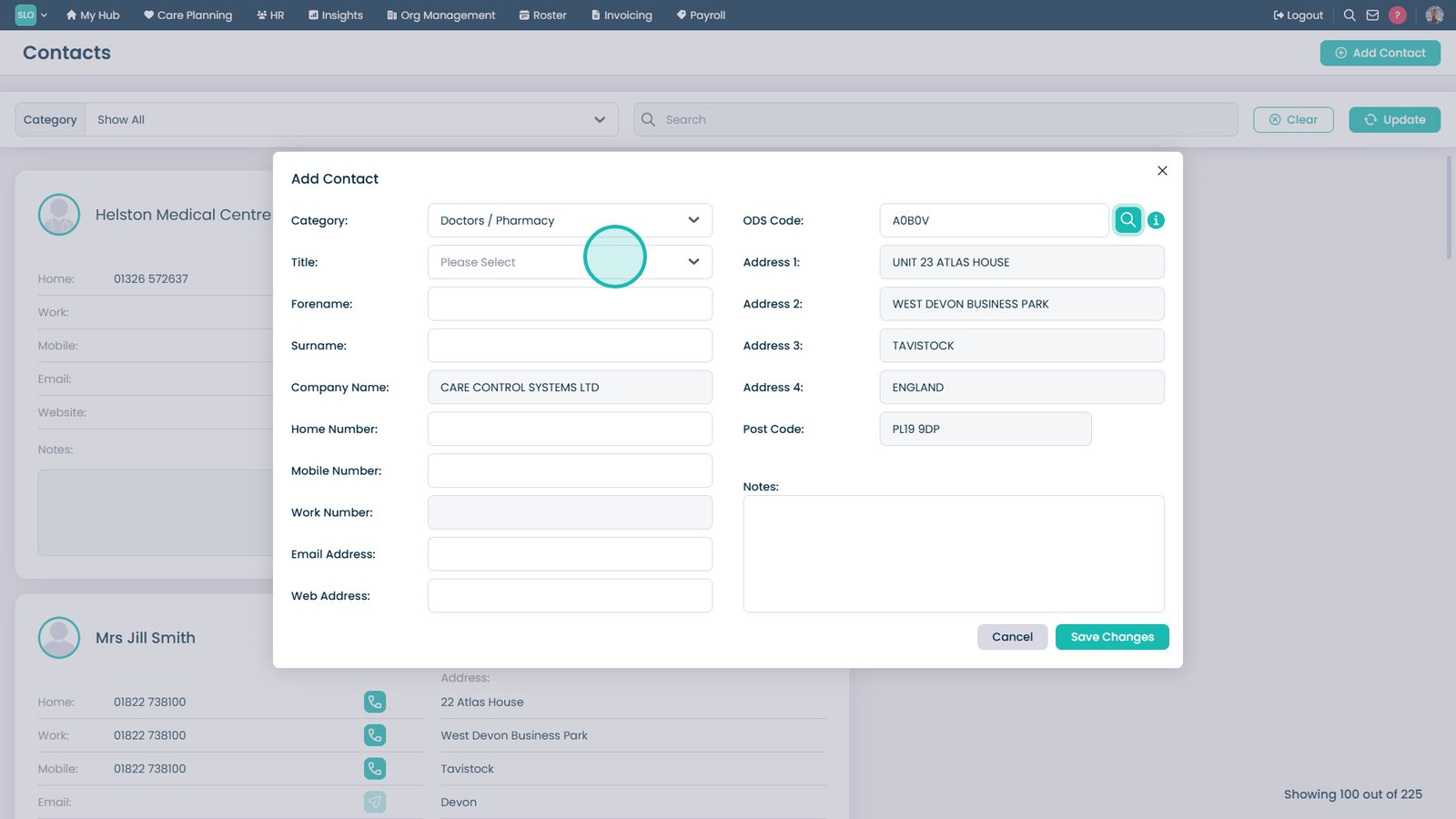
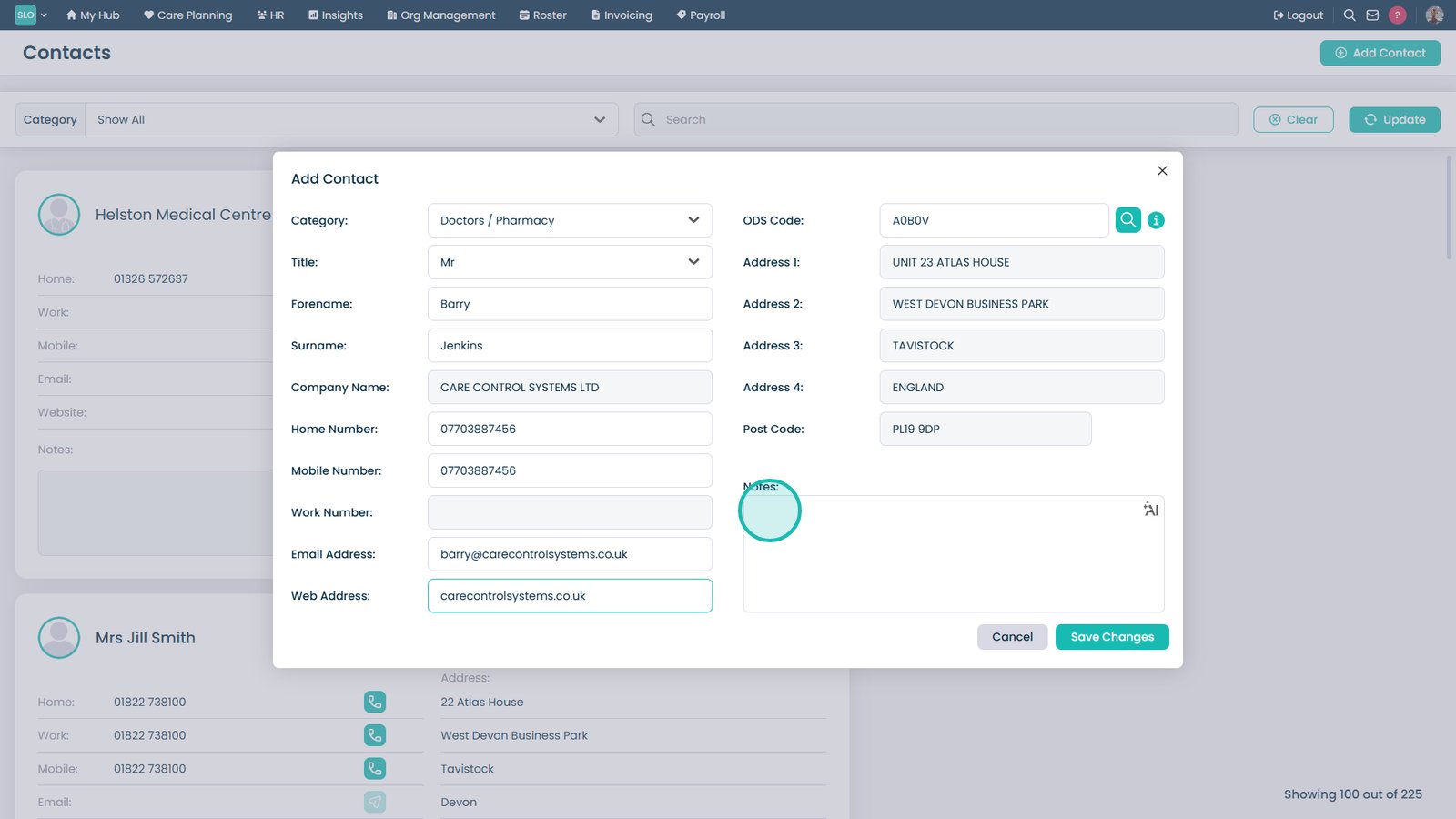
A blank form will open. Continue to input the relevant information for the new contact, including the ‘Category‘.

4

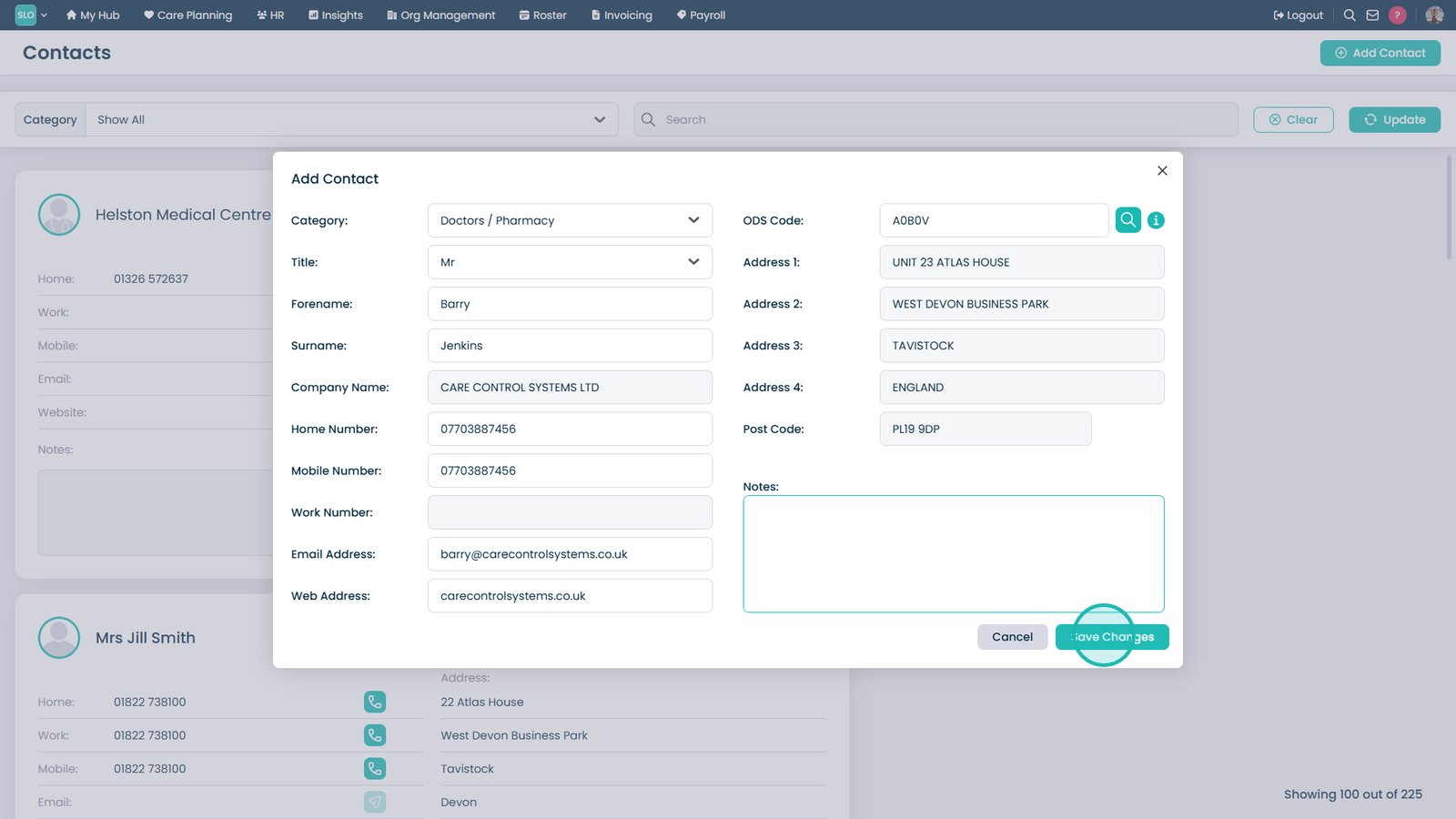
After completing the form, press ‘Save Changes‘.

5

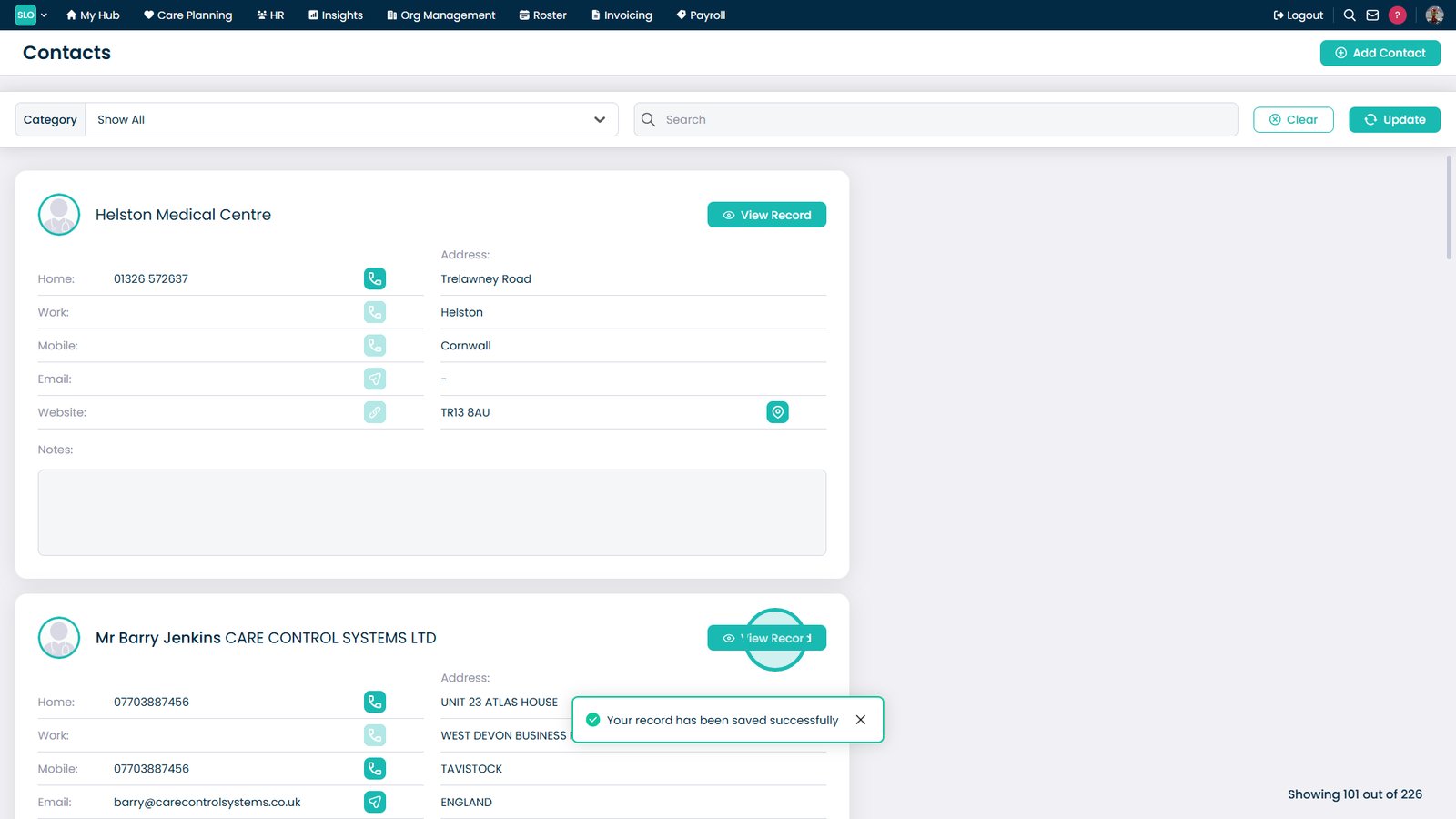
You can filter and search your contact list using the options at the top. 

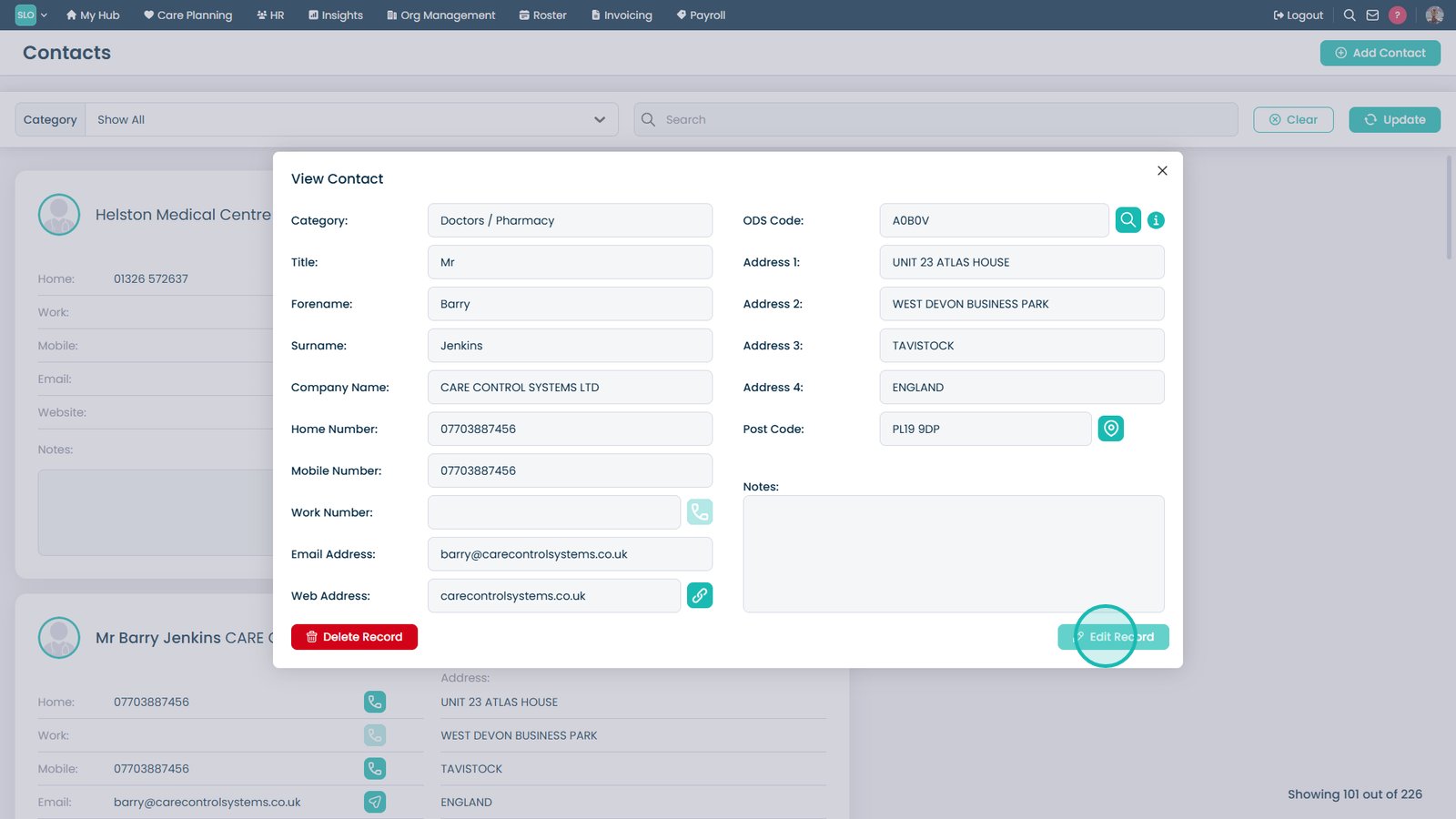
Press ‘View Record‘ on an existing contact to view more information.

6

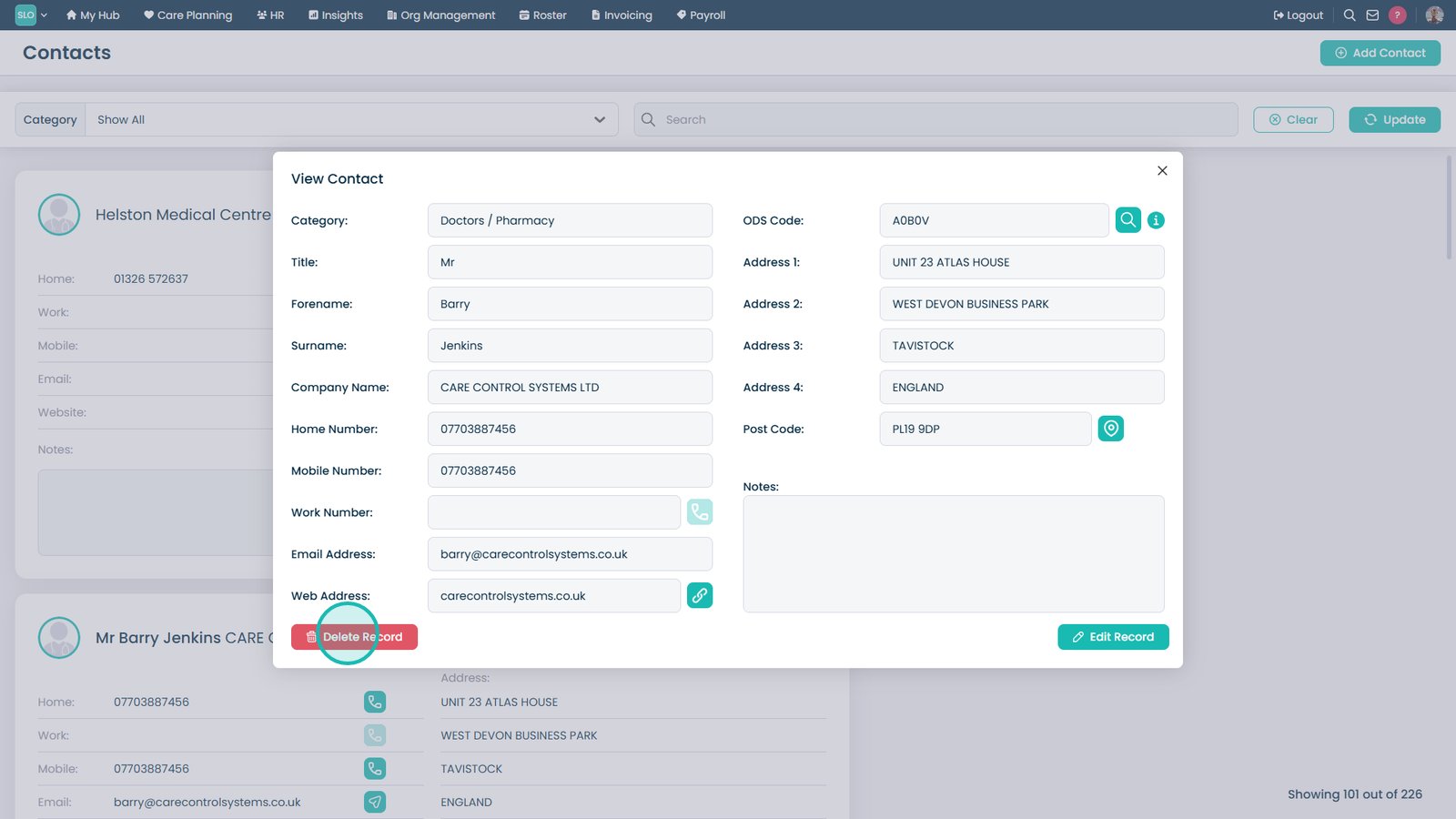
All the contact details will be displayed. From here, you can ‘Delete‘ and ‘Edit‘ the record.