This guide explains how to move an existing shift to a different rota cell
Takes 2 minutes
For: Managers
Updated: 26th May 2026
Introduction
Cloud Roster allows you to move an existing shift to a different staff member, date, or rota cell before publishing the updated schedule. Once the shift has been moved, you can review the pending changes and publish them to the live rota. You can also perform this action on a Live Rota.
In this guide you'll learn how to:
Open the rota screen
Select and move an existing shift
Place the shift into another rota cell
Review pending rota changes
Publish the changes to the live rota if required
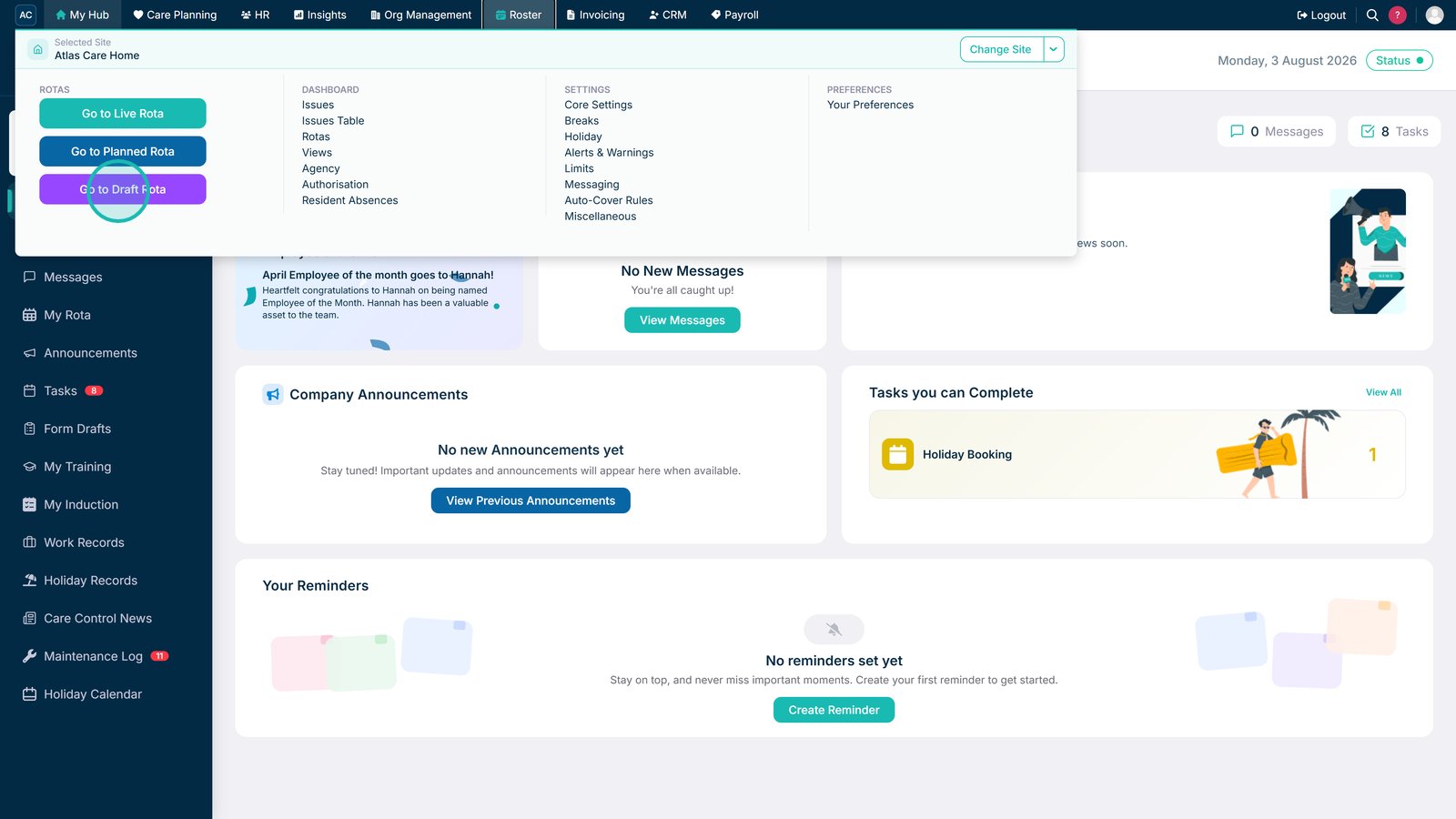
Open the Draft Rota.
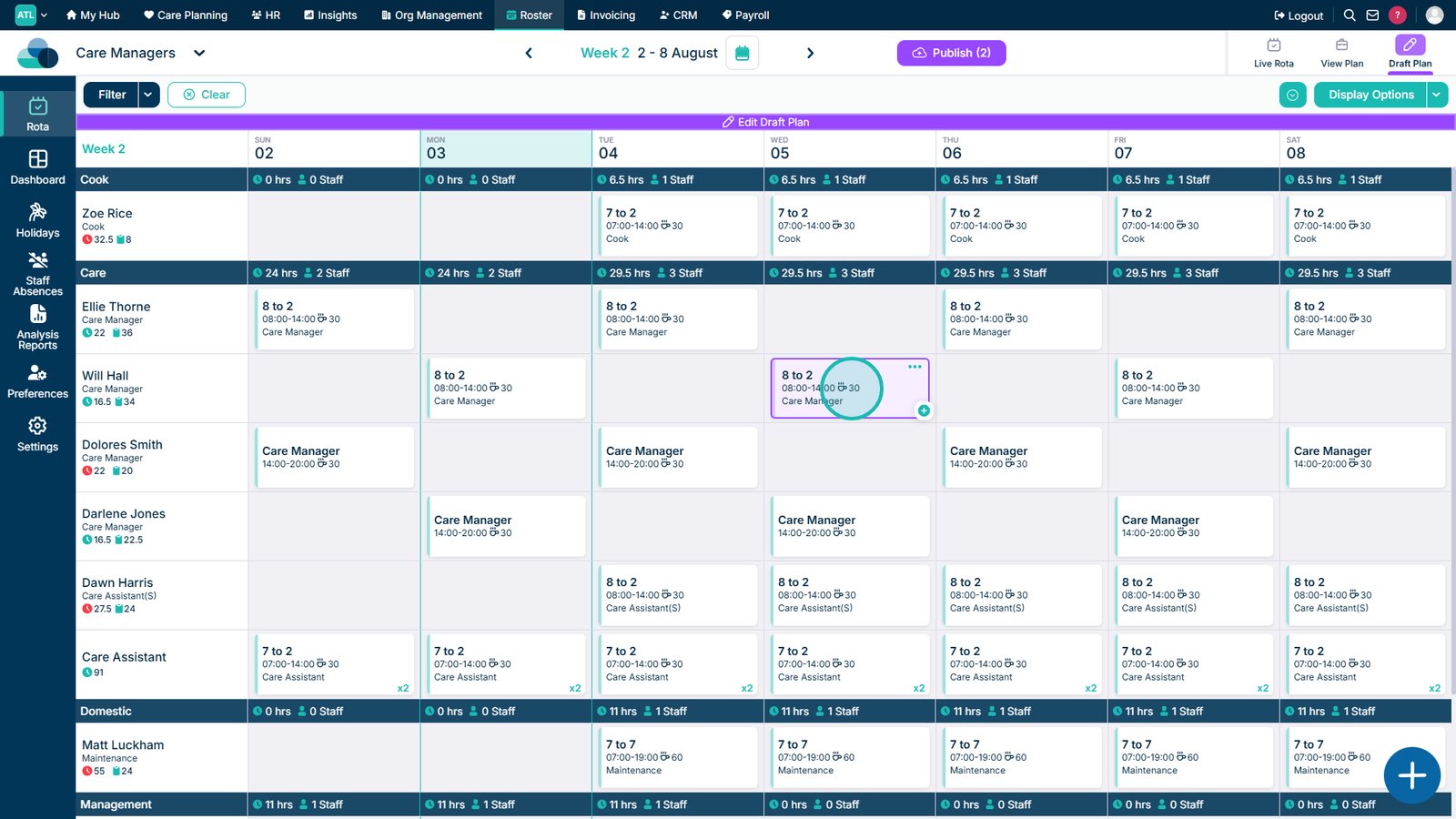
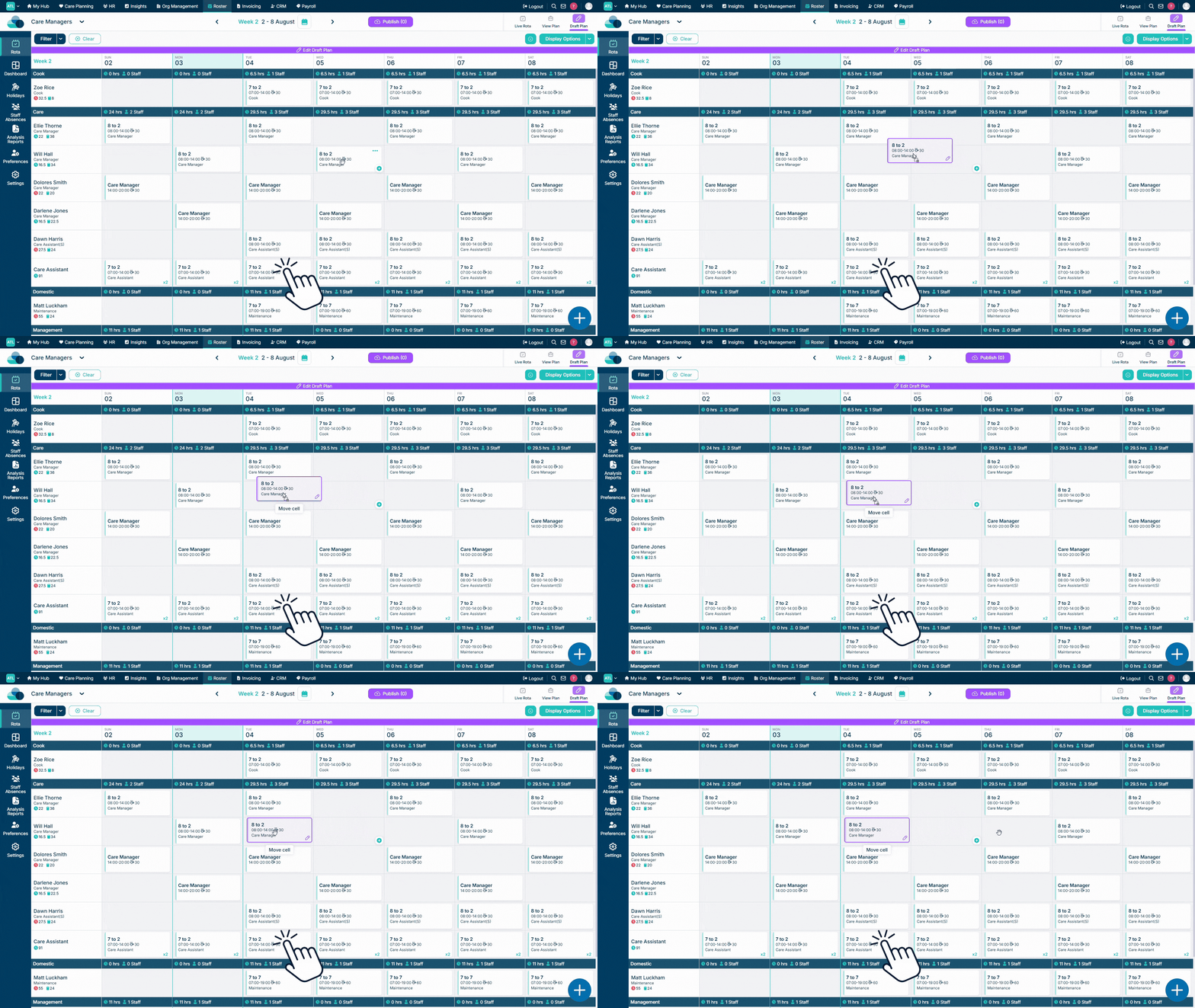
Select and hold the shift, then drag it towards the required rota cell.
When over the cell you wish to move the shift to, release the left mouse button to drop the shift onto it.
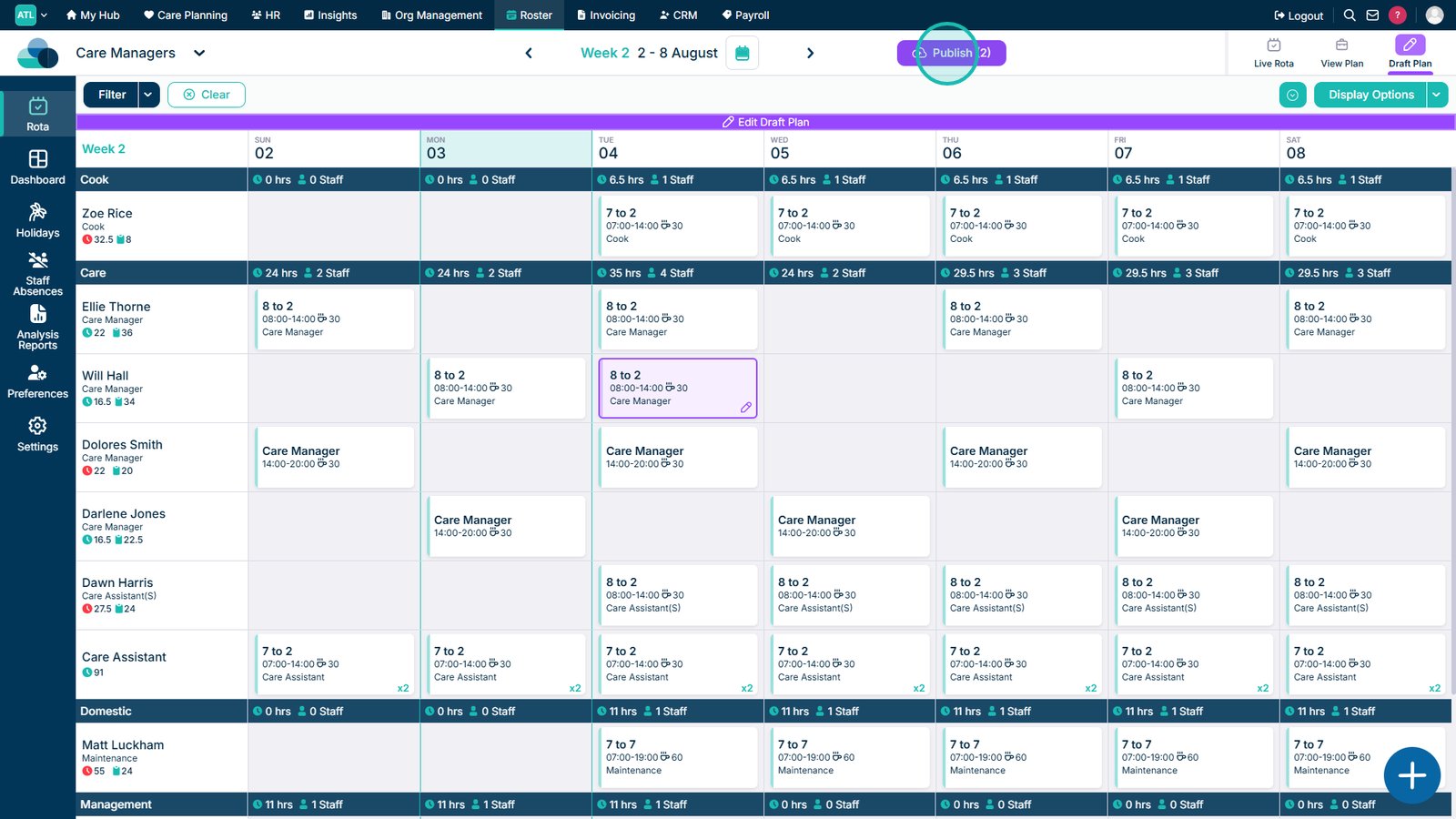
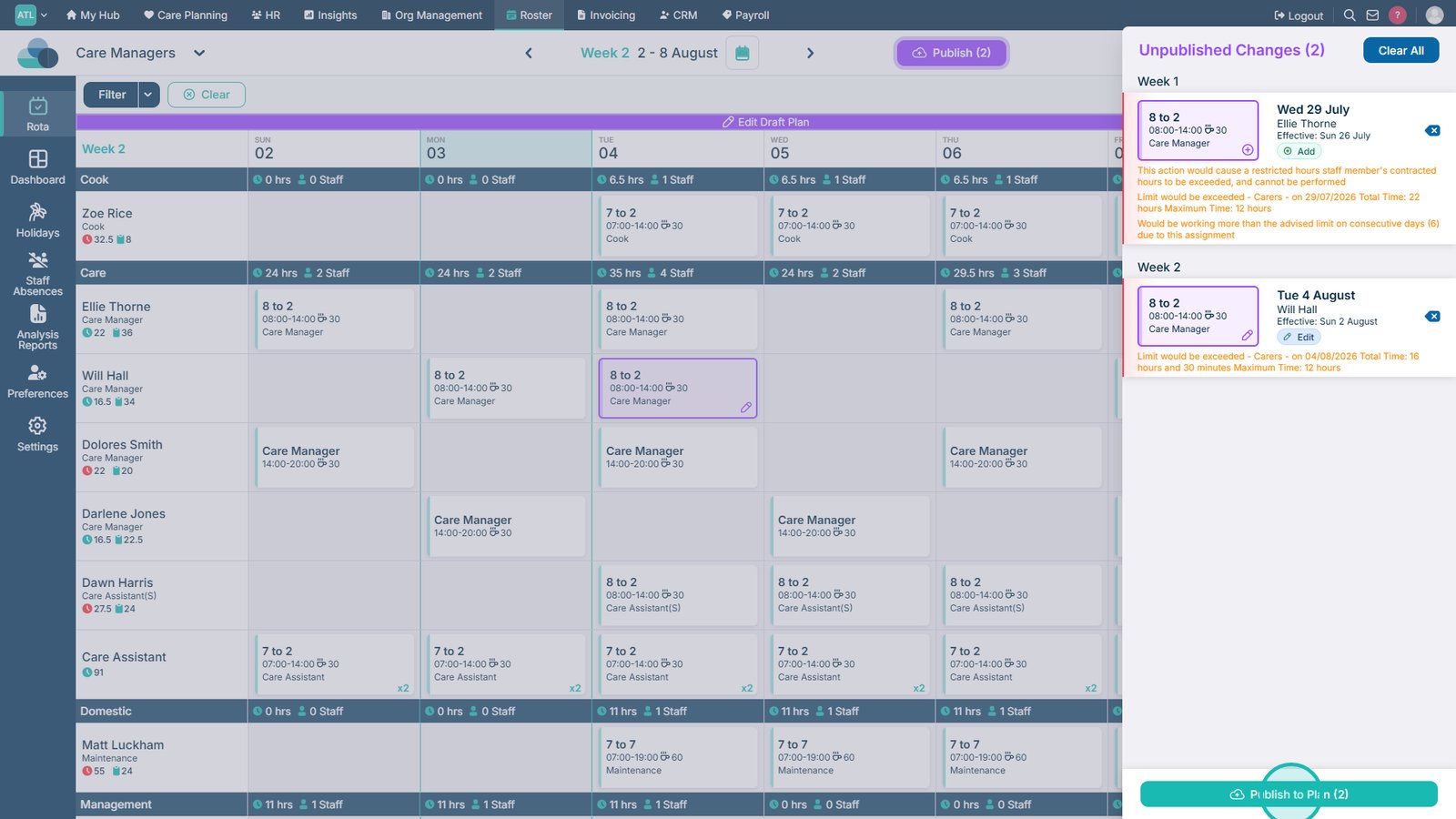
Select Publish to review the pending changes in the Draft Rota.
Select Publish to Plan to make the Draft Rota changes live.
Top tip
This action works on the live rota as well as the draft rota, it will simply be a one time change instead of saving across rota weeks.