How to Add, Edit, and Delete Care Planning Comments
Learn all about Care Planning Comments
Takes 10 minutes
For: Everyone
Updated: 26th May 2026
Introduction
This guide explains how to create, edit, and manage Care Planning Comments within Care Control Cloud.
In this guide you'll learn how to:
Select a care planning data structure
Add new comments
Edit existing comments
Save comment changes
Delete comments when no longer required
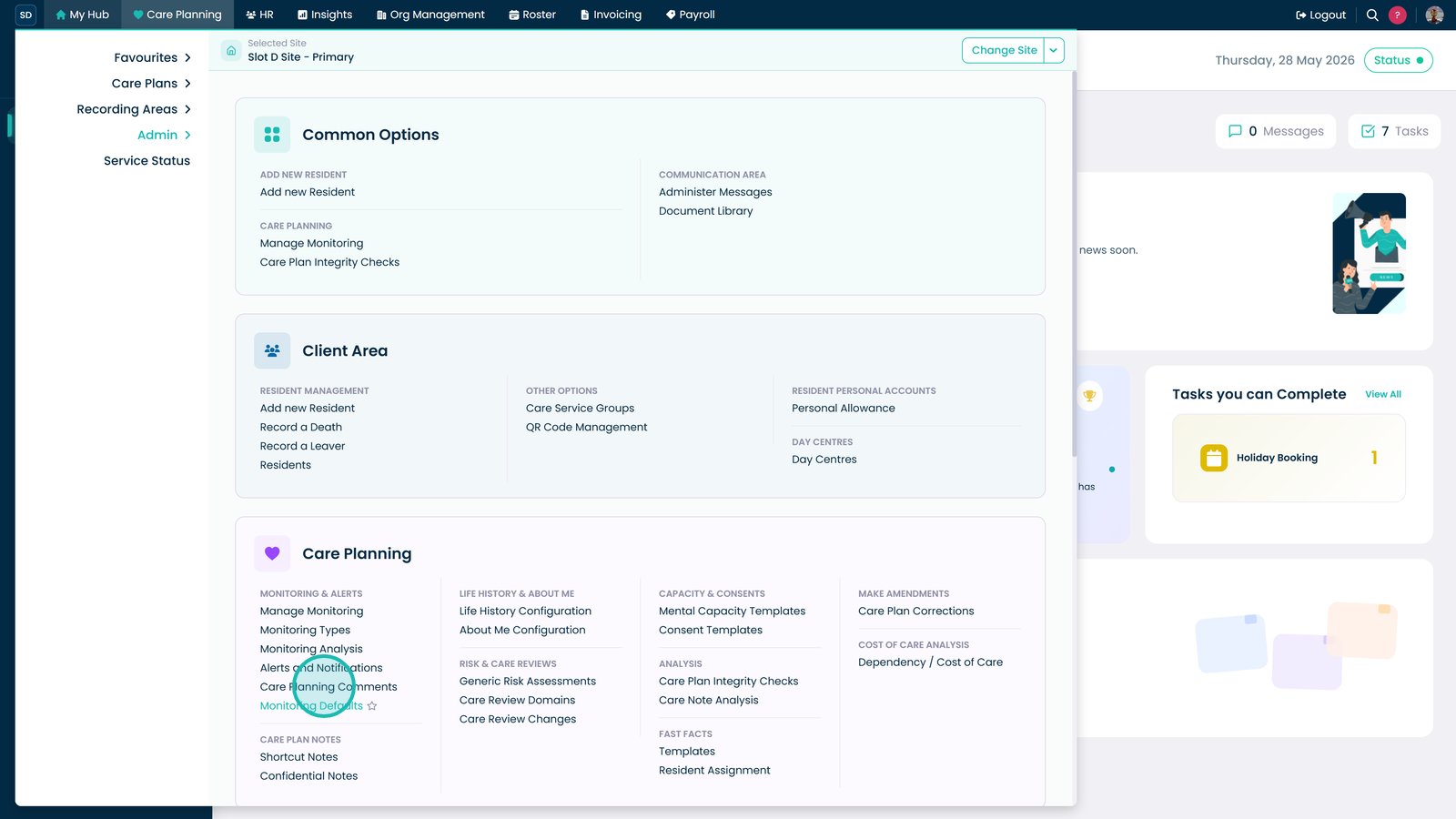
Open Care Planning Comments from the Admin area.
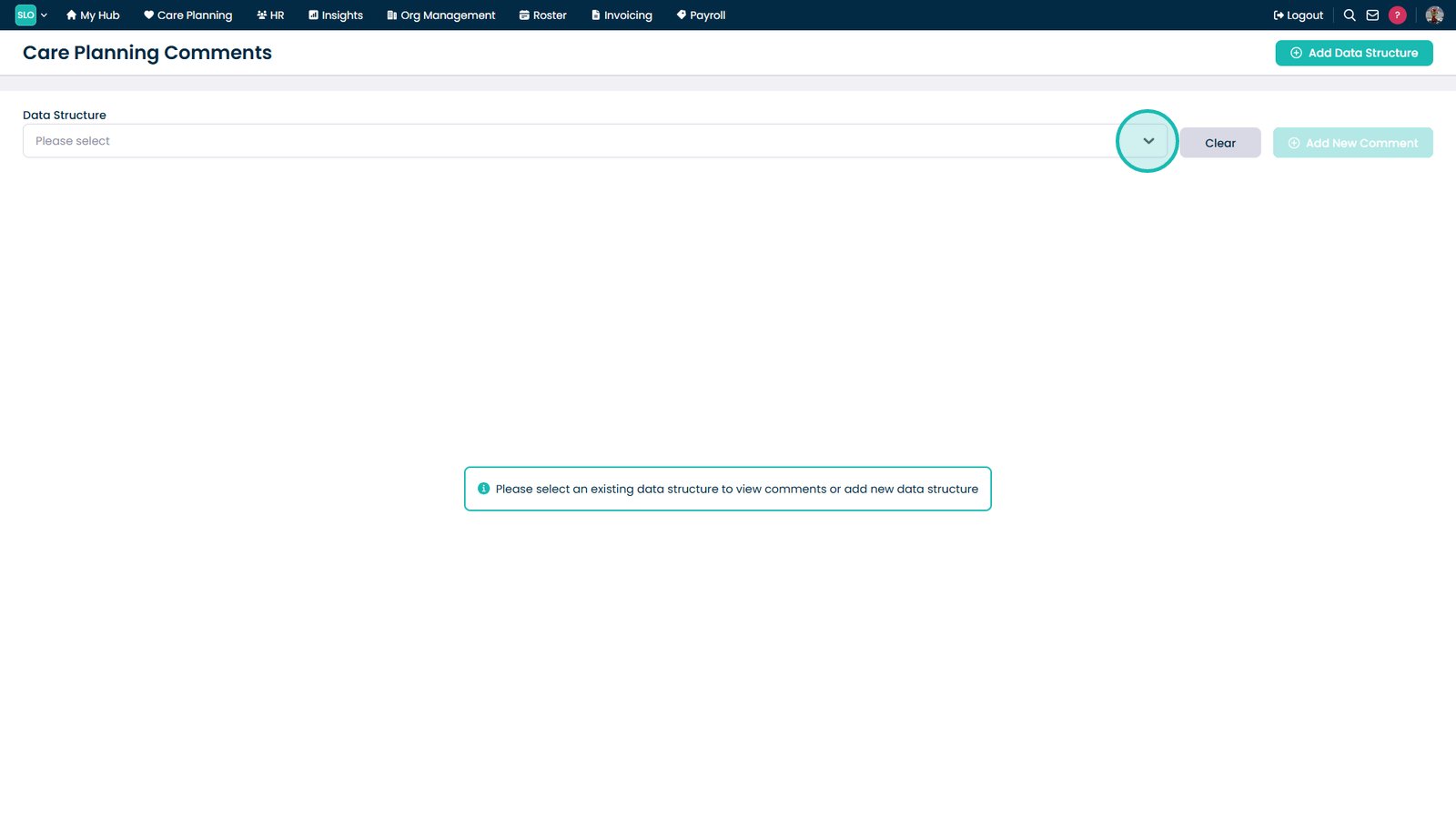
Open the Data Structure dropdown.
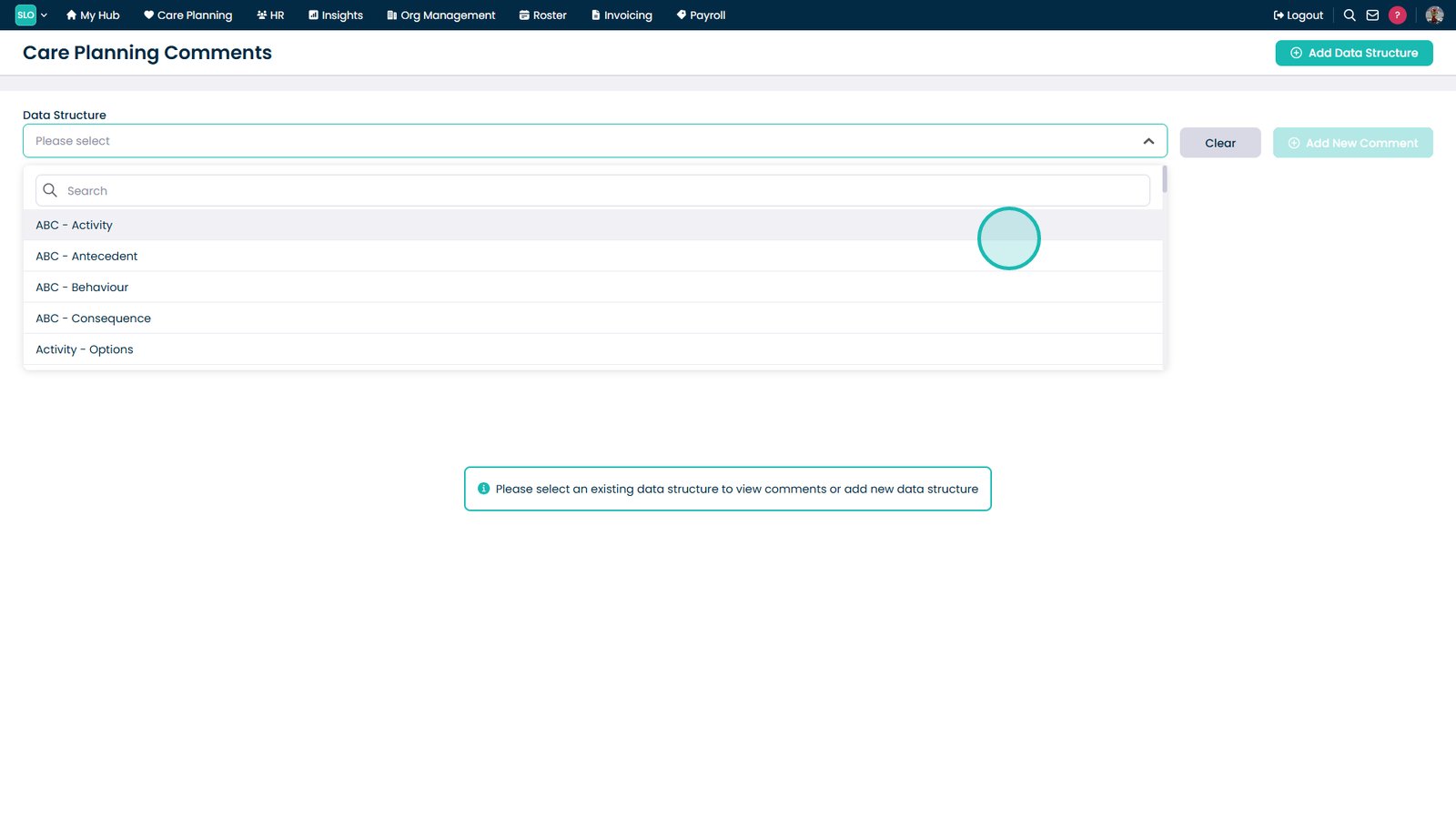
Select the required data structure.
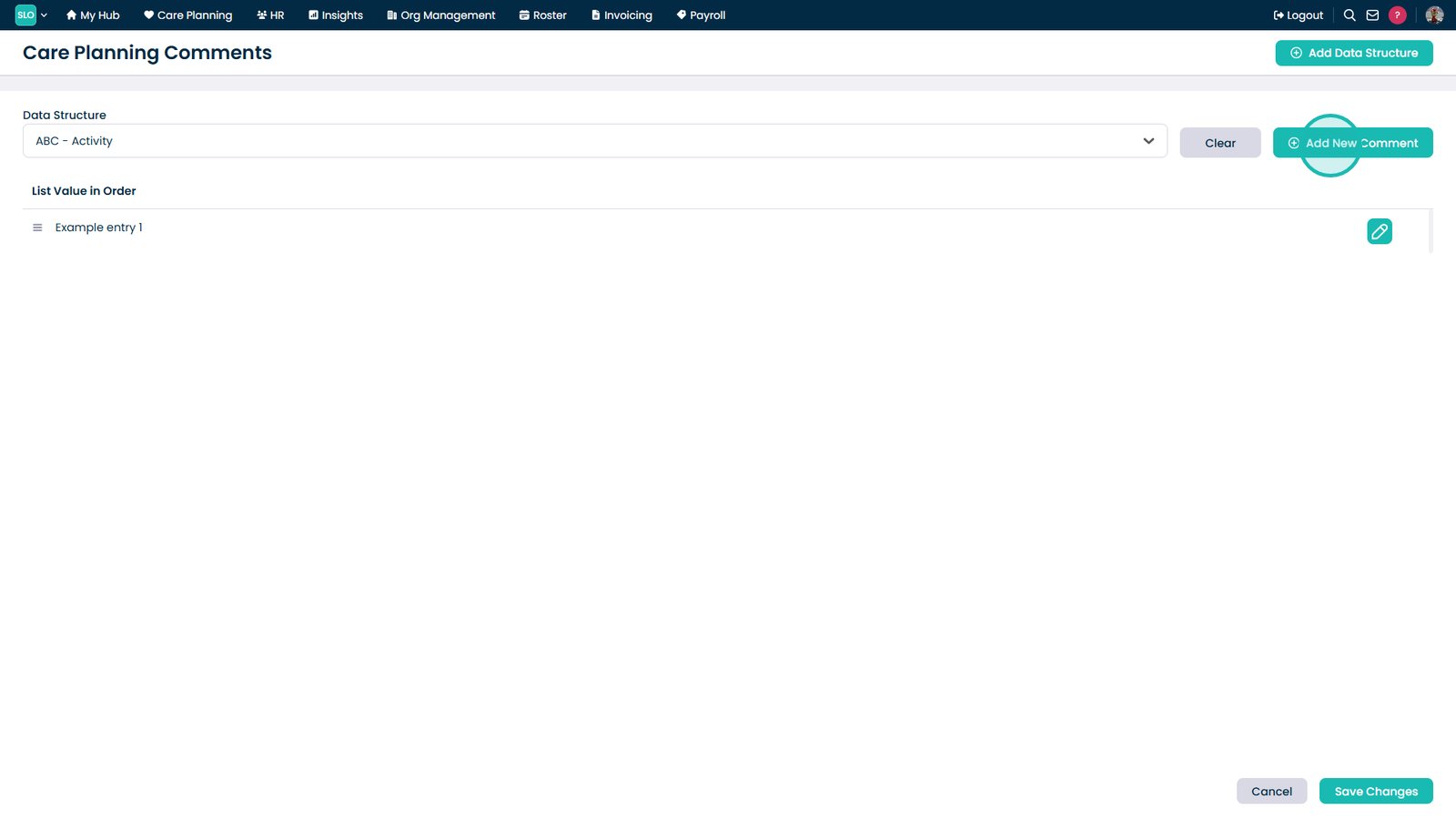
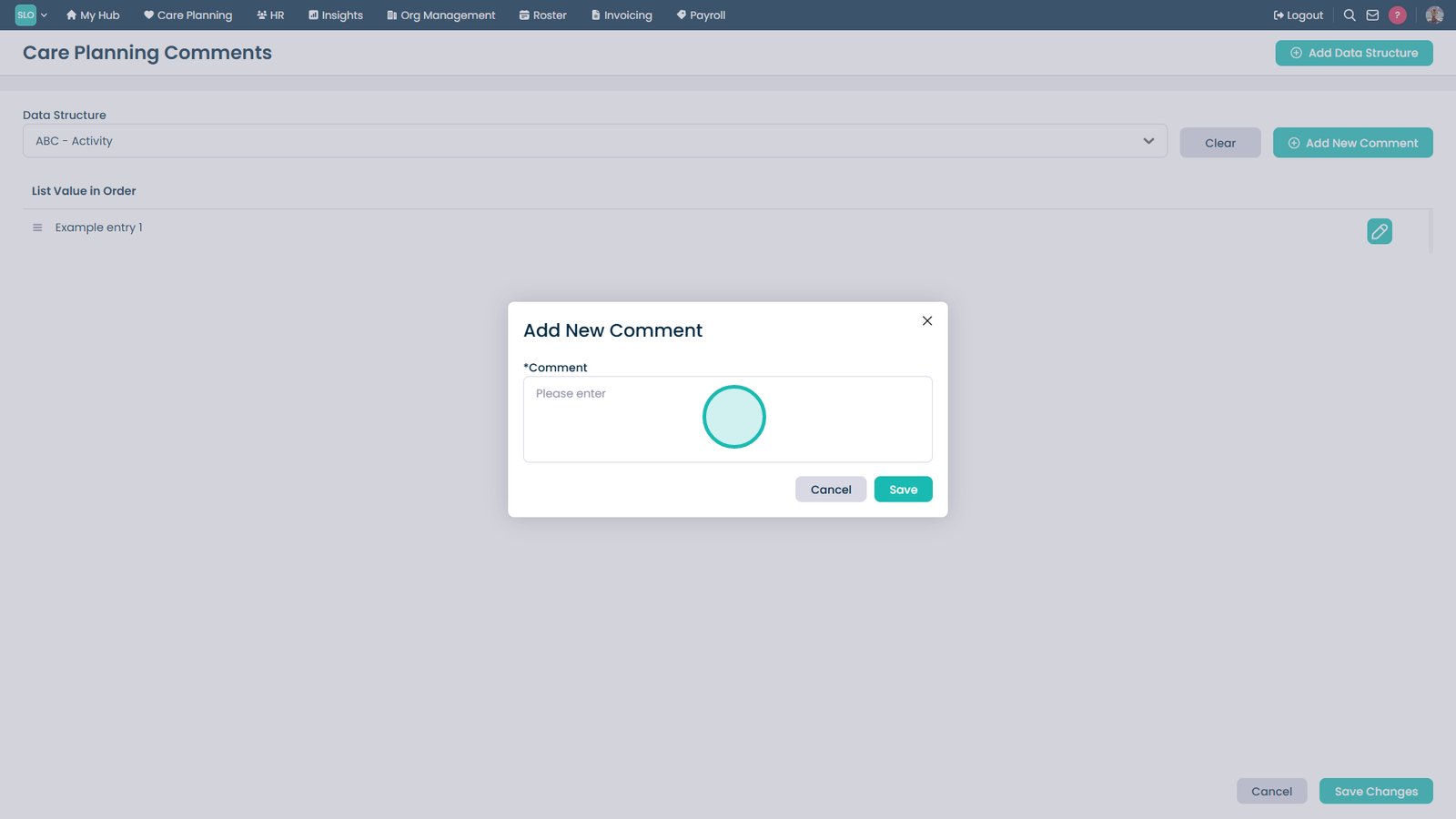
Select Add New Comment.
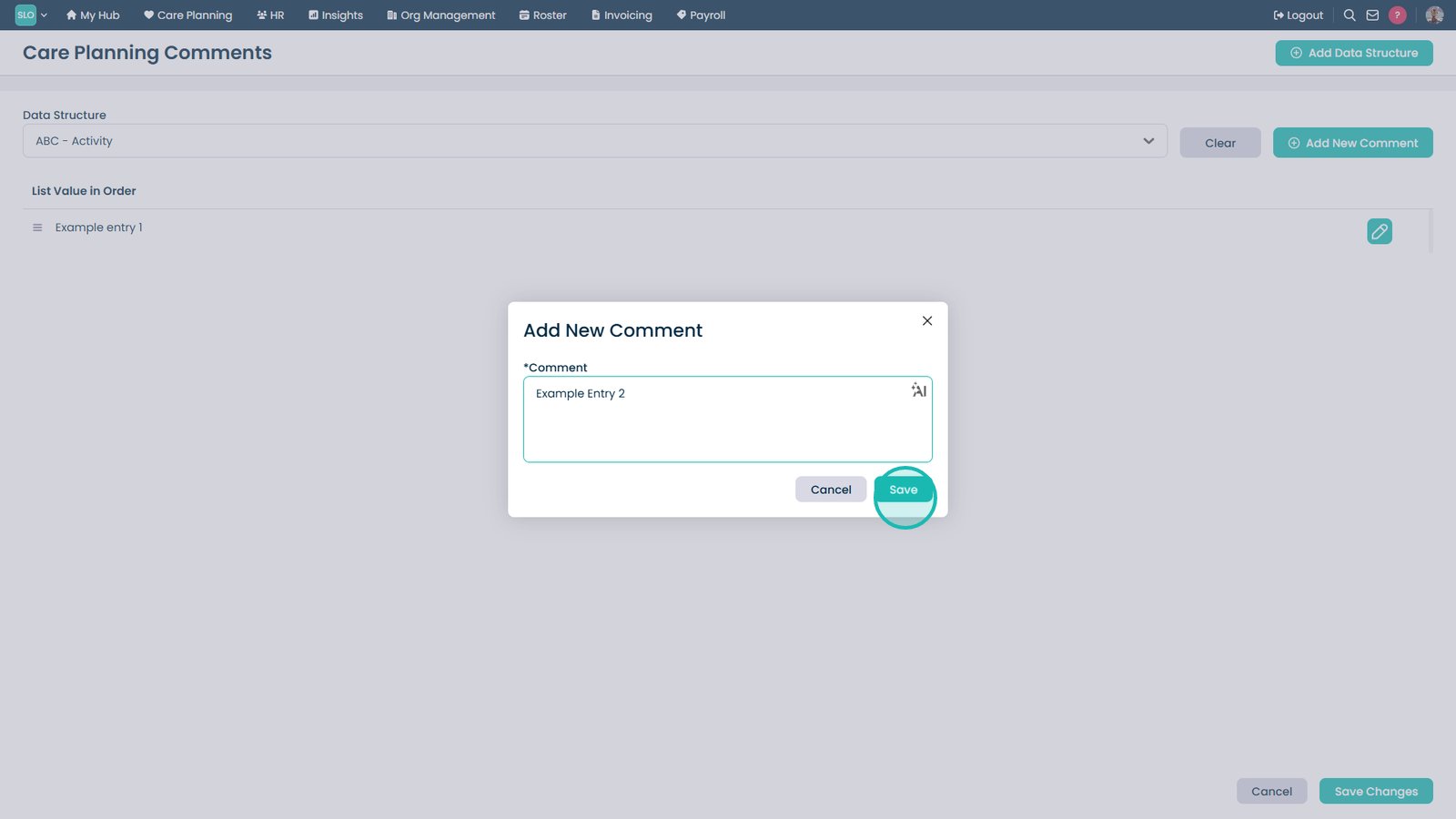
Enter the comment text.
Select Save.
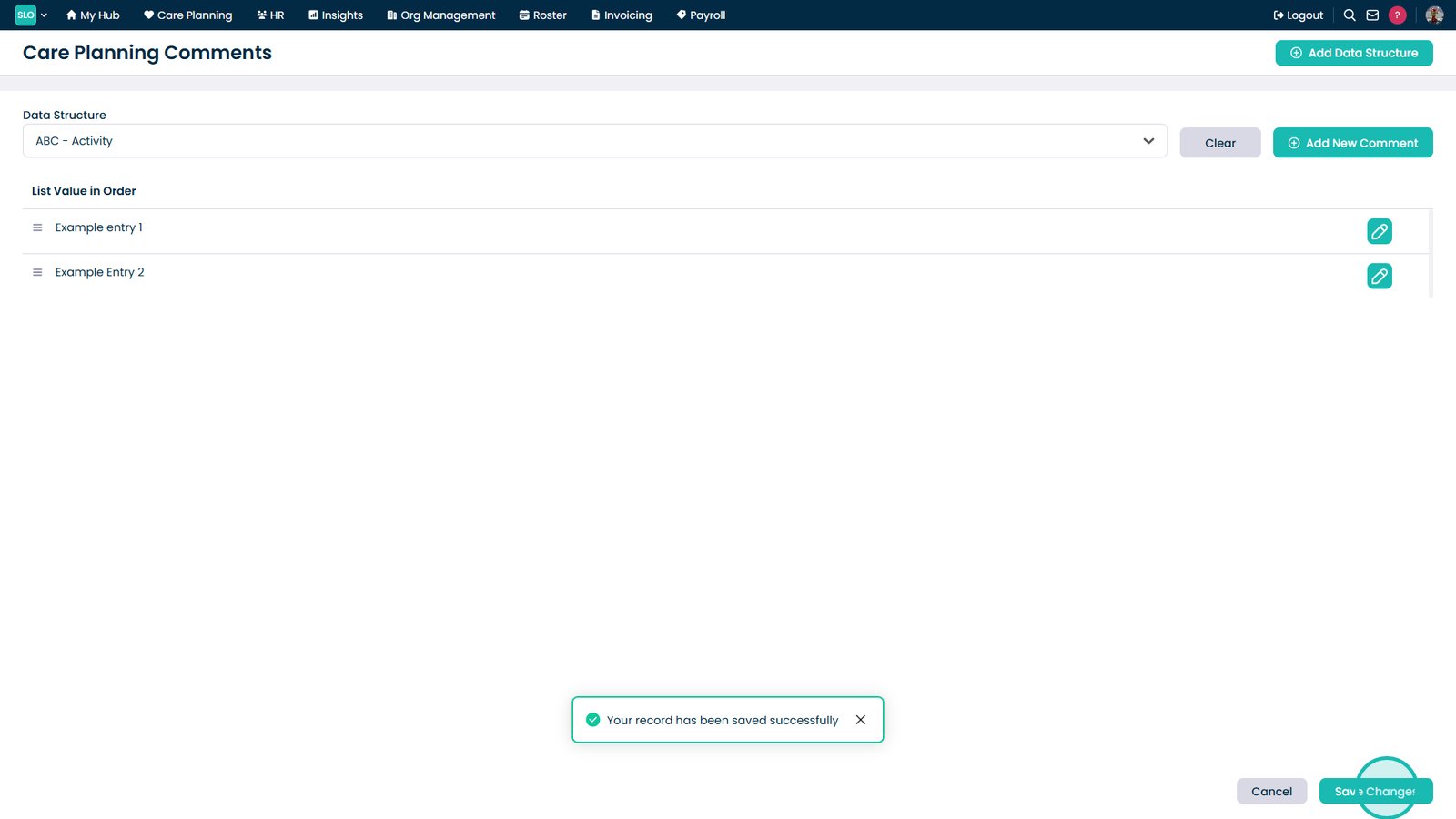
Select Save Changes.
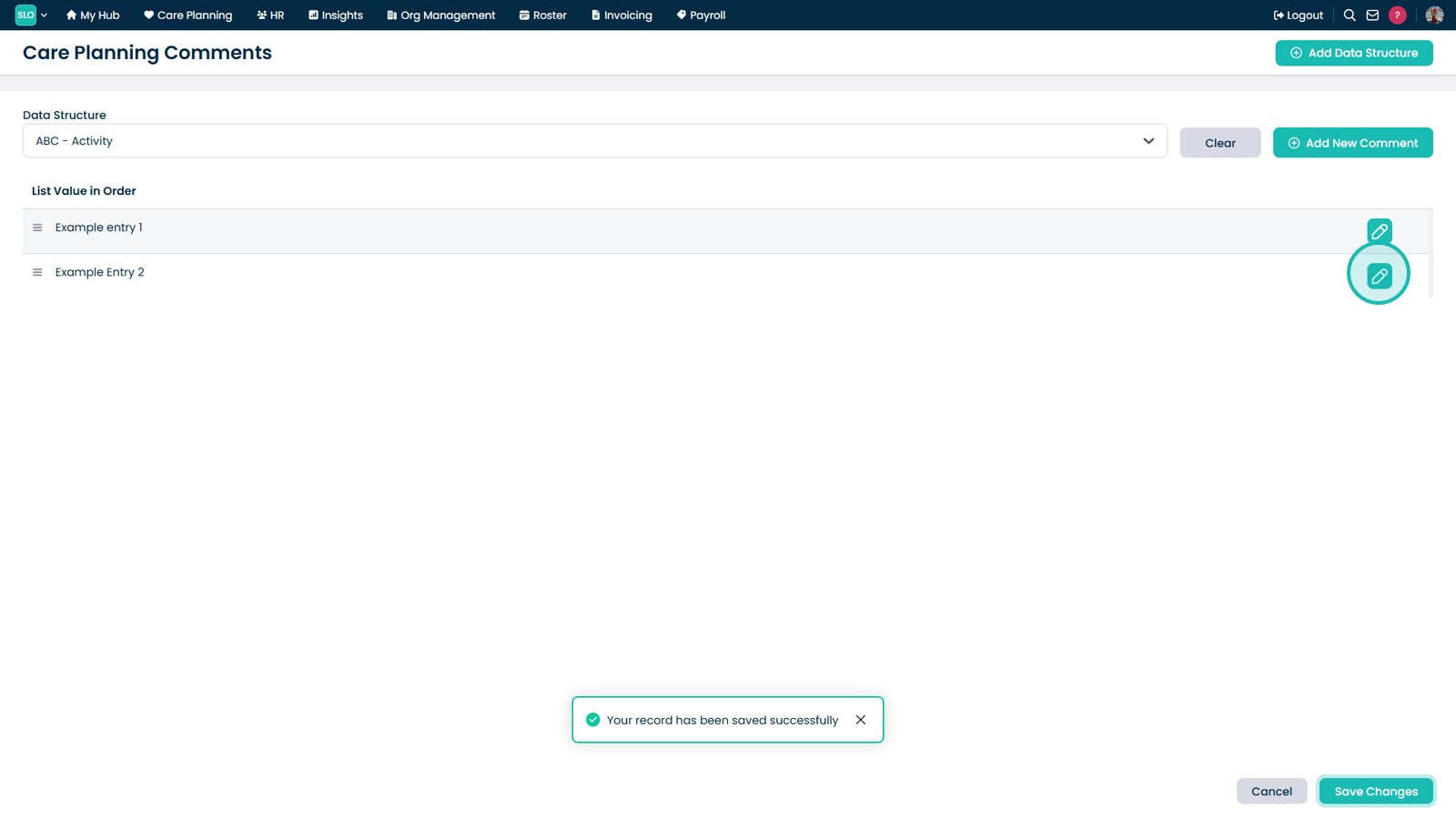
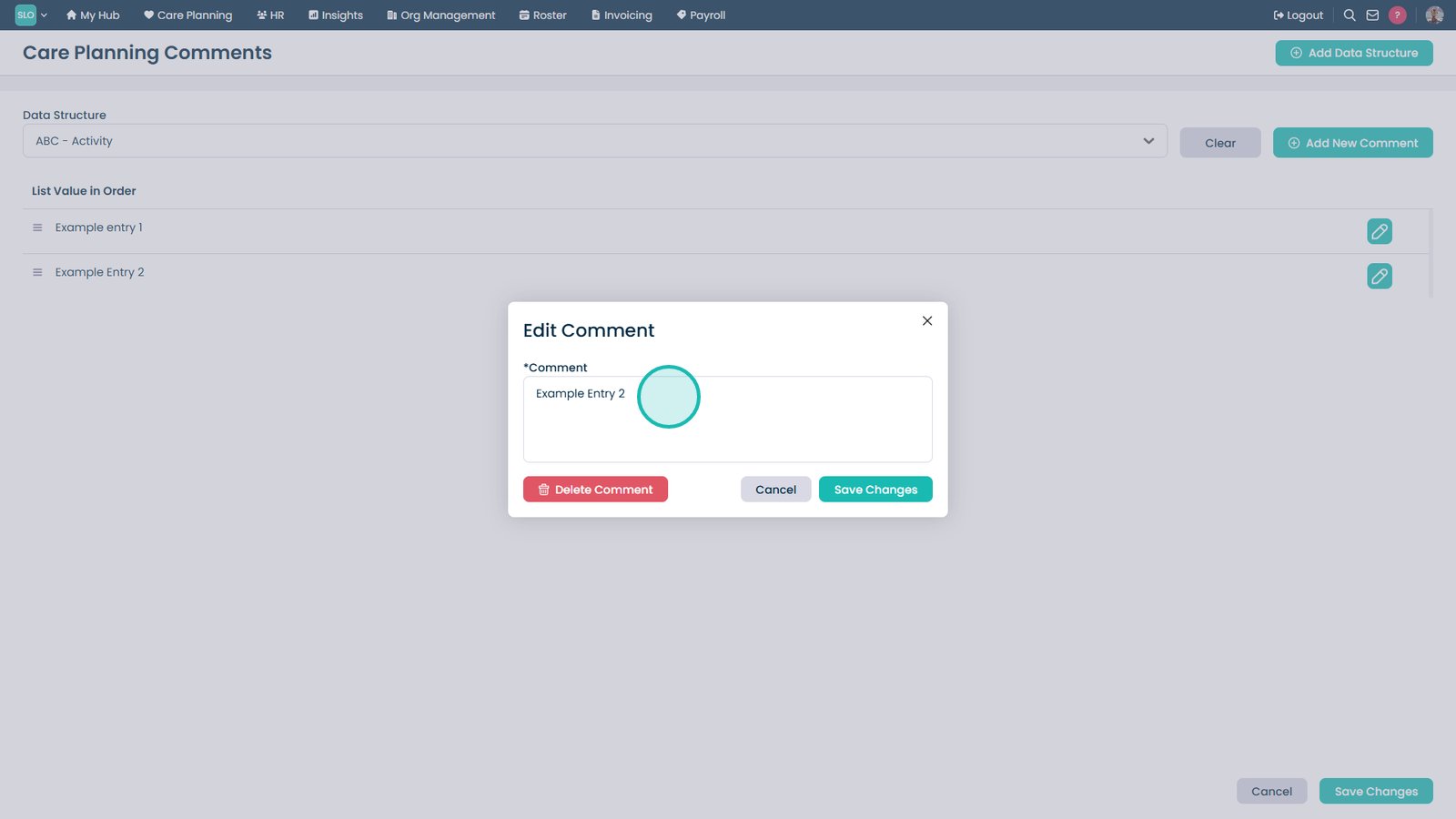
Select the Edit icon.
Update the comment as required.
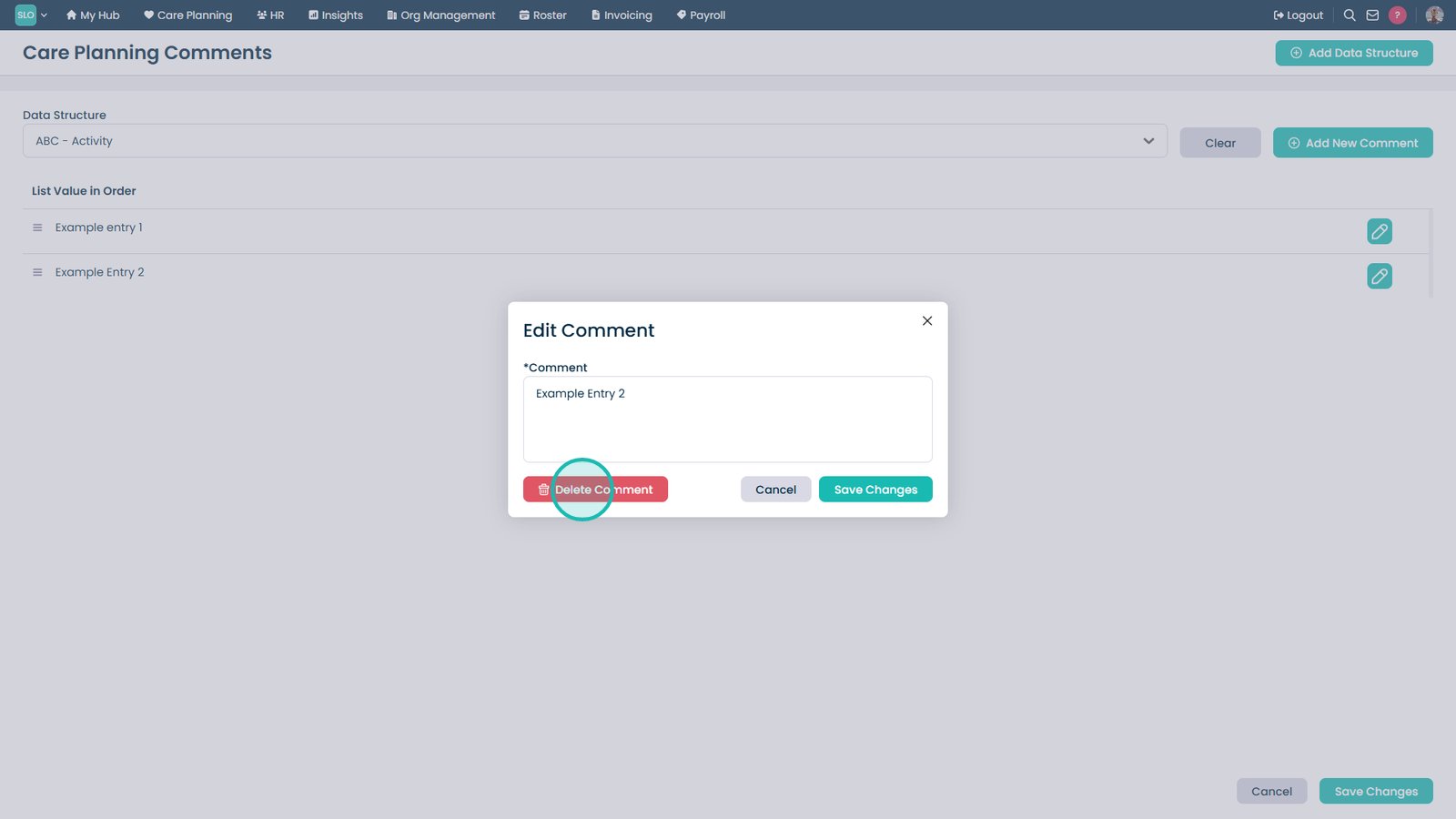
Select Delete Comment to remove it.
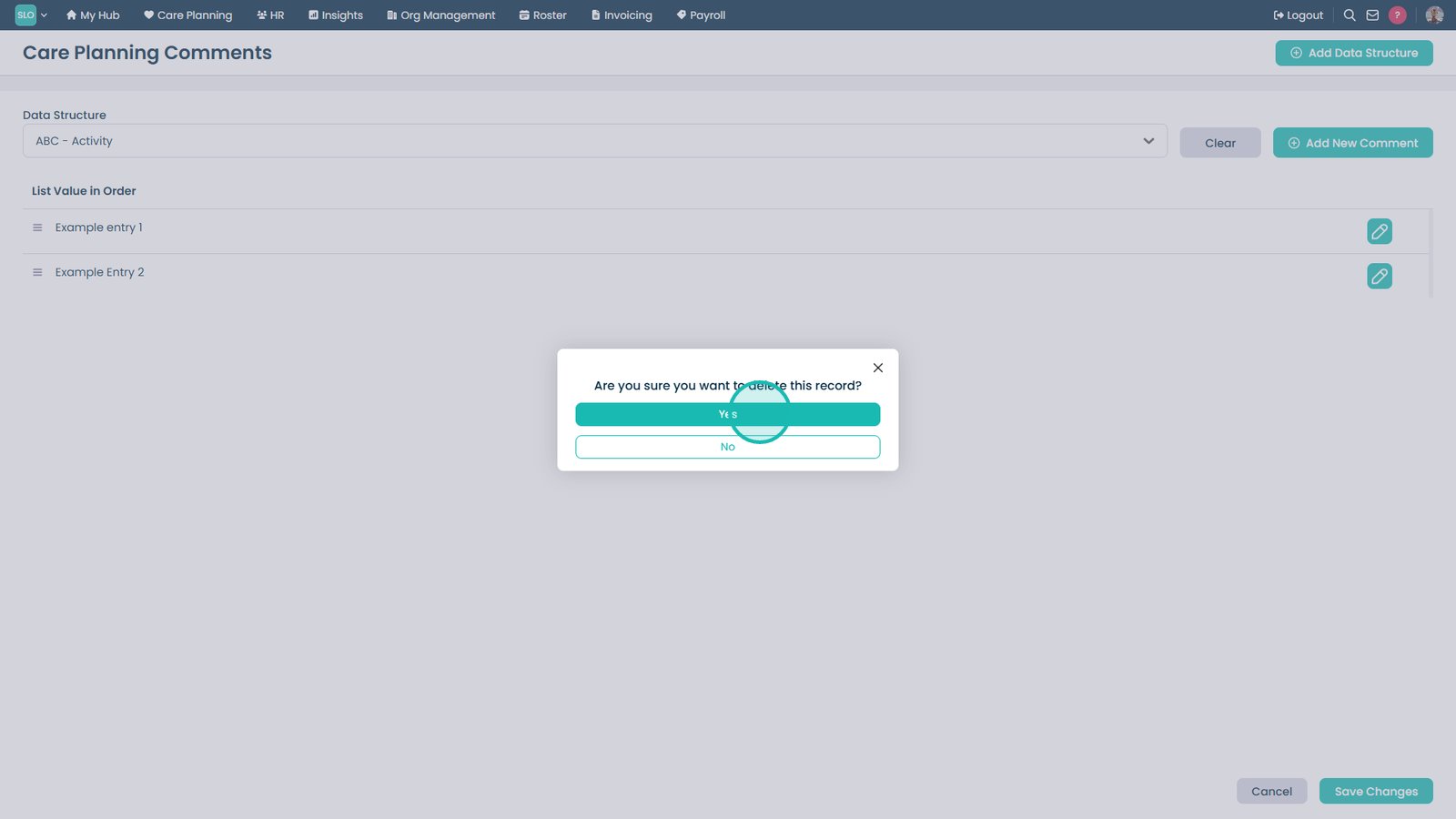
Select Yes to confirm deletion.
Top tip
Use Care Planning Comments to create consistent wording and guidance that can be reused across care records, helping to save time and improve documentation quality.