How to activate Draft Monitoring
This guide will walk you through activating draft Monitoring Types within Care Control Cloud.
Takes 2 minutes
For: Seniors & Managers
Updated: 1st June 2026
Introduction
This guide explains how to activate a draft Monitoring Type within Care Control Cloud.
In this guide you'll learn how to:
- Locate draft Monitoring Types
- Review monitoring configurations
- Edit monitoring settings if required
- Activate a Monitoring Type
- Confirm activation
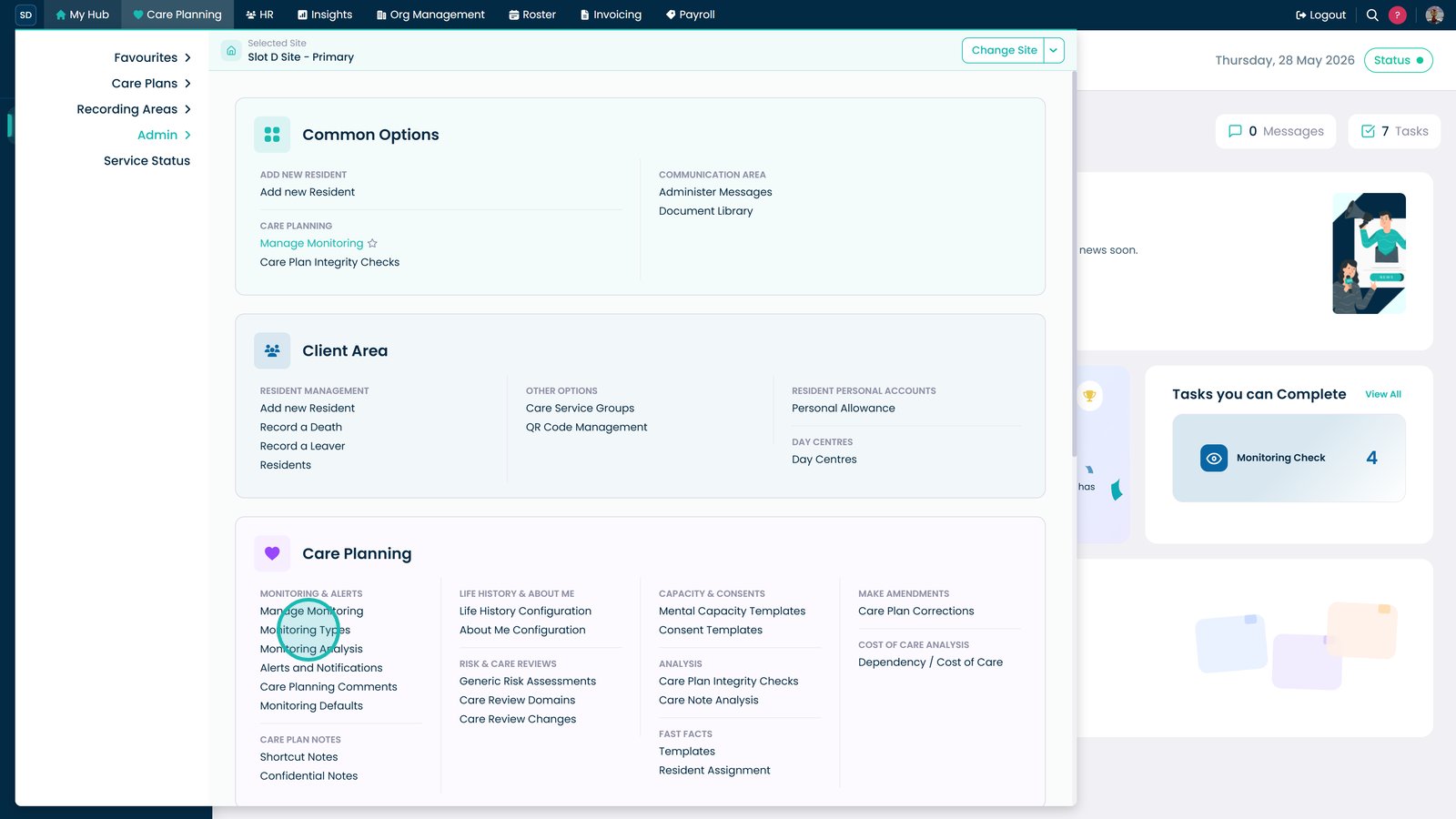
Open Monitoring Types.

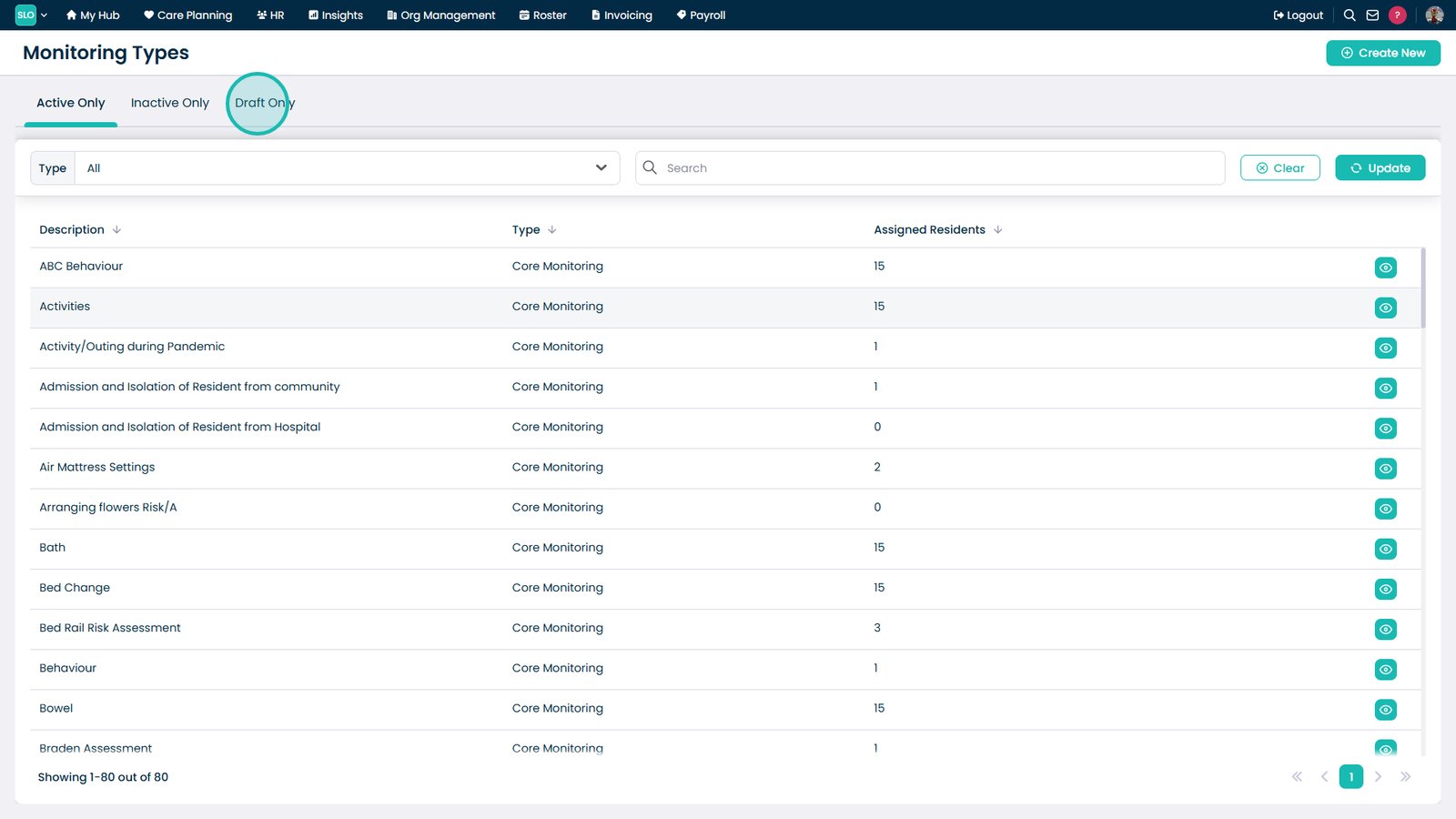
Open the Draft Only tab.

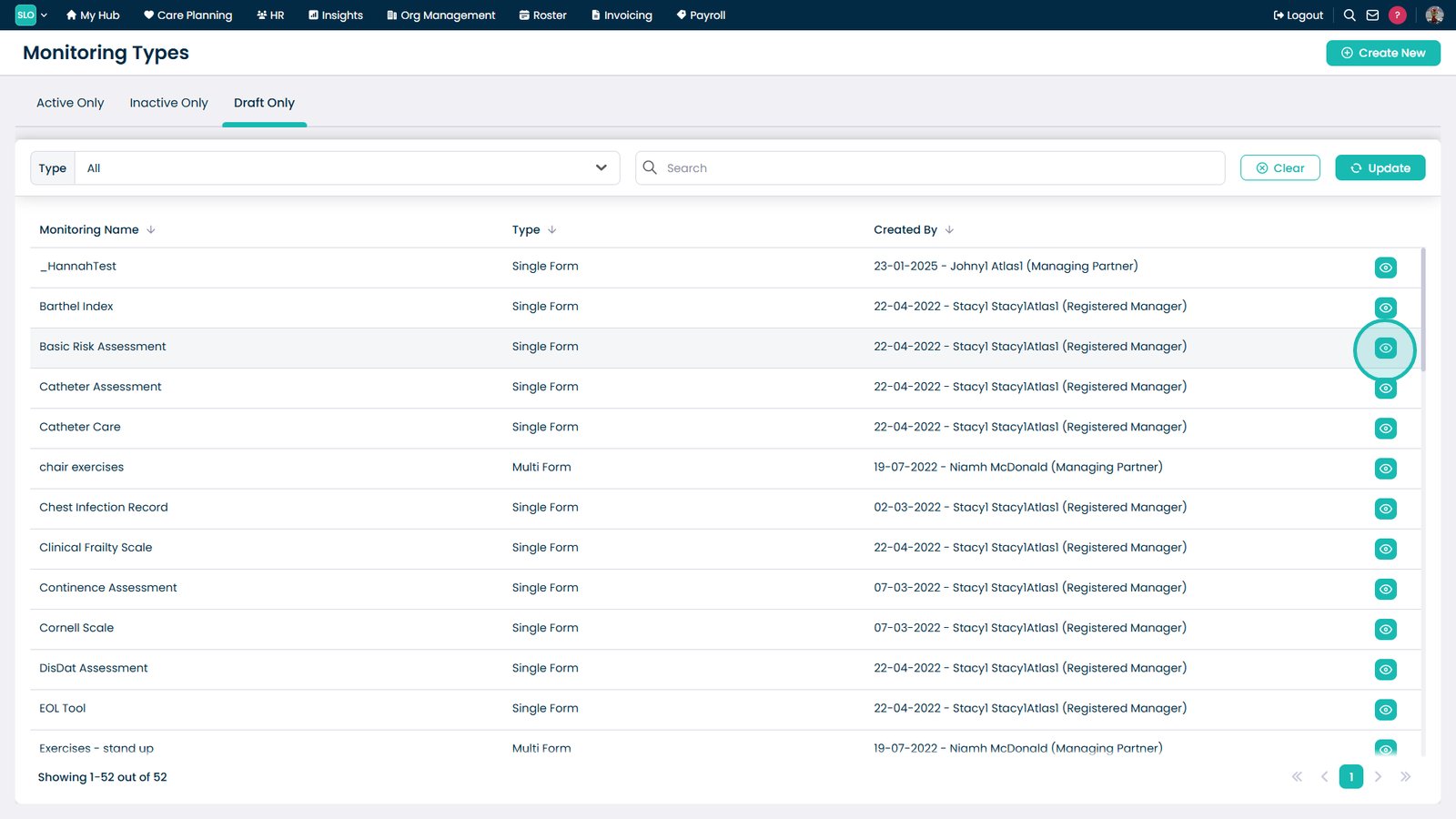
Select Edit on the draft Monitoring Type.

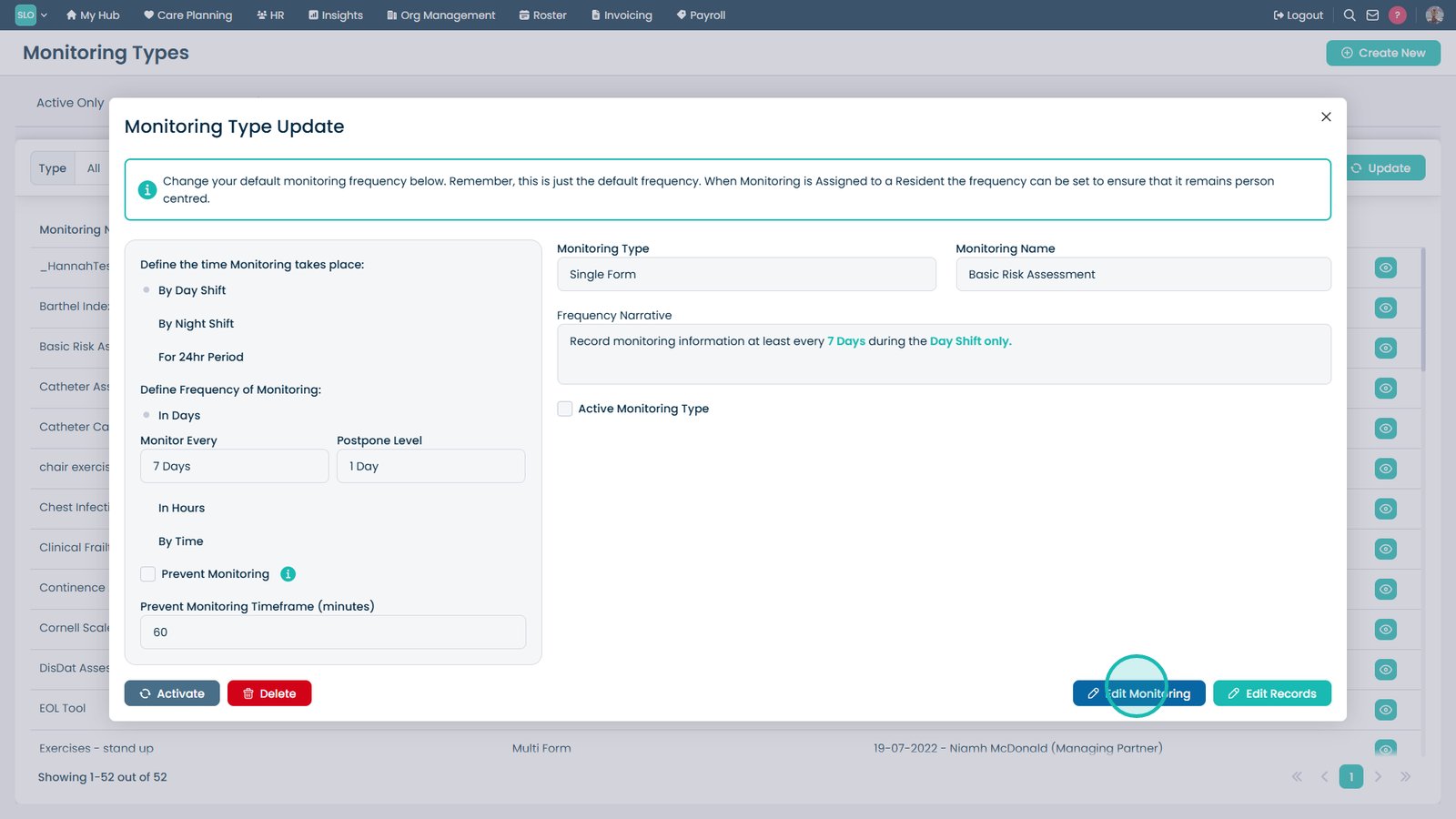
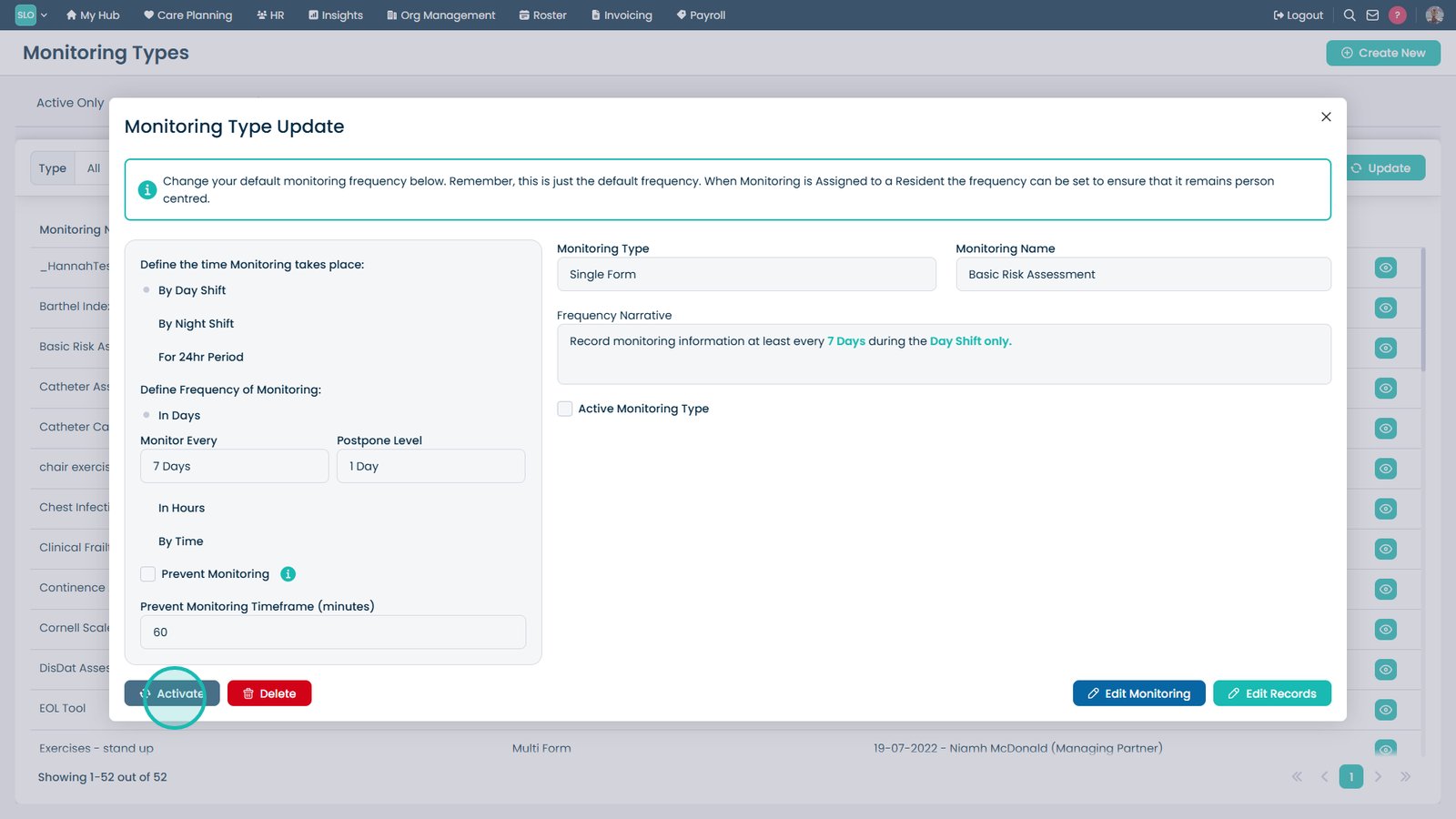
Review or edit the monitoring setup if required.

Select Activate.

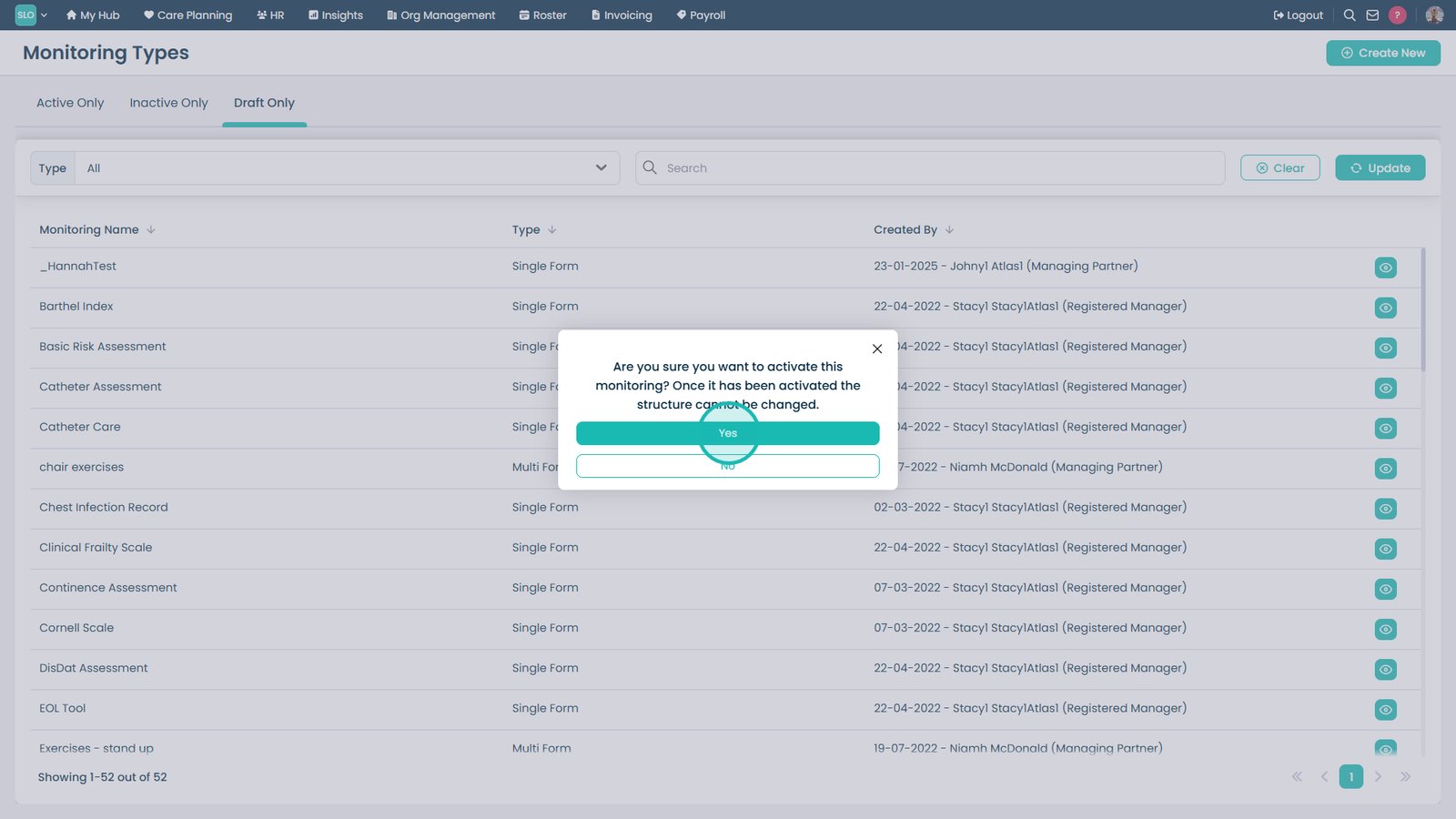
Confirm activation.

Top tip
Review your monitoring questions and record structure before activating a Monitoring Type, as it will become available for use across the system.
Need more help?
Can't find what you're looking for? Our support team is here to help.
Contact SupportOr call us on