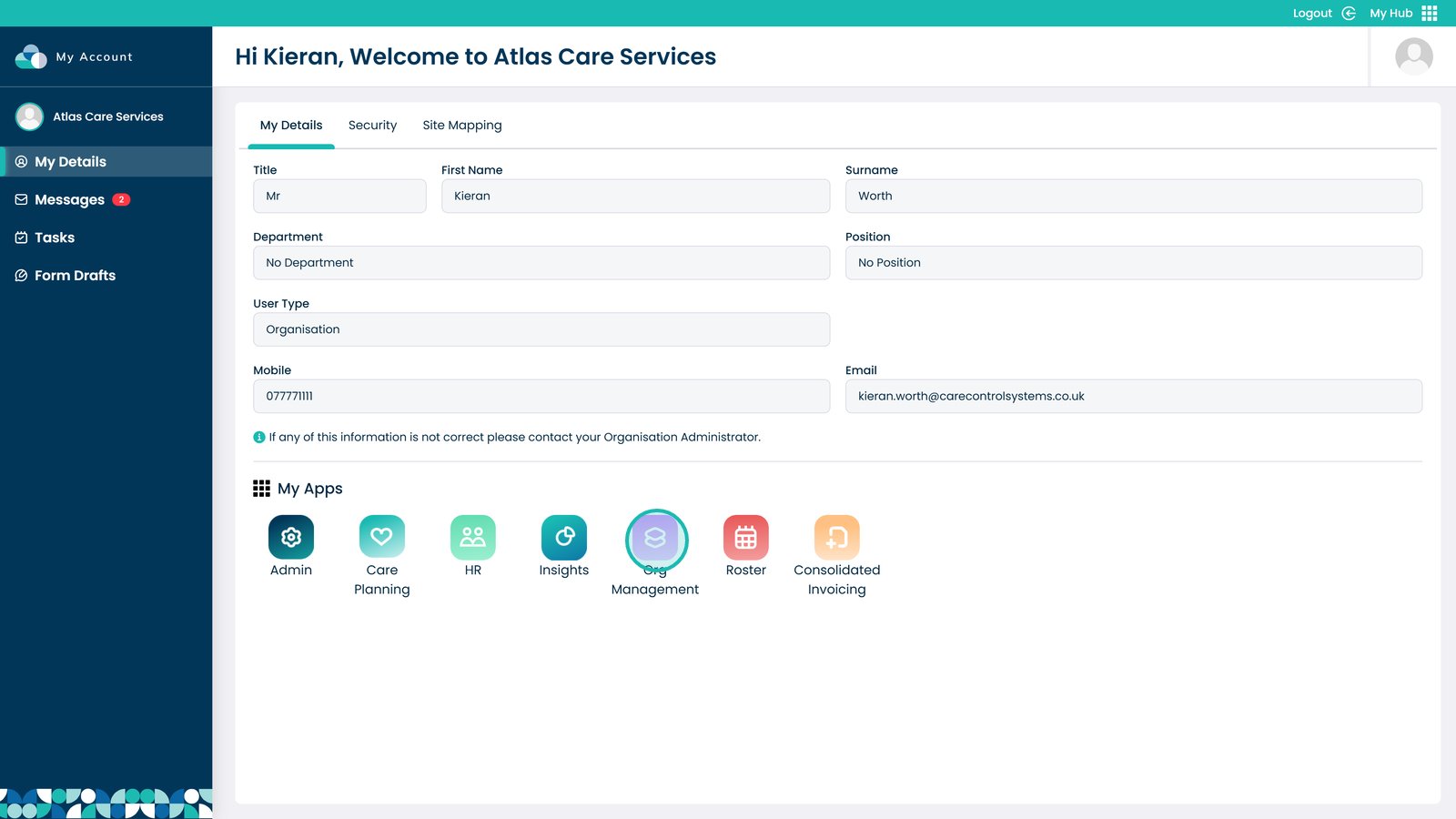
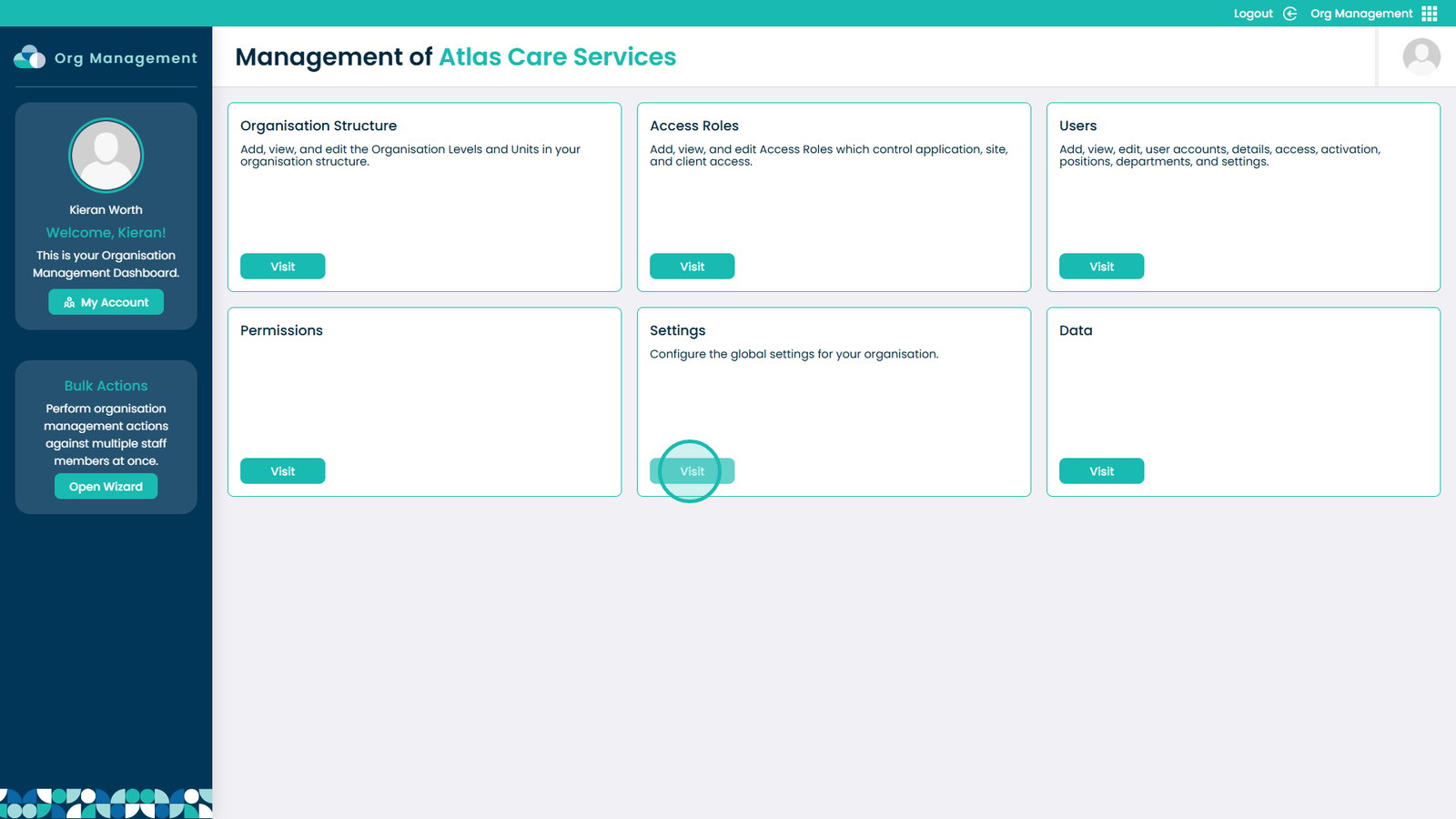
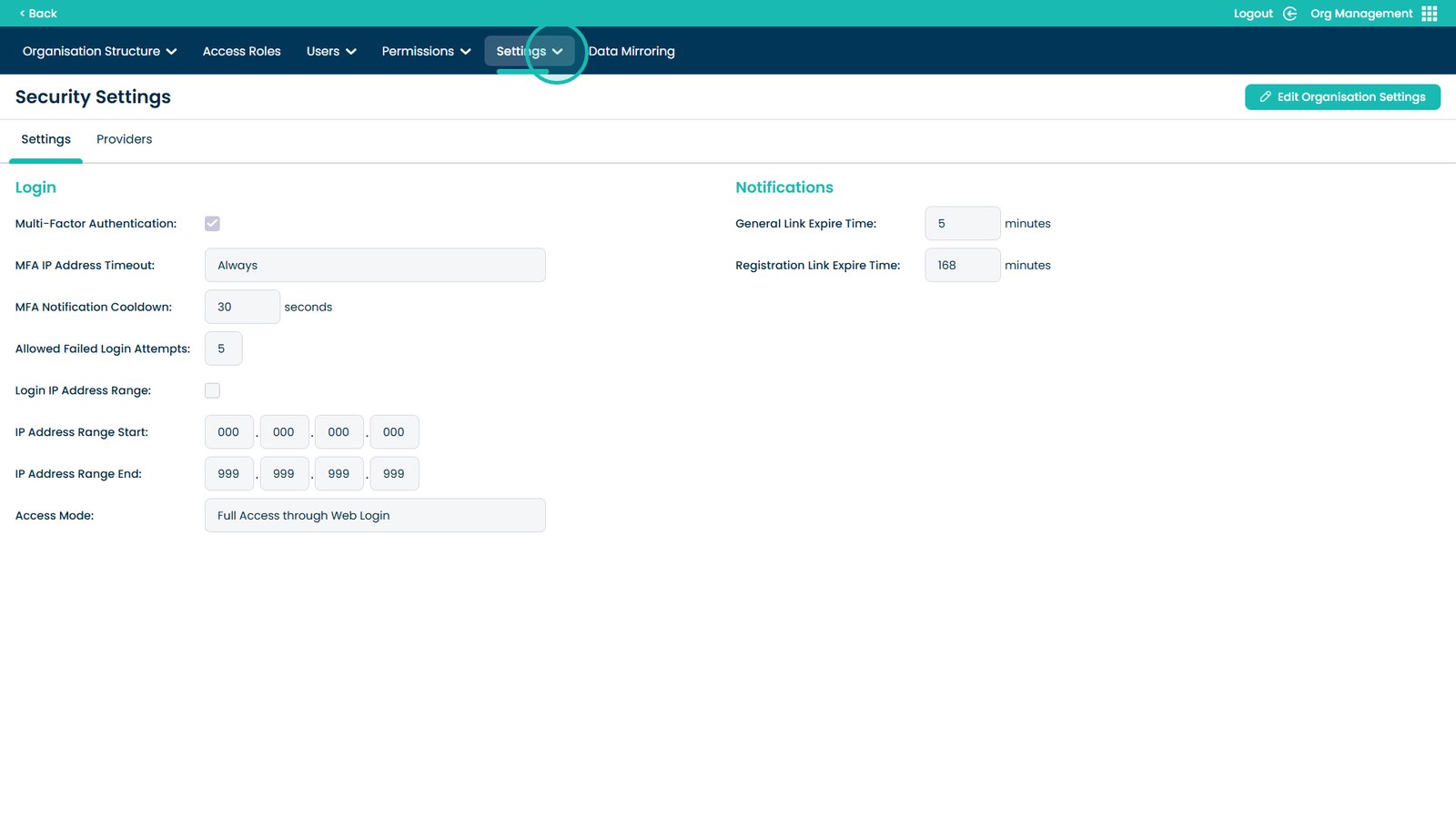
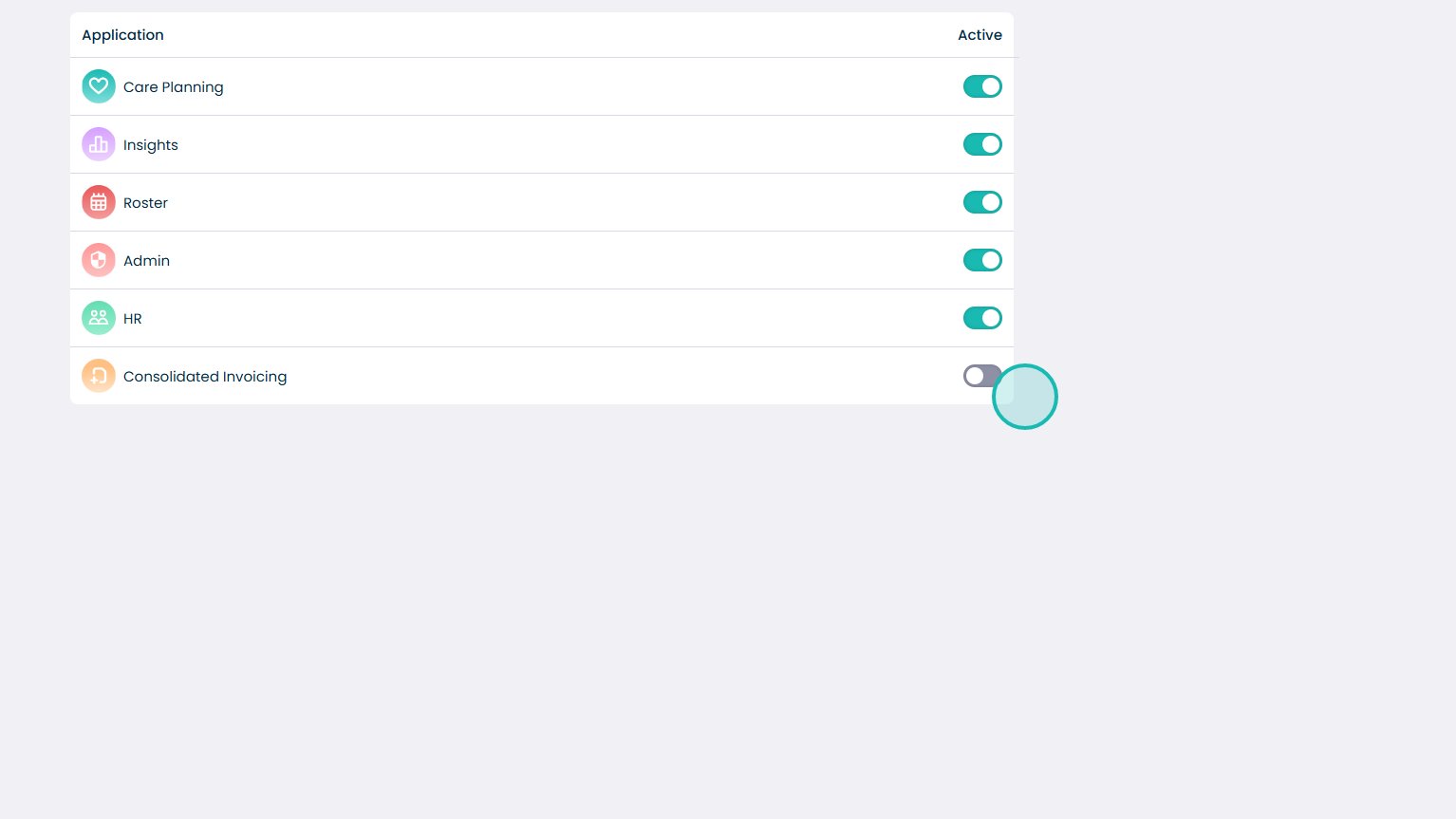
This guide explains how to enable Consolidated Invoicing in the Org Management App. It will show you each step in a simple and clear way.
Follow the instructions to open the app, access the settings, and turn on the feature. When Consolidated Invoicing is turned on, your organisation can separate invoices all in one place. This helps reduce errors and saves time. Use this guide if you need help completing the setup.