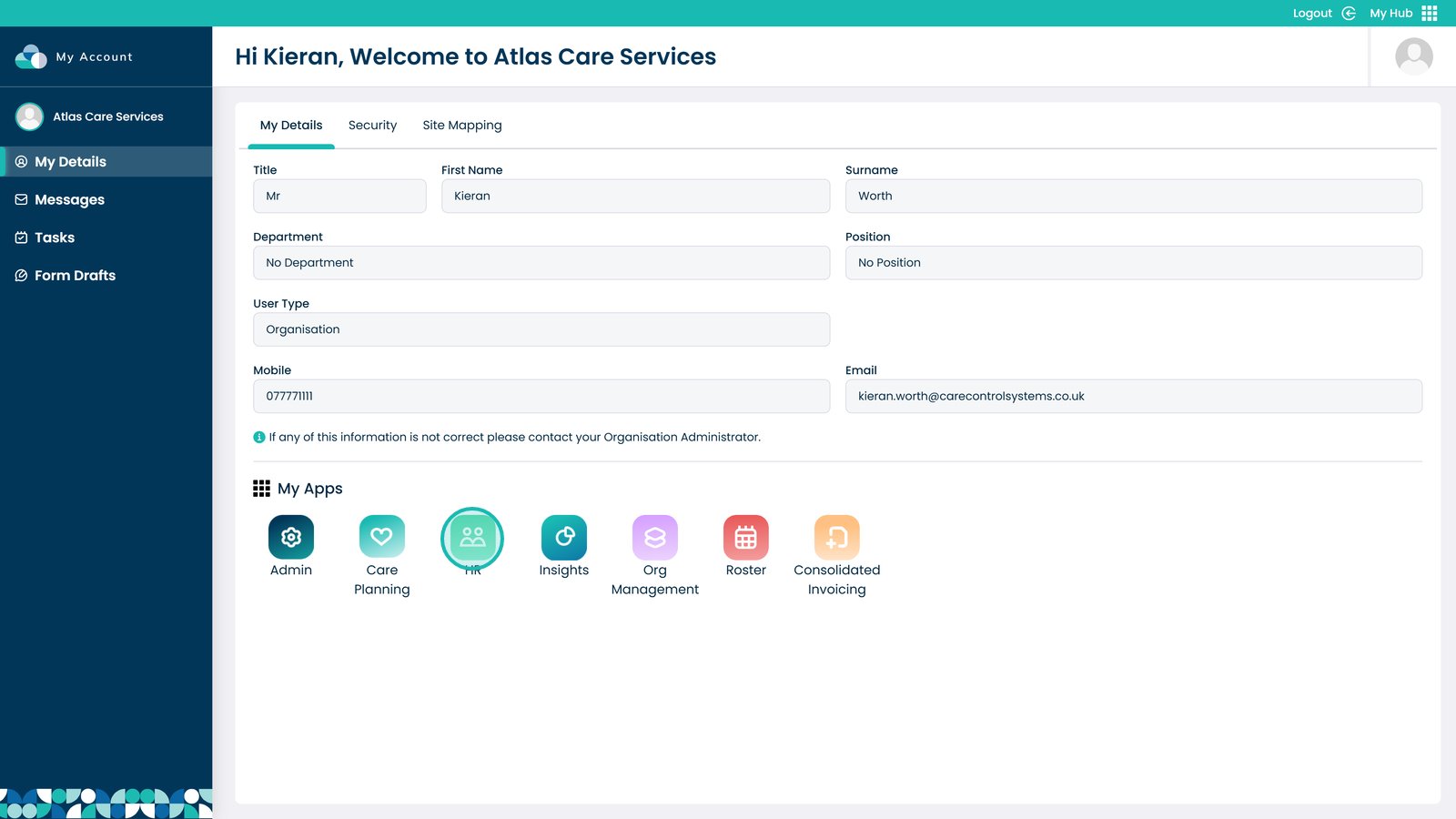
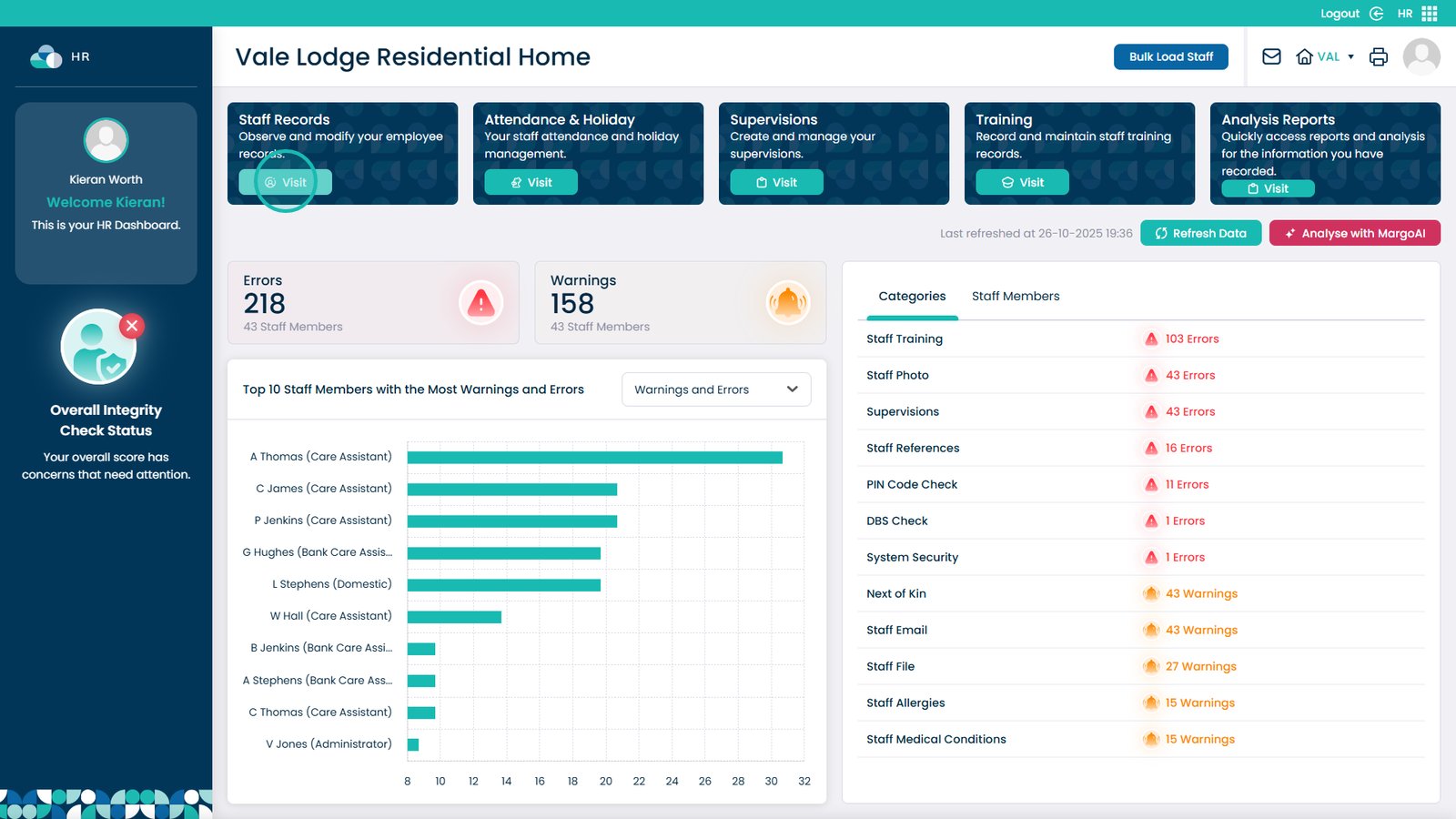
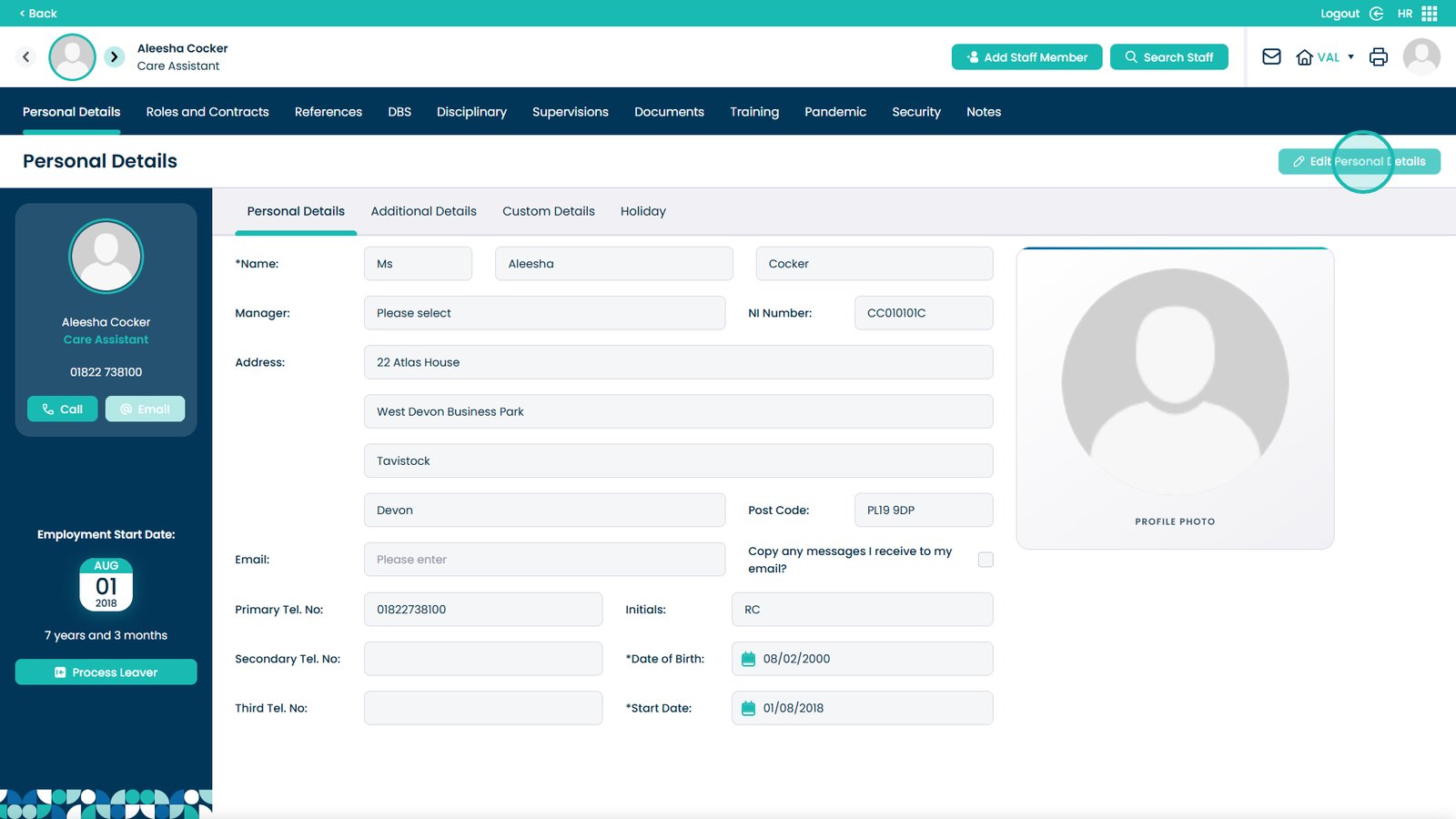
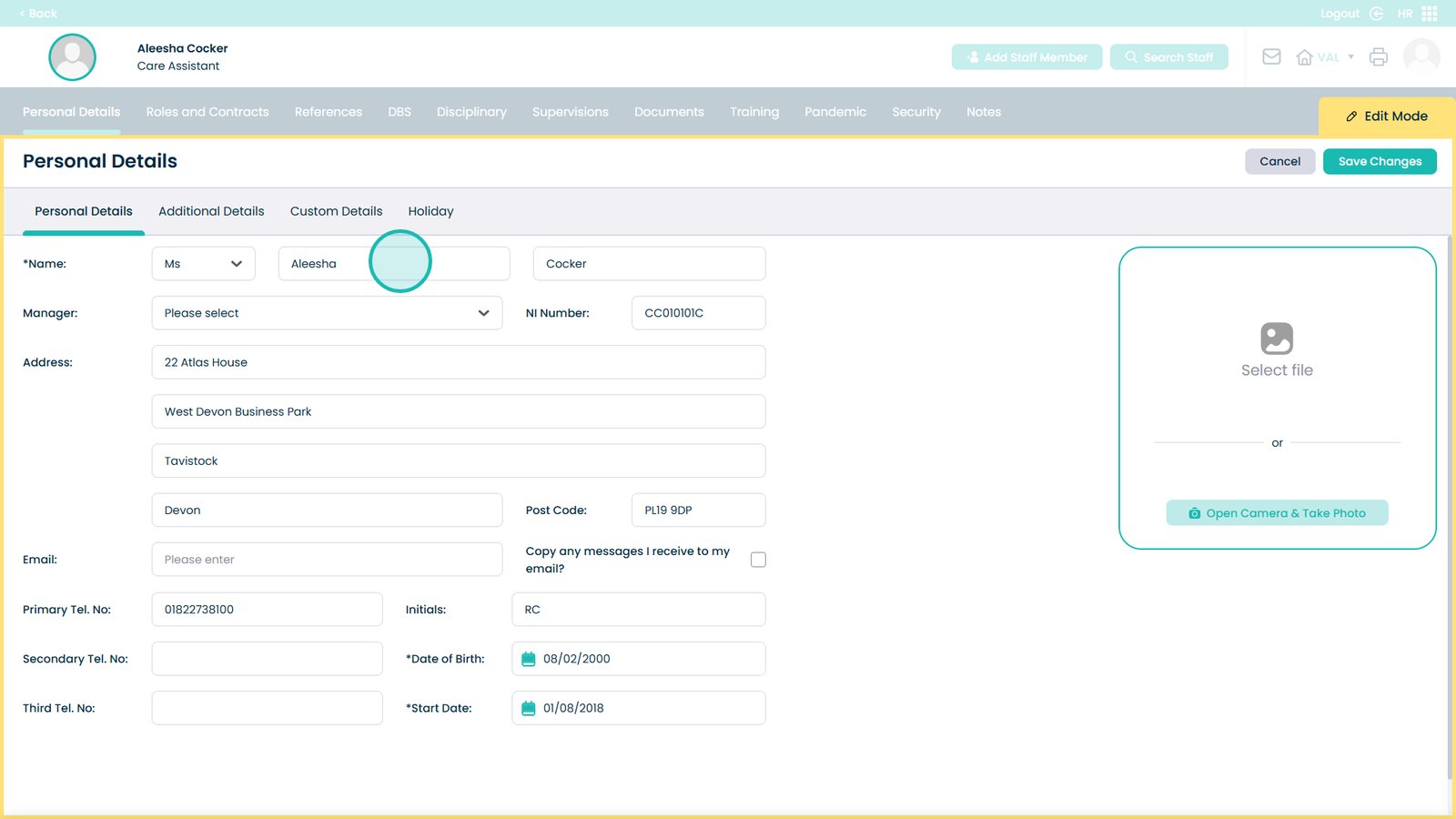
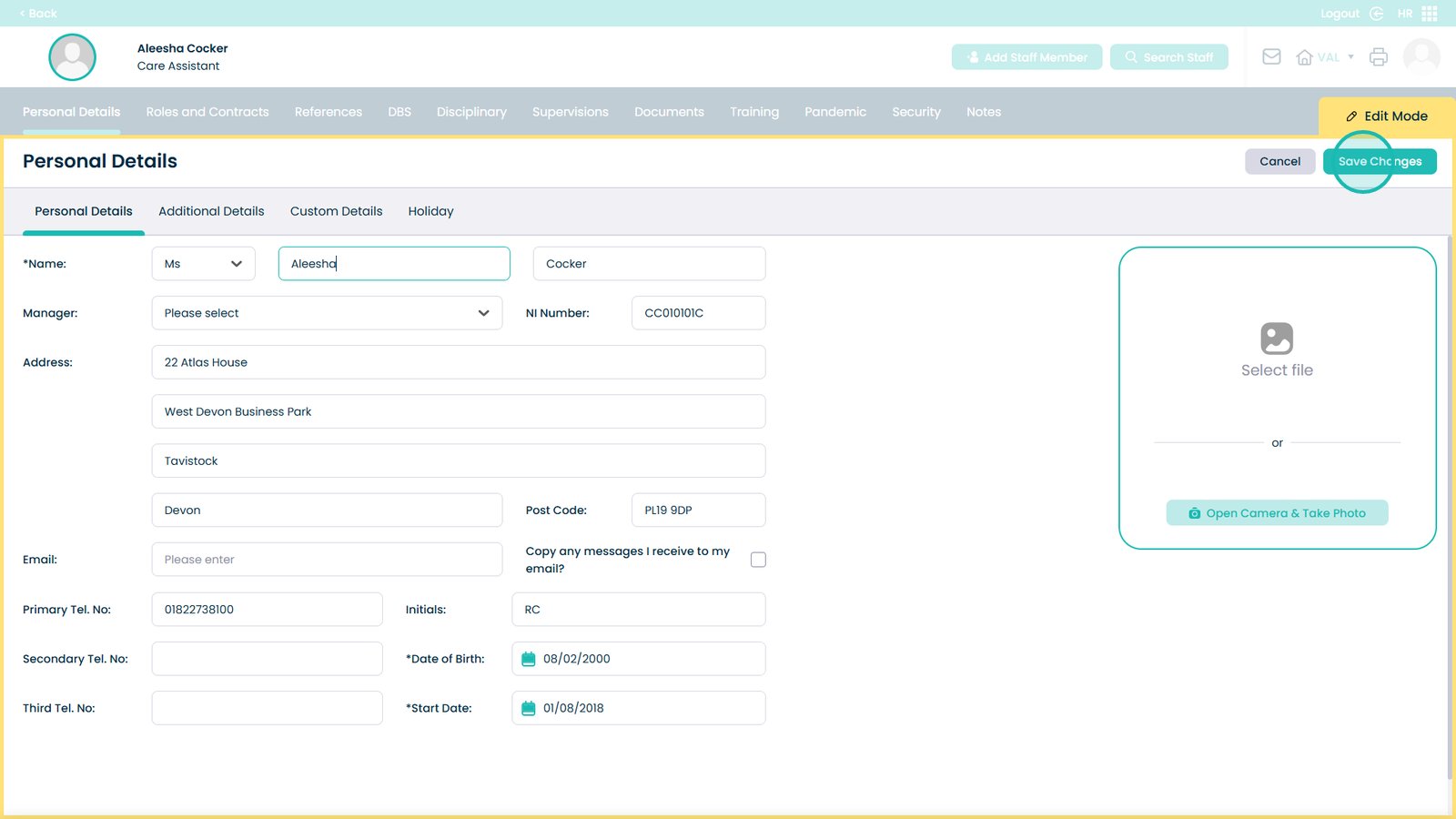
This guide explains how to update a staff member’s personal details in the HR App. It provides simple steps that show you how to open the staff record, access the personal information section, and make changes such as updating their name fields. This feature is useful when staff members have changes to their personal information, including name updates after marriage, corrections to spelling, or adjustments to official records. Keeping personal details accurate helps ensure payroll, compliance, and reporting remain correct. Use this guide whenever you need to review or update a staff member’s basic personal information.