If you experience any issues with the system, or require support from our Customer Service team, please let us know by submitting our Customer Contact Form and we’ll be happy to help. Click here to access the form.

View Categories

Cloud Onboarding: Configure Staff Pocket

This guide shows you how to access and configure Staff Pocket settings. You’ll learn where to find Staff Pocket, review staff and device access, and adjust default device limits as part of your onboarding setup.

Interactive Guide

Text based guide

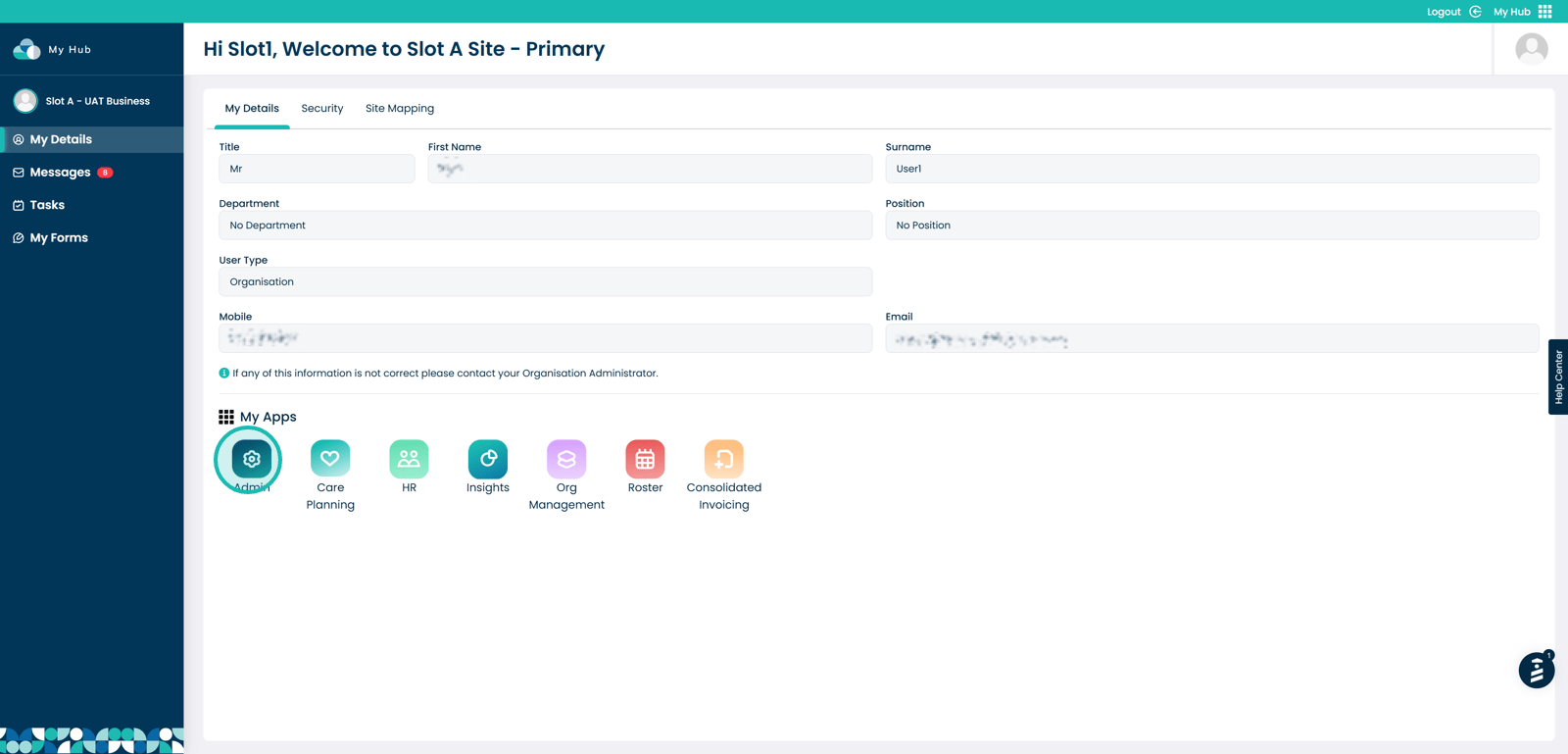
Within the My Hub dashboard, click the Admin app
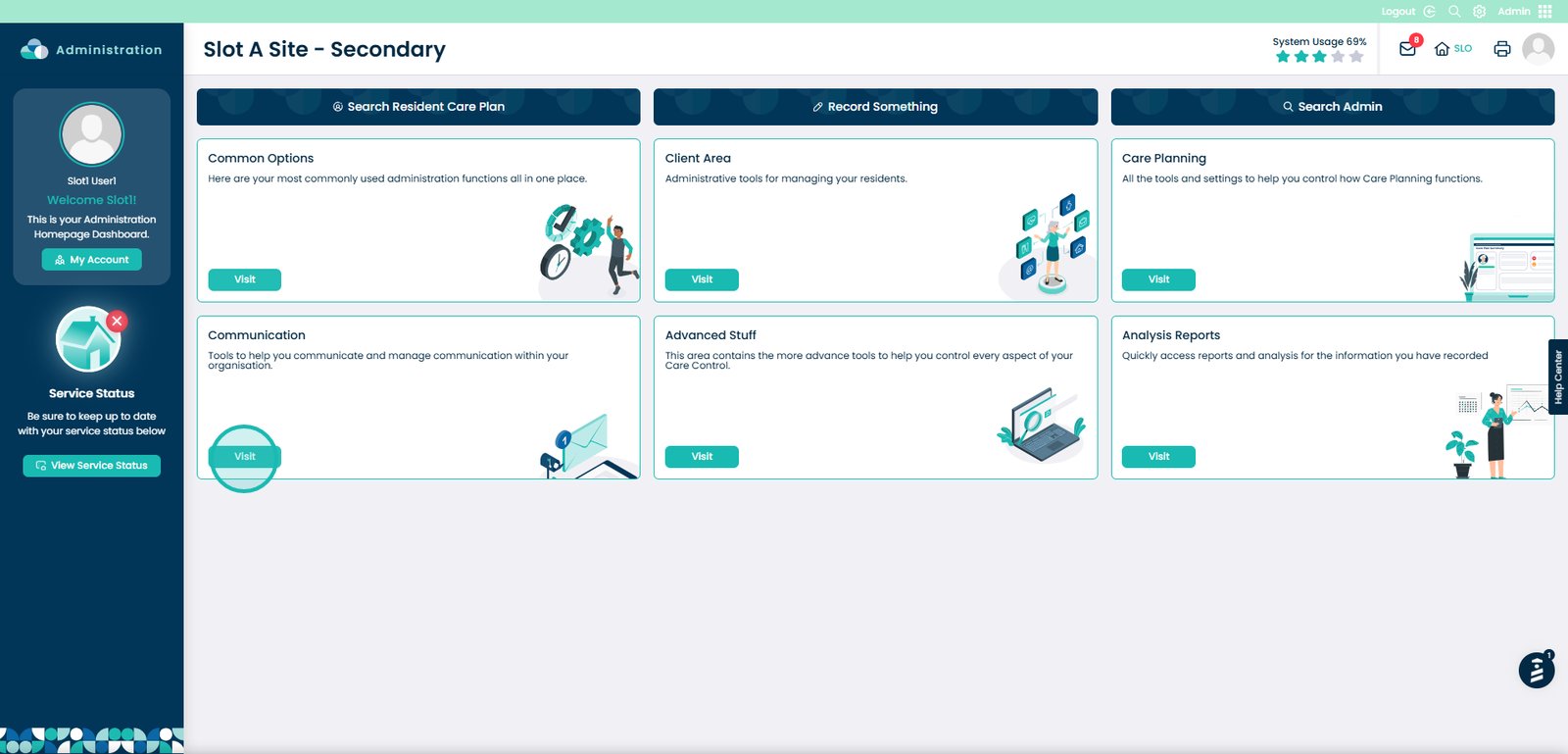
Click the Visit button under Communication
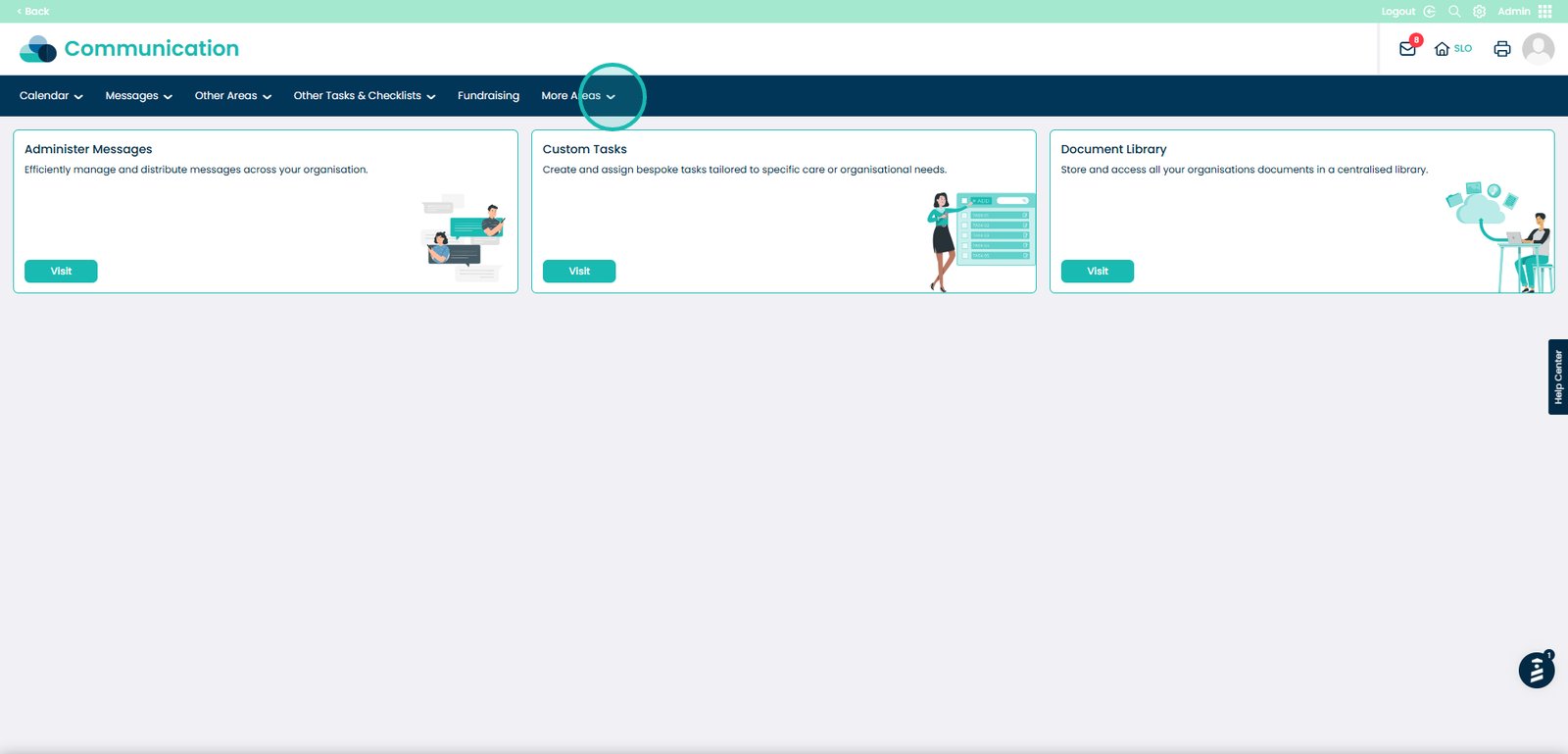
Open the More Areas dropdown
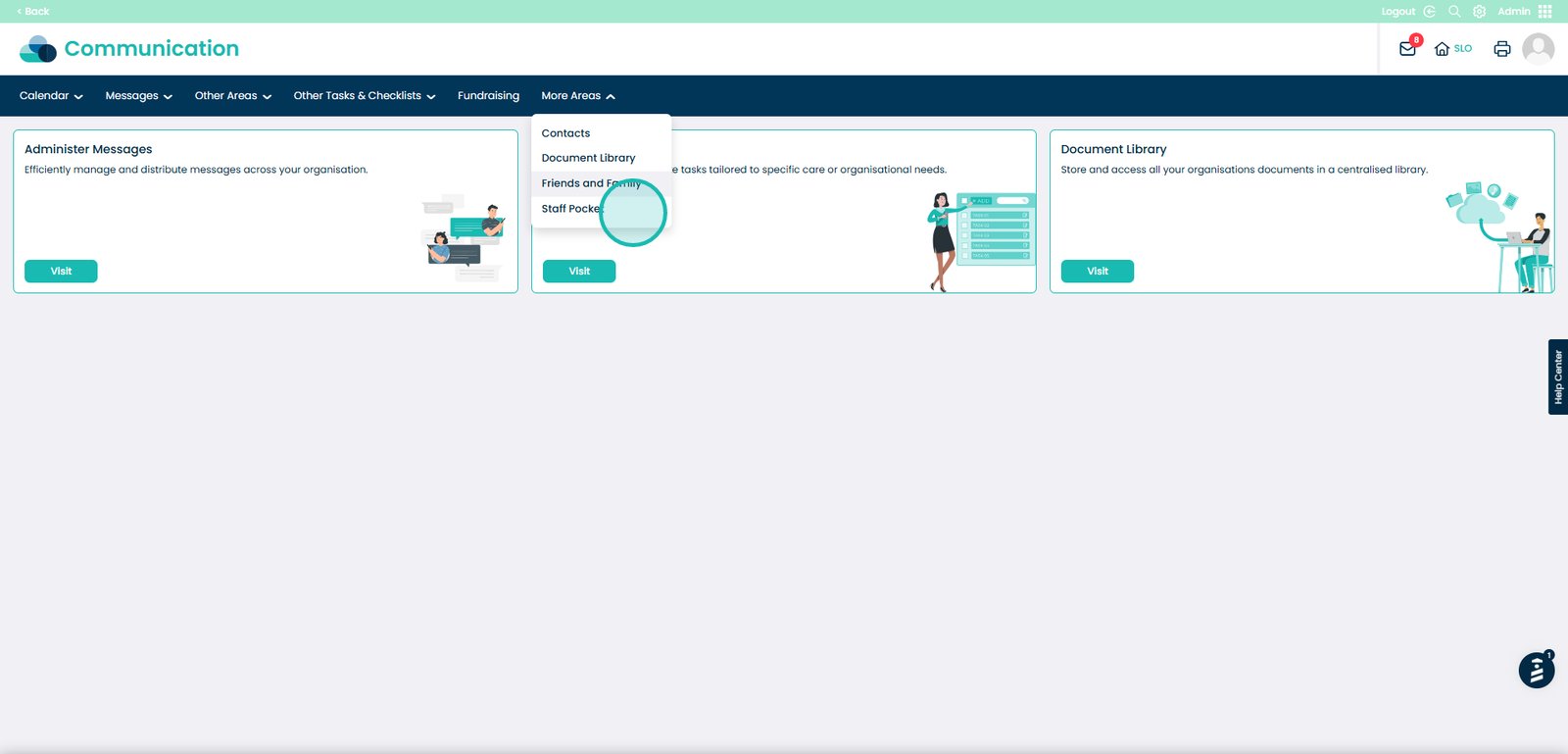
Select Staff Pocket
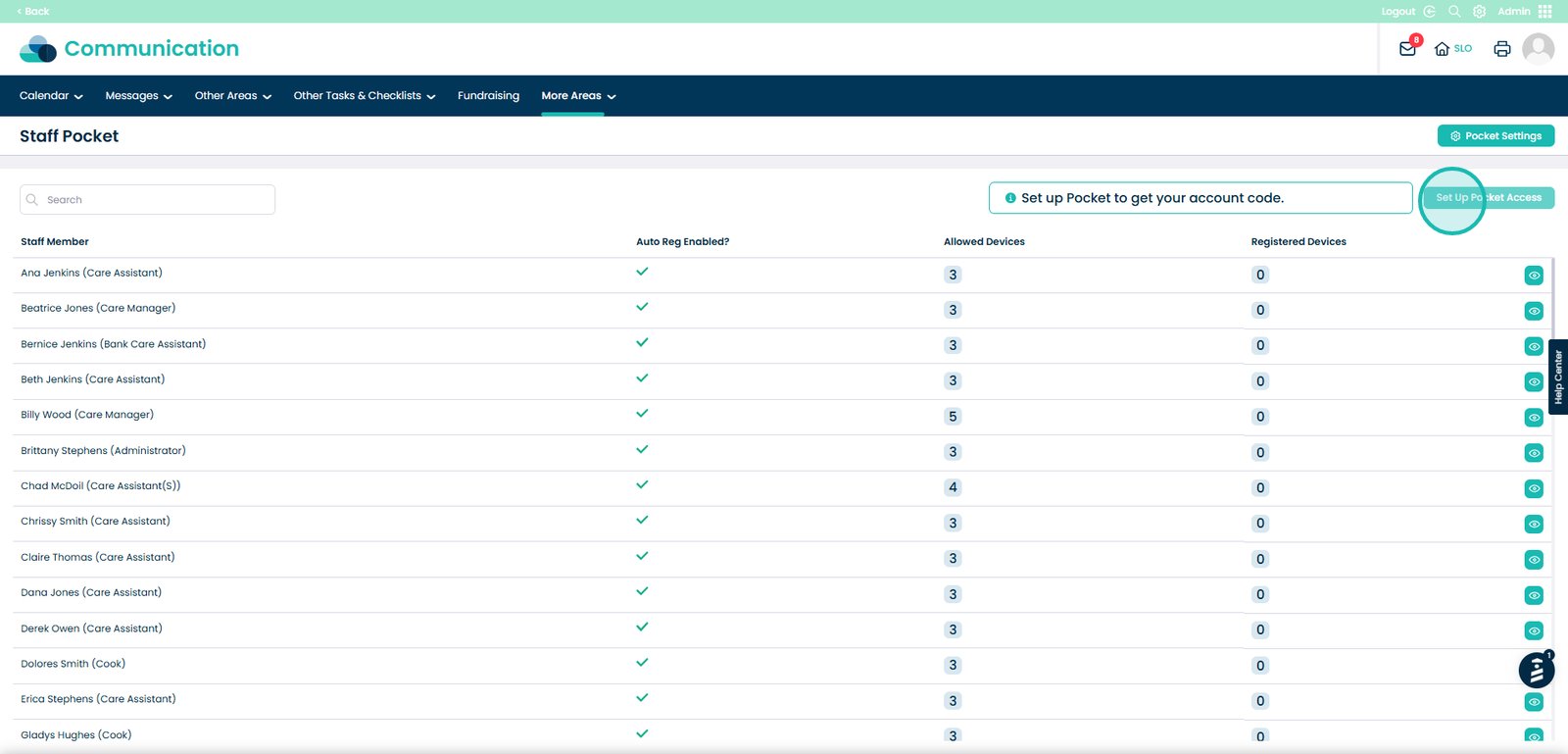
View staff members, allowed devices, and registered devices
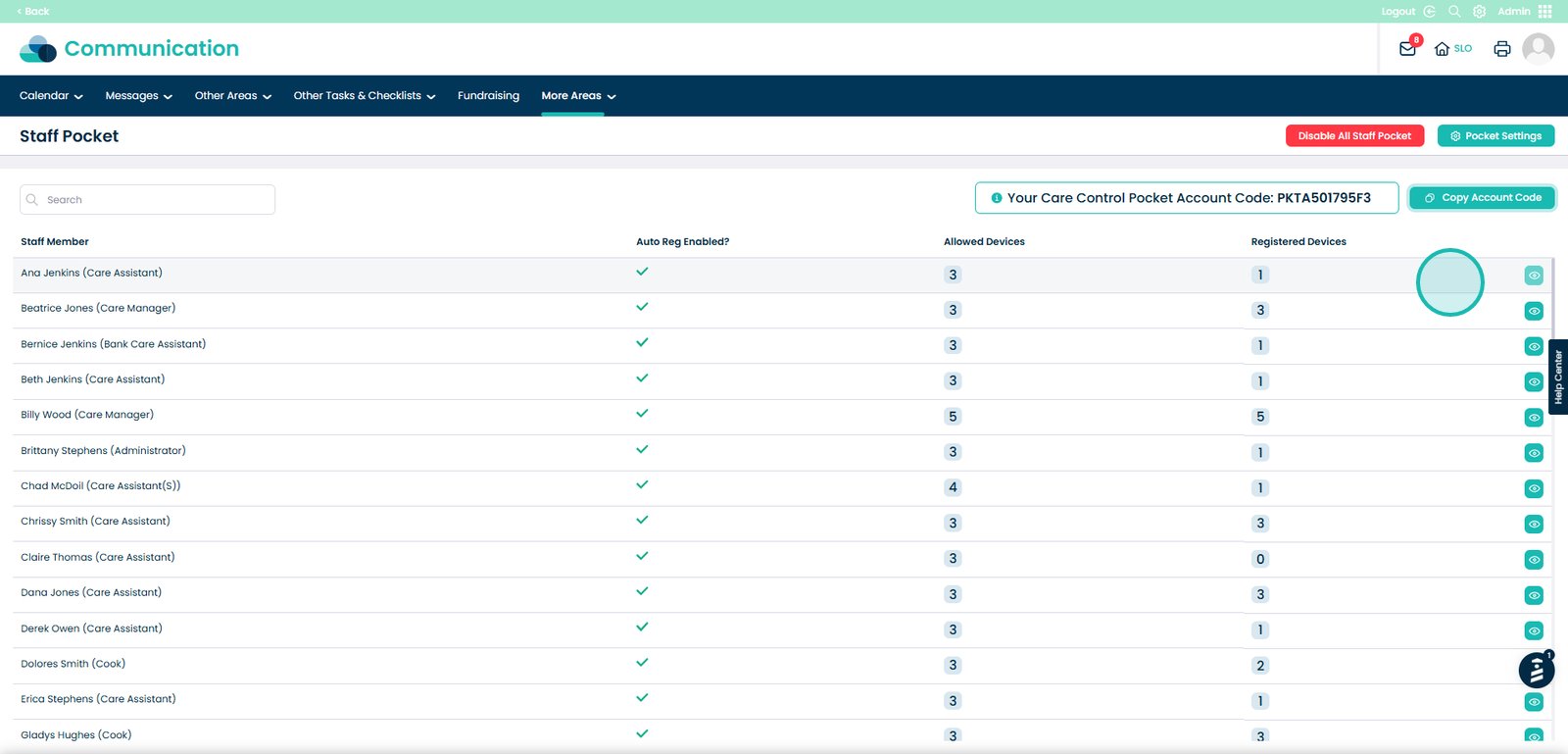
Click Set up Pocket Access
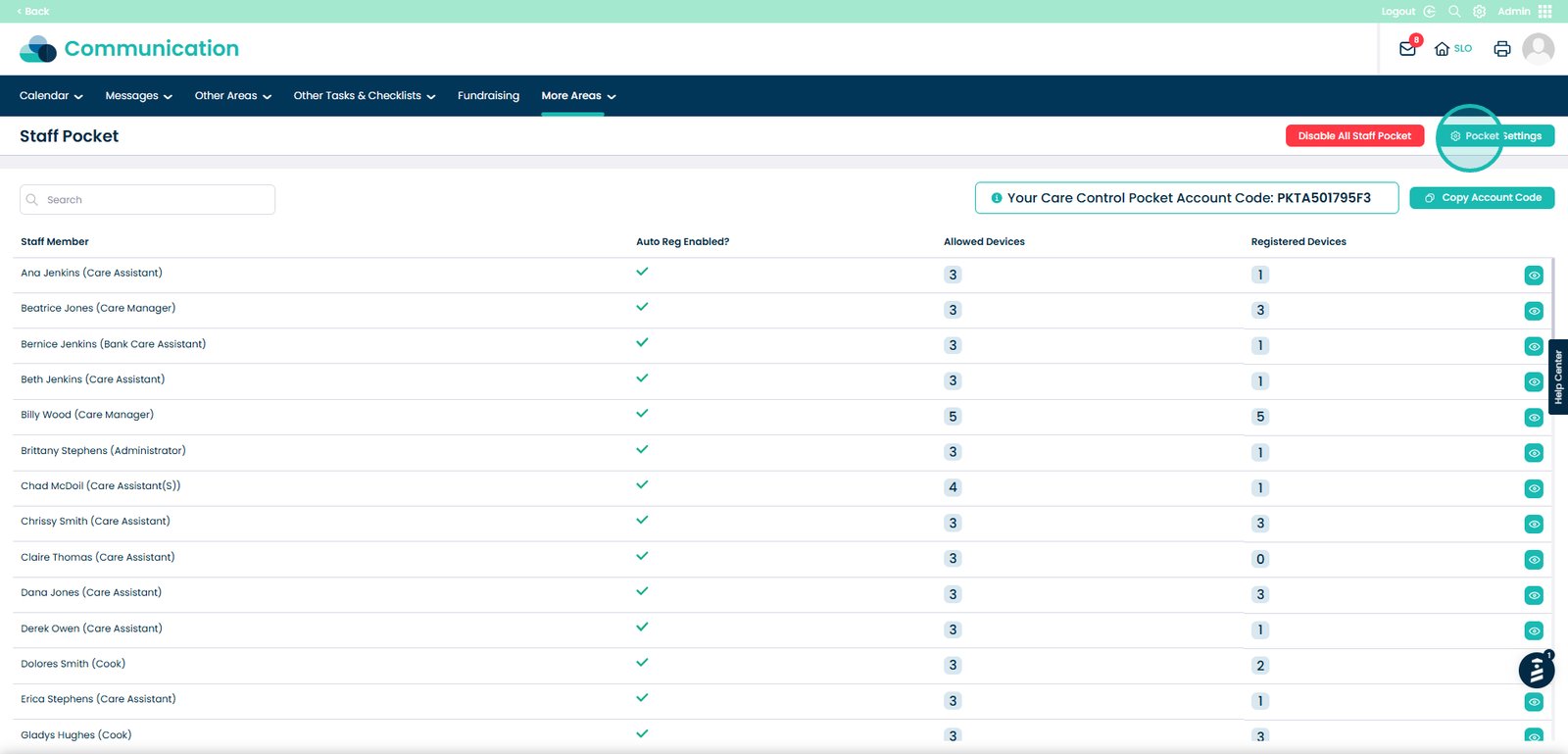
Open Pocket Settings
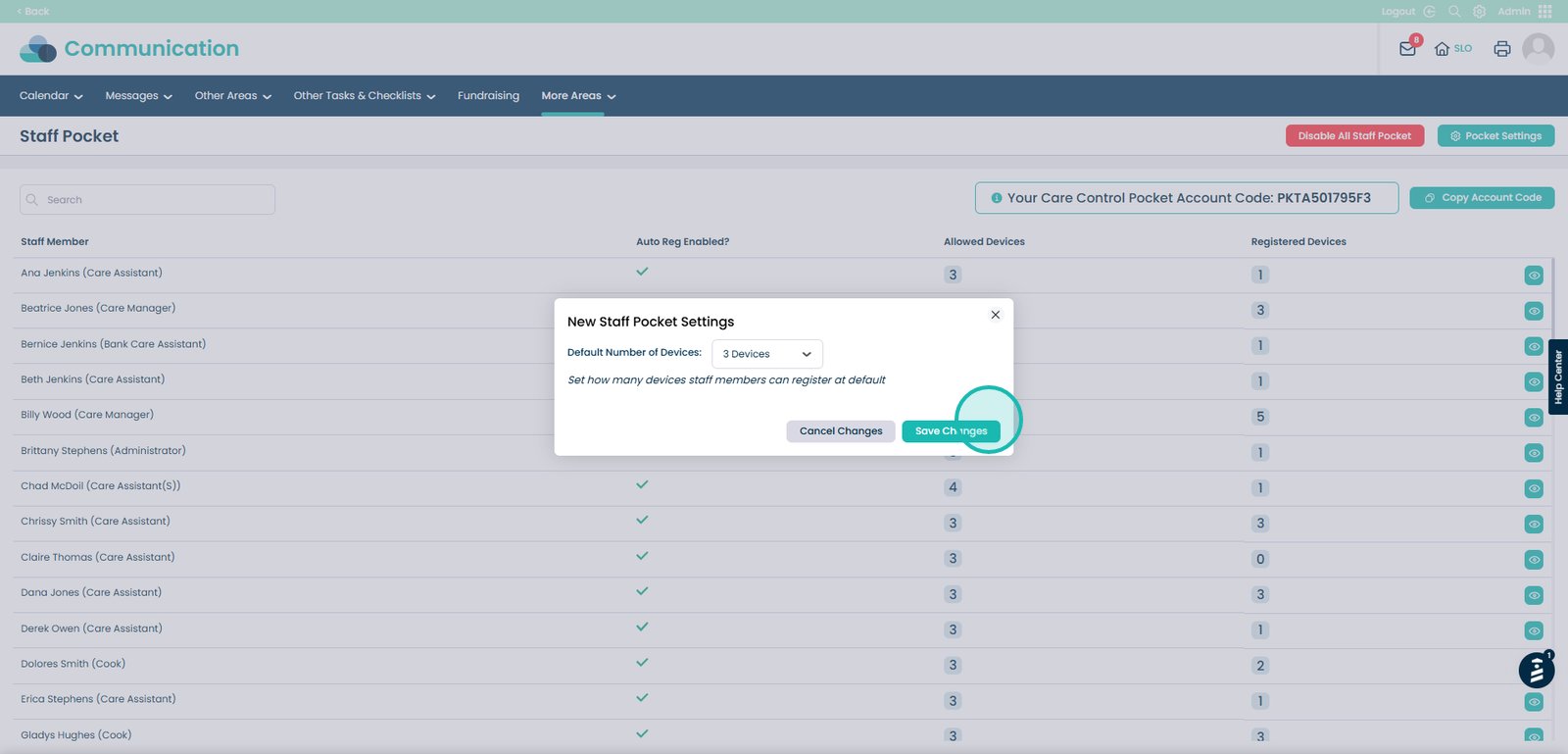
Change the default number of devices

Save your changes
Was it helpful ?
Table of Contents
↑ Top