View Categories

Cloud Onboarding: Upload Client (Service User) Data

Adding a new service user is the first step to setting them up in the system so they can be managed across care, compliance, and day-to-day workflows. This guide walks you through creating a service user record from the Admin app, selecting the correct service user type, and completing the essential personal details needed to get started.

Manual Upload

Text based guide

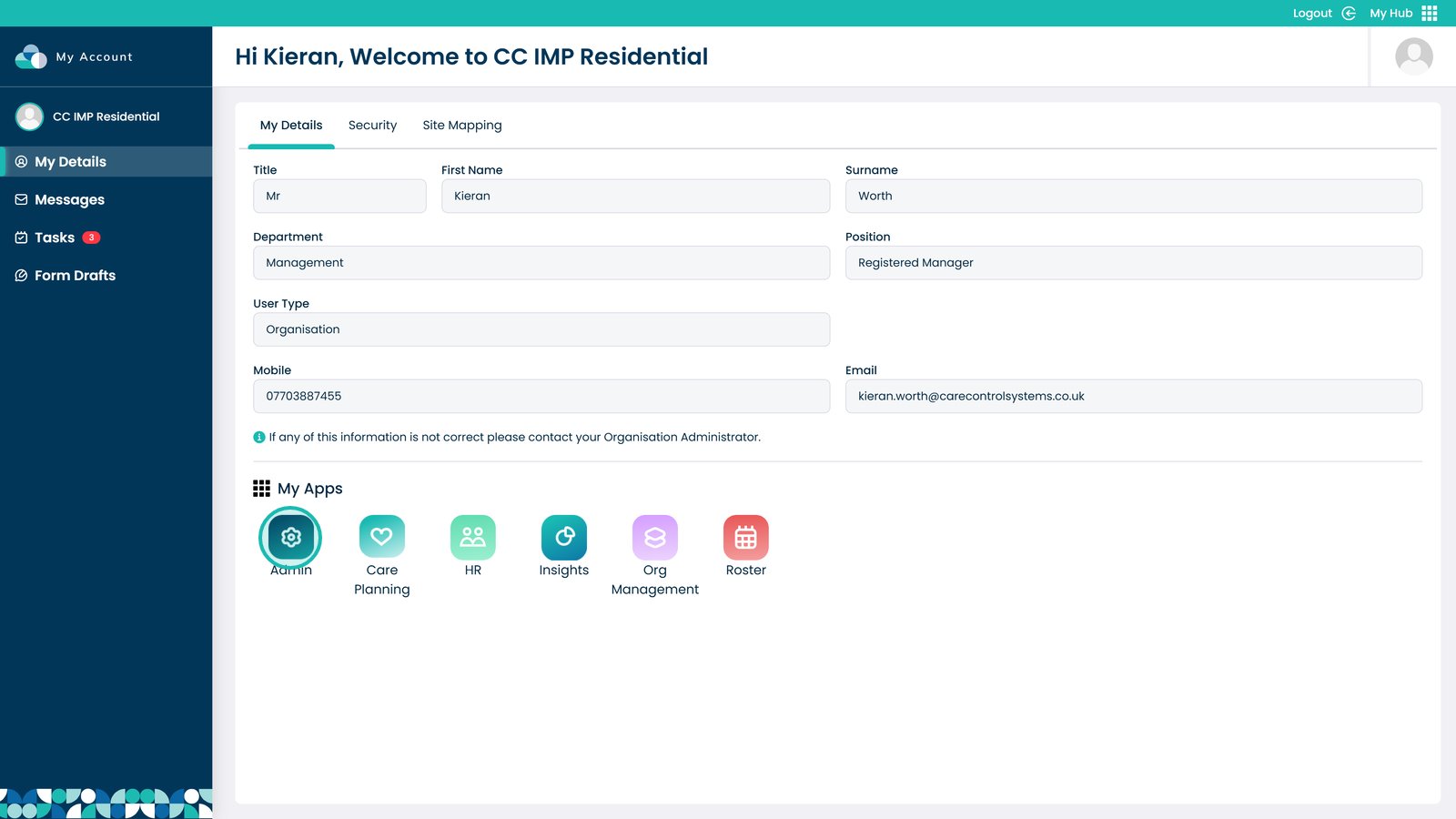
Enter the Admin app

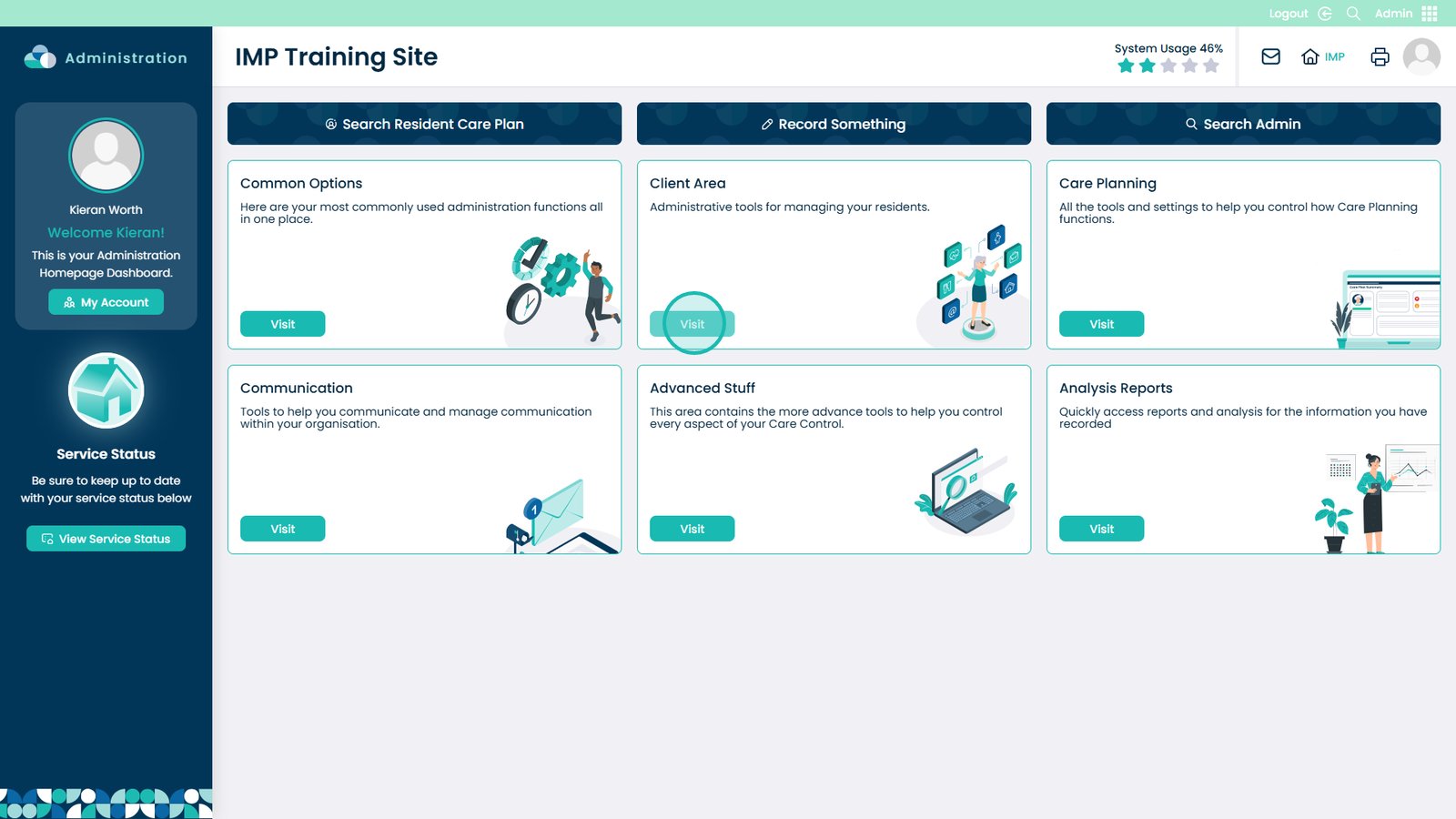
Open the Client area

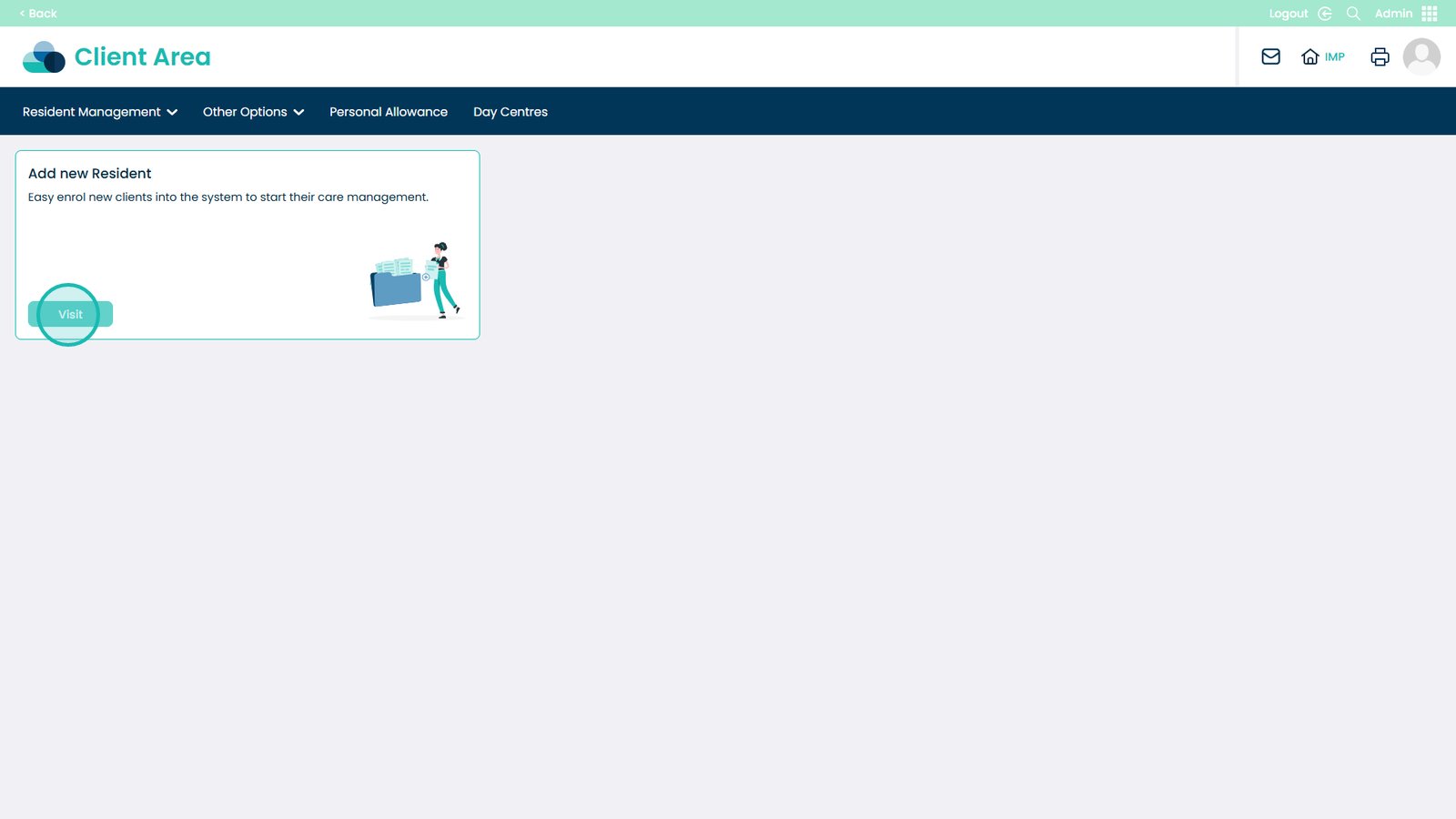
Open Add New Service User

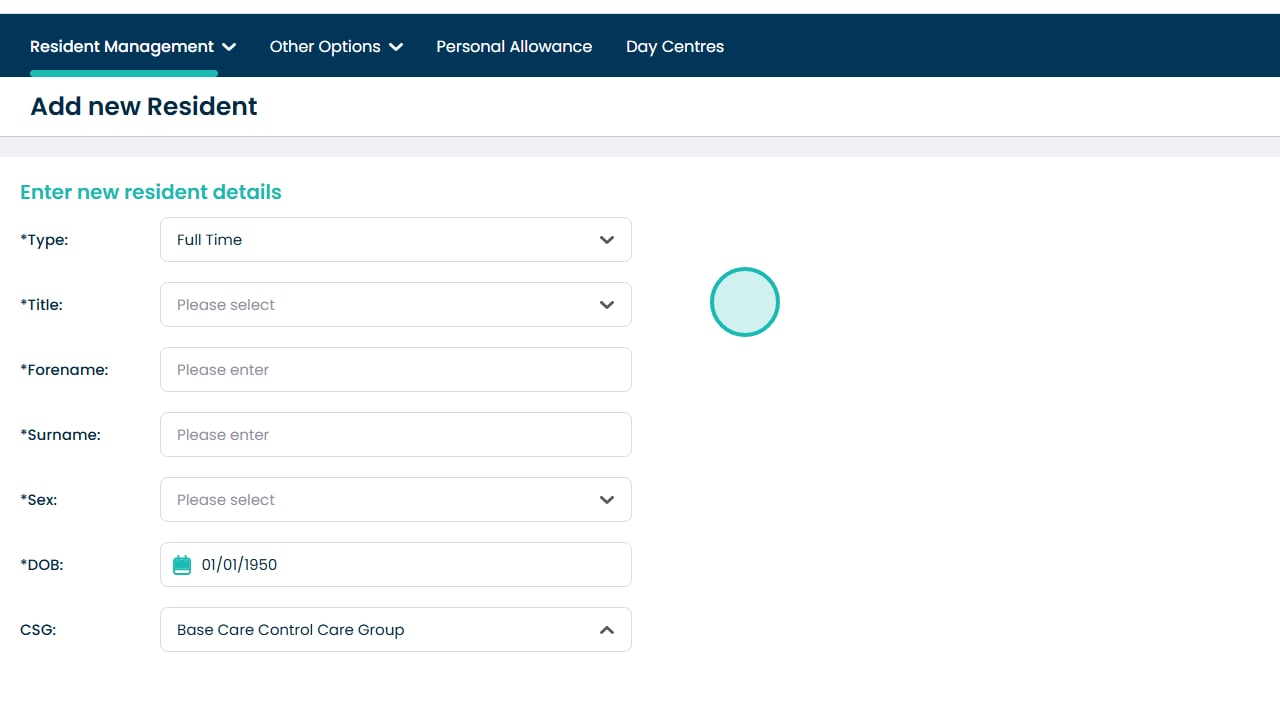
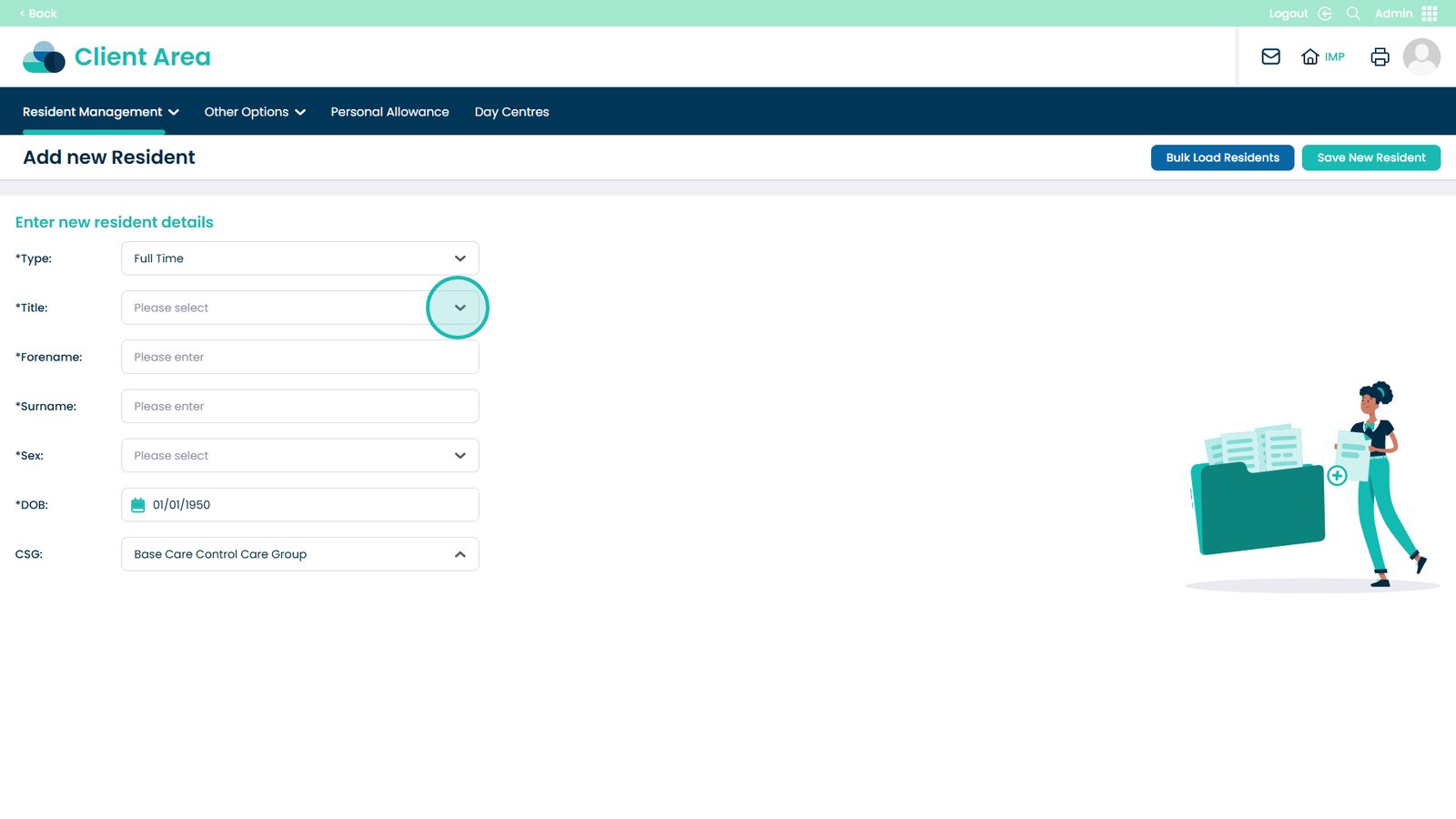
Select the service user type

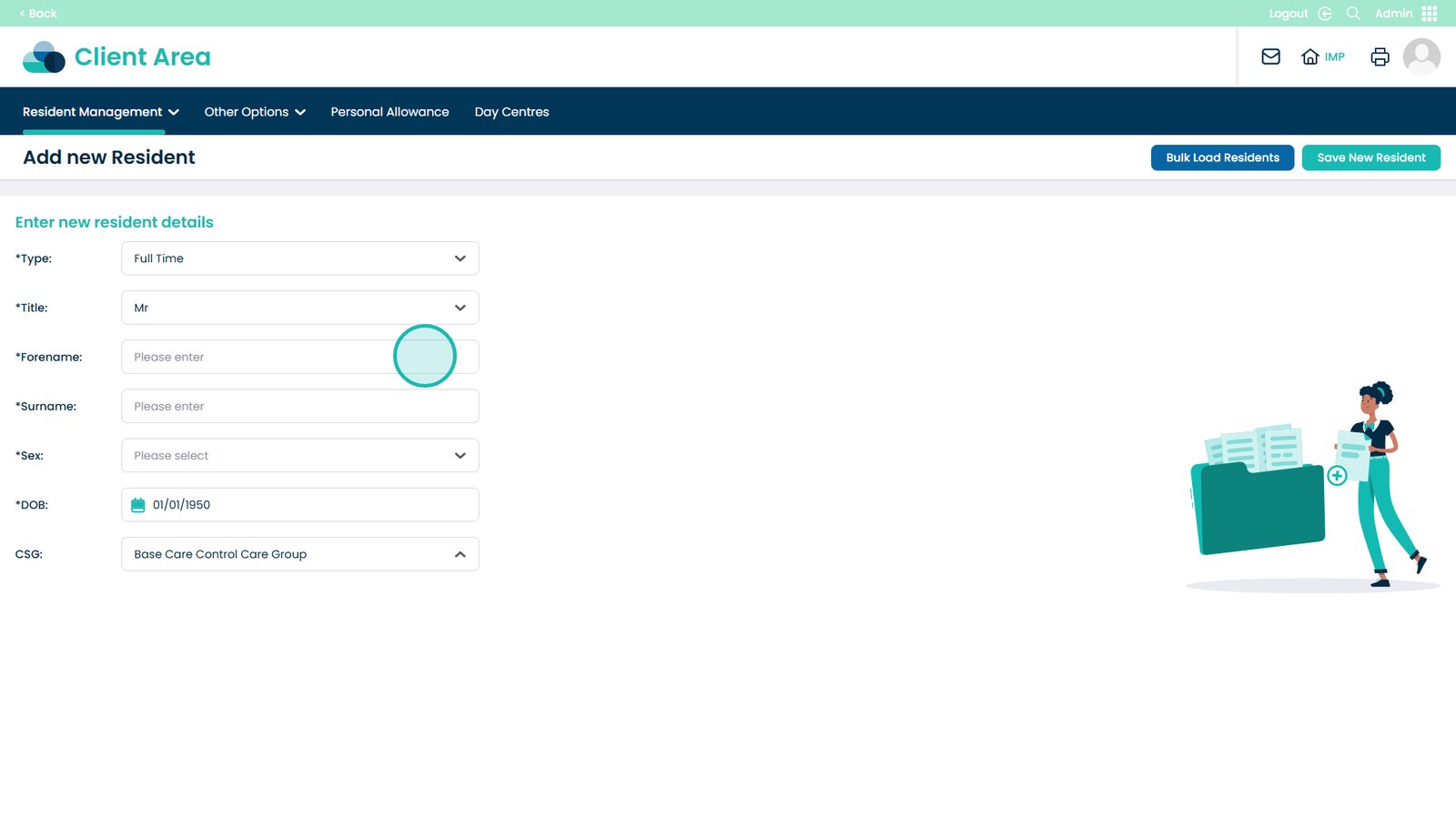
Choose a title

Enter the forename

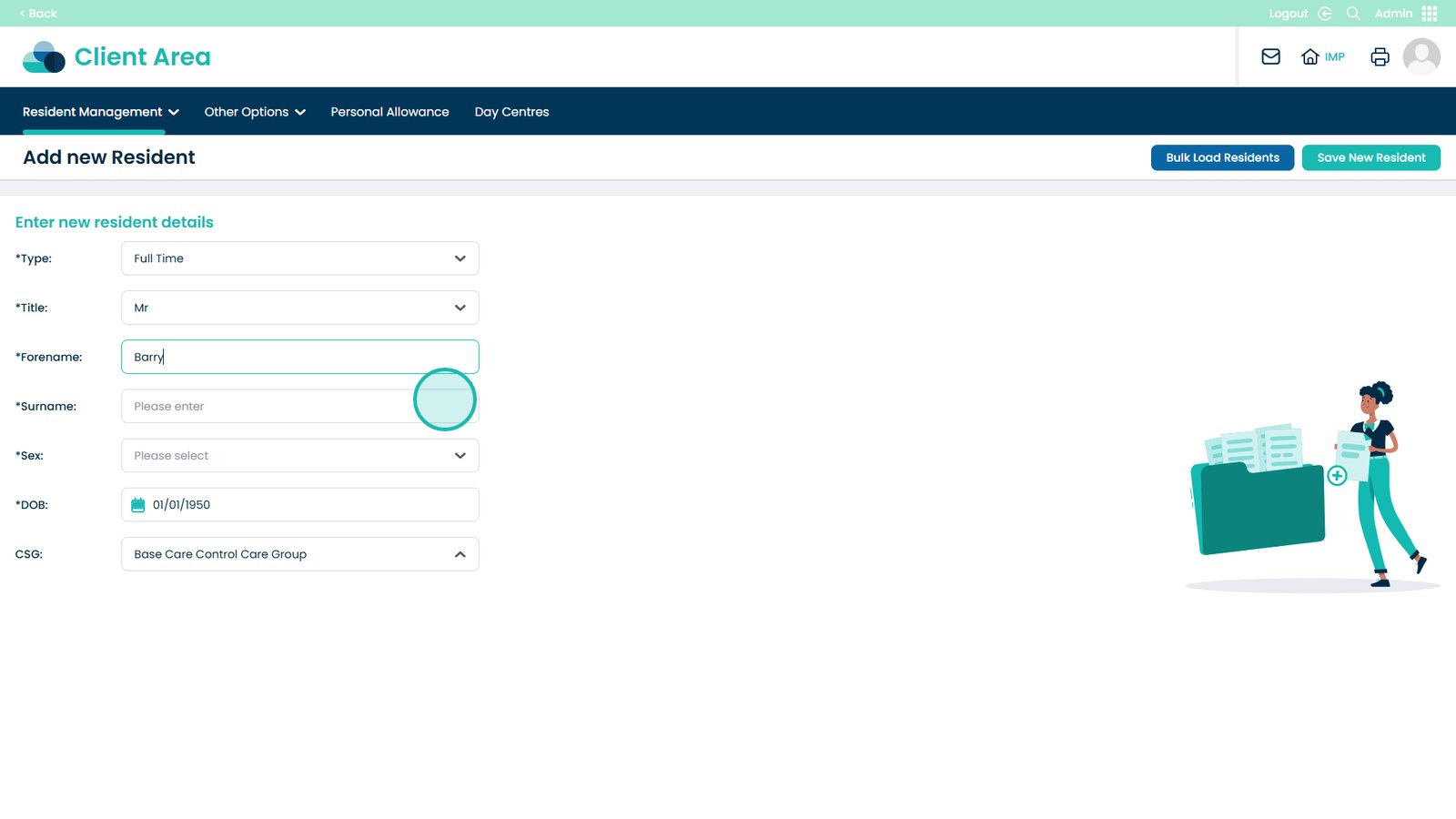
Enter the surname

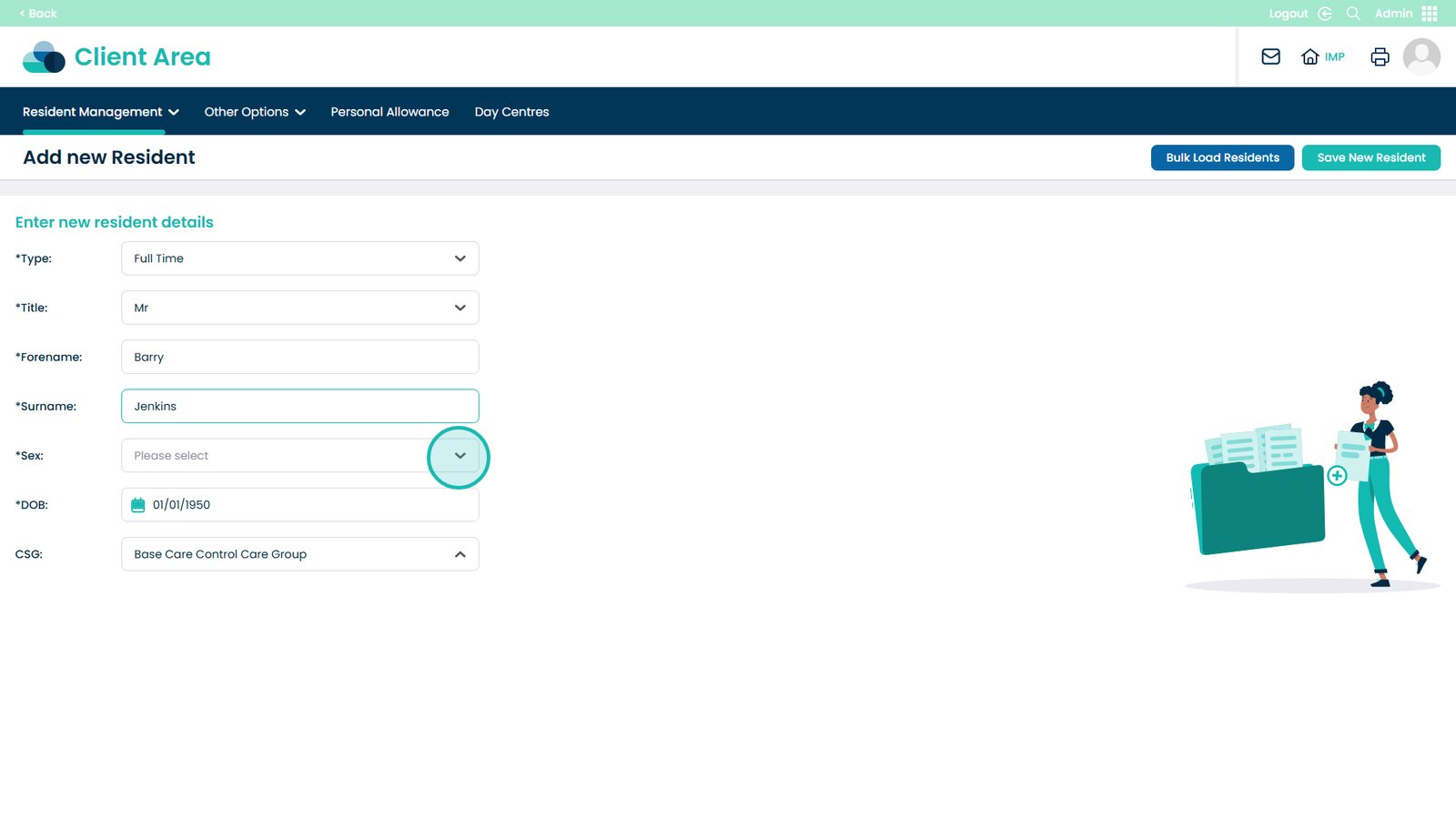
Select clinical sex

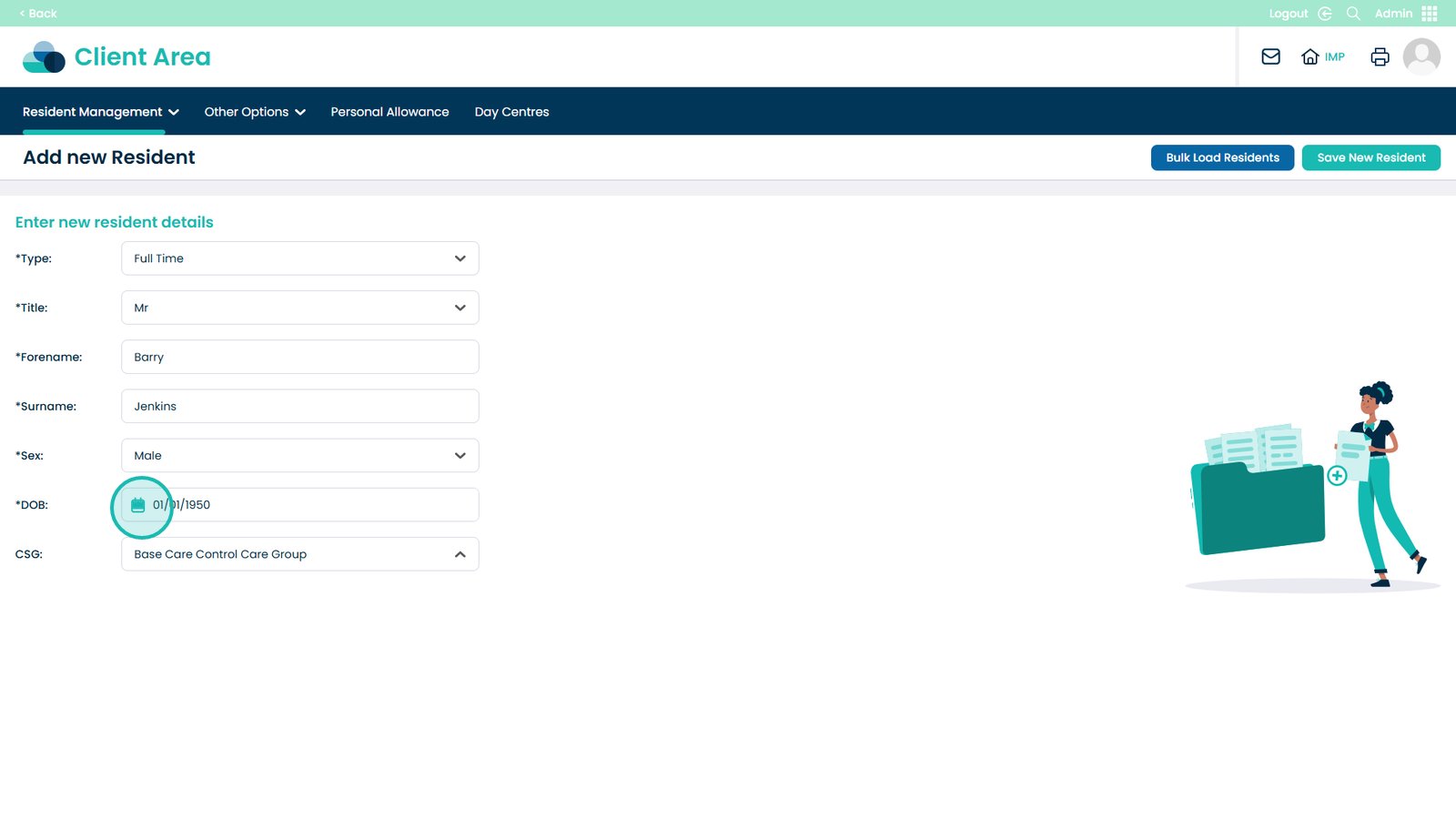
Enter date of birth

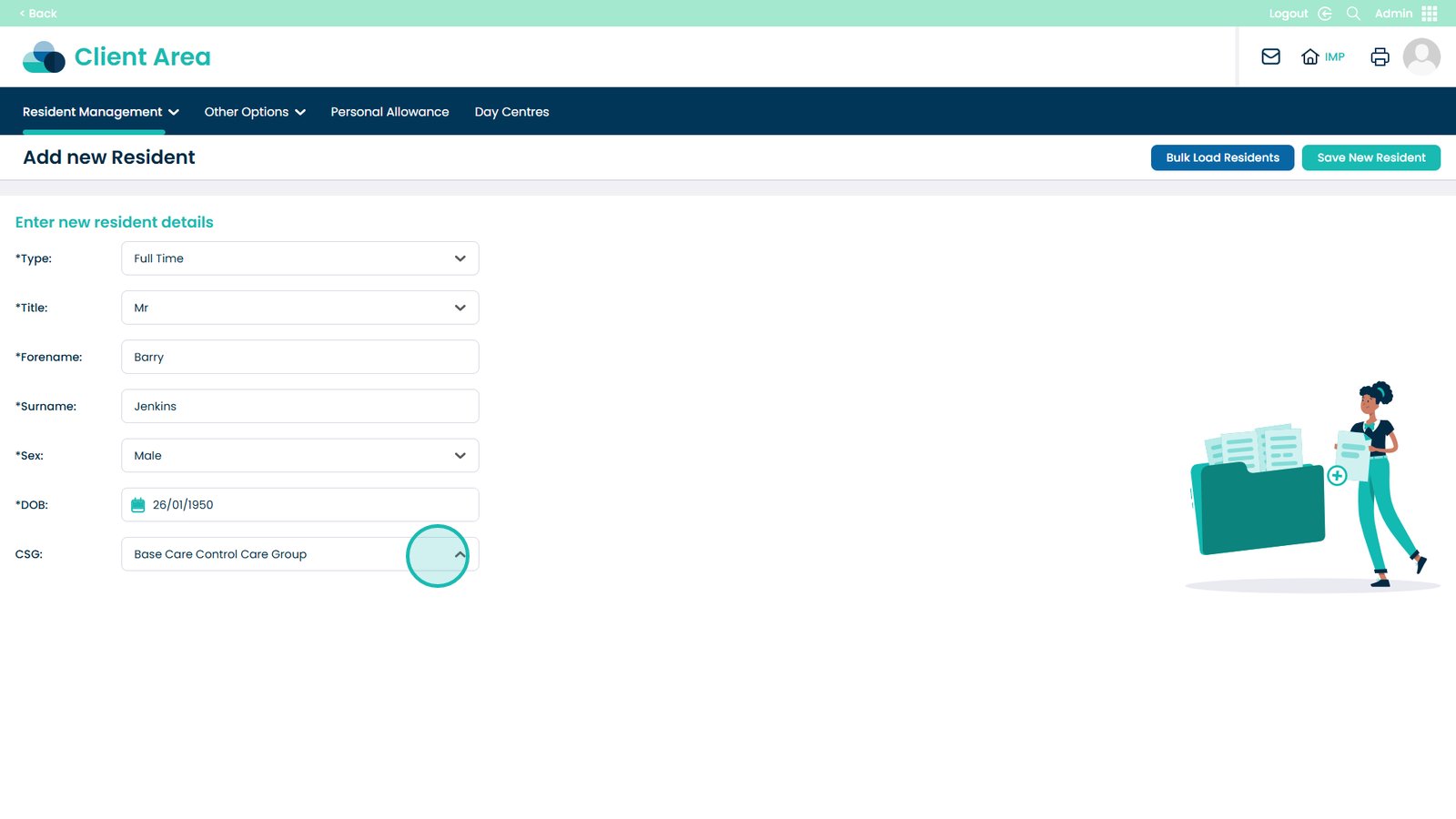
Select the CSG to assign

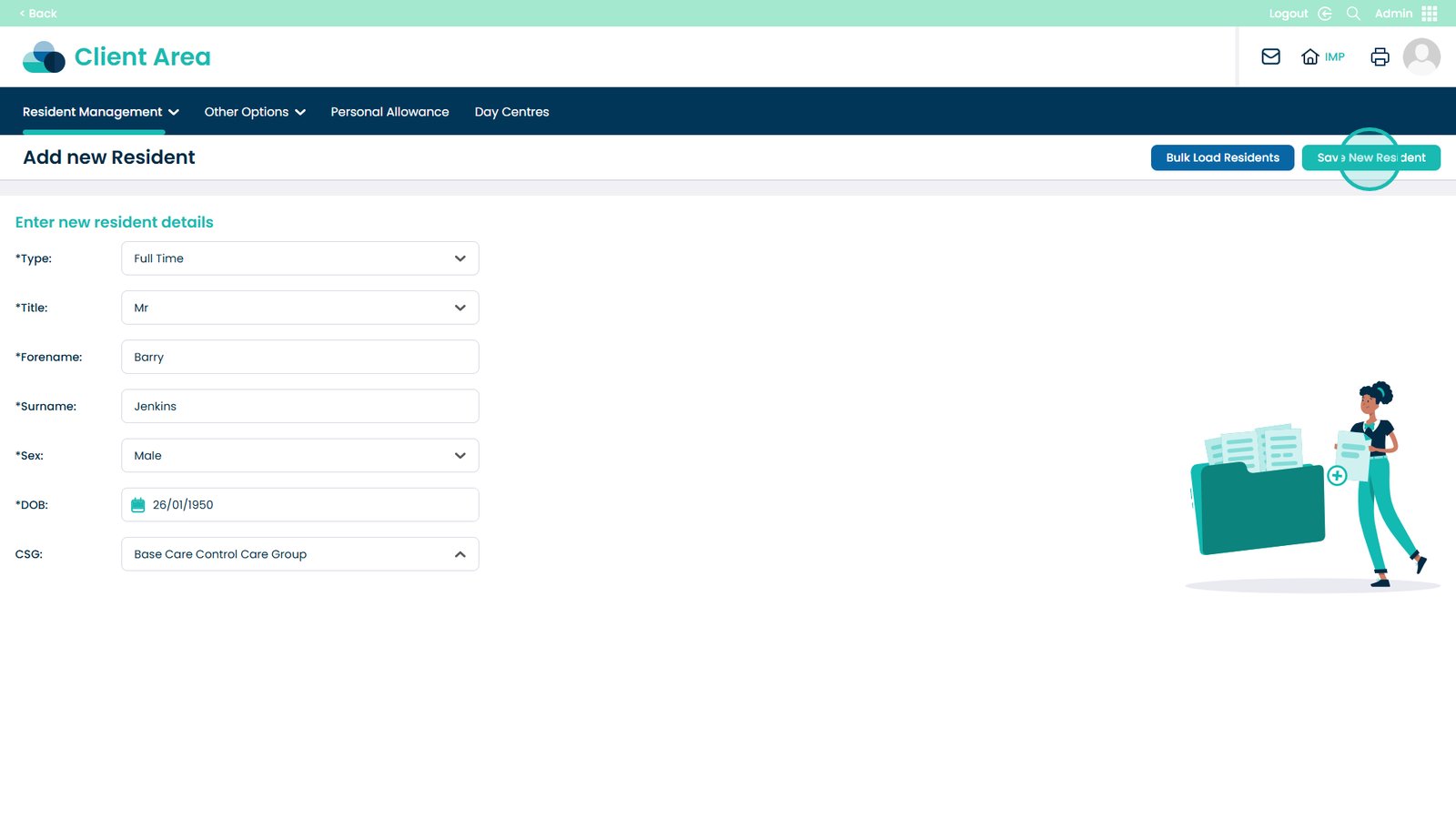
Save the new service user

Bulk Upload

Bulk uploading clients is the quickest way to add multiple client records to the system while keeping data consistent and accurate. This guide walks you through the full bulk upload process, from downloading the correct CSV template to reviewing and confirming your uploaded data.

Text based guide

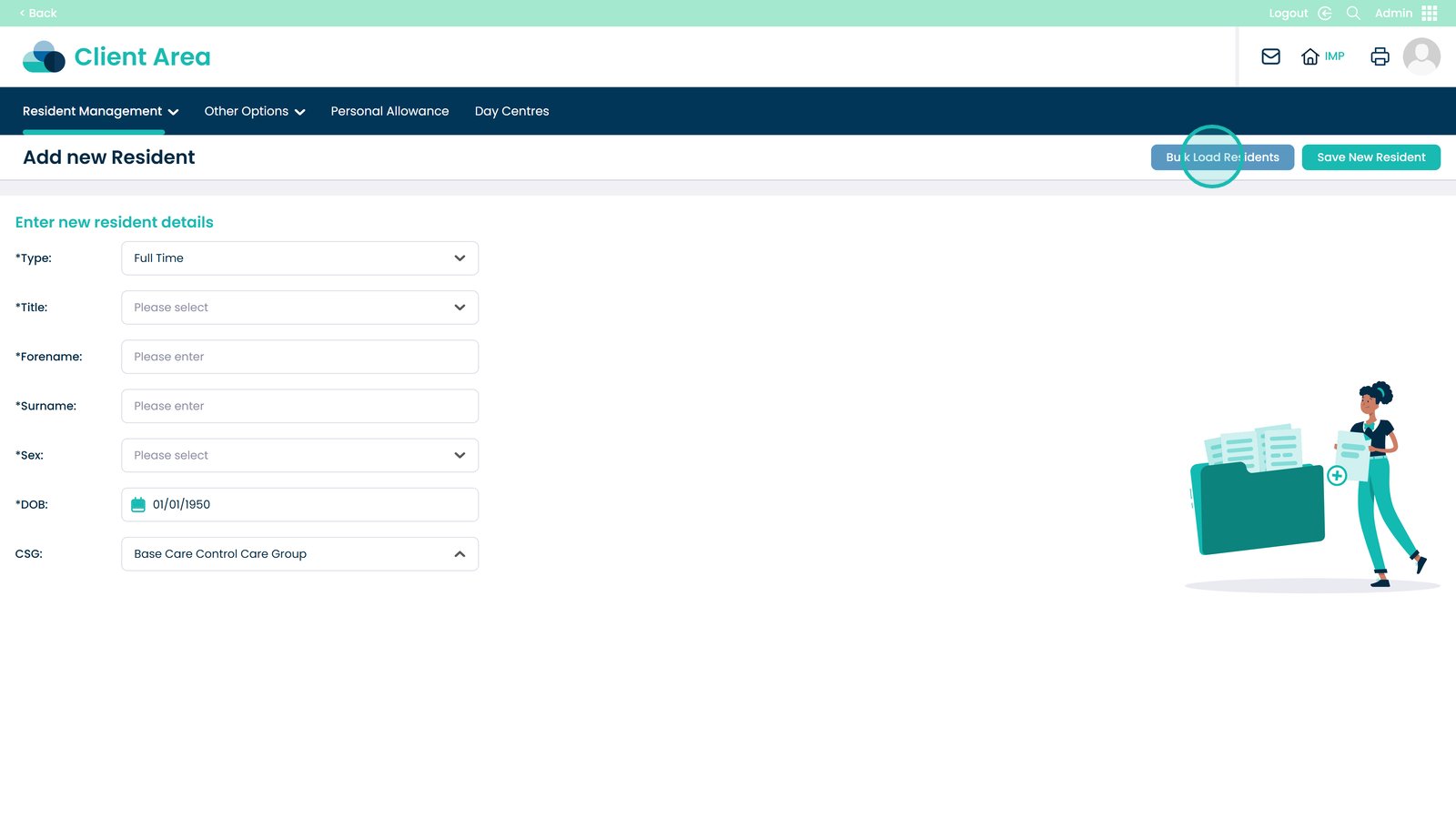
Select Bulk Load Clients

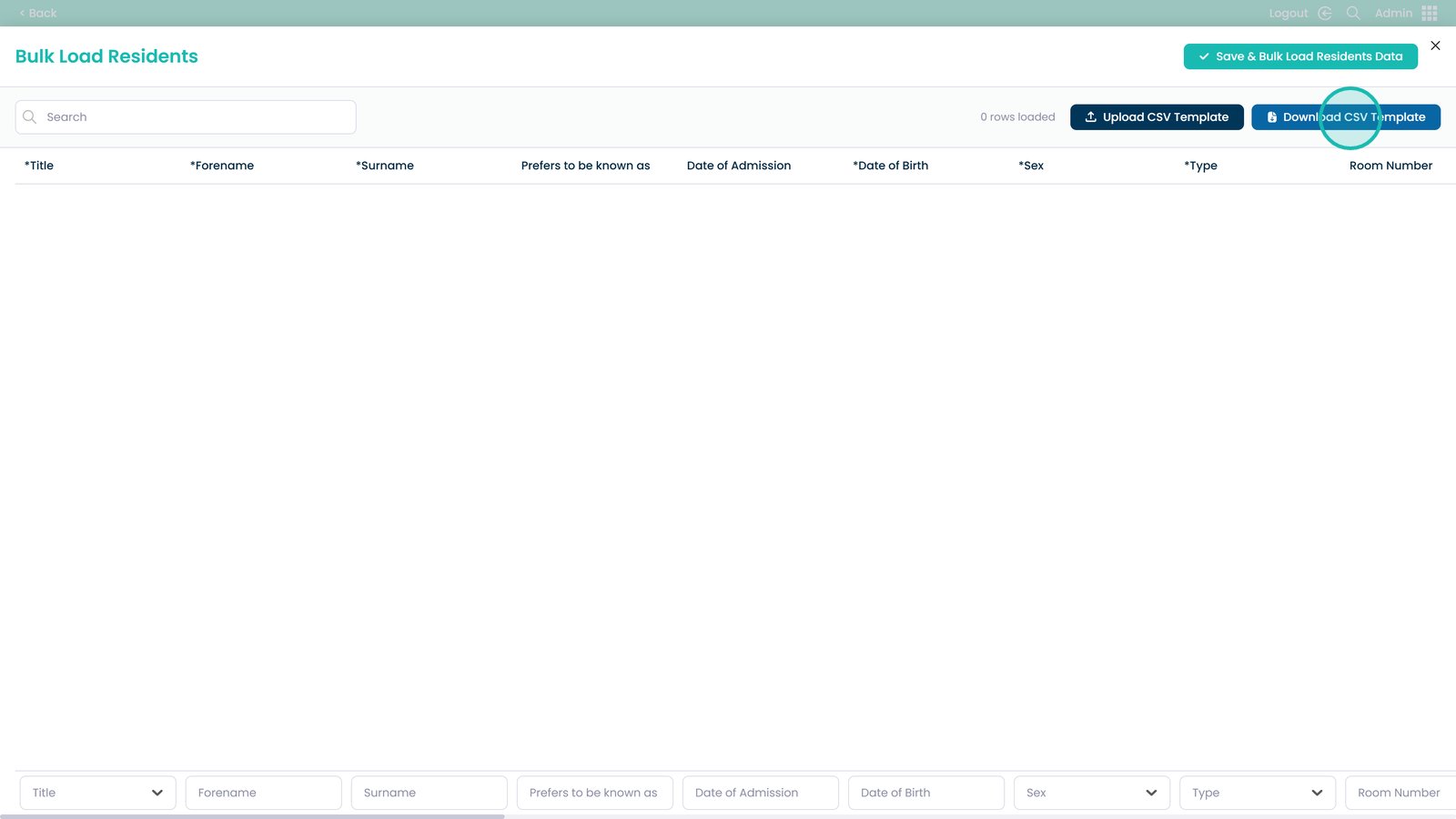
Download the CSV template

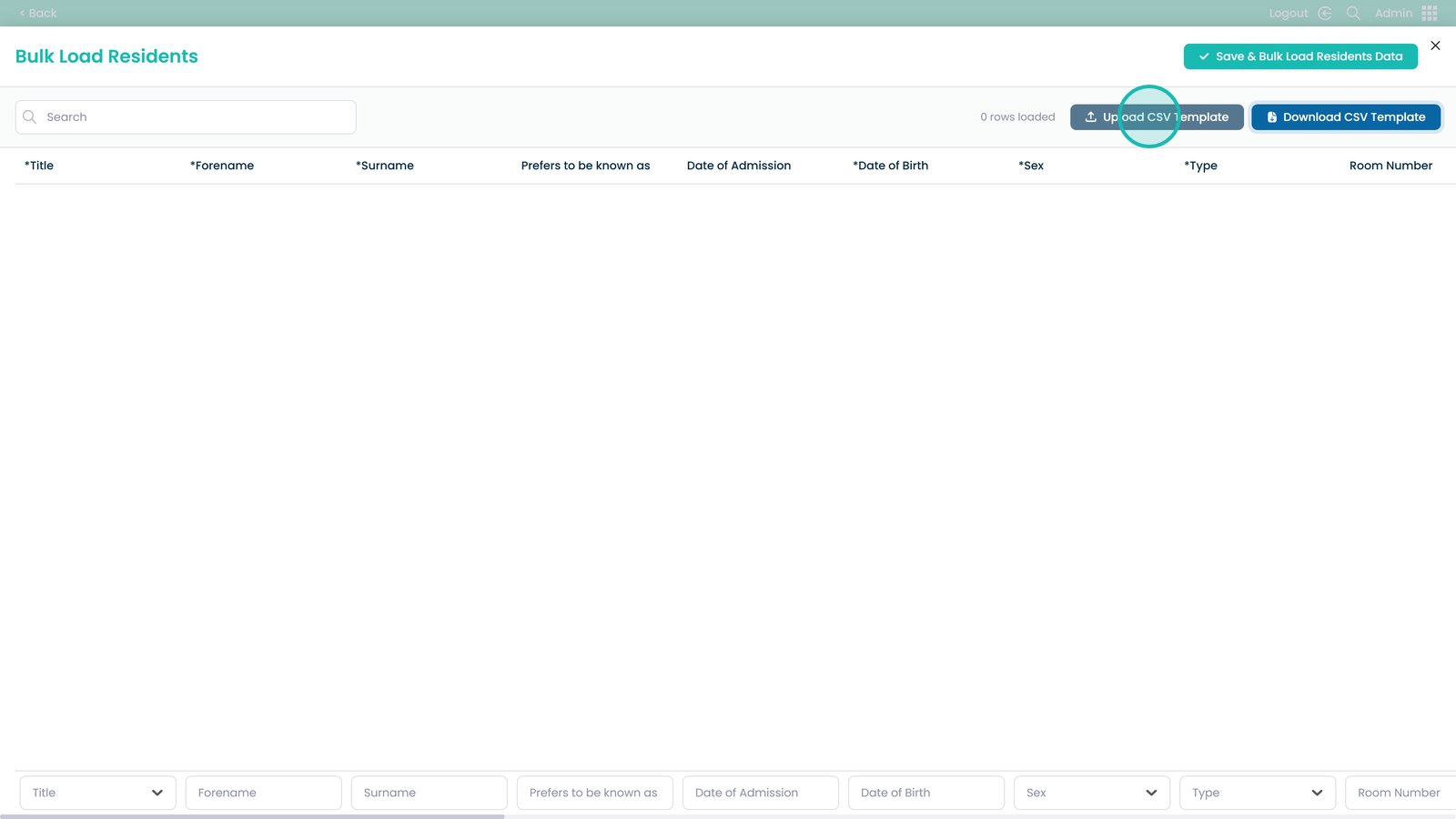
Upload the completed CSV

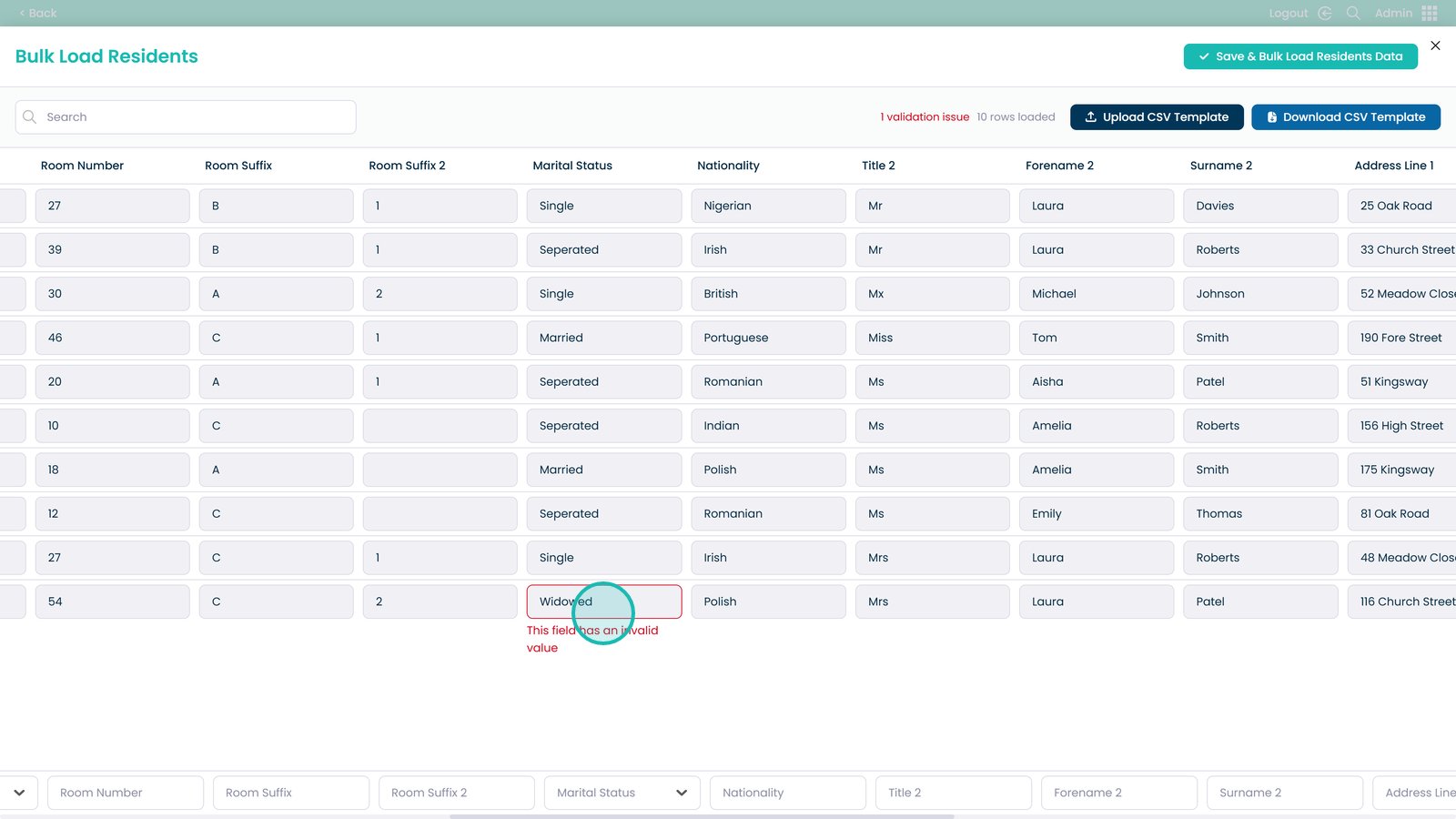
Review and fix any highlighted errors

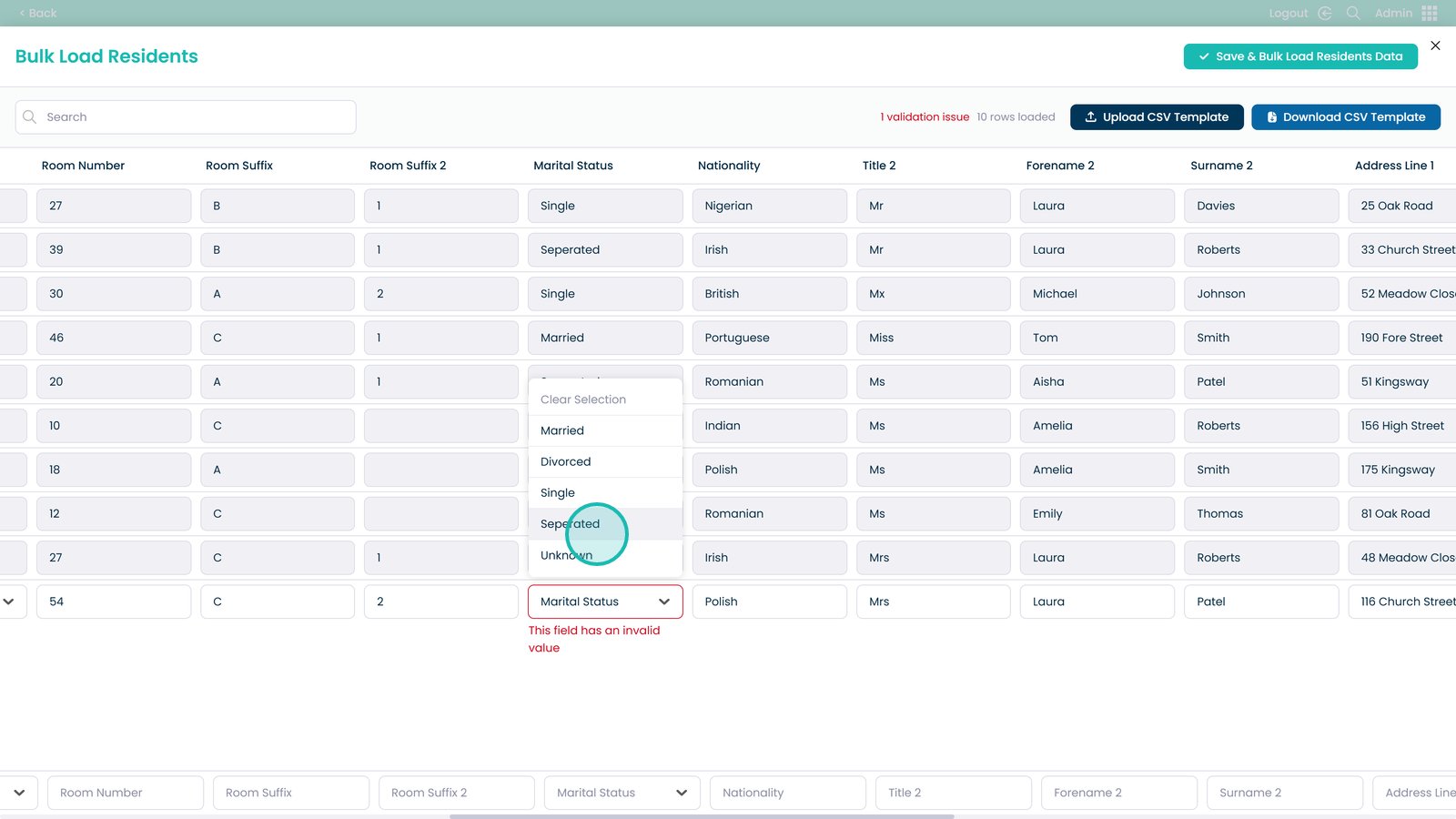
Select the closest matching option where prompted

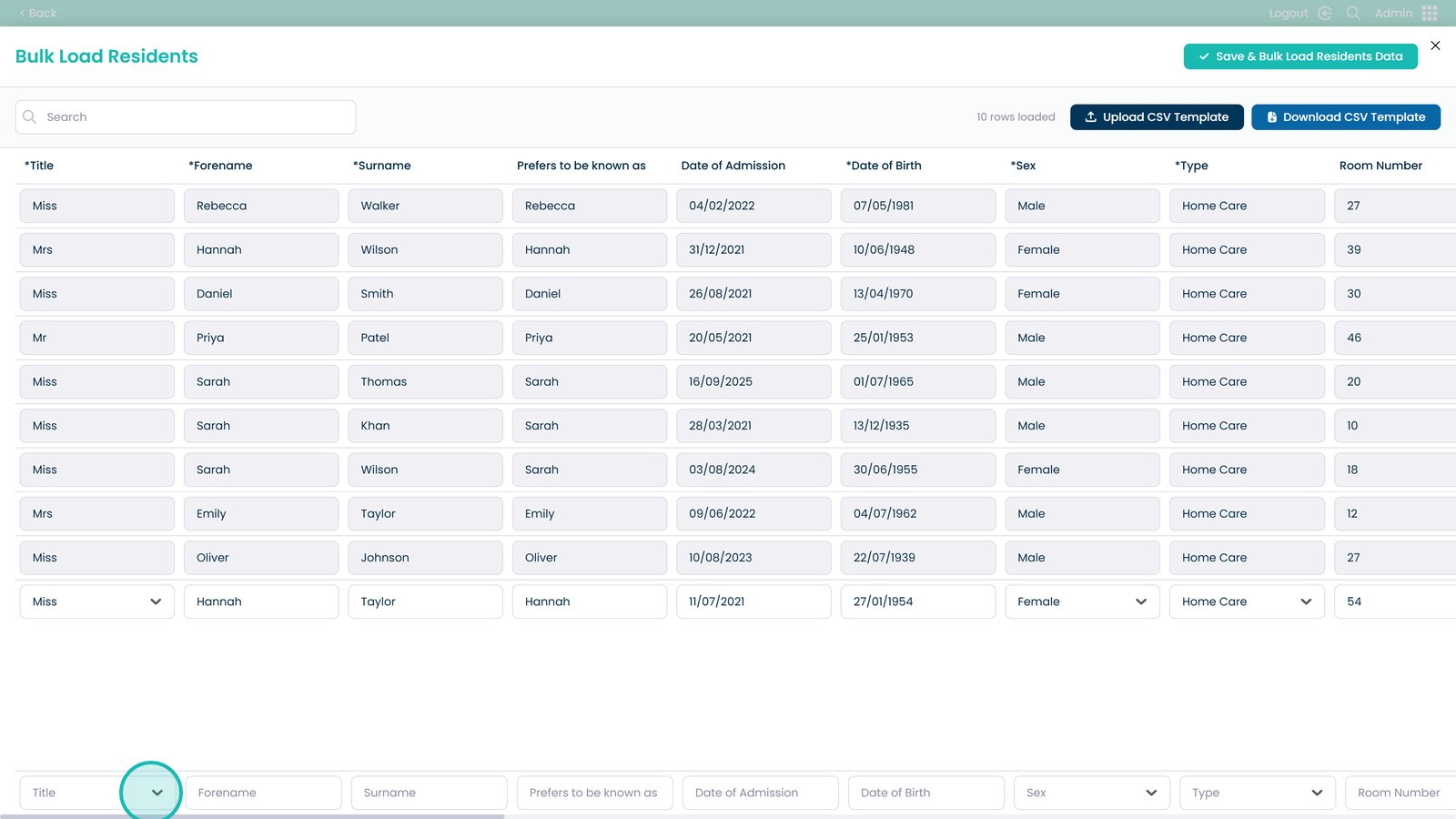
Add additional clients manually if required

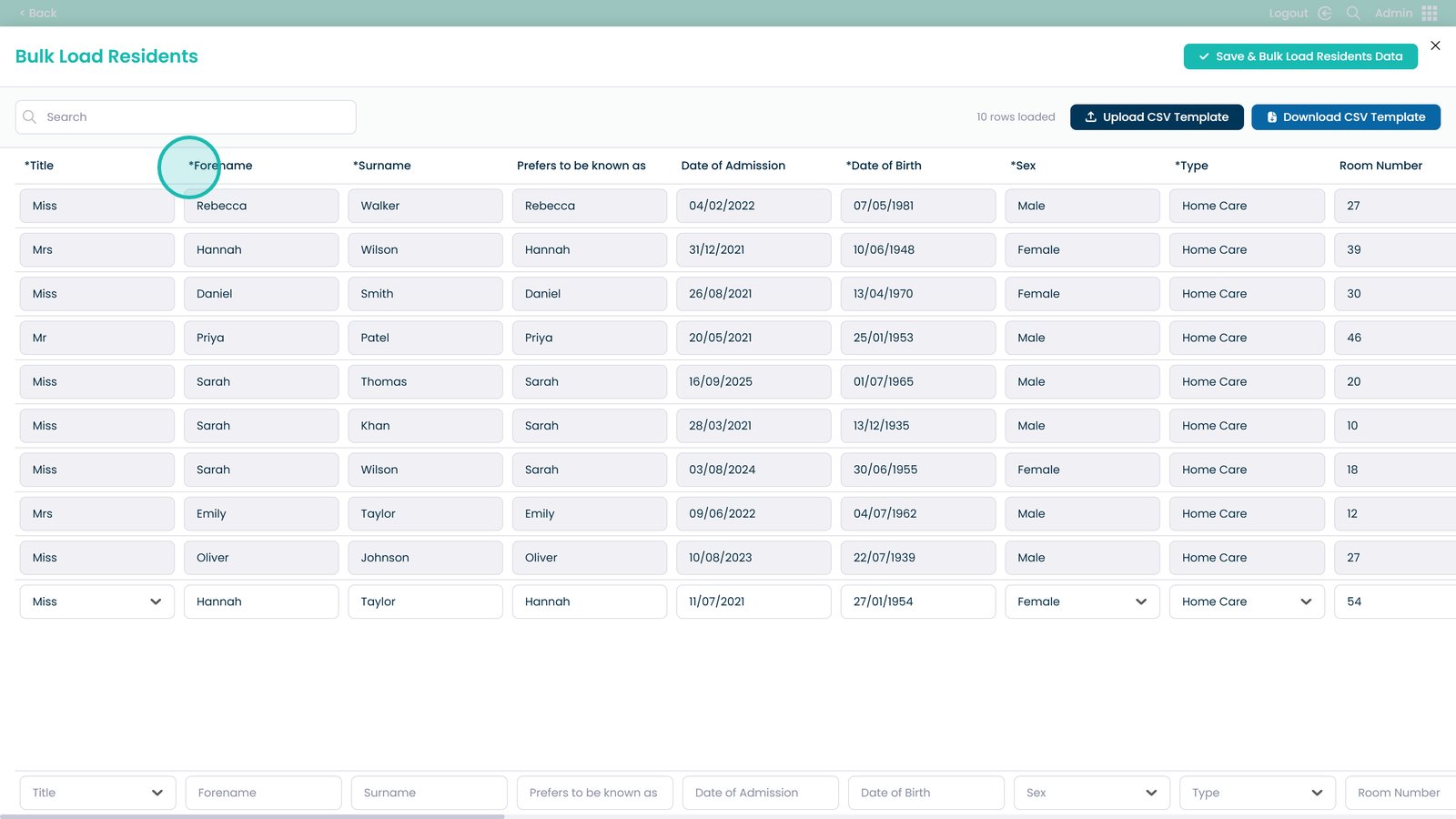
Required fields are marked with an asterisk

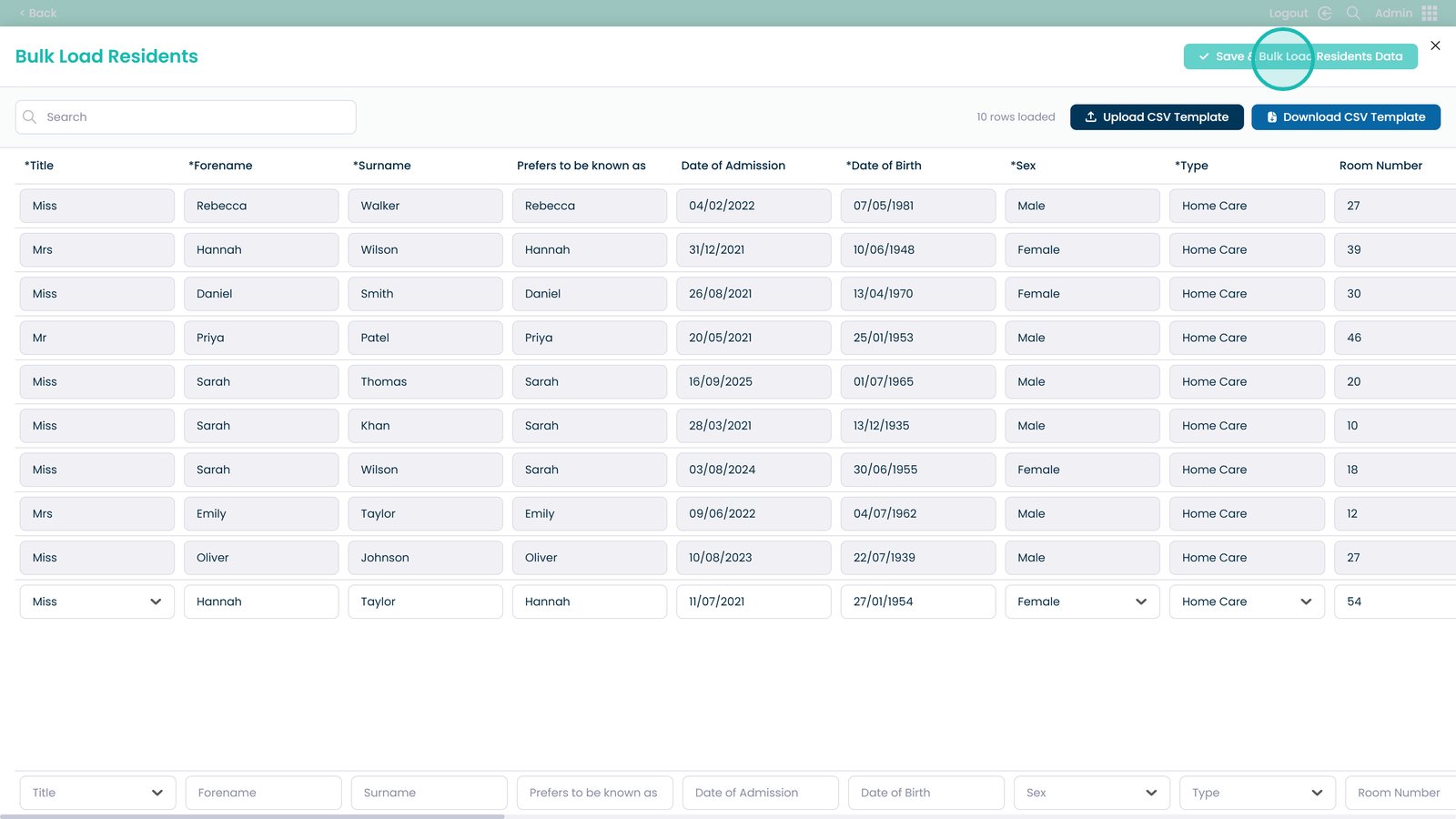
Save and start the bulk load

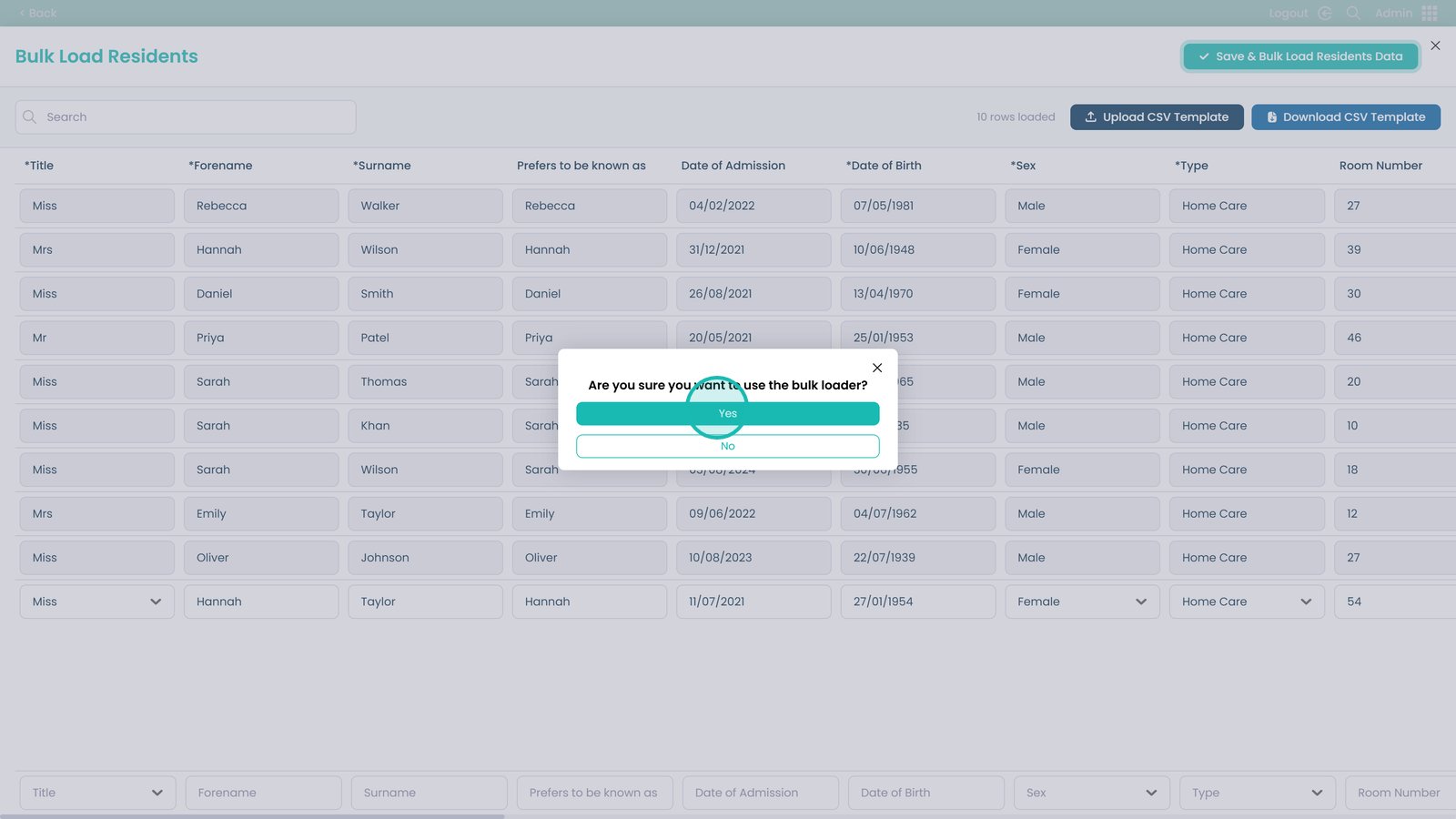
Confirm to complete the upload

Was it helpful ?
Table of Contents
↑ Top