View Categories

How to Add a Site Administrator

This guide explains how to add a Site Administrator to a specific site within Care Control Cloud. Site Administrators play a key role in managing onboarding and overseeing day-to-day system access at site level. You can either manually create a new administrator by entering their details directly, or assign an existing Care Control user to the role. This step-by-step guide walks you through both methods, ensuring the right people have the right level of access for your site.

Interactive Guide

Text based guide

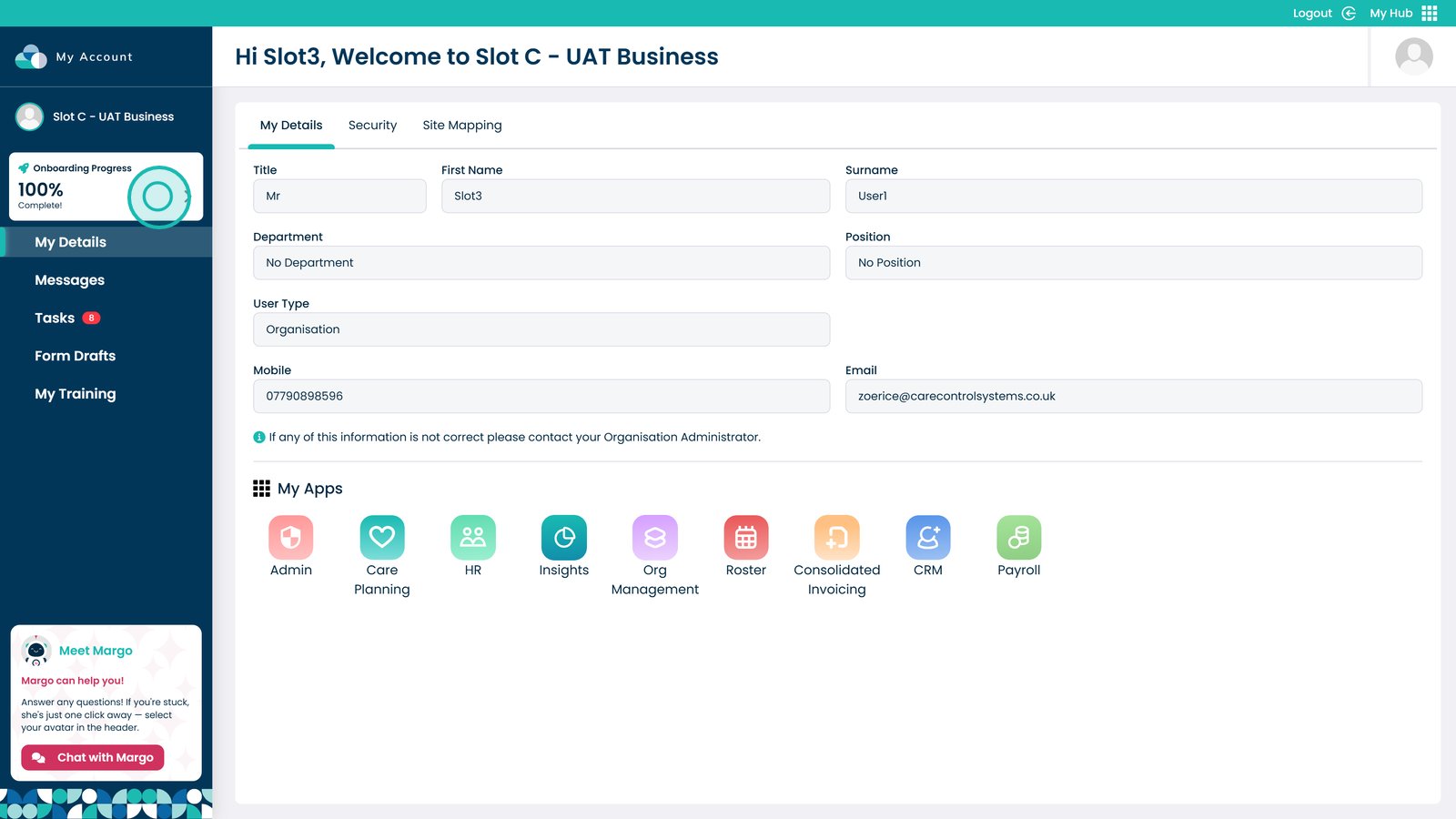
Click the Onboarding Progress box


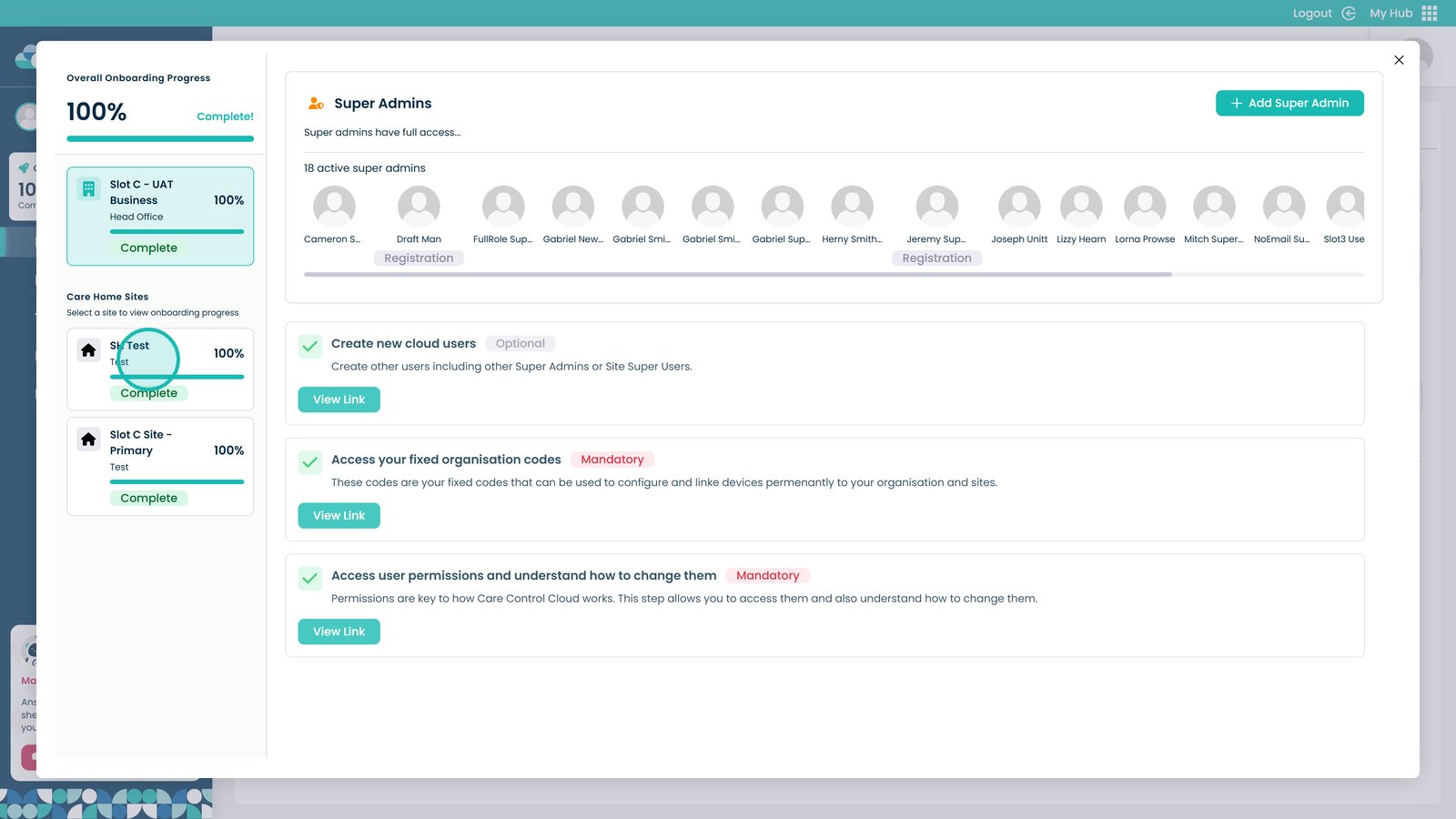
Click the site you wish to add an administrator to


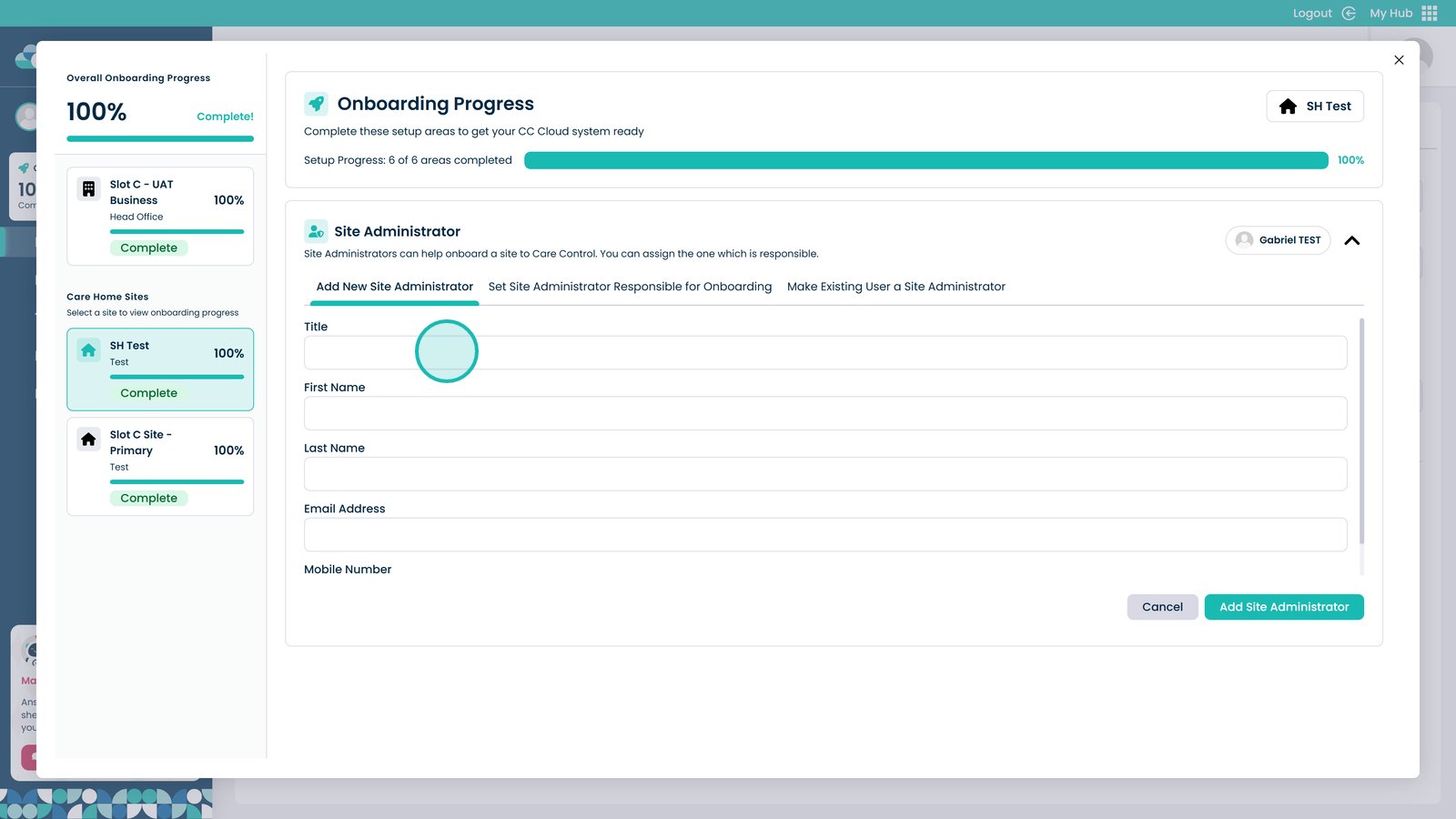
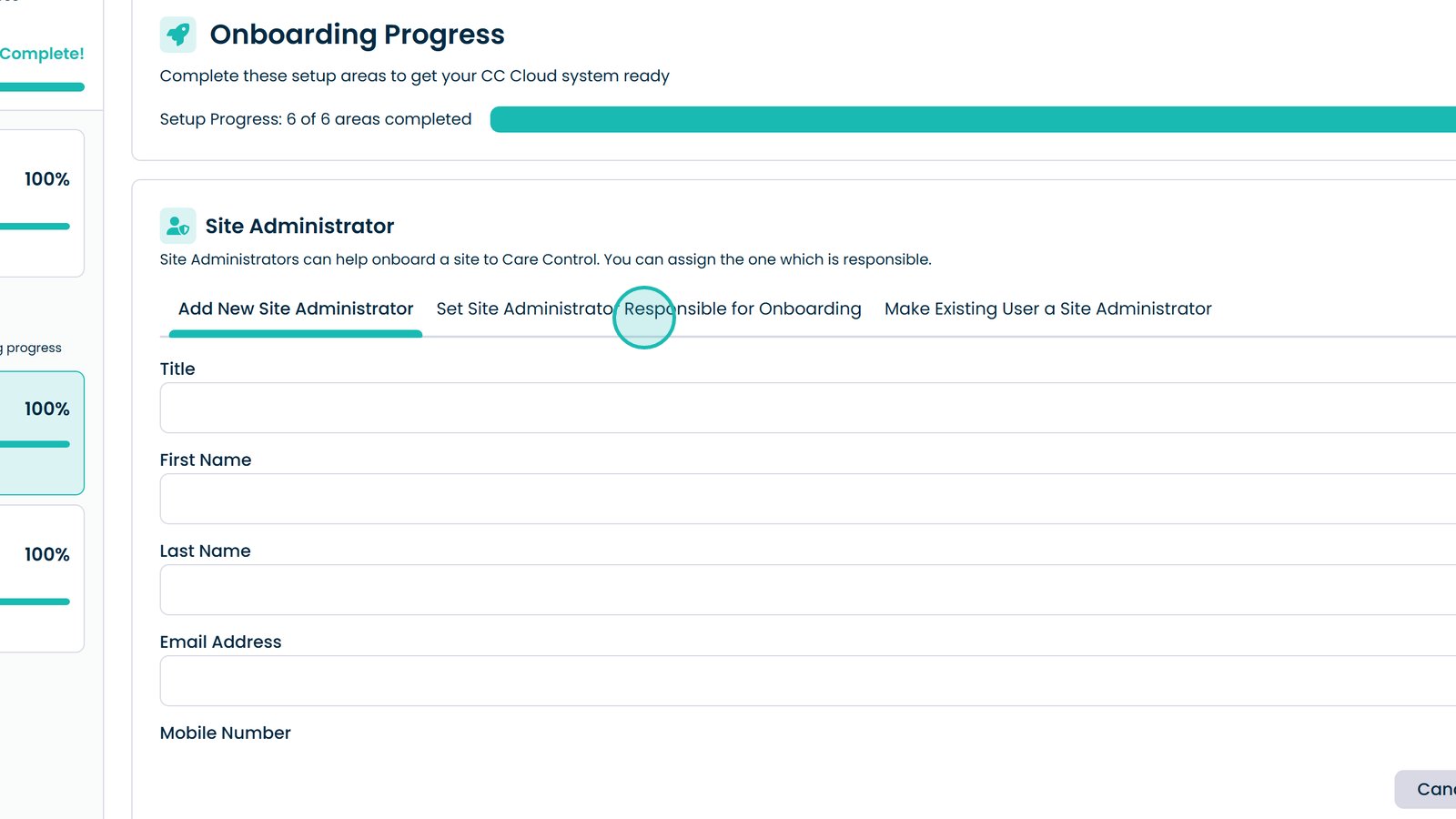
You can manually add a new site administrator by entering their information into these boxes


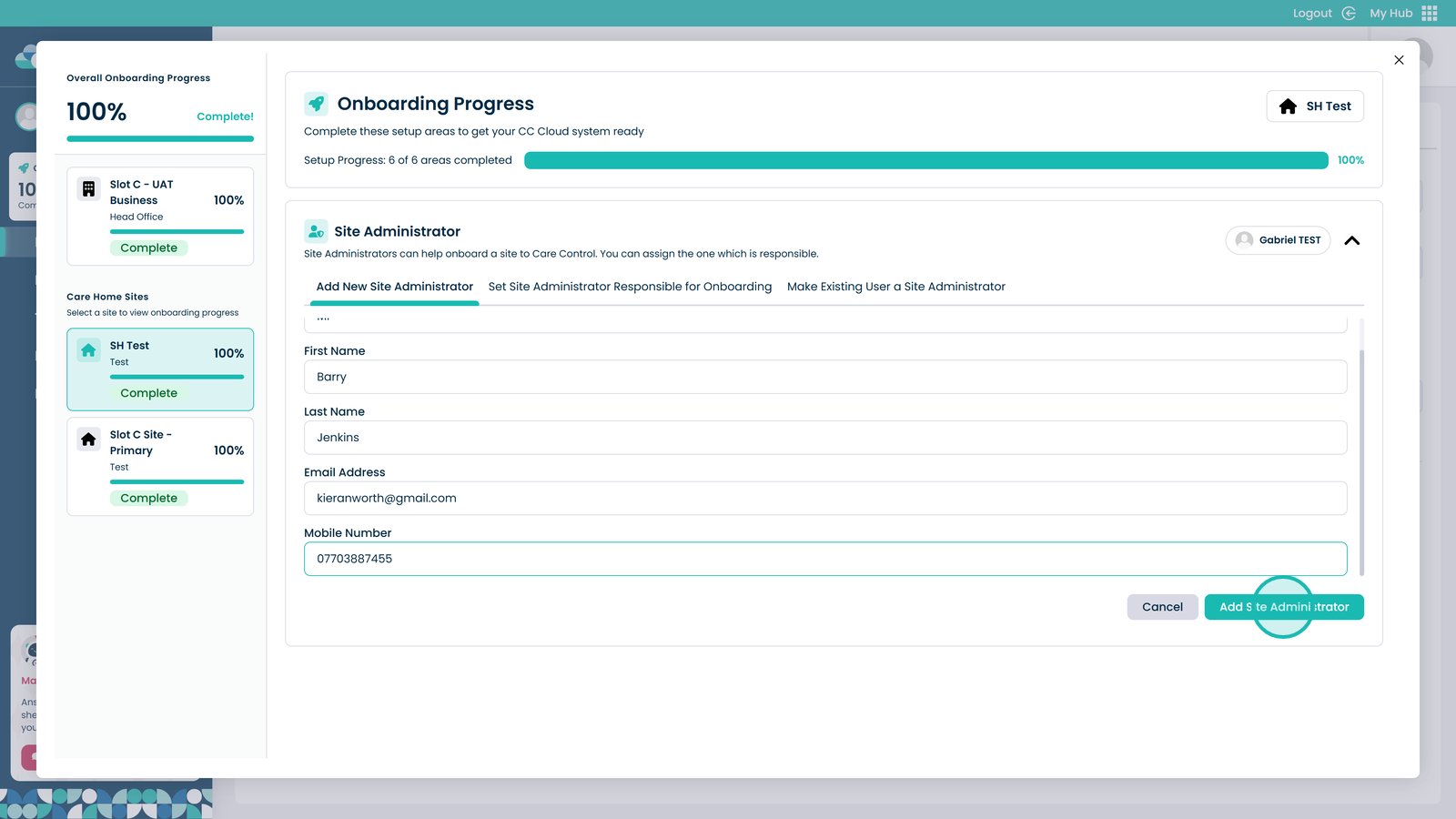
Once all the details are entered, click Add Site Administrator


Click here to choose who will be the administrator responsible for the onboarding


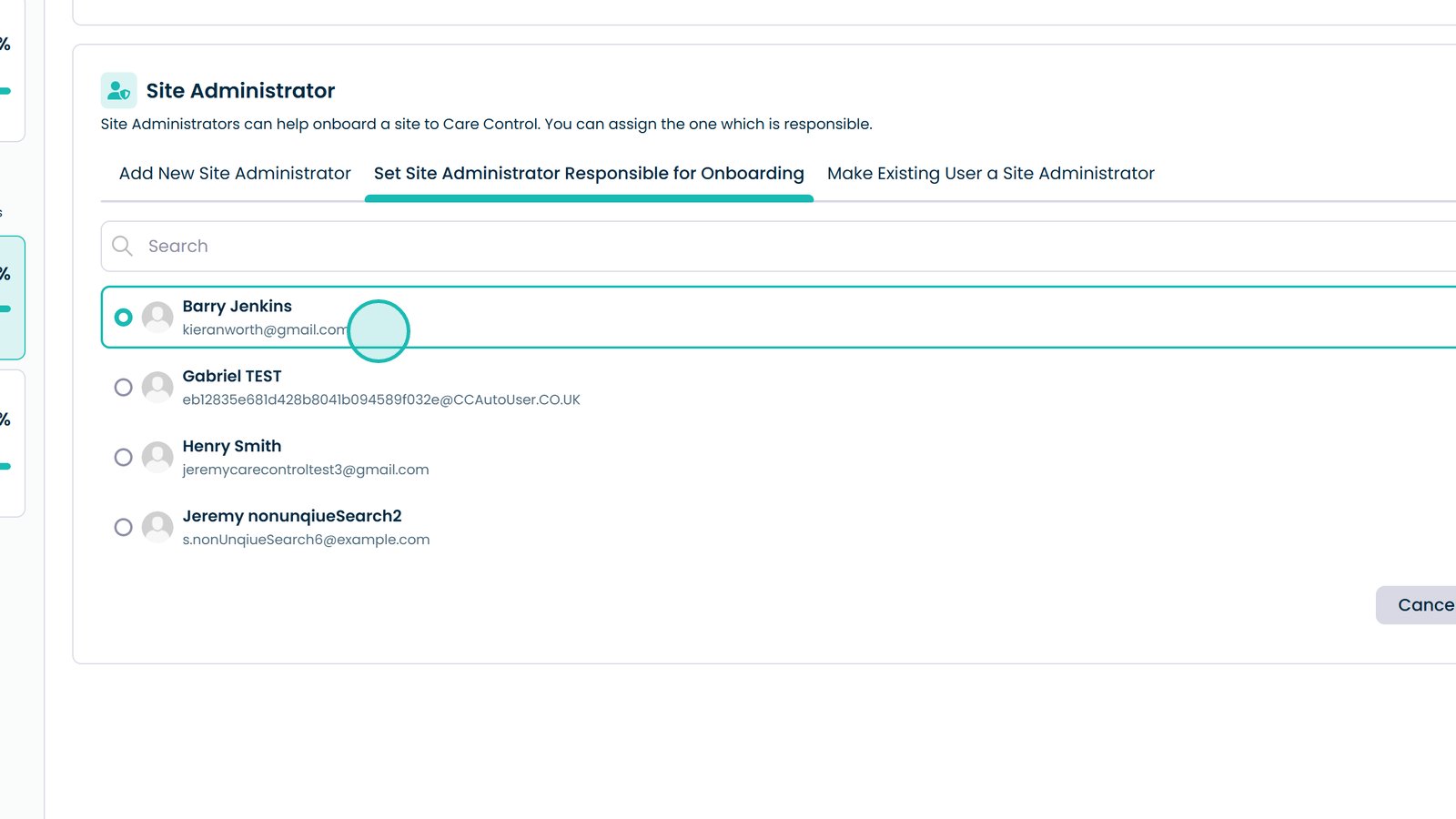
Choose the user from this list


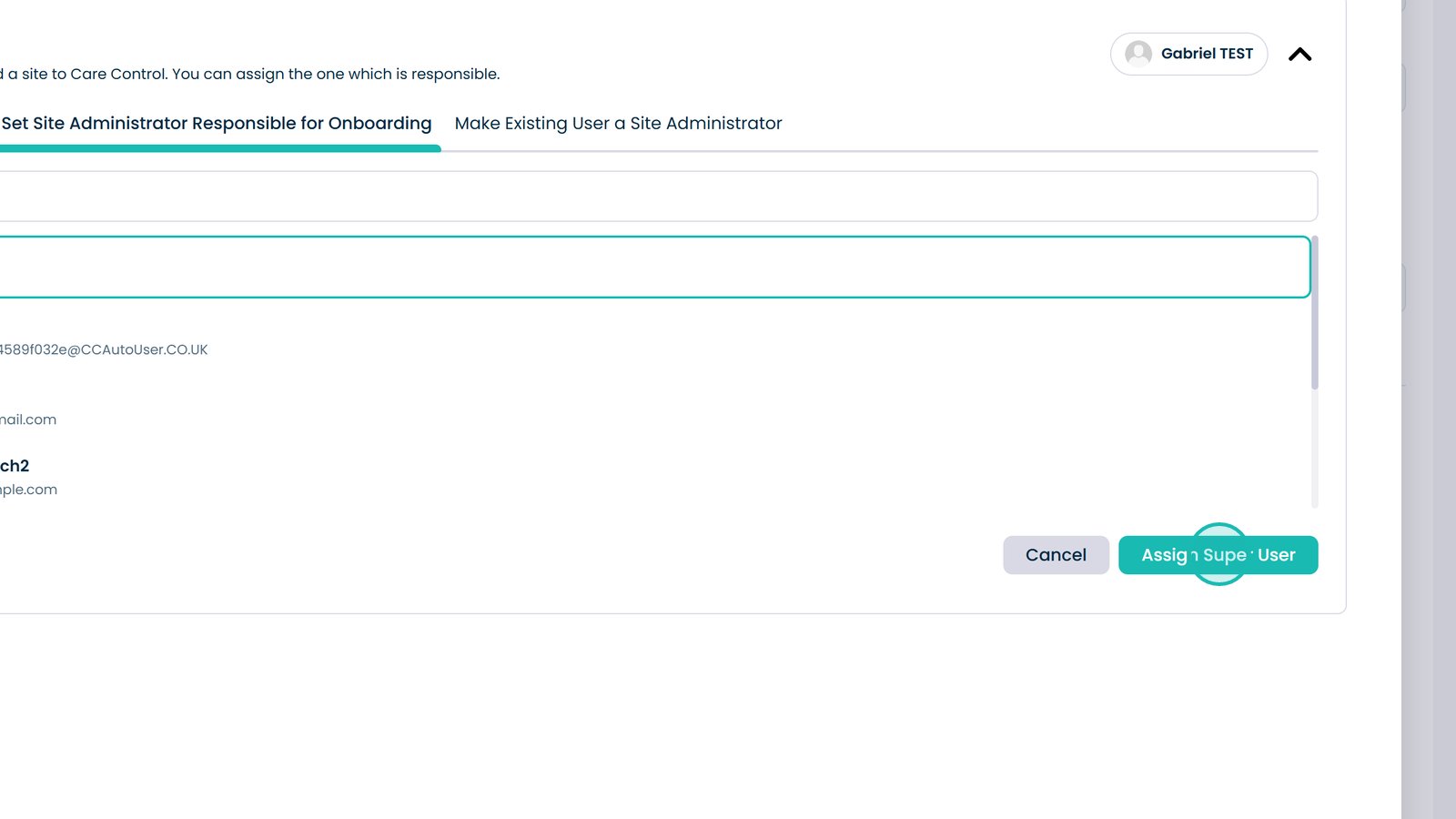
Click Assign Super User


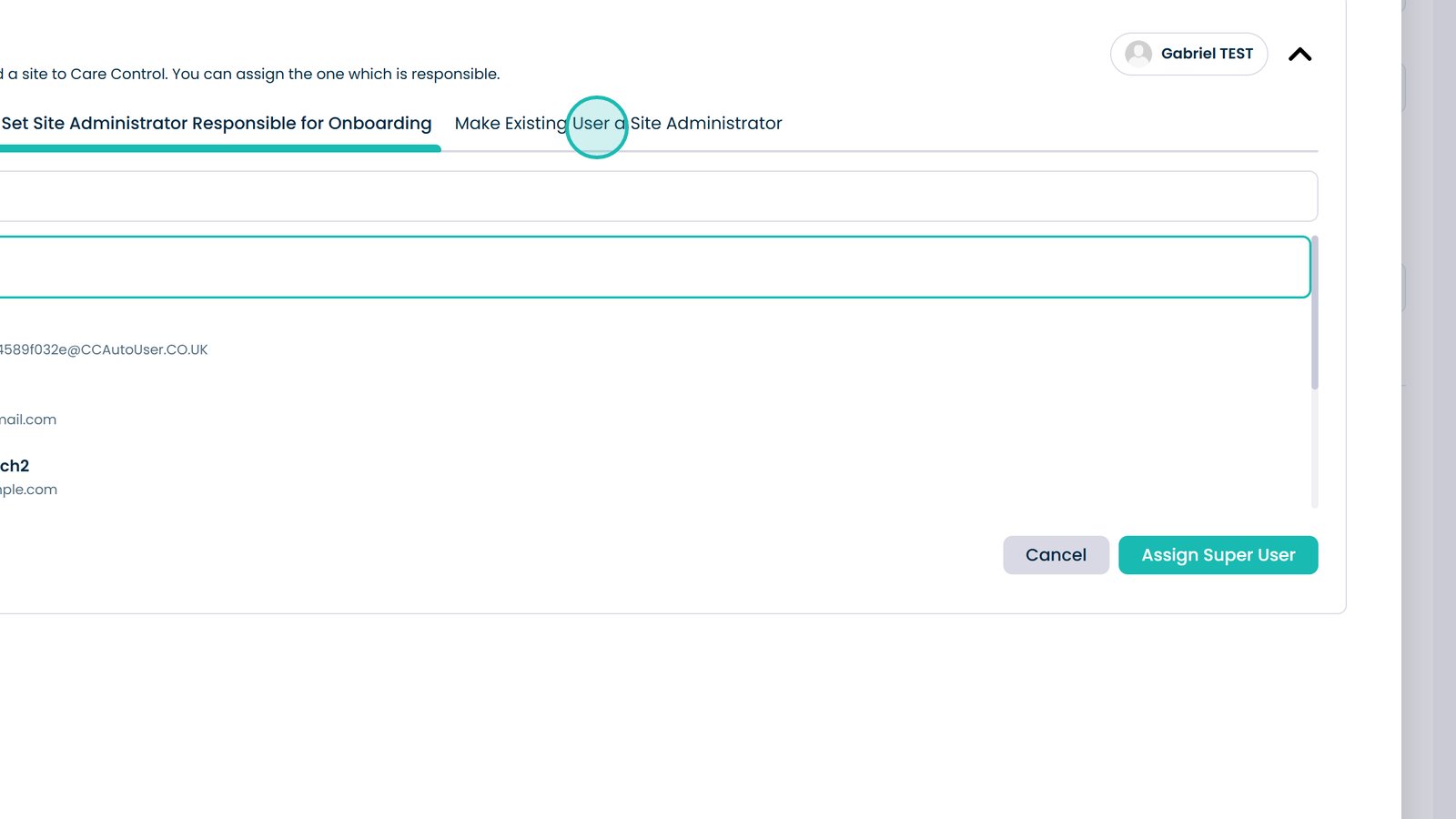
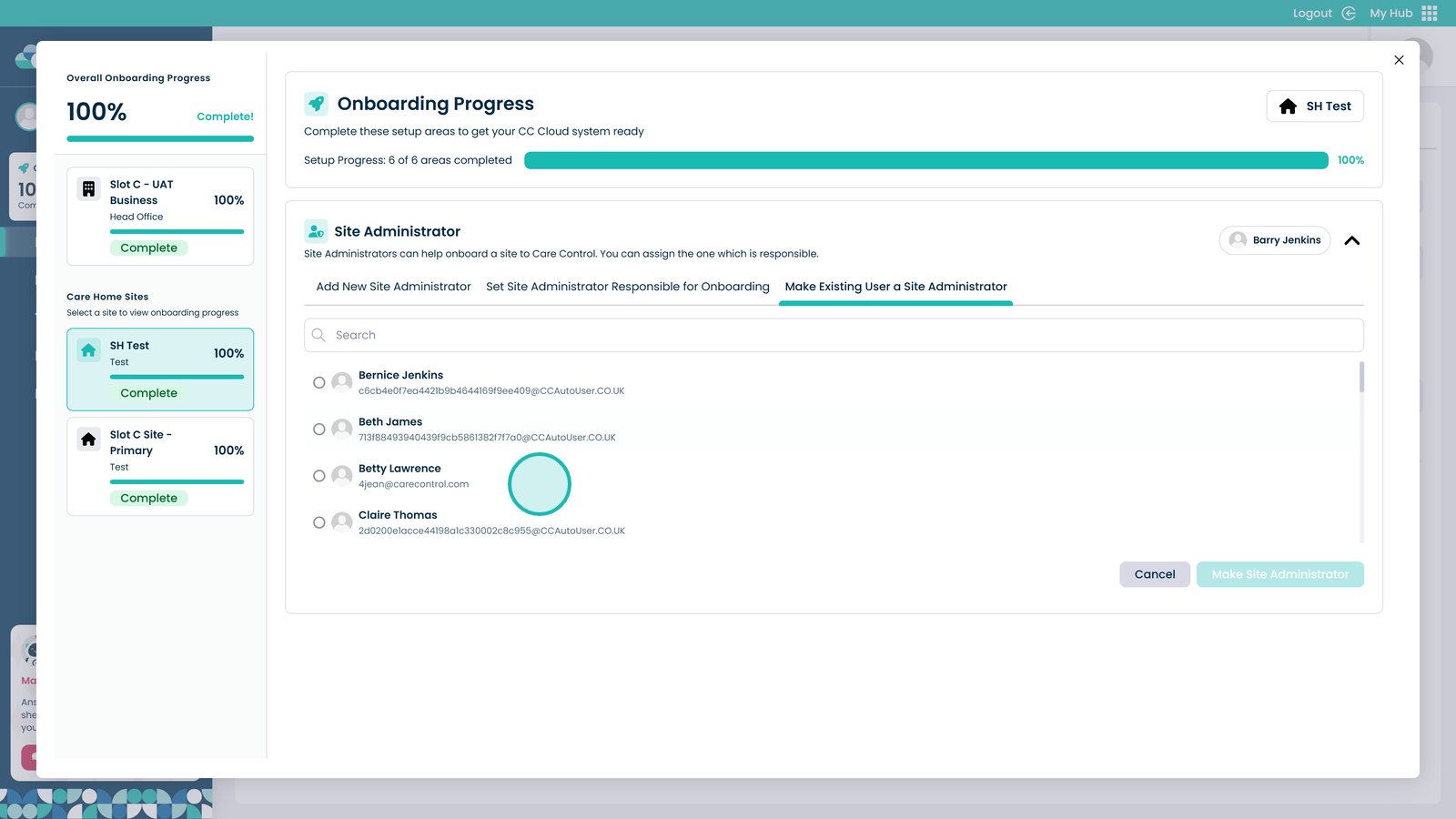
Click here to make an existing user a site administrator


Choose a user from this list


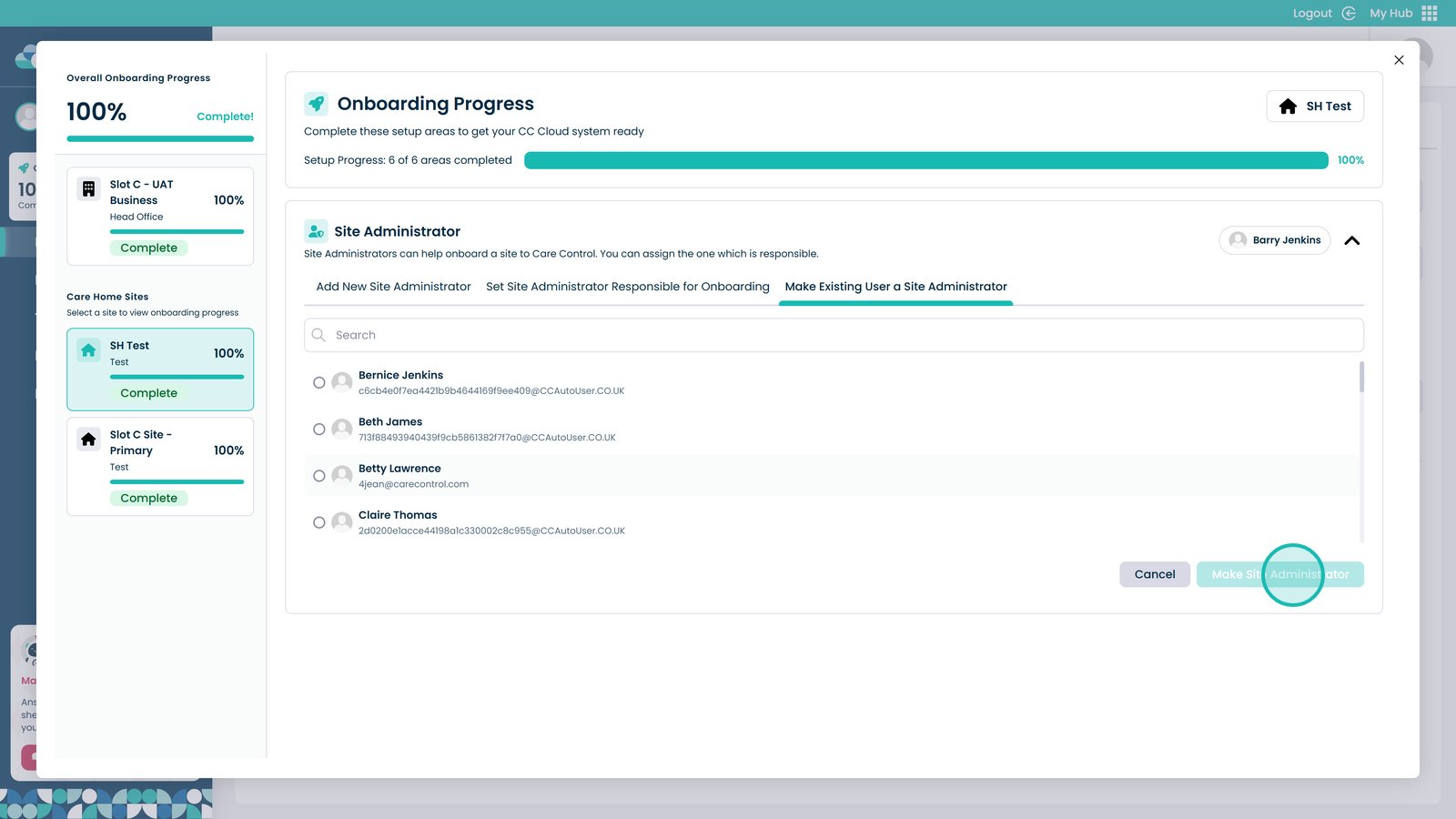
Select Make Site Administrator to give them the site administrator permissions

Was it helpful ?
Table of Contents
↑ Top