View Categories

How to Complete and Track Training

This guide explains how to use the My Training section to view, manage, and update your training records. Within this area, you can quickly see which courses are mandatory, which are up to date, and any training that is due soon or overdue. You can also mark training as complete, add completion dates, and review your full training history.

Keeping your training records up to date ensures you remain compliant with required learning and helps your organisation maintain accurate and reliable staff training information.

Interactive Guide

Text based guide

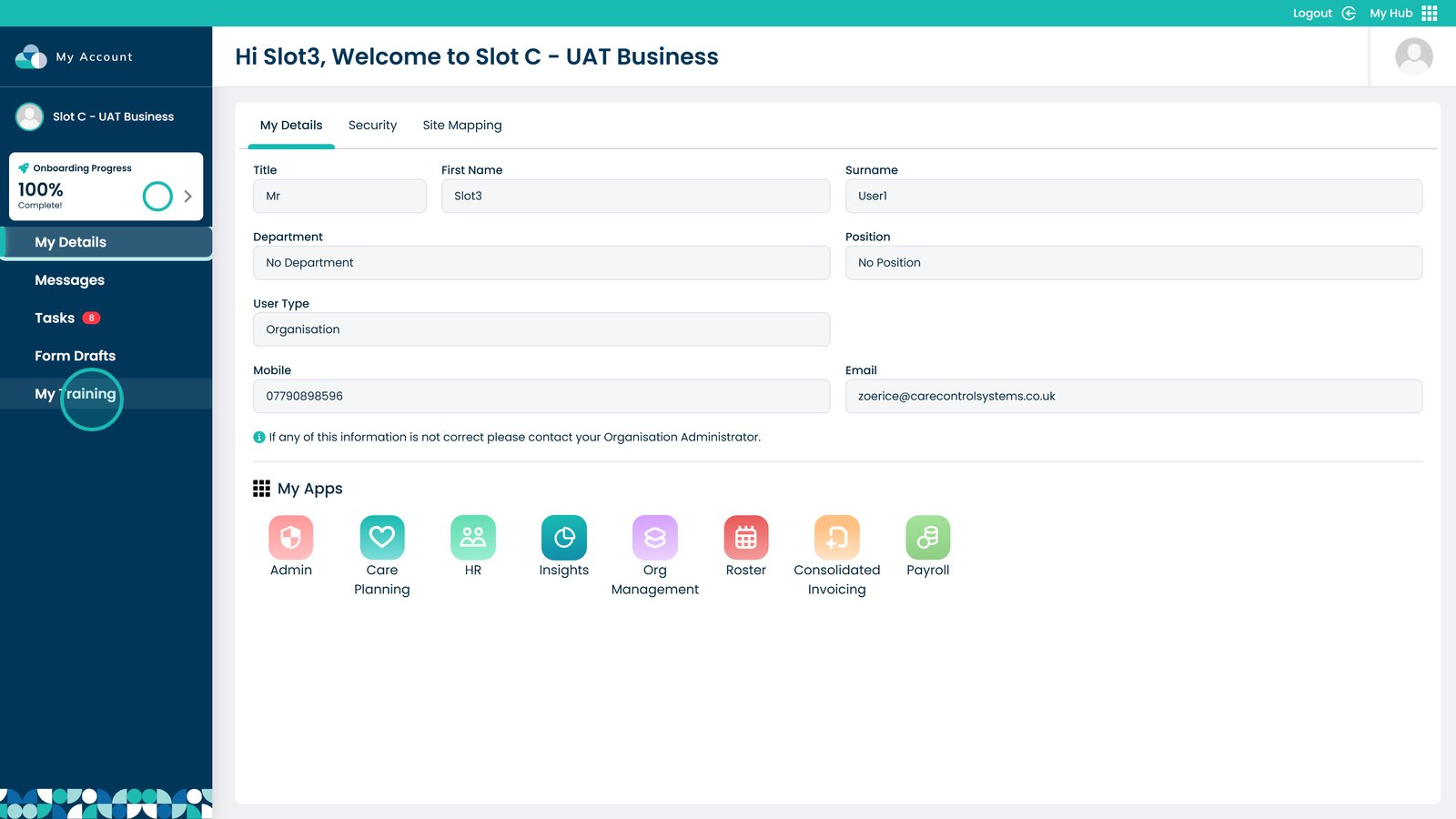
Click My Training


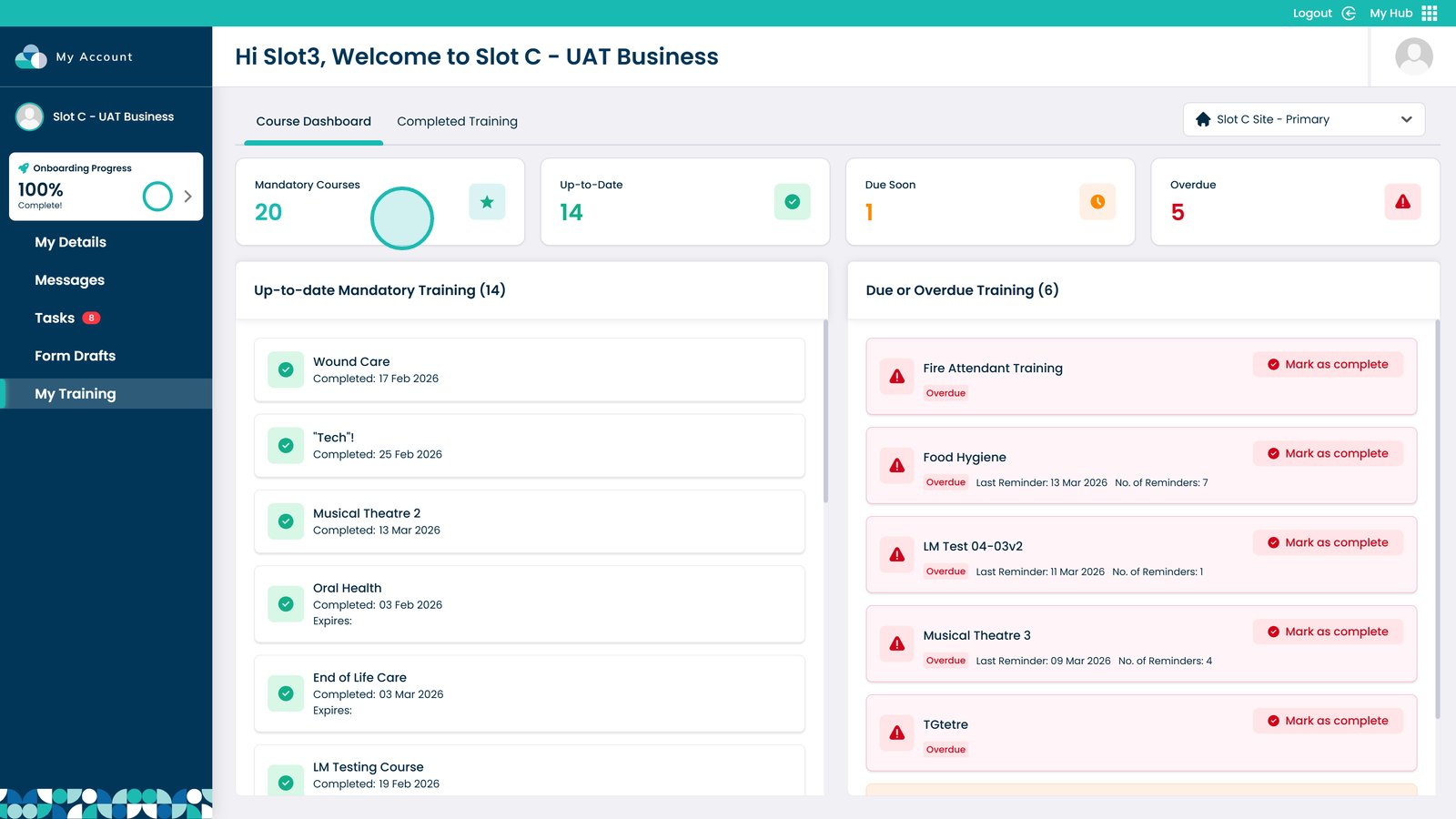
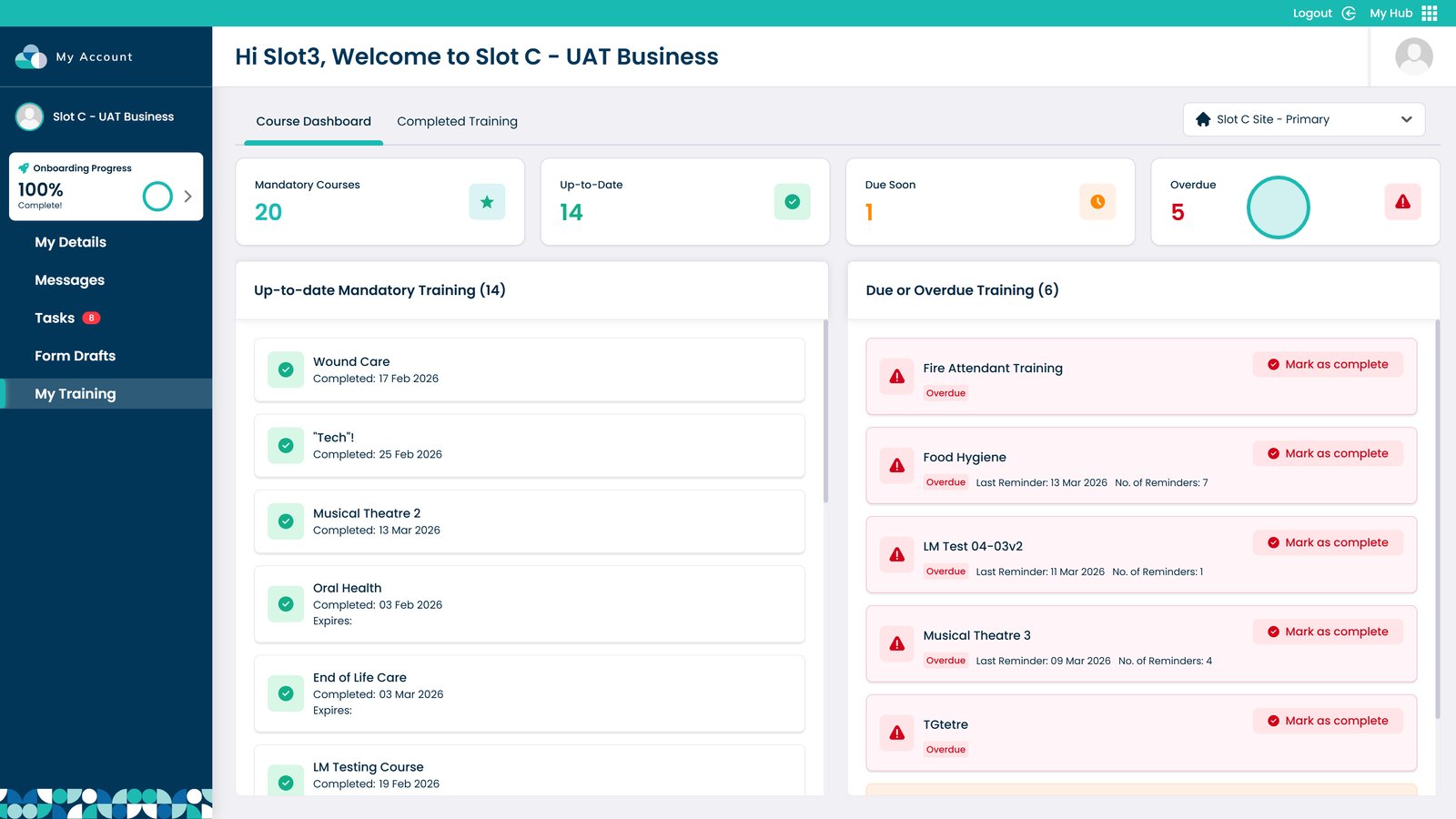
View how many courses are mandatory

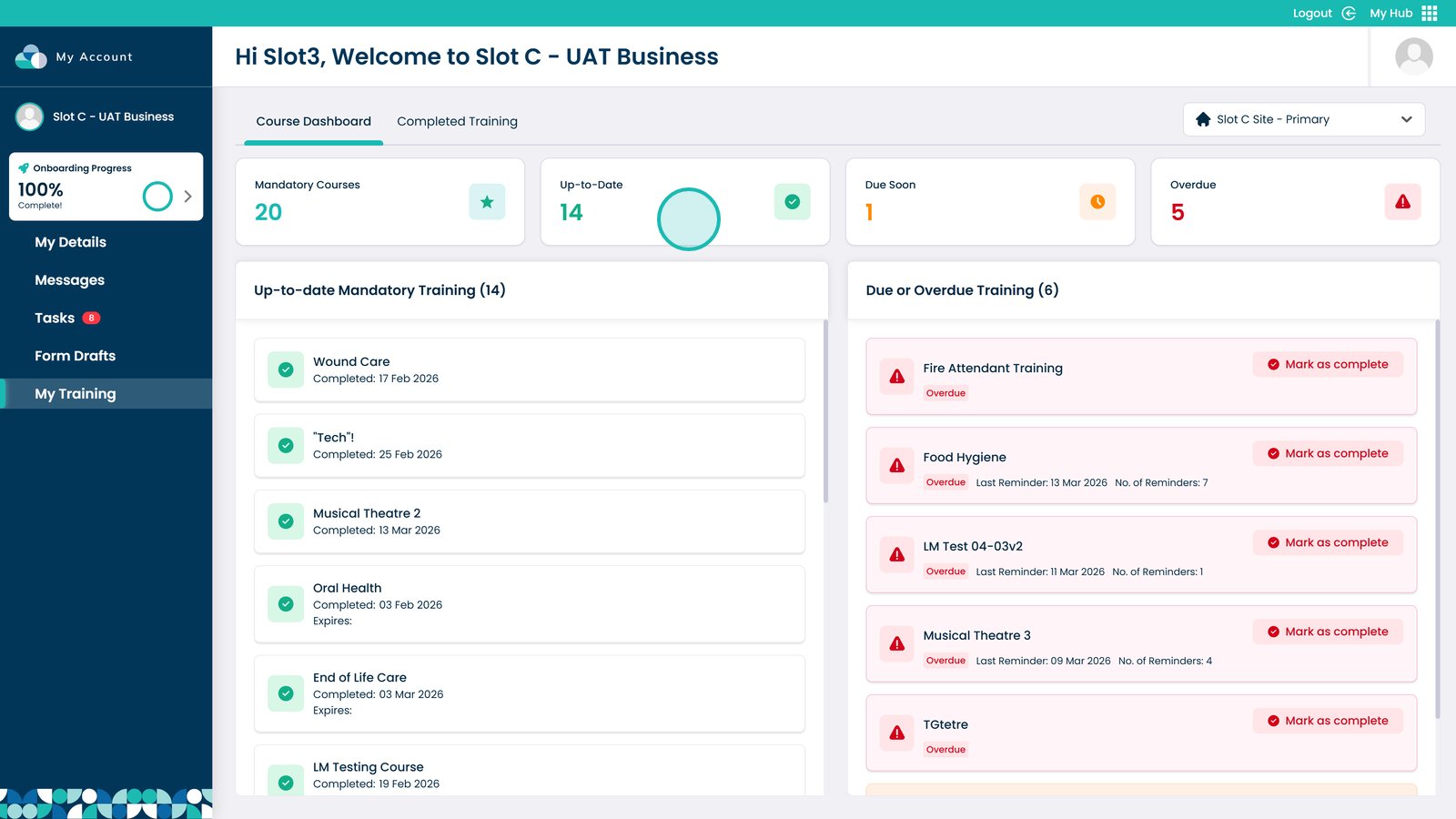
See how many courses are up to date and complete

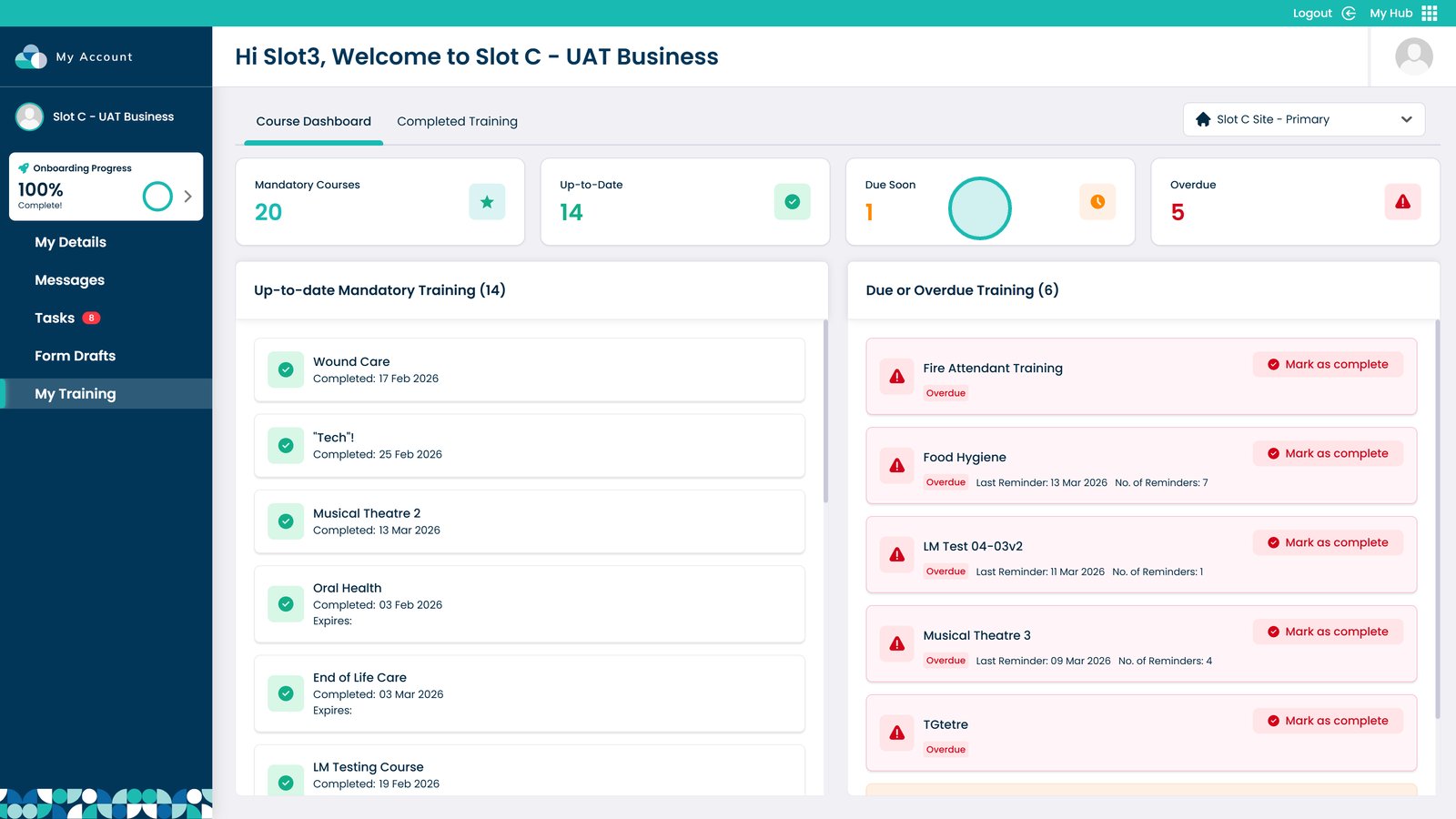
View courses that are due soon

View courses that are overdue

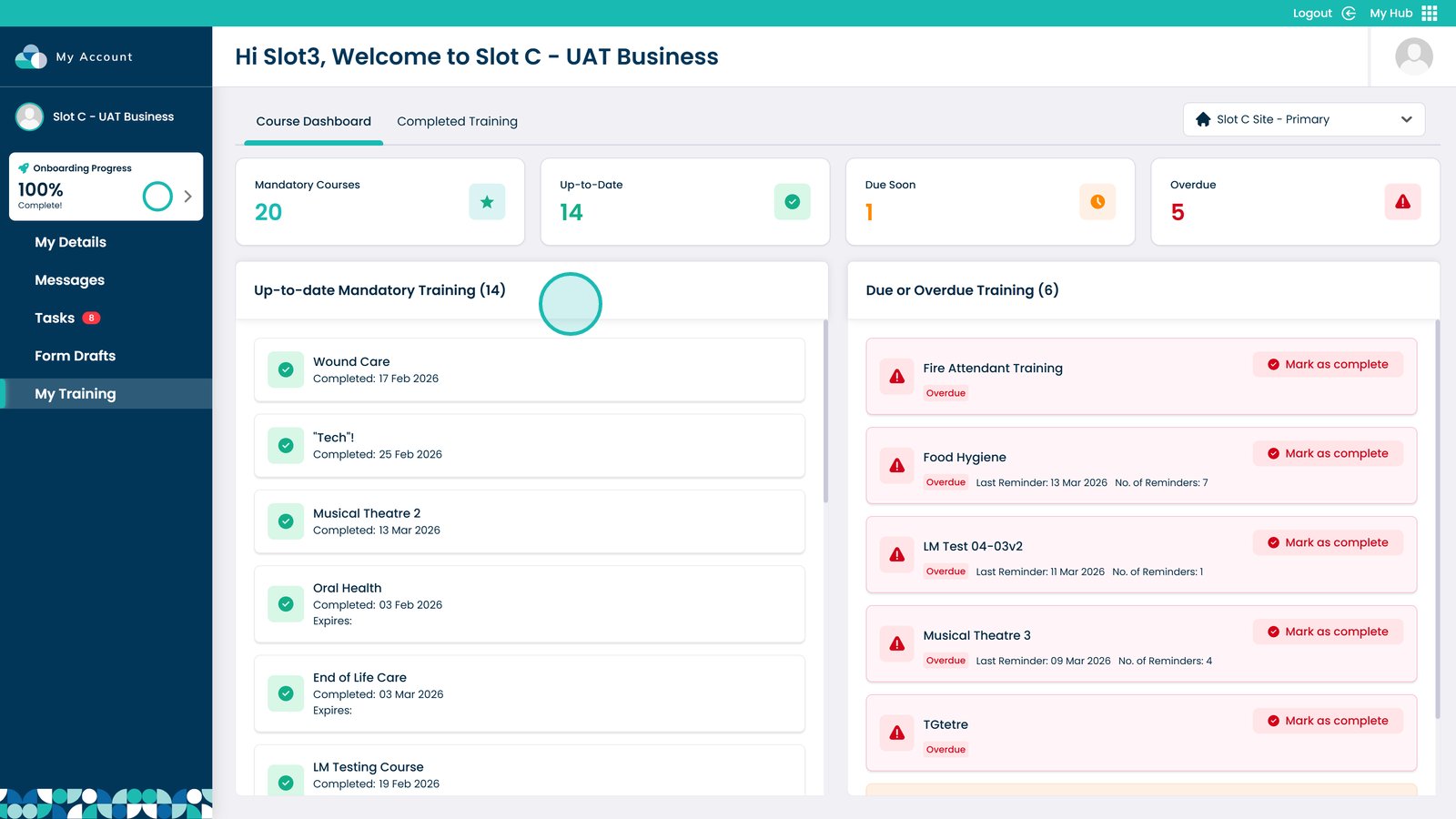
View mandatory training that is up to date

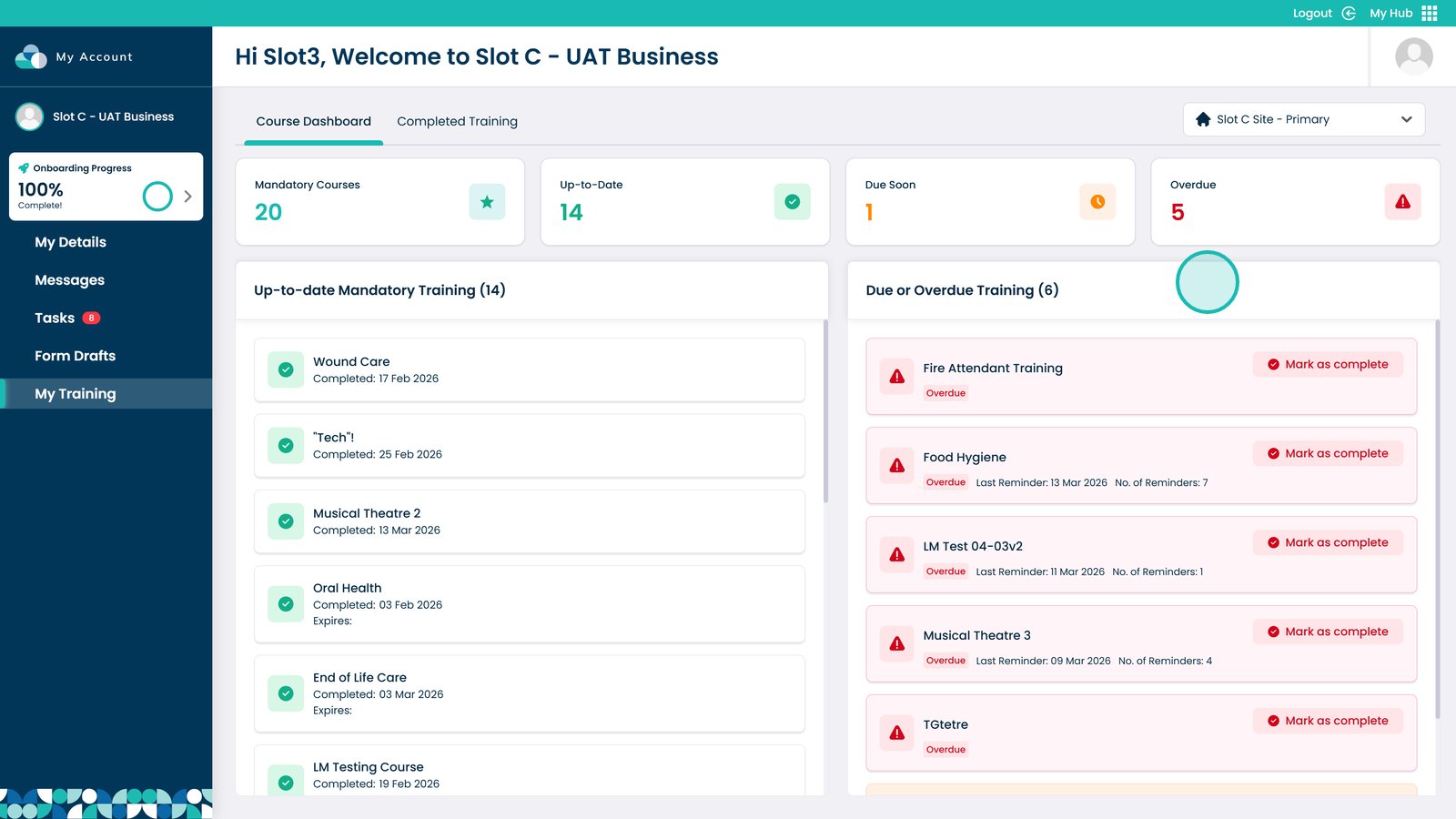
View overdue or due soon training

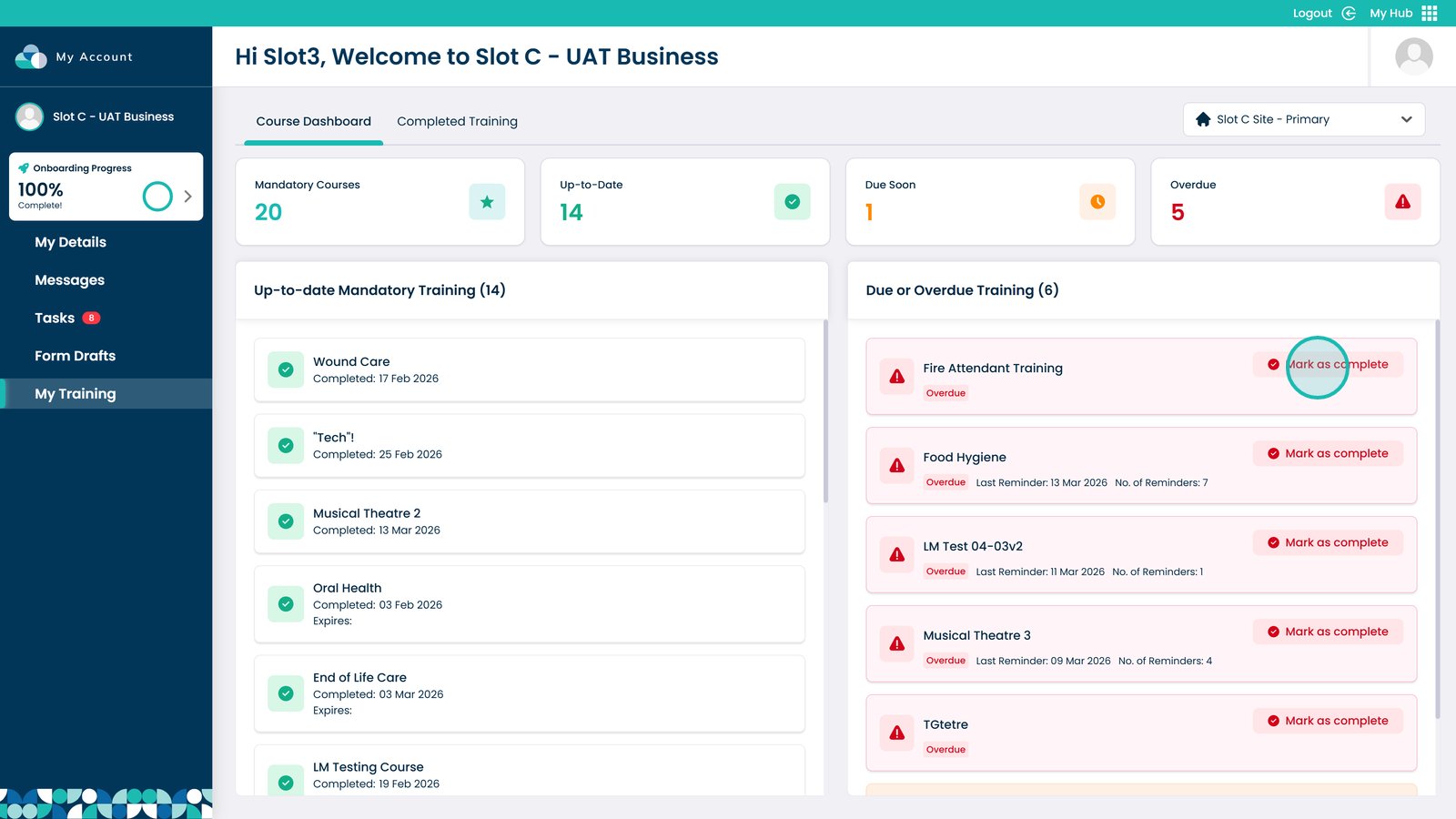
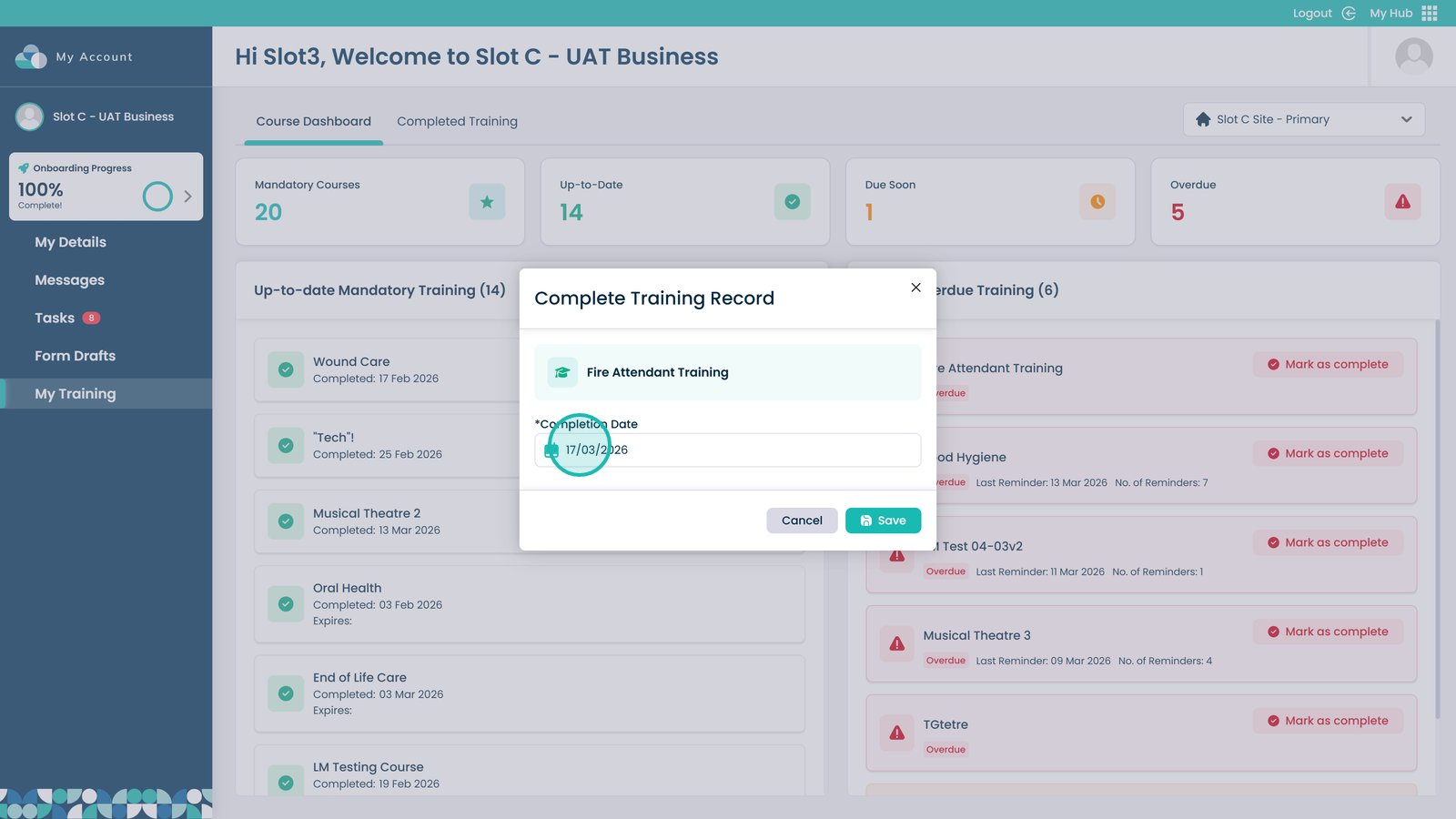
Click Mark as Complete

Enter the training date

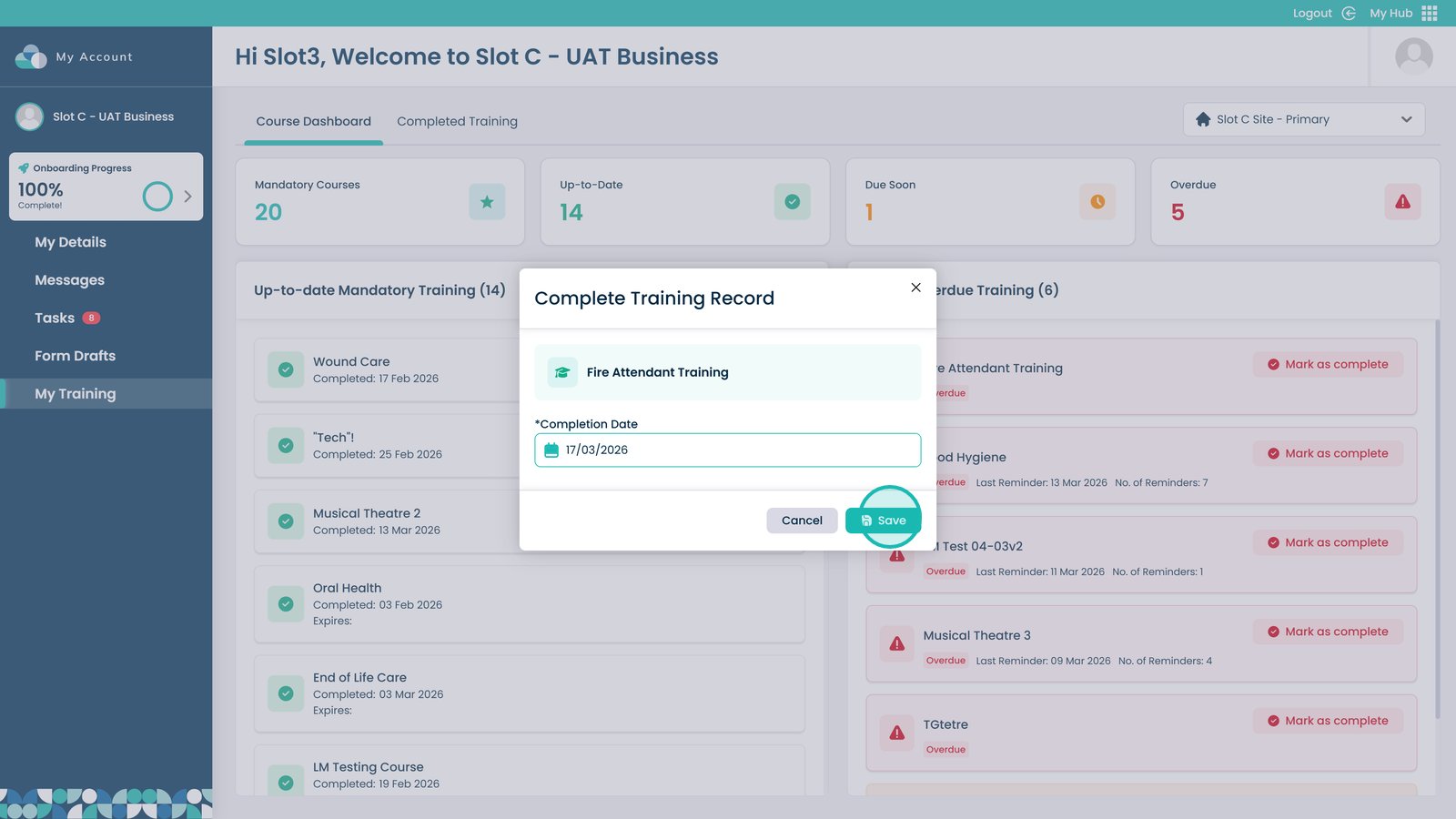
Click Save to complete the training

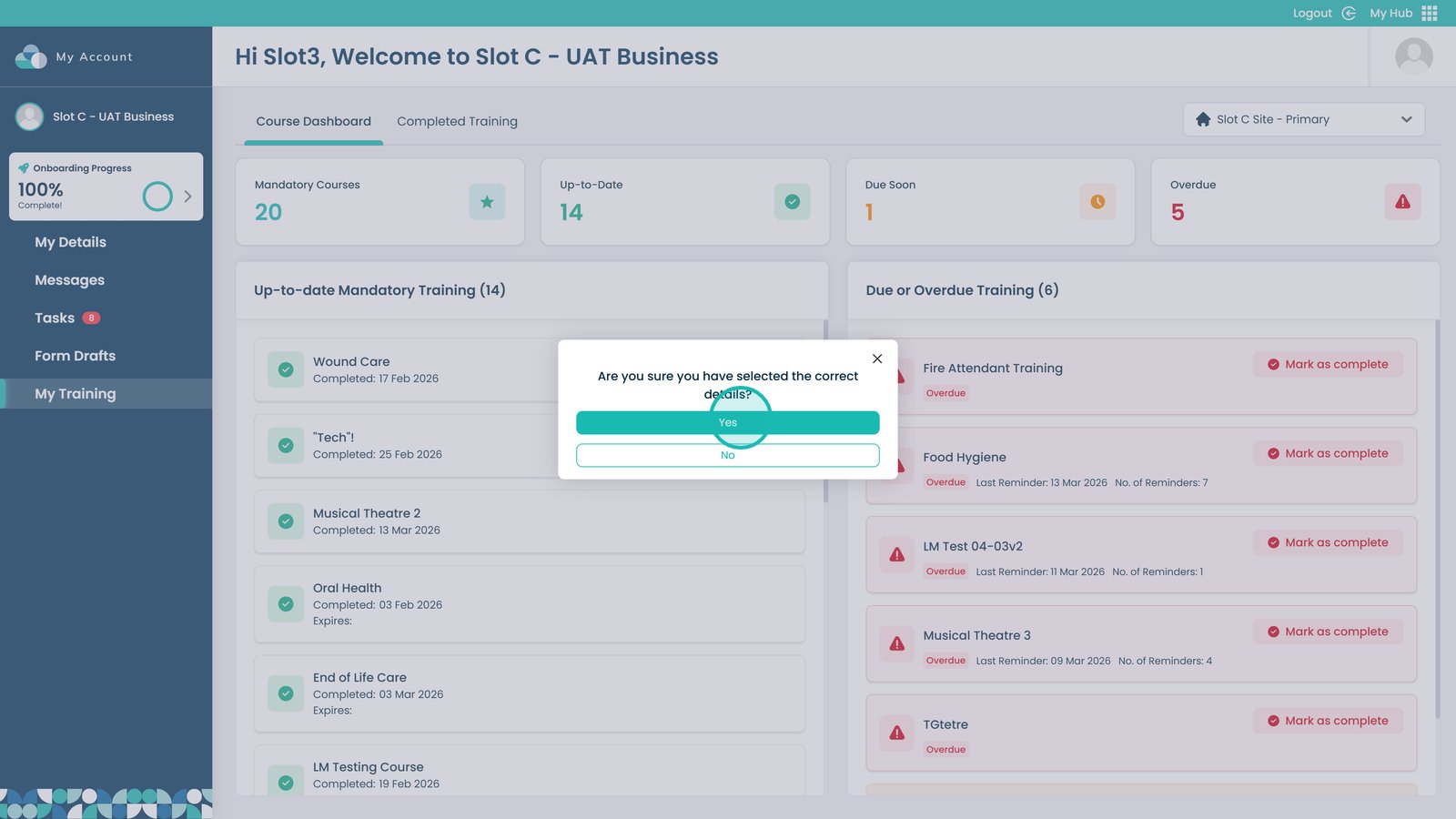
Confirm by selecting Yes

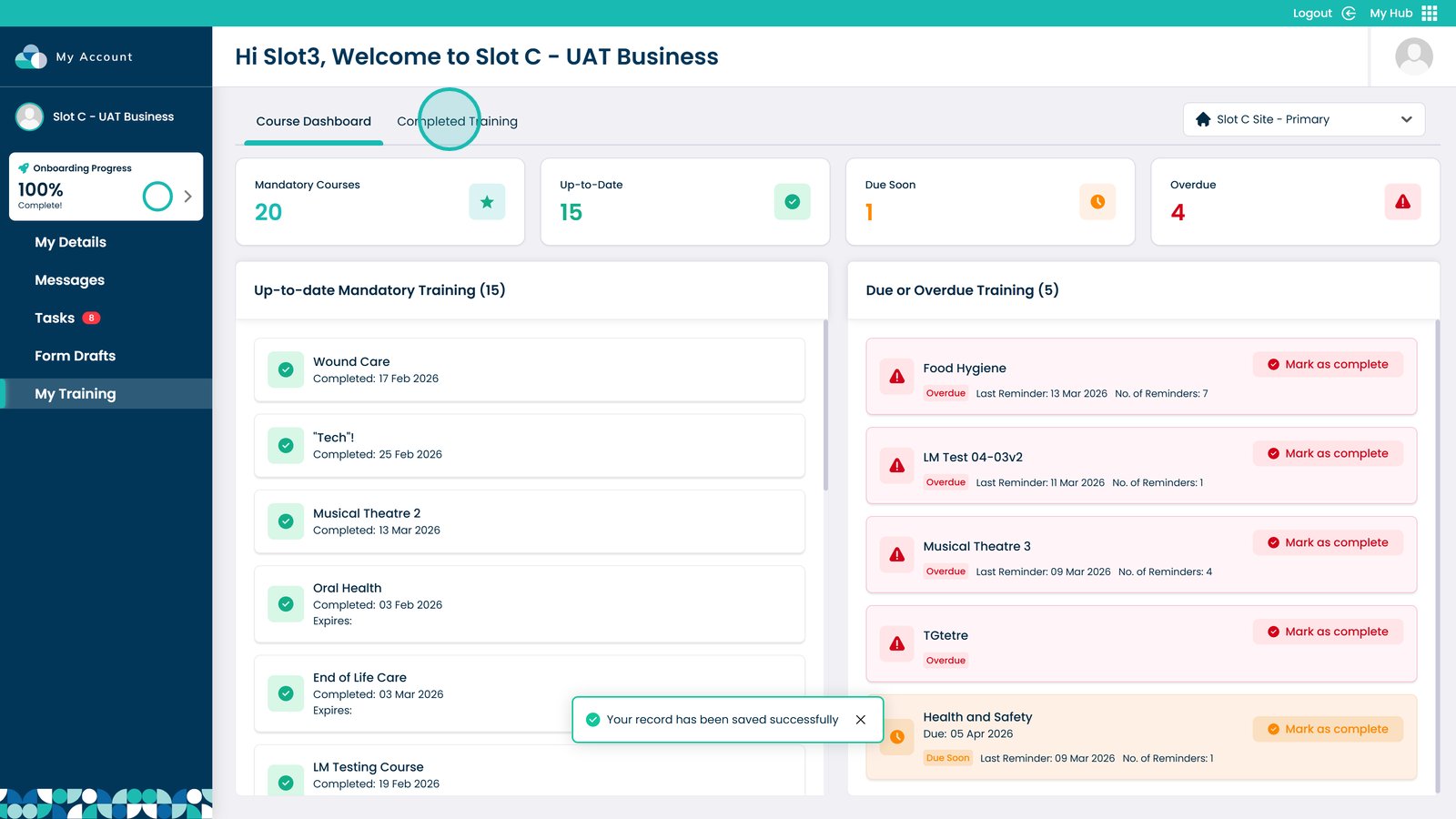
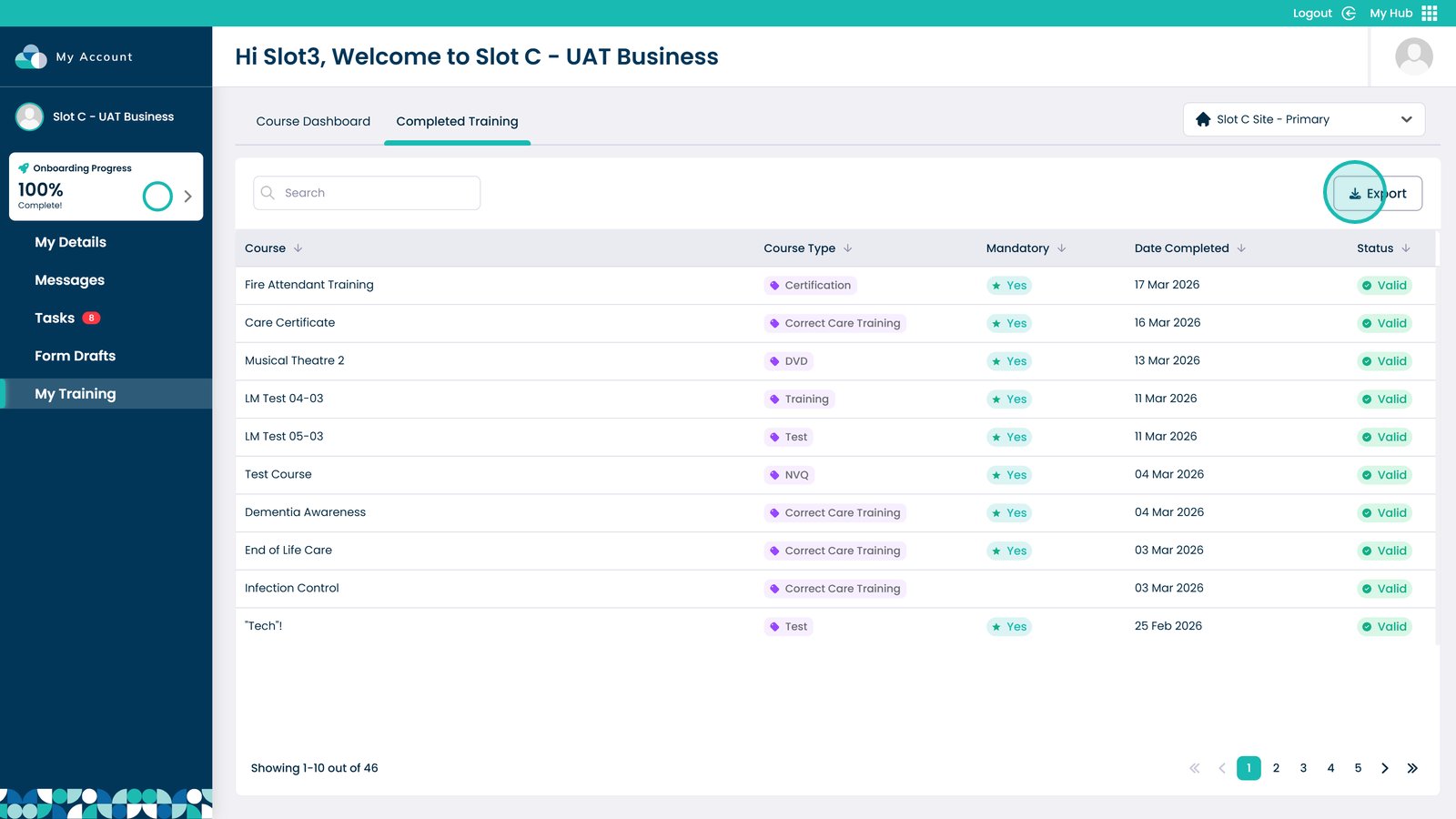
Open the Completed Training tab

Export completed training as a CSV file

Was it helpful ?
Table of Contents
↑ Top