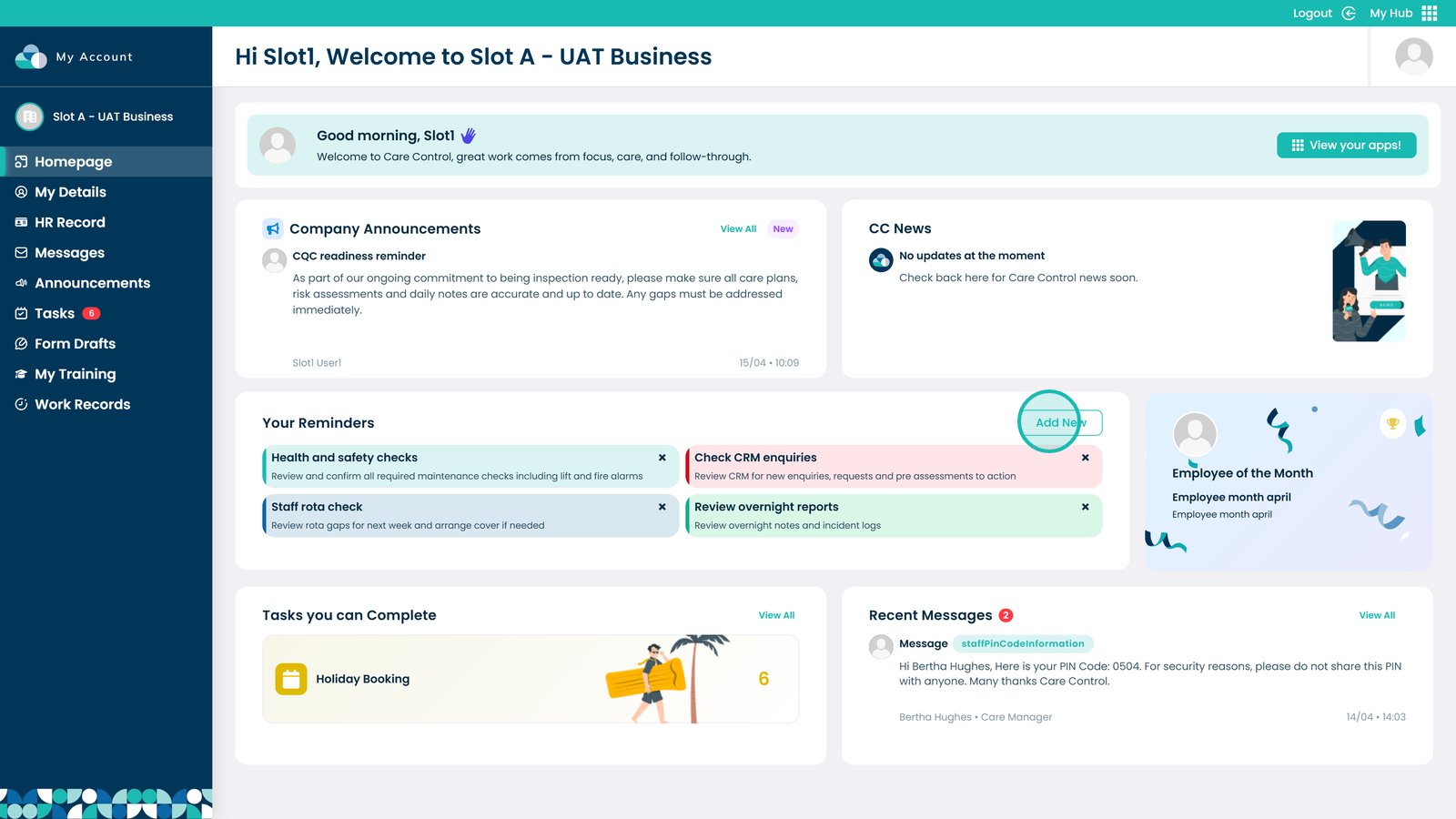
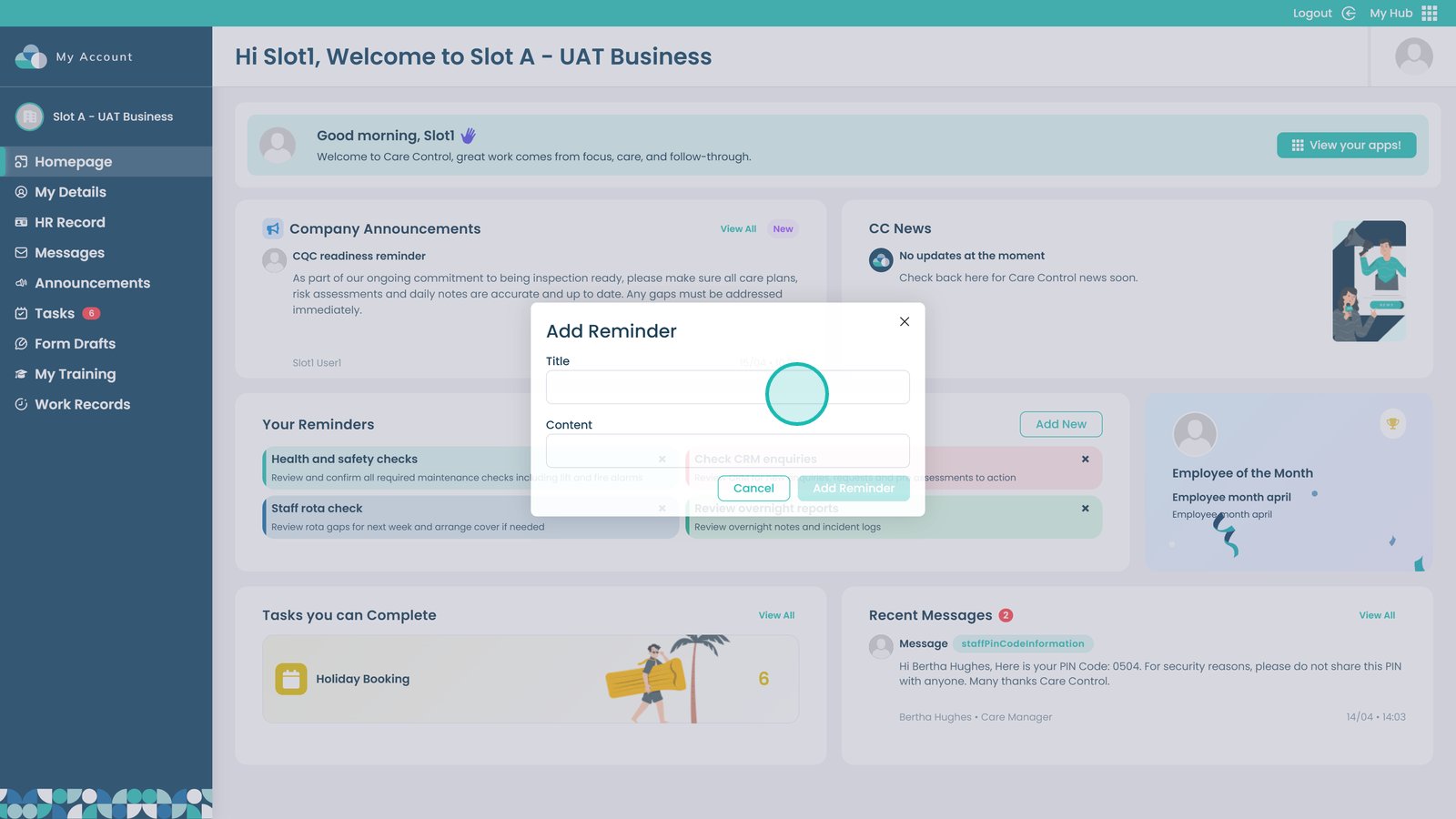
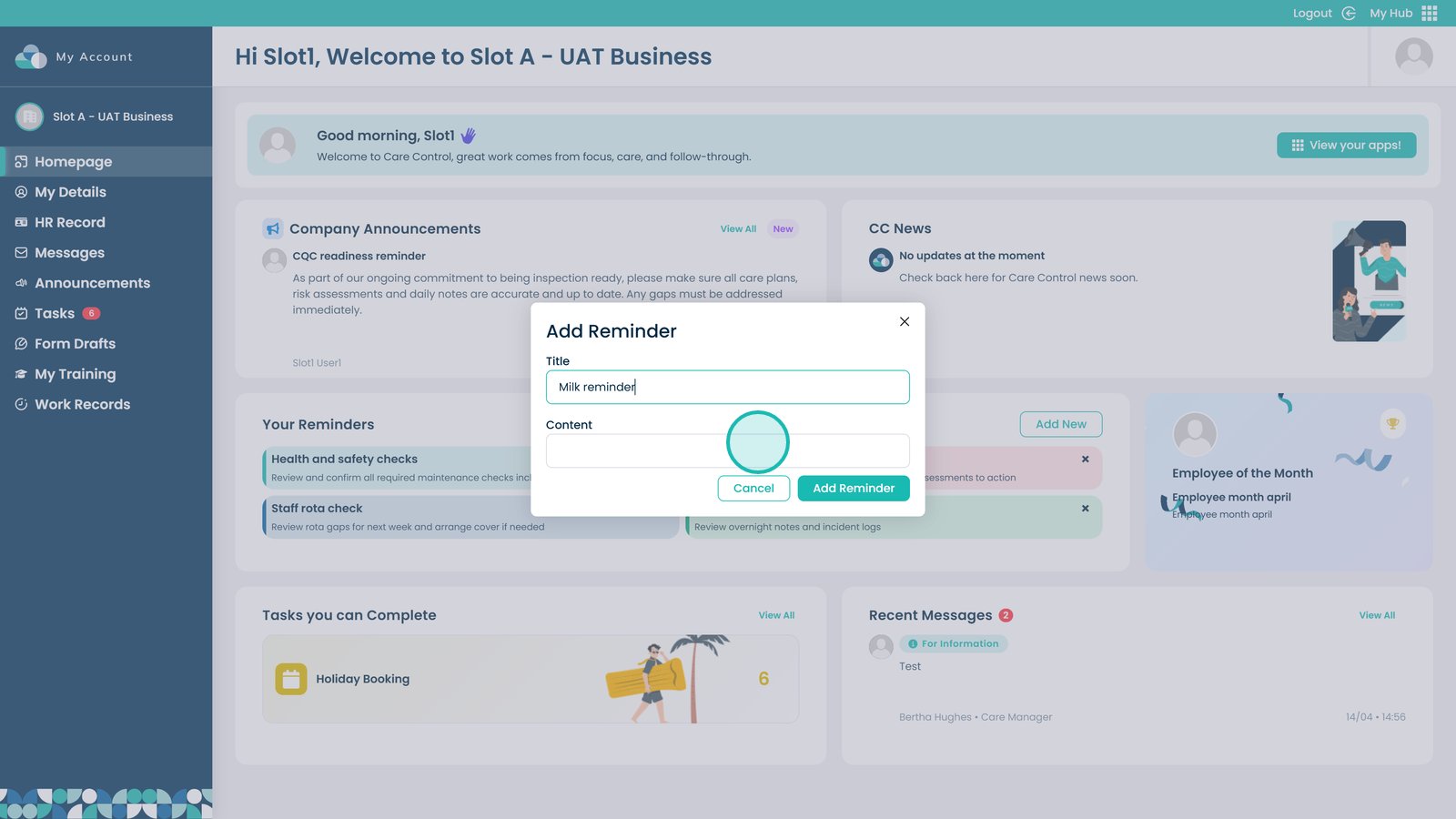
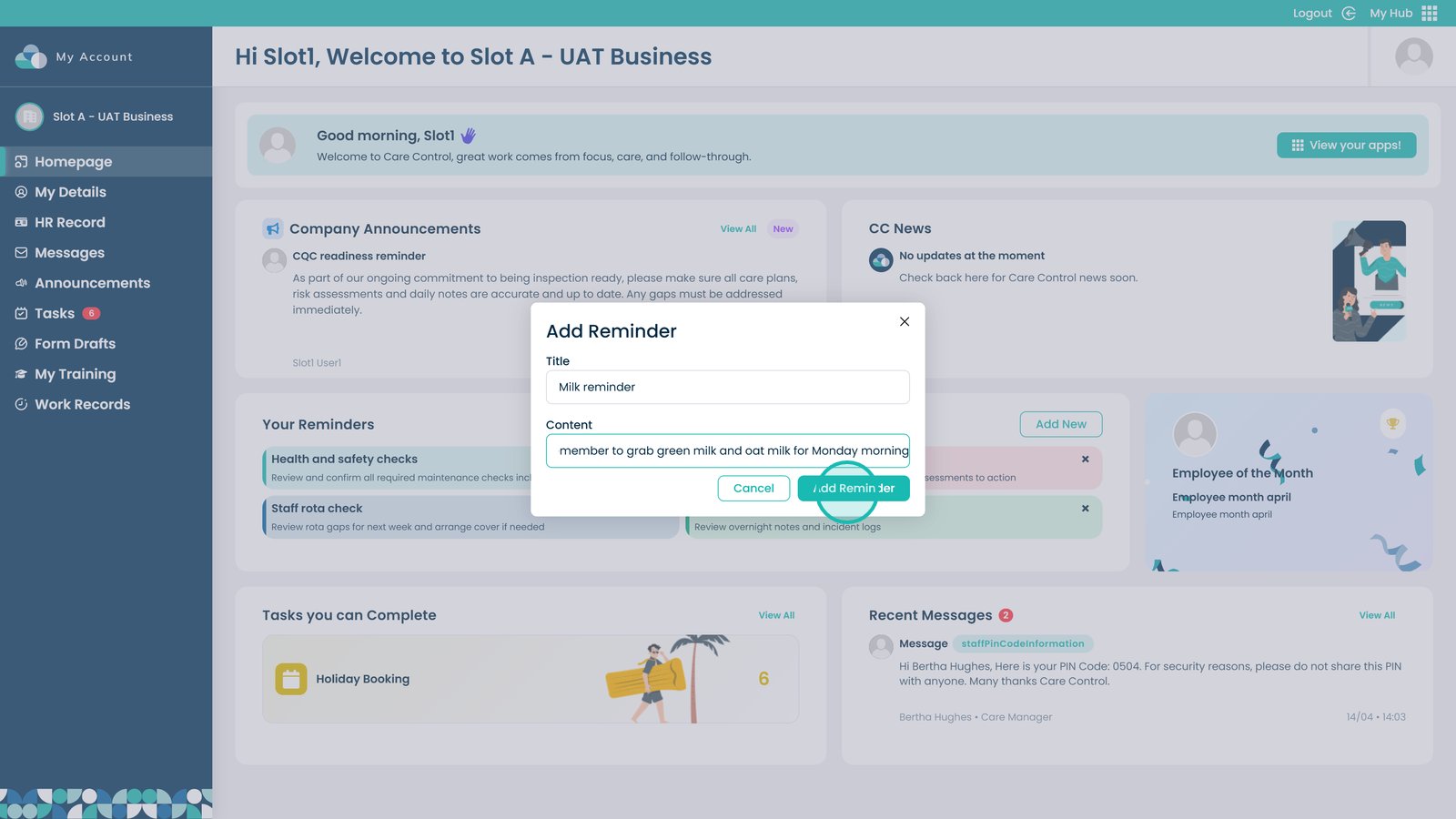
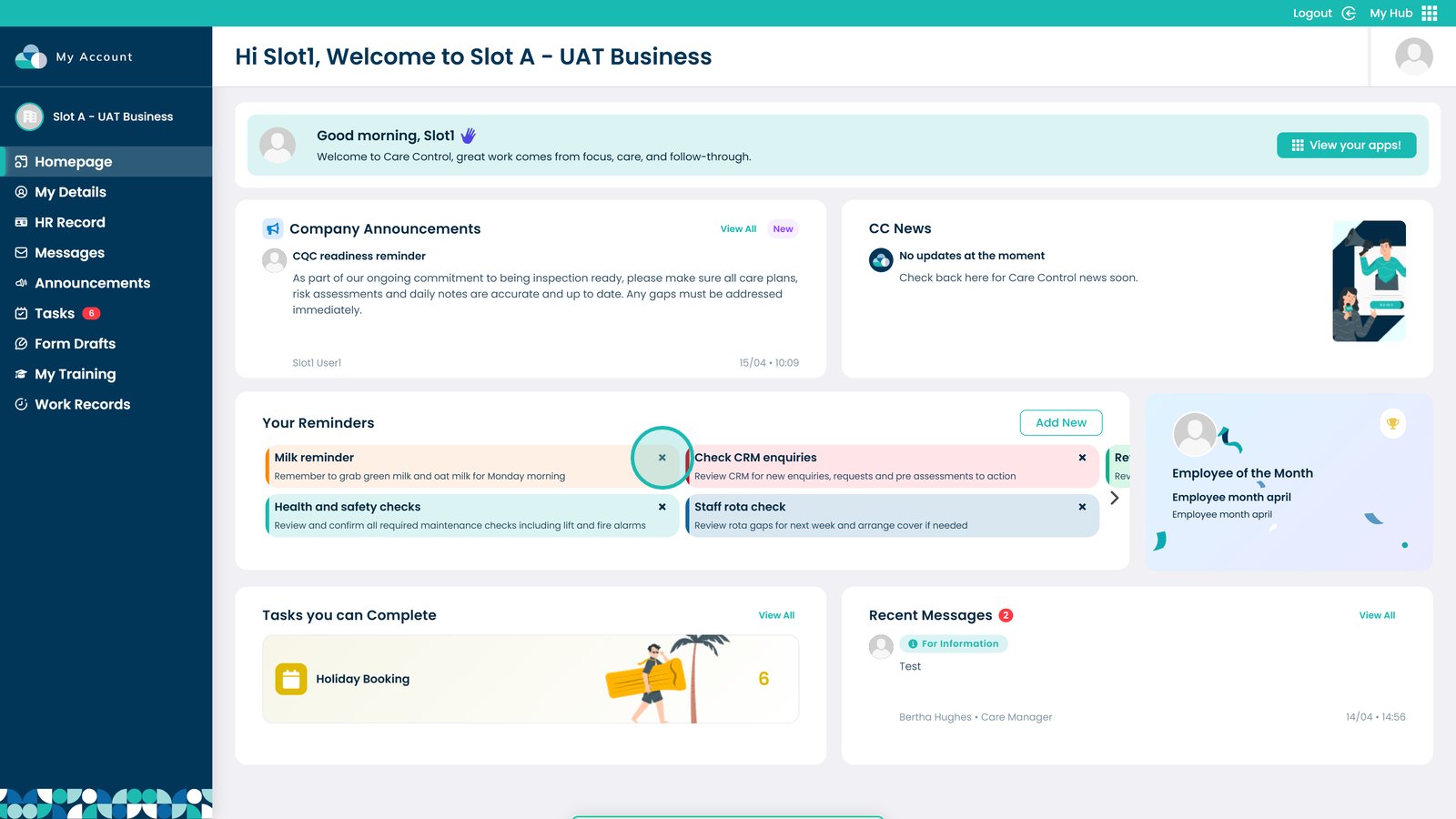
This guide explains how to create, manage, and remove reminders directly from your MyHub Dashboard.
Using reminders helps improve organisation, increases efficiency, and reduces the risk of forgetting important tasks. By keeping key actions visible on your dashboard, you can stay on top of your workload and ensure nothing is missed throughout your day.
By following this guide, you will learn how to:
- Create a new reminder from your dashboard
- Add clear titles and useful details to reminders
- Pin reminders for quick visibility
- Remove reminders when they are no longer needed
This ensures you can effectively manage your daily tasks and stay organised using the MyHub Dashboard.