View Categories

How to Process Holiday Year Issues on Cloud

This guide explains how to manage holiday year issues, including setting and processing carry-over allowances for staff.

Handling holiday carry-over correctly is essential for maintaining accurate leave balances, ensuring compliance with company policies, and avoiding payroll discrepancies. It also helps streamline administration by allowing bulk updates and clear visibility across teams.

By following this guide, you will learn how to:

  • Access the Holiday Year Issues area within Attendance & Holiday
  • Filter staff by role or individual selection
  • Set and apply carry-over limits in bulk
  • Manually adjust carry-over values where needed
  • Generate and export holiday reports
  • Process carry-over entries for selected staff

This ensures holiday balances are accurately updated and carried forward correctly for the new leave period.

Interactive Guide

Text based guide

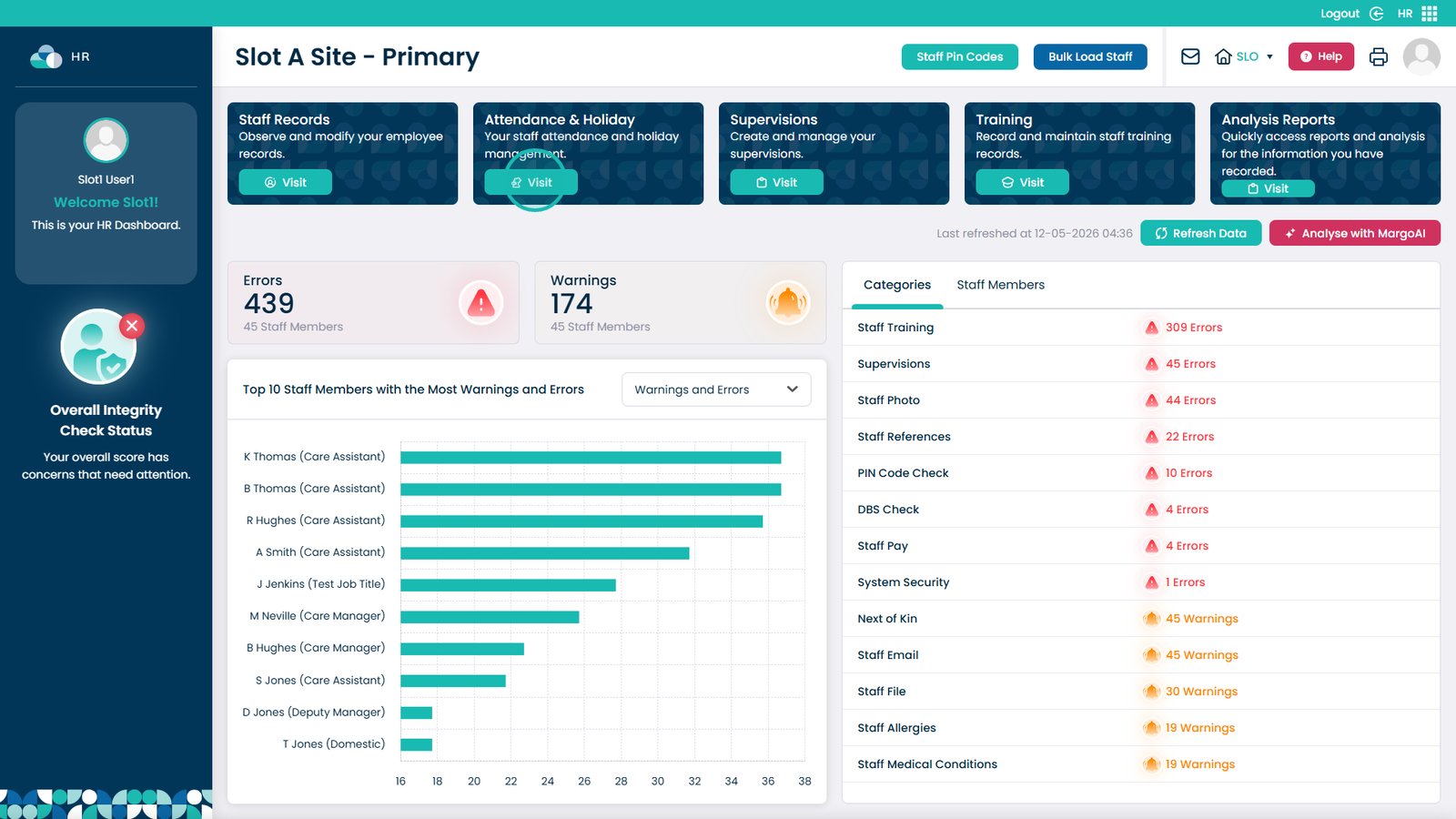
Click “Visit” in the Attendance & Holiday section.

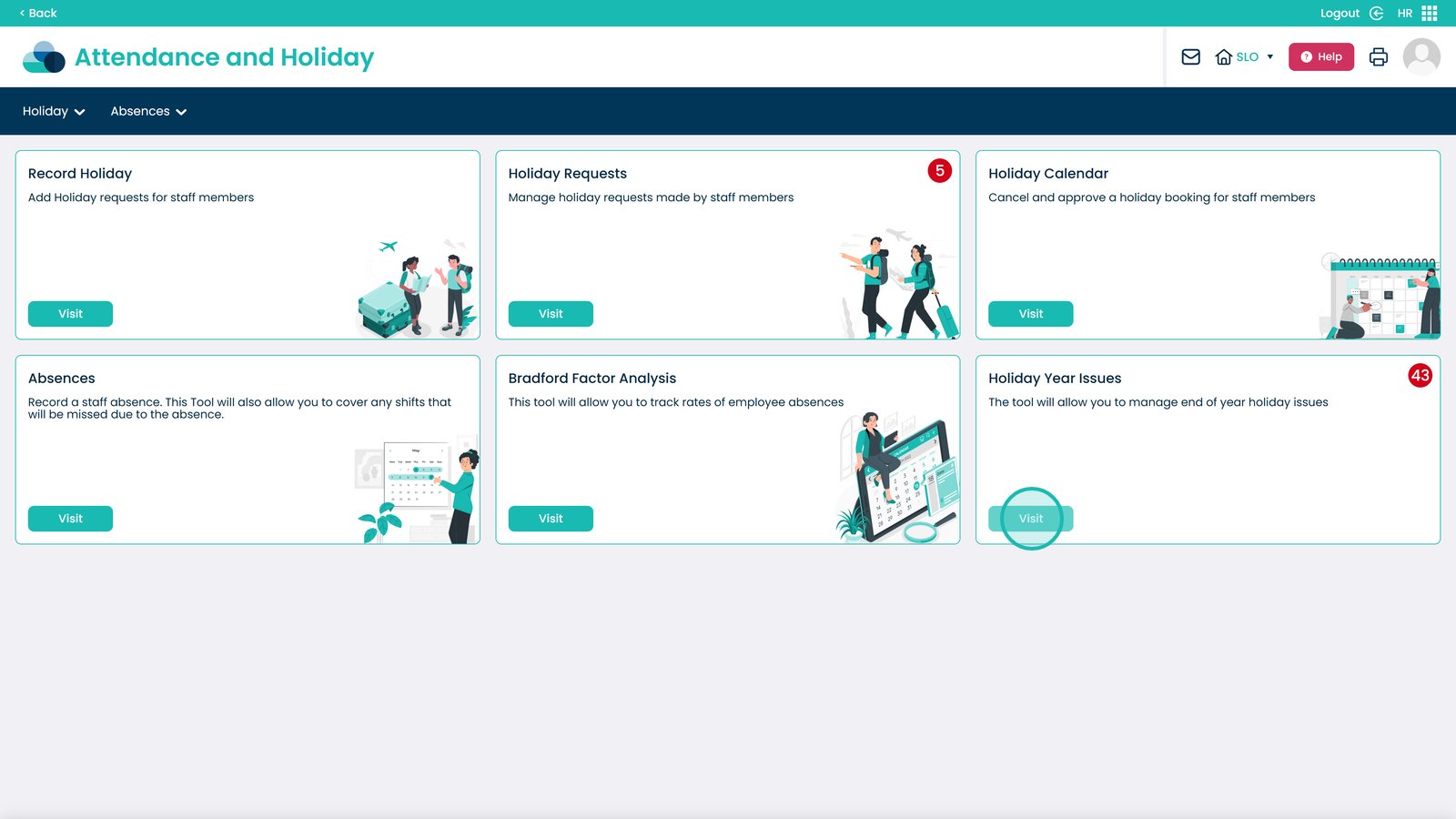
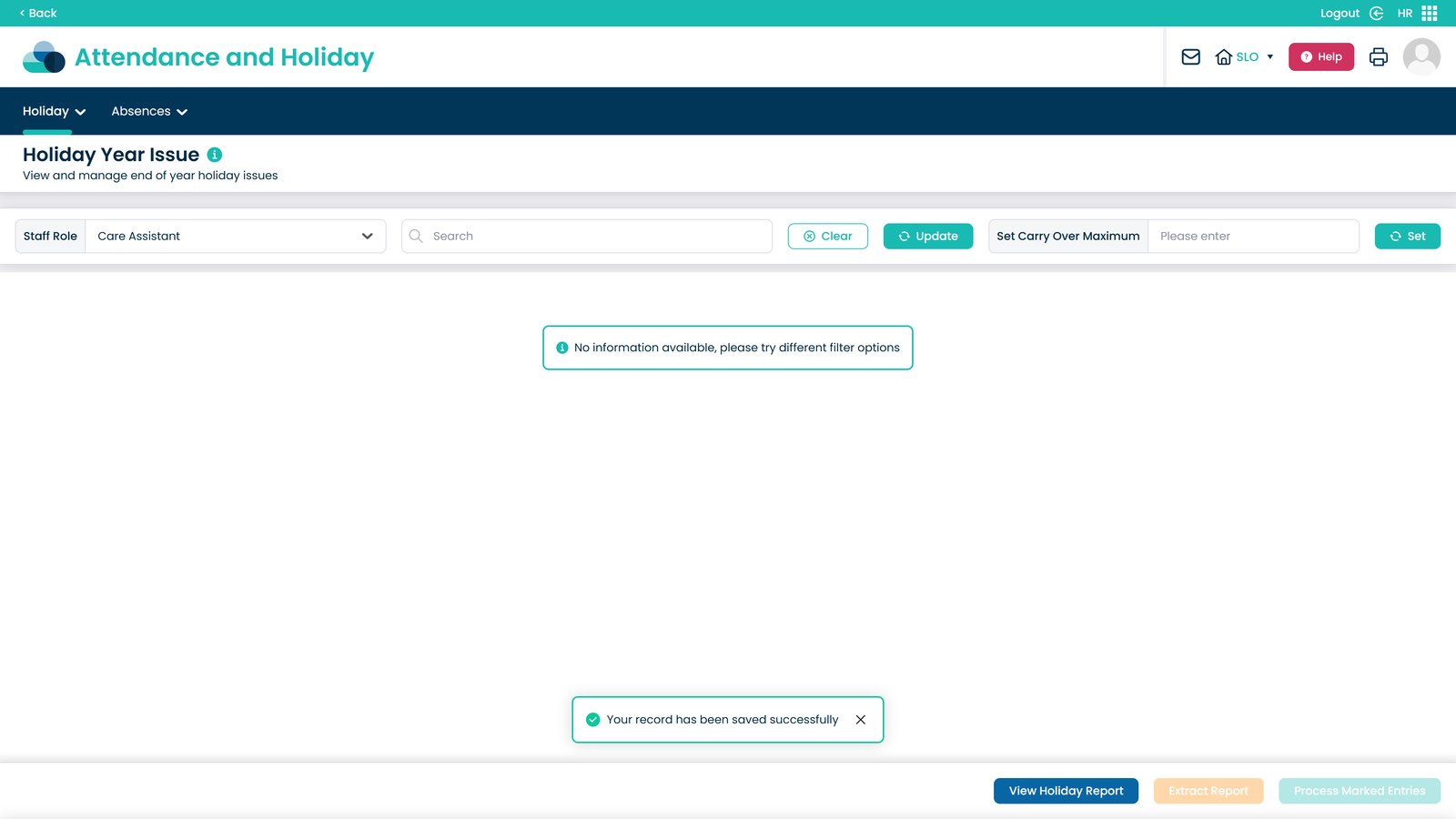
Select “Visit” under Holiday Year Issues.

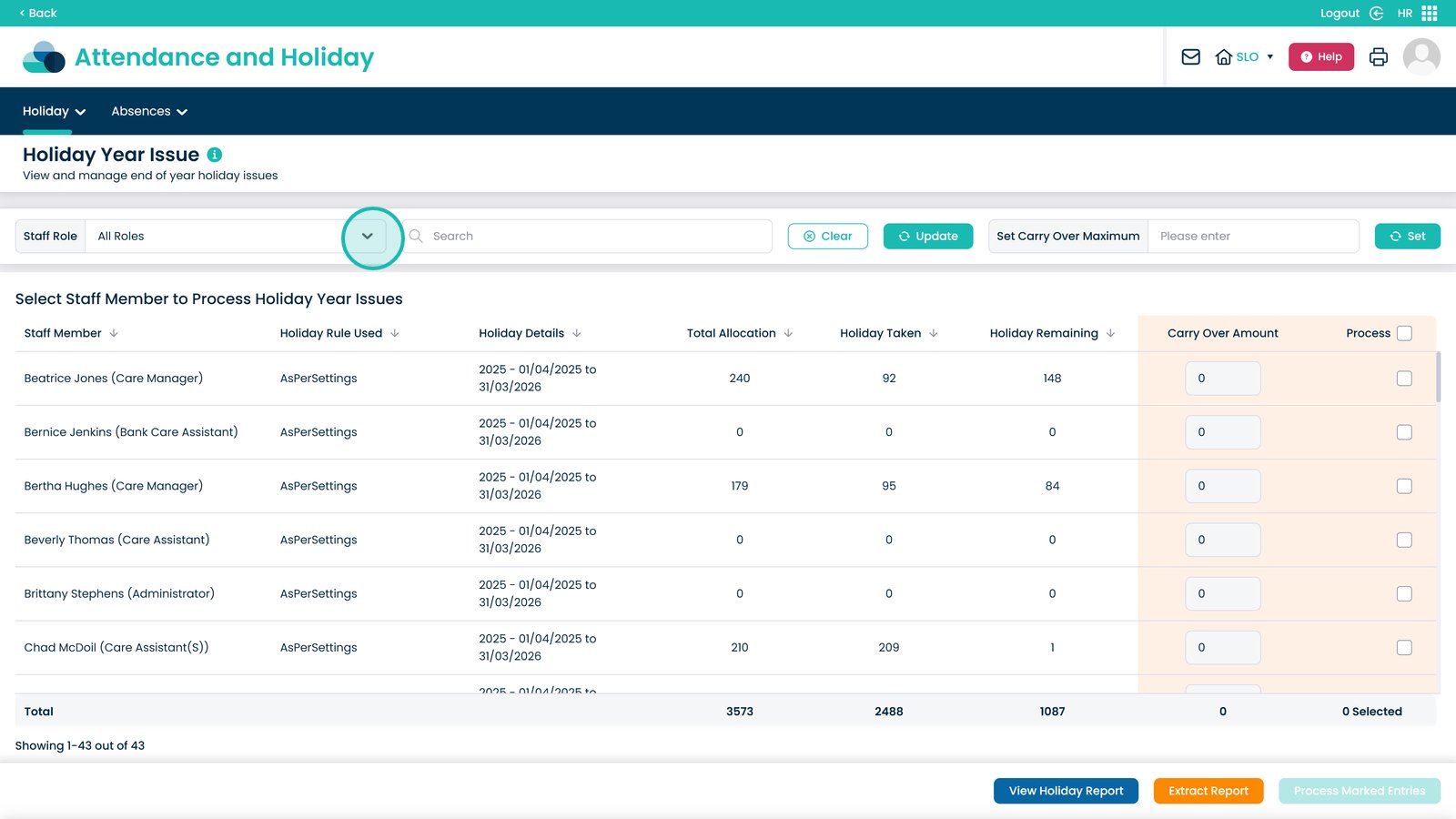
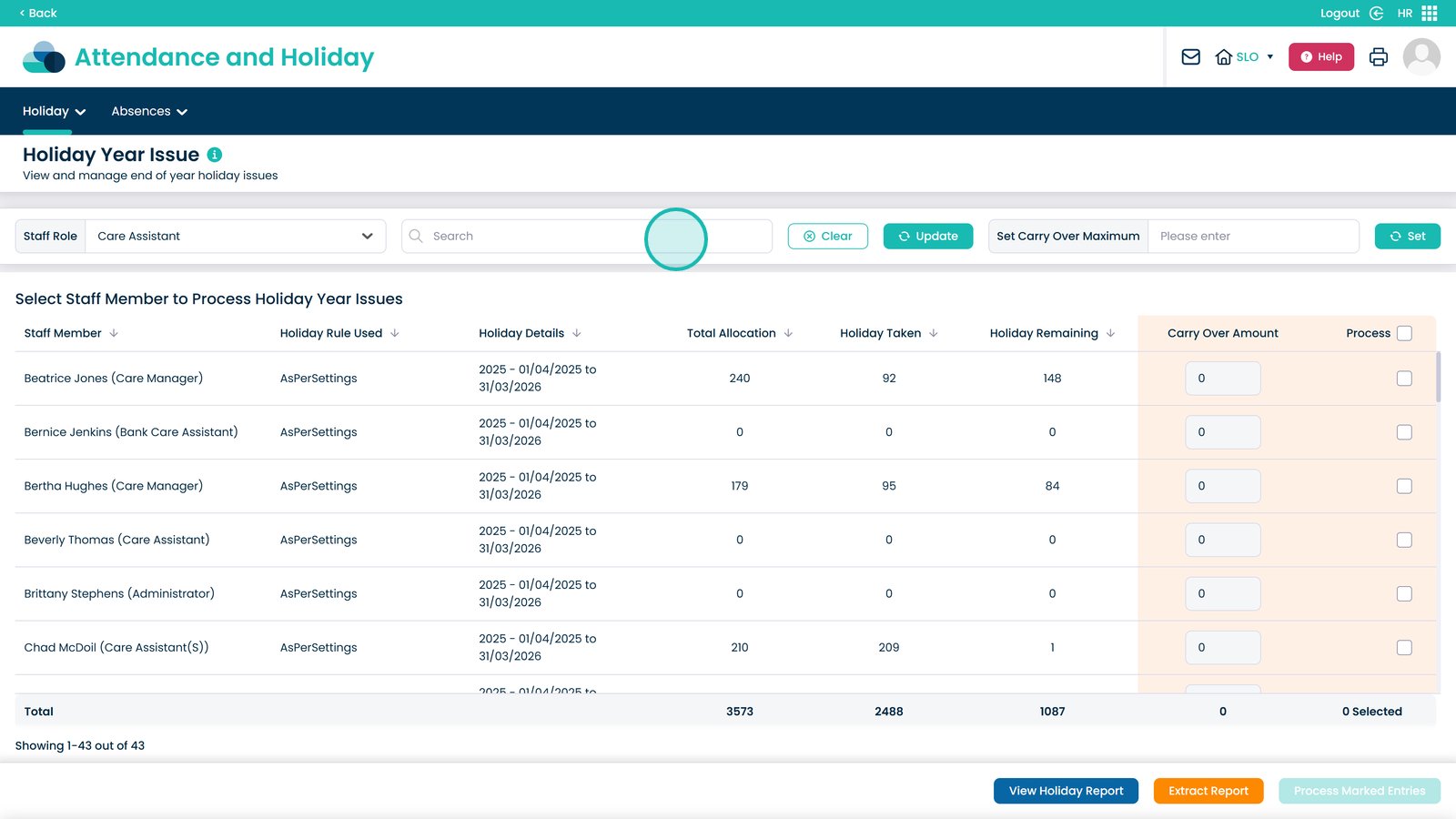
Filter the view by staff role using the dropdown menu.

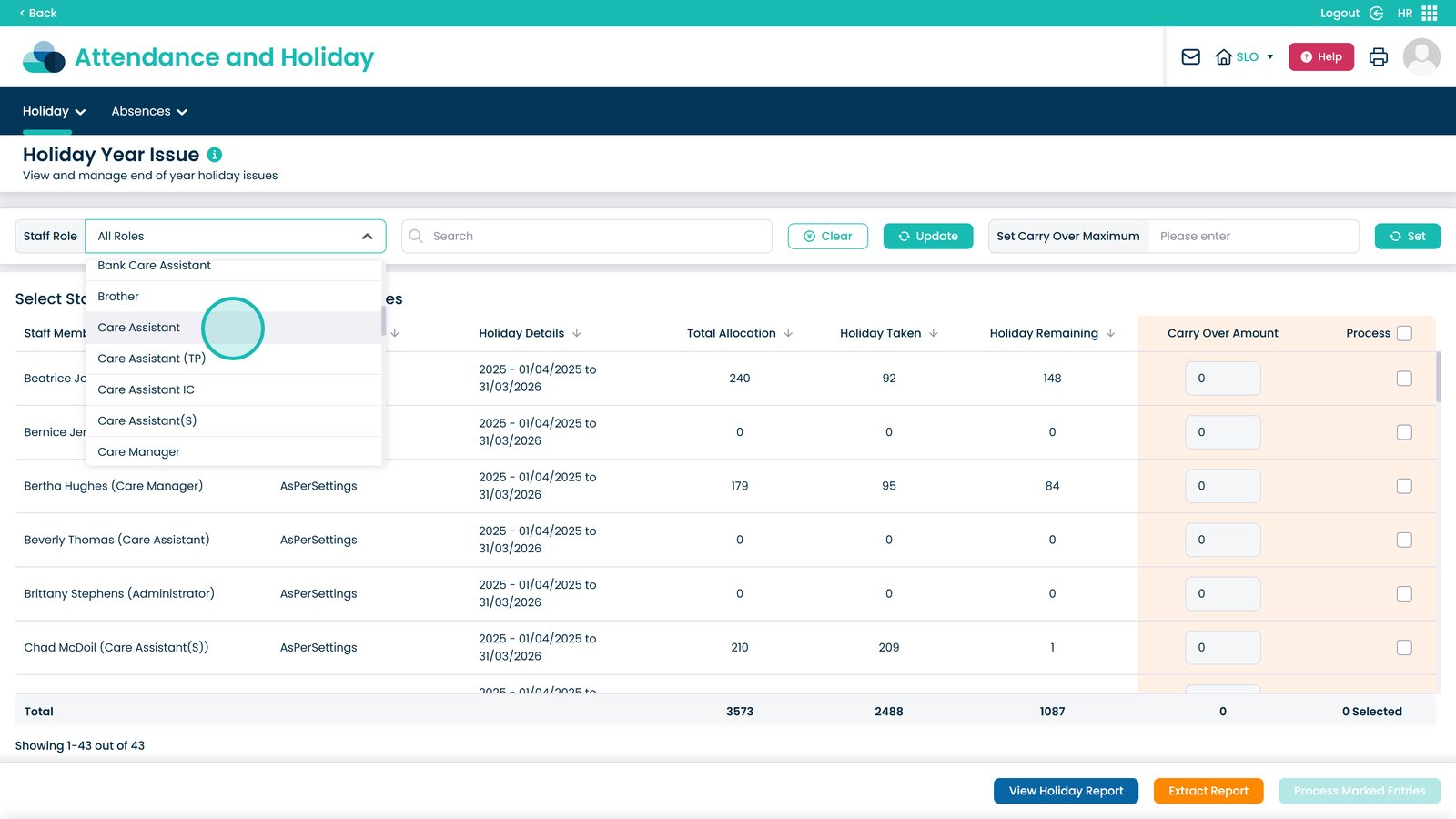
Select the staff role you want to filter by.

Search for individual staff members to refine your results.

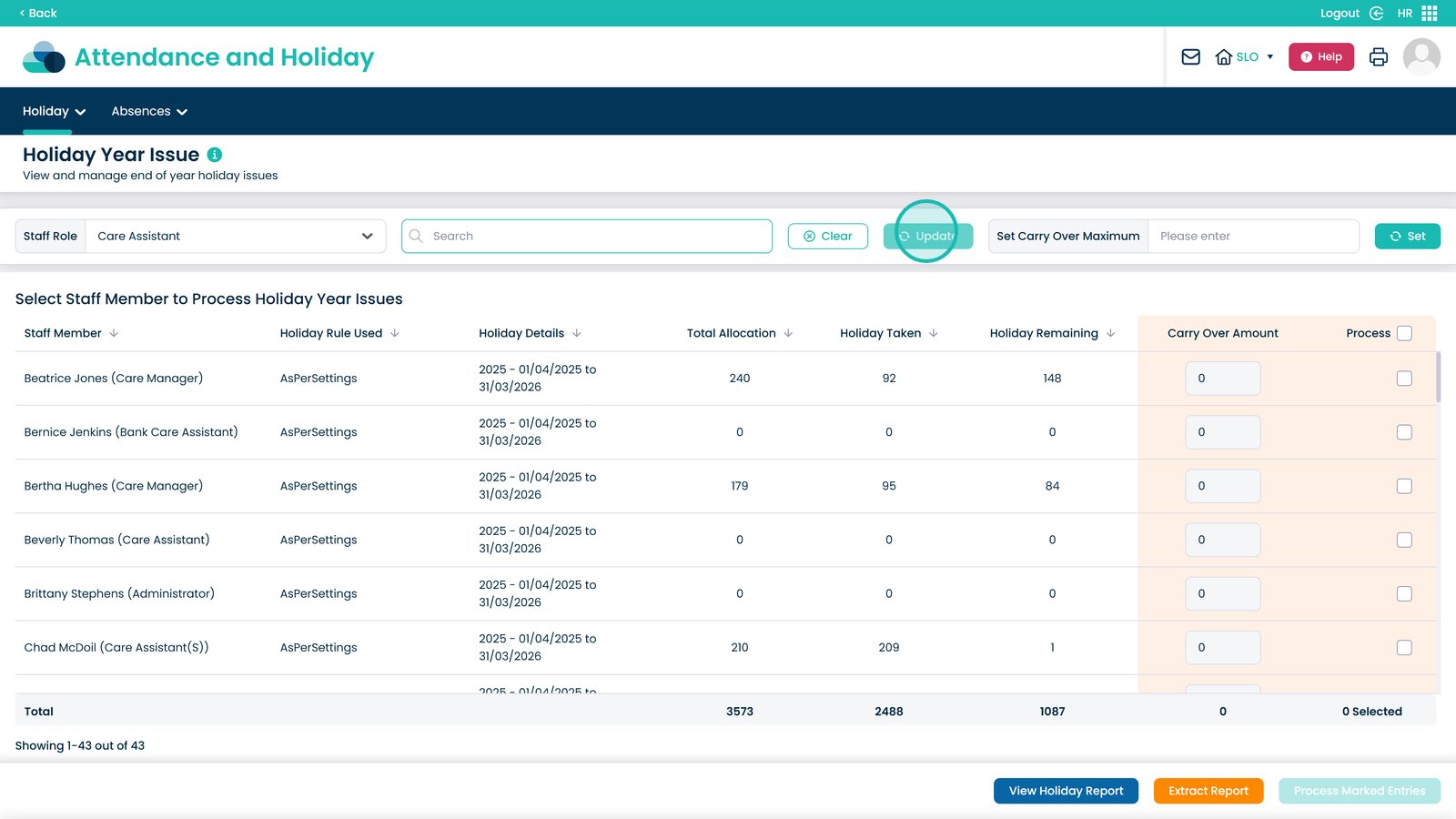
Click “Update” to apply your selected filters.

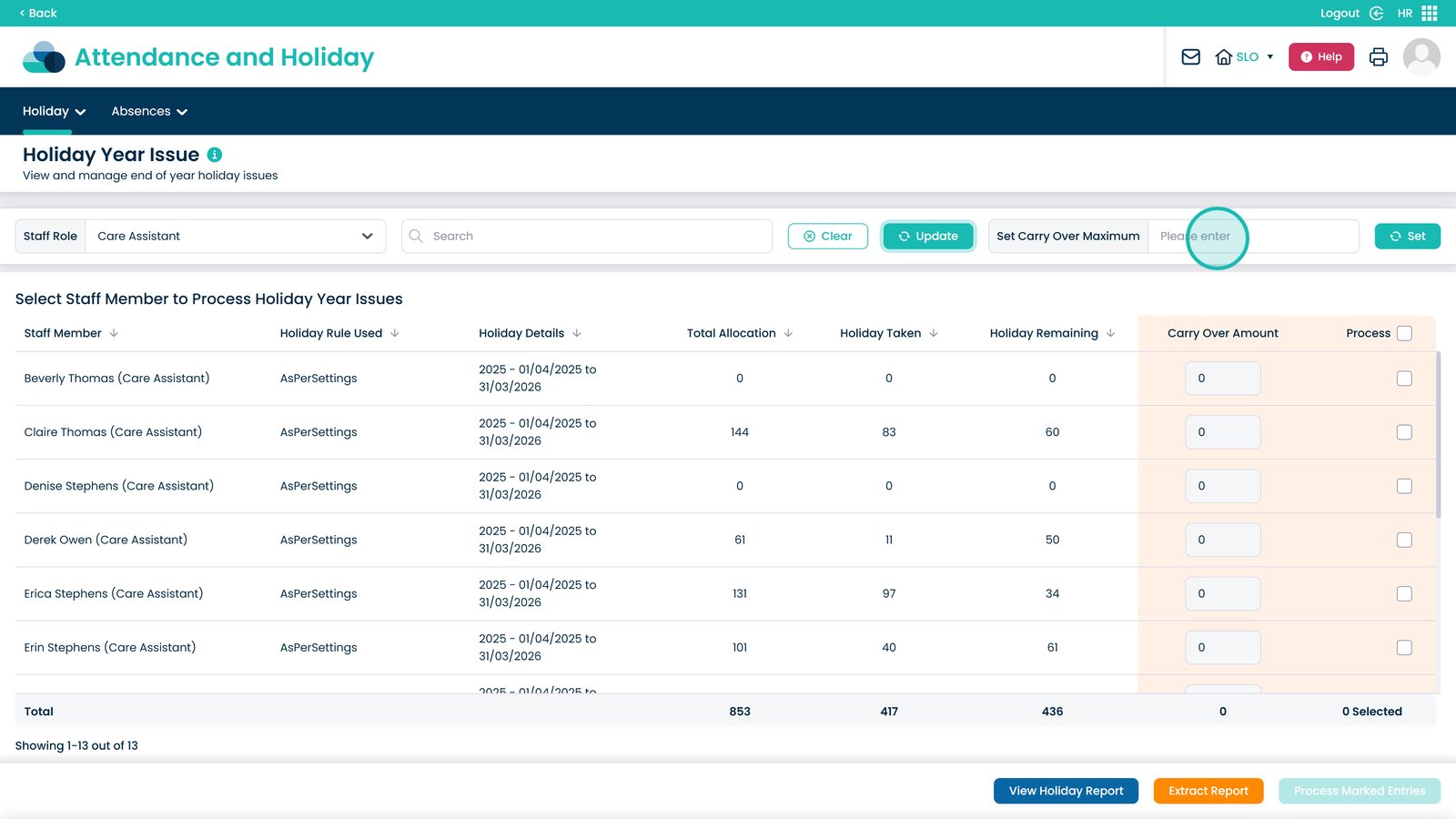
Set the carry-over maximum for the selected staff members using the input box.

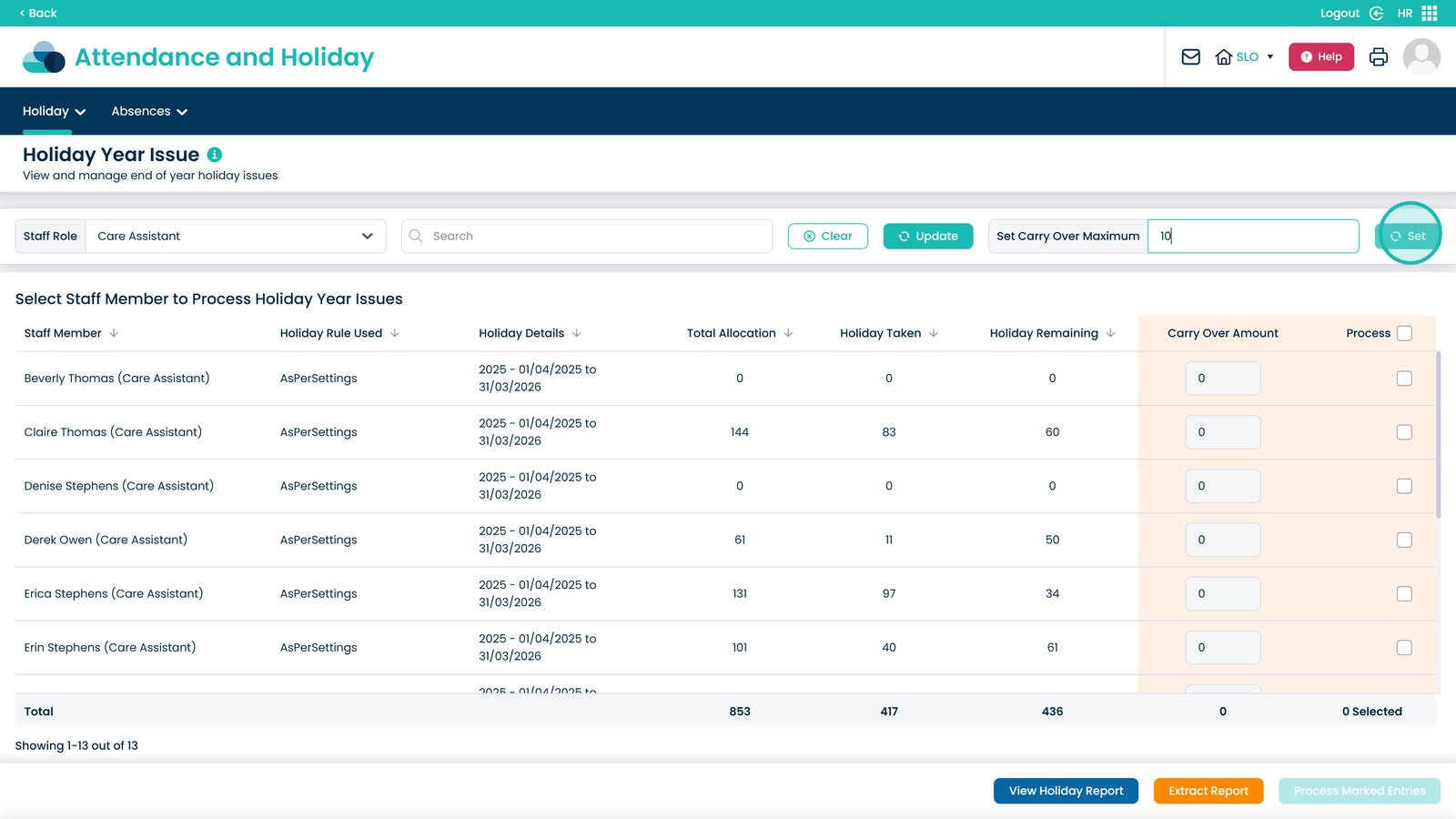
Click “Set” to apply the carry-over maximum.

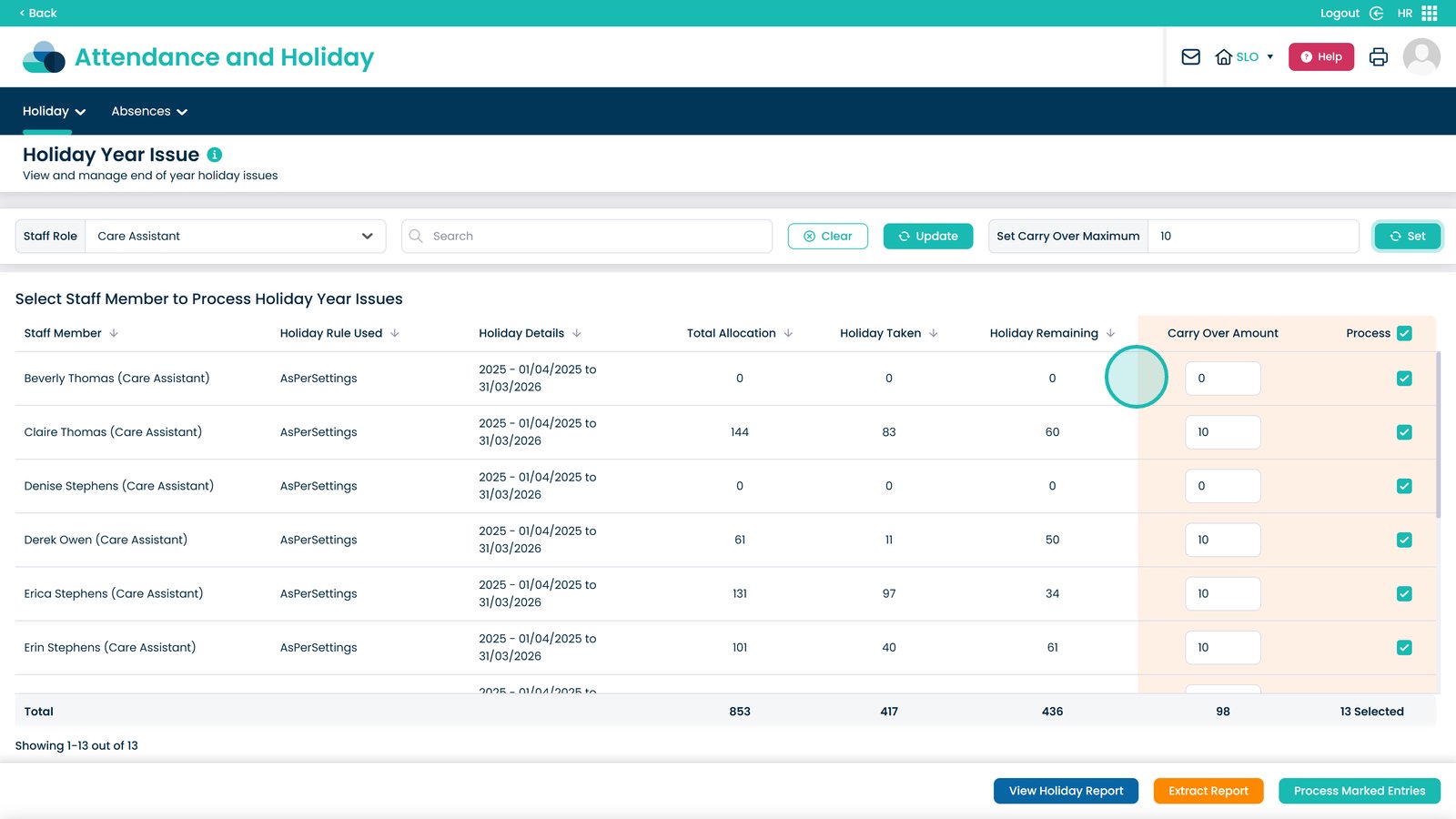
Review staff with no remaining holiday hours, as no carry-over will be applied.

Confirm that staff with remaining hours have the correct carry-over value applied.

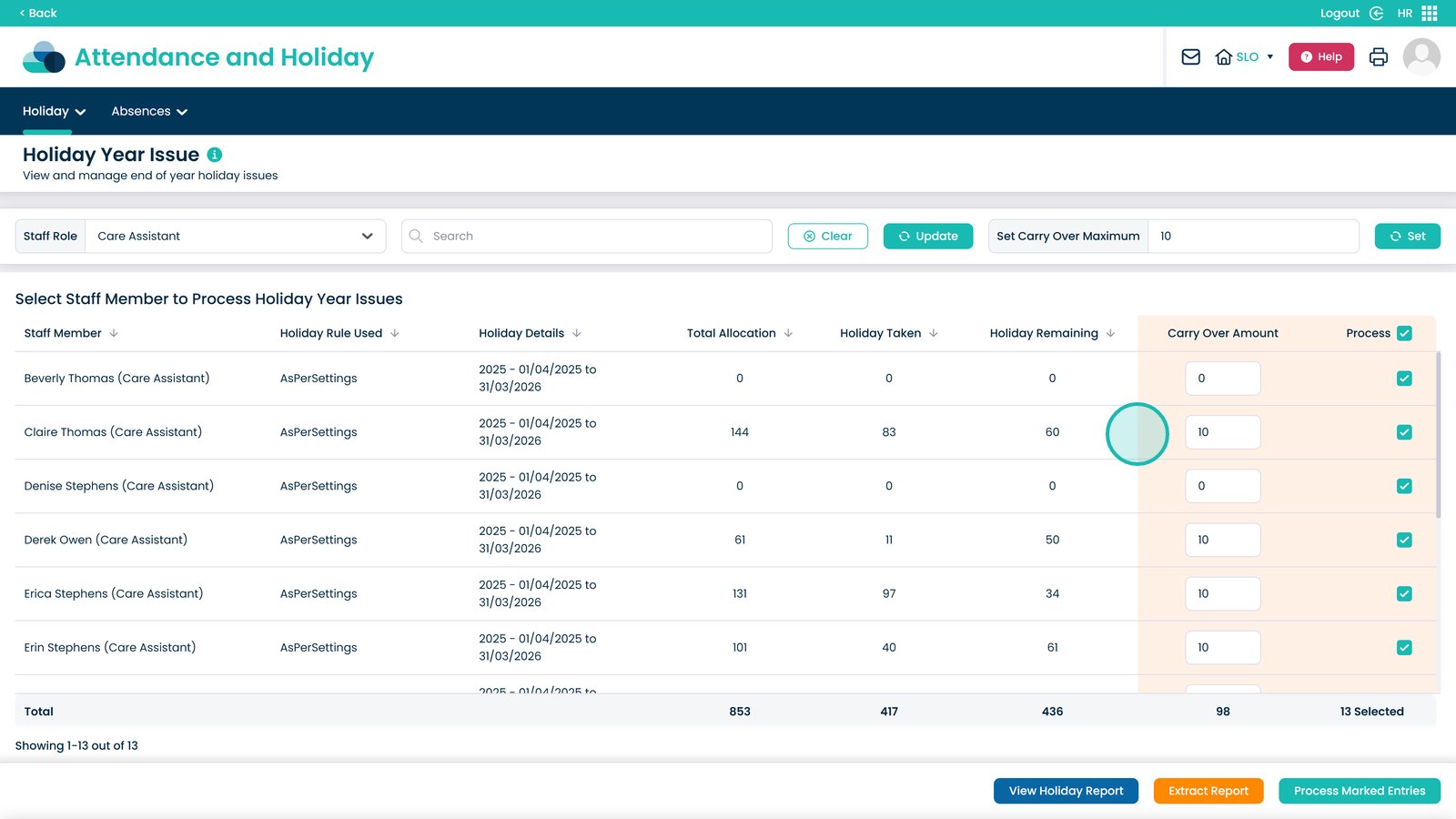
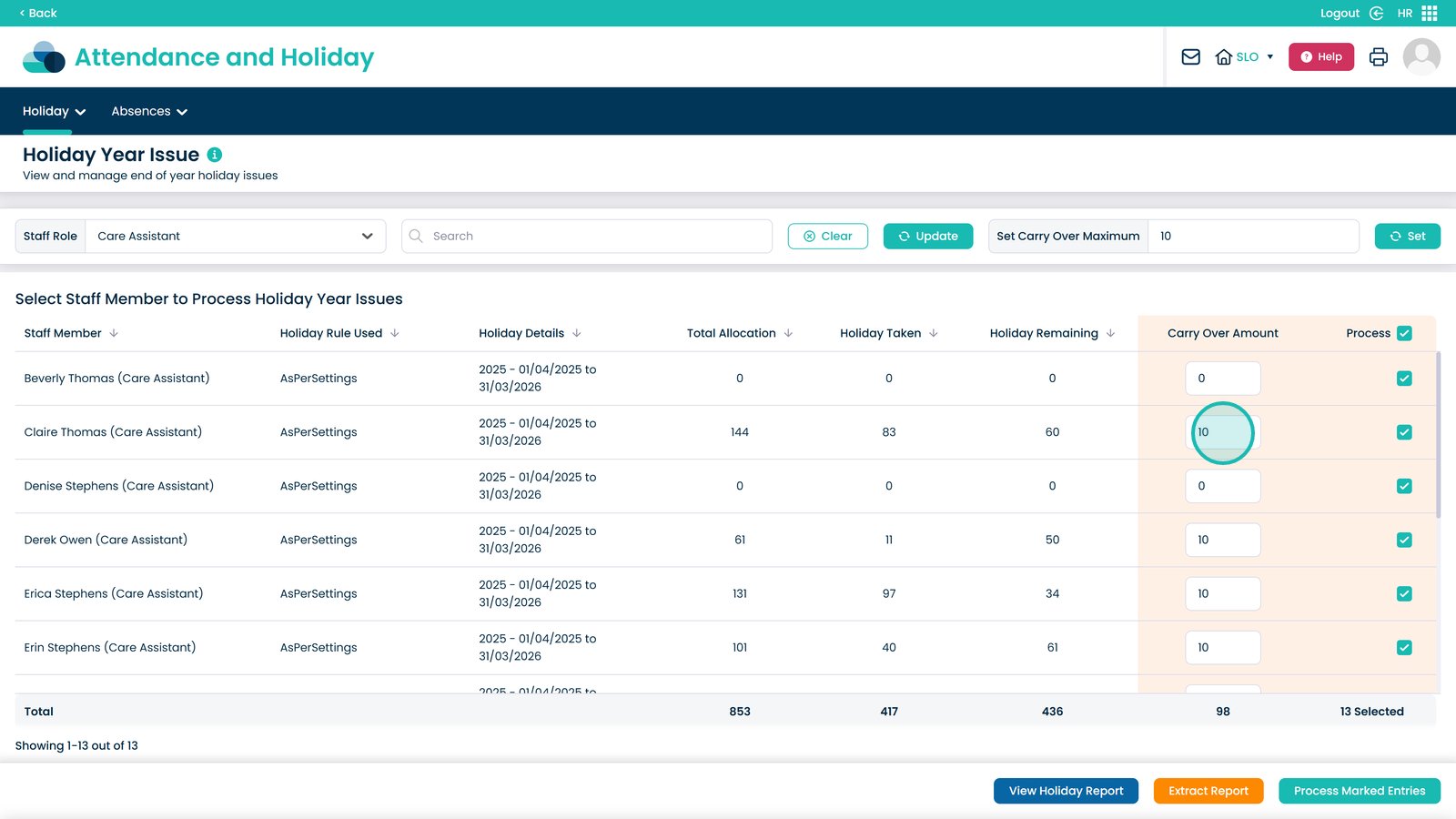
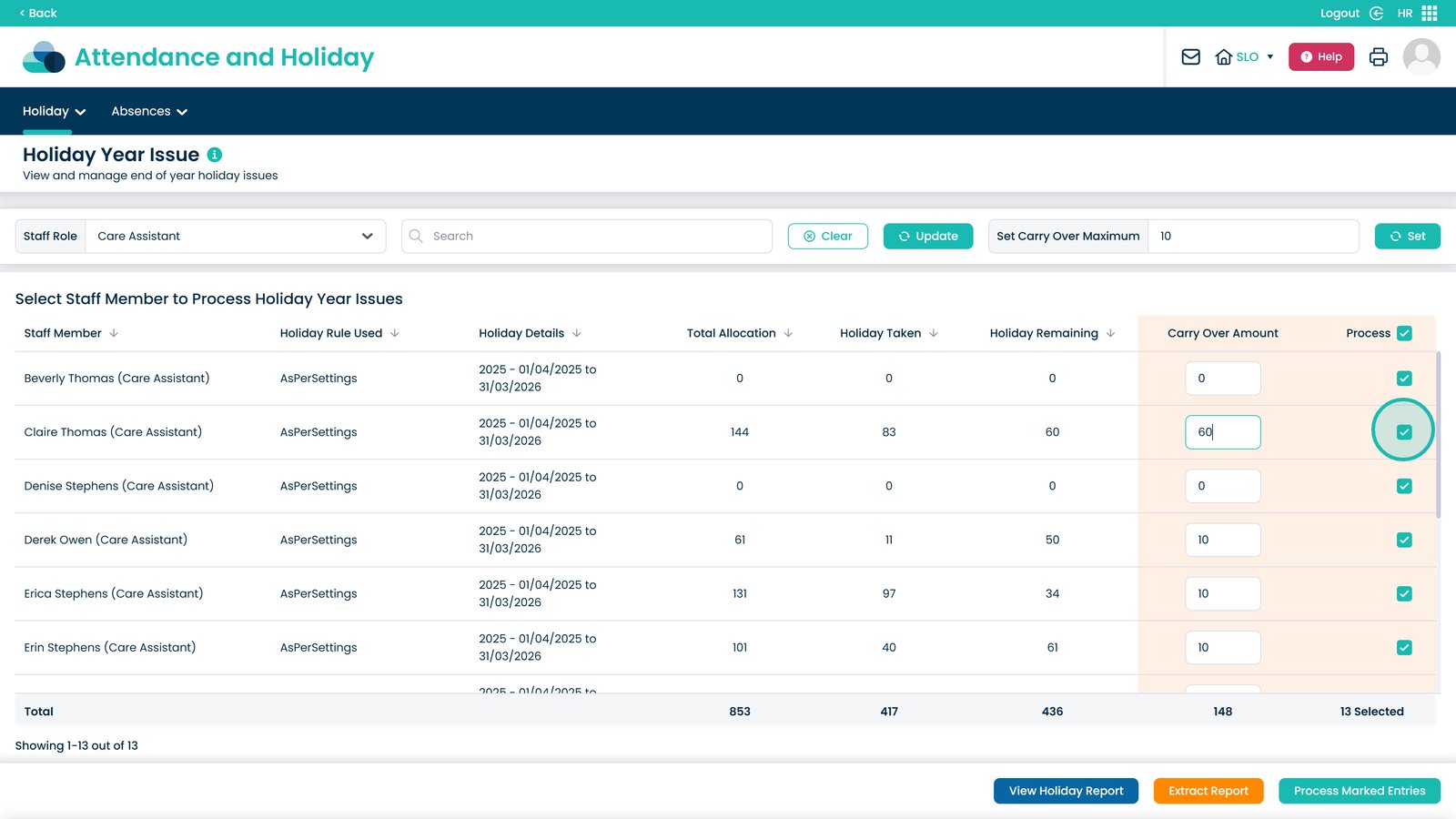
Manually adjust the carry-over hours for individual staff if required.

Choose whether to process carry-over amounts for individual or all staff members.

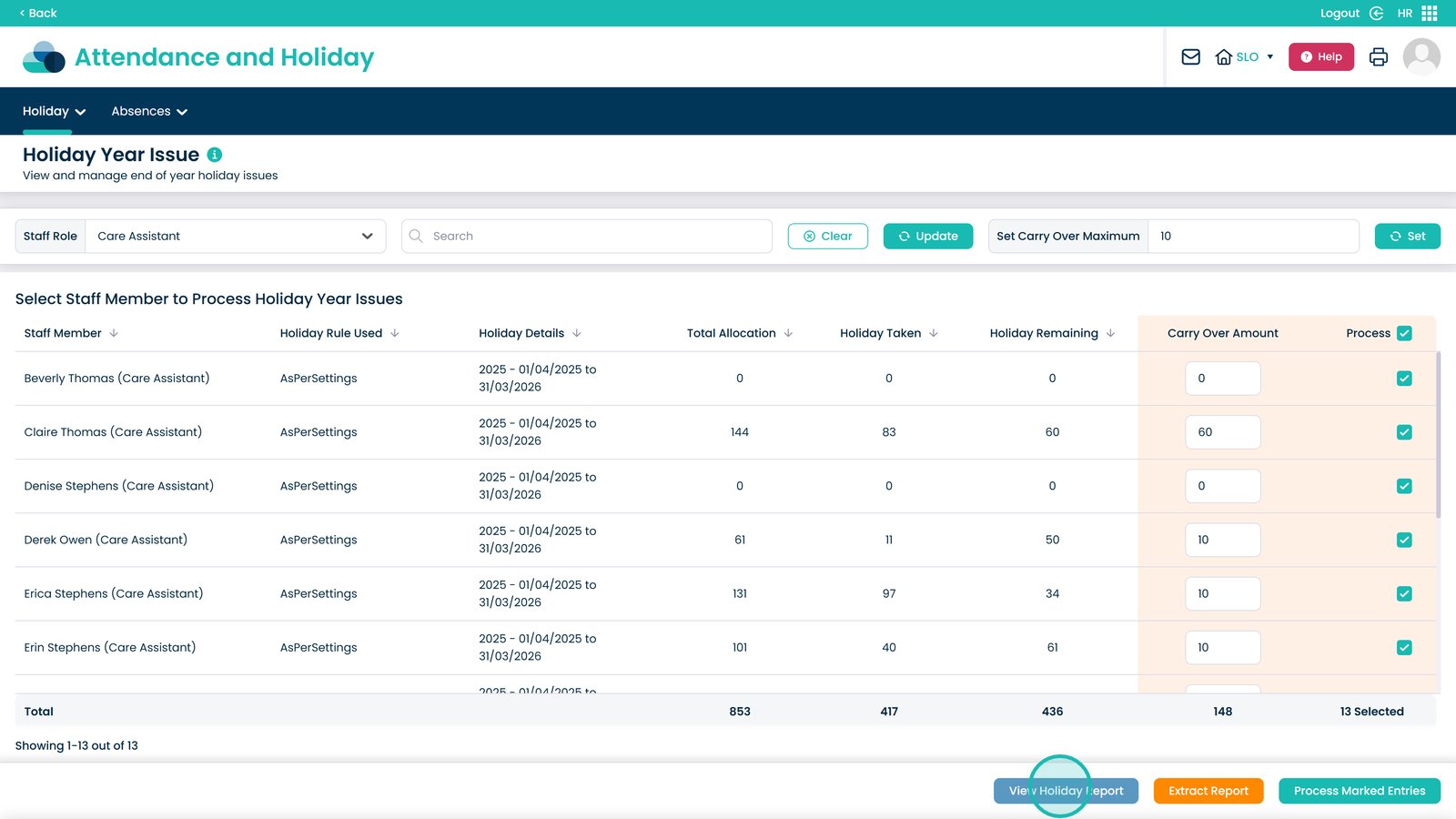
Click “View Holiday Report” to see a detailed breakdown of holiday data.

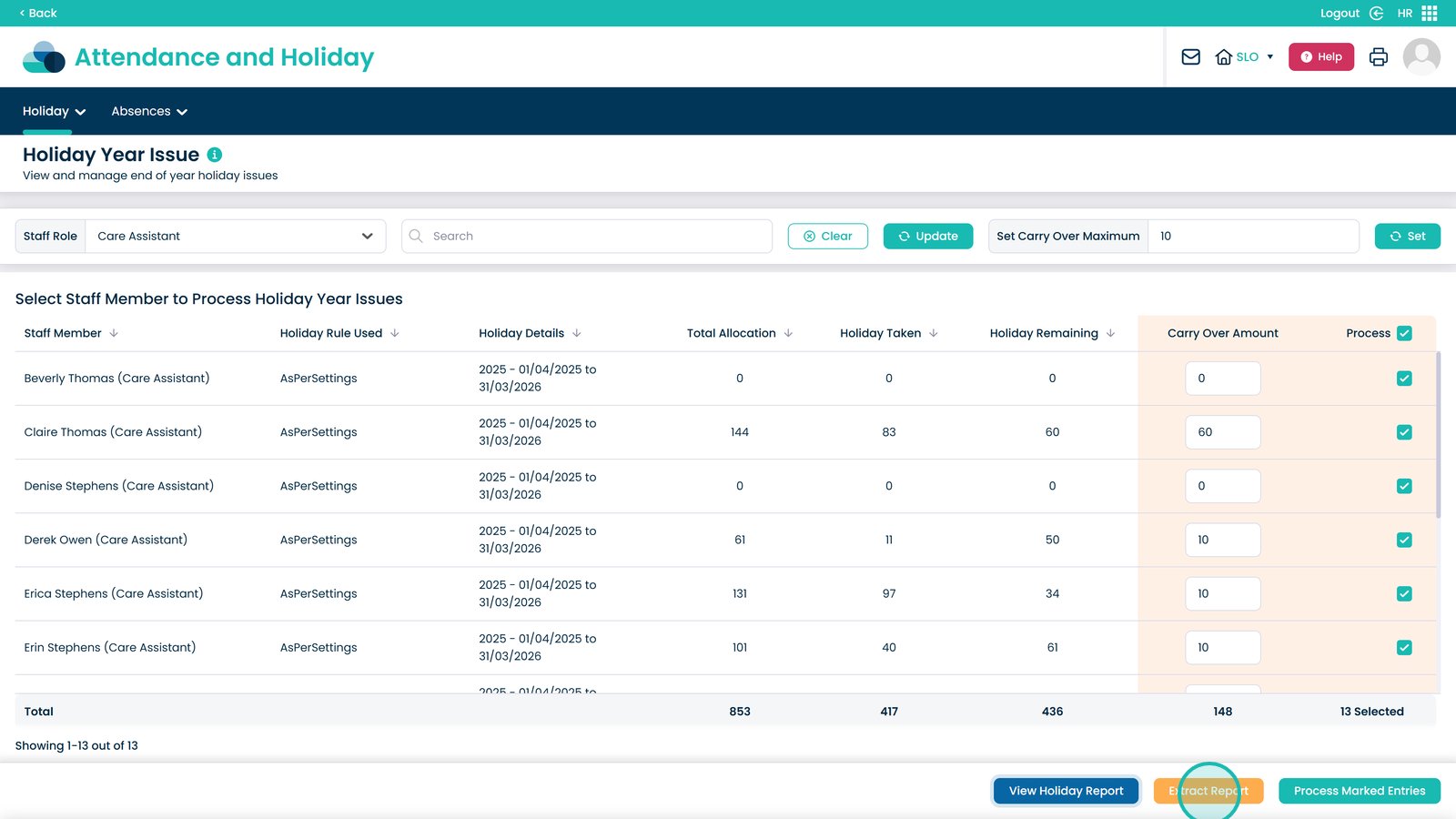
Download the report as a CSV file by selecting “Extract Report”.

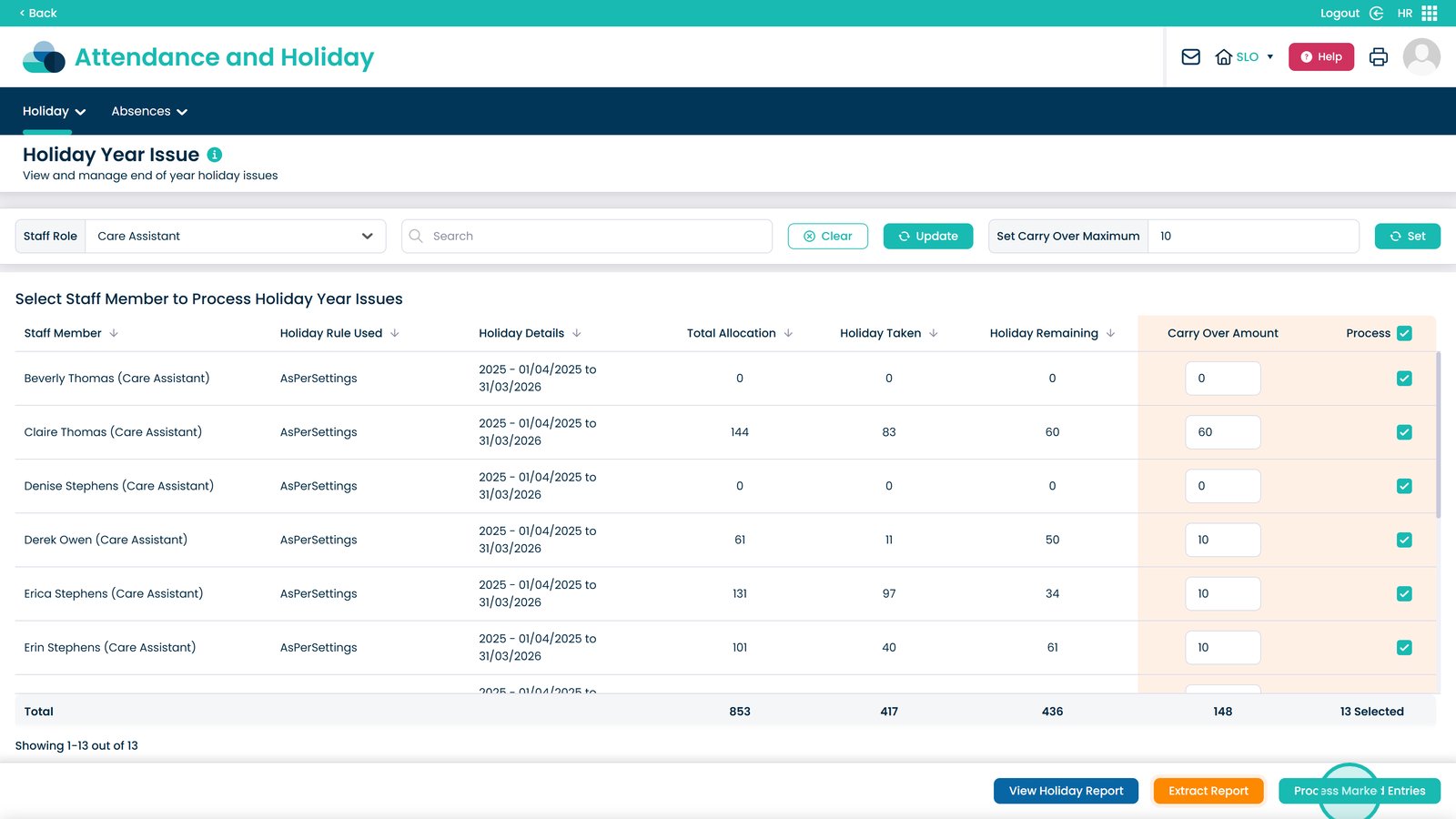
Click “Process Marked Entries” to carry over the selected holiday balances.

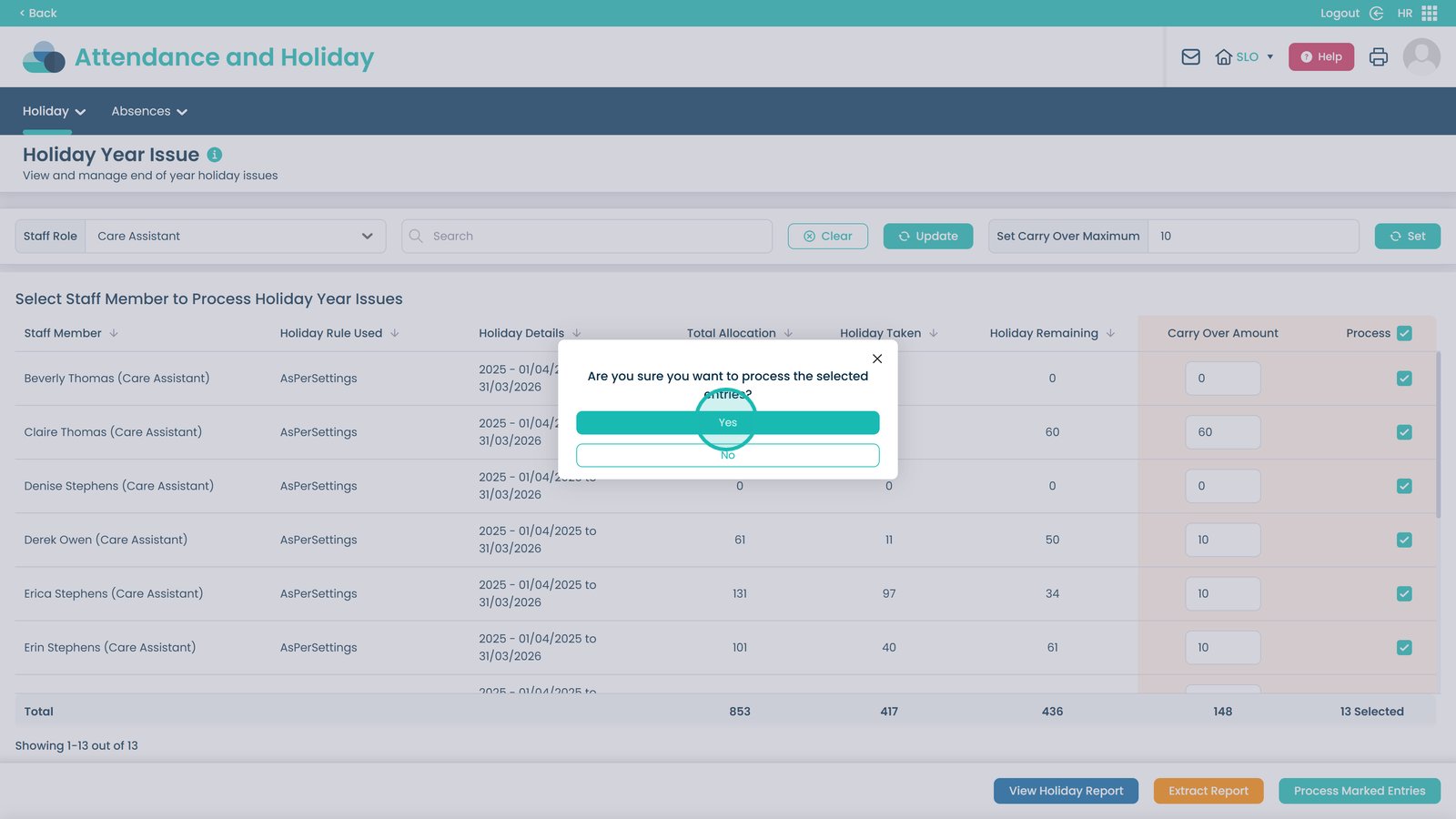
Confirm the action to finalise the carry-over process.

The holiday carry-over process is now complete and applied to the selected staff.

Was it helpful ?
Table of Contents
↑ Top