View Categories

How to Set Staff Address Visibility in Cloud Roster

This guide explains how to configure which staff information is visible within Cloud Roster by changing the Staff Information Visibility setting.

Takes 3 minutes
For: Managers
Updated: 22nd July 2026

Introduction

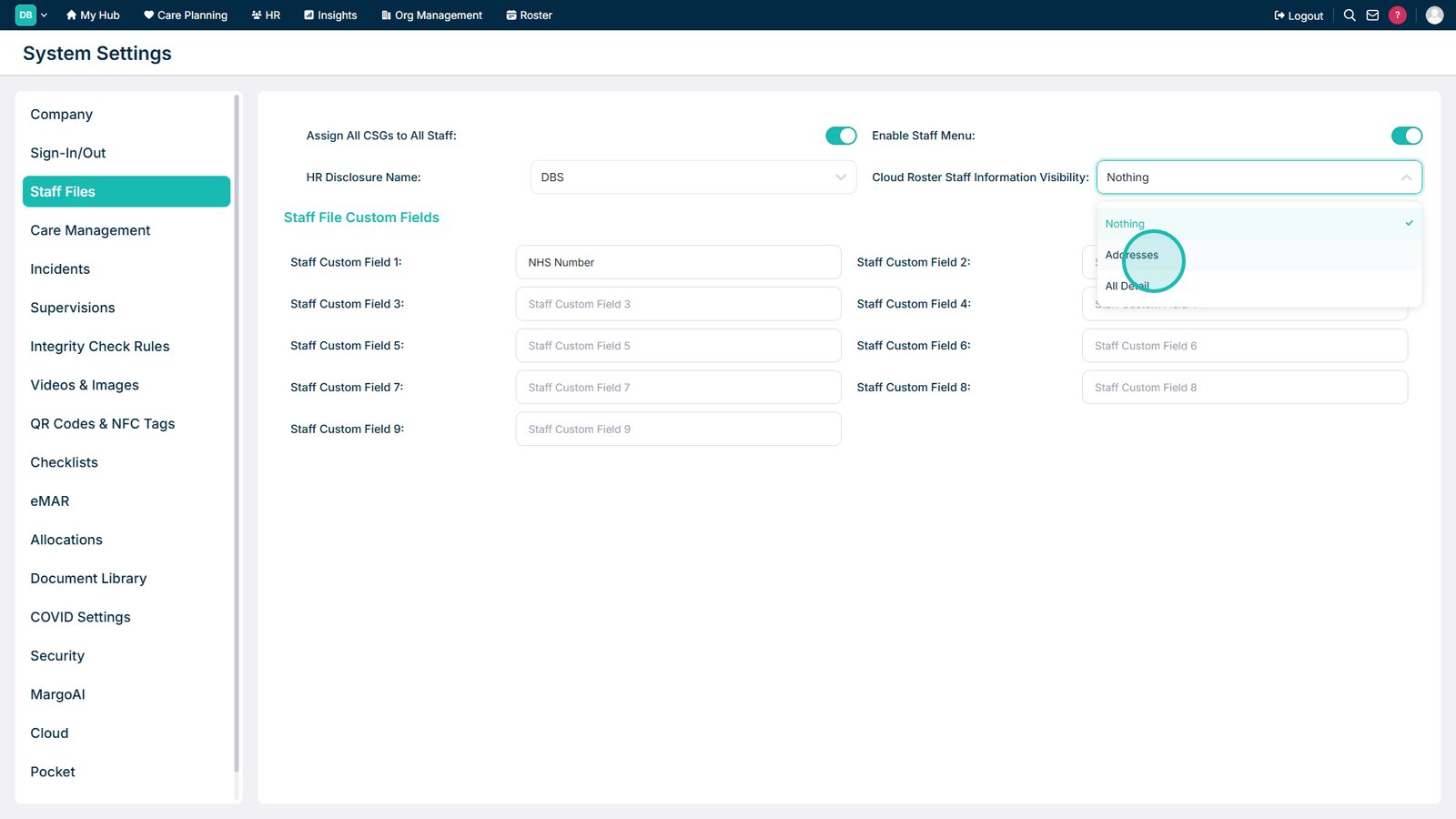
The Cloud Roster Staff Information Visibility setting allows you to control how much staff information is displayed within Cloud Roster. You can choose to hide all staff information, display addresses only, or show all staff details.

In this guide you'll learn how to:

  • Open the Staff Files system settings
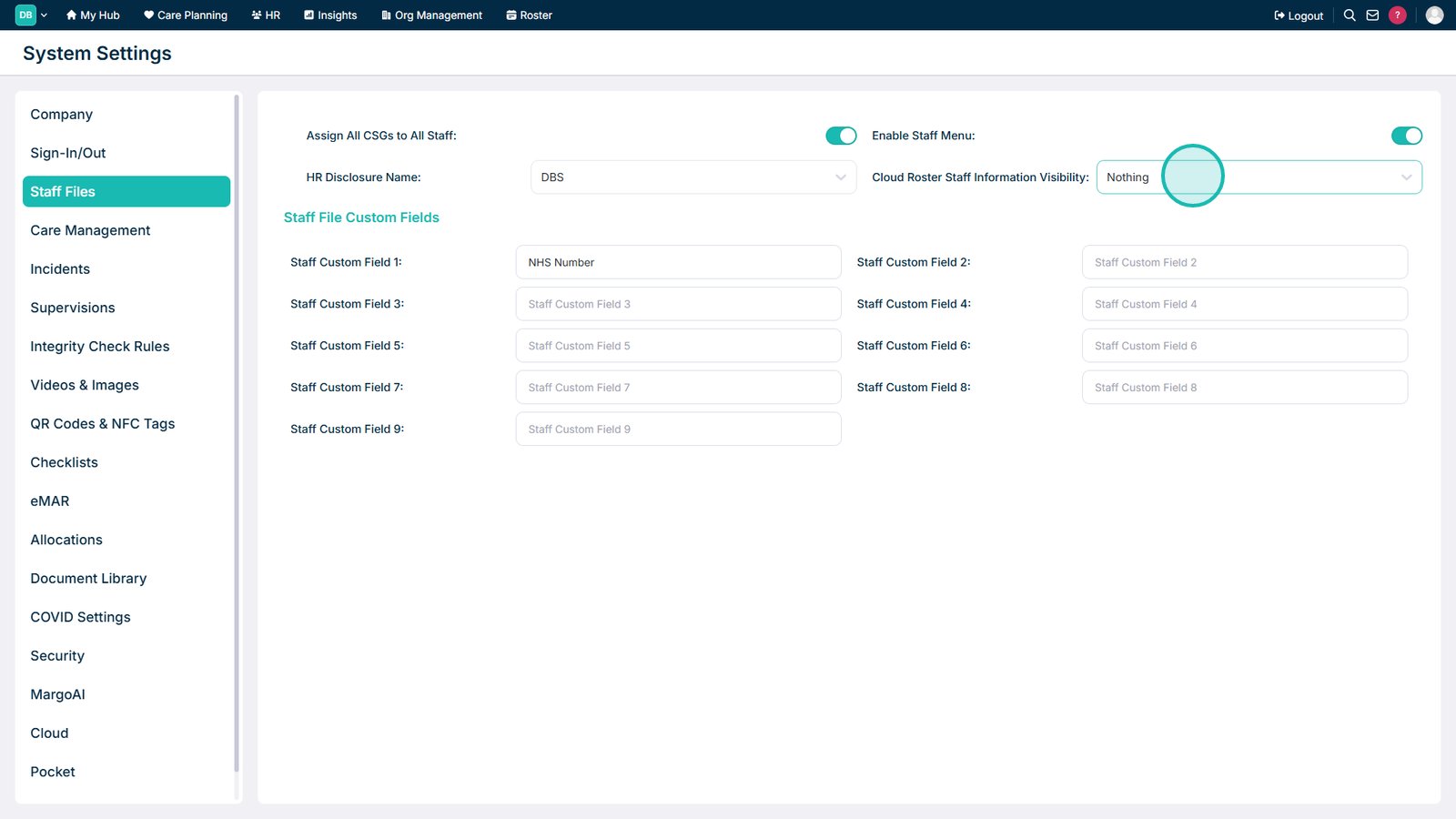
  • Locate the Cloud Roster Staff Information Visibility setting
  • Select the required visibility level
  • Understand each available option

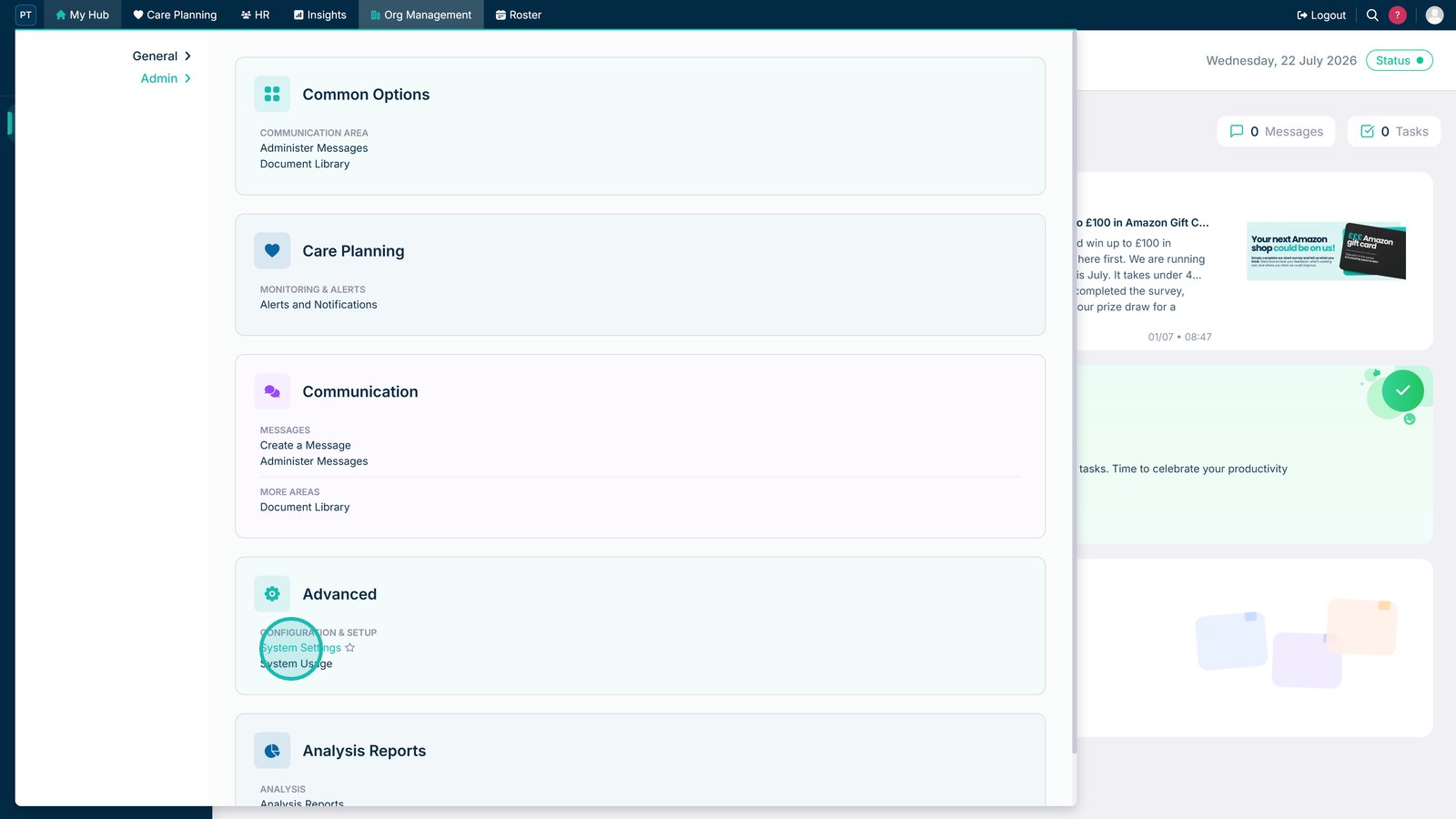
Open System Settings.

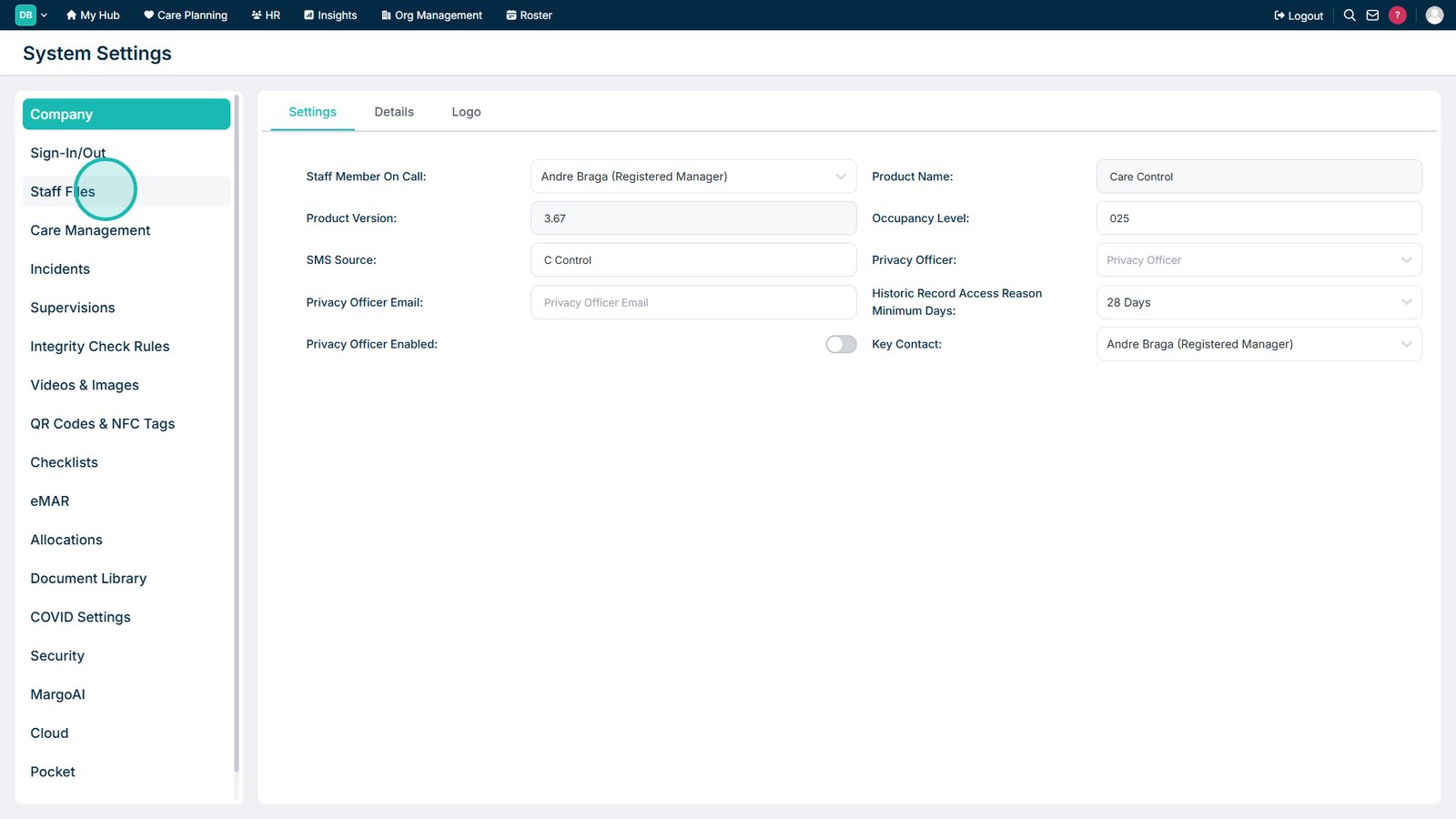
Select Staff Files from the left-hand menu.

Open the Cloud Roster Staff Information Visibility drop-down list.

Select the required visibility level.

Top tip

Only display the level of staff information that is required to support your organisation's operational and privacy requirements.

Was this guide helpful?

Need more help?

Can't find what you're looking for? Our support team is here to help.

Contact Support

Or call us on

On this page