This guide will cover how to activate draft monitoring forms on Care Control Windows.
1
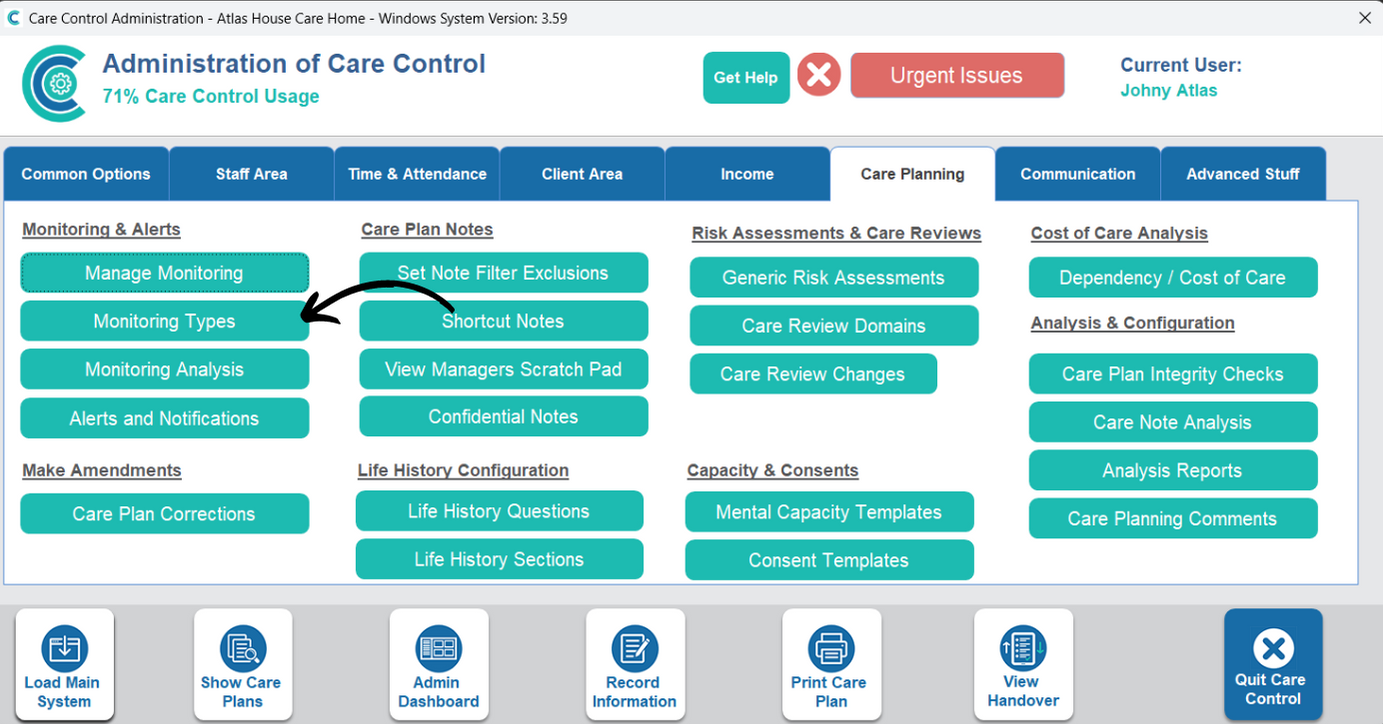
In the Administration of Care Control Windows, open the Monitoring Types tool, which can be found under the Care Planning tab.
2
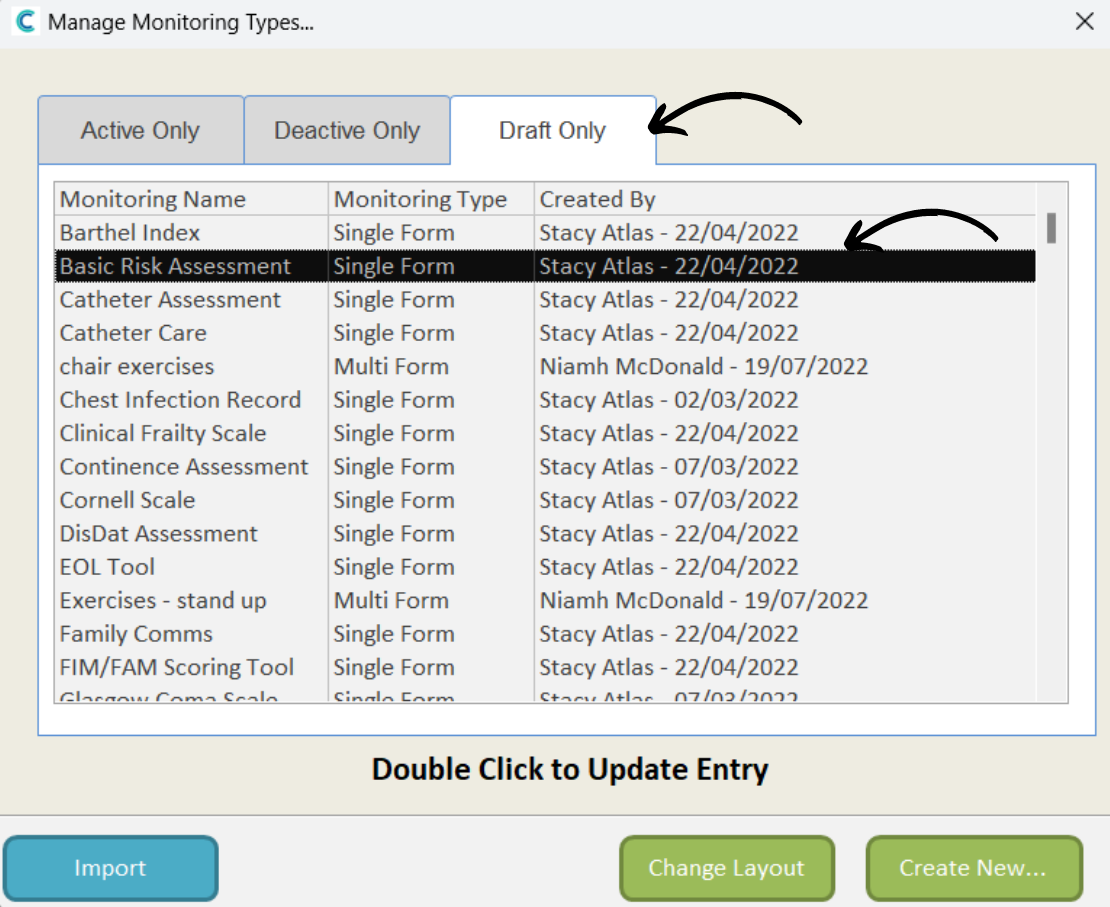
A new window will open. Here, open the Draft tab and double-click on the monitoring area you wish to activate.
3
The overview for the monitoring area will be displayed, including the default frequency settings (these can be adjusted on a service-user basis after activating).
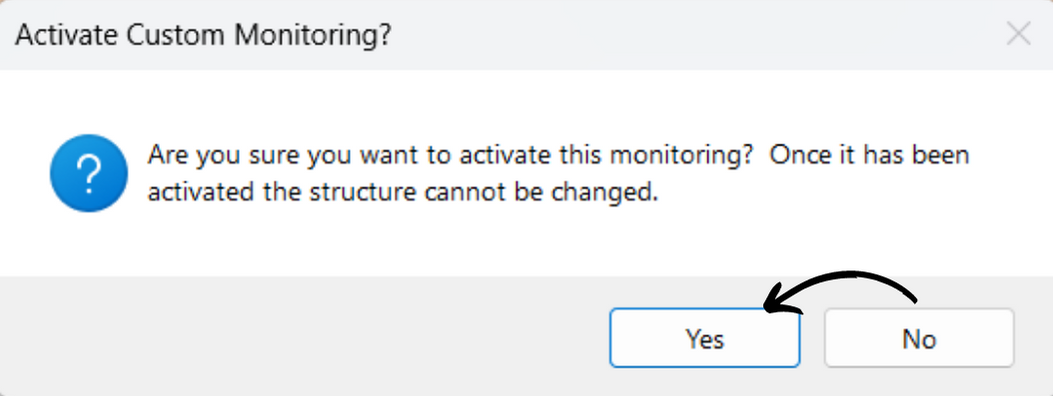
Press Activate in the bottom left corner of the window.