You could win a £250 Amazon gift card! All you need to do is spare us 3 minutes of your time. Click here to find out more!
This guide will cover how to add a new Service User to your system via Care Control Windows.
In the Administration of Care Control Windows, select Add a New Service User, which can be found under the Common Options tab.
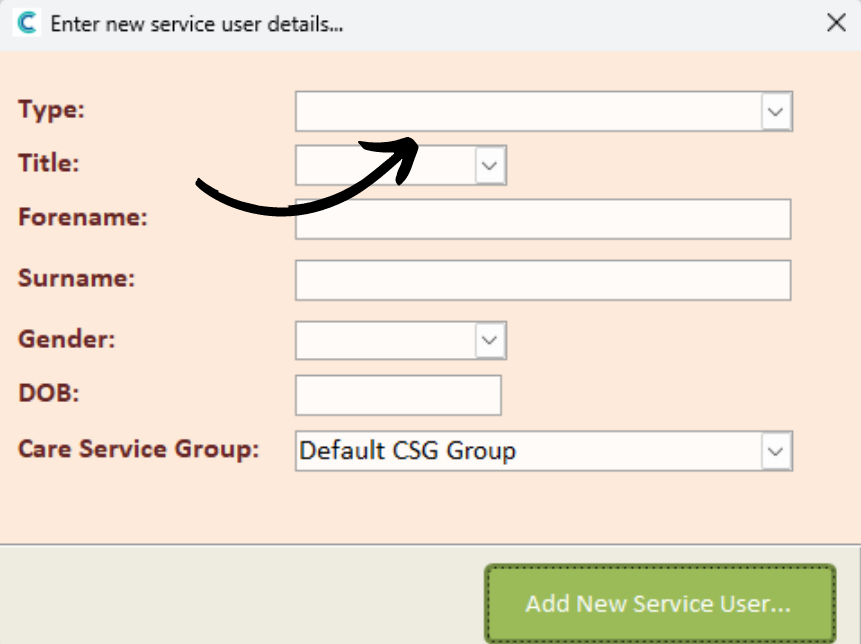
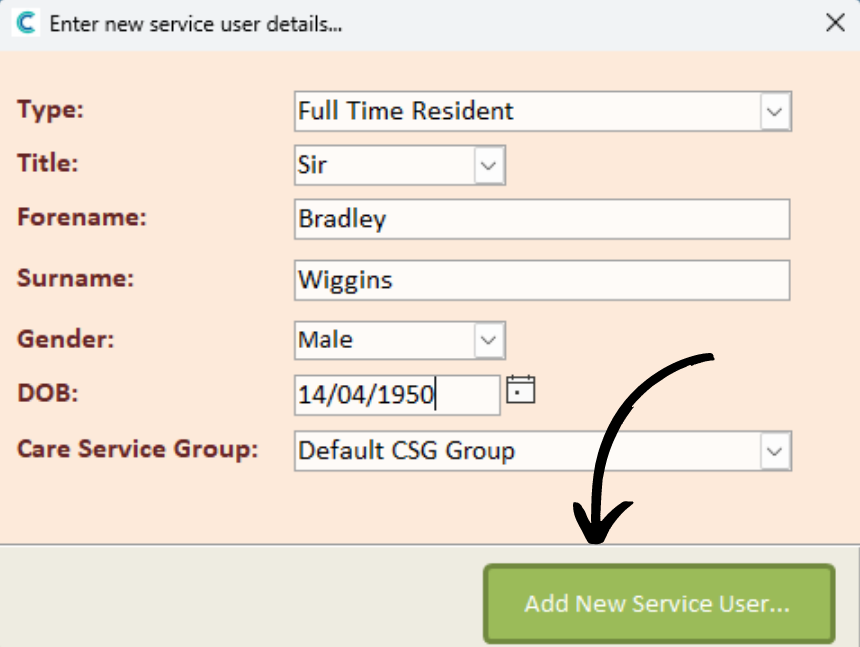
A new window will open, here enter the basic information for the new service user:
After completing the form, press Add New Service User to complete the process.
The user will be added to your system and you can now customise their Care Plan and Monitoring.