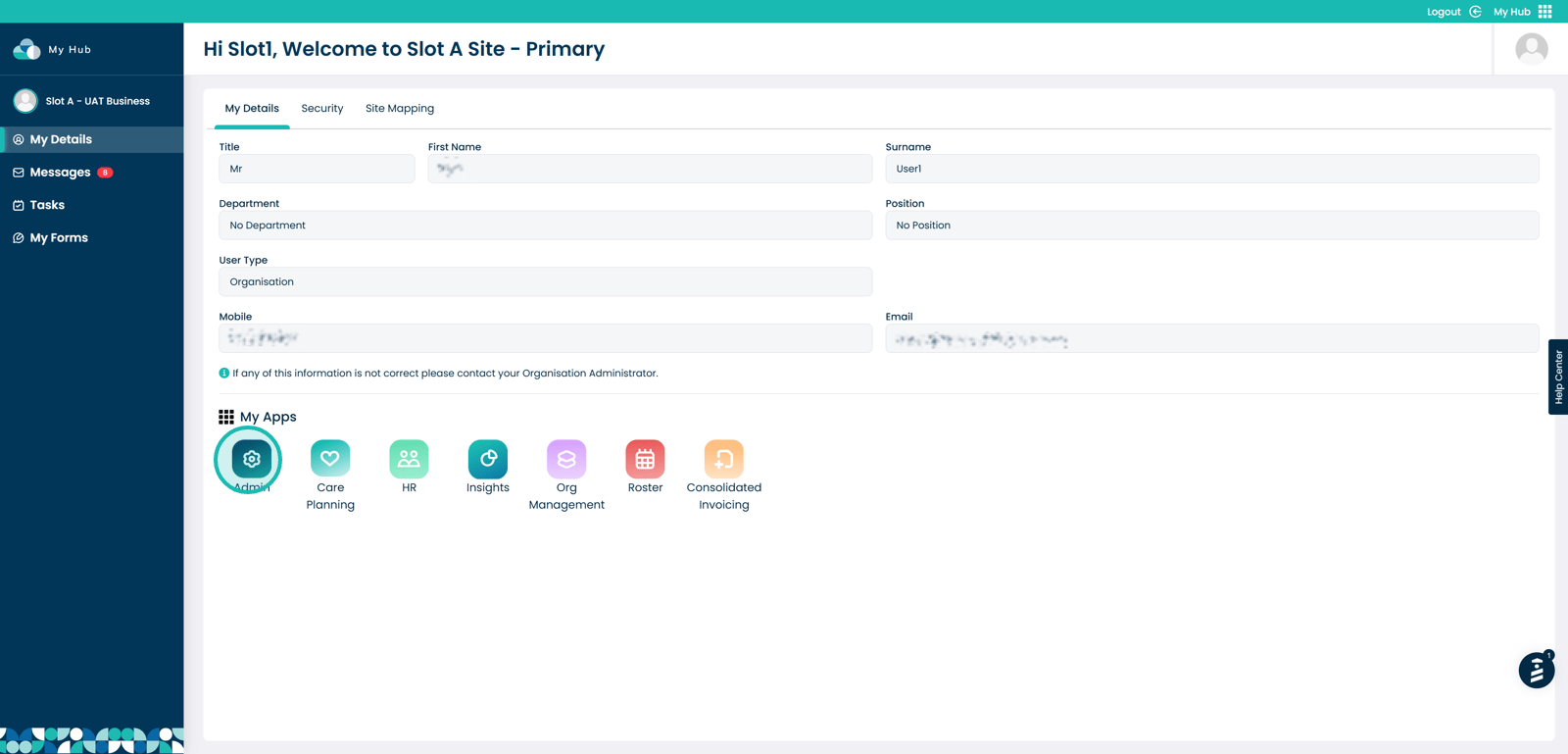
Within the My Hub dashboard, click the Admin app
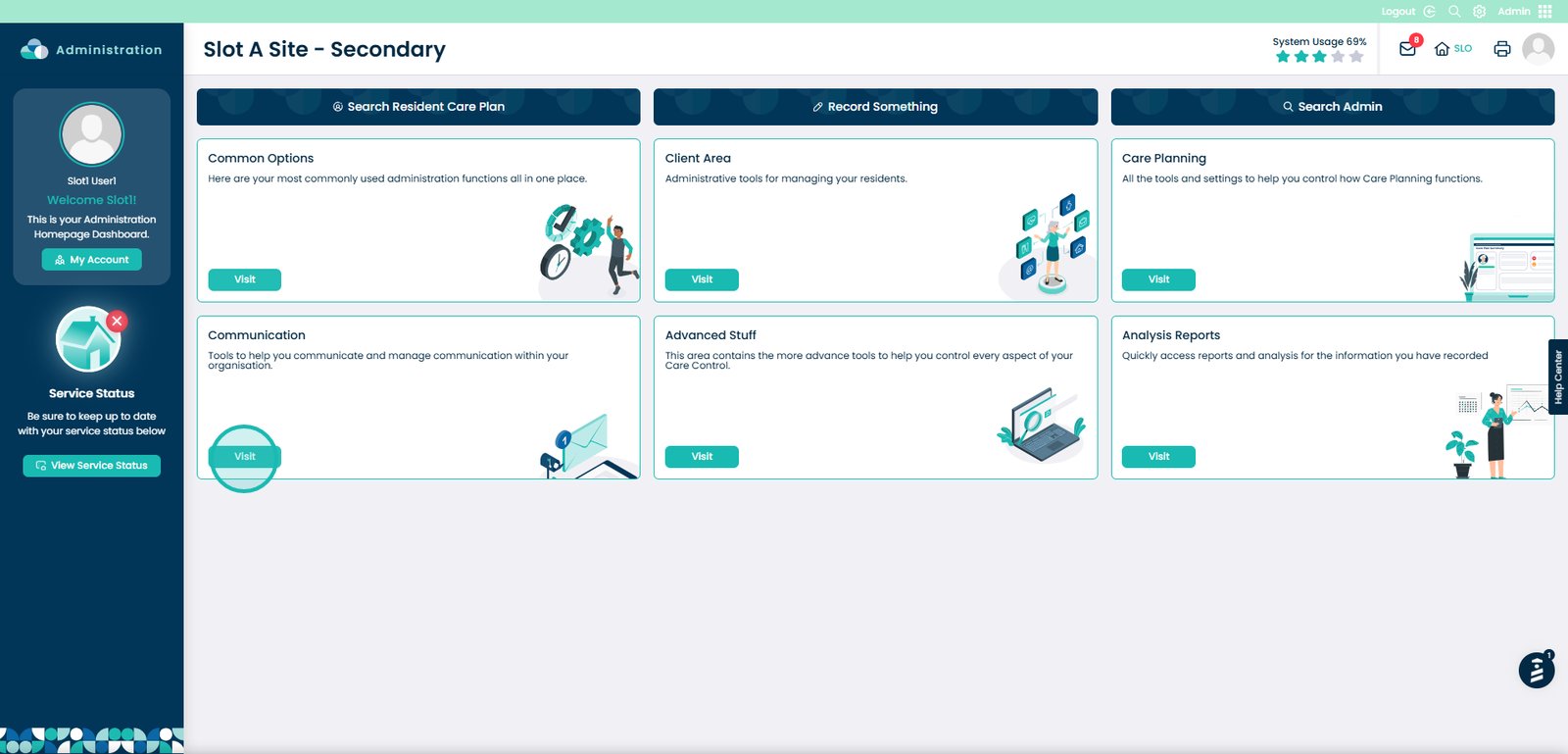
Click the Visit button under Communication
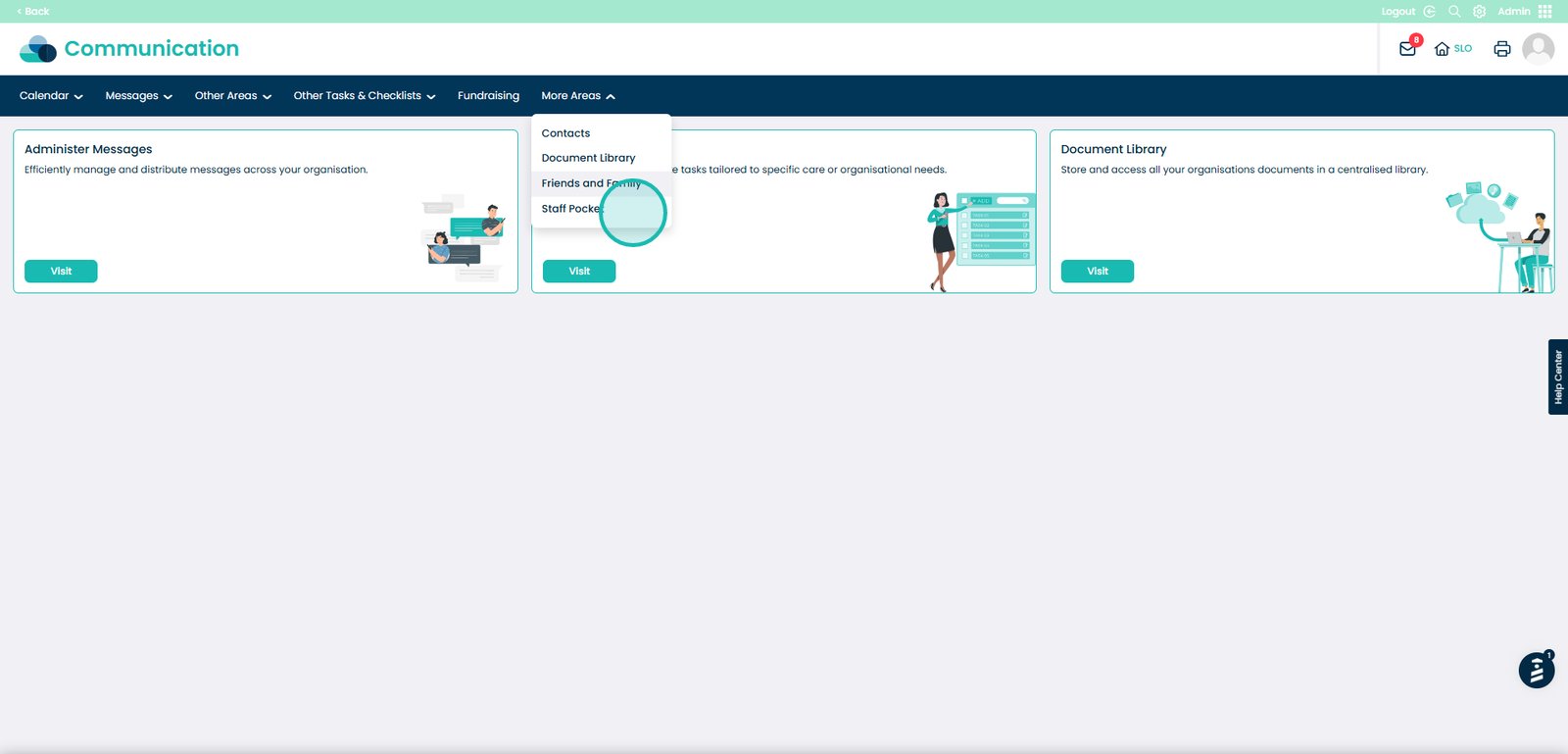
Open the More Areas dropdown
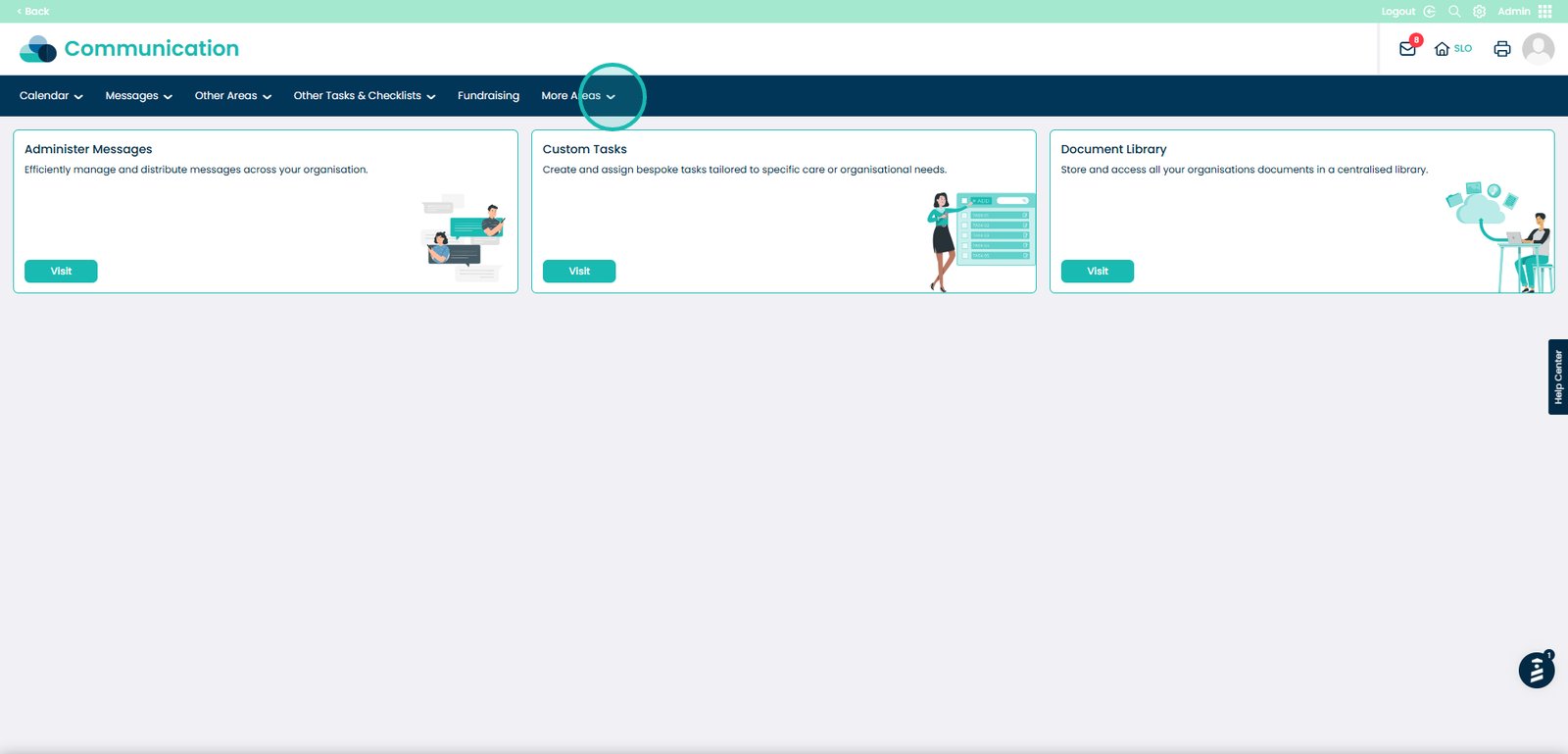
Select Staff Pocket
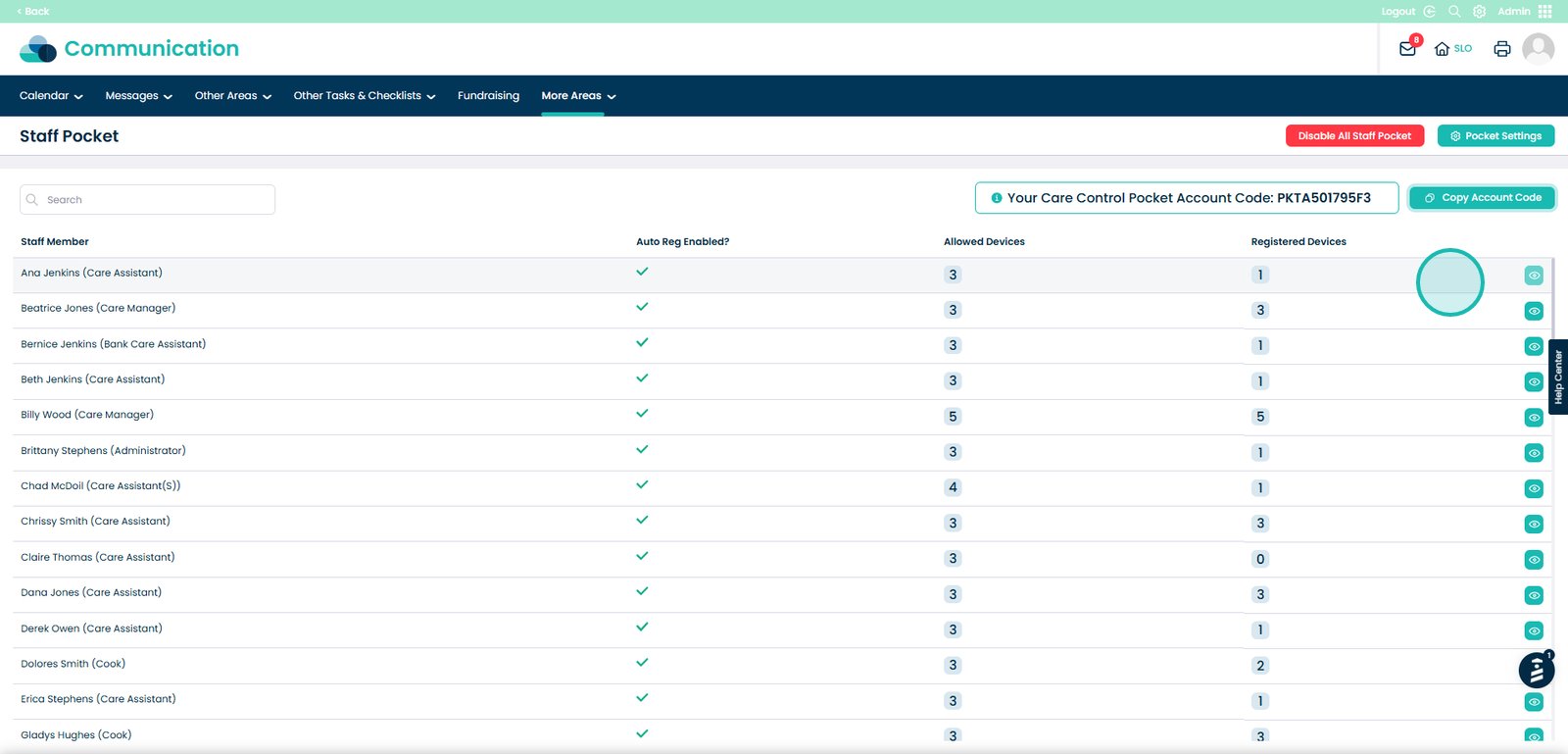
View staff members, allowed devices, and registered devices
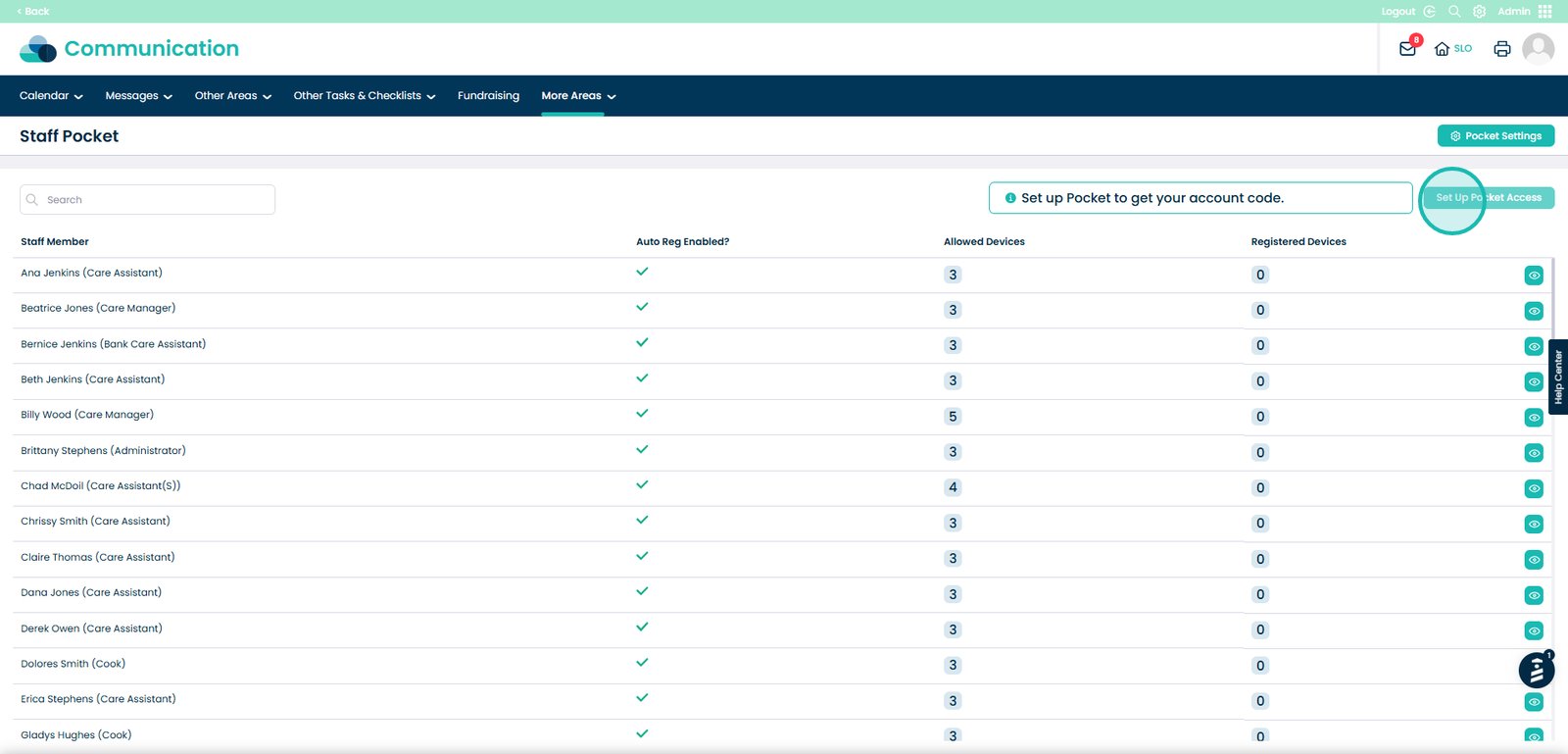
Click Set up Pocket Access
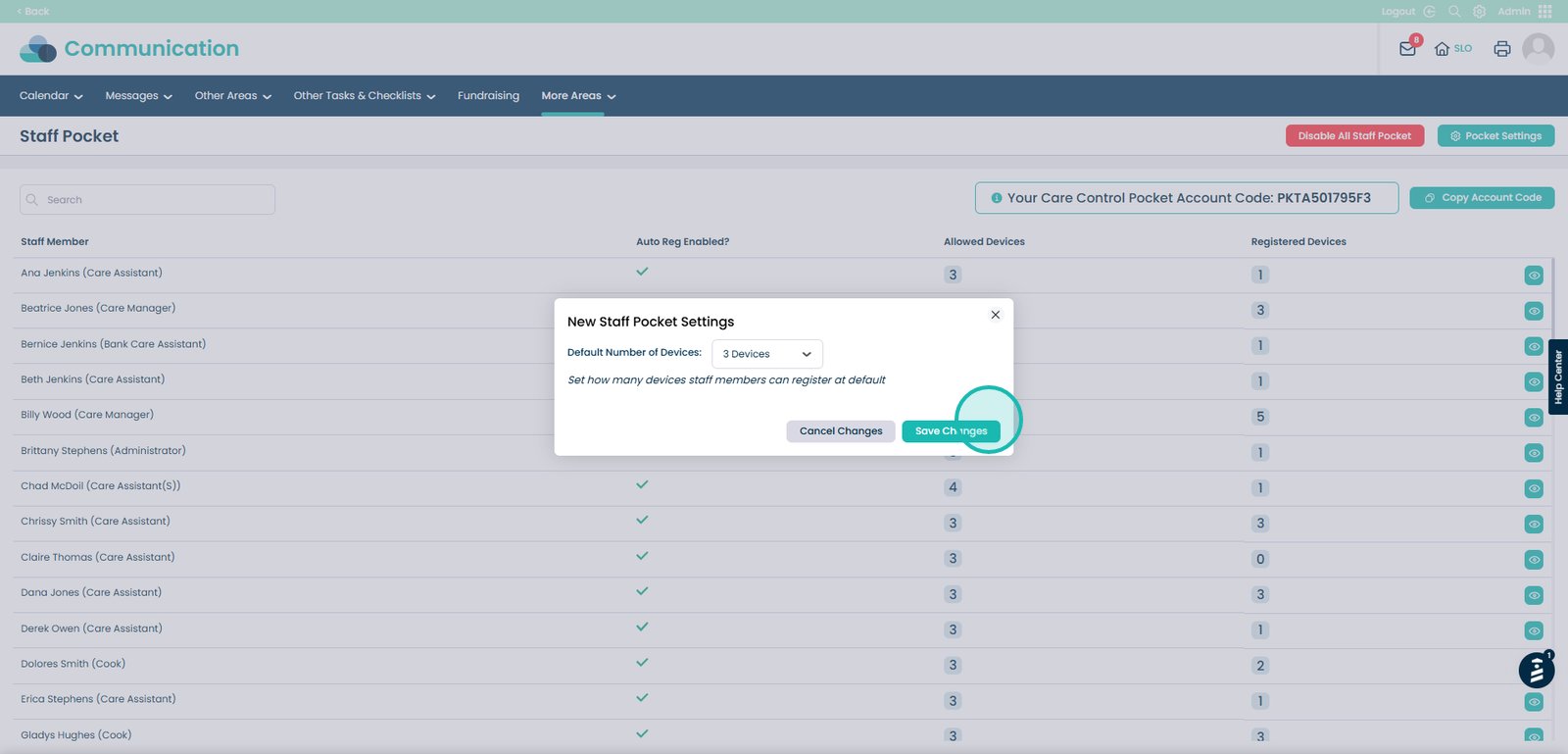
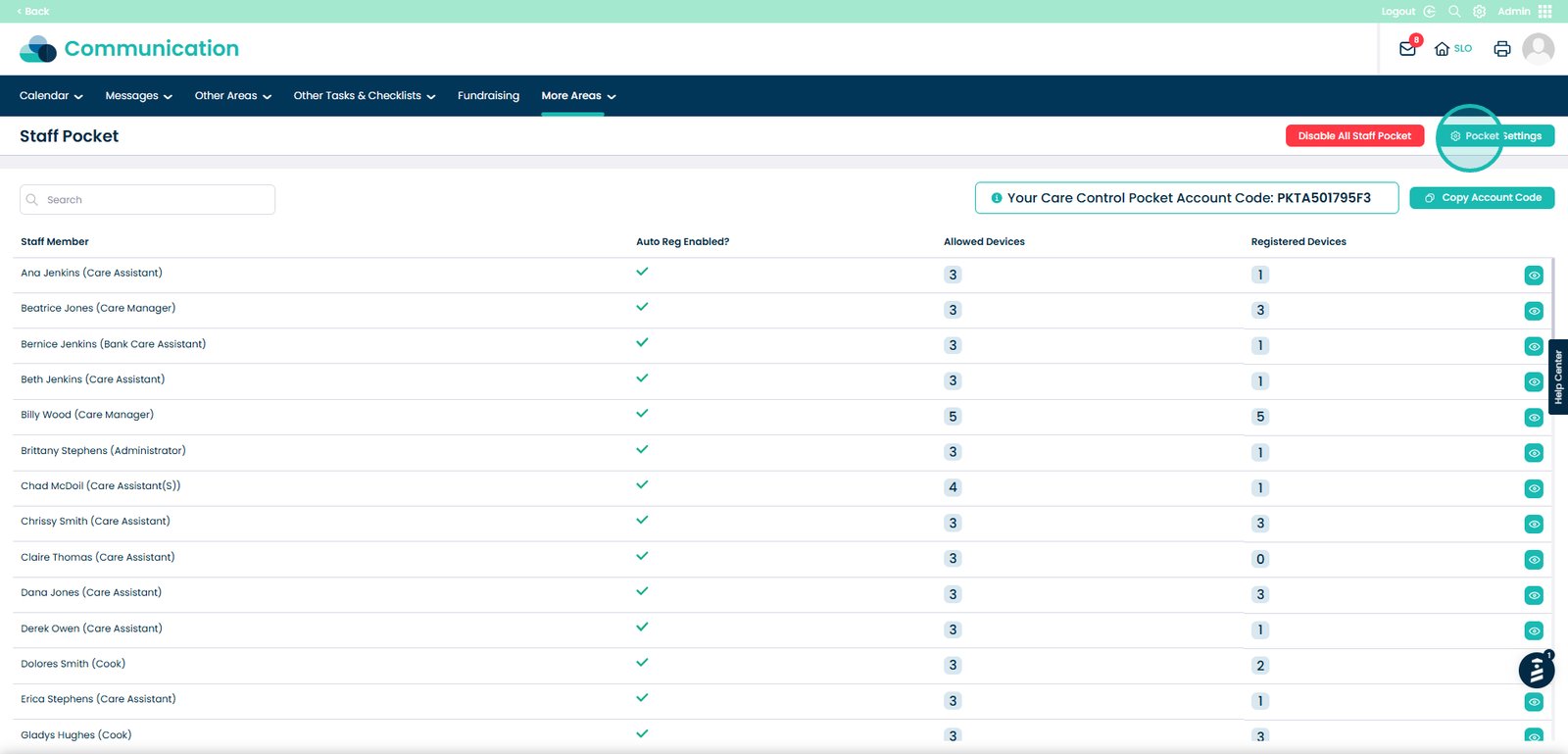
Open Pocket Settings
Change the default number of devices

Save your changes