This guide will cover how to create complaint forms on Care Control Windows. This feature allows for the recording of issues and resulting actions, as well as linking them to staff or service user profiles.
1
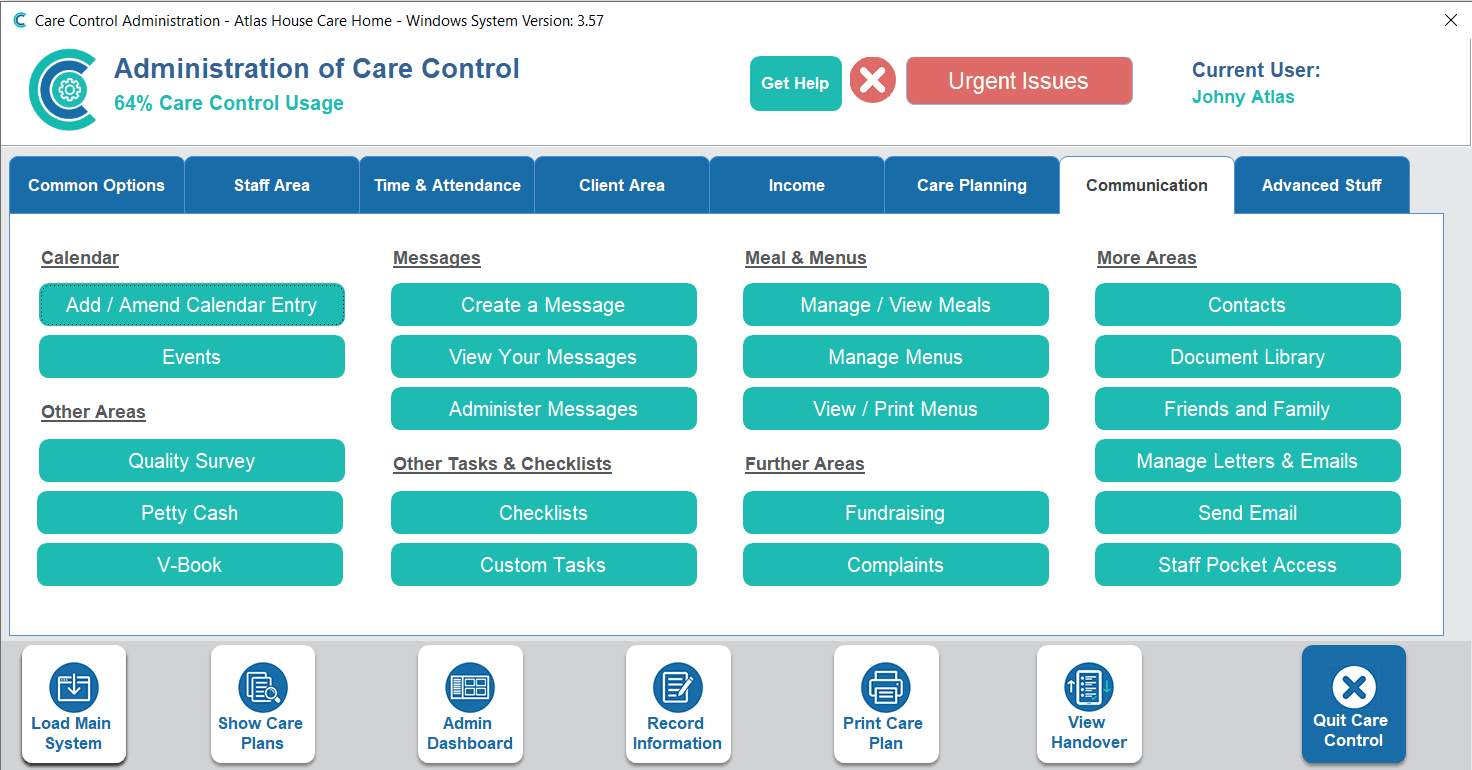
In the Administration of Care Control Windows, navigate to the Complaints tool, which can be found under the Communication tab.
2
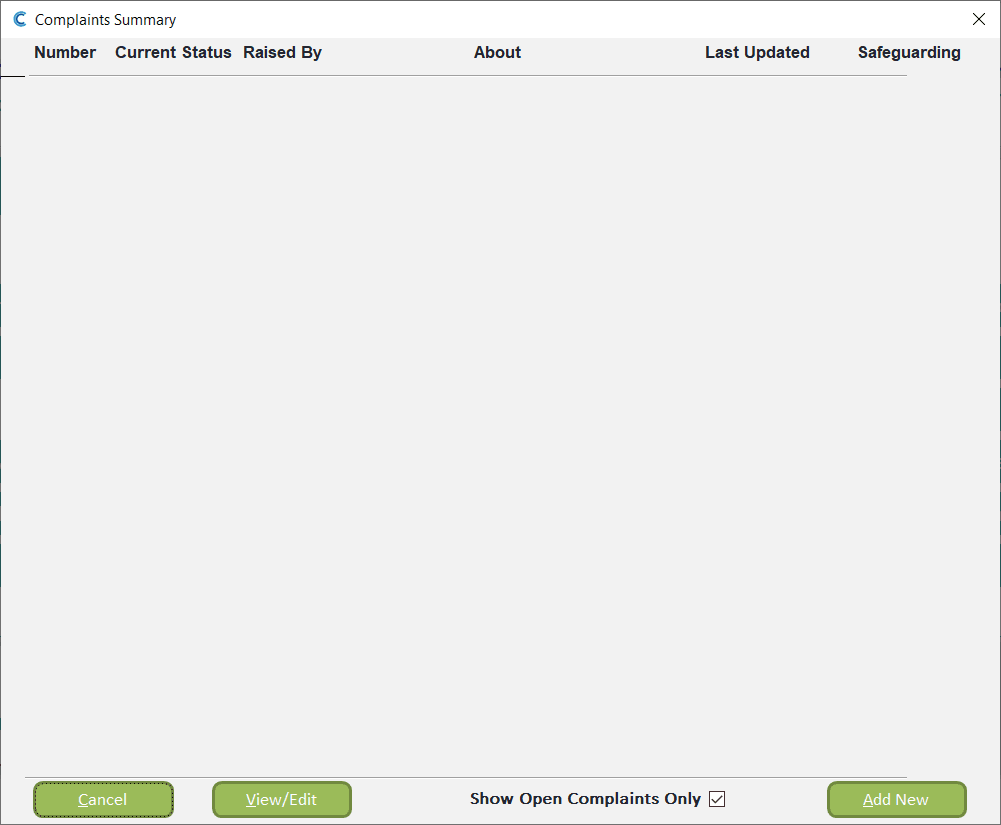
A new window will open. Here, you can view and manage existing complaints. To begin a new one, press Add New.
3
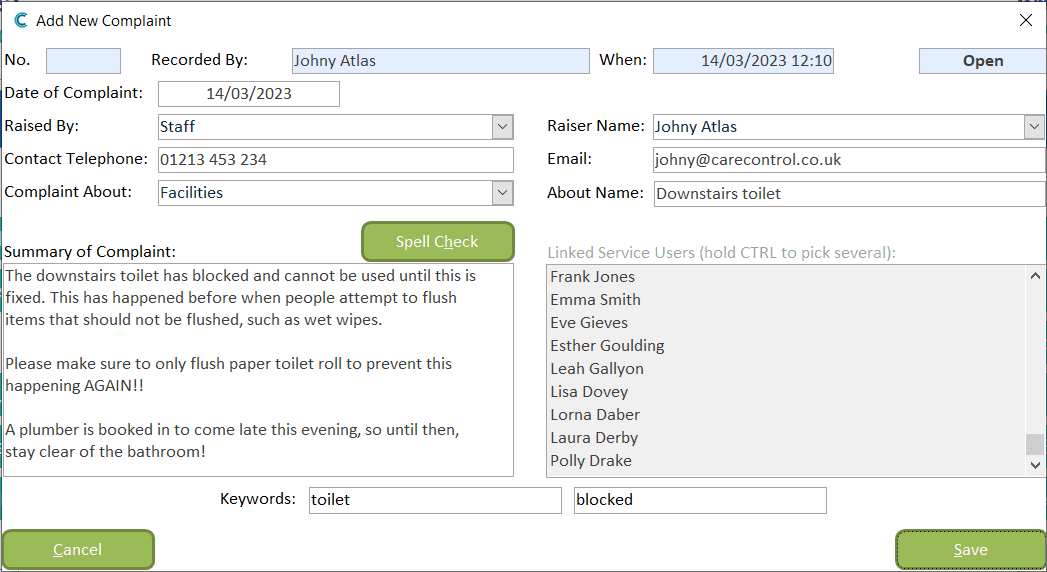
A blank form will open:
– Date – the date of the incident / complaint
– Raised By – who is making the complaint
– Contact Telephone – contact number for the person raising the complaint
– Complaint About – topic of the complaint
– Raiser Name – the name of the person raising the complaint
– Email – their email address
– Summary of Complaint – written description of the issue
– Linked Service Users – add service users to the form if relevant
– Keywords
4
Make sure to press Save after completing the form.
5
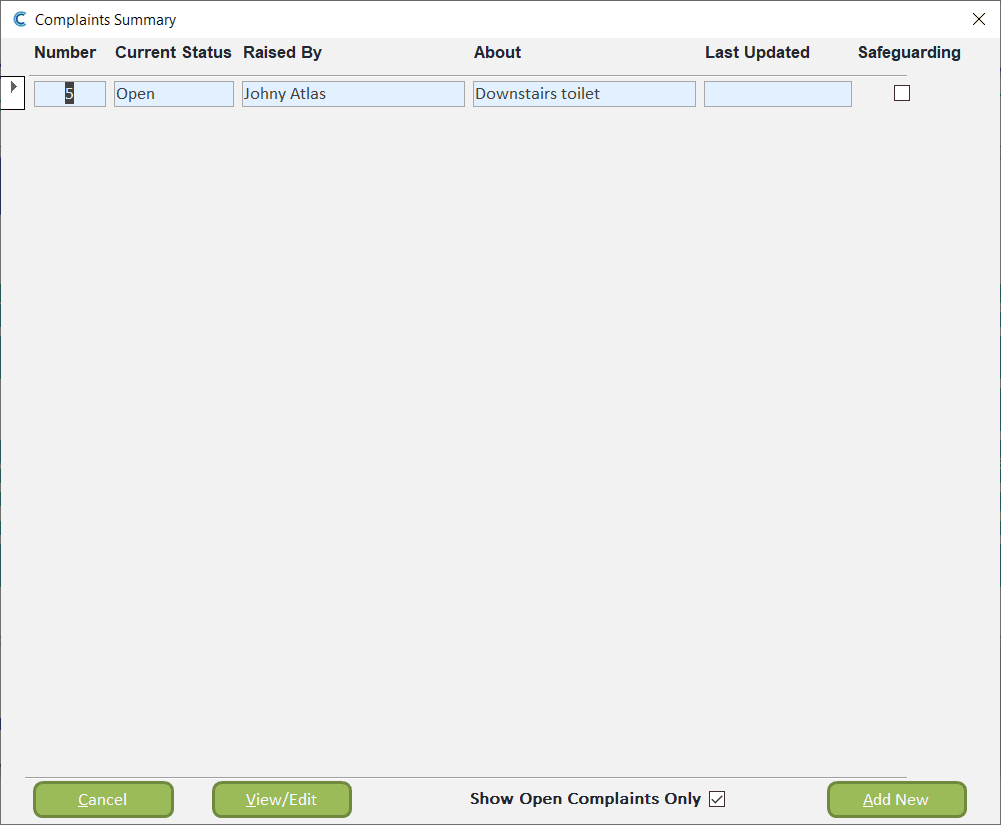
The new complaint will now show in the active complains list. To action an already existing complaint, select it by clicking on the small check box on the left of the window, then press View / Edit.
6
The complaint form will open and now allows the addition of further notes by pressing the Add button next to the Notes box. You can also link scanned documents from your document library.
The bottom of the window contains some further recording options, including being able to assign an Investigating Officer, as well as record Outcomes and Learning points from the complaint. Press the green Edit button to amend these areas.
Finally, the complaint can be closed via the Close Complaint button. This will move the form into historical complaints where the information will be stored.