Bank Holiday Closure Notice: We will be closed on the 3rd April for the Easter bank holiday, so our customer service team will not be available on this day. If you need to get in touch, you can still use our customer contact form and we will get back to you as soon as possible. Even better, Margo will still be available on our phone lines to help with your queries whenever you need support. We hope you have a lovely Easter weekend 🐣
View Categories
Creating a Post Incident Log
This guide will cover how to add a post incident log to an incident record on Care Control Windows. These can be useful in tracking the outcomes of a service user incident, including any steps taken, resultant recovery or any other notes associated with it.
1
In the Administration of Care Control Windows, open the Incident Analysis tool, which can be found under the Common Options tab.
2
A new window will open. Here, a summary of all the incidents in your organisations will be displayed. You can filter the results by staff / service user, a date range as well as incident and injury type.
To record a post incident log, select the incident and press View Details.
3
The chosen incident form will open.
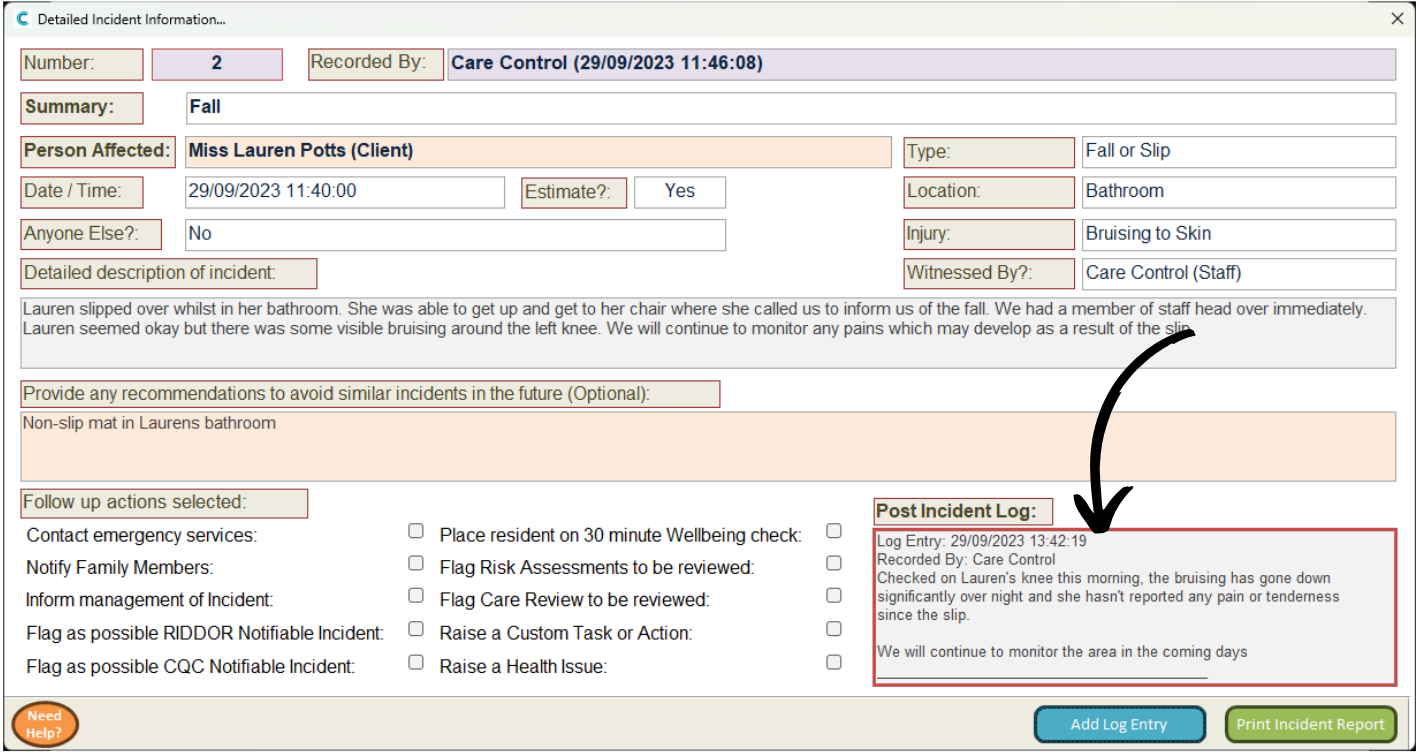
Here, press Add Log Entry at the bottom of the page.
4
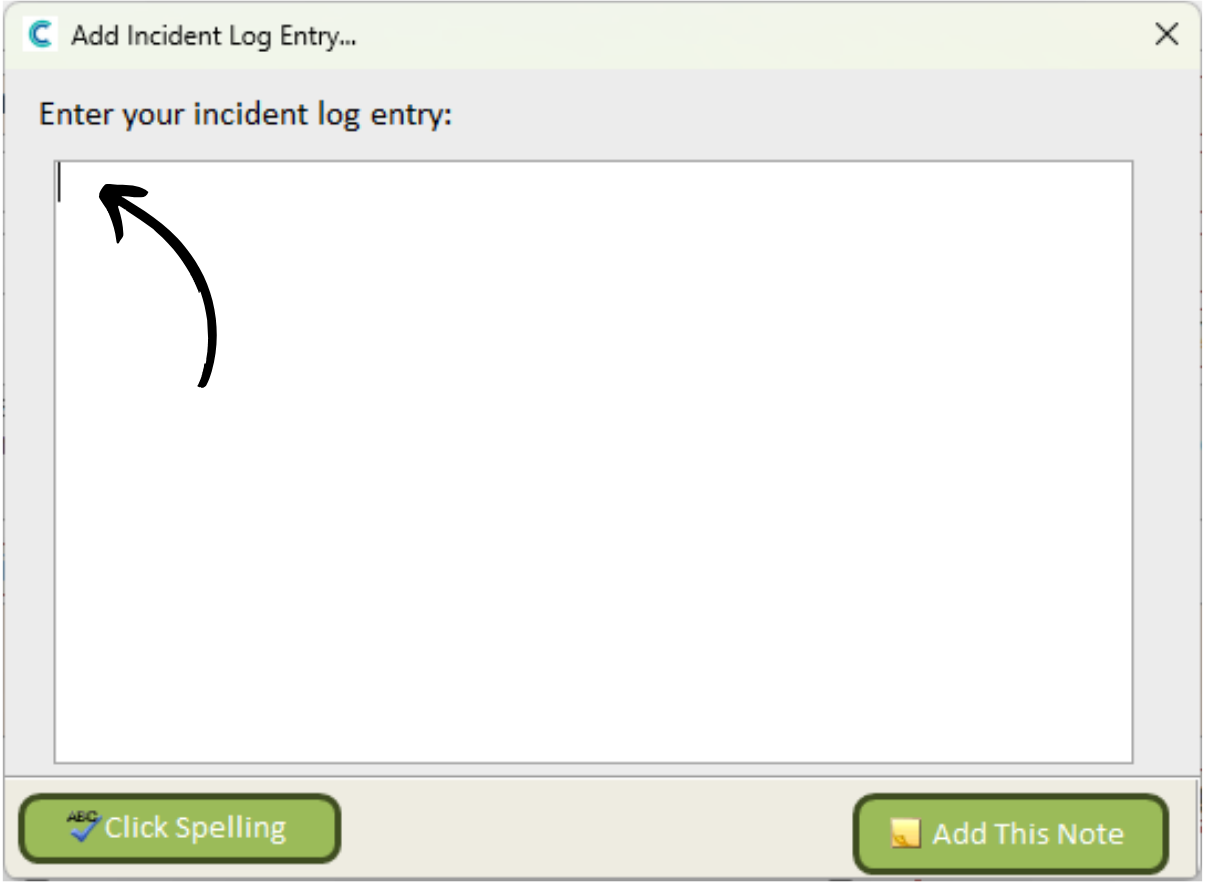
A blank text box will open. Type in the required information here.
5
After doing so, press Add This Note.
6
Your note will appear in the Post Incident Log box.