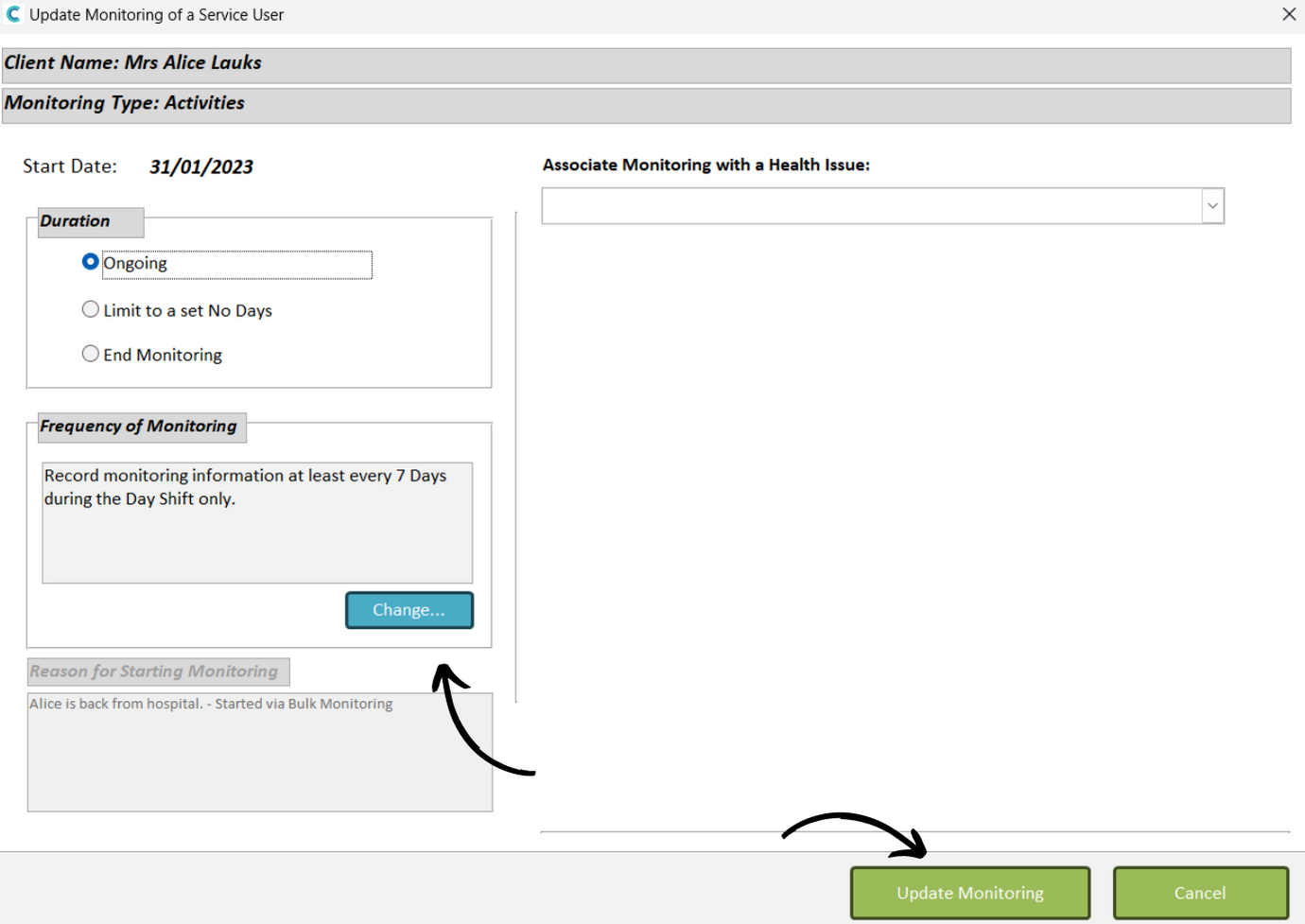
This guide will cover how to update and amend existing monitoring areas assigned to your service users. This might occur if the frequency or details of a monitoring area need to be changed.
1
In the Administration of Care Control Windows, open the Manage Monitoring area, which can be found under the Care Planning tab.
2
Select a service user from the left hand list, as well the monitoring area you wish amend from the right hand list. Then, press Update / End.
3
A new window will open, here you can change the Duration using the tick boxes, as well as the Frequency by press Change.
4
Pressing Change will open another new window. – In Days – Monitors every X days – In Hours – Monitors every X hours – By Time(s) – Monitors at set times – By Day Shift – occurs during day shift only – By Night Shift – occurs during night shift only – 24 Hour Period – occurs all day and night