How to Complete a Behaviour Assessment
This guide will walk you through recording Behaviour observations within Care Control Cloud.
Takes 2 minutes
For: Care Staff
Updated: 3rd June 2026
Introduction
Behaviour records help care teams monitor changes in a resident's presentation, mood, and behaviour over time. Regular observations support person-centred care, help identify emerging concerns, and provide valuable information for care planning and professional reviews.
In this guide you'll learn how to:
- Select a resident
- Record behaviour observations
- Set observation dates and times
- Add comments and red flags
- Save behaviour records
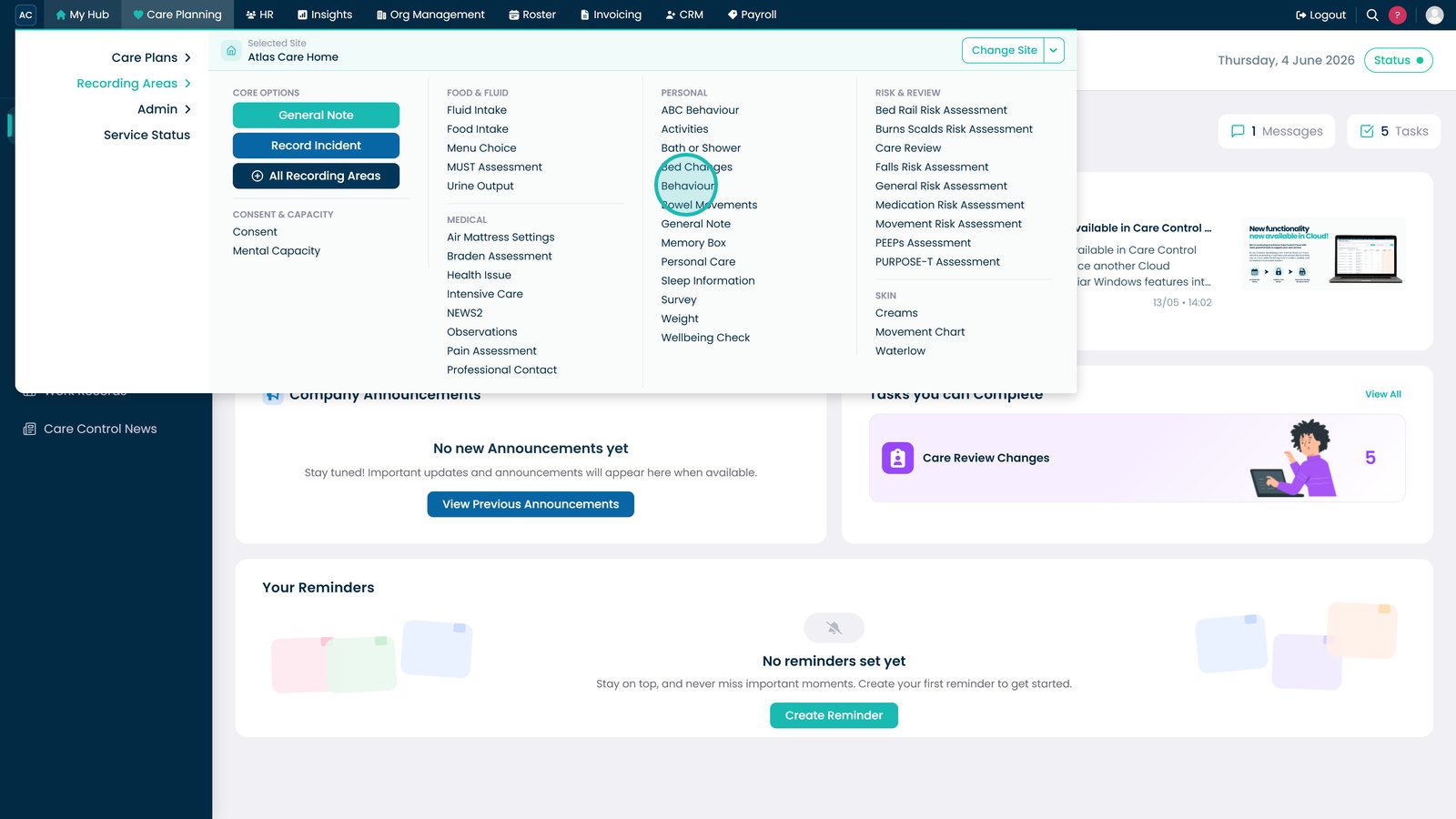
Open the Behaviour section from the Personal menu.

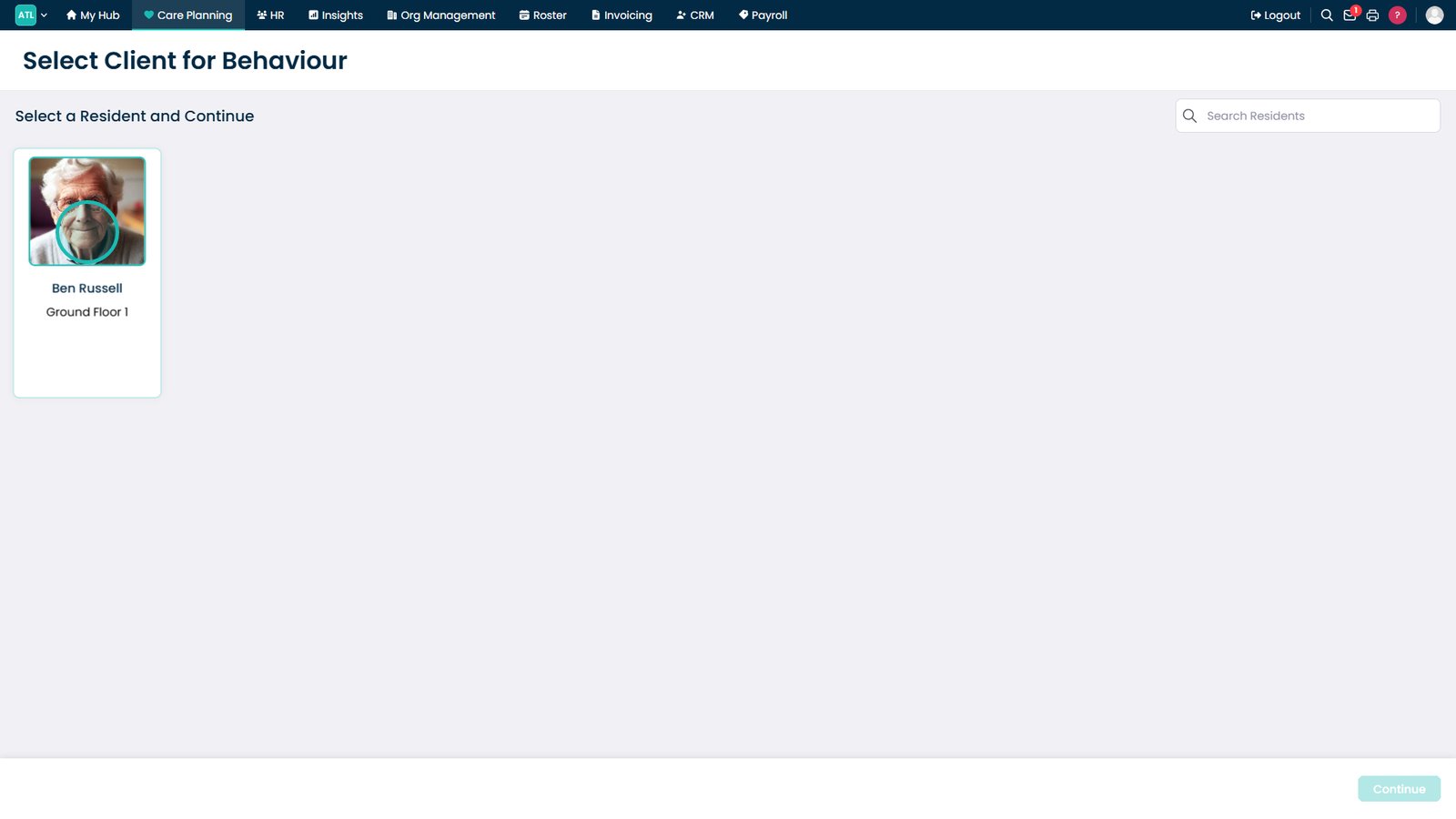
Select the resident you want to record a behaviour observation for.

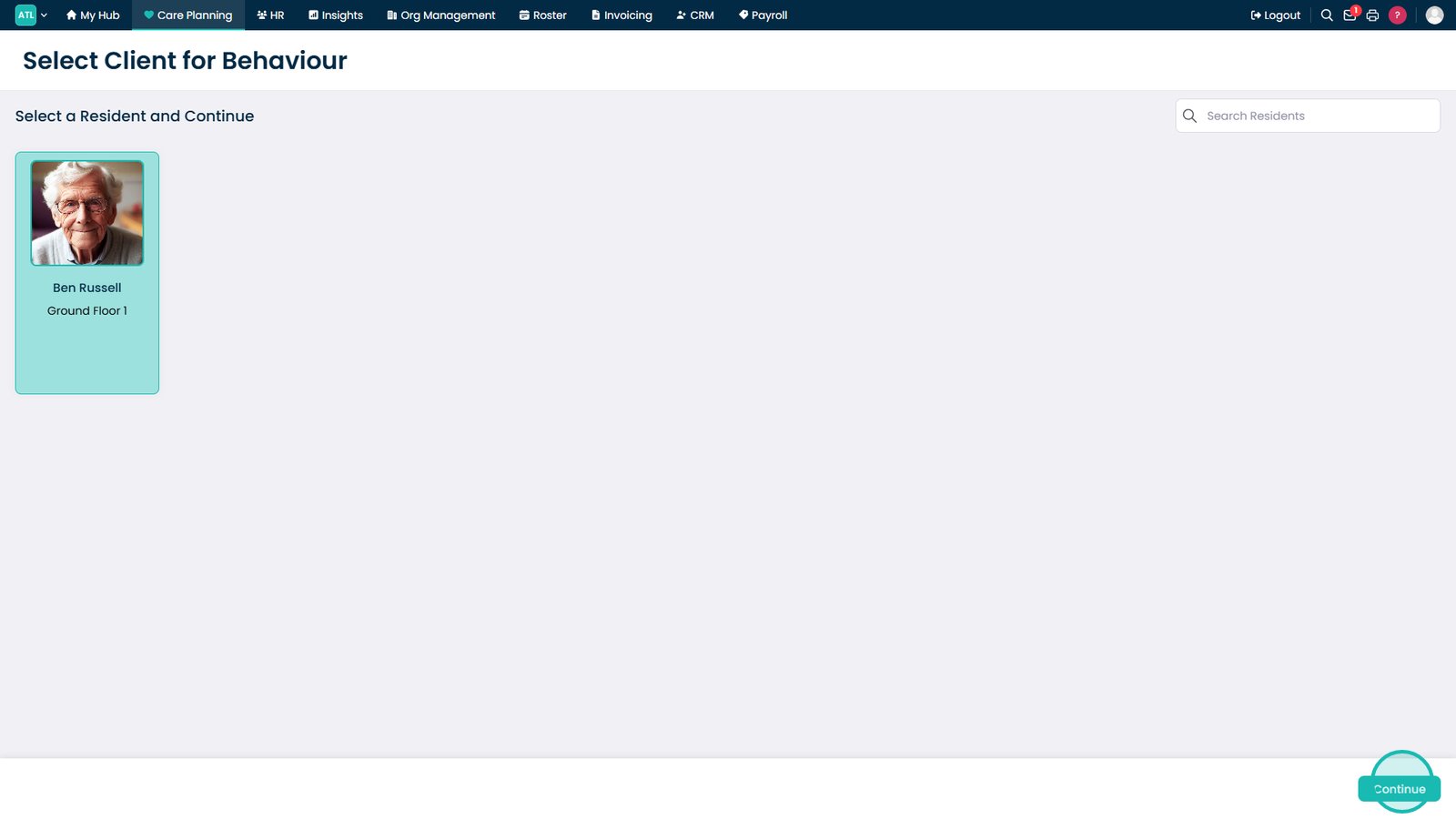
Click Continue to open the behaviour recording screen.

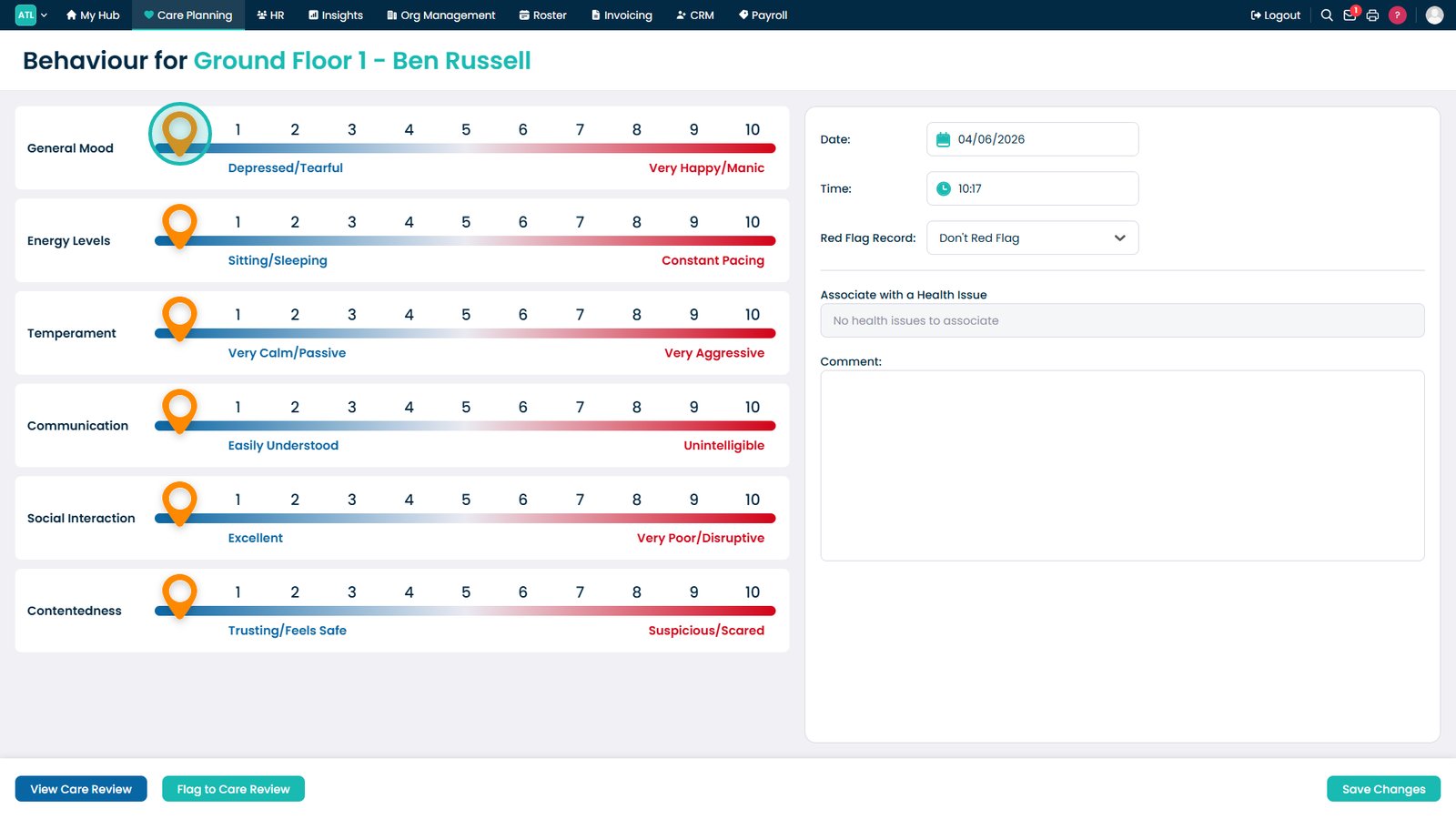
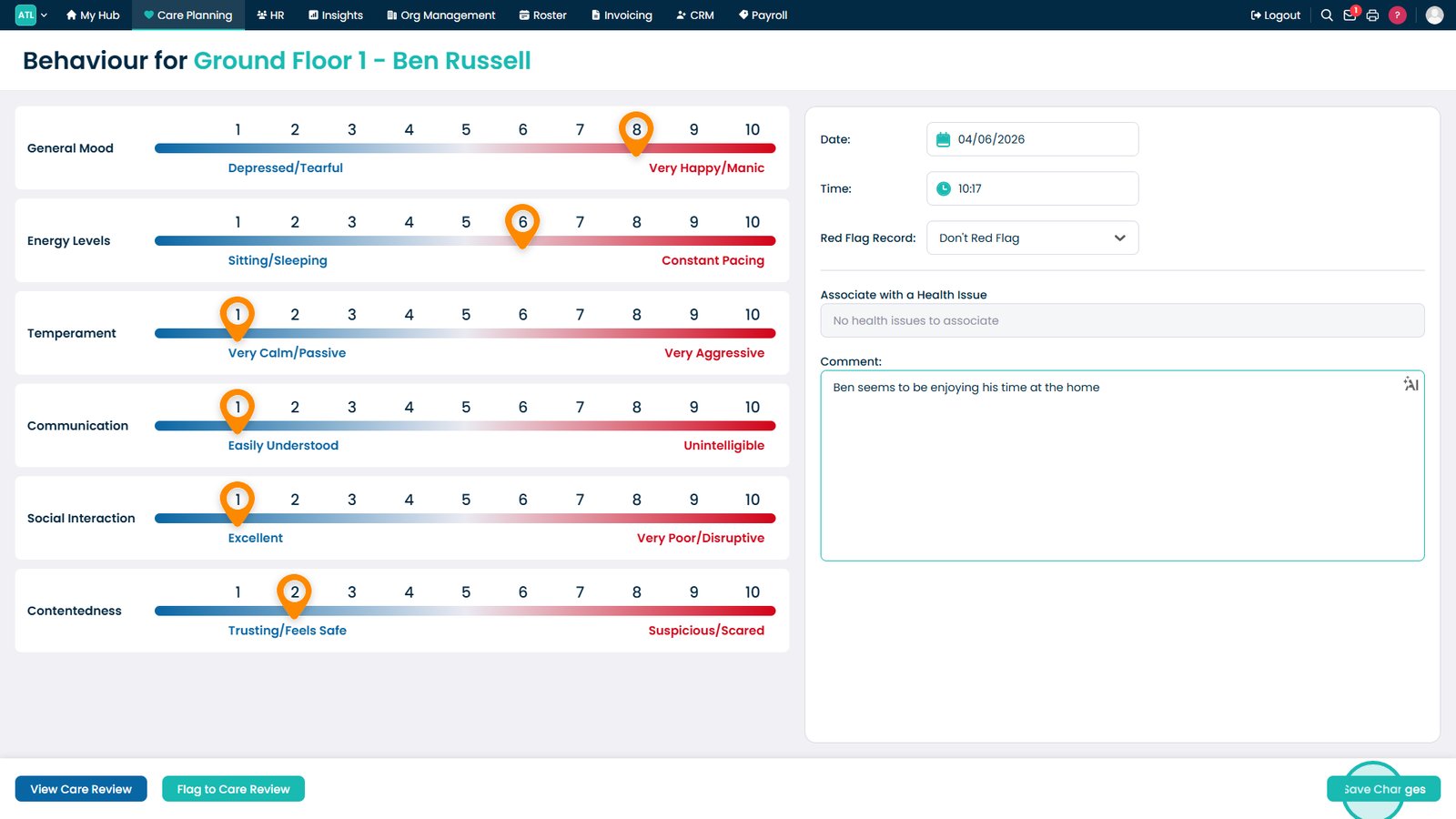
Use the sliders to record behaviour across each assessment area.

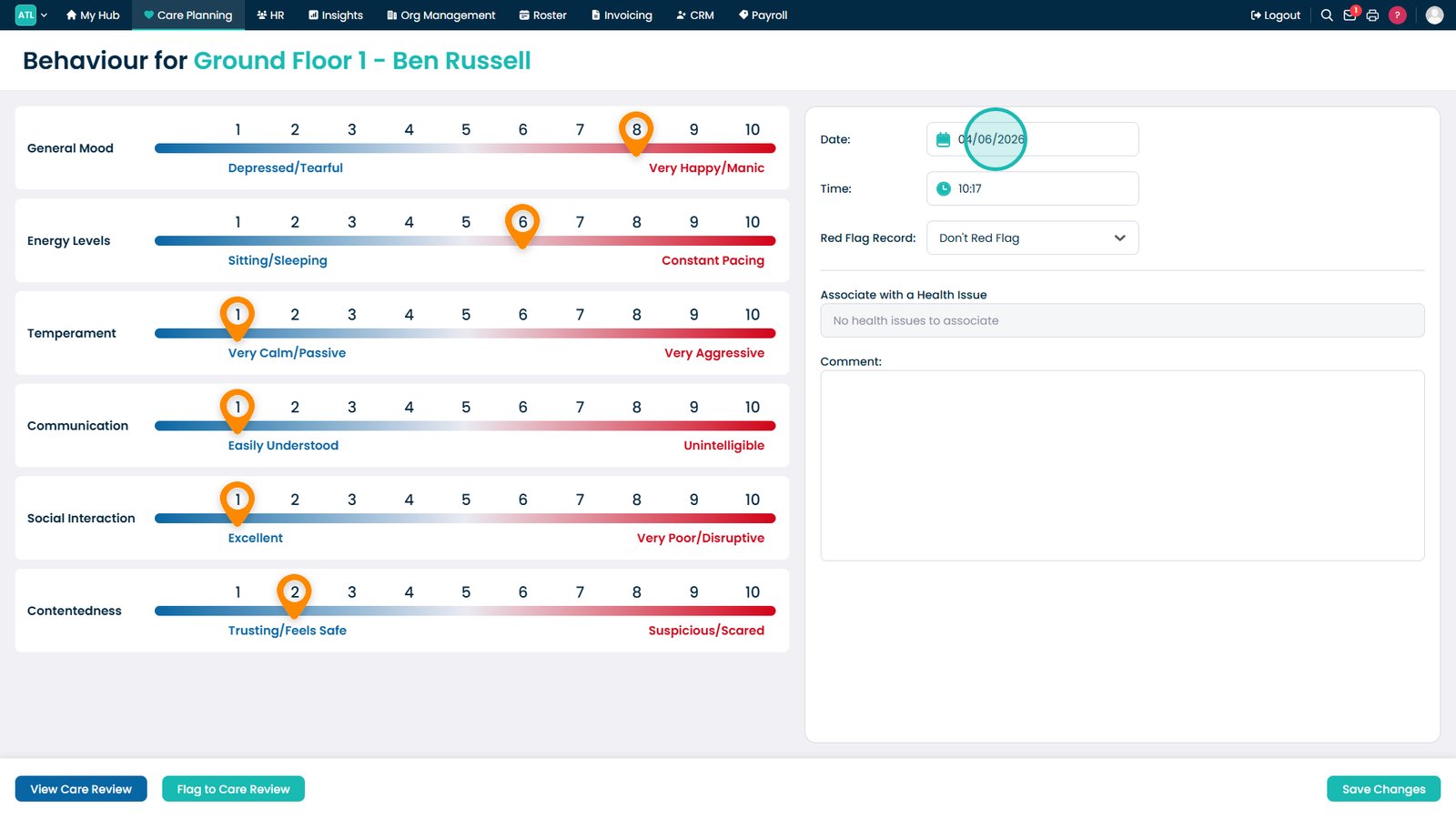
Update the date to match when the observation took place.

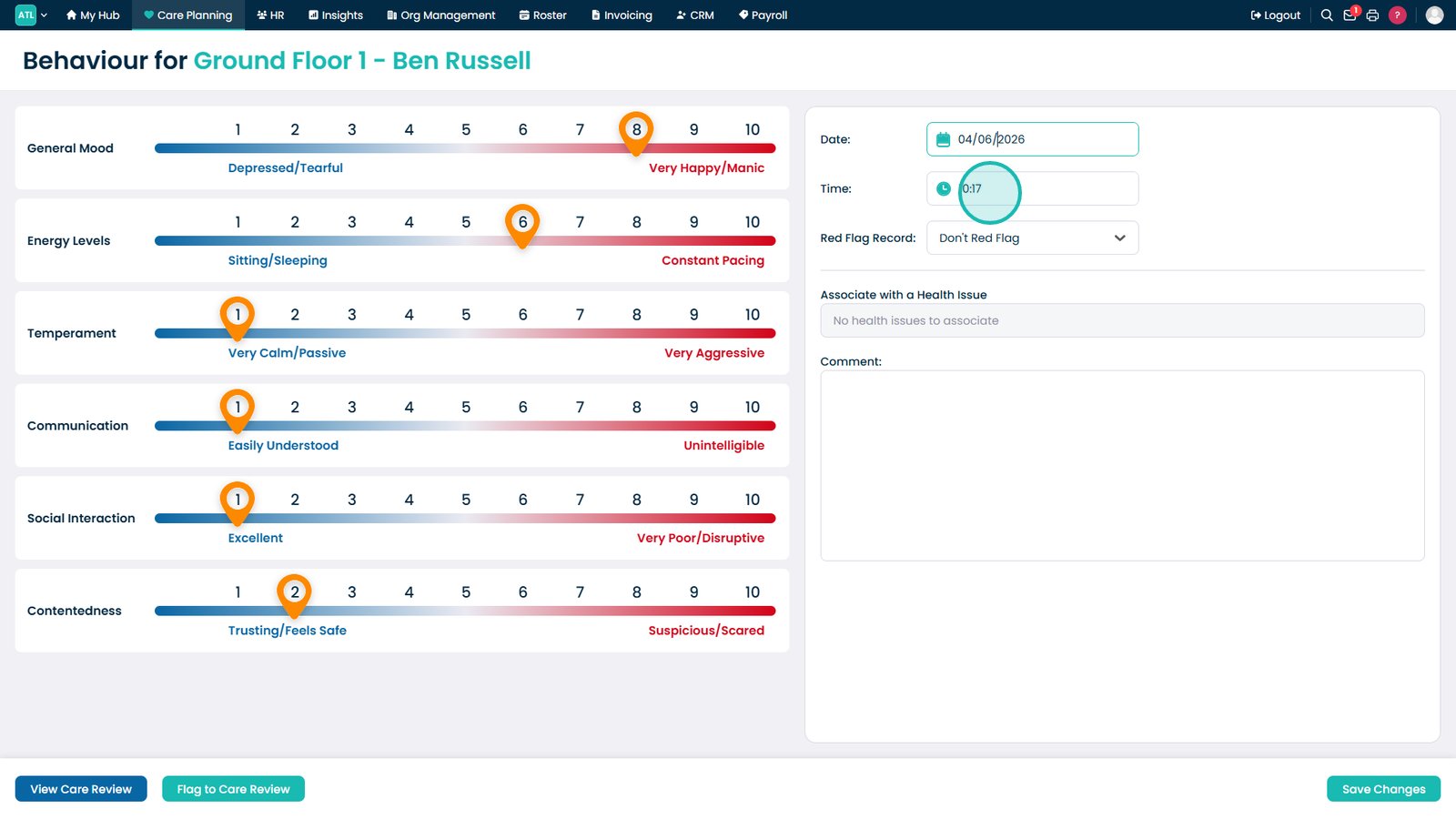
Set the time to reflect when the behaviour was observed.

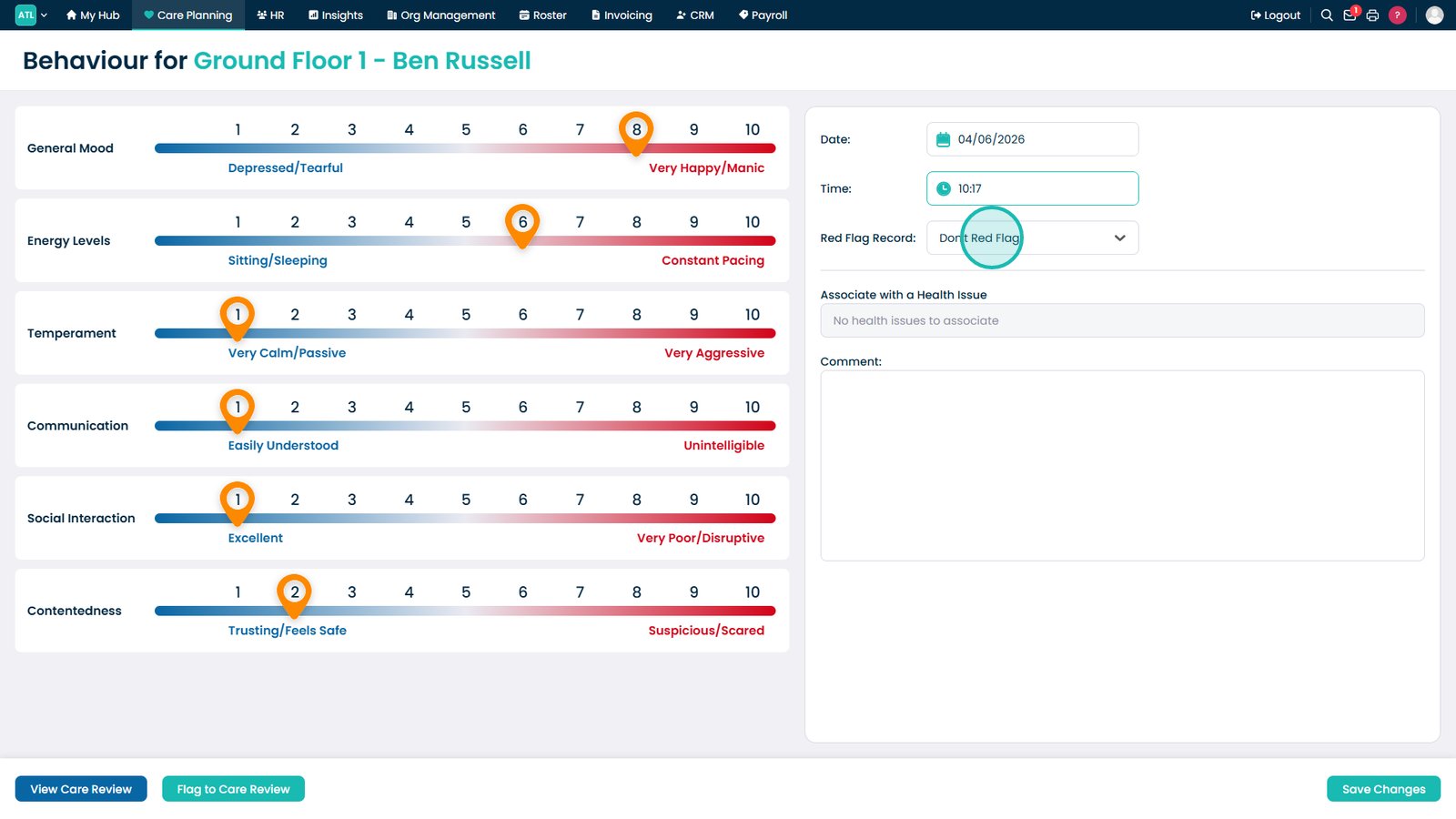
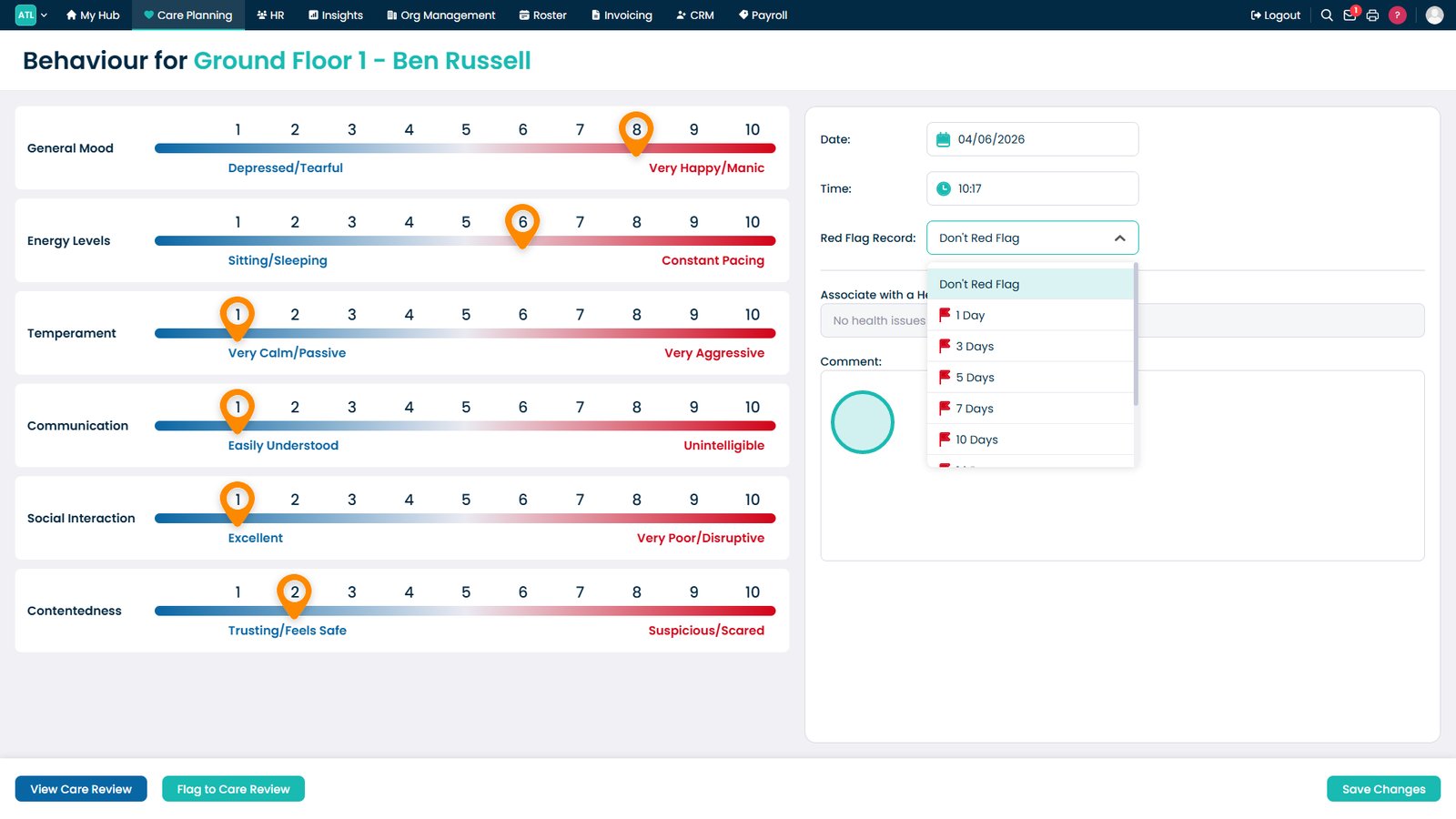
Mark the record as a red flag if concerns are identified.

Add comments to provide additional context for the observation.

Save the completed behaviour record to the resident's profile.

Top tip
Use the comment box to record any triggers, outcomes, or notable behaviours that may provide useful context for future reviews and care planning.
Need more help?
Can't find what you're looking for? Our support team is here to help.
Contact SupportOr call us on