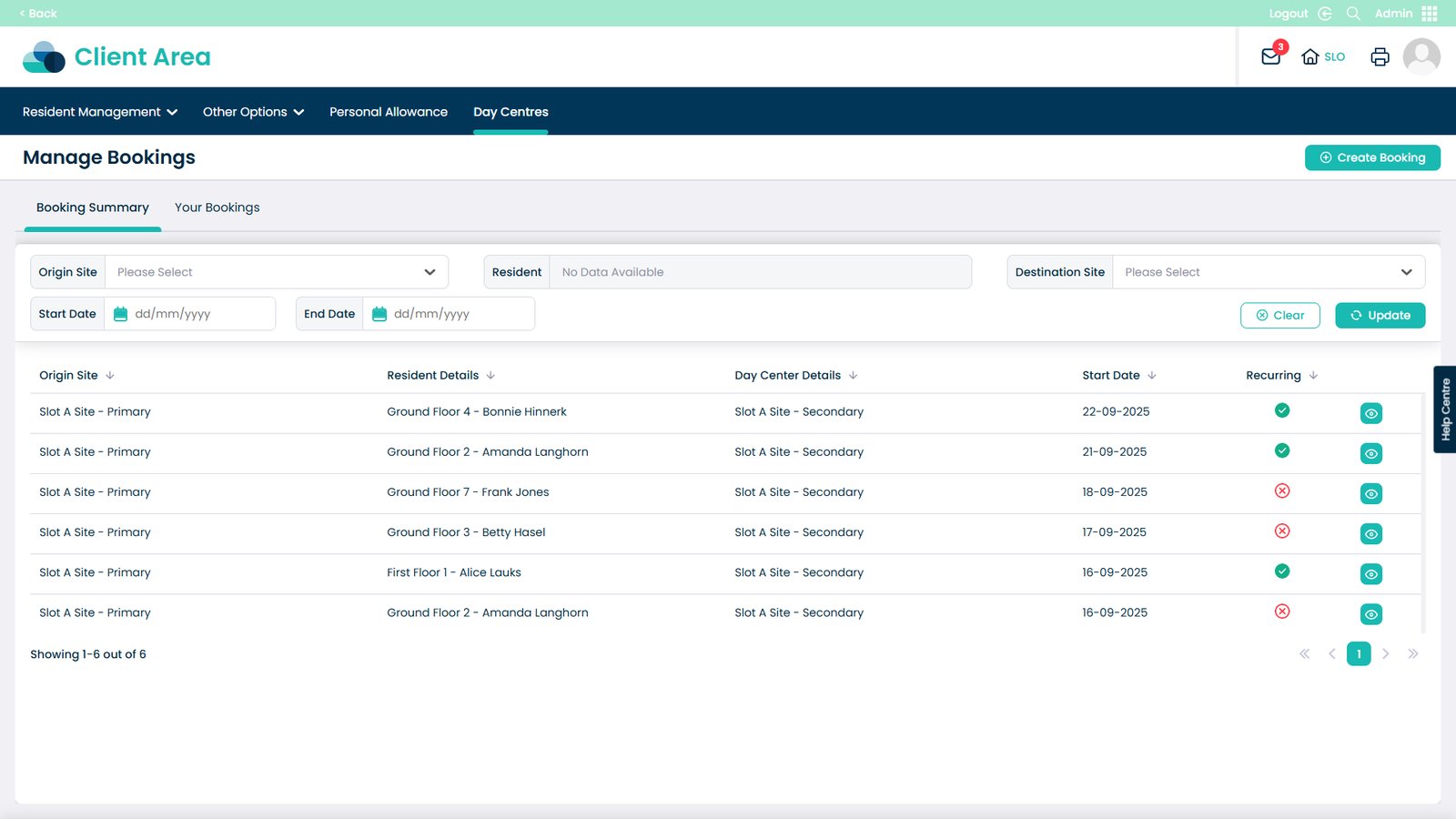
How to create a new Day Centre booking in Cloud
Booking day centre visits has never been easier. This feature allows you to quickly create and manage bookings for your residents, making sure everyone is where they need to be at the right time. You can select the starting and destination sites, choose the resident, set times and dates, and even make recurring bookings for regular visits. Adding notes and assigning CSGs helps keep staff informed and ensures residents receive the right care and support.
By following this guide, you’ll be able to streamline the booking process, reduce errors, and save time for your team — while keeping residents’ schedules running smoothly.
Interactive Guide
Text based guide
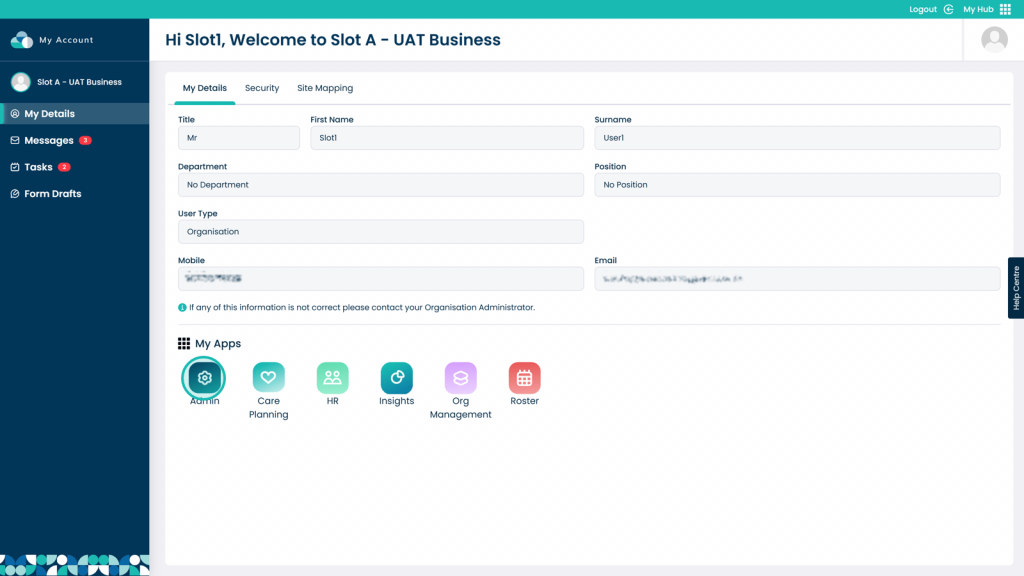
Enter the Admin App
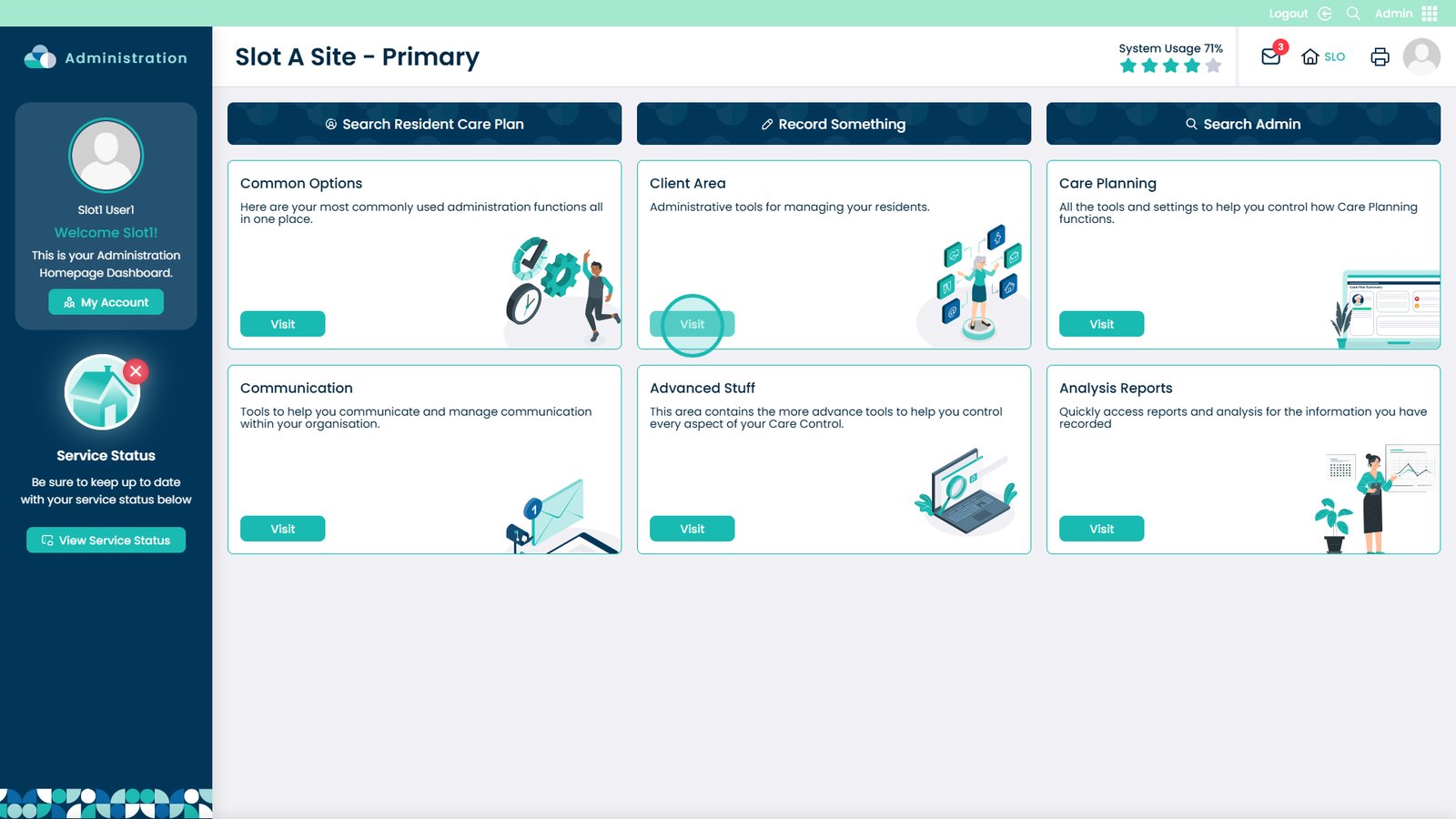
Visit the Client Area

Â
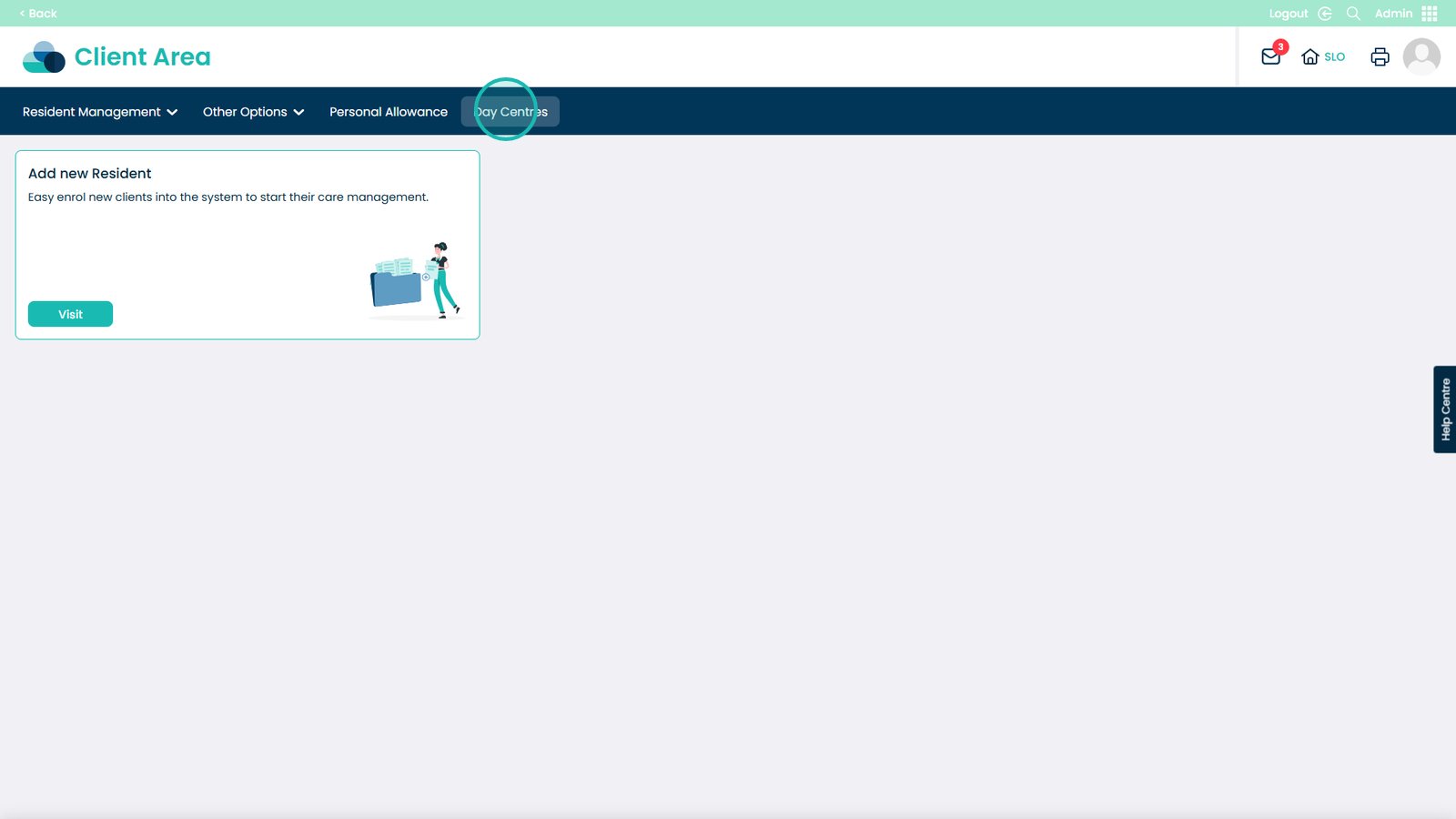
Select the Day Centres tab

Â
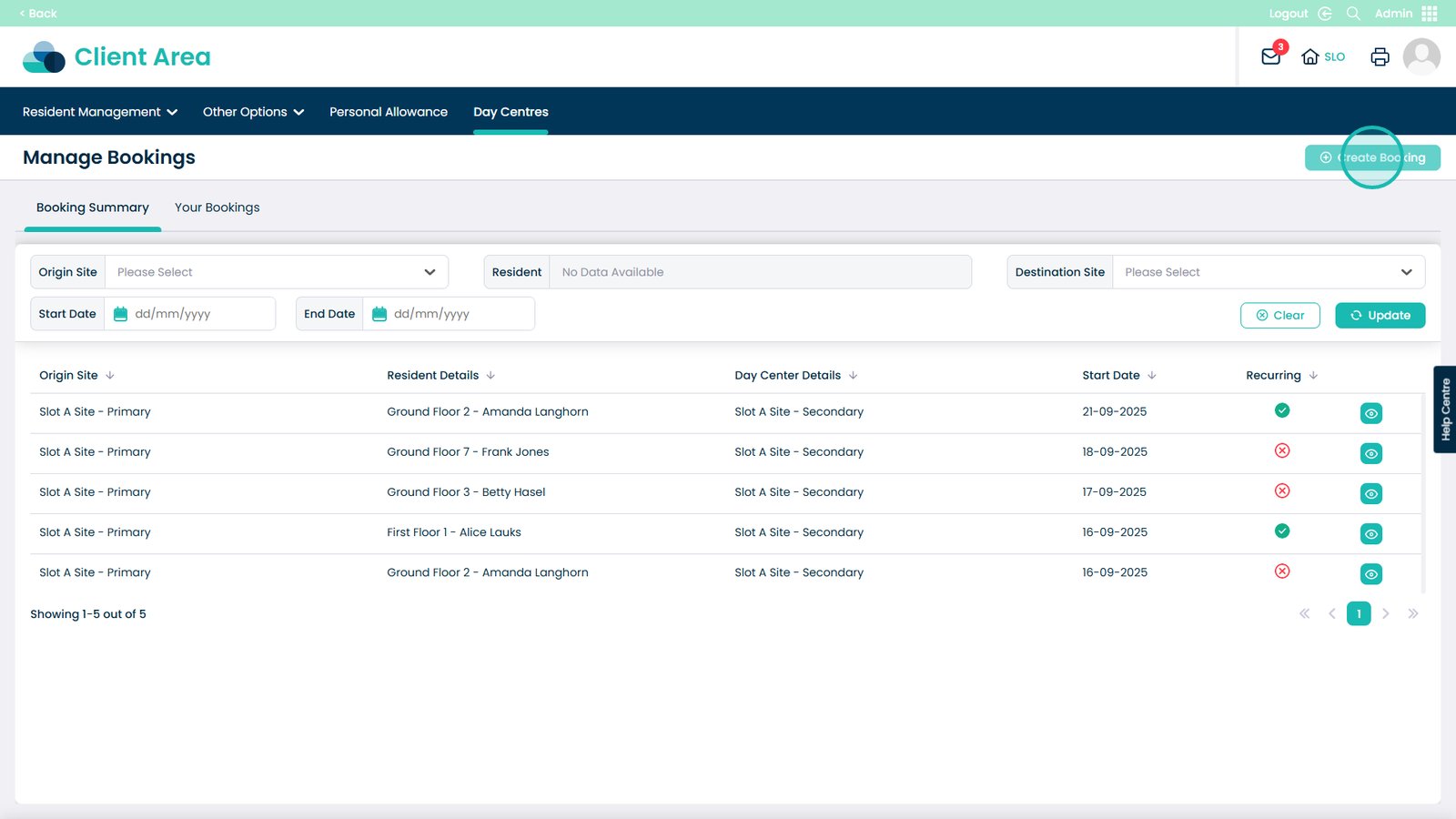
Click Create Booking

Â
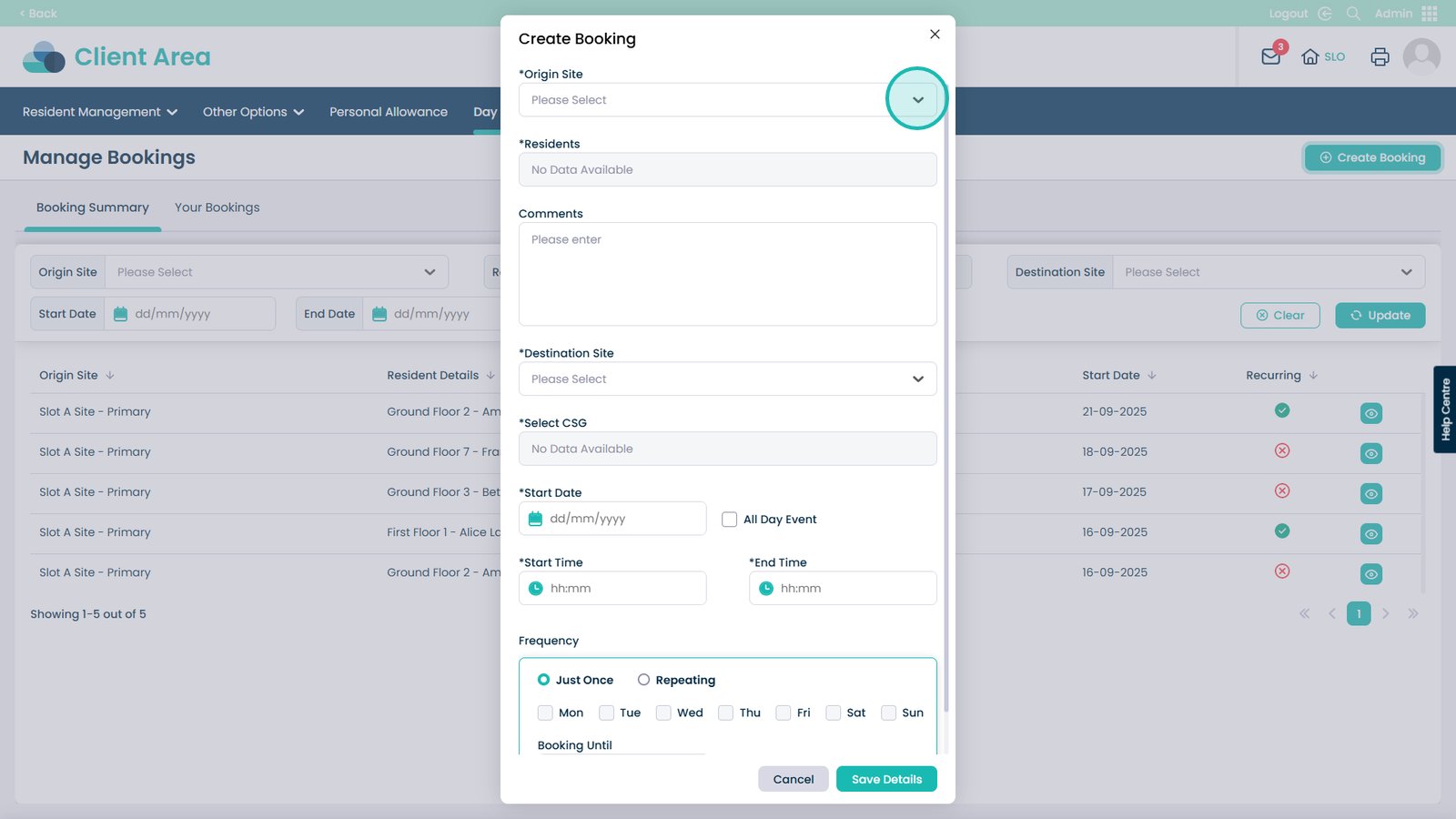
The Origin Site is the site that the service user starts from

Â
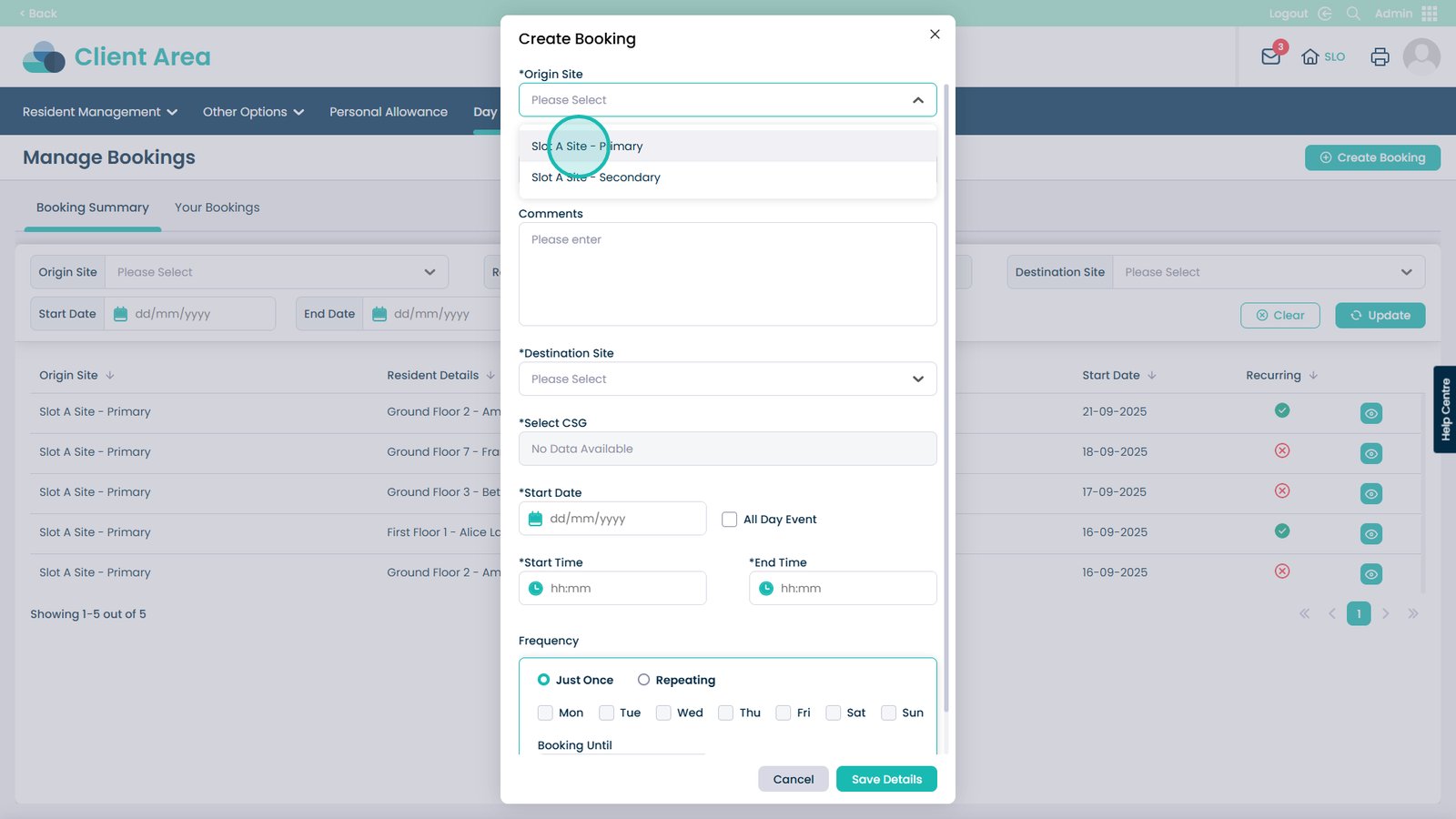
Choose your site

Â
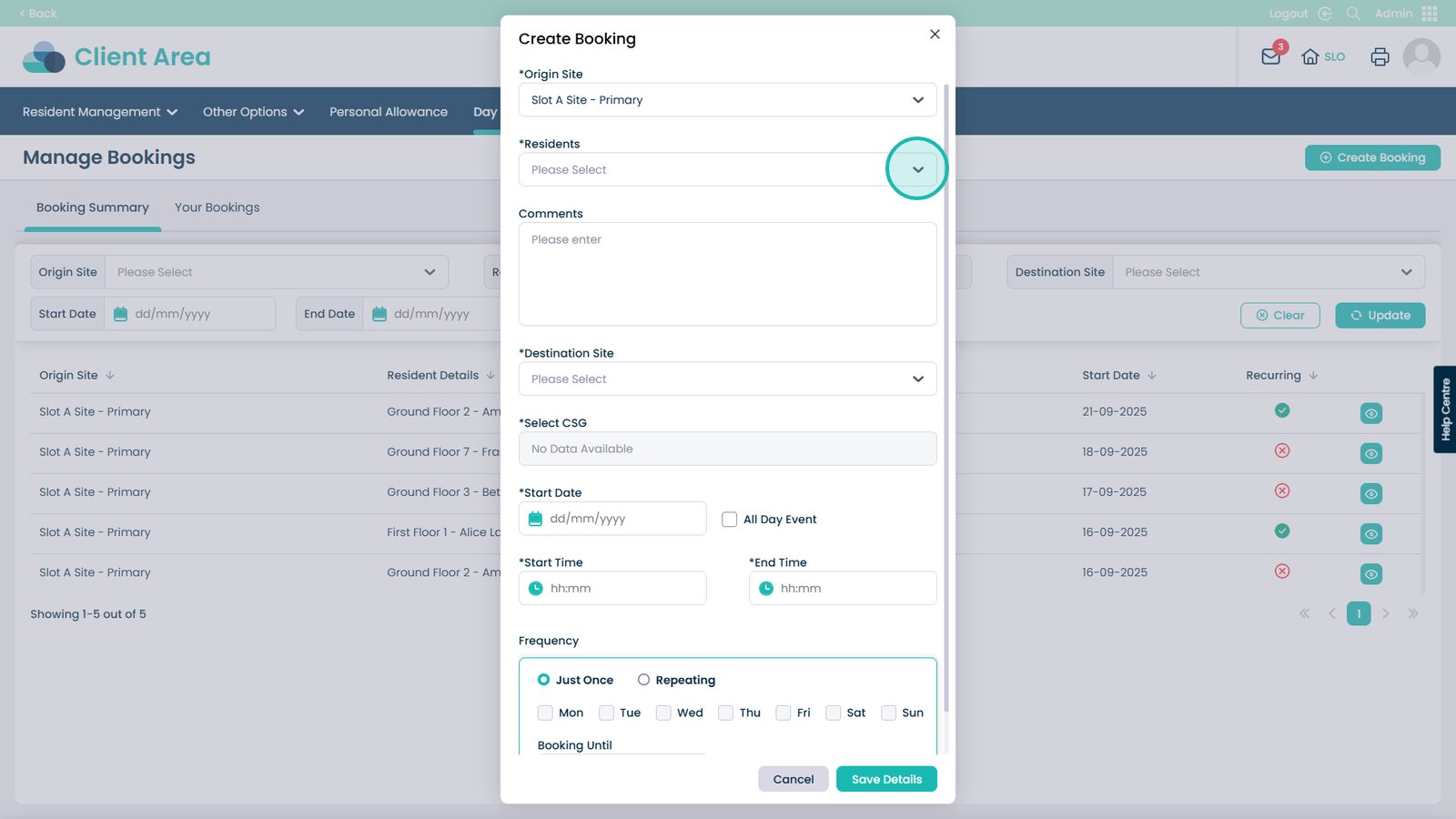
Select the Residents drop-down

Â
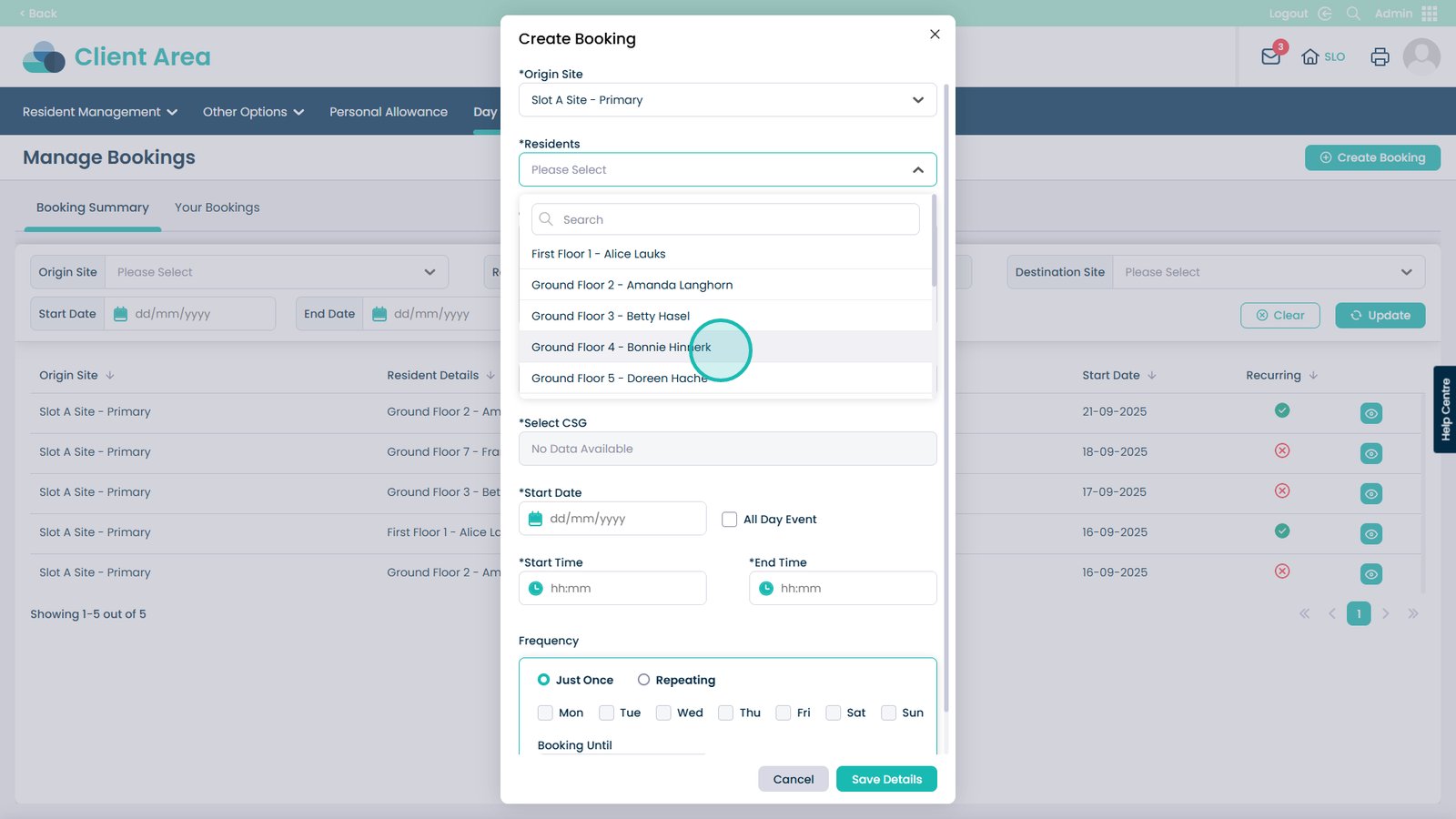
Choose your resident from the list (use the search bar for quick results)

Â
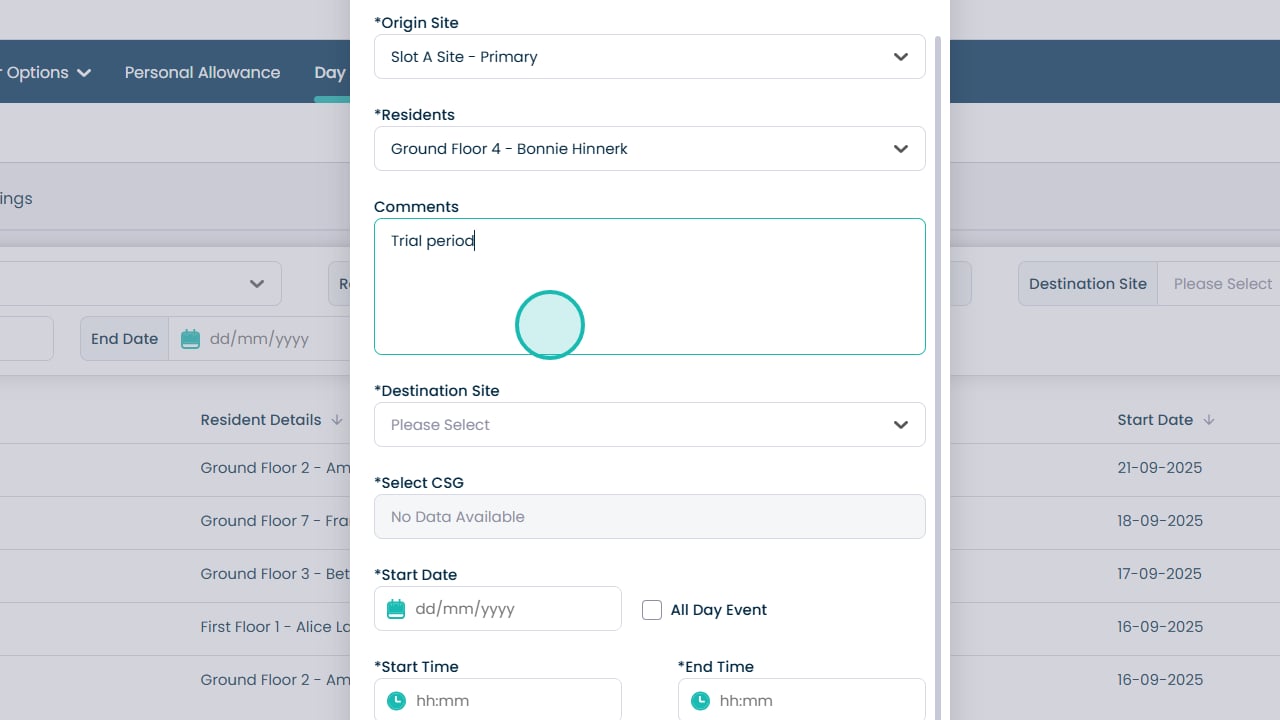
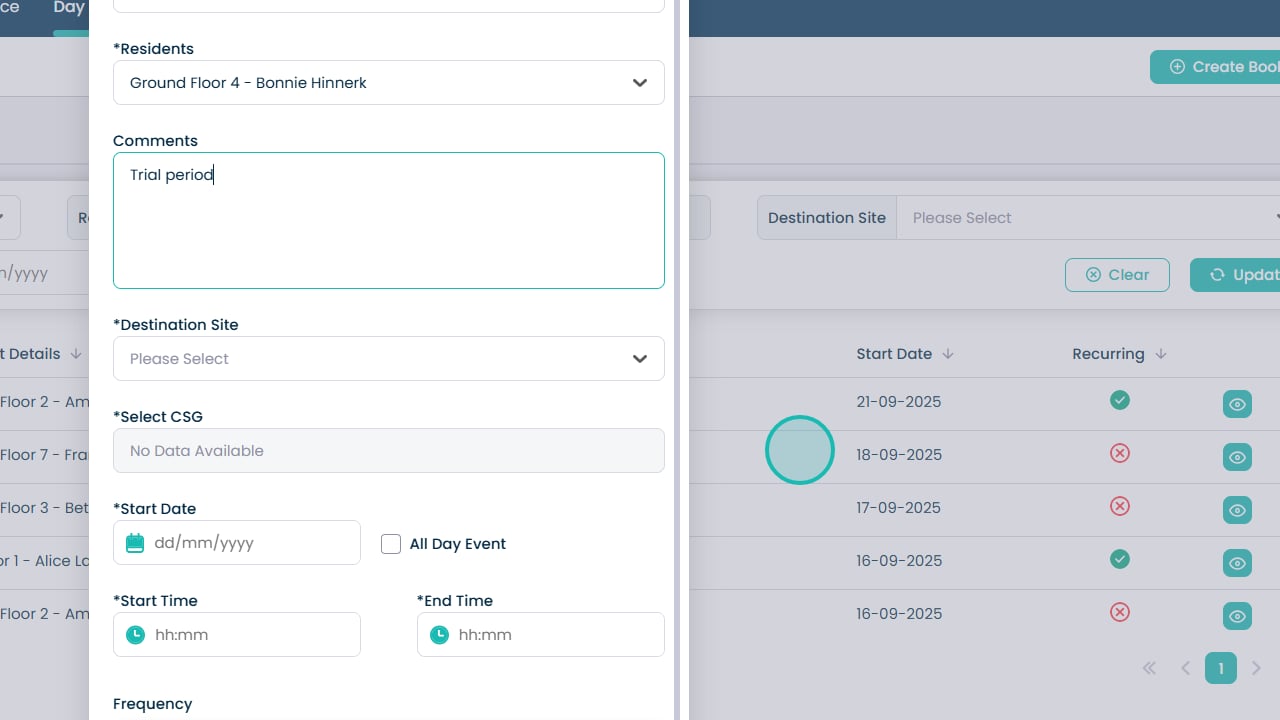
Provide additional comments if needed

Â
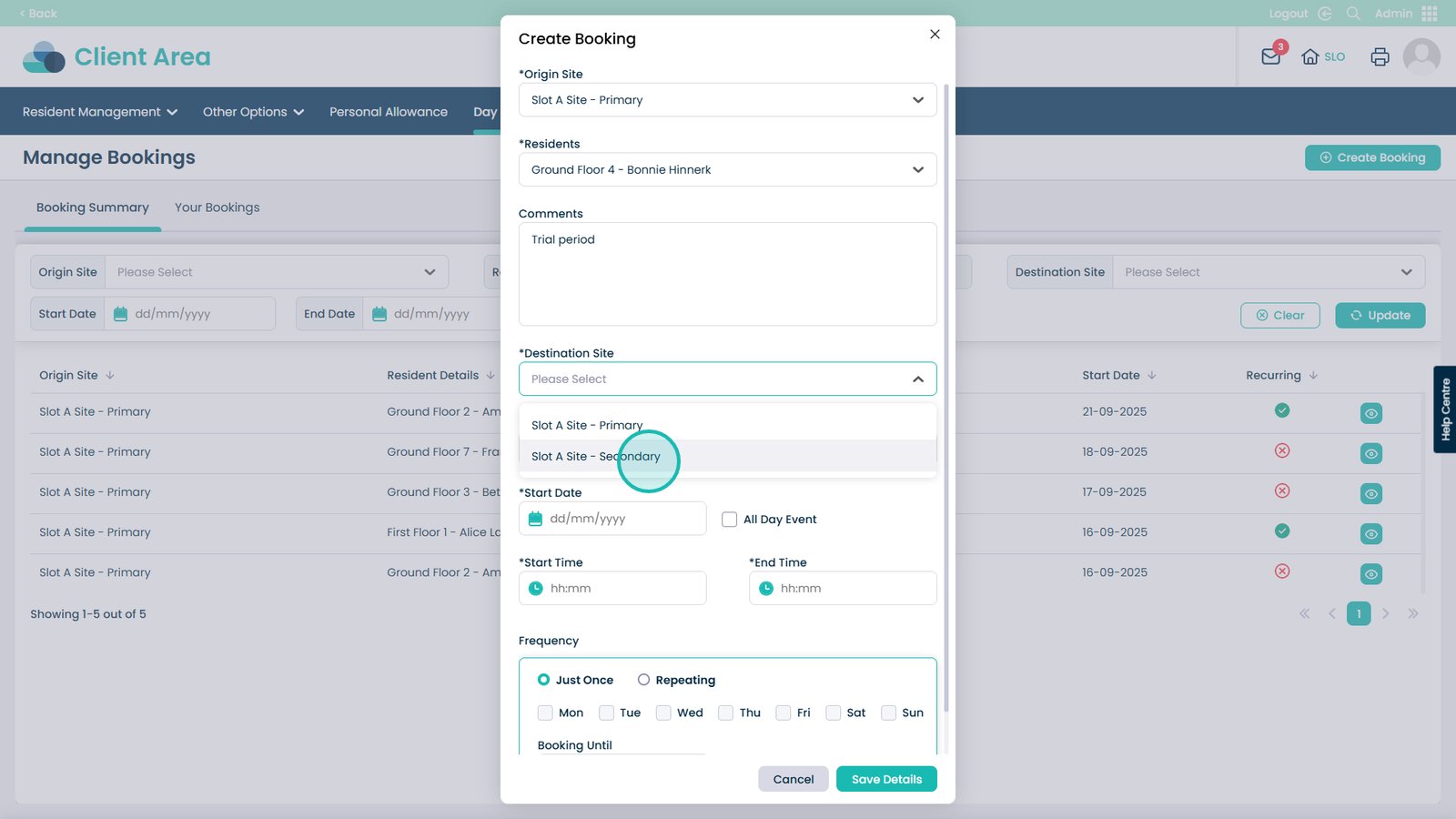
Select the Destination Site

Â
Choose the site from the list

Â
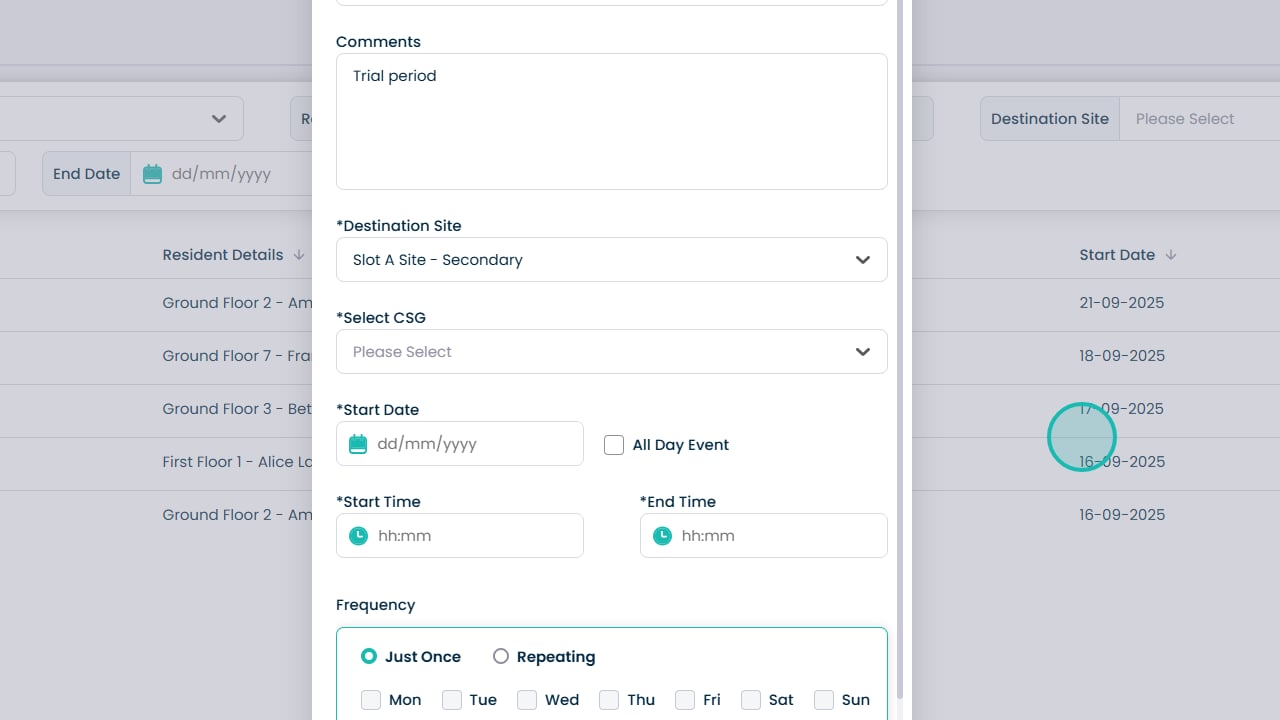
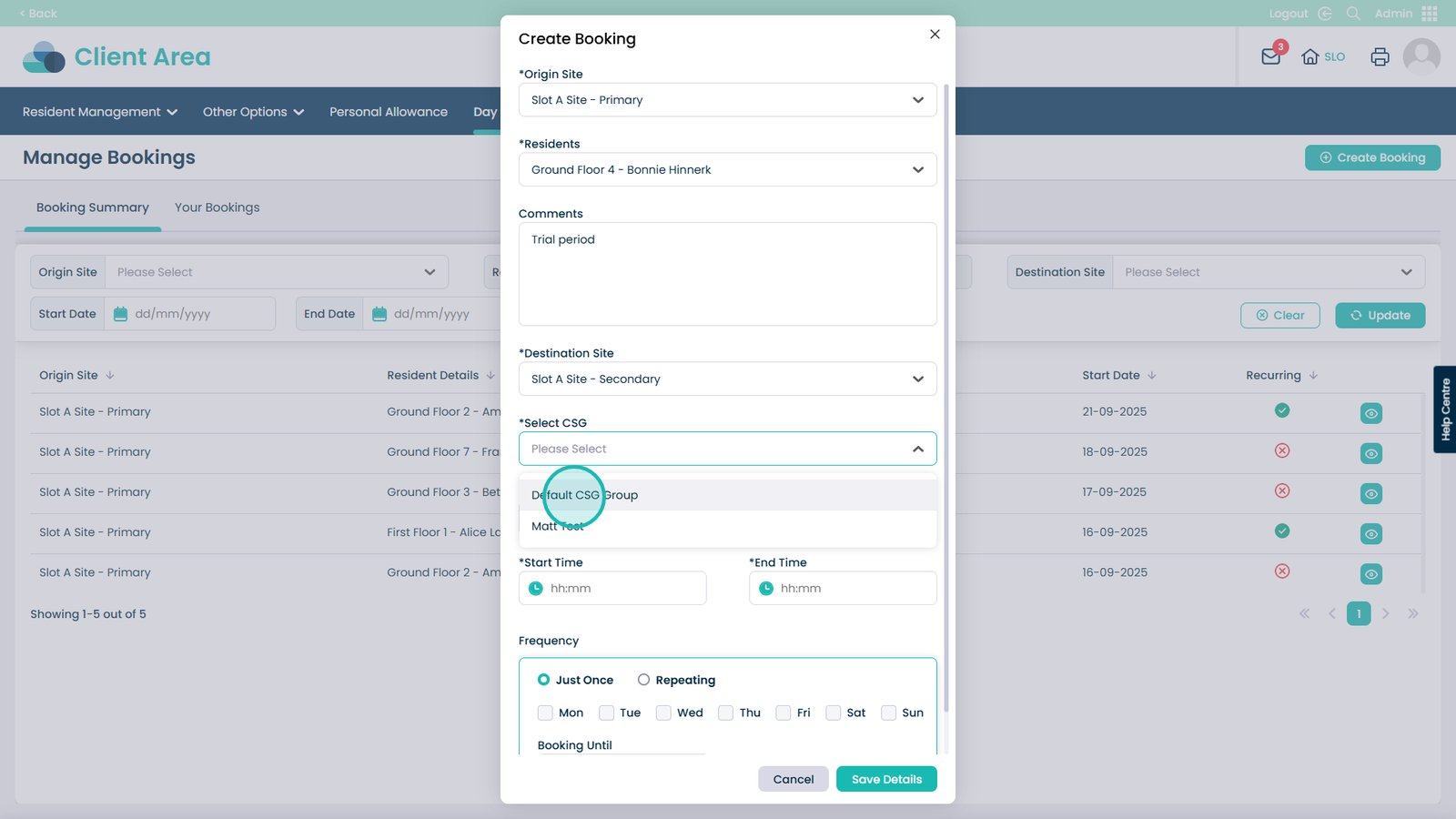
Choose the CSG for the destination site

Â
Pick the CSG from the list

Â
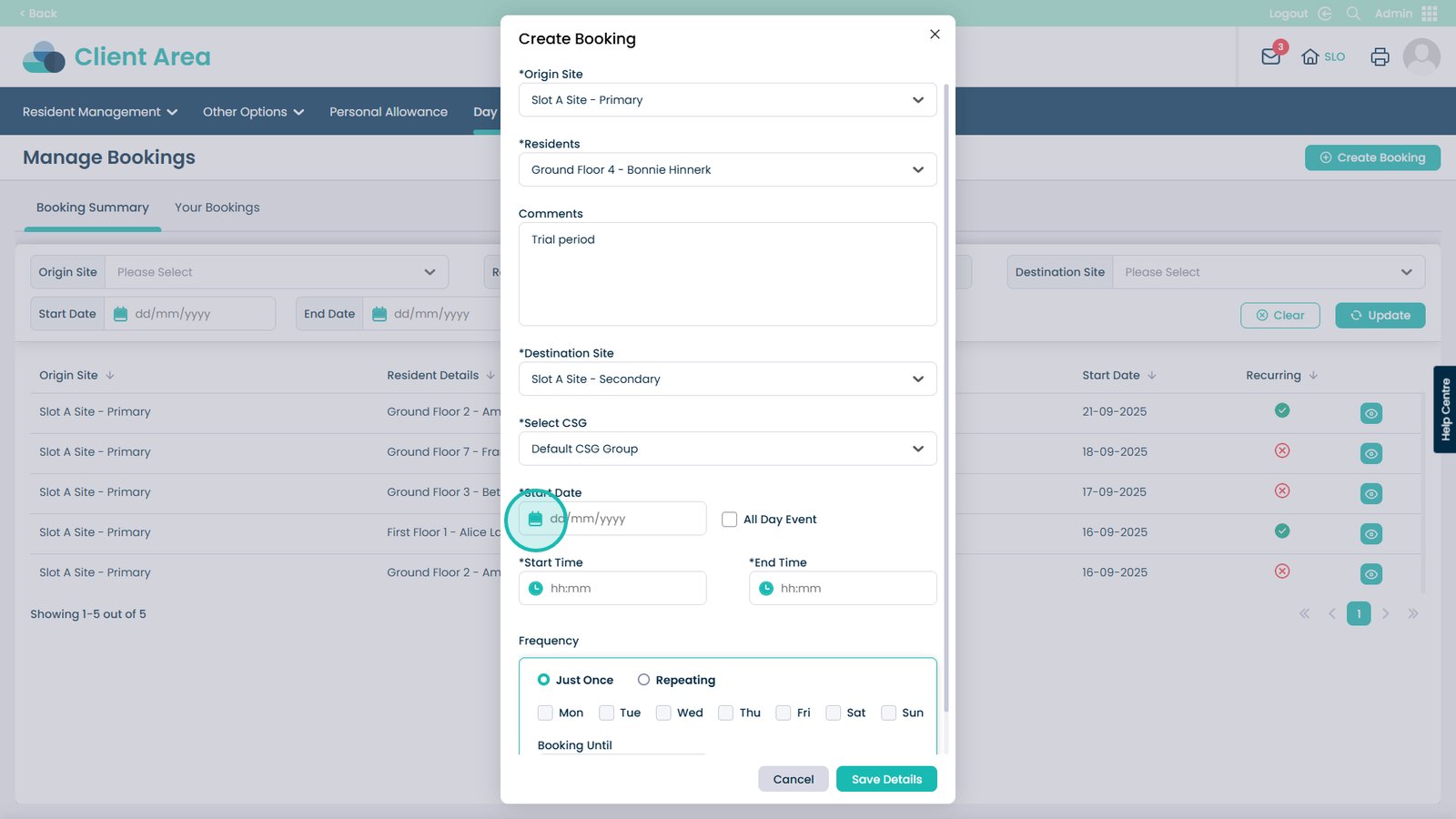
Choose the start date of the booking

Â
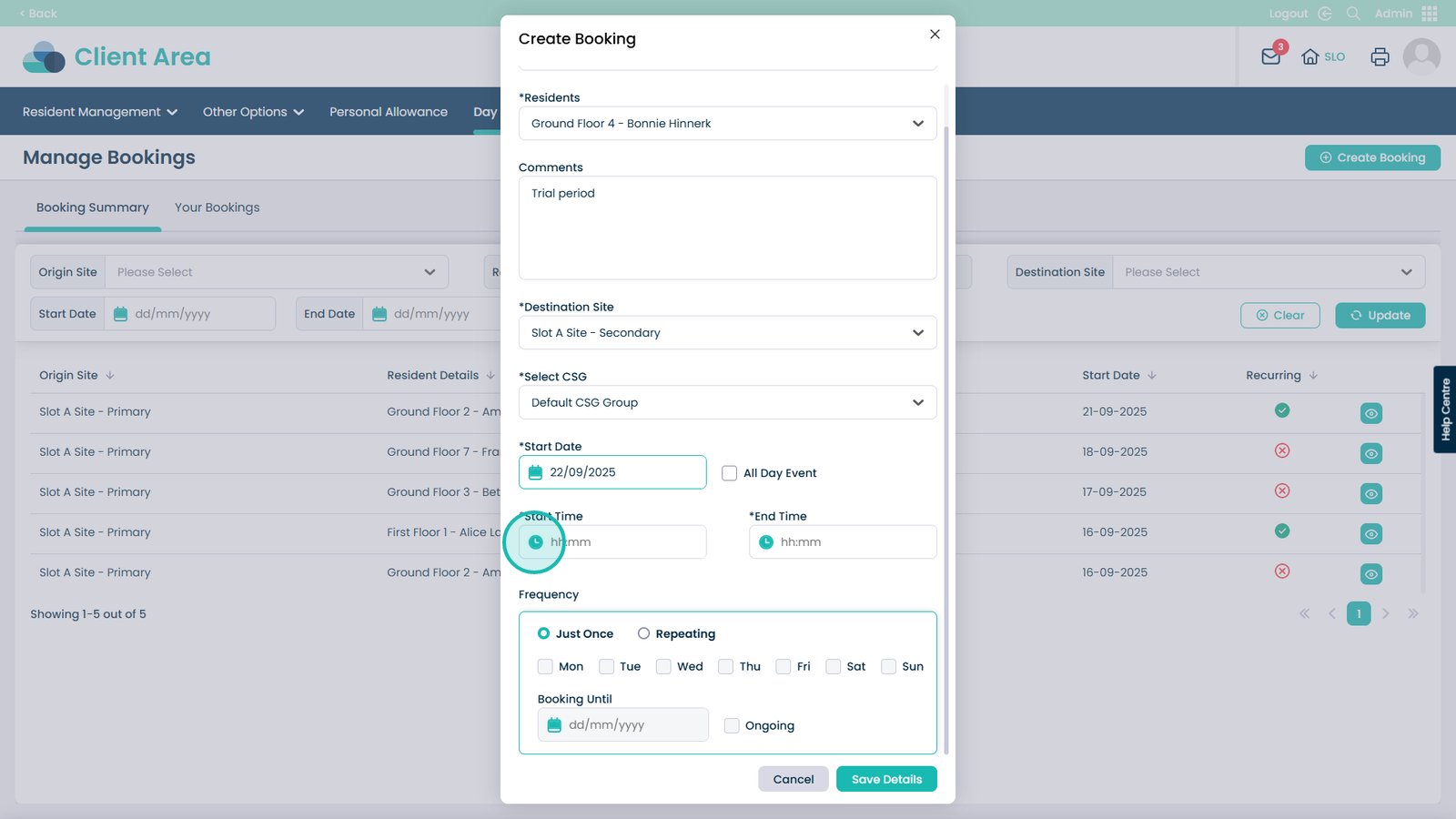
Select the start time (or choose All Day Event if needed)

Â
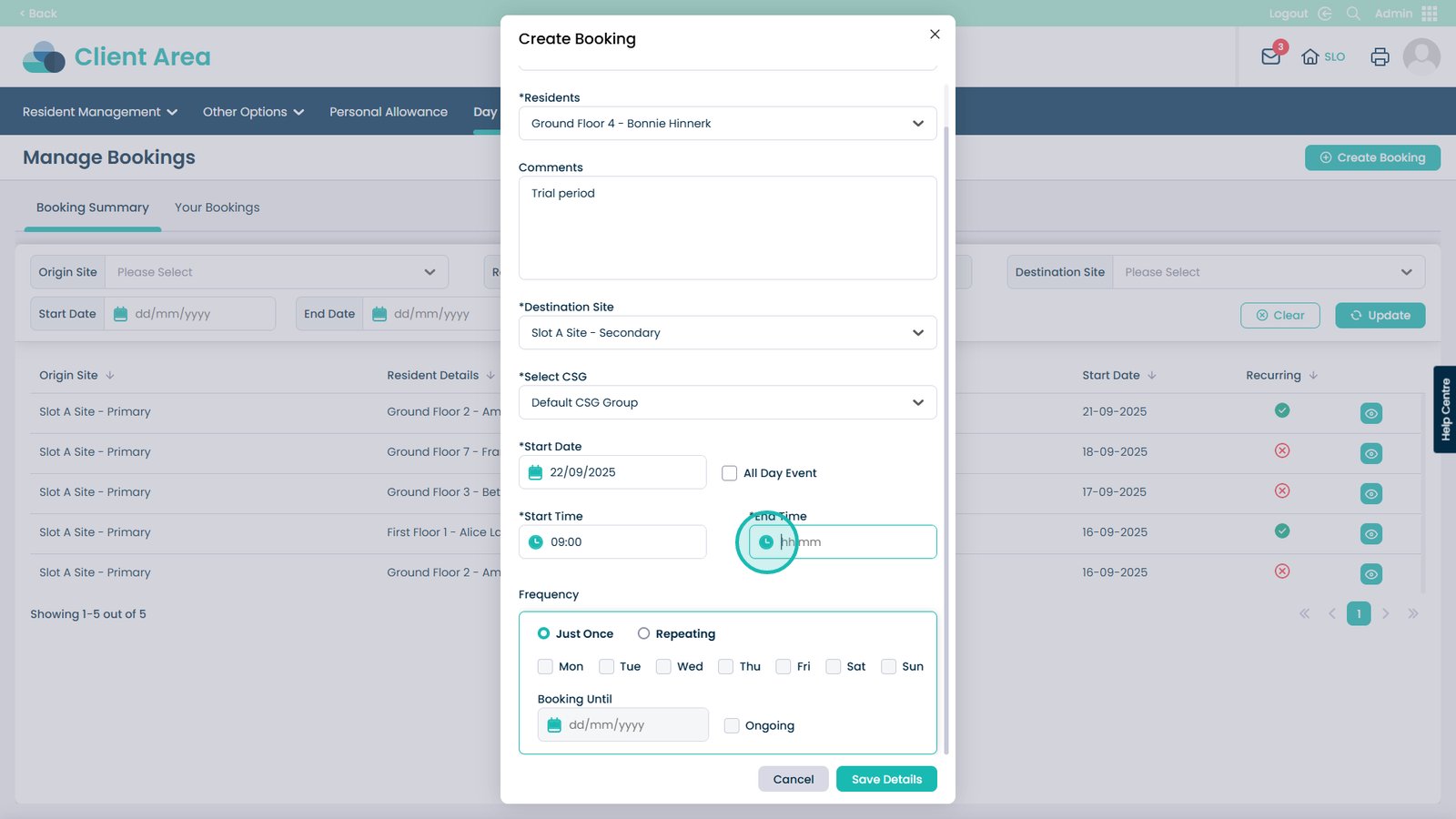
Select the End Time

Â
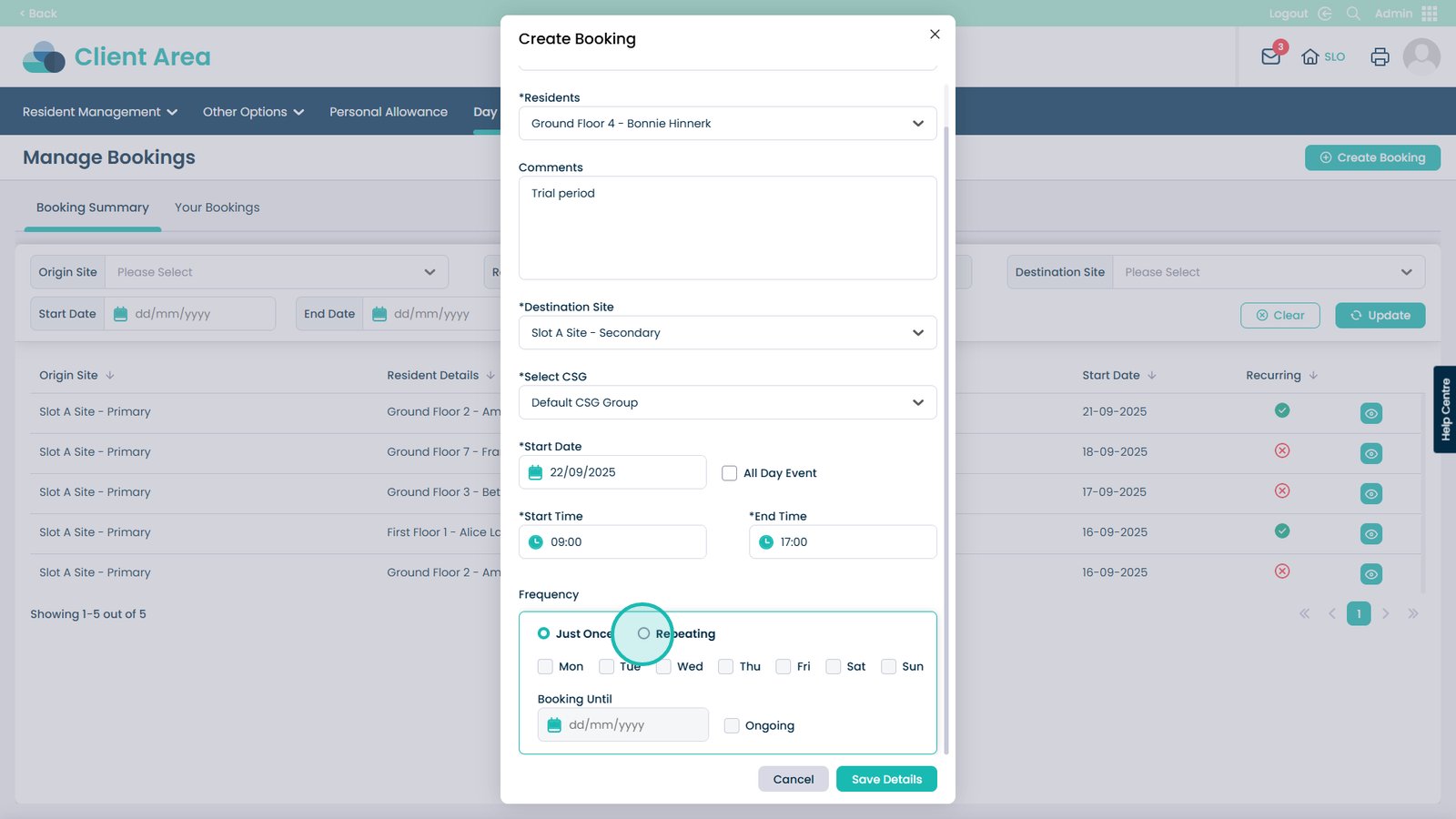
Choose if this visit is one-off or repeating

Â
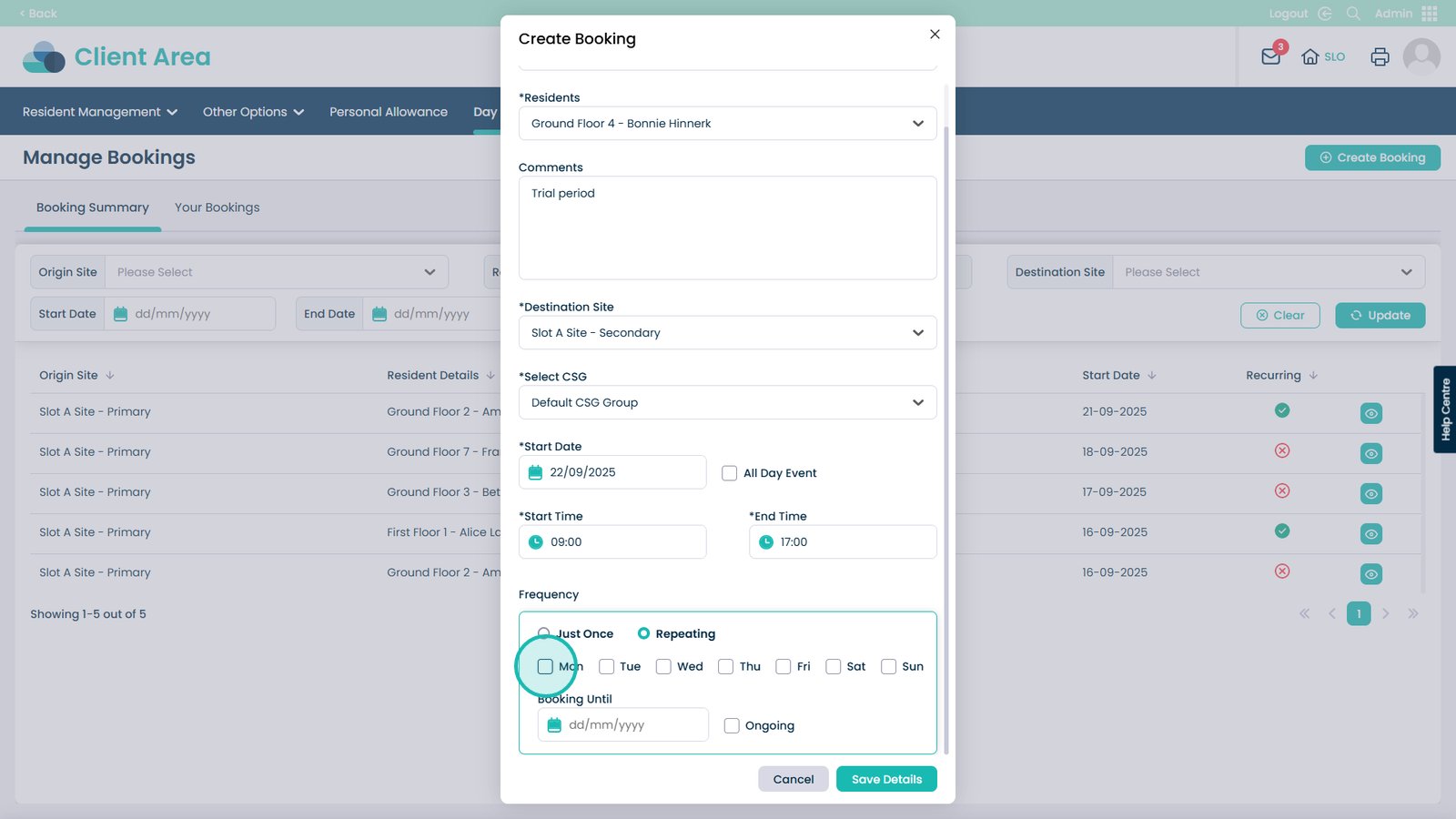
If repeating, select which days to repeat

Â
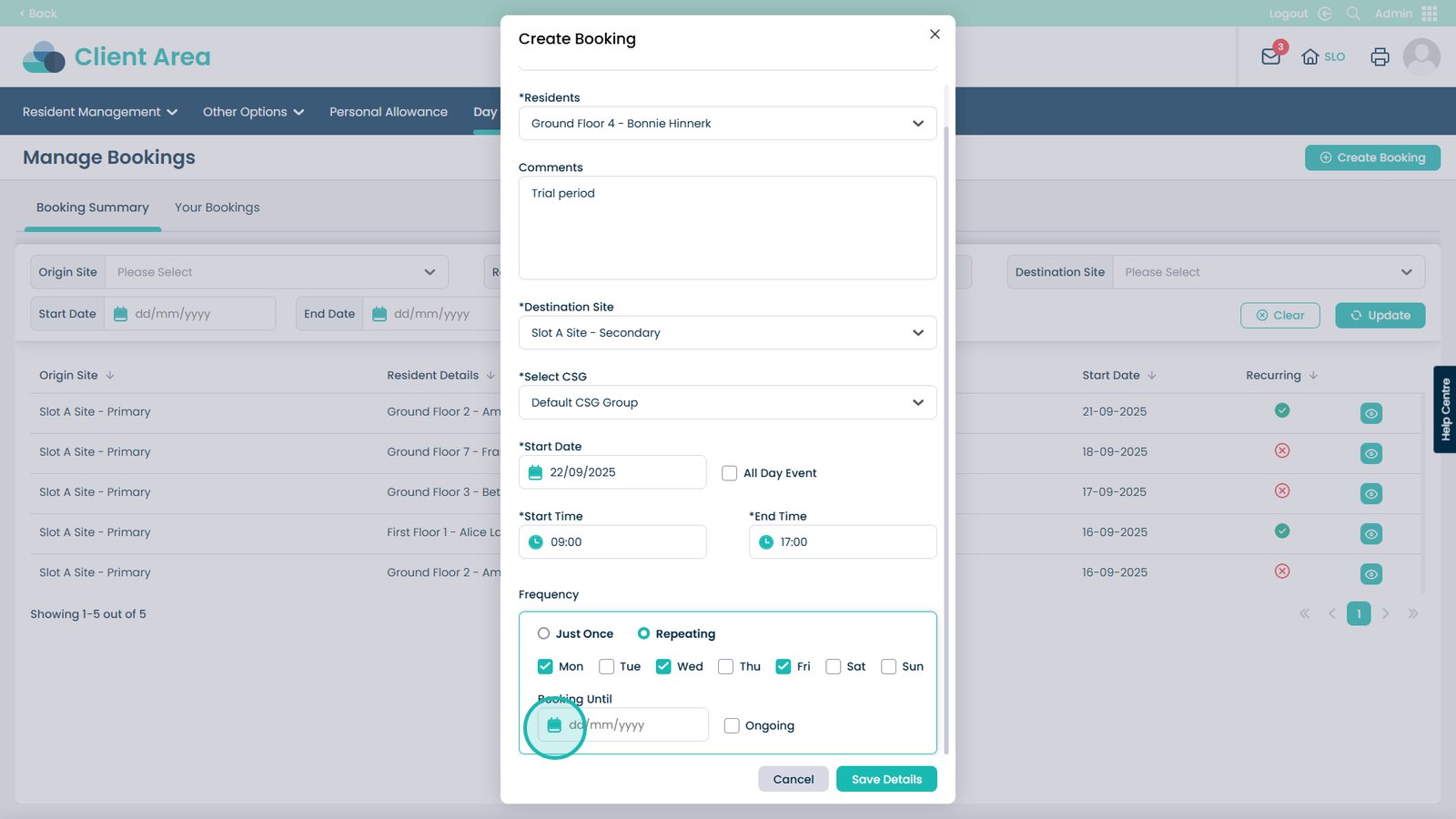
Choose when the bookings should stop (or select Ongoing)

Â
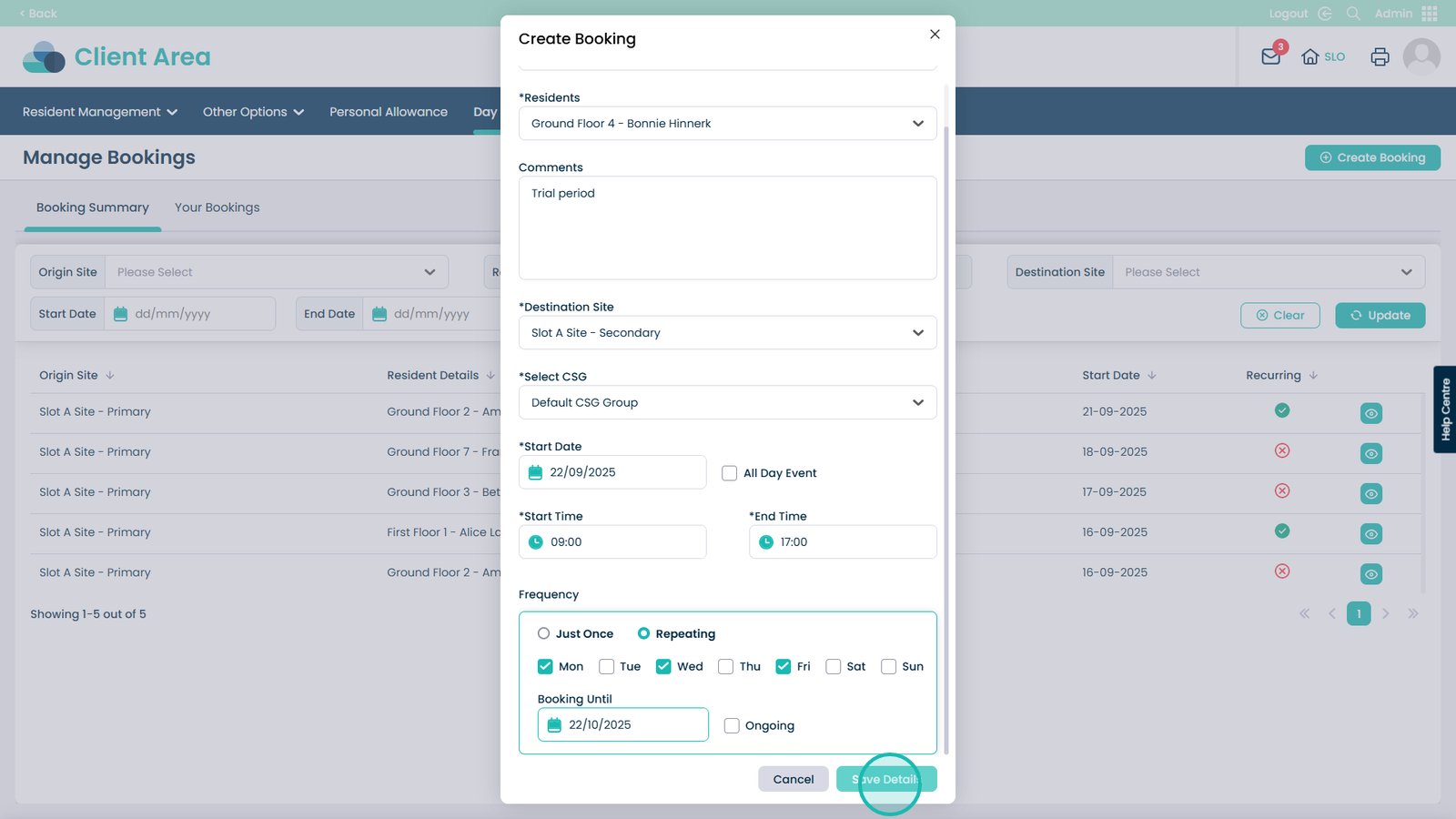
Save the booking details

Â
Booking Complete