How to Navigate the Payroll Overview Screen
This guide explains how to review, manage, and finalise a payroll period within the Payroll module in Care Control Cloud. It covers how to navigate payroll records, identify and resolve issues, analyse payroll data, and ensure all entries are accurate before completing the payroll process.
The payroll review process provides full visibility of staff payments, including hours worked, holiday pay, and any exceptional or adjusted entries. It also allows you to investigate and correct issues, ensuring payroll accuracy and compliance before finalisation.
By following this guide, you will learn how to:
- Navigate and review payroll periods
- Identify and resolve payroll issues and exceptions
- Analyse payroll data such as costs, hours, and holiday pay
- Make adjustments to payroll entries where required
- Run draft payrolls and export reports
- Finalise payroll periods with confidence
This process ensures your payroll is accurate, consistent, and fully reviewed before completion.
Interactive Guide
Text based guide
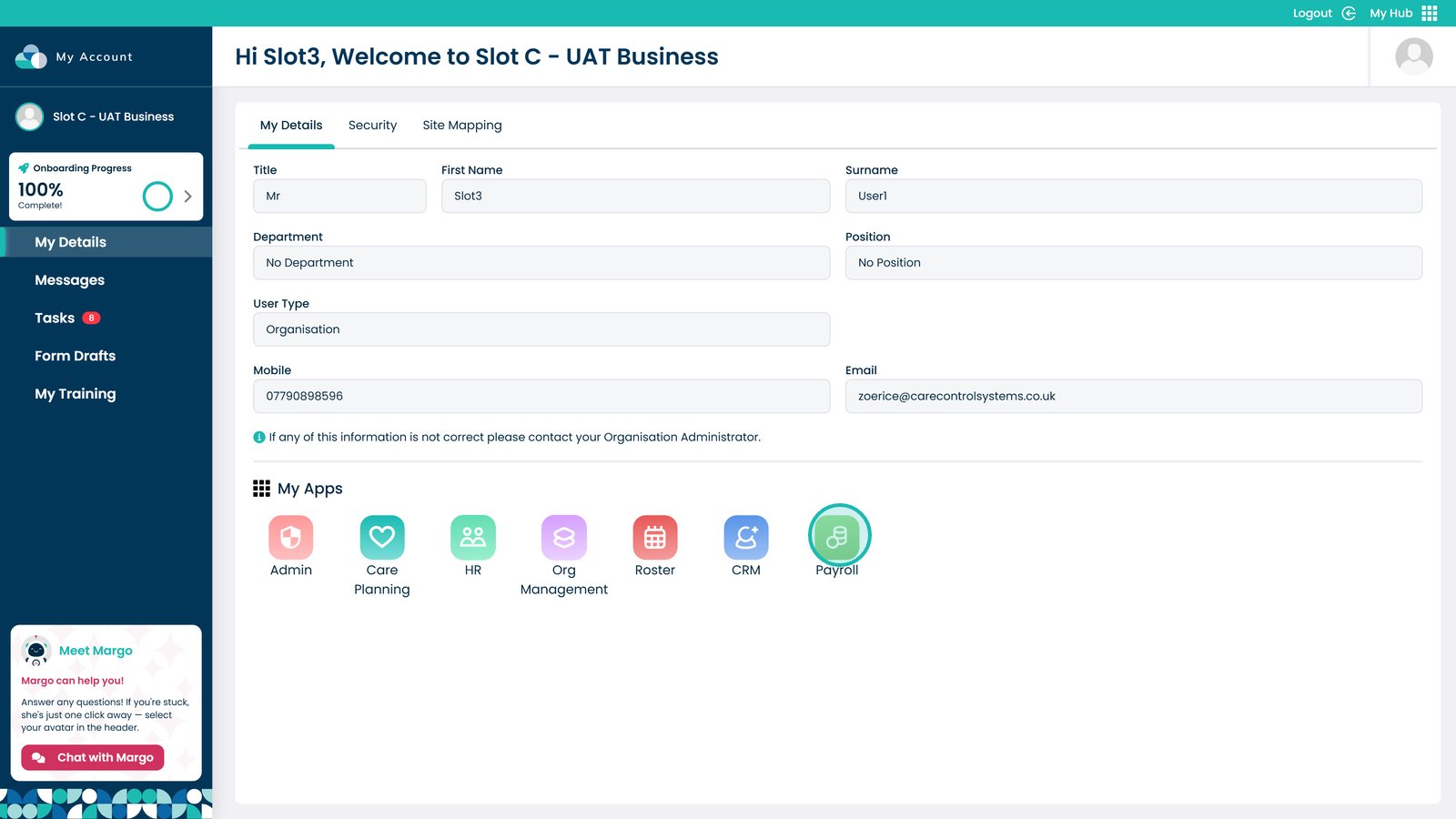
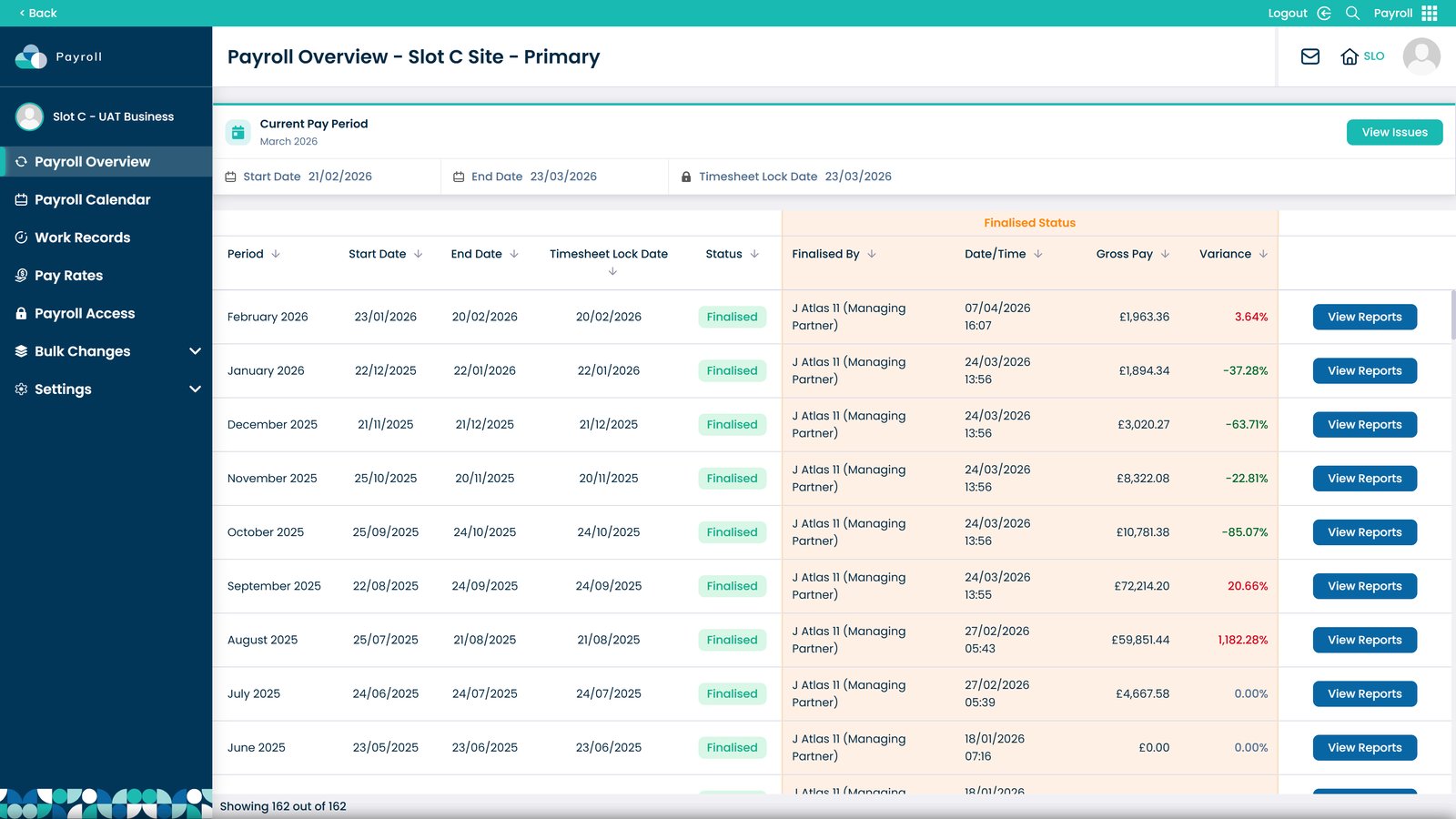
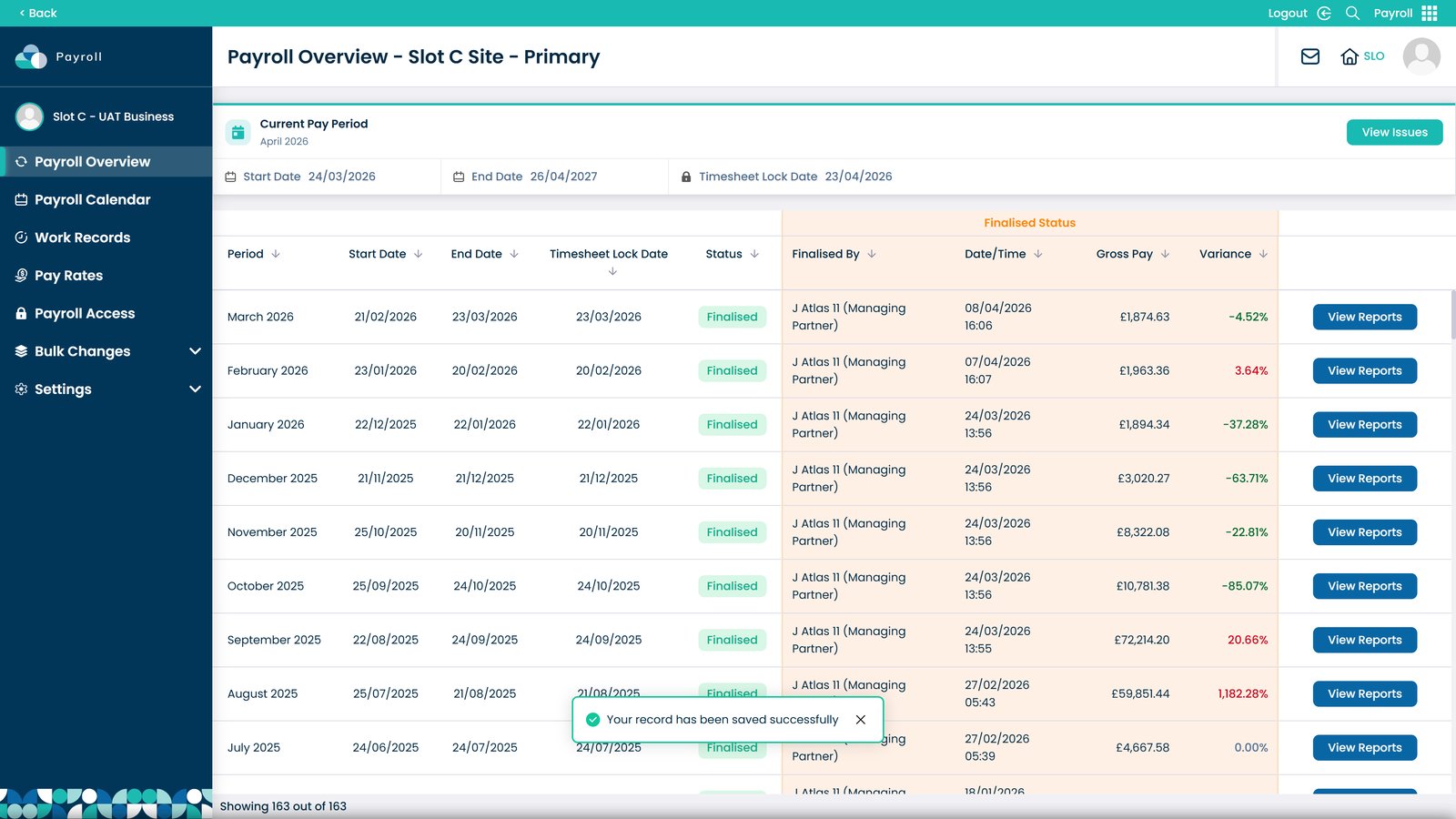
Open the Payroll module

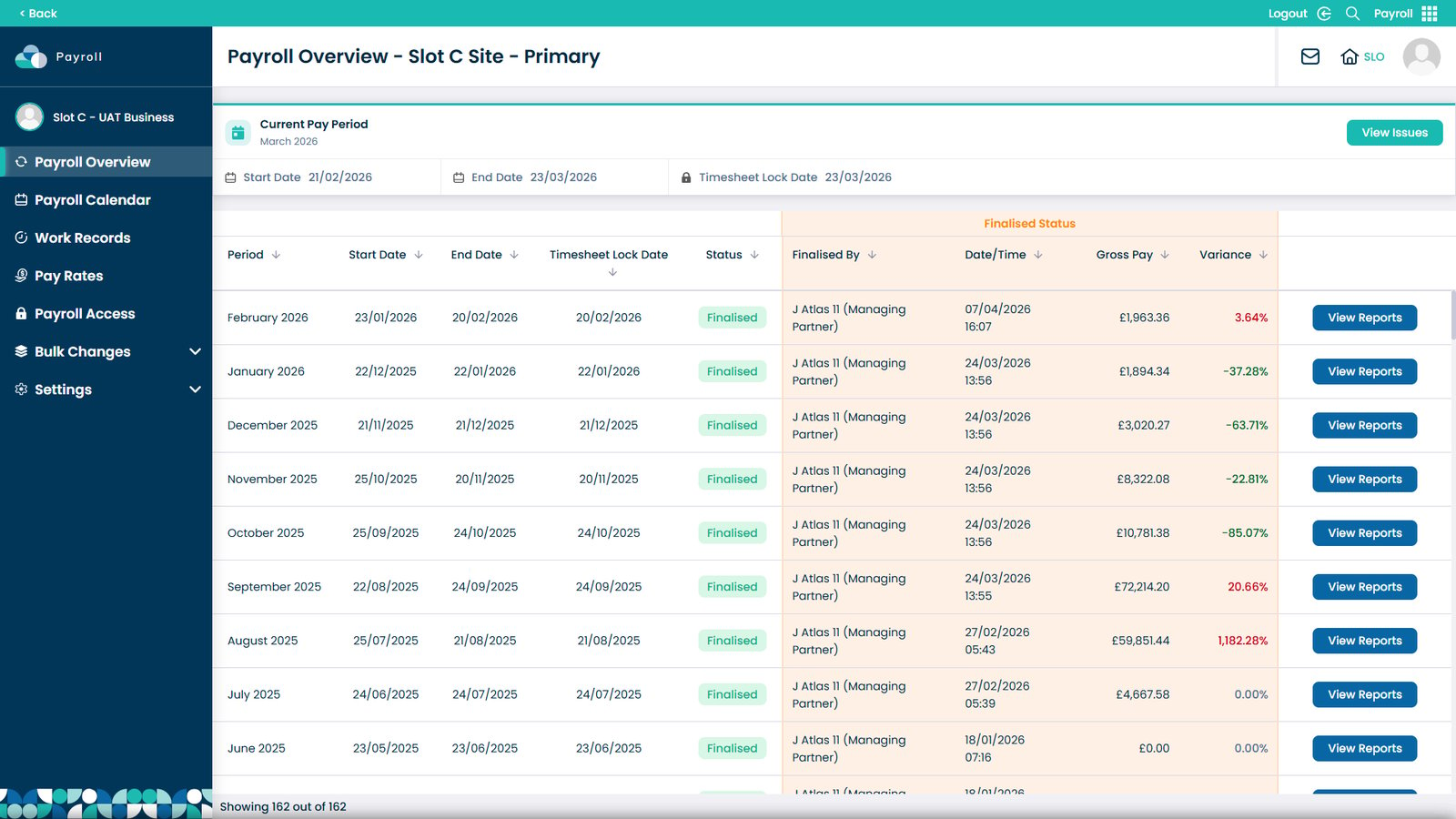
Sort payroll records to identify completed and pending periods

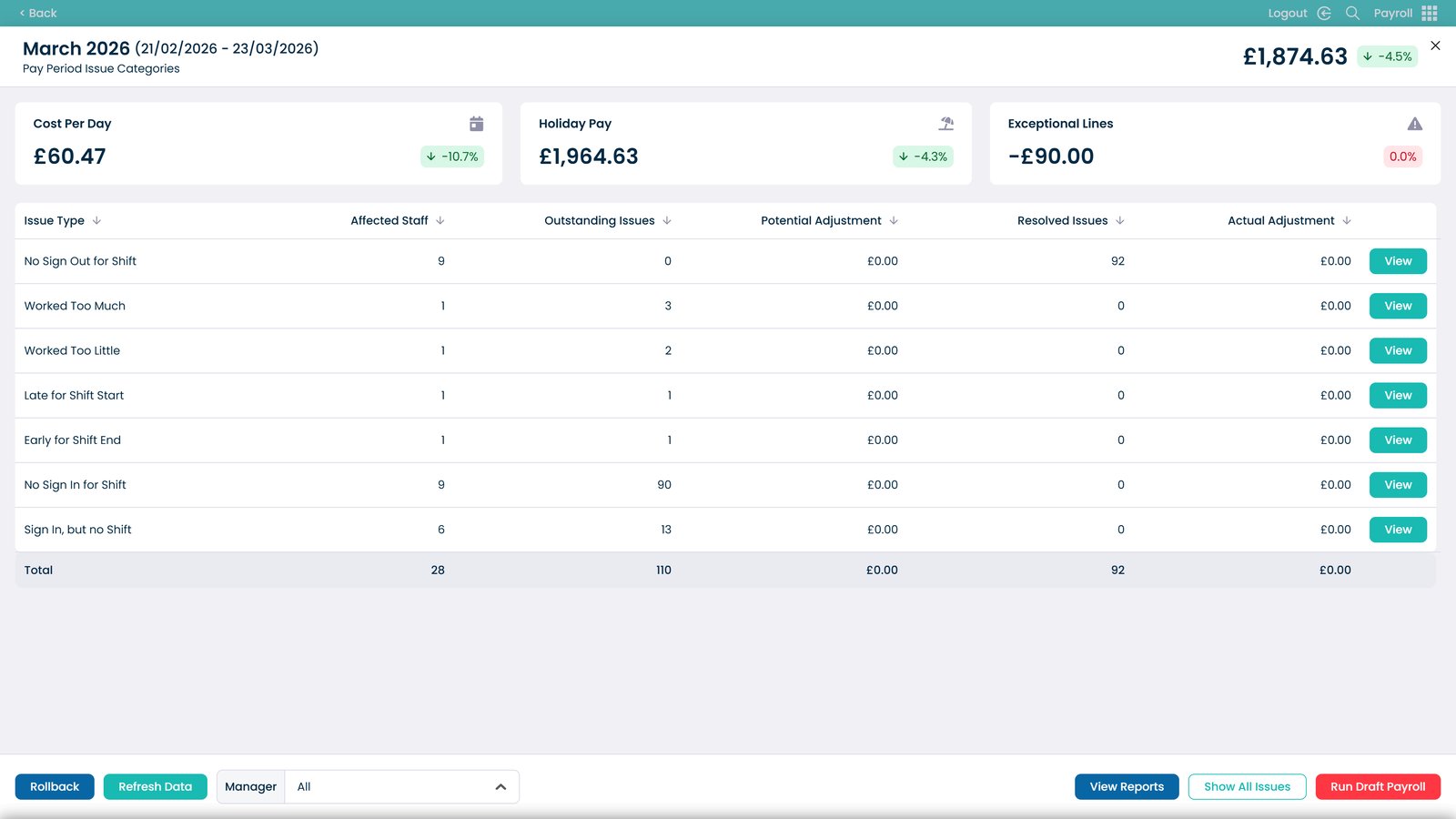
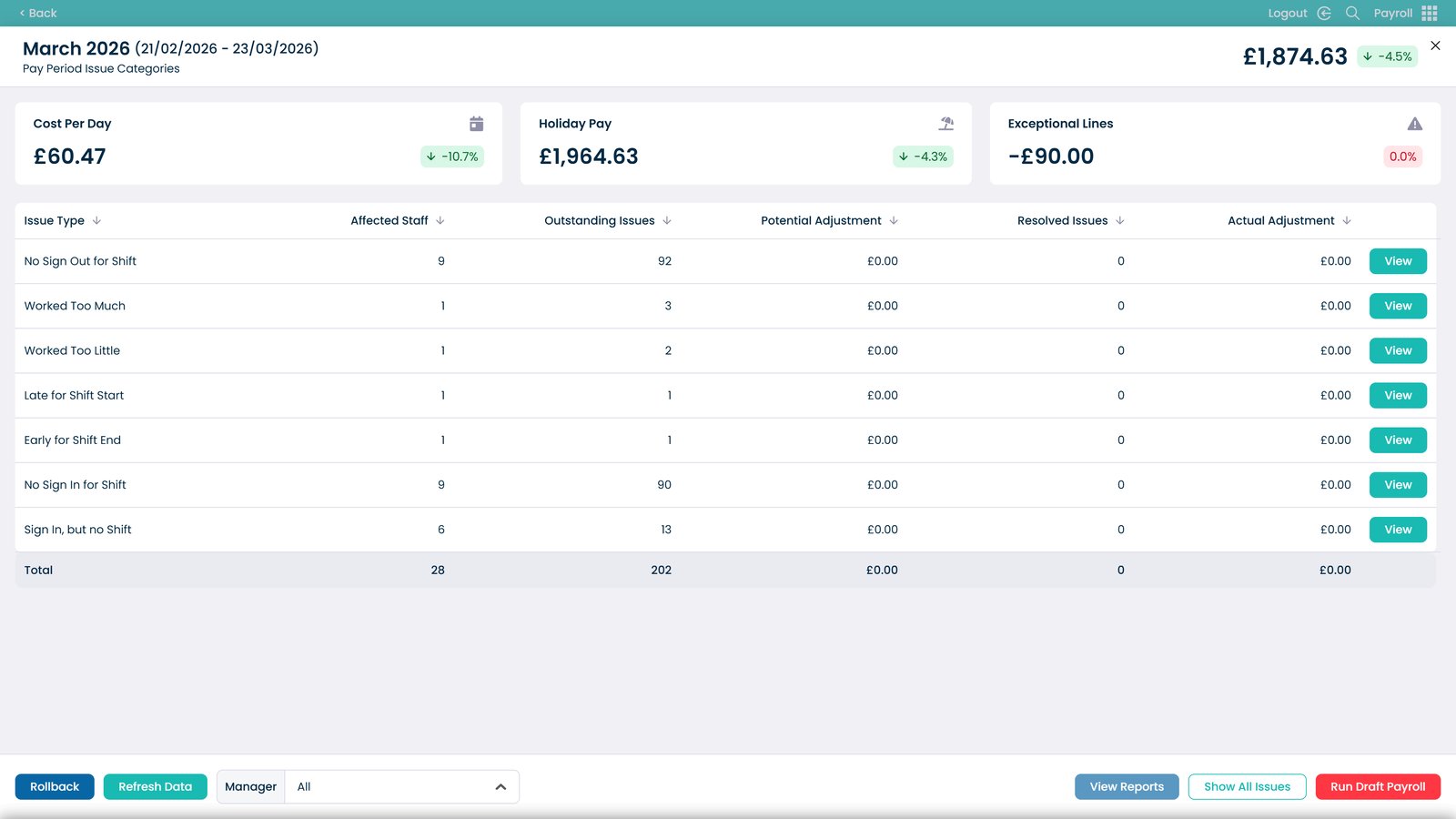
Review the current pay period details

Open a payroll period to view detailed information

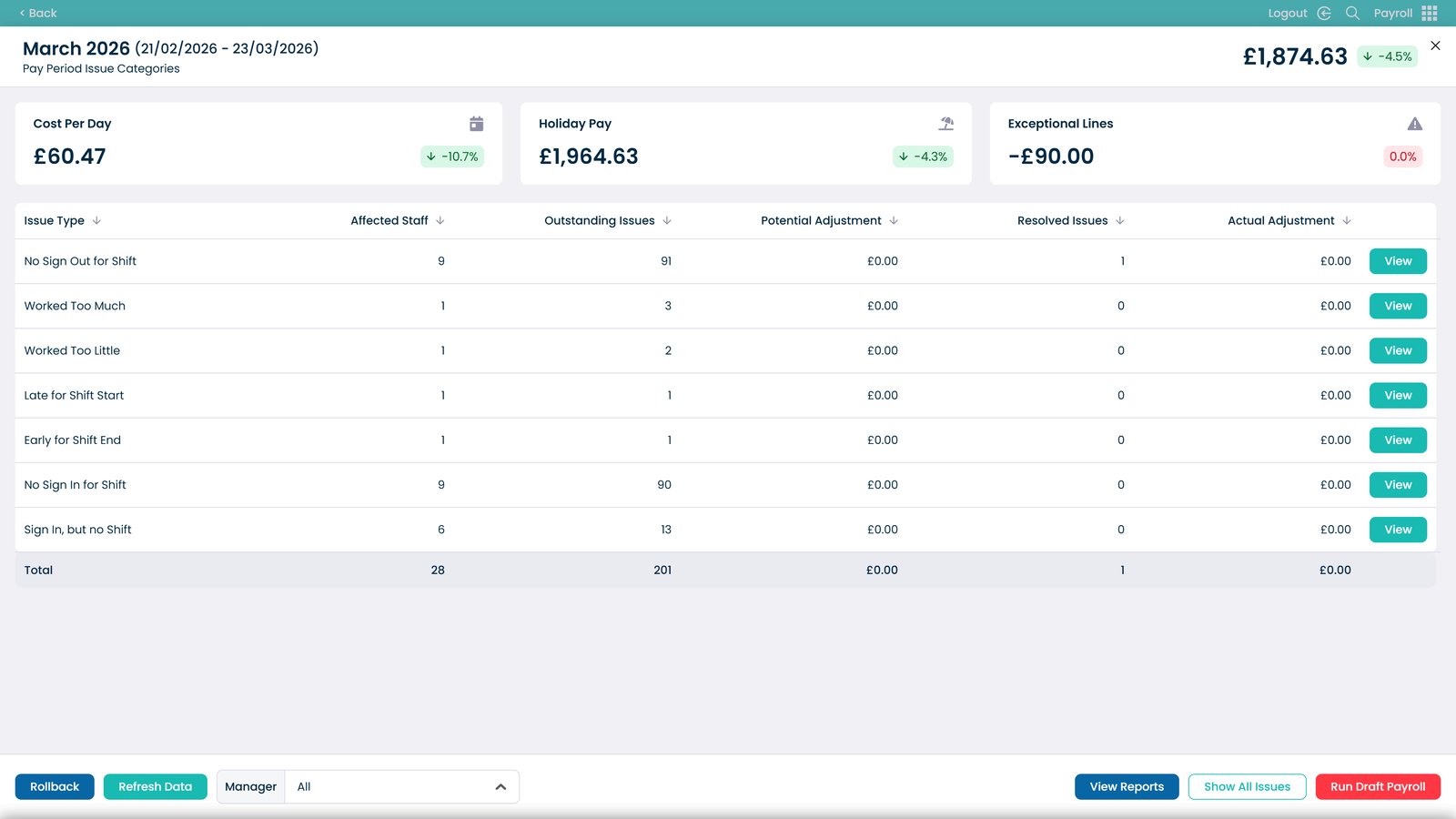
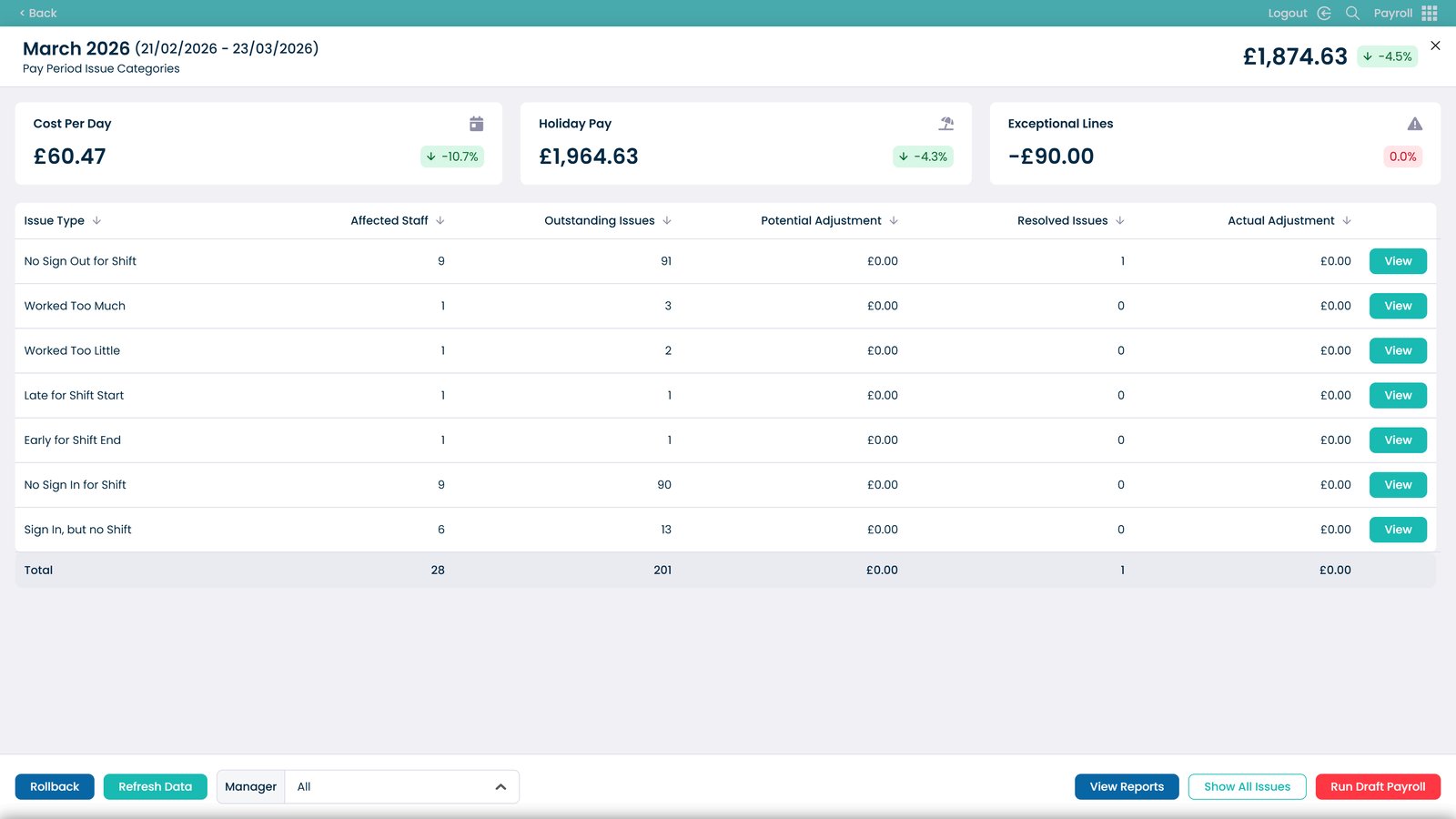
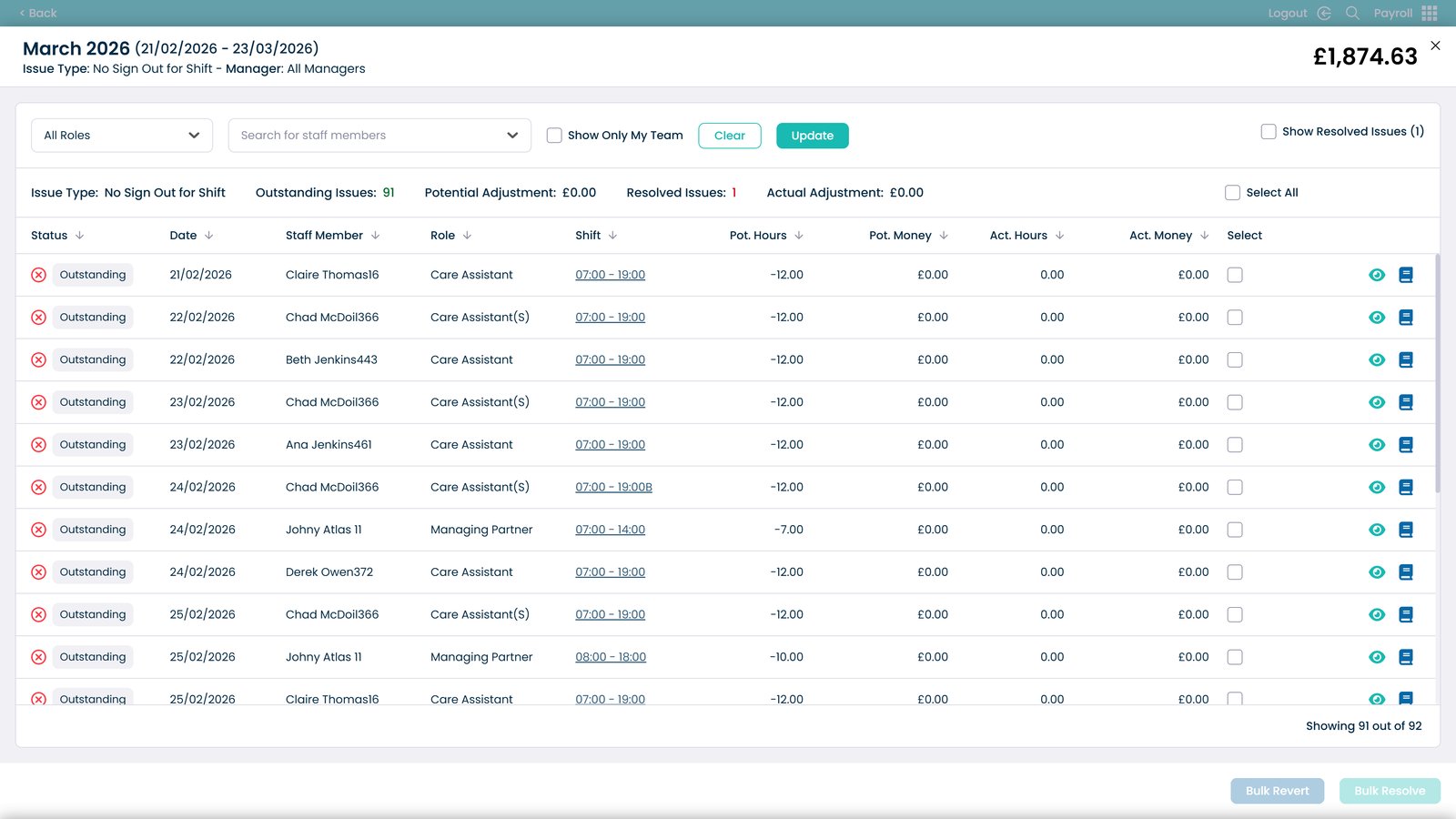
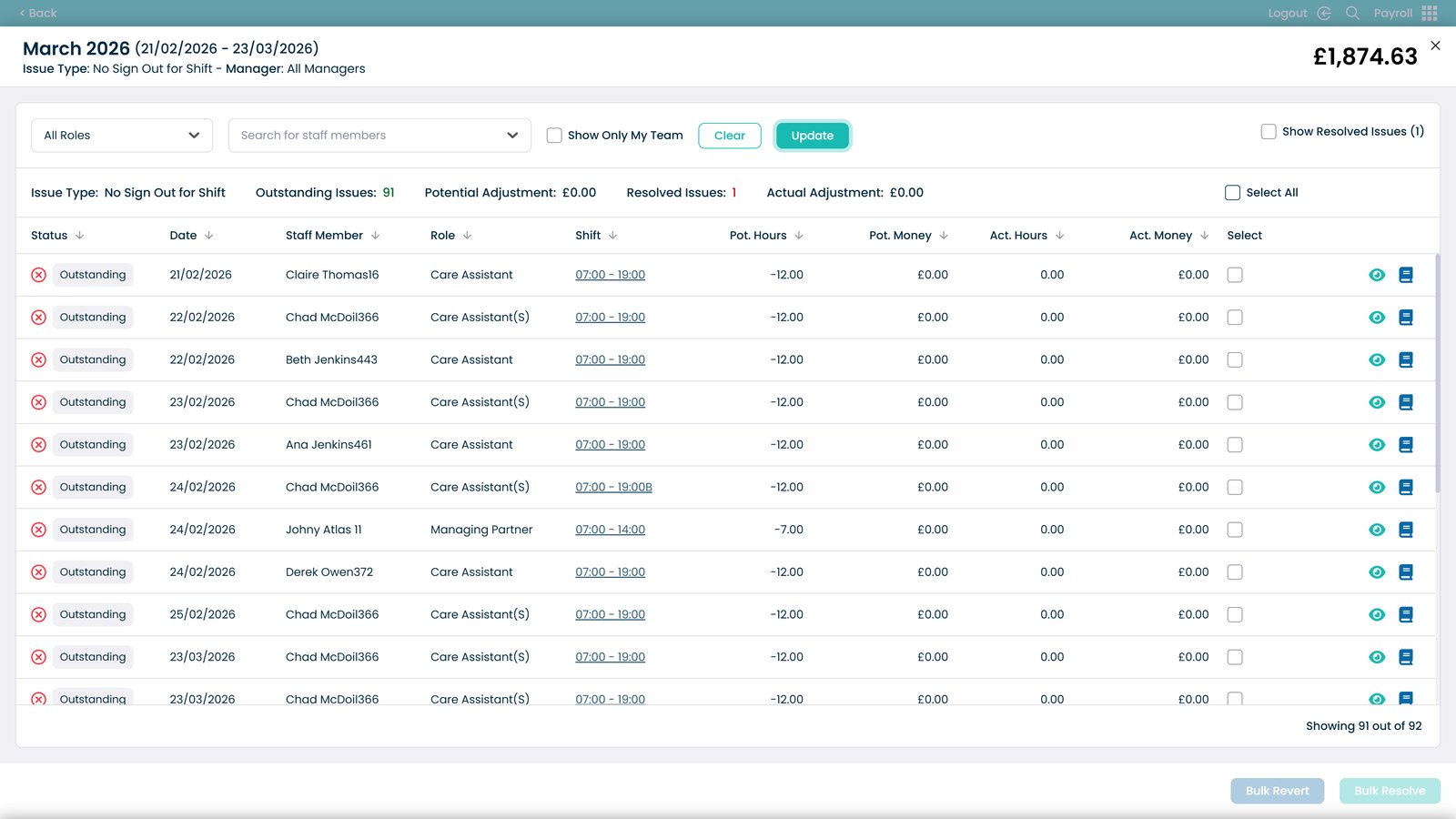
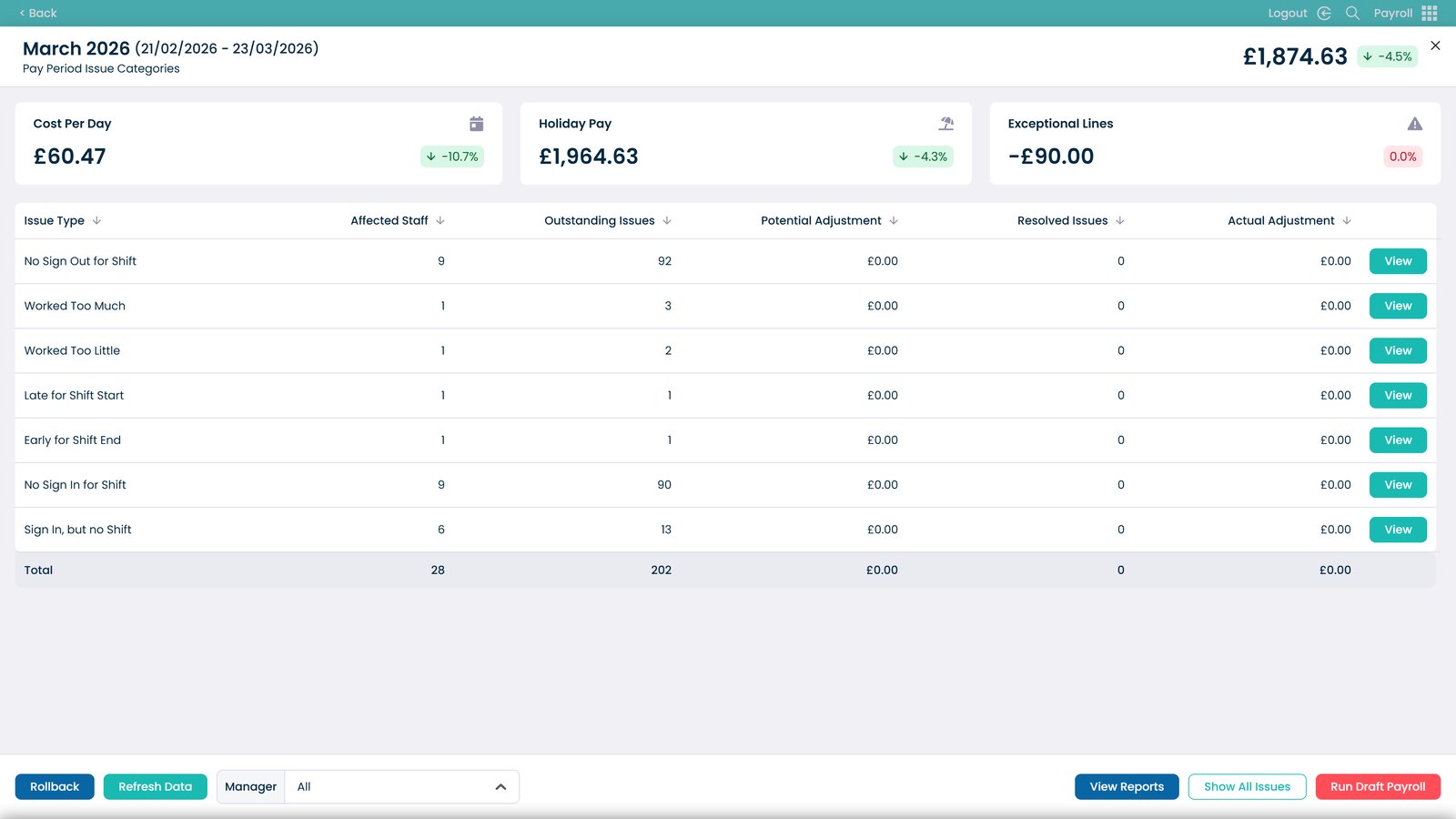
Review payroll processing issues

Analyse daily cost breakdowns

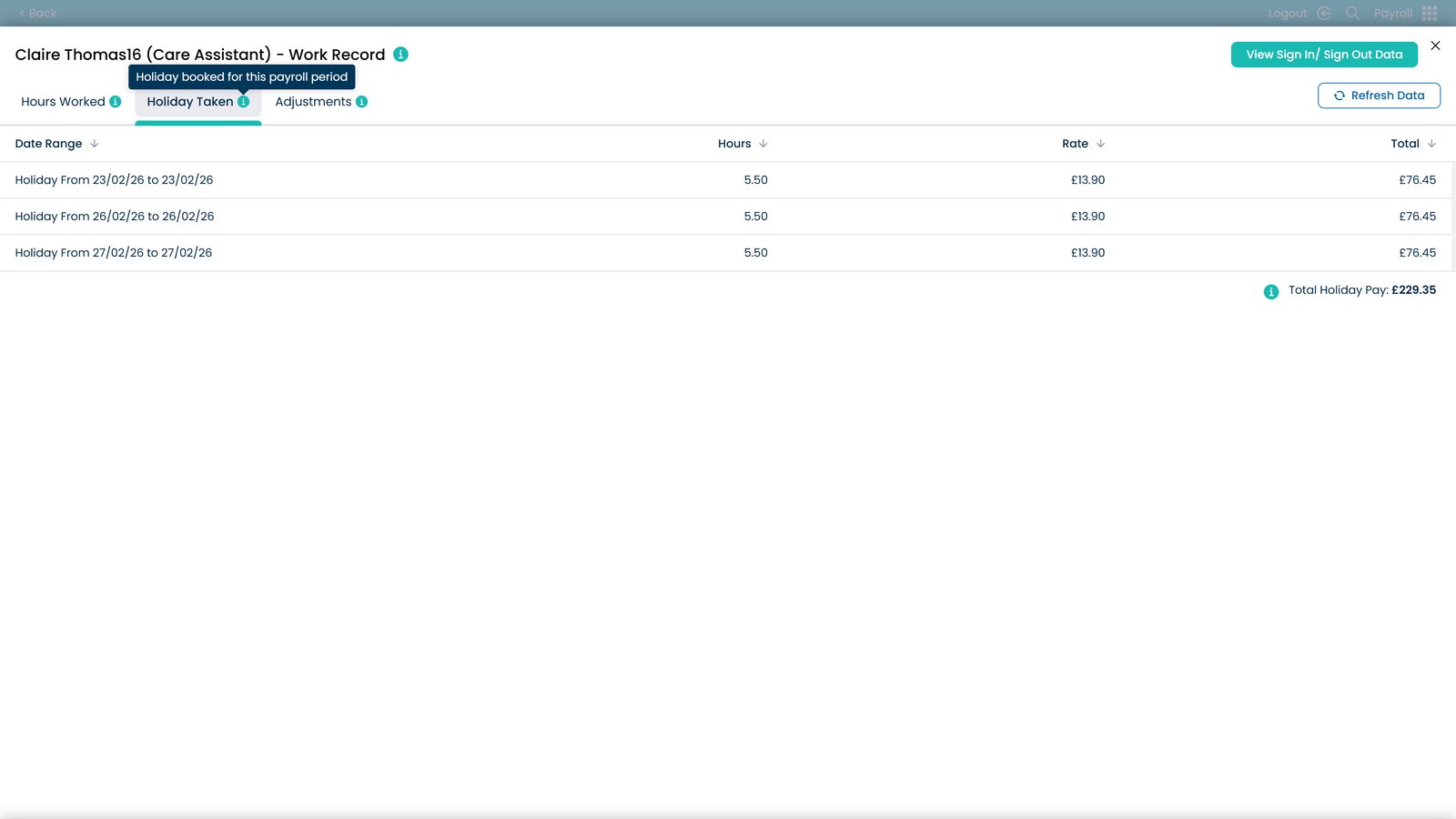
Review holiday pay details

Check exceptional payroll entries

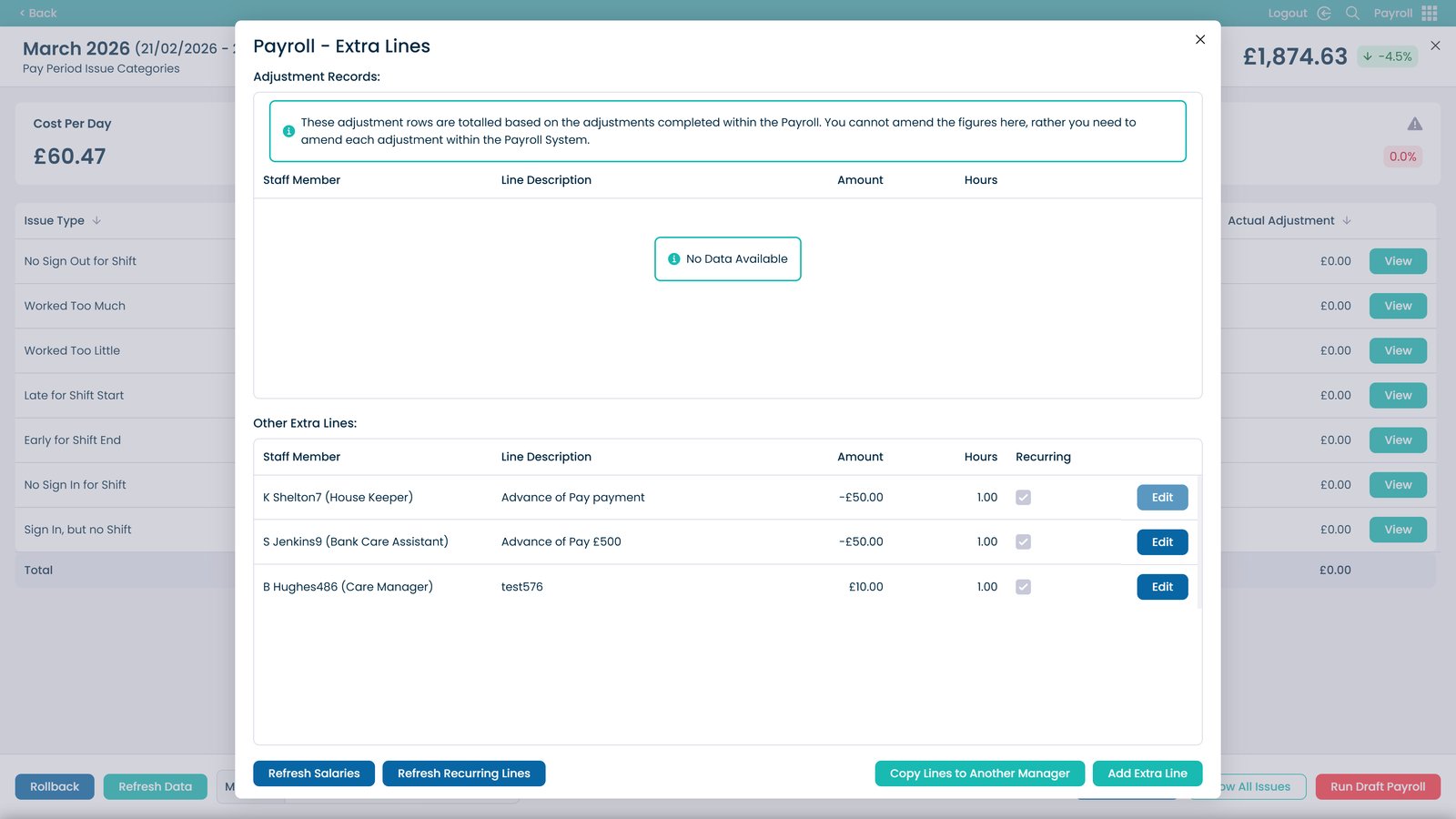
Review additional payroll entries

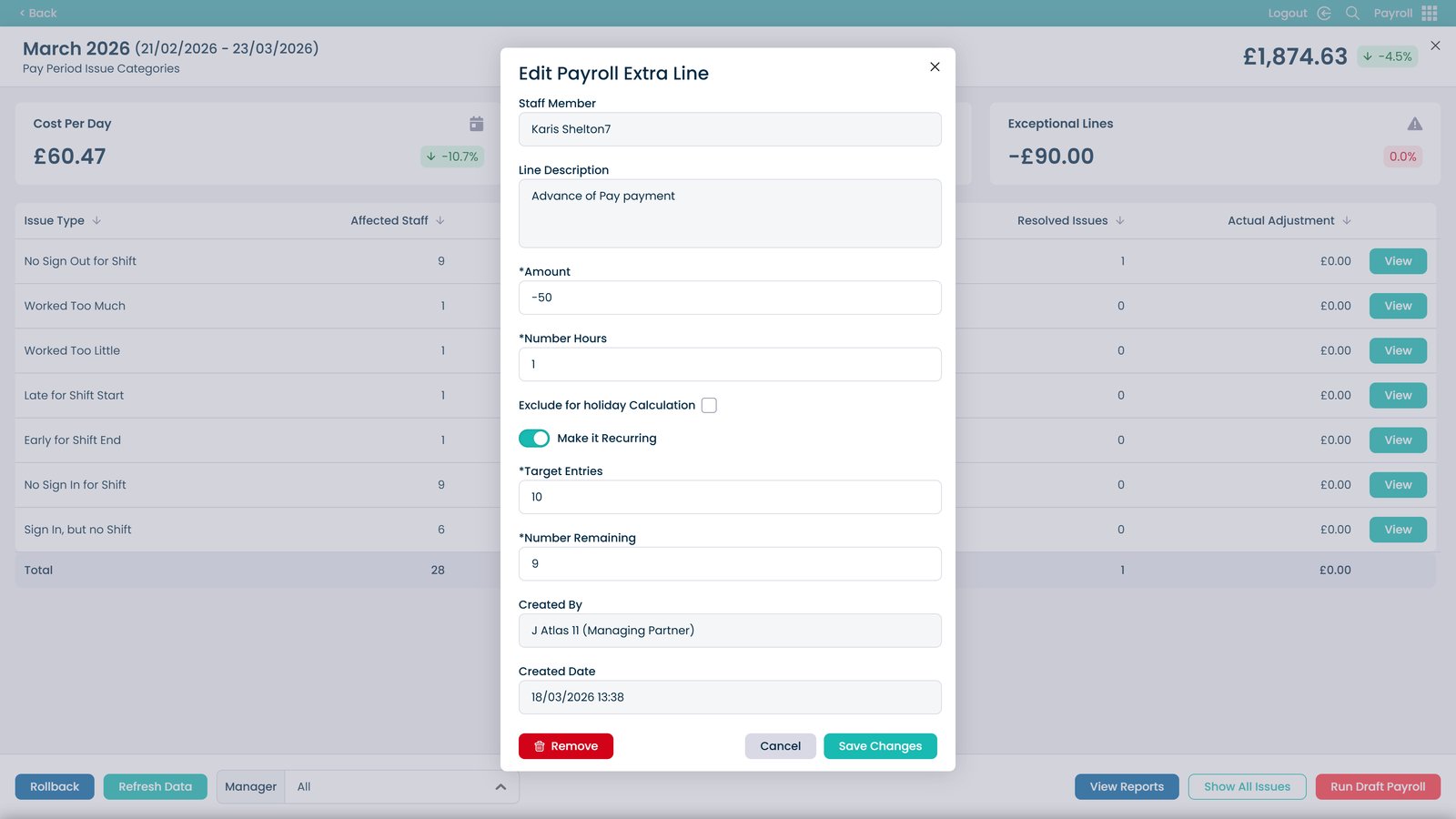
Edit an additional payroll entry

Update details and save changes

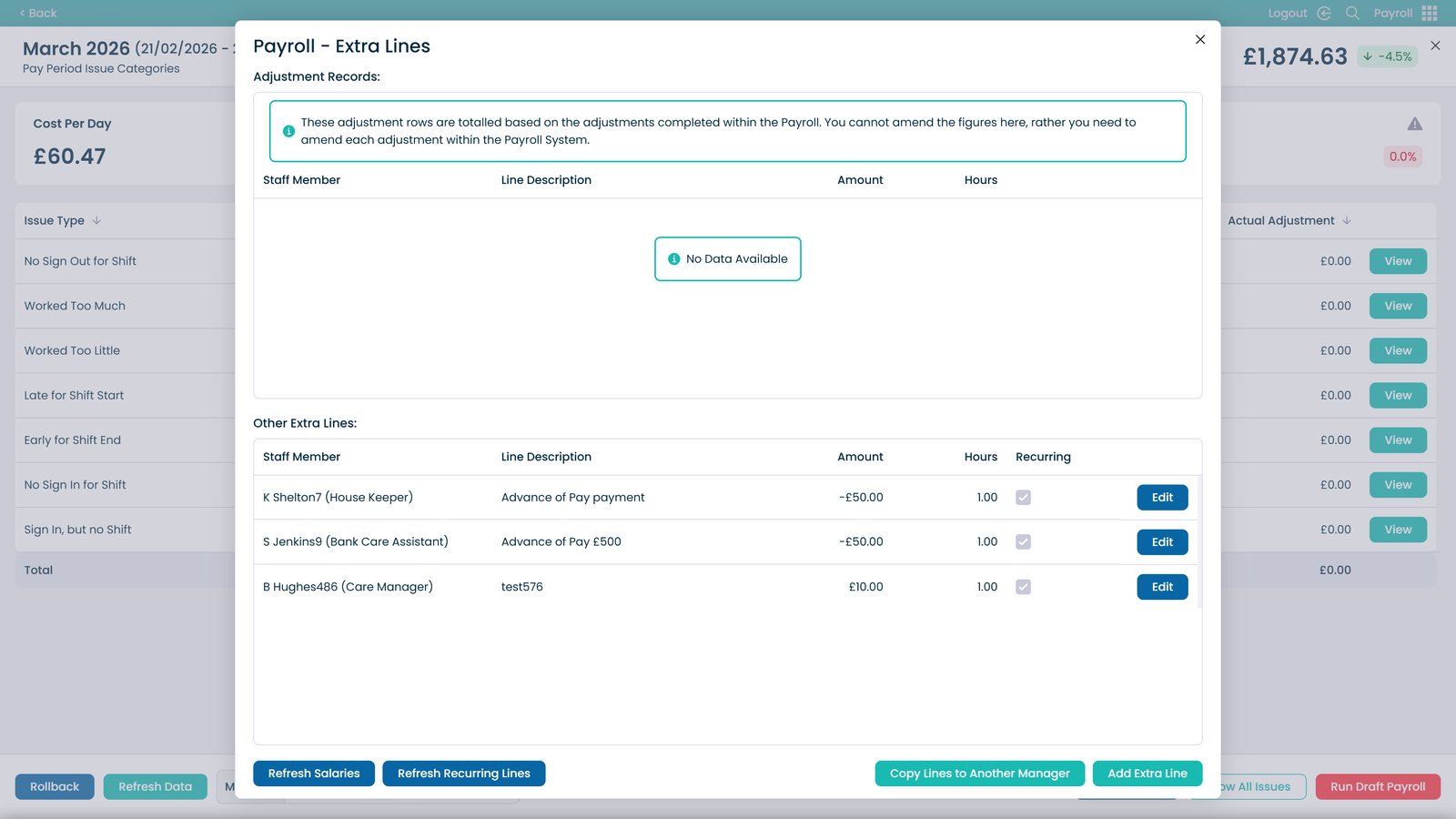
Close the adjustments window

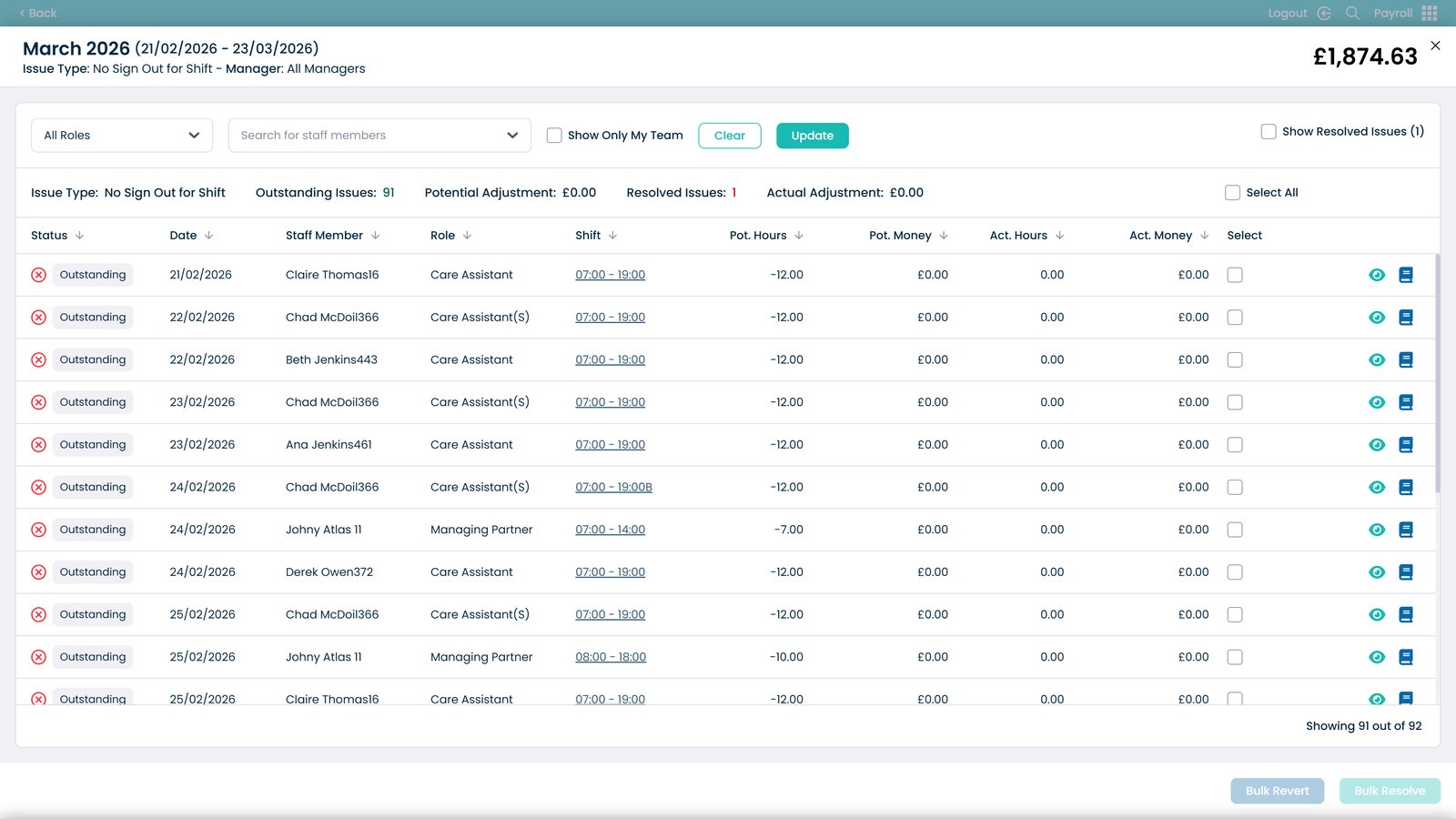
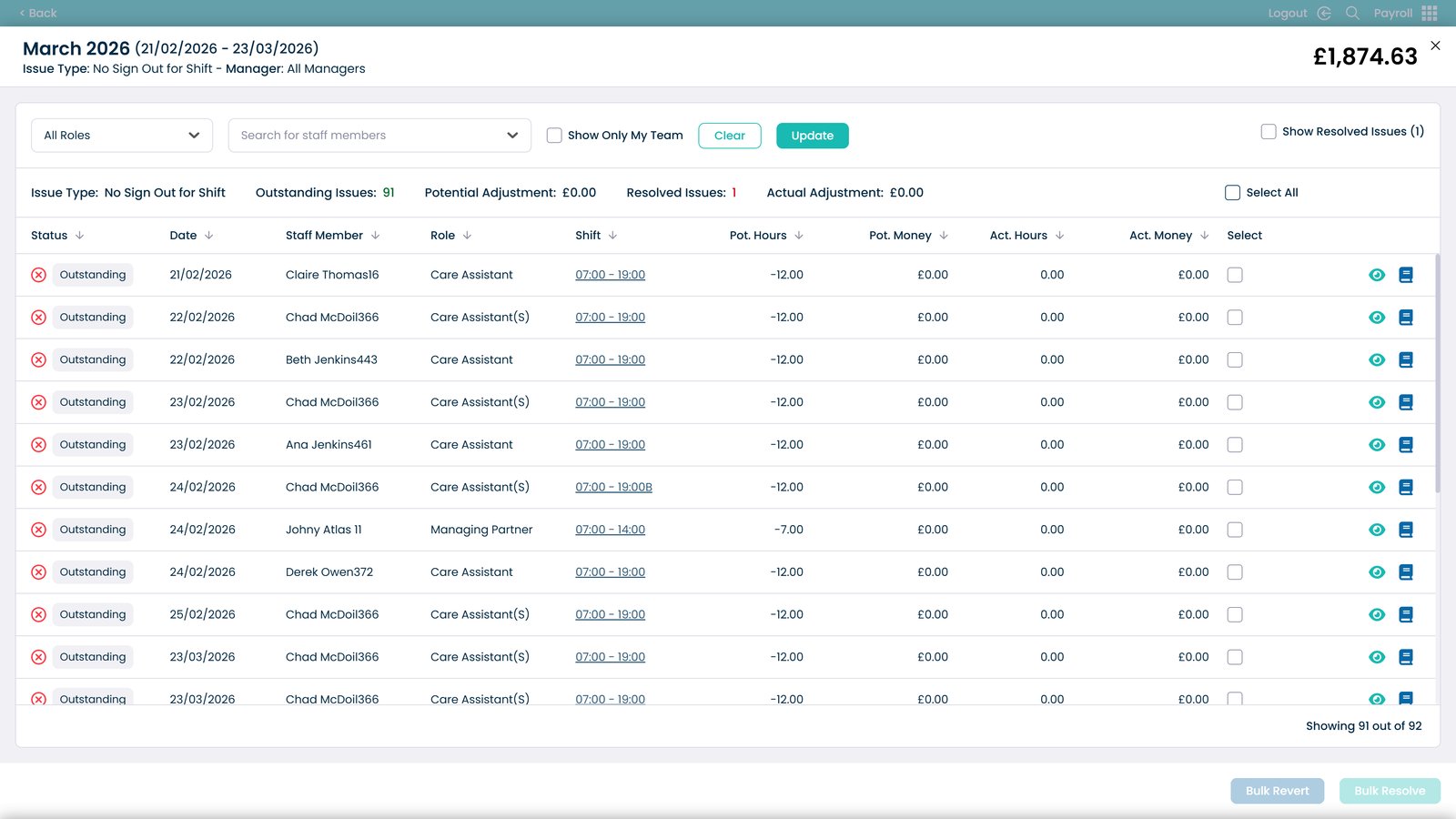
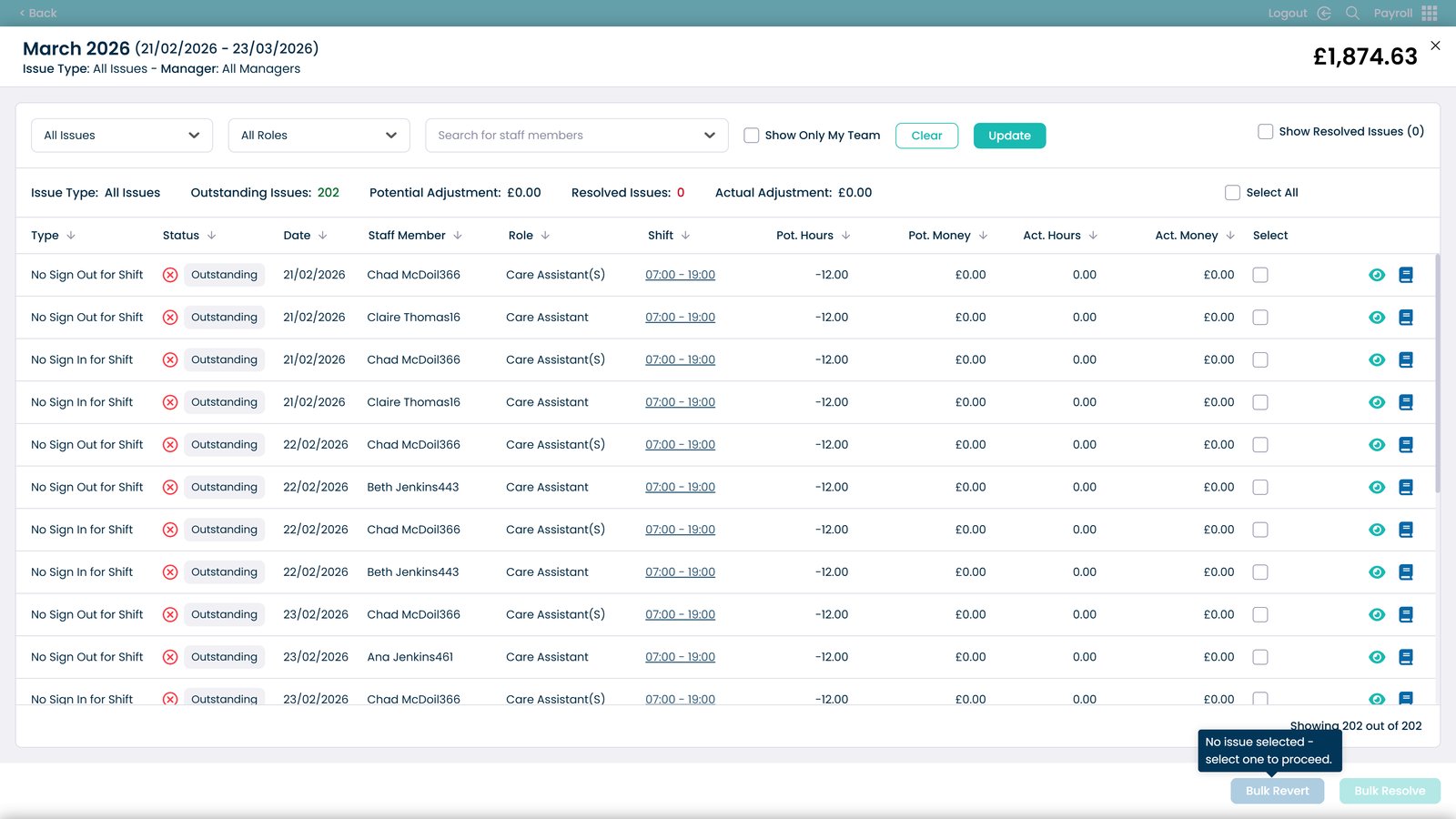
View issue details for staff

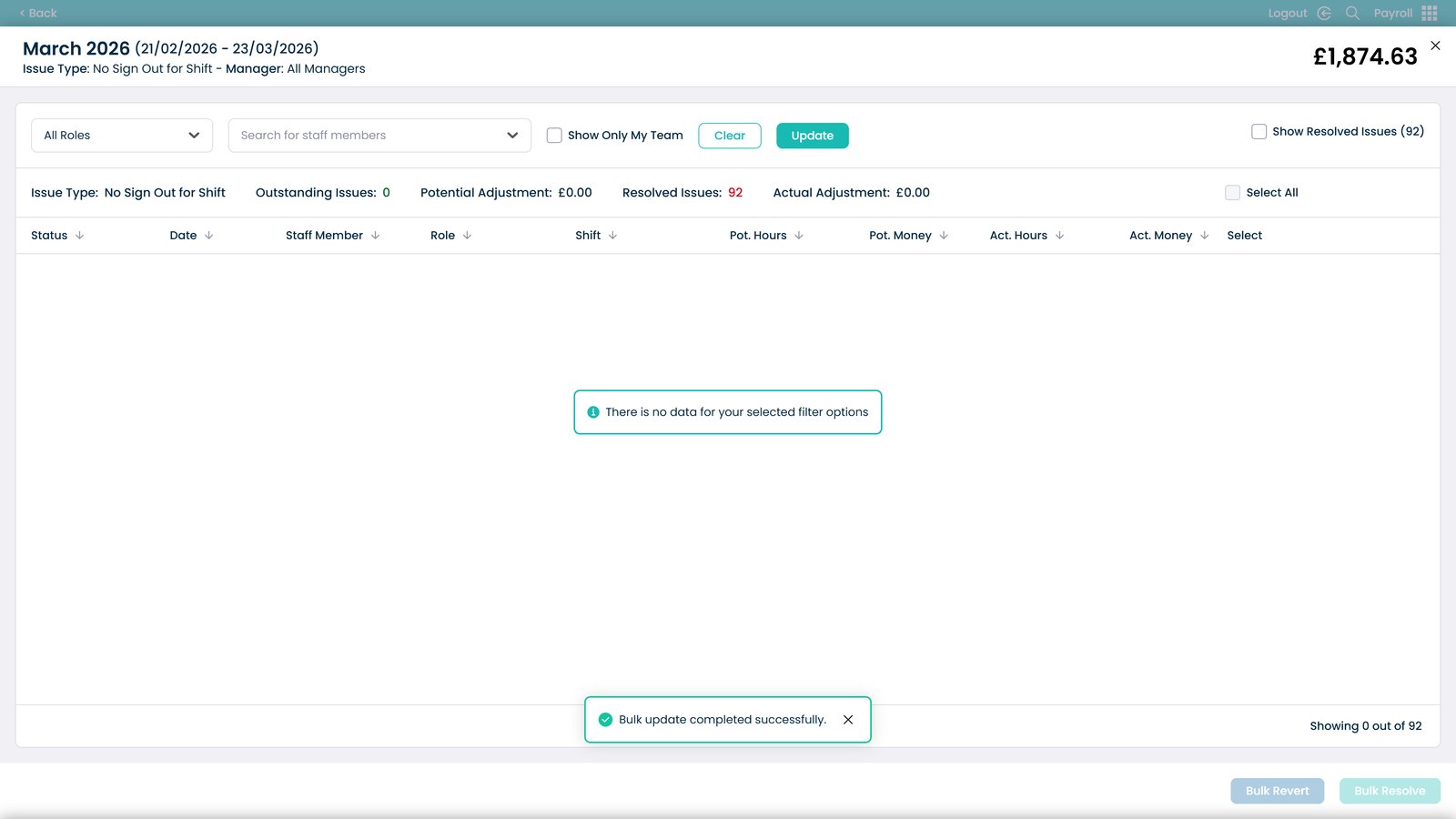
Filter issues by staff role

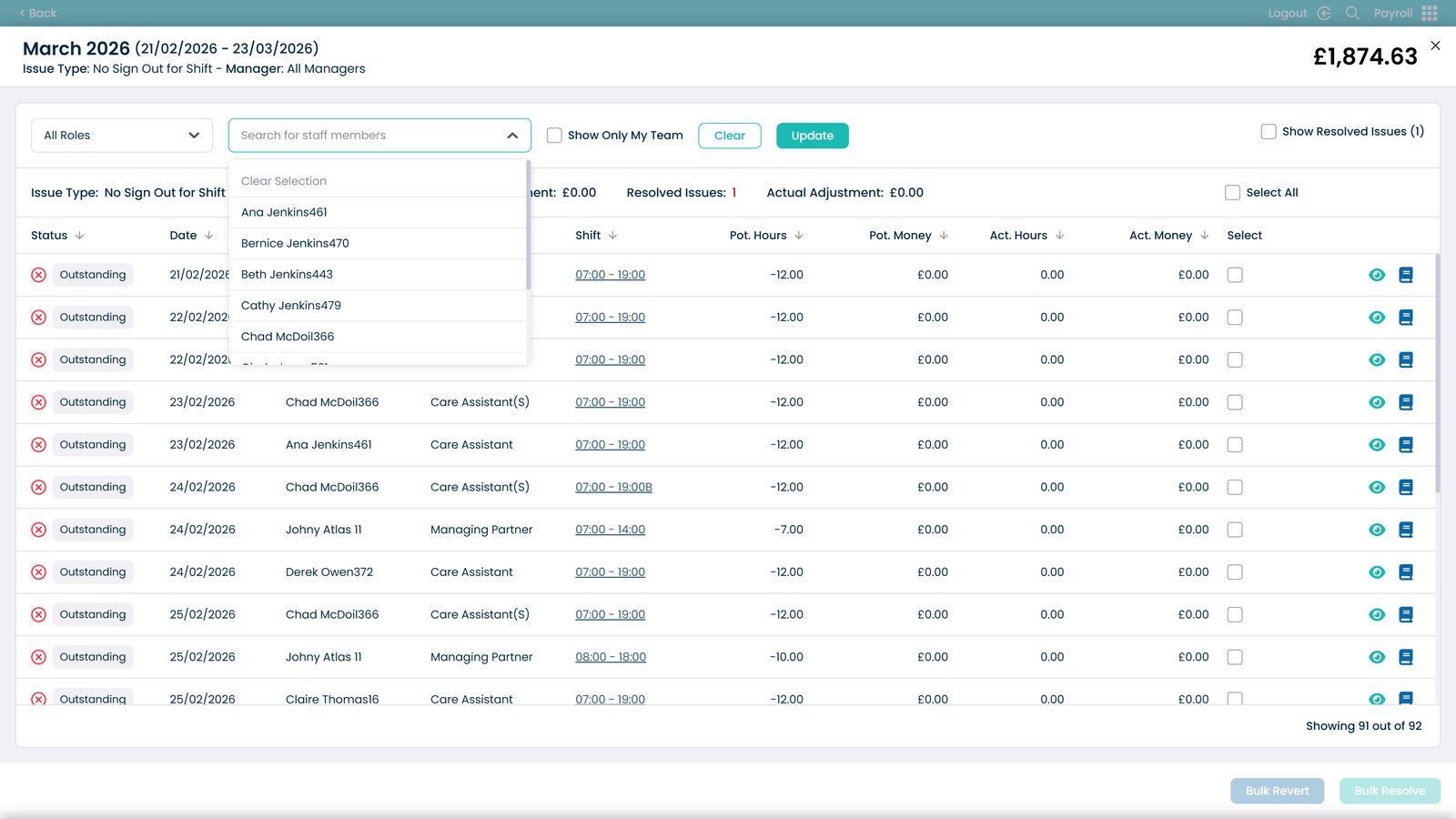
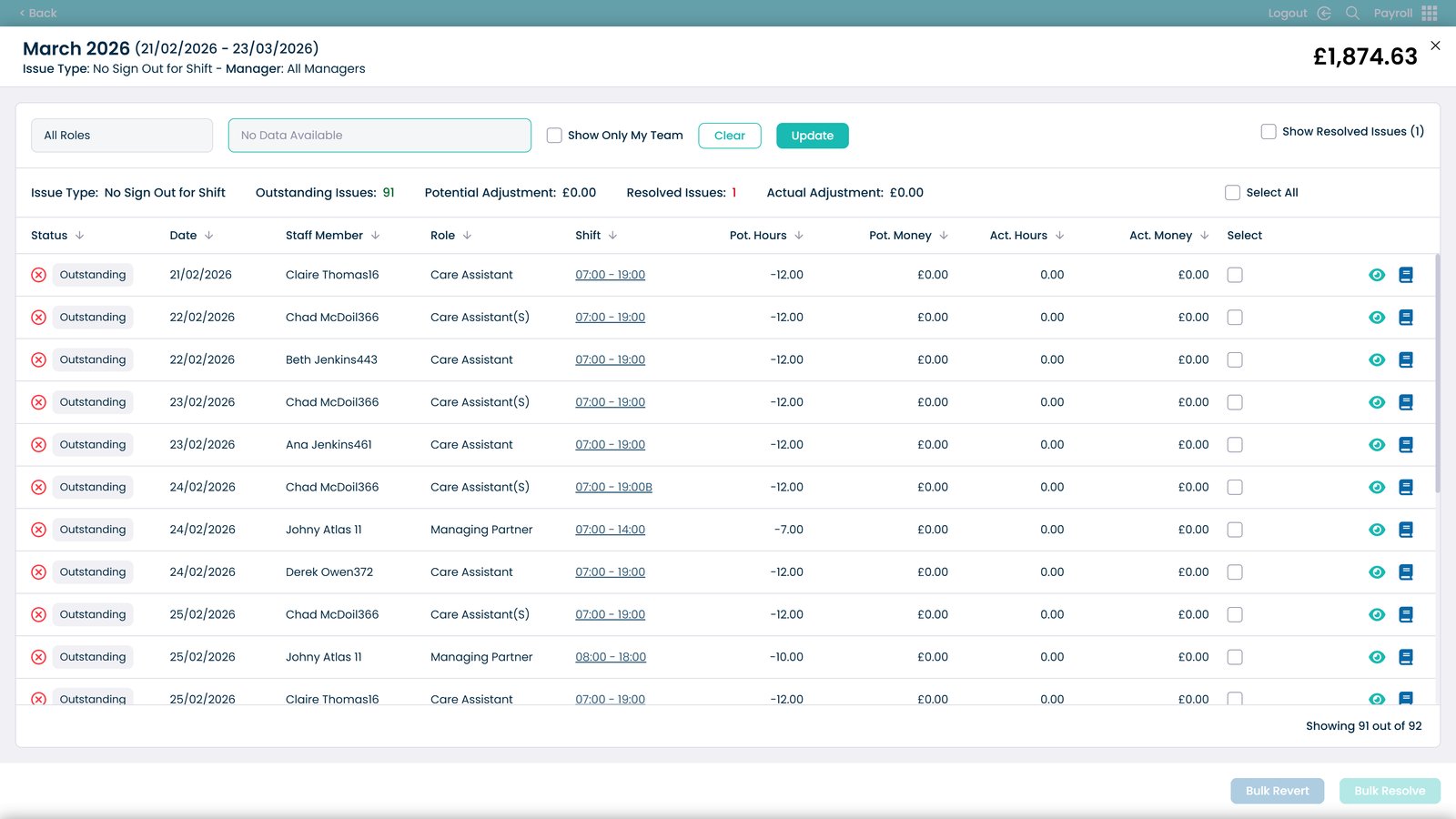
Search for a staff member

Filter to show only your team

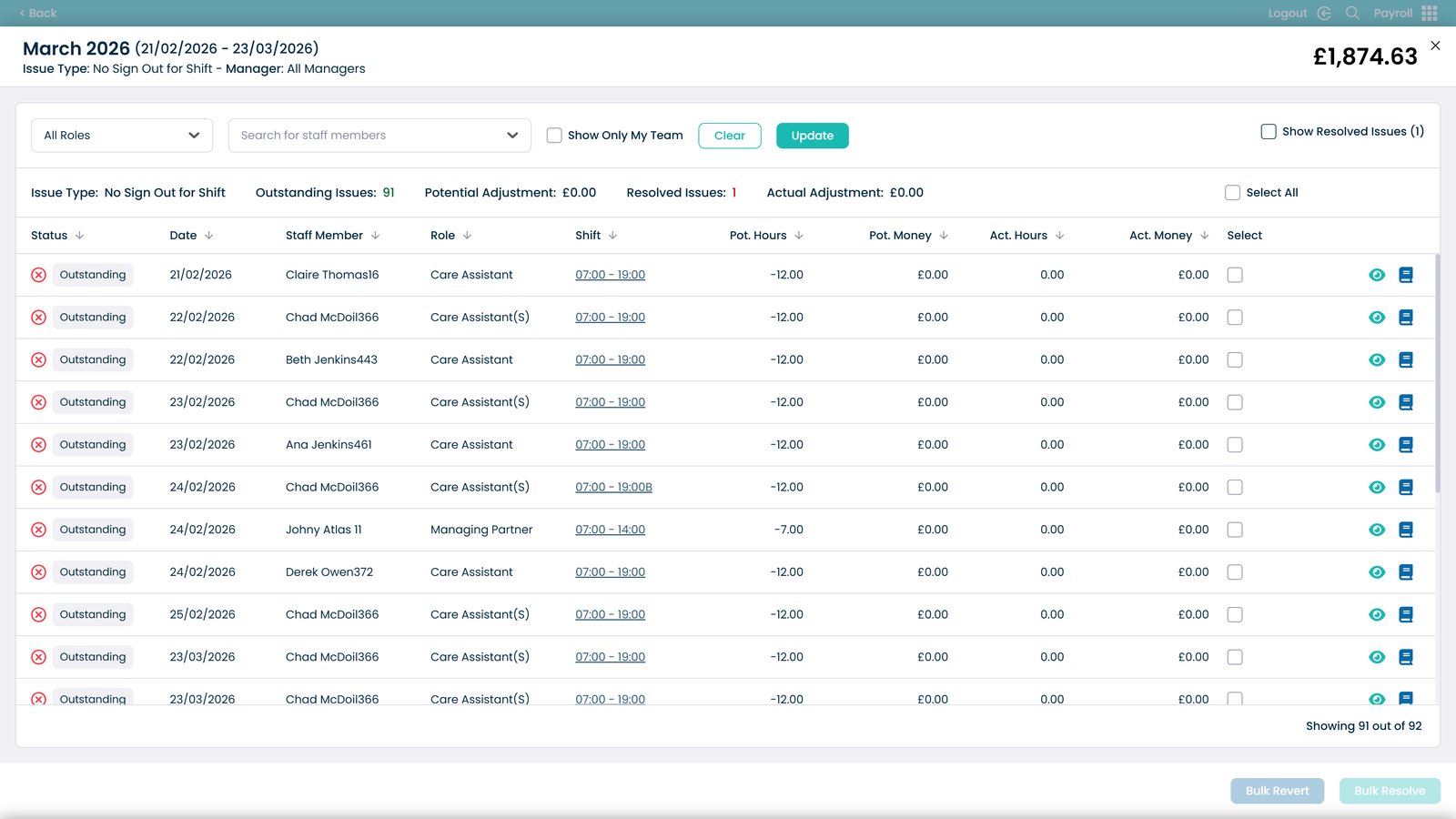
Apply filters and refresh the list

Show resolved and outstanding issues

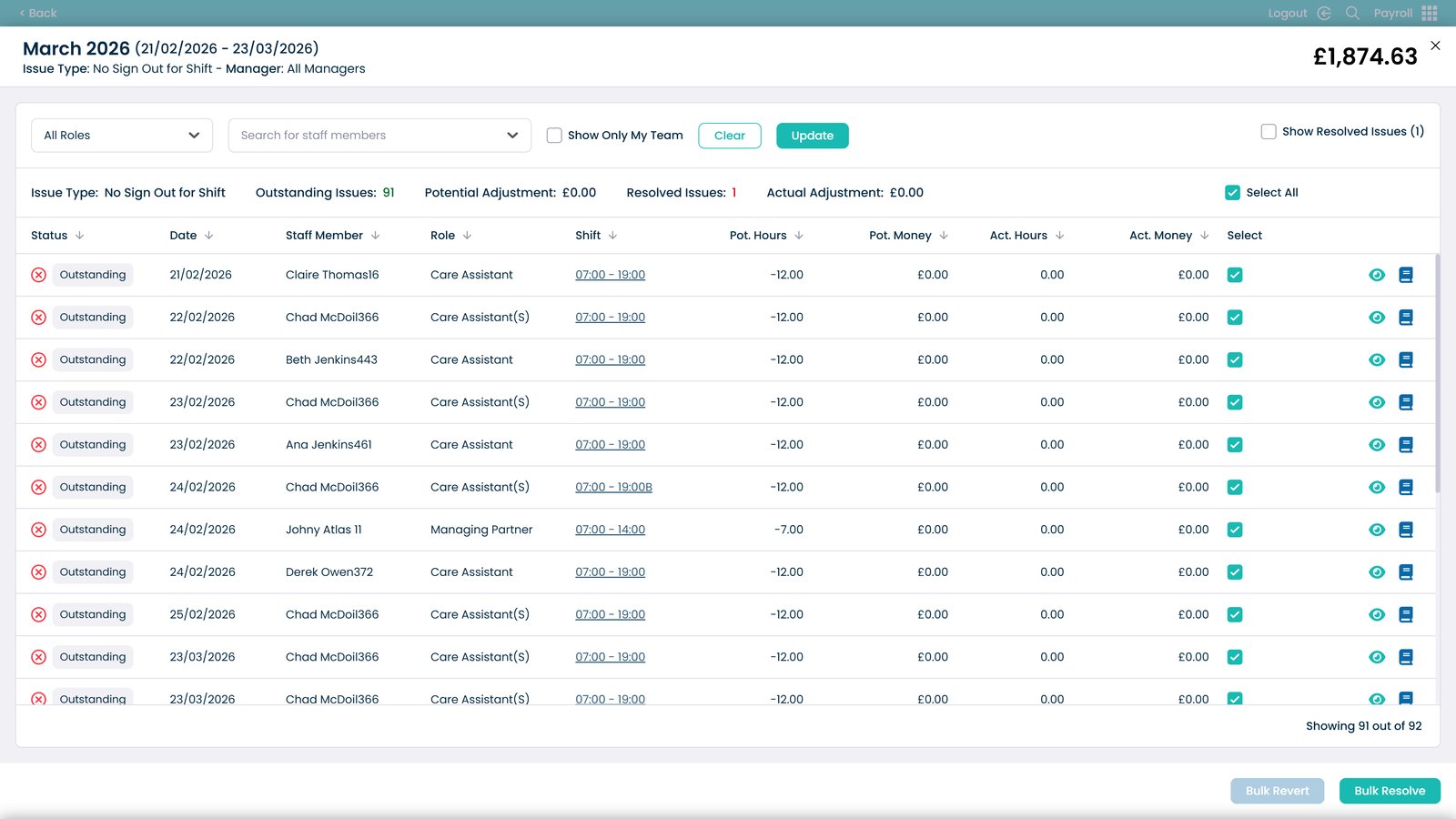
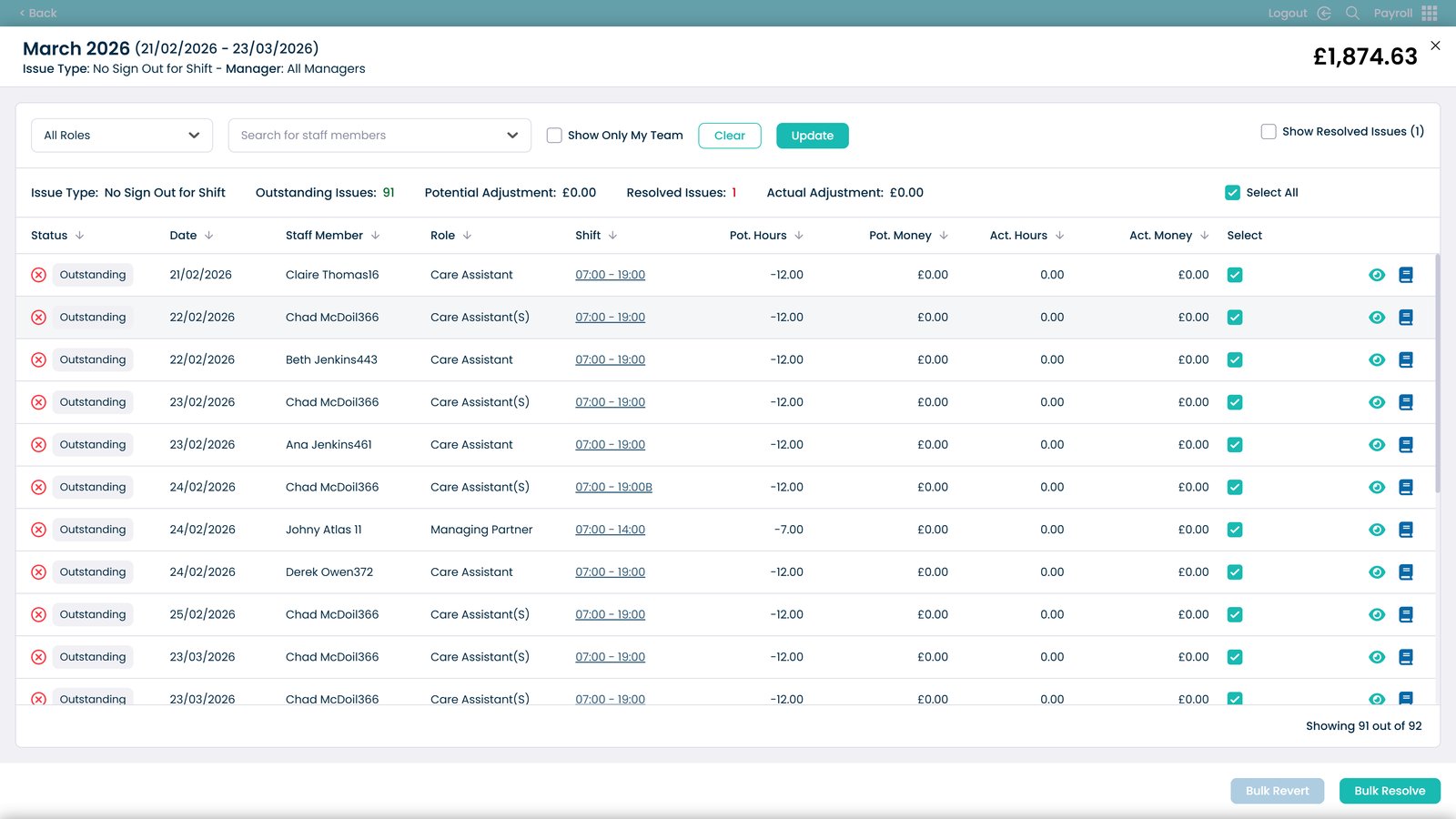
Select multiple issues for bulk actions

View issue details

Open notes to review or update issue details

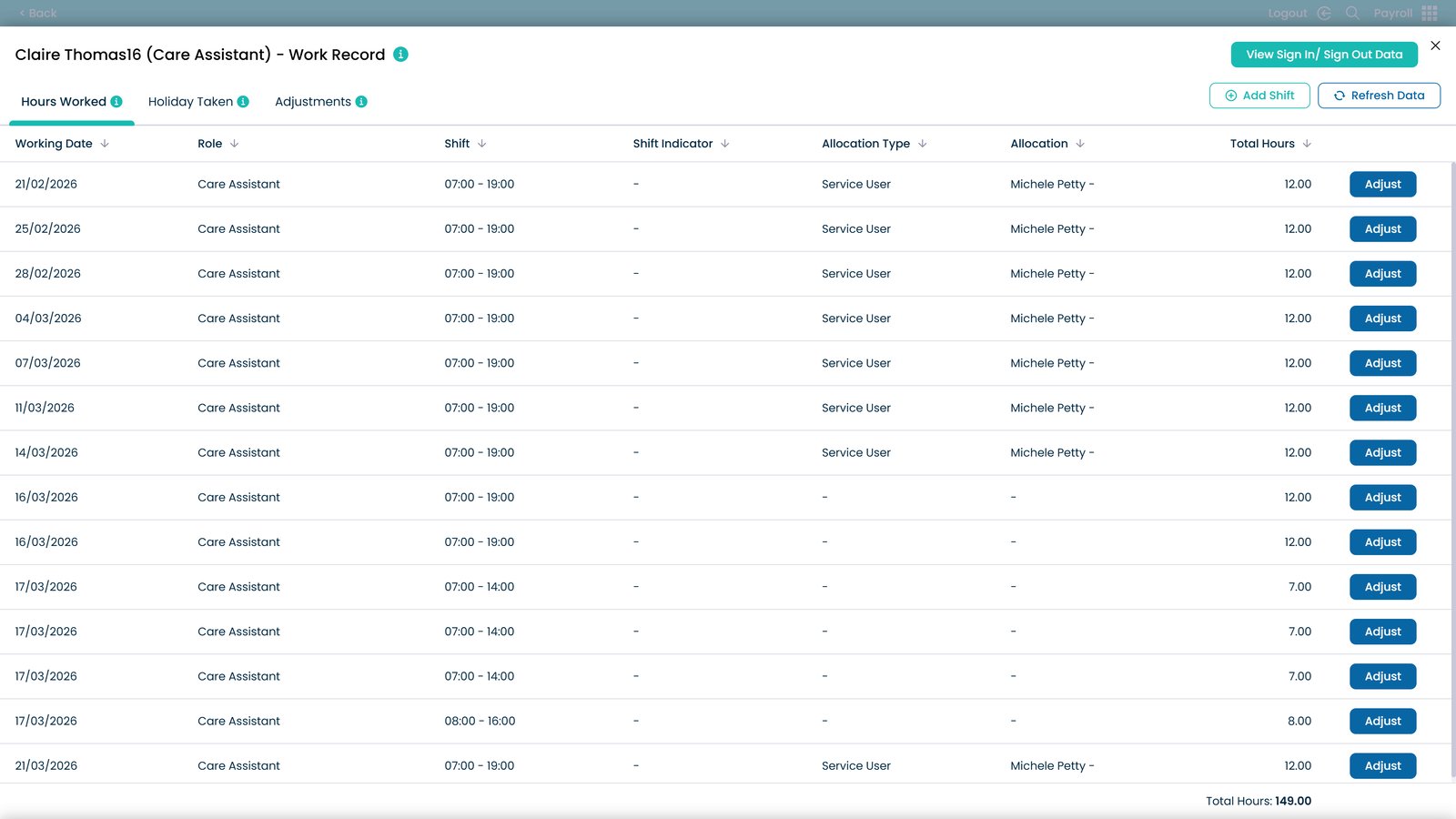
View hours worked

Review holiday taken

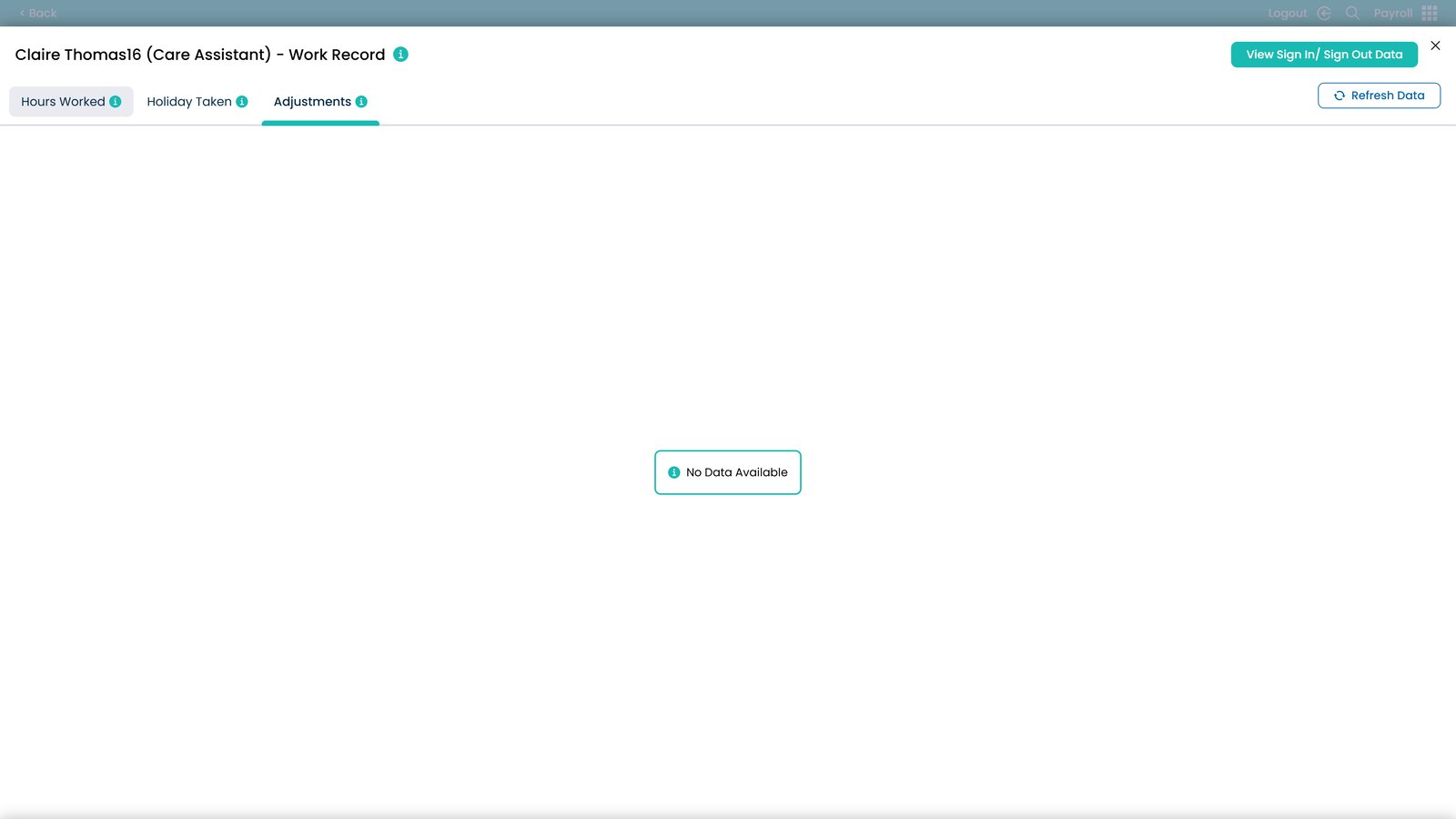
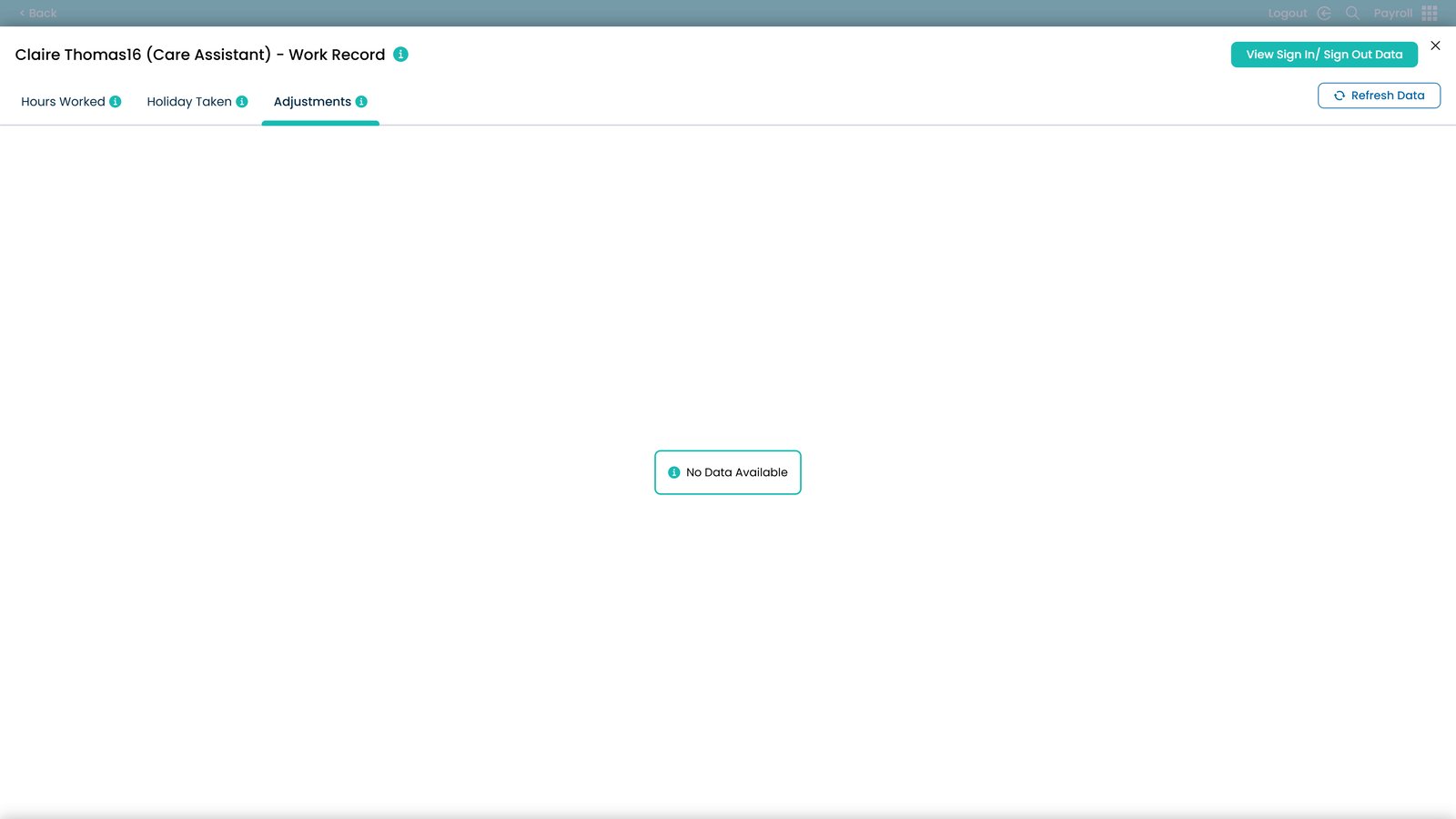
Open adjustments

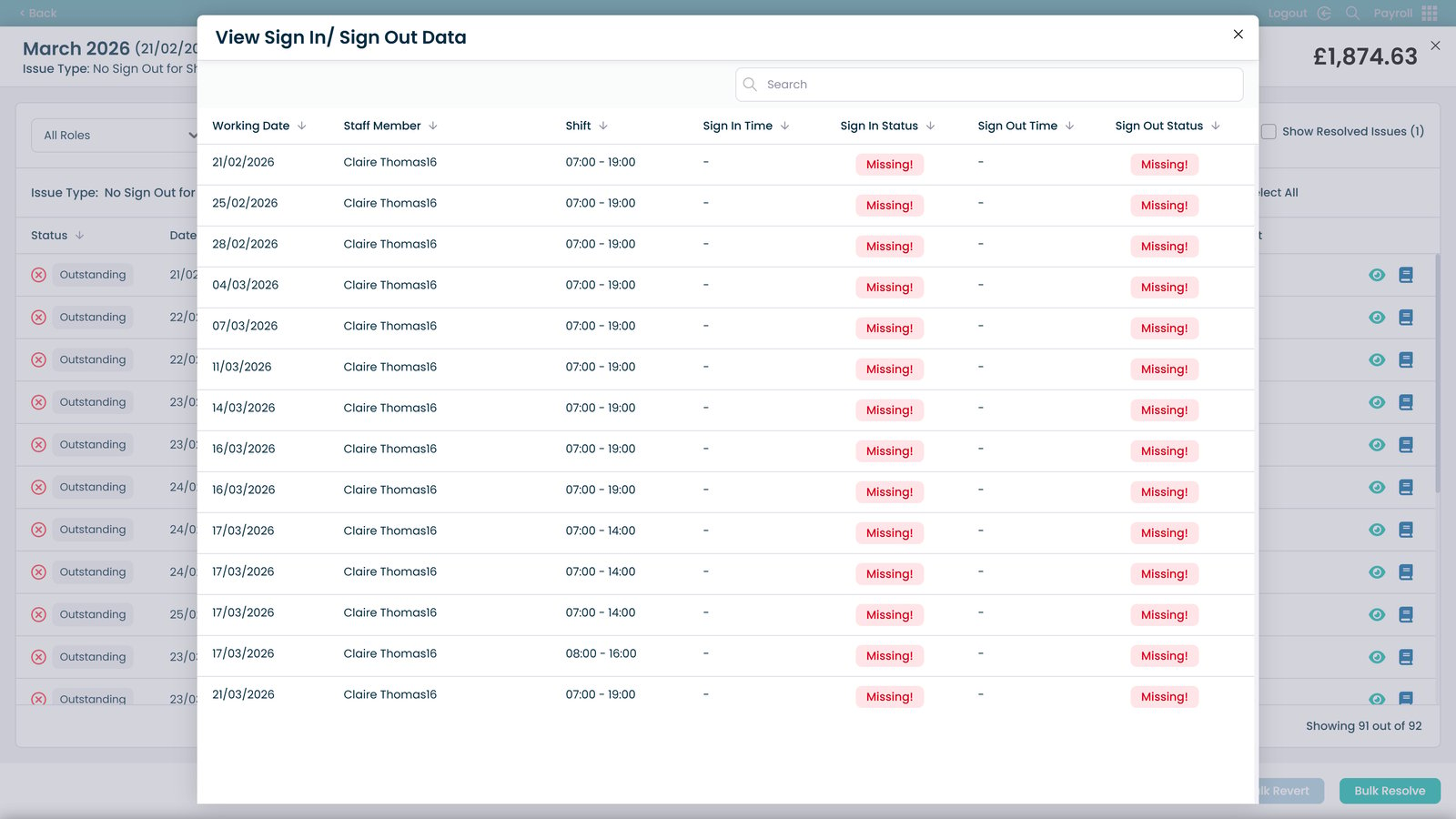
View sign in and sign out data

Close attendance data

Return to issue list

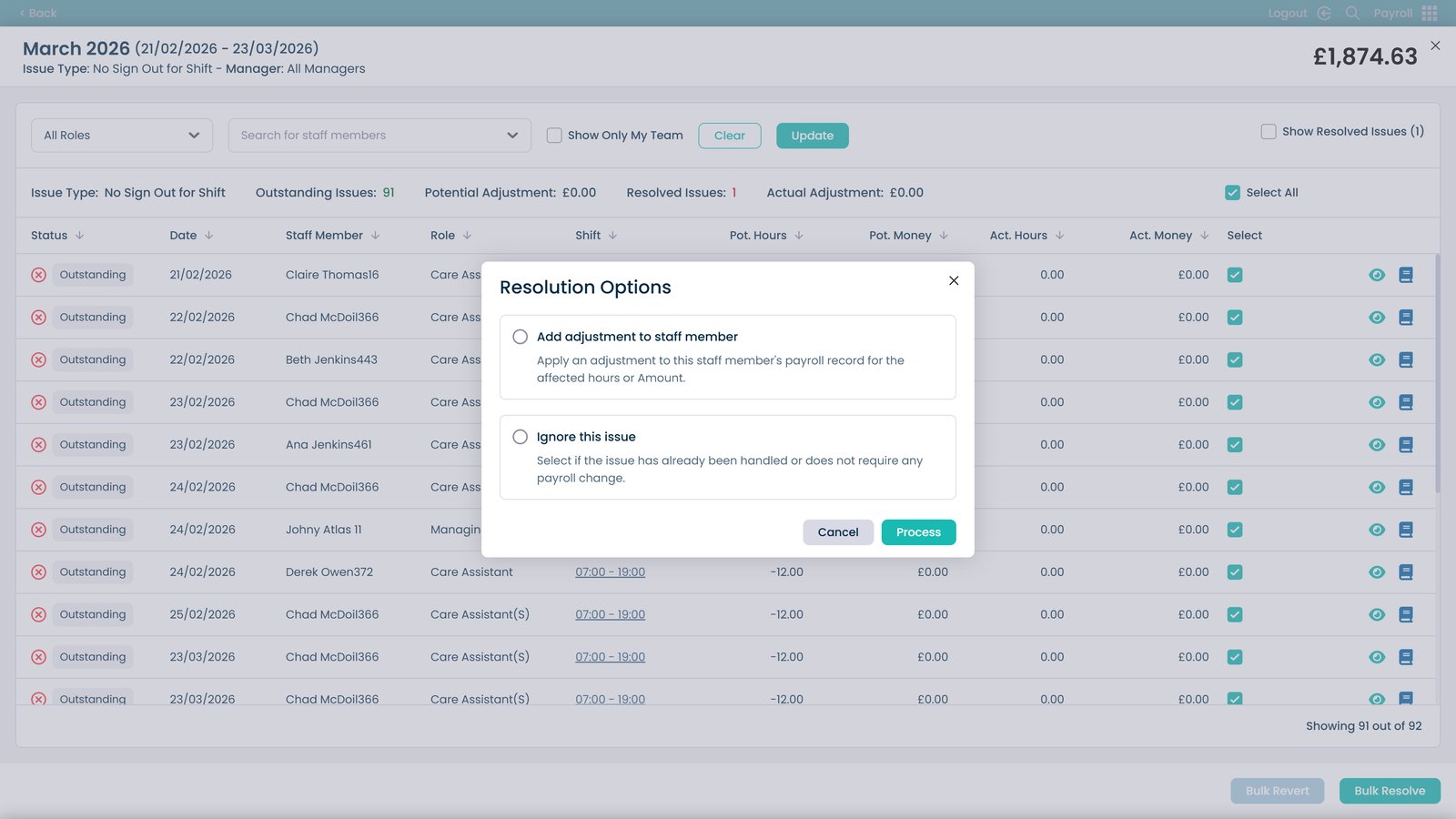
Resolve multiple issues in bulk

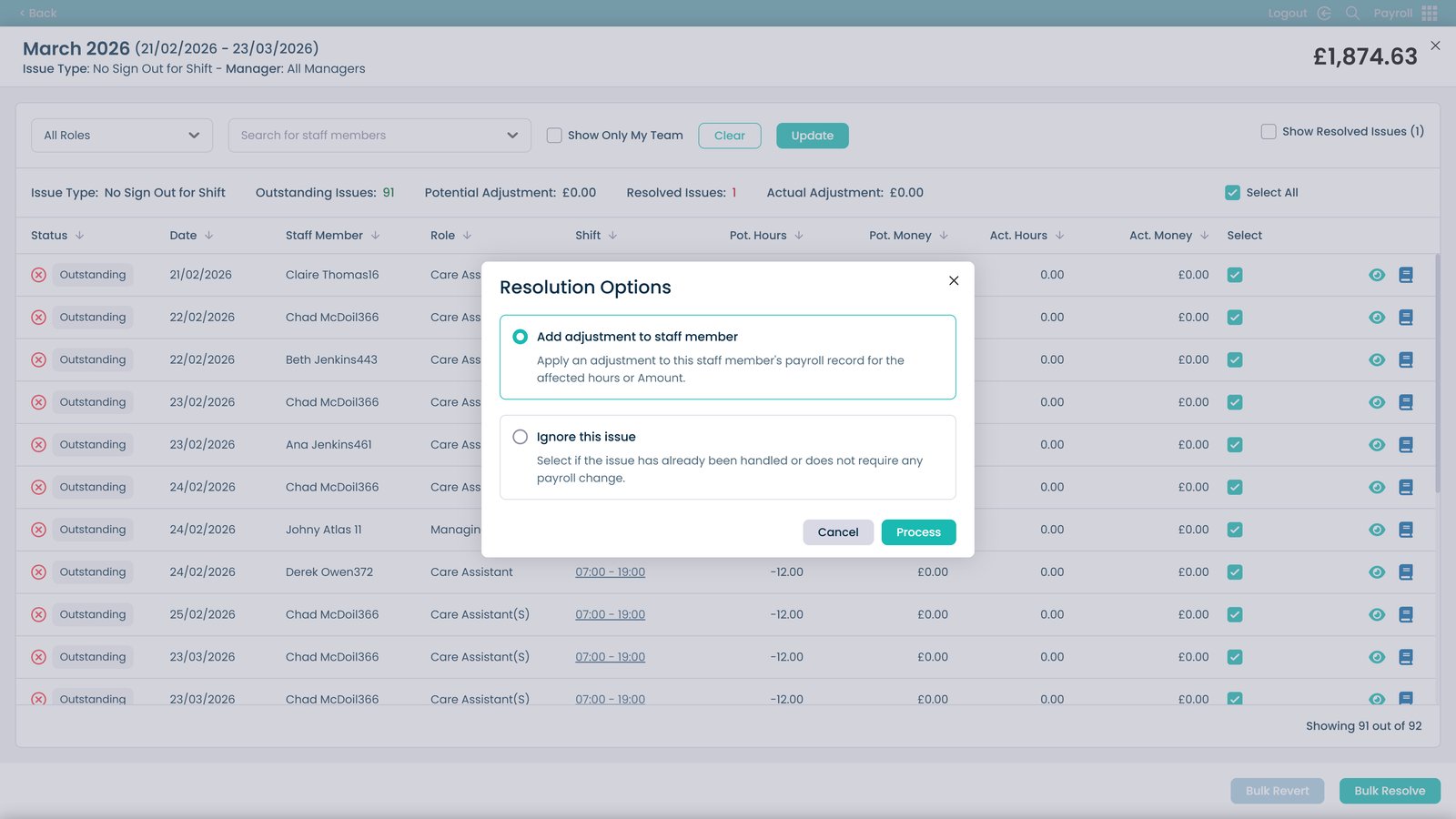
Add payroll adjustments

Ignore an issue if no action is required

Process payroll adjustments

Close payroll review

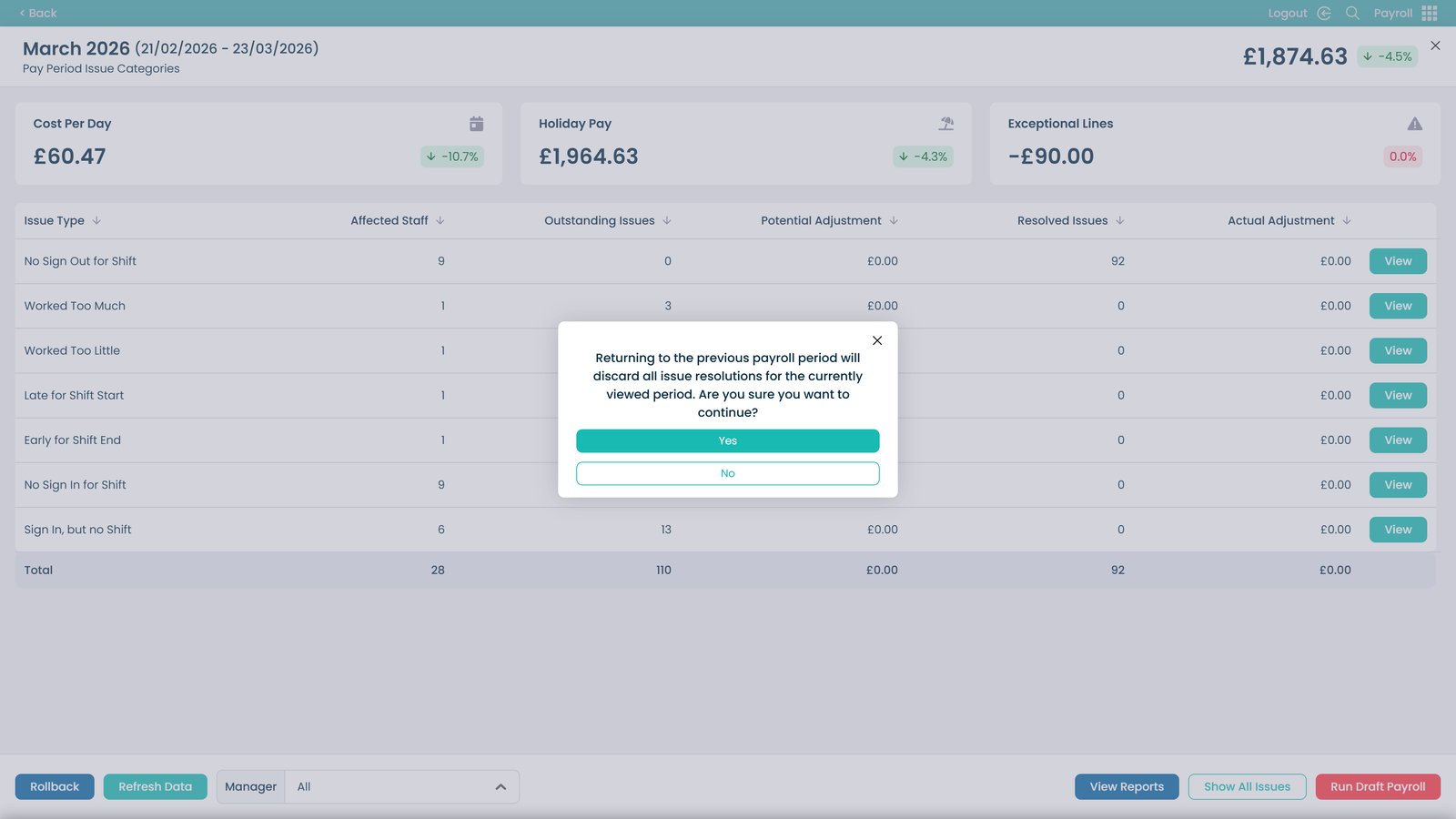
Rollback payroll changes if needed

Confirm or cancel rollback

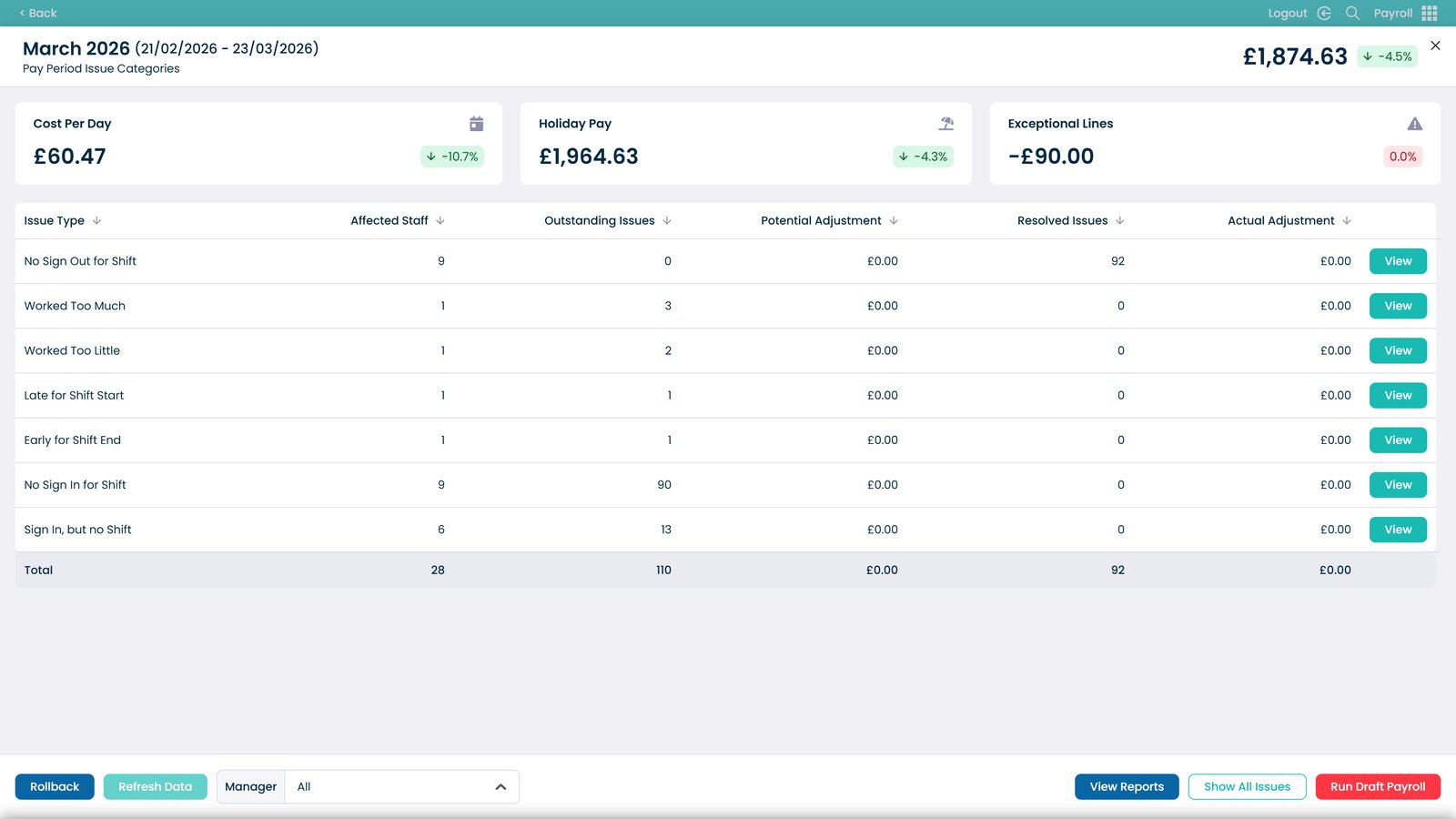
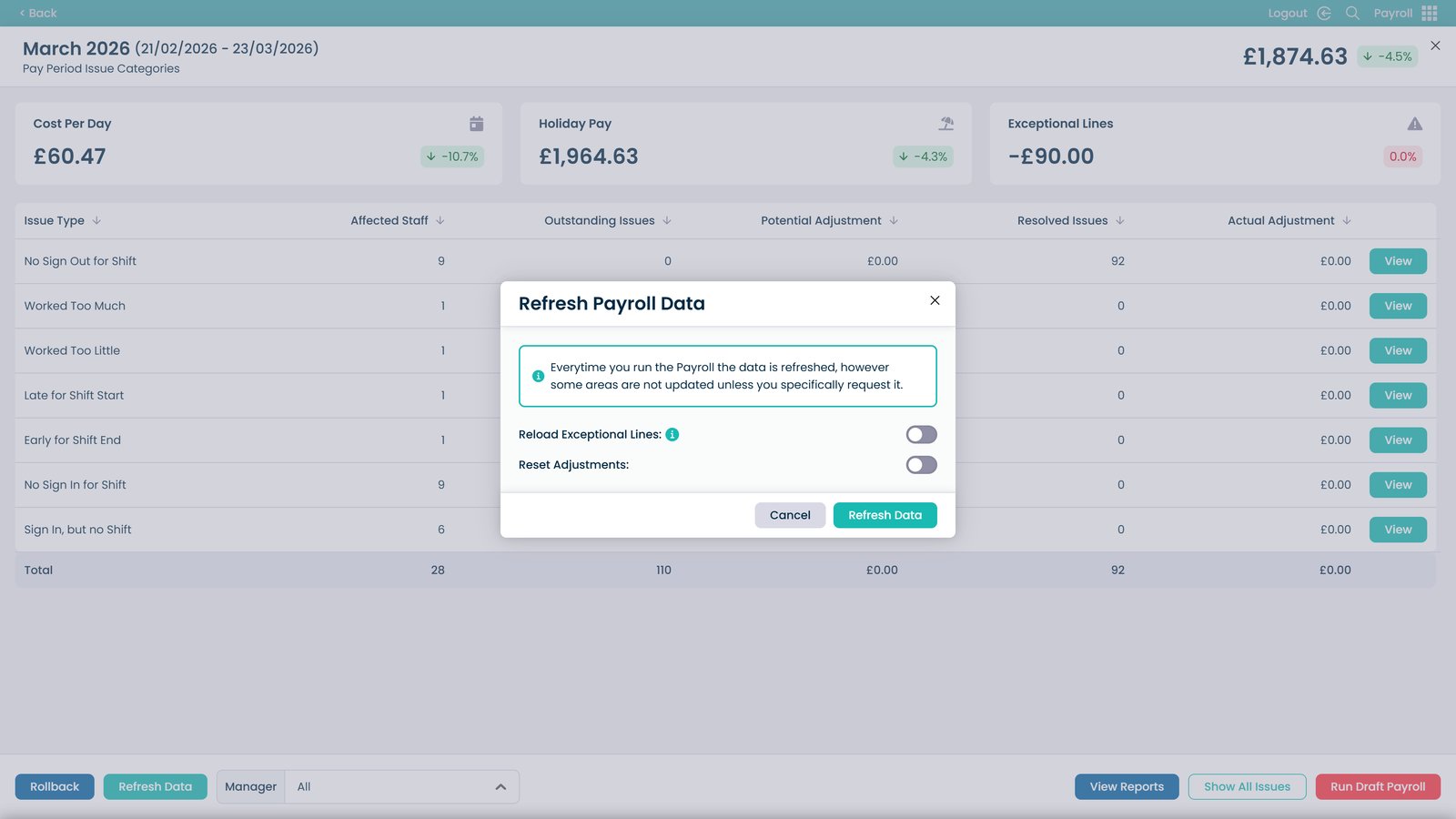
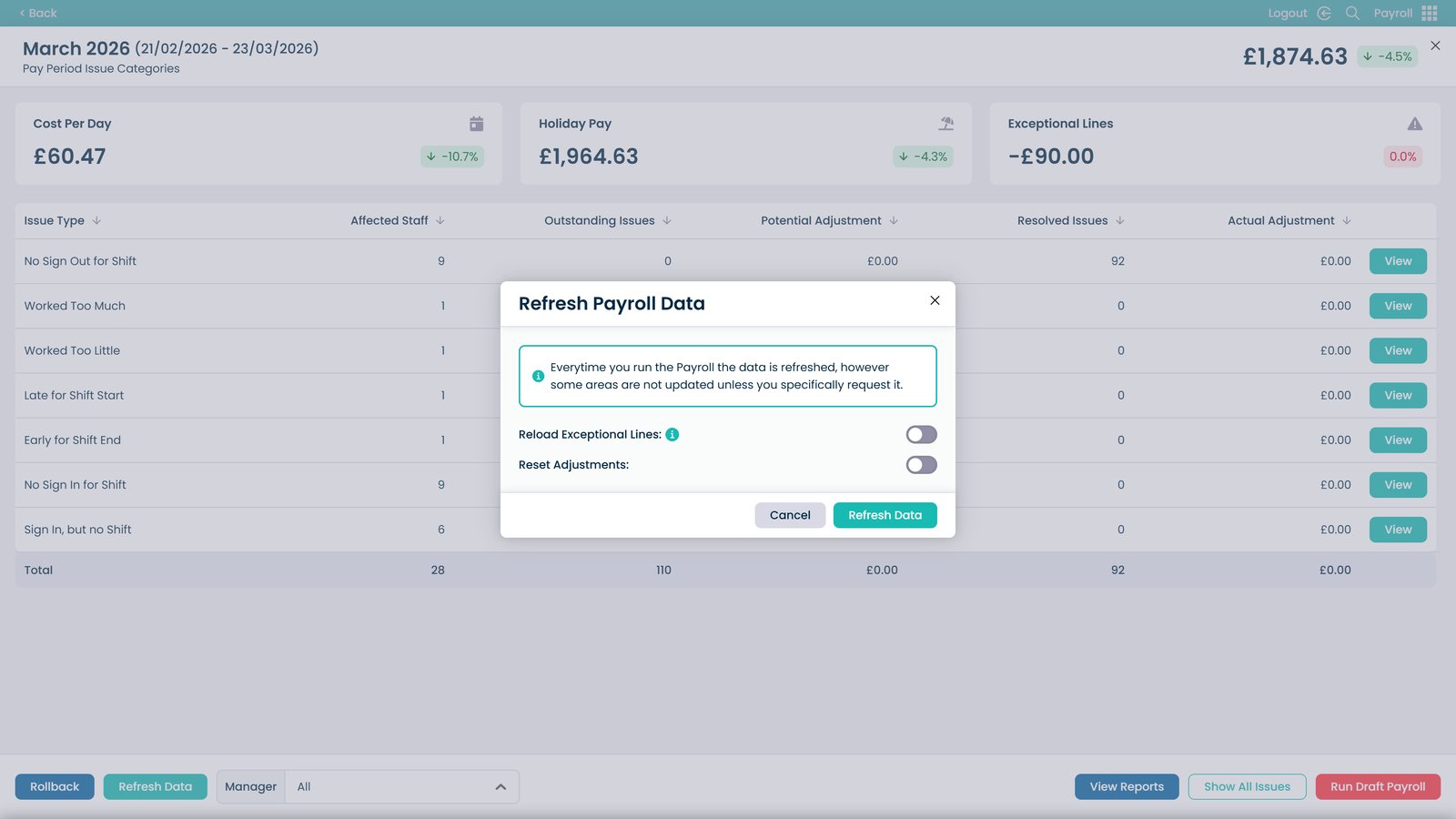
Refresh payroll data

Reload exceptional lines

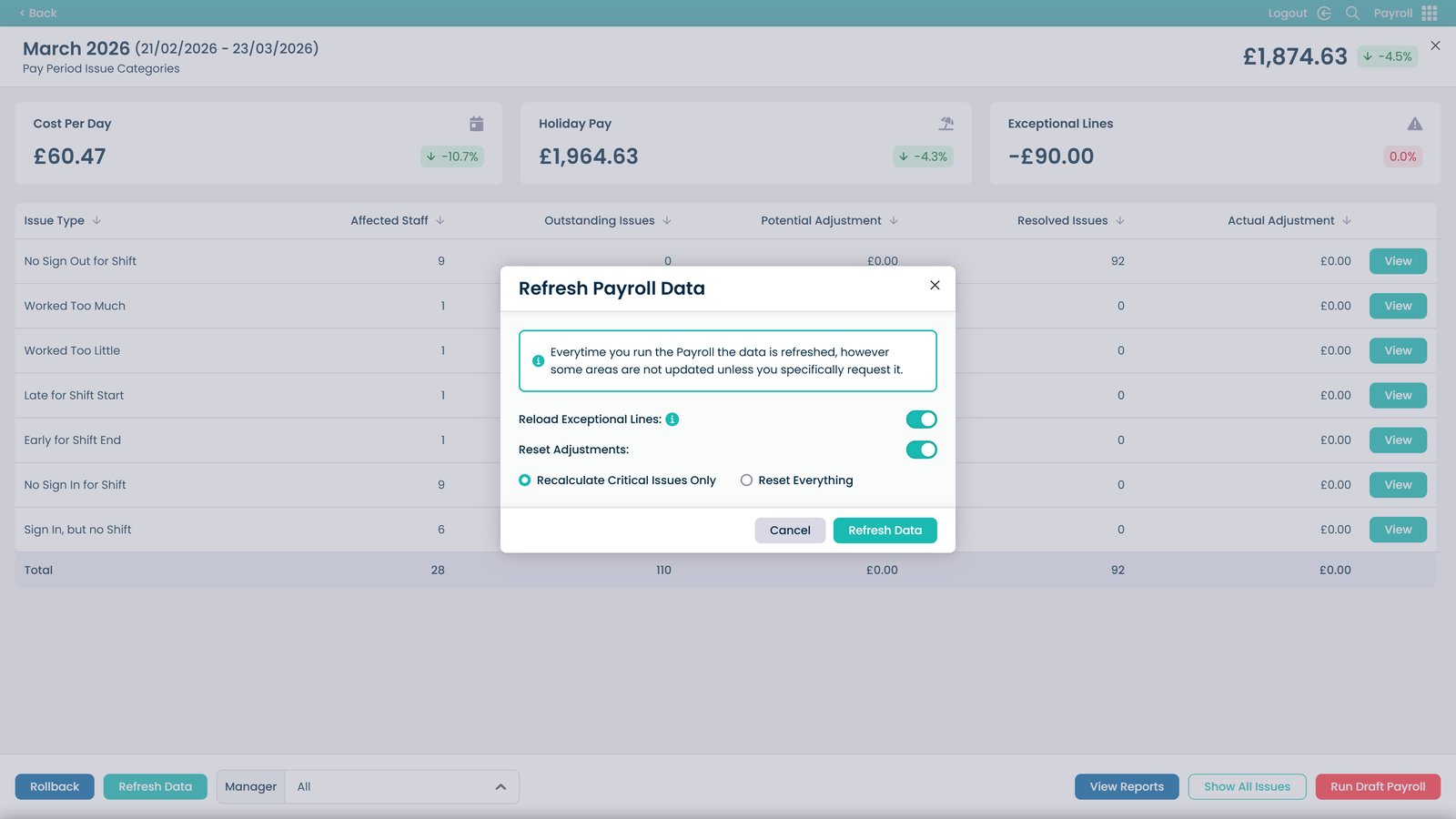
Reset adjustments if required

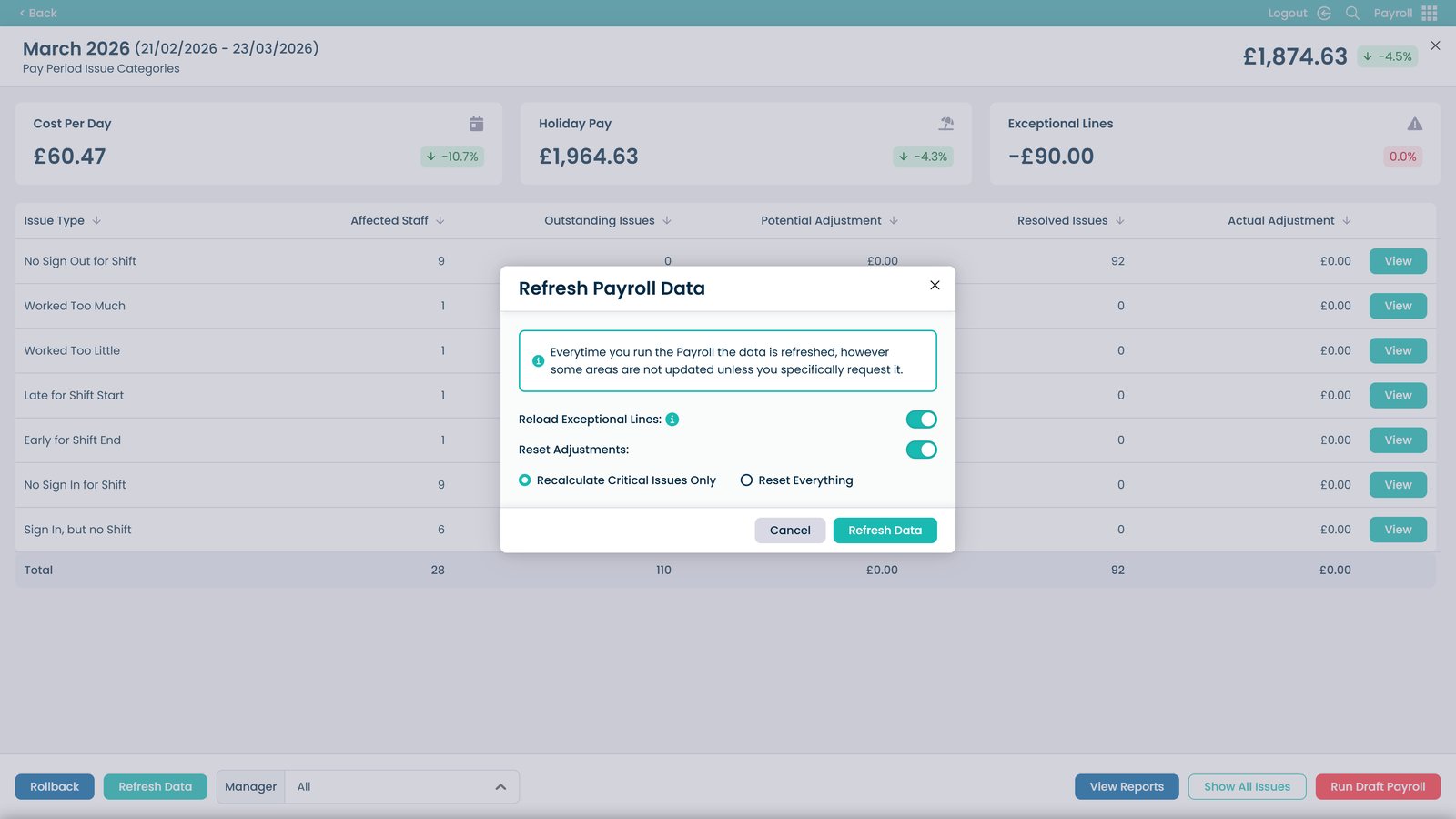
Recalculate payroll data

Refresh data to apply updates

Show all payroll issues

Review all issues and use bulk actions

Exit the issue list

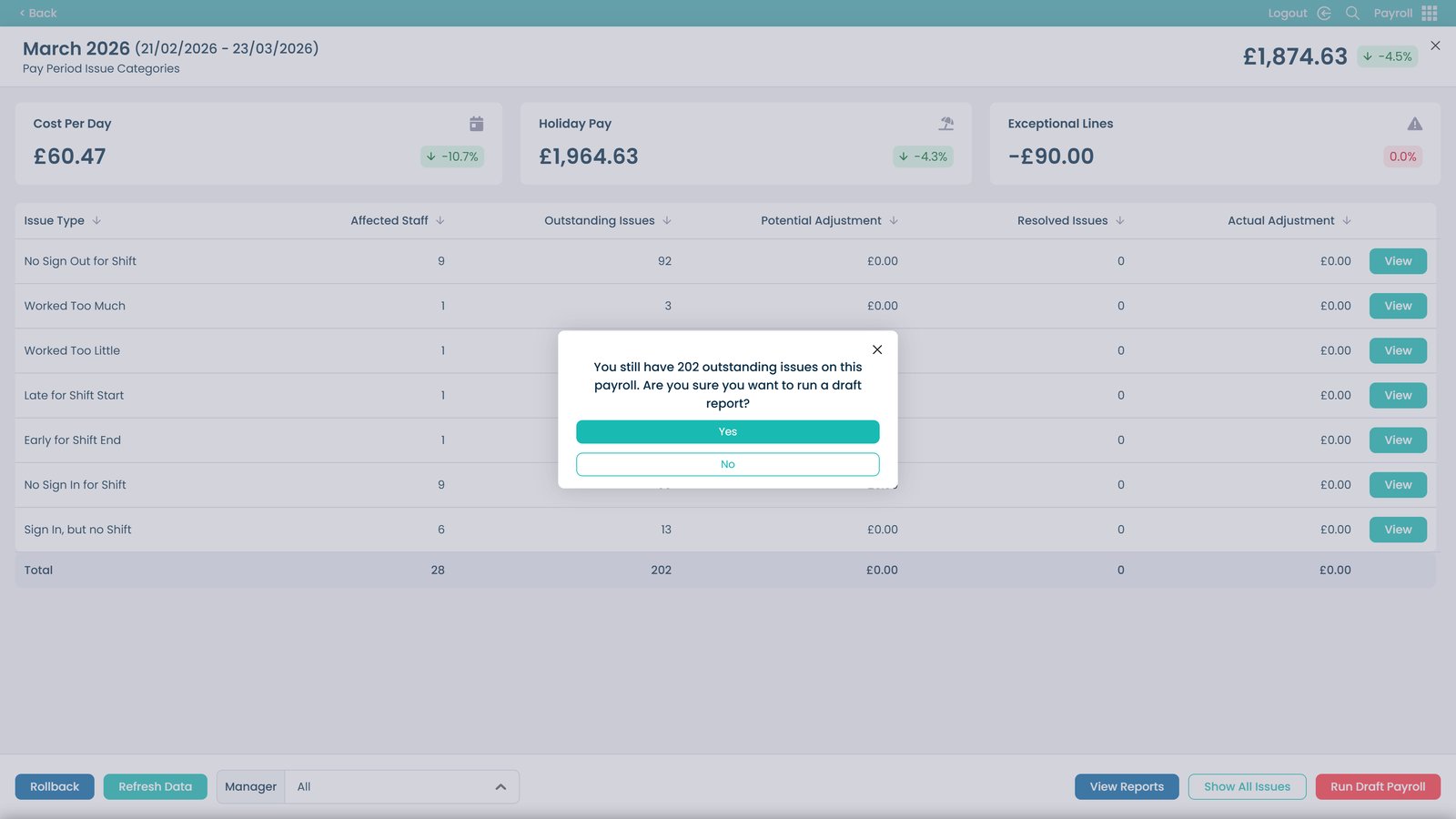
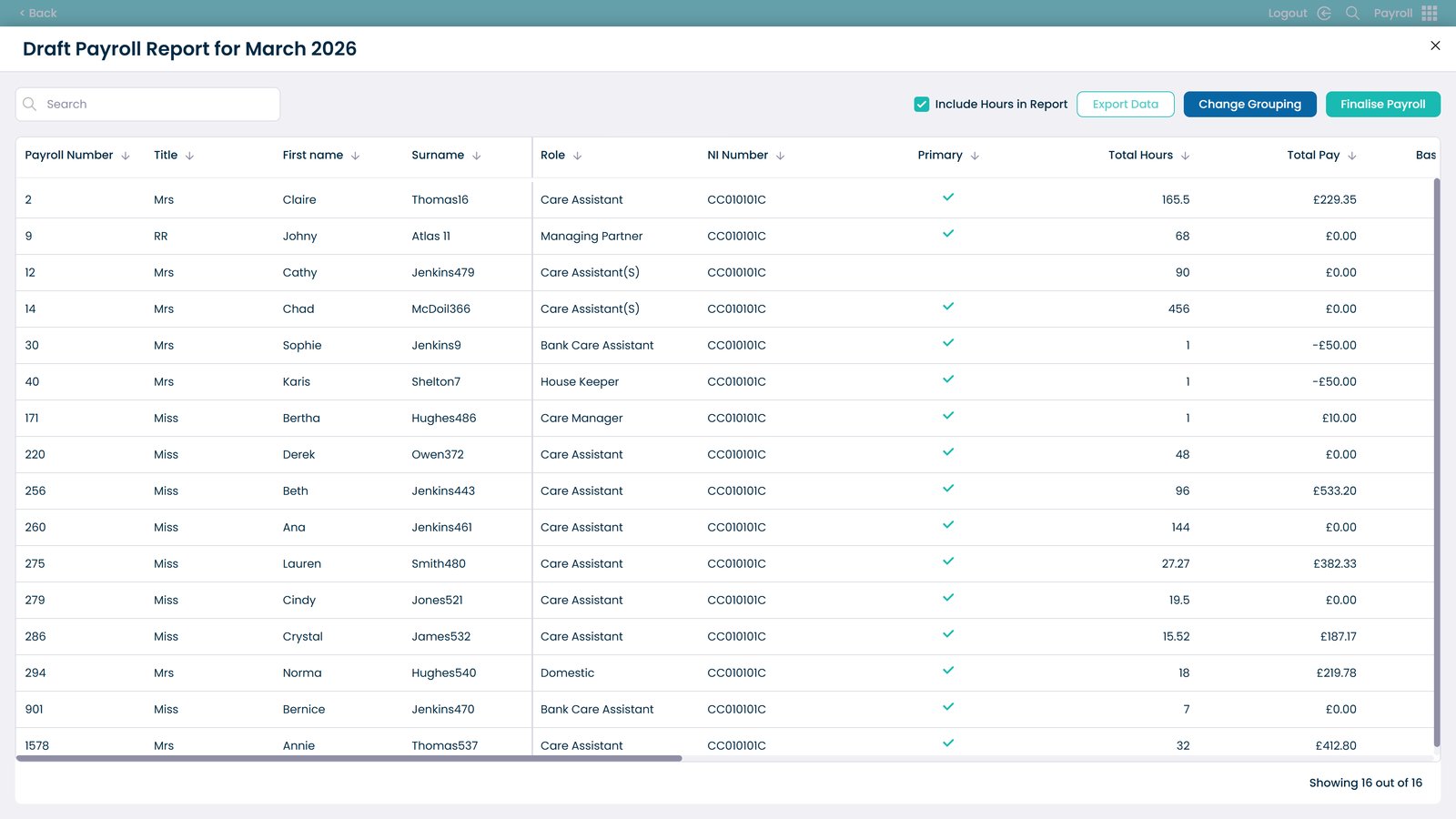
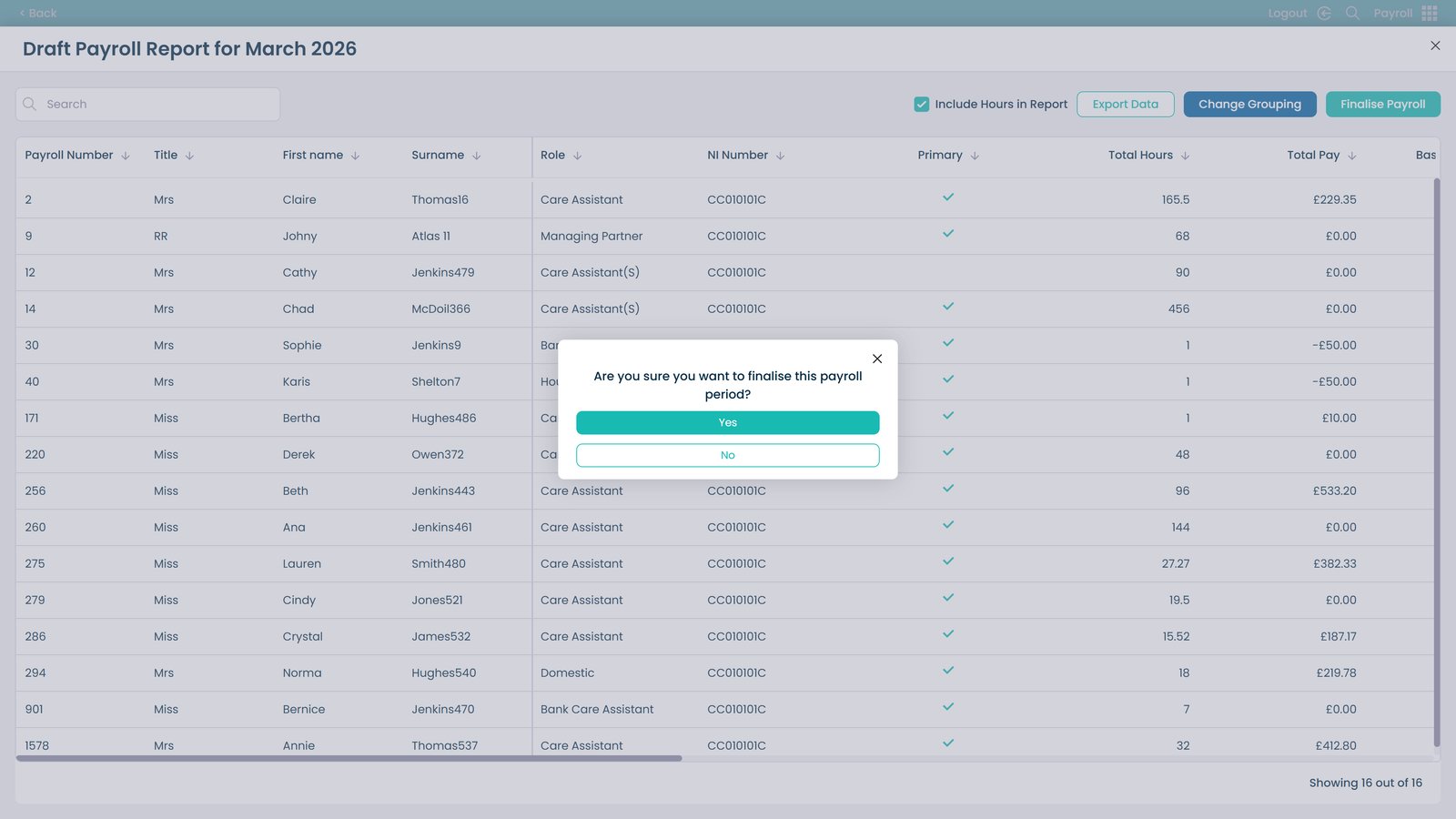
Run a draft payroll

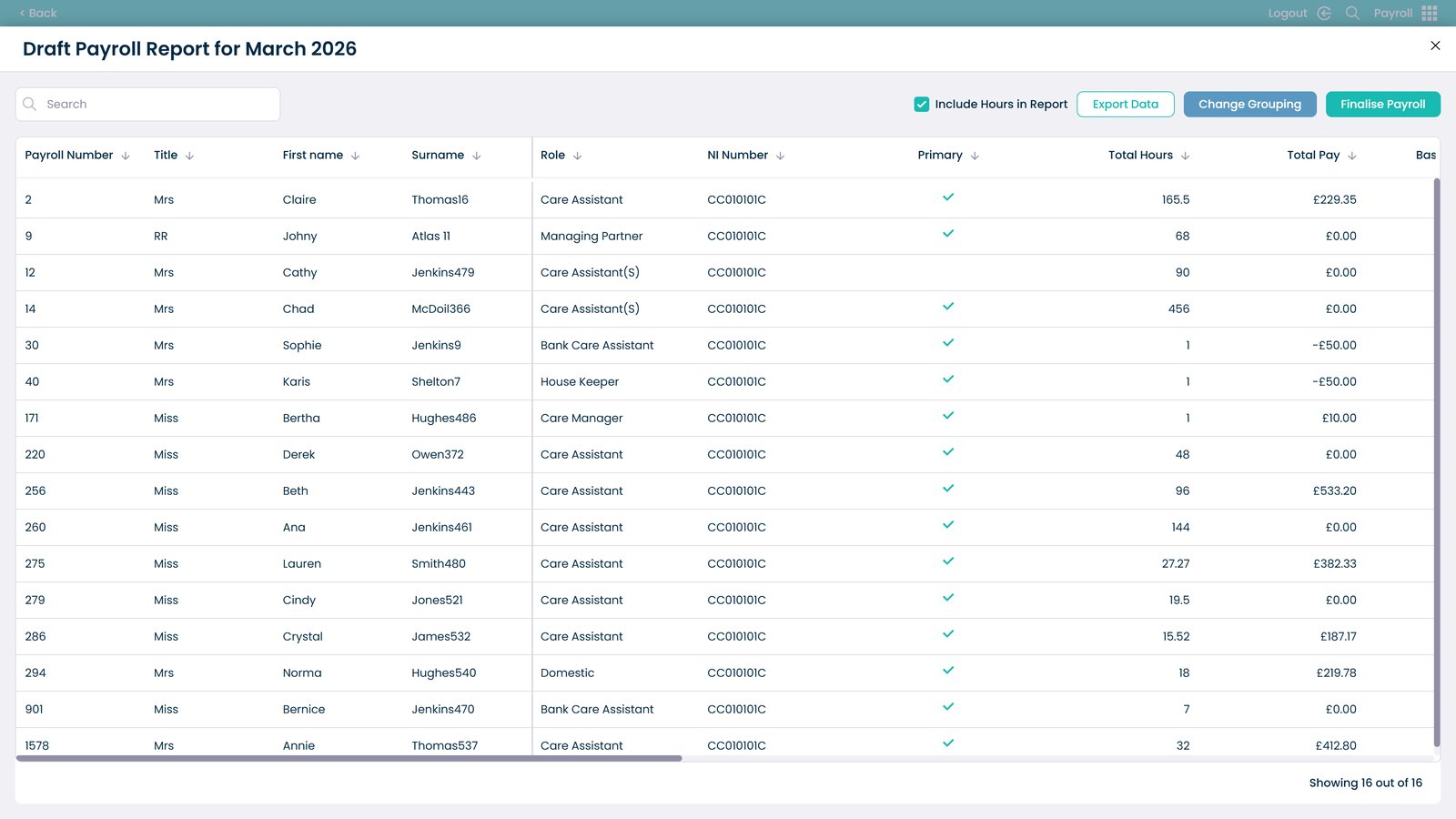
Confirm draft payroll run

Export draft payroll

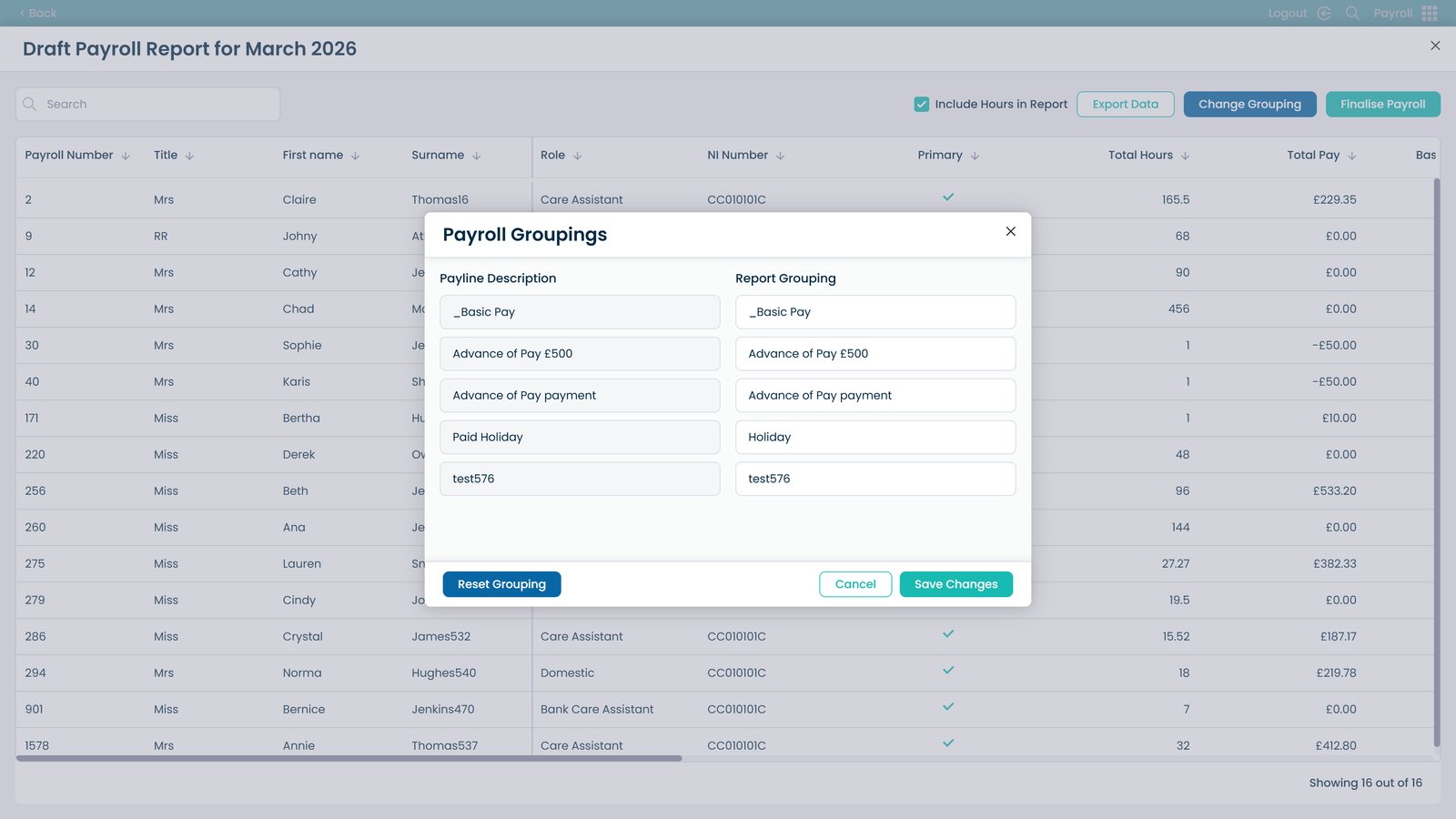
Change report grouping

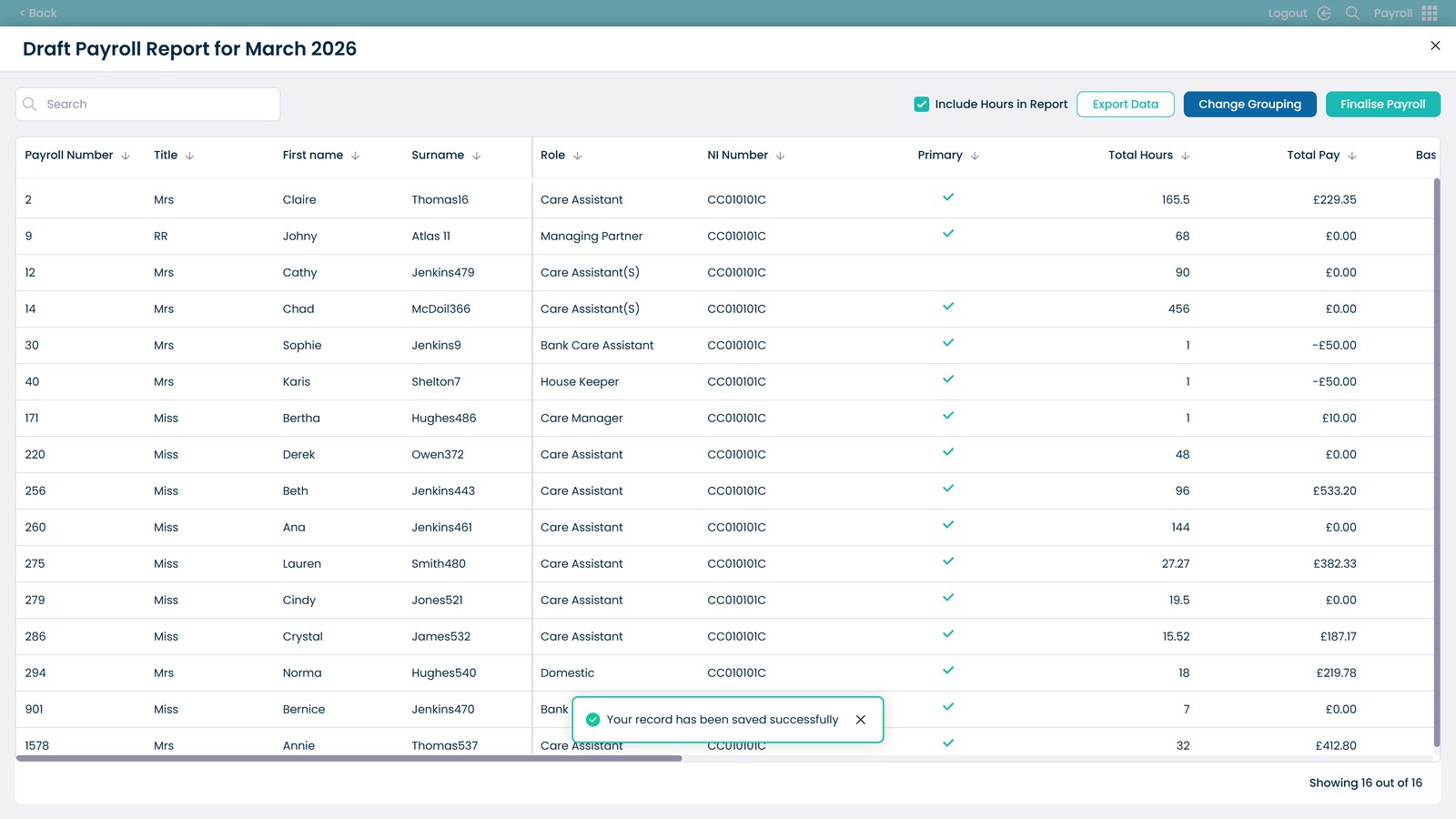
Save grouping changes

Finalise payroll

Confirm payroll finalisation

Payroll finalised successfully