This guide explains how to record a bath or shower for one or more service users
Takes 3 minutes
For: Care Staff
Updated: 27th July 2026
Introduction
The Bath or Shower recording area allows you to record bathing and showering activities completed for one or more service users. You can record their response, select the activities completed, automatically generate a comment, and add further details if required.
In this guide you'll learn how to:
Open the Bath or Shower recording area
Select one or more service users
Record the date, time, and service user's response
Select the activities completed
Generate and edit a comment
Save the completed record
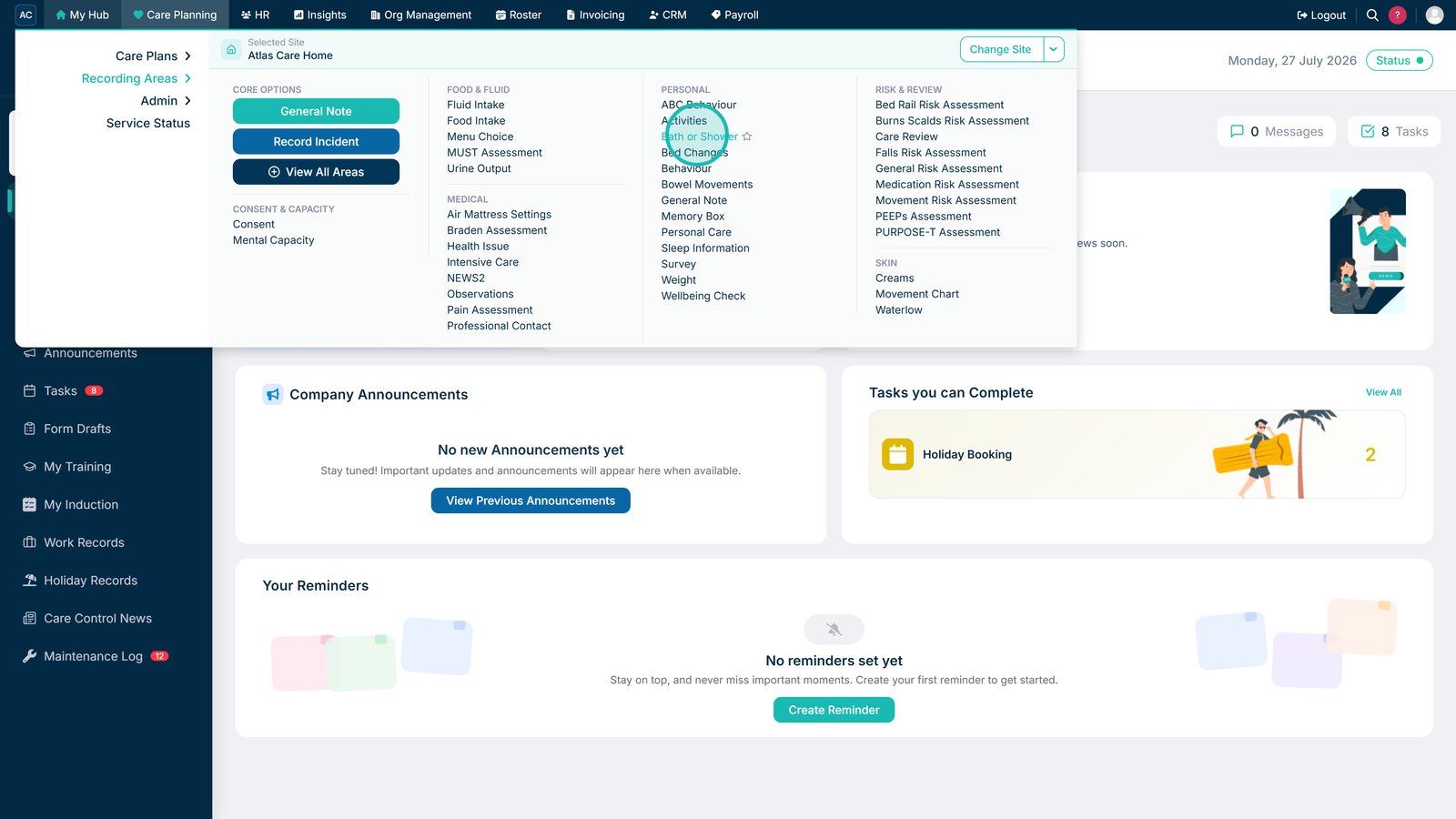
Select Bath or Shower under the Personal recording areas.
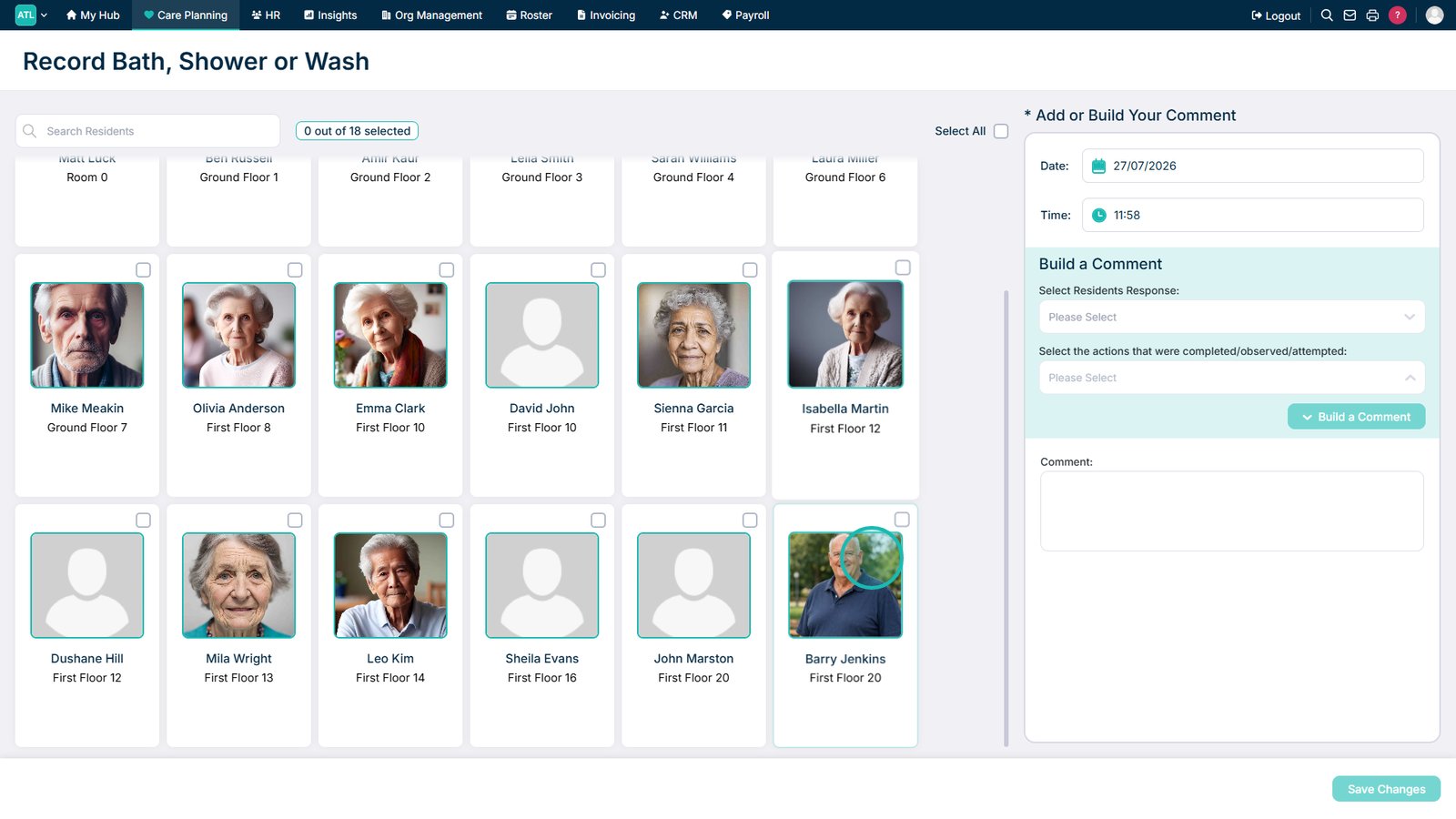
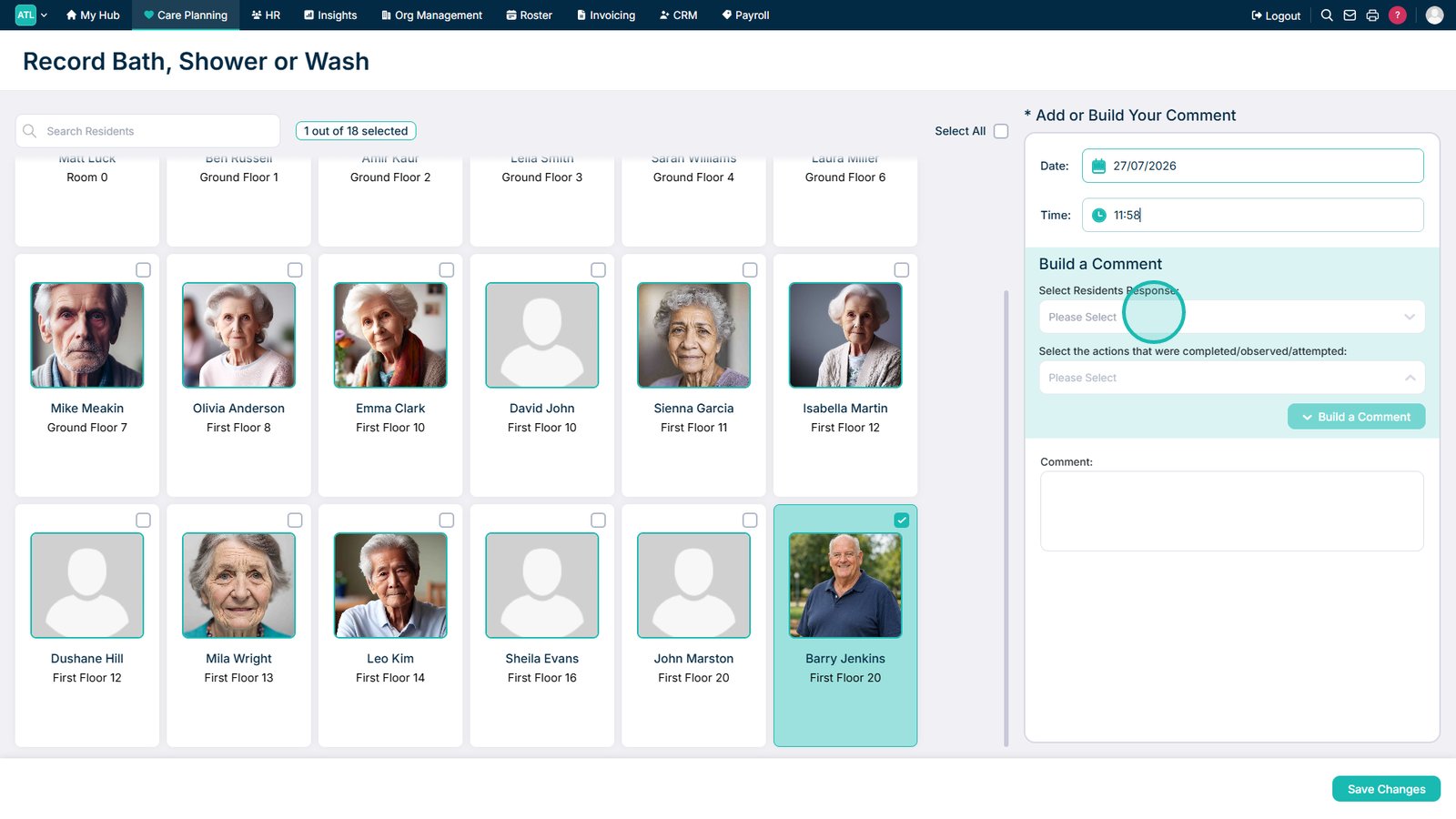
Select the service users you want to record the activity for.
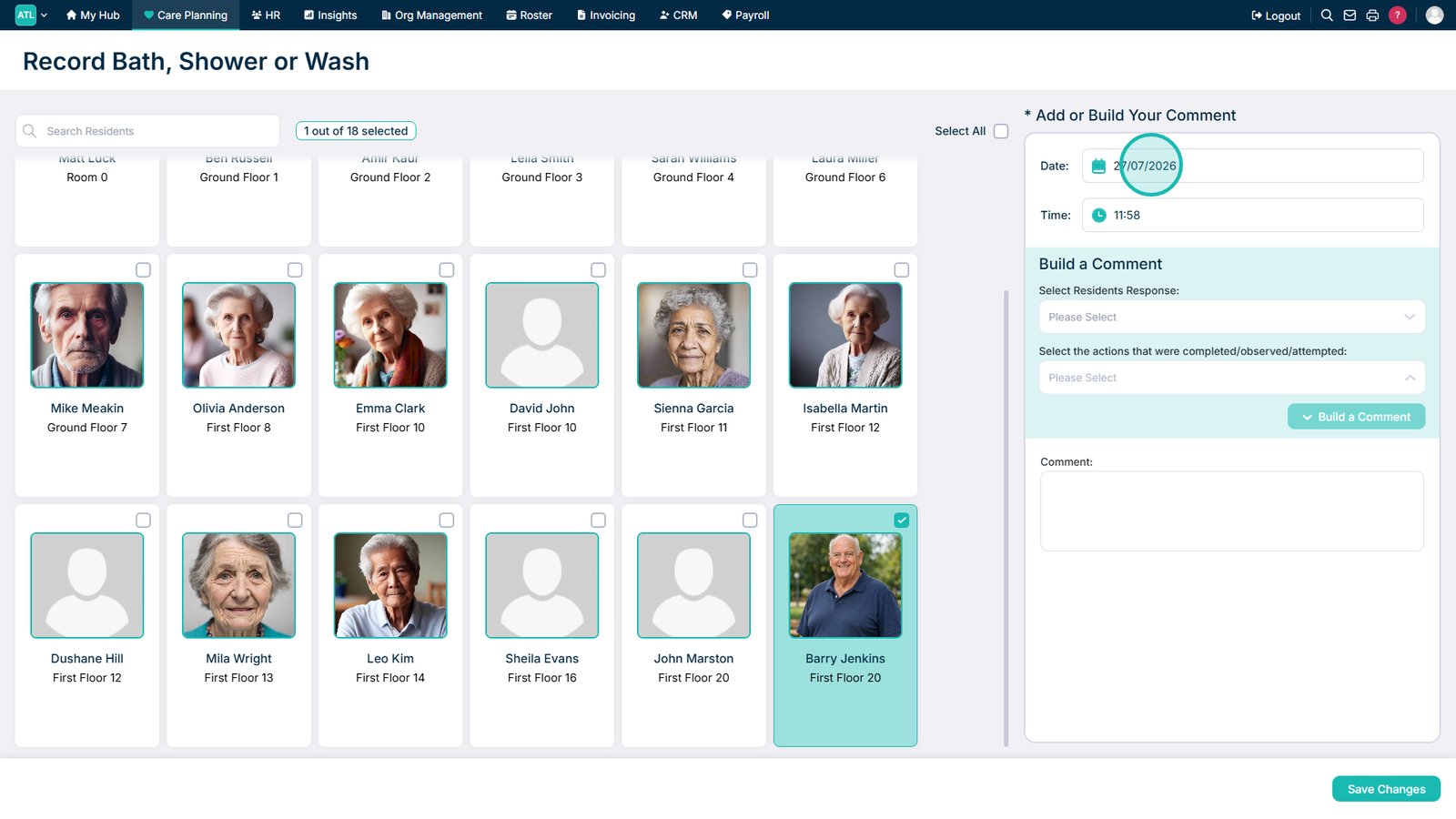
Review or amend the date of the activity.
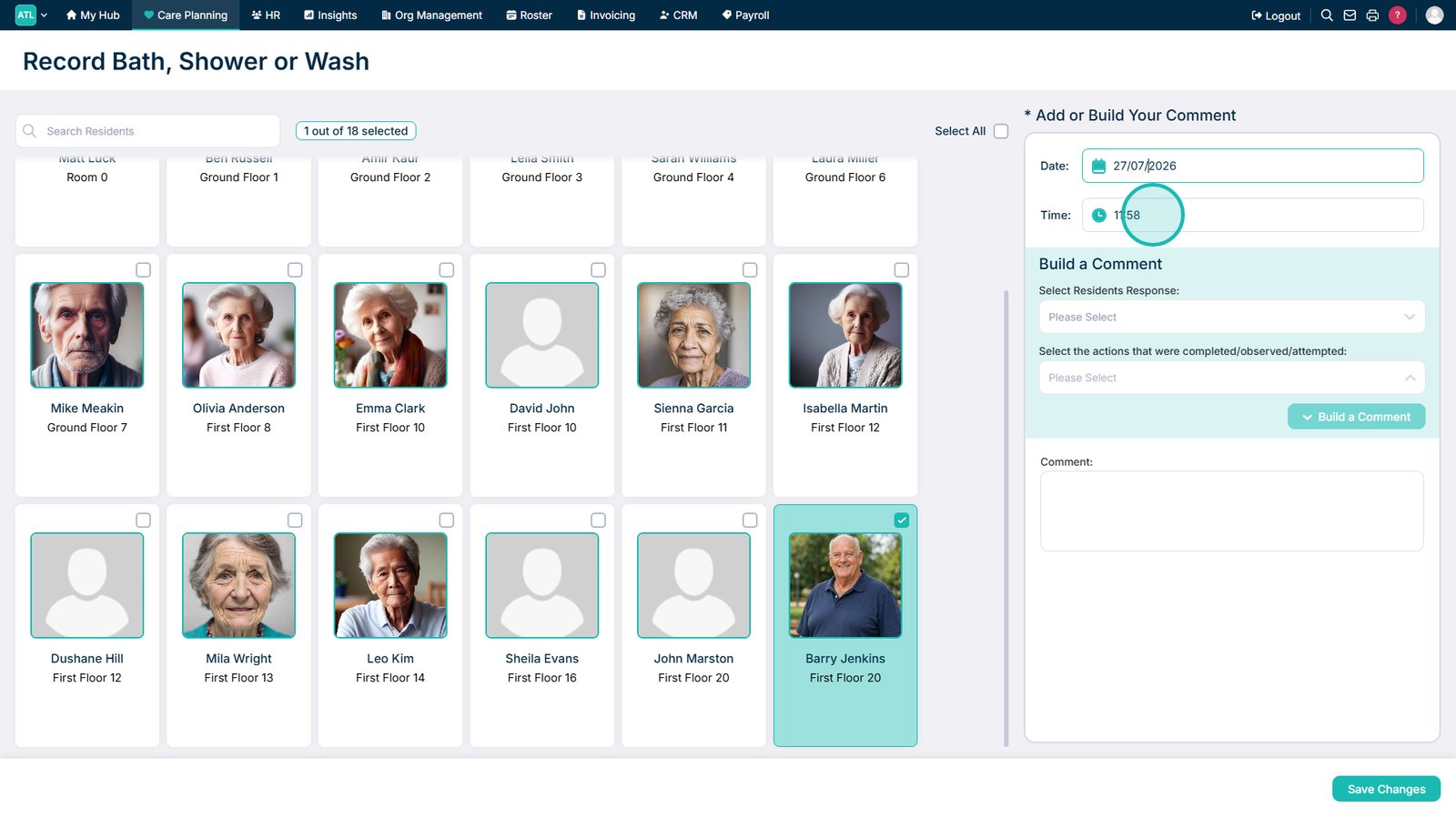
Review or amend the time of the activity.
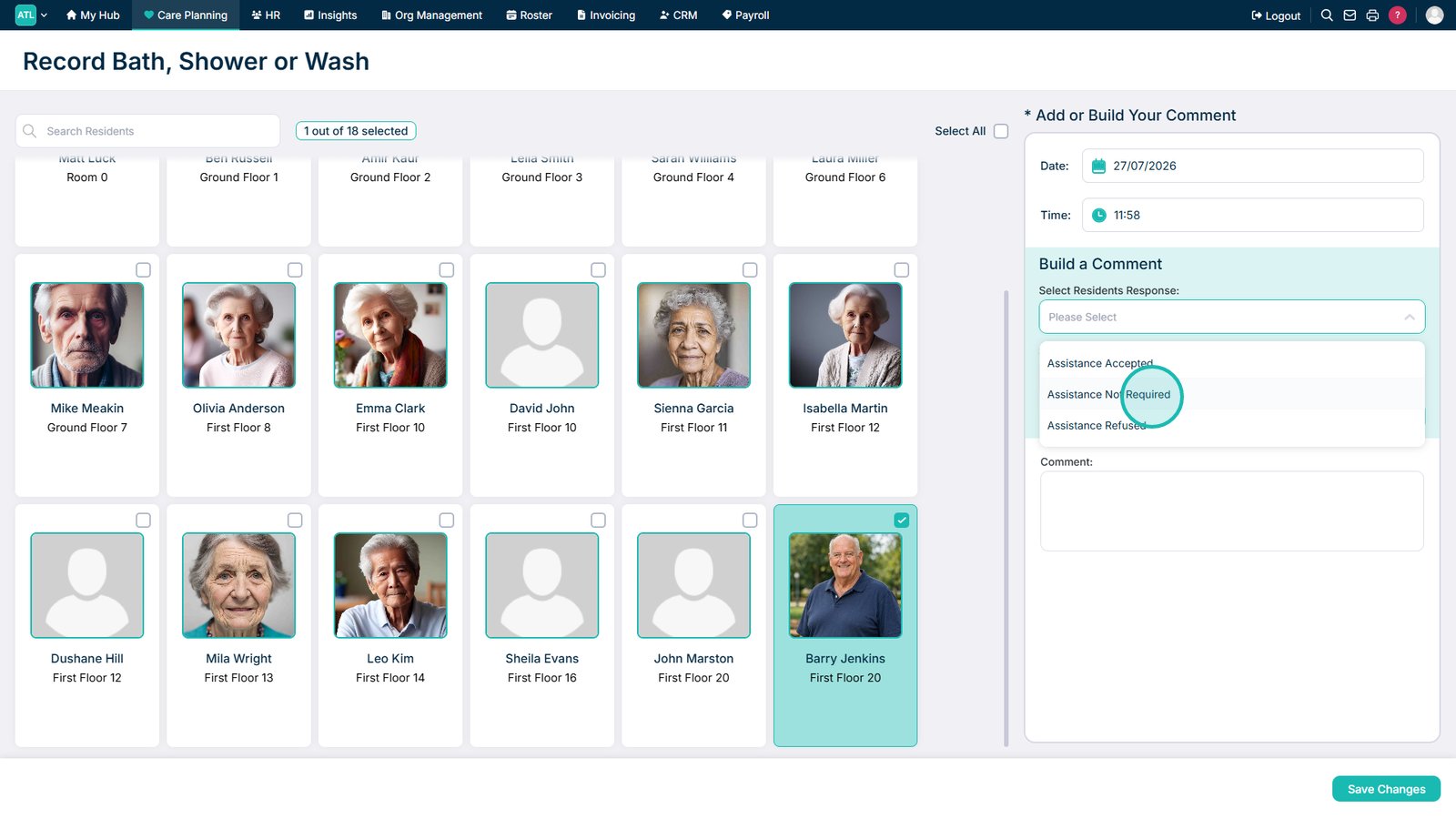
Open the service user's response drop-down list.
Select the service user's response.
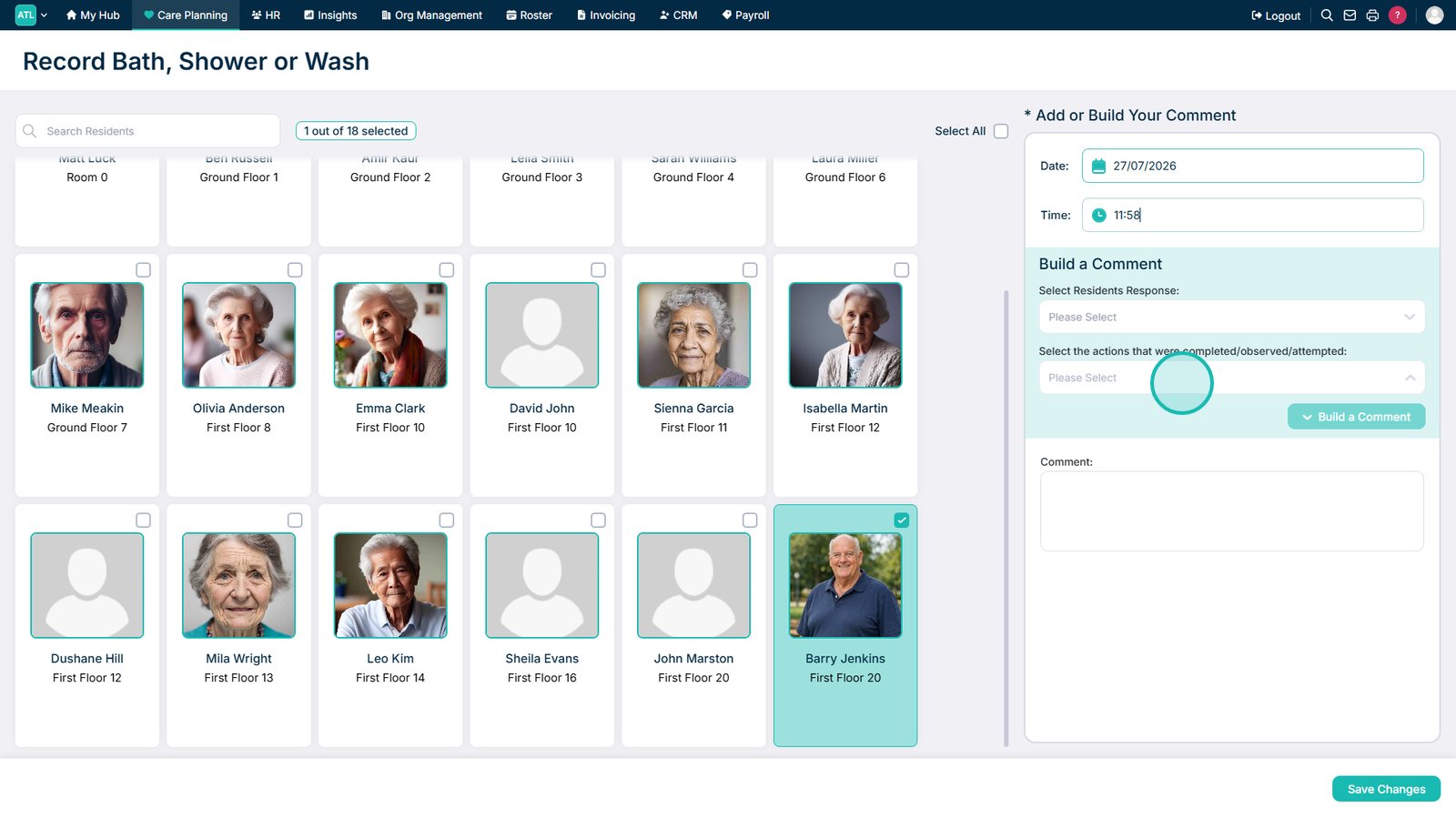
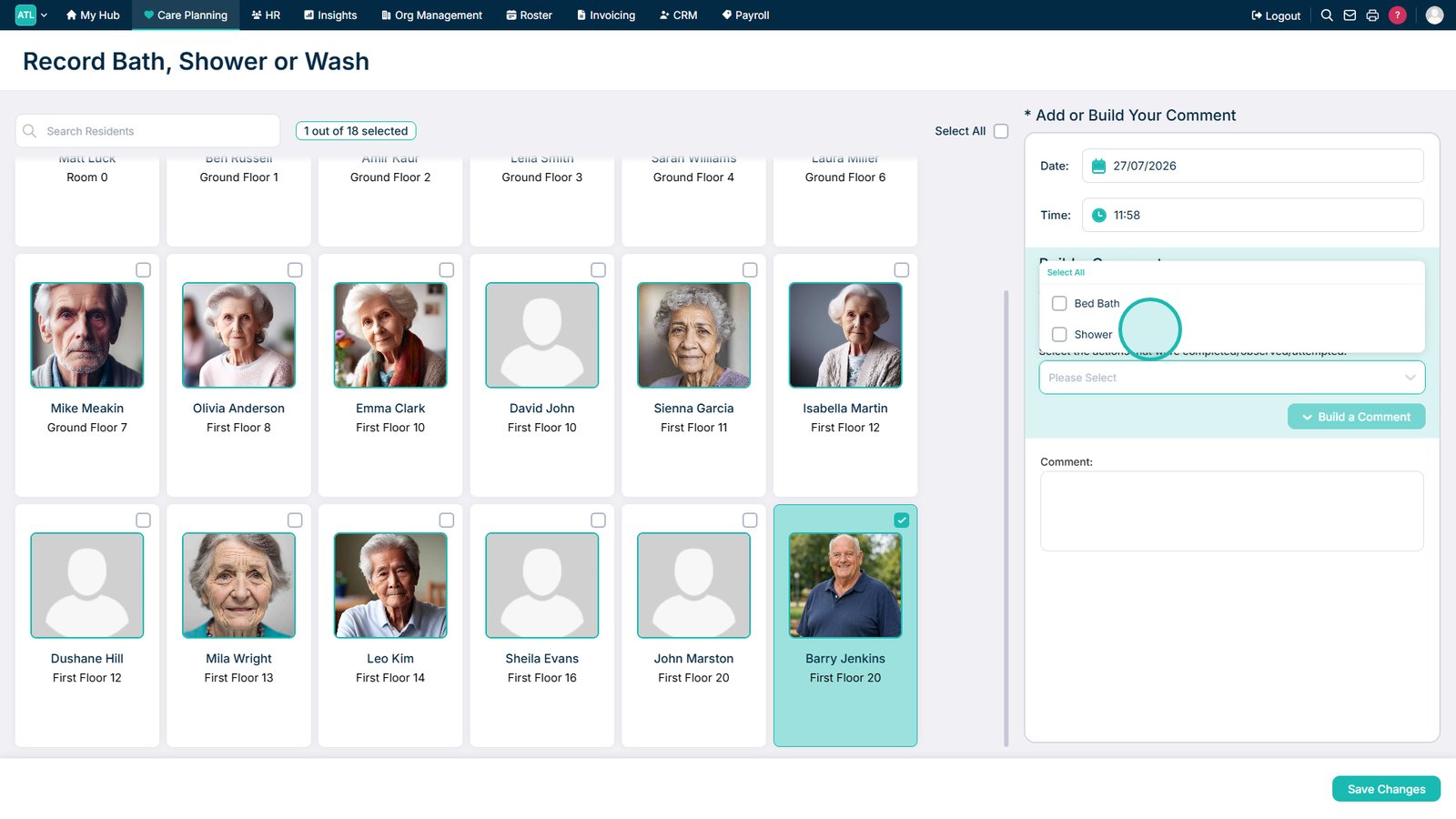
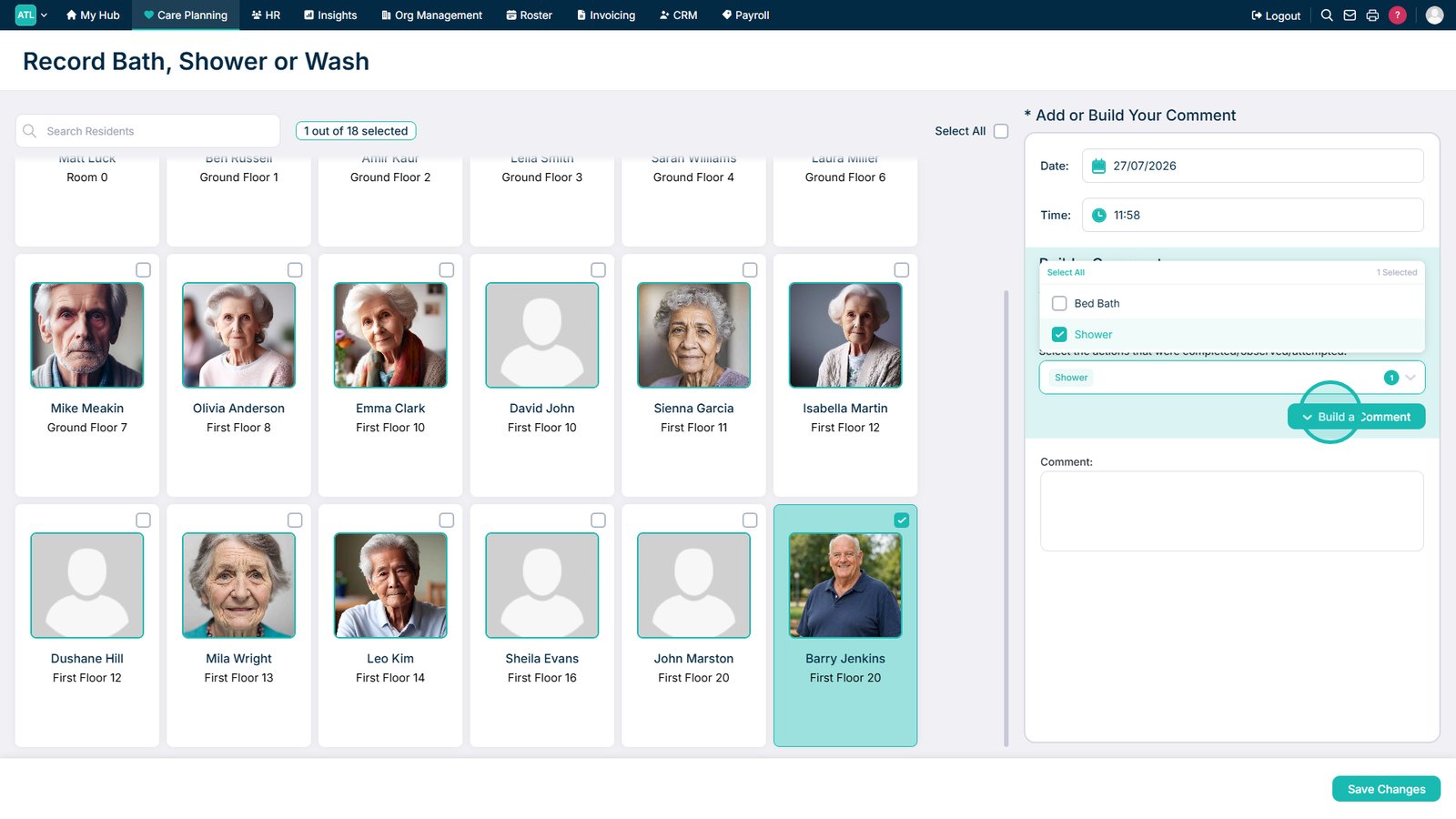
Open the Actions drop-down list.
Select all activities that were completed.
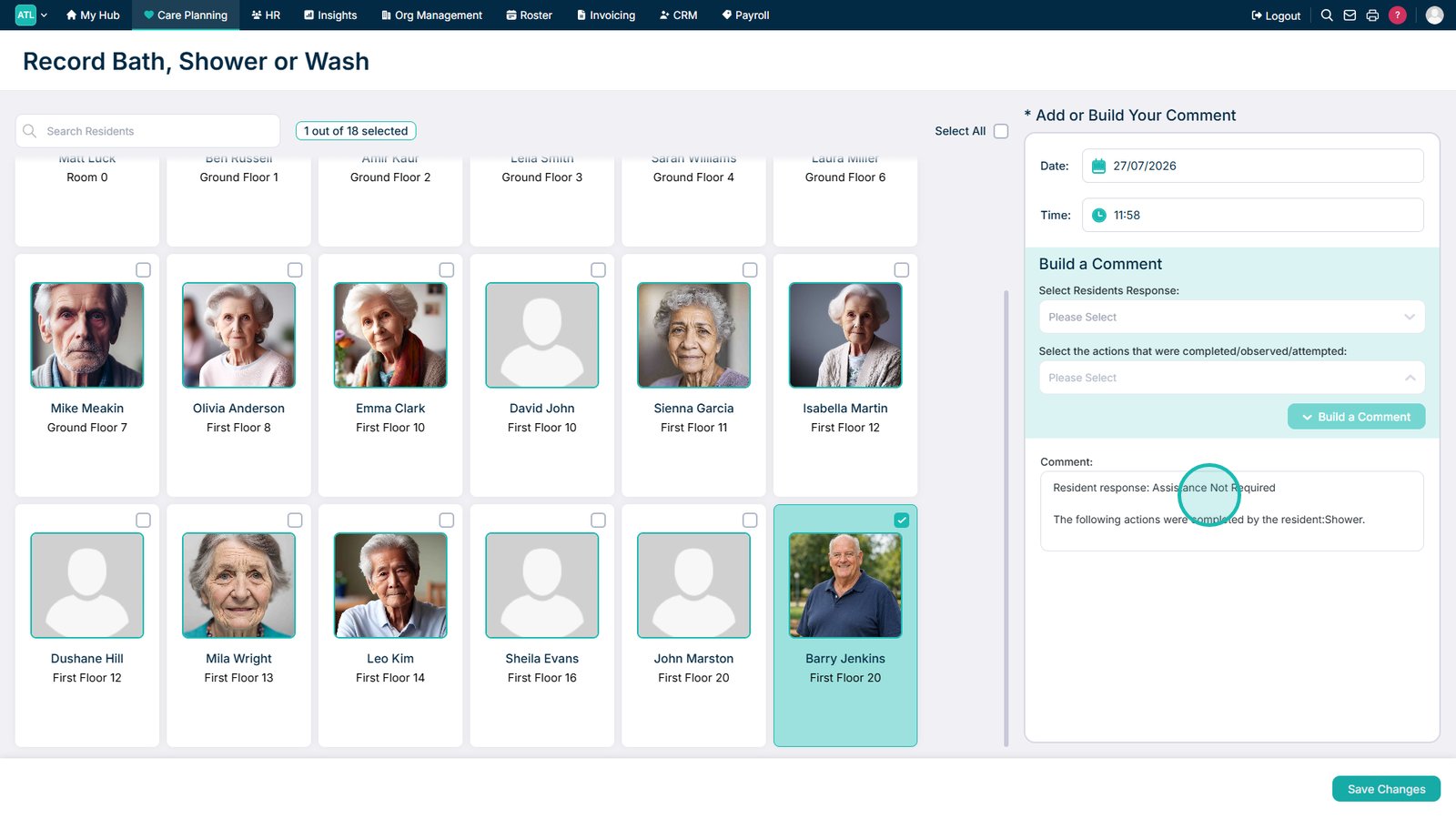
Select Build a Comment to generate a summary of the completed activities.
Add any further details to the comment if required.
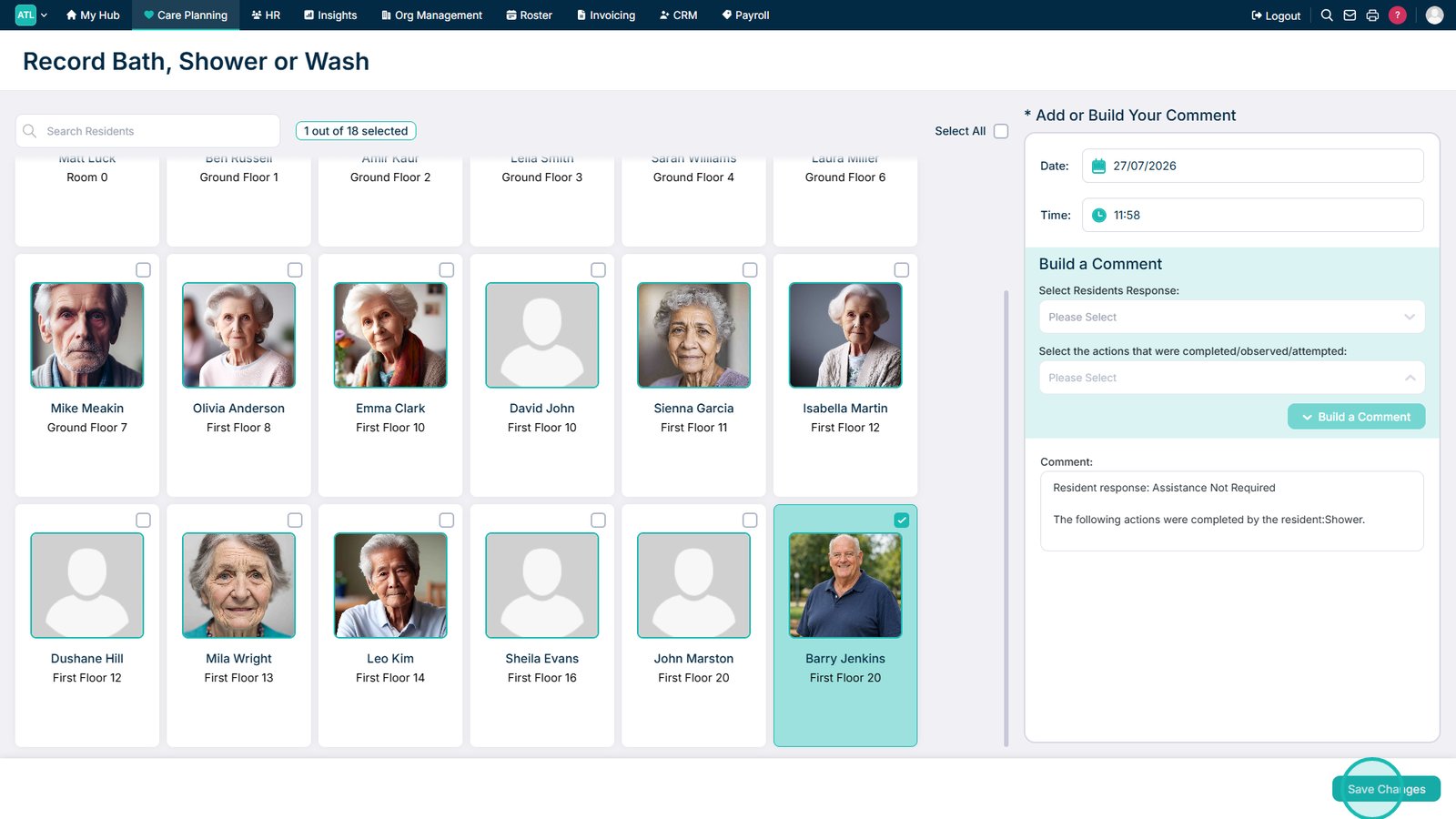
Select Save Changes to save the bath or shower record.
Top tip
Use Build a Comment to automatically add the selected activities to the comment box, then include any further relevant details before saving.