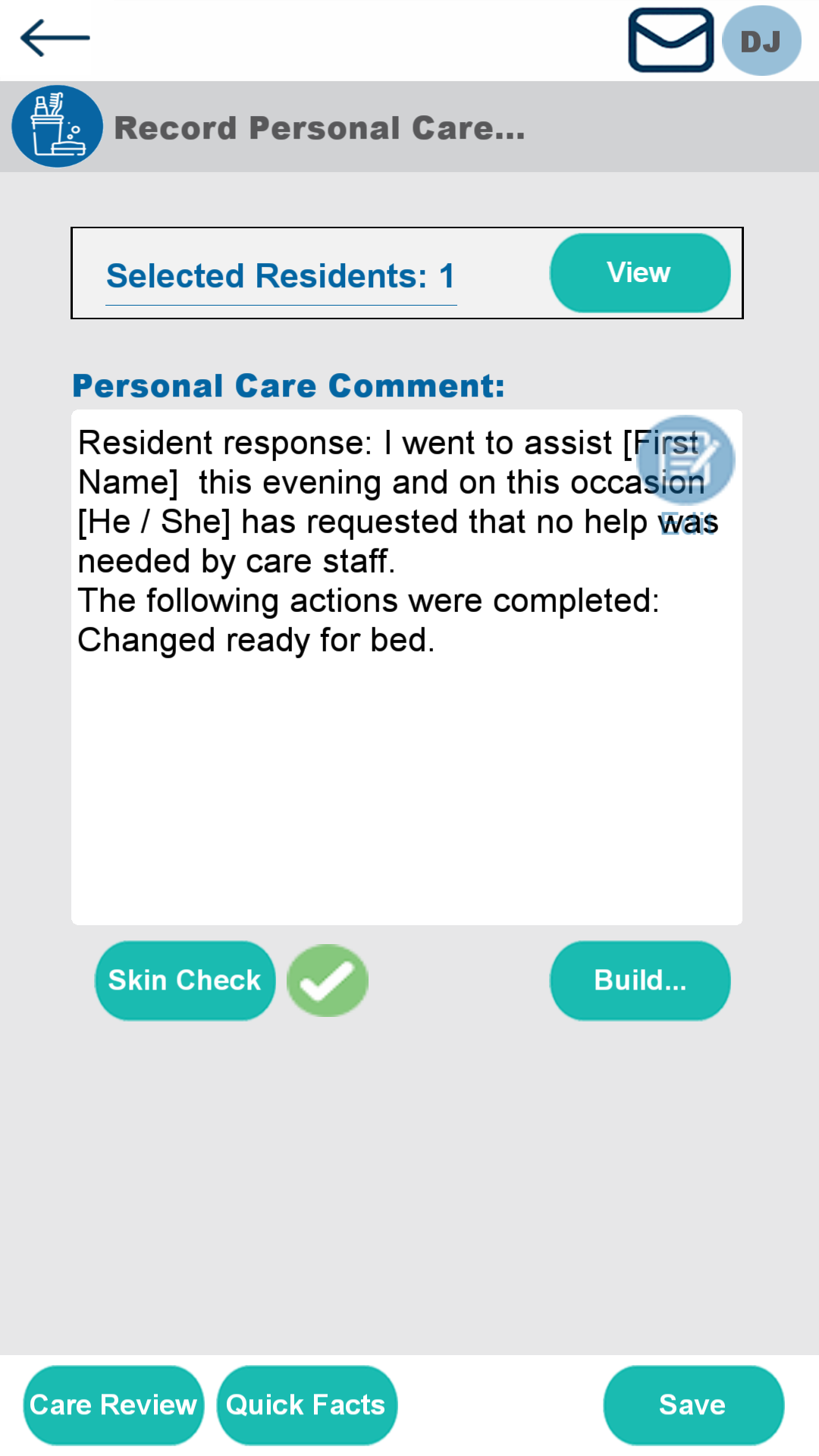
How to Record a Skin Check on Personal Care on Pocket
This guide shows how to record a Skin Integrity Check in Pocket after the new prompt has been enabled via Manage Monitoring – Cloud. It walks through the full process from selecting a service user to saving the record within Personal Care.
Carers start by selecting the relevant Service User, then continue through the Record workflow. Within the Personal Care section, they can access the Skin Check option to document the skin integrity status. The list of available skin condition options can be customised through Lists and Values in Windows, allowing services to match their local terminology and reporting needs.
The guide also explains how to add additional comments for more context before saving the record. This ensures every care interaction includes up-to-date skin integrity evidence, supporting CQC compliance, proactive risk management, and high-quality, person-centred care documentation.
Interactive Guide
Text based guide
Select the Service User from the list
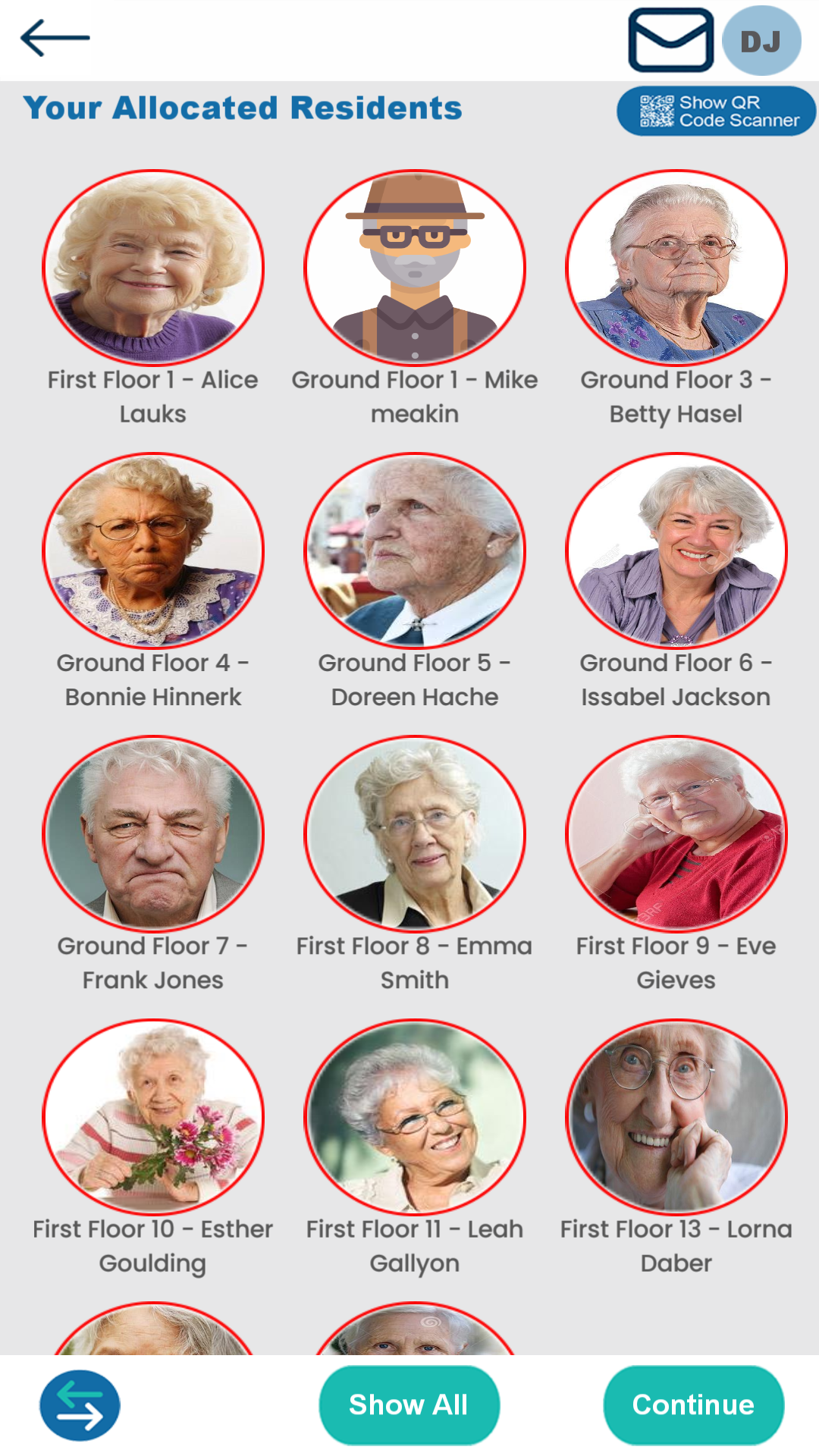
Click Continue
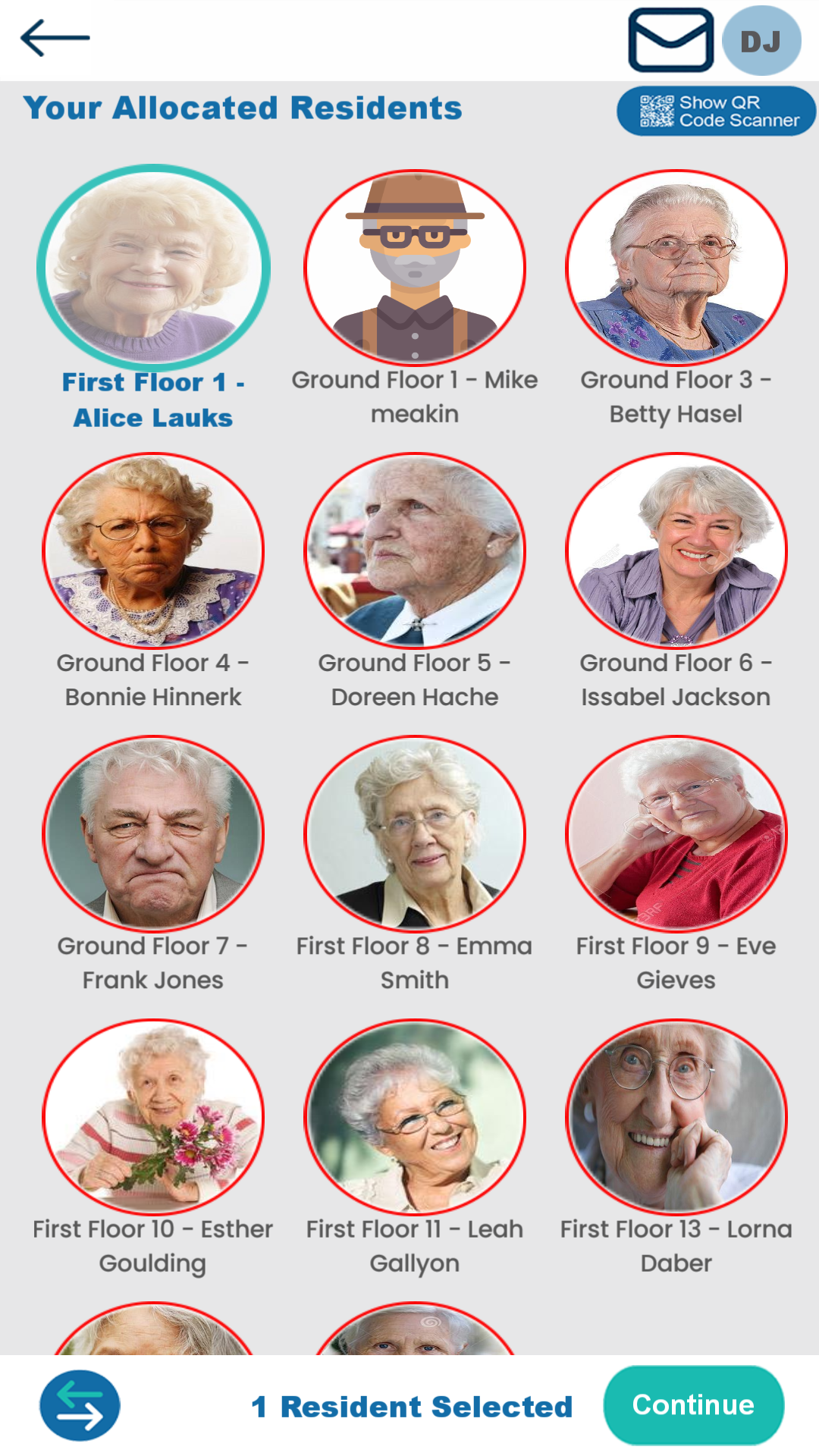
Click Record
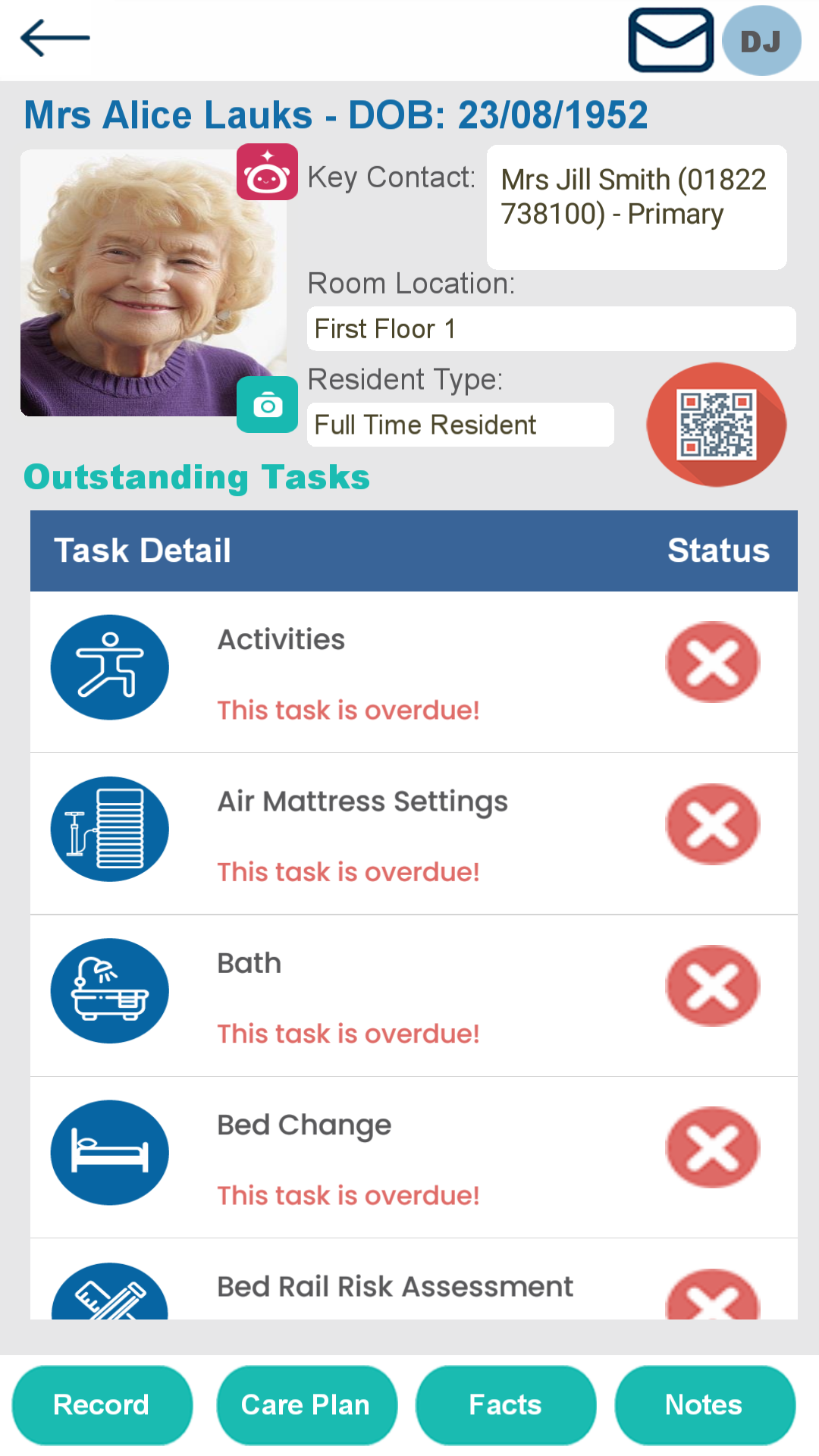
Select Personal Care
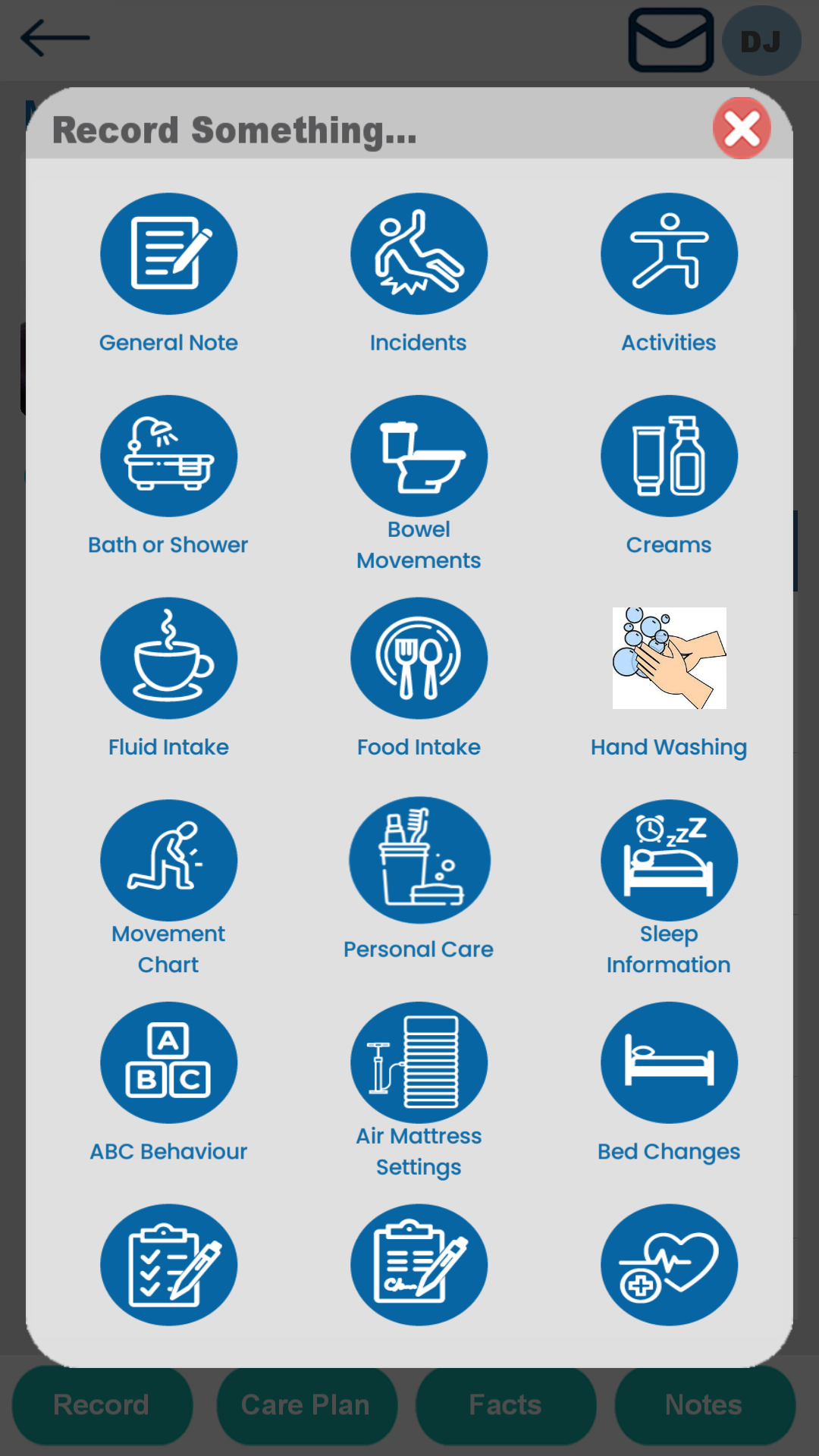
Record the Personal Care as usual
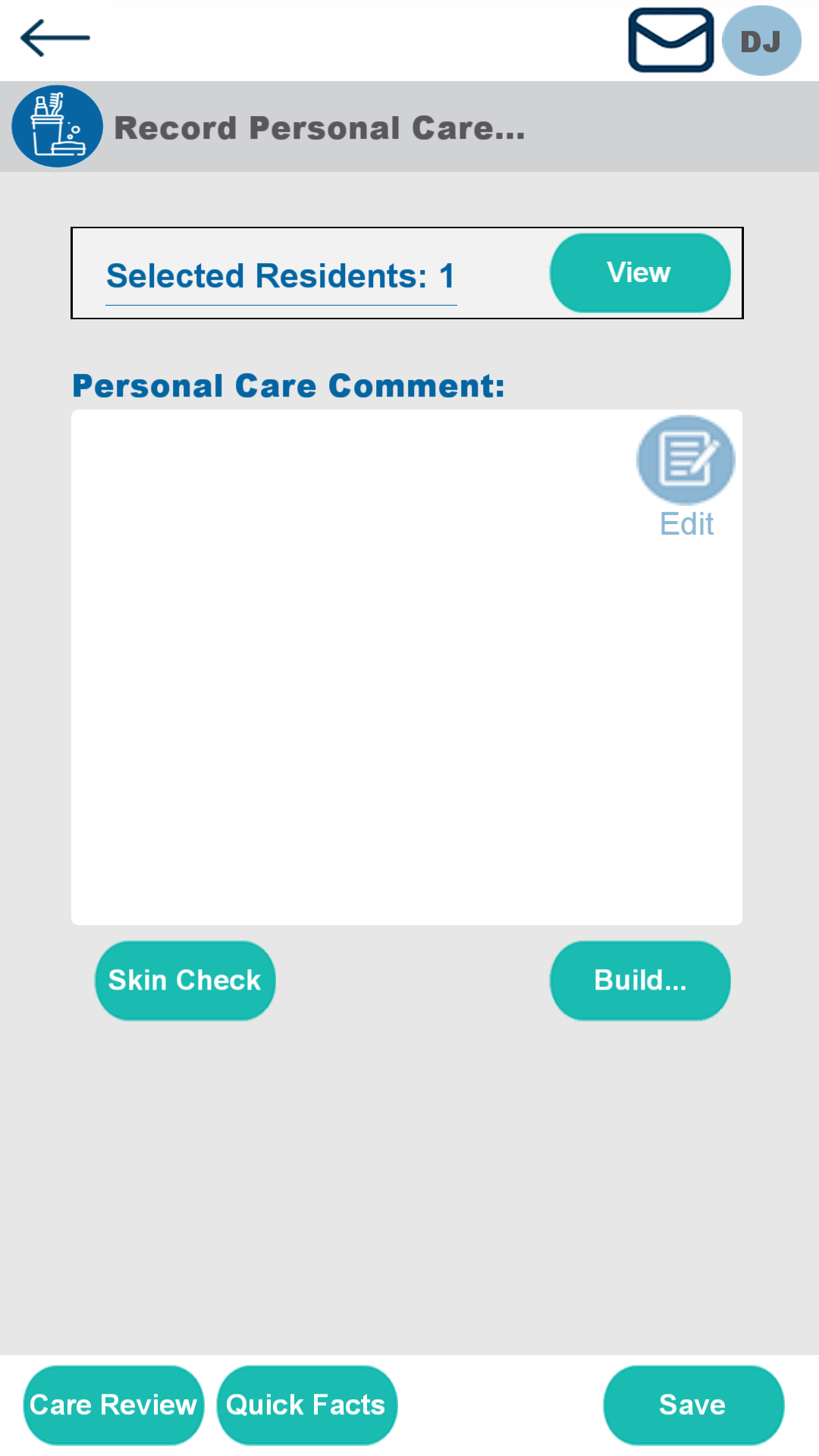
Select Skin Check

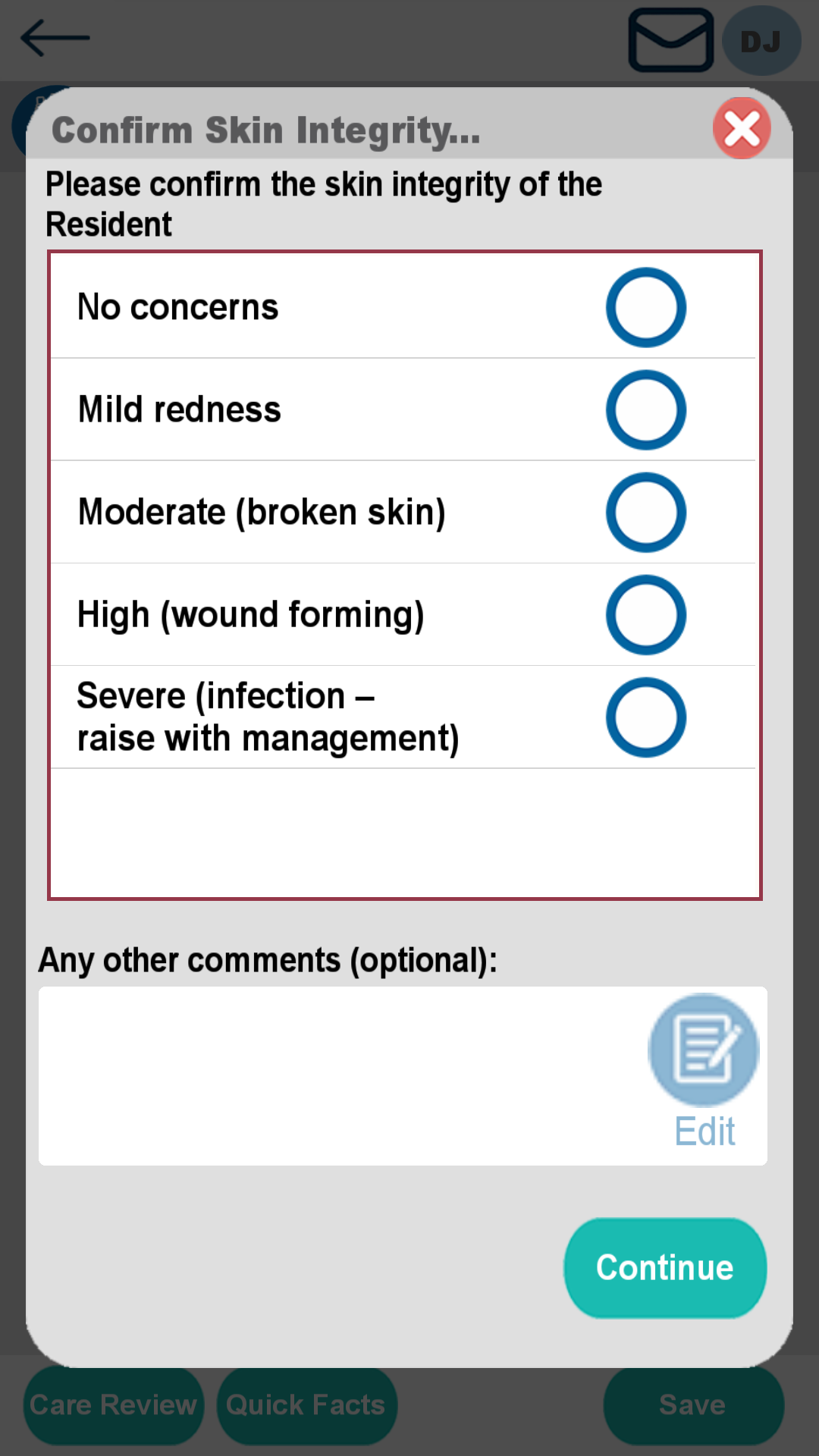
Choose an option from the list
The list can be changed from Lists and Values in Windows.
Add further comments if required
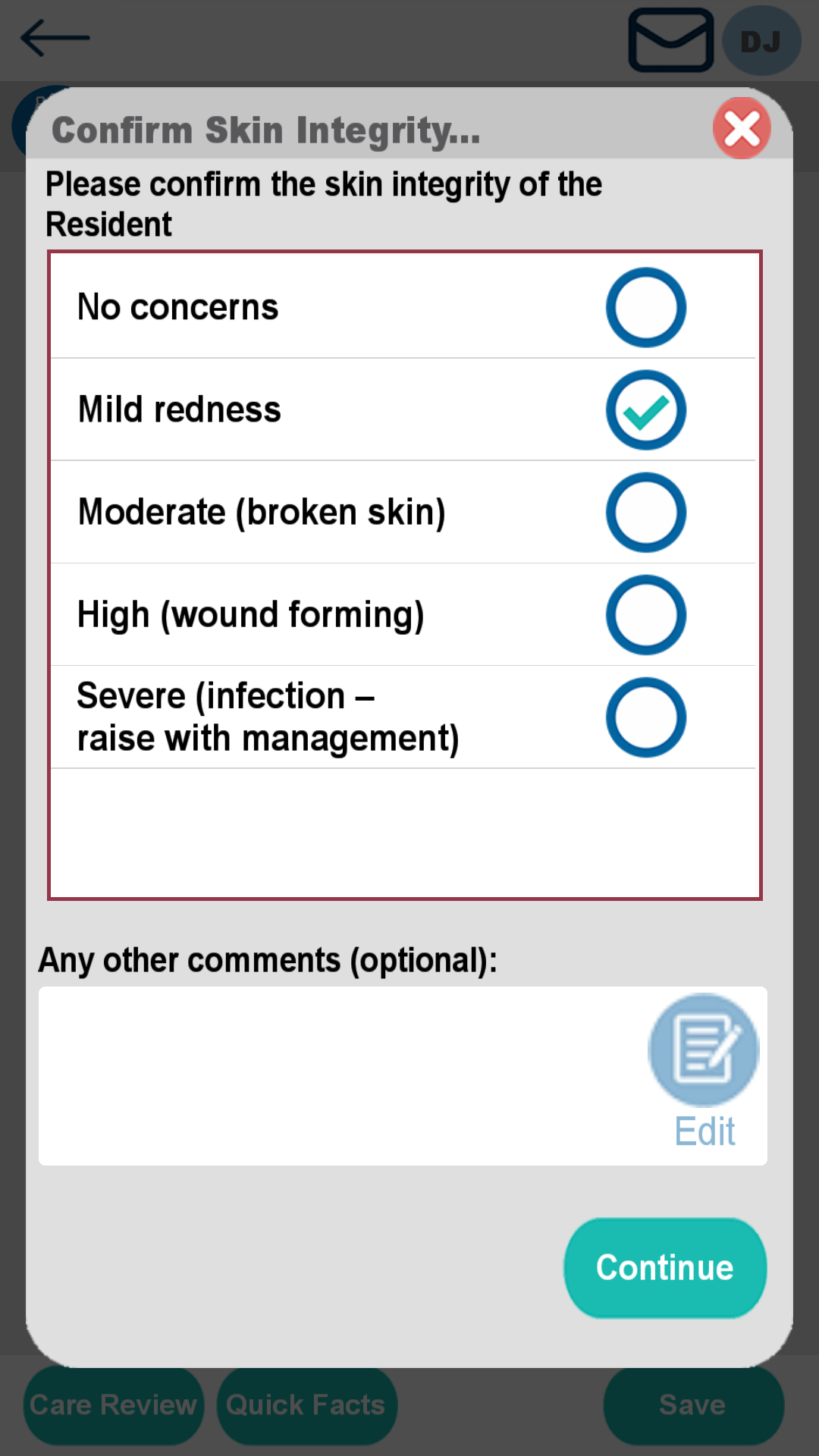
Click Save when done