🚀 UPCOMING WEBINAR: See Payroll in Care Control Cloud in action on Thursday 18th June and discover how to manage payroll more efficiently from one connected system. Click here to find out more!

View Categories

How to Record a Waterlow Score in Cloud

This guide will walk you through completing a Waterlow assessment and reviewing Waterlow trends over time.

Takes 10 minutes
For: Everyone
Updated: 4th June 2026

Introduction

The Waterlow Assessment is used to identify residents who may be at risk of developing pressure ulcers. By recording factors such as mobility, nutrition, skin condition, continence, and medical history, the assessment generates a risk score that helps care teams implement appropriate preventative measures and monitor changes over time.

In this guide you'll learn how to:

  • Complete a Waterlow assessment
  • Understand Waterlow risk scores
  • Flag assessments for review
  • Monitor Waterlow trends
  • Export Waterlow assessments

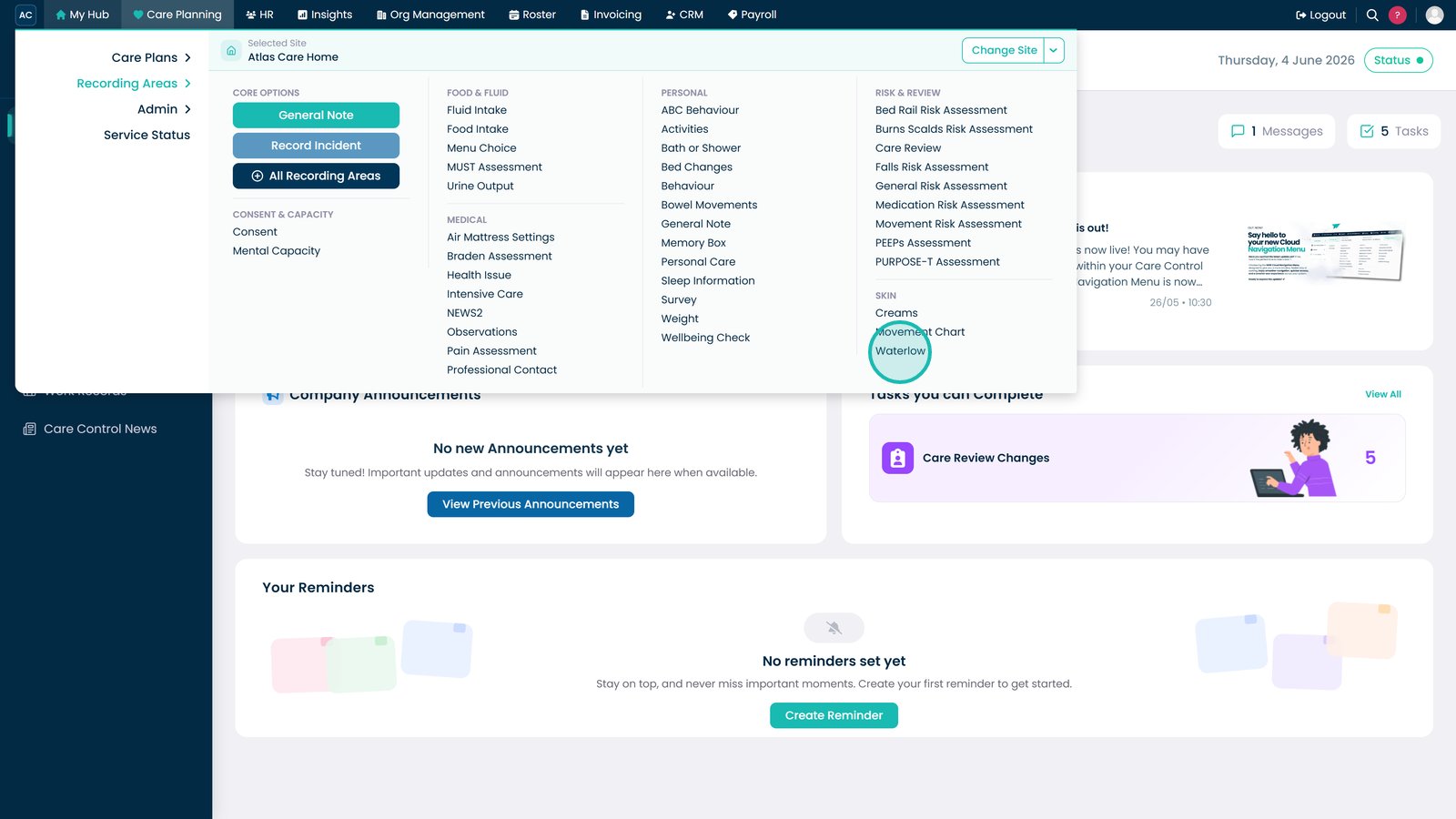
Open Waterlow from the Skin section.

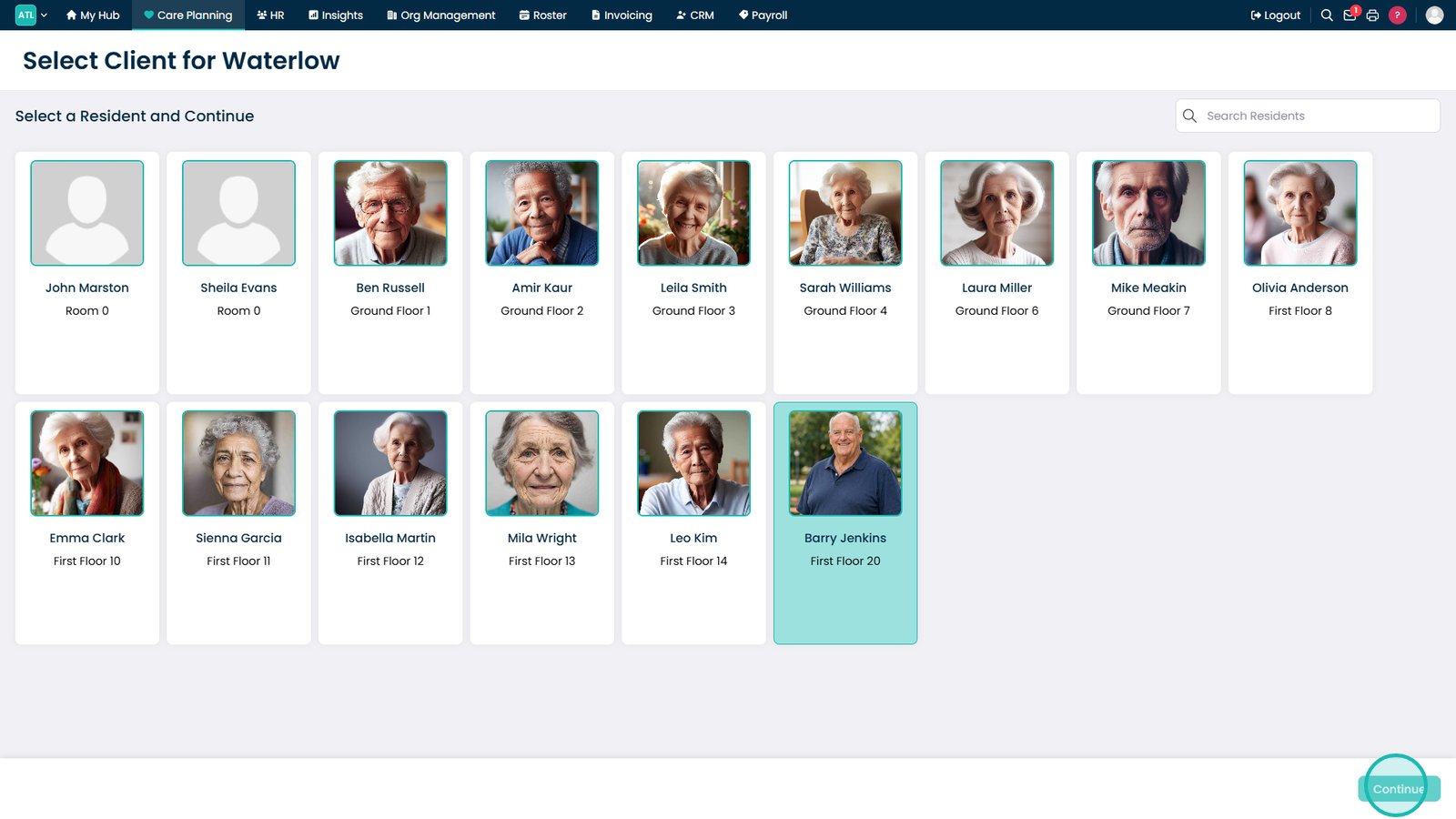
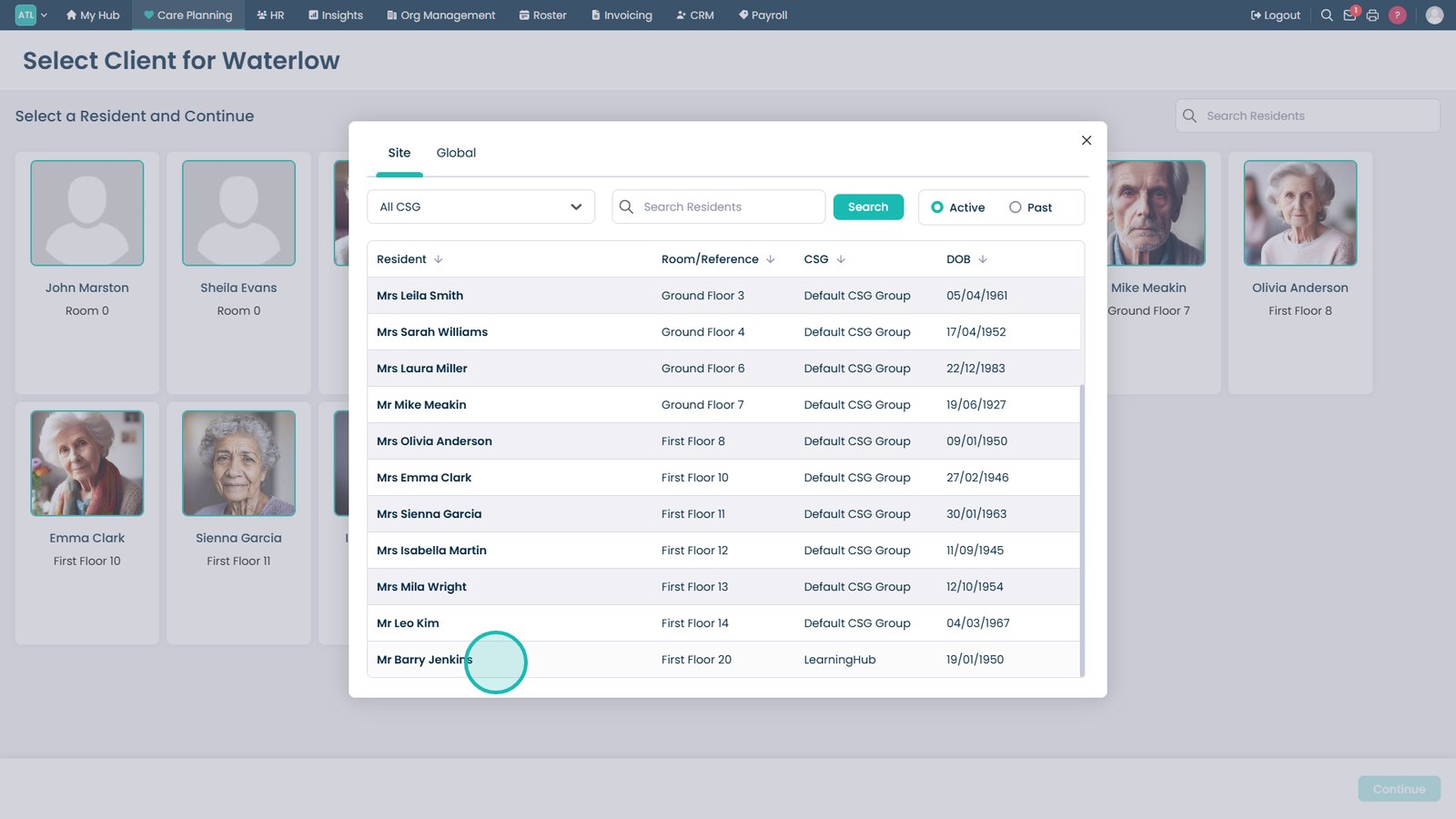
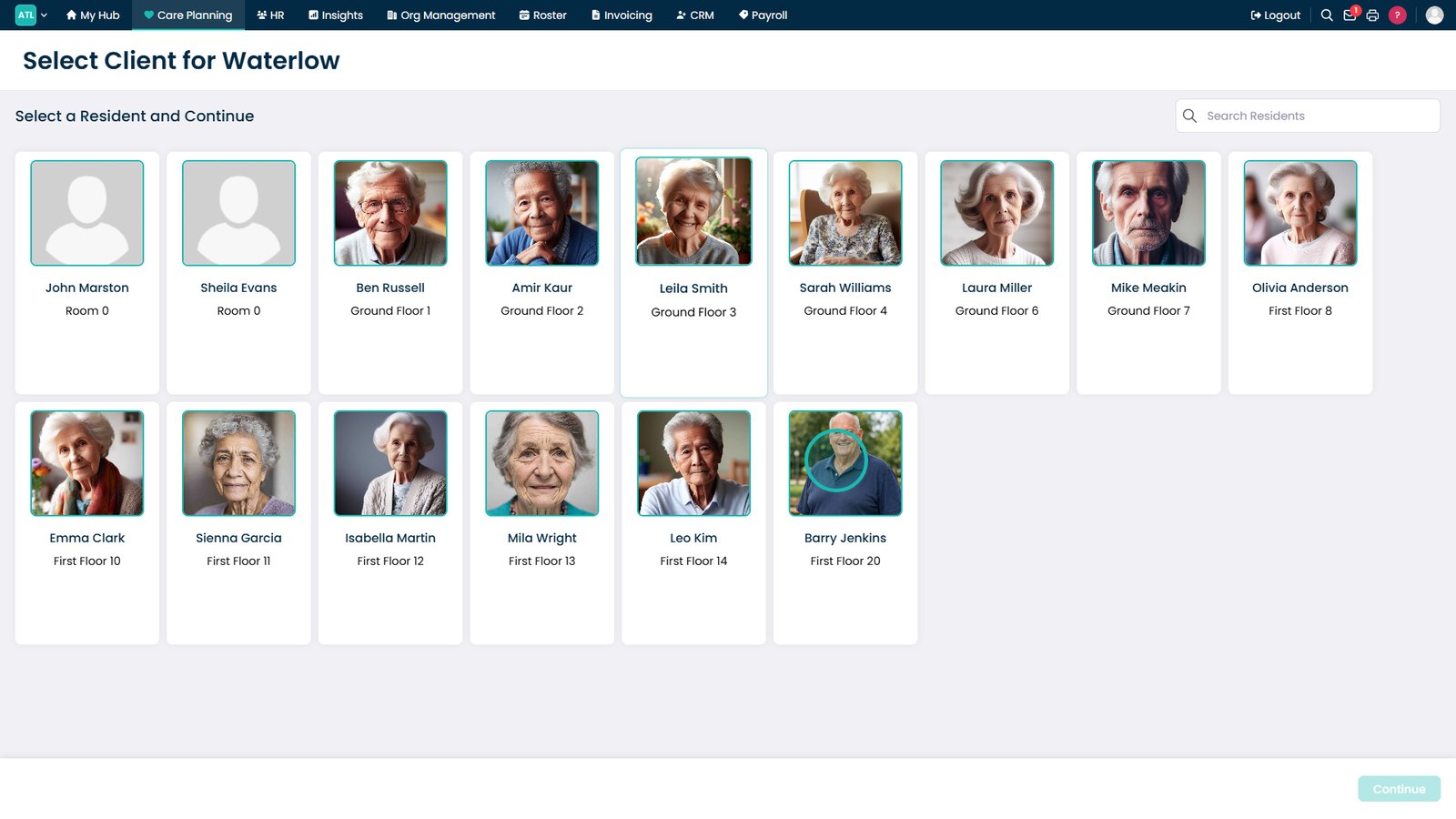
Select the resident you want to assess.

Click Continue to start the assessment.

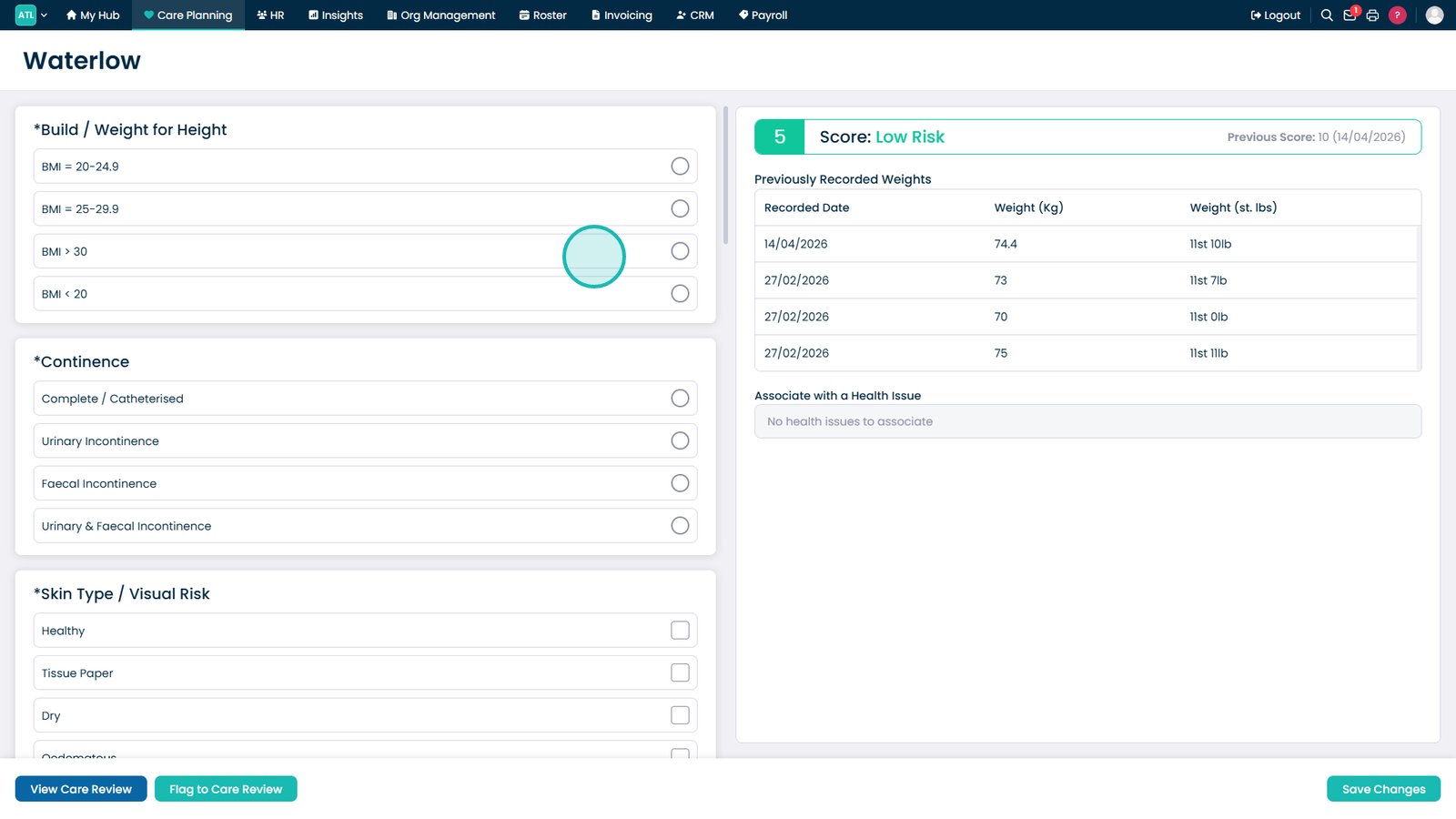
Complete all required Waterlow assessment sections.

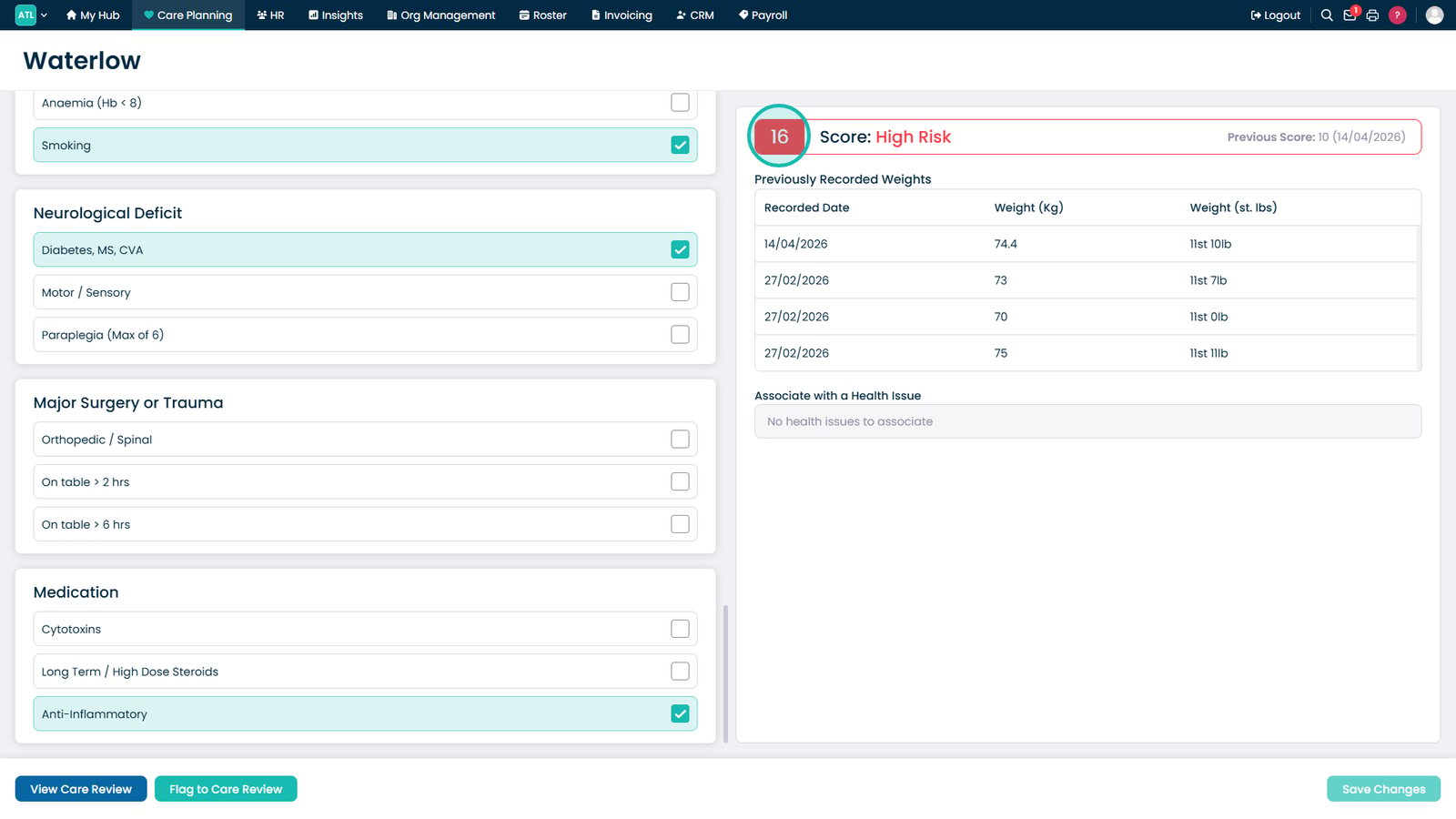
Monitor the Waterlow score as assessment details are entered.

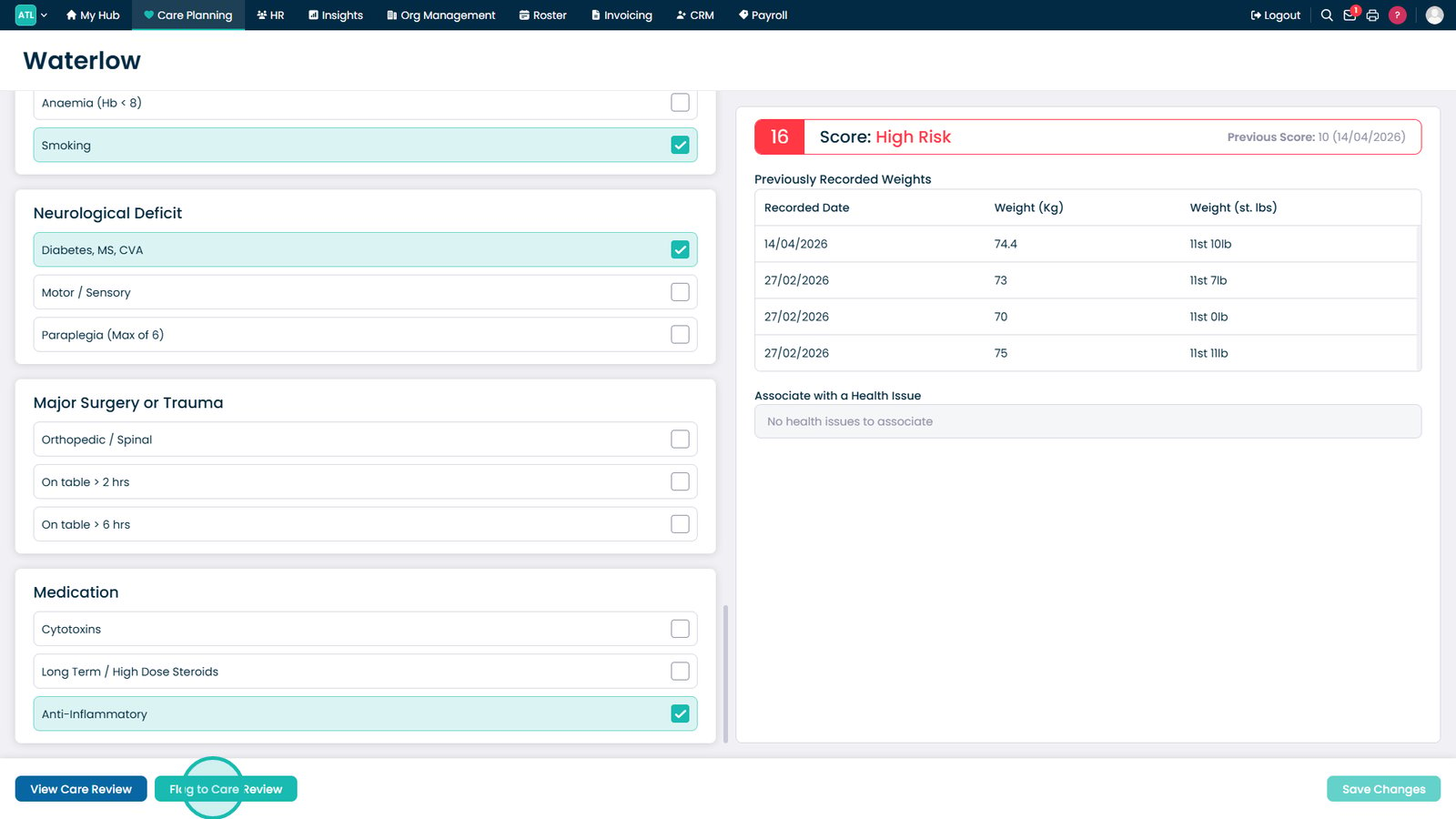
Apply a red flag if the assessment needs highlighting on the Care Plan.

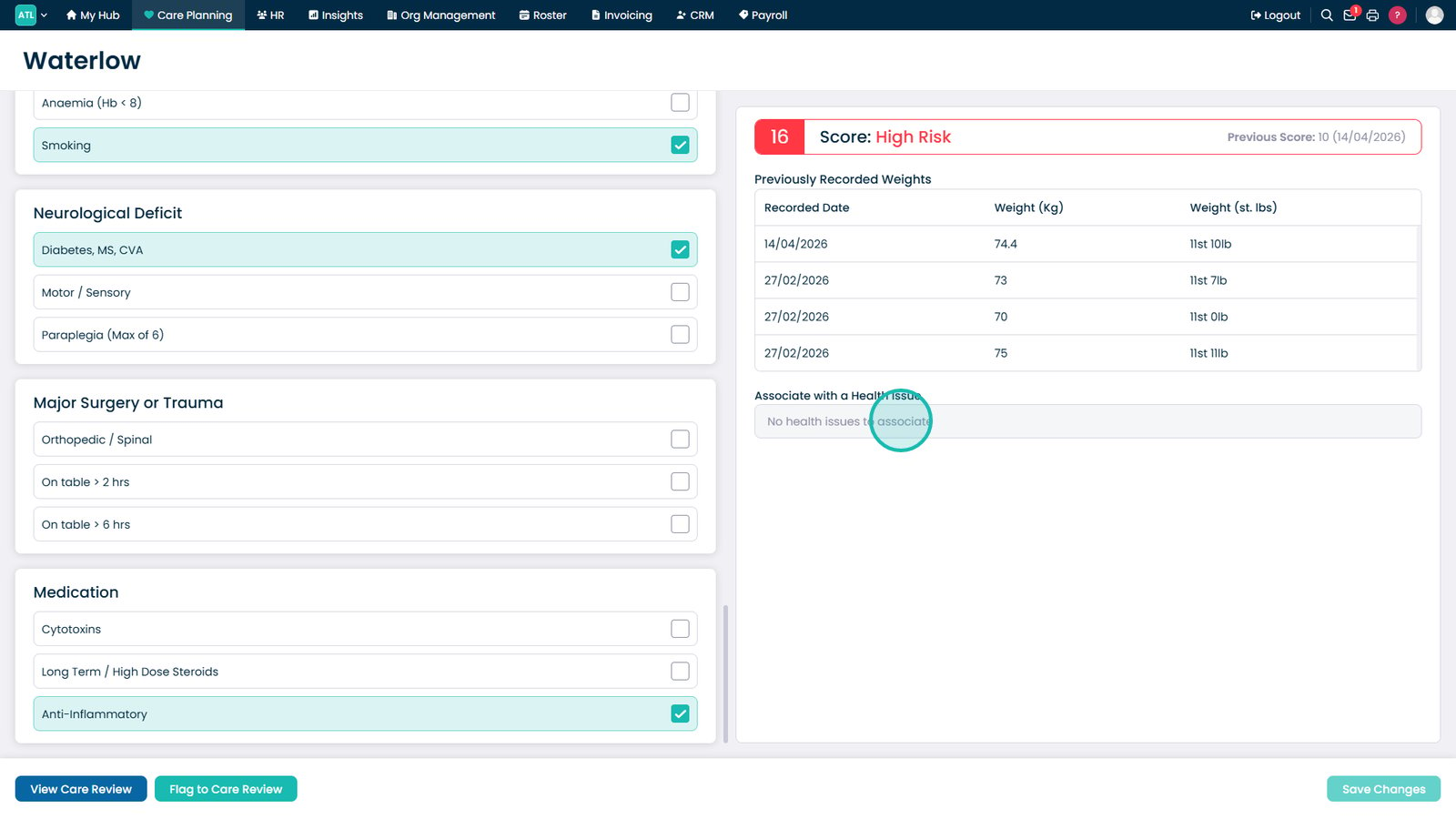
Link the assessment to an existing health issue if required.

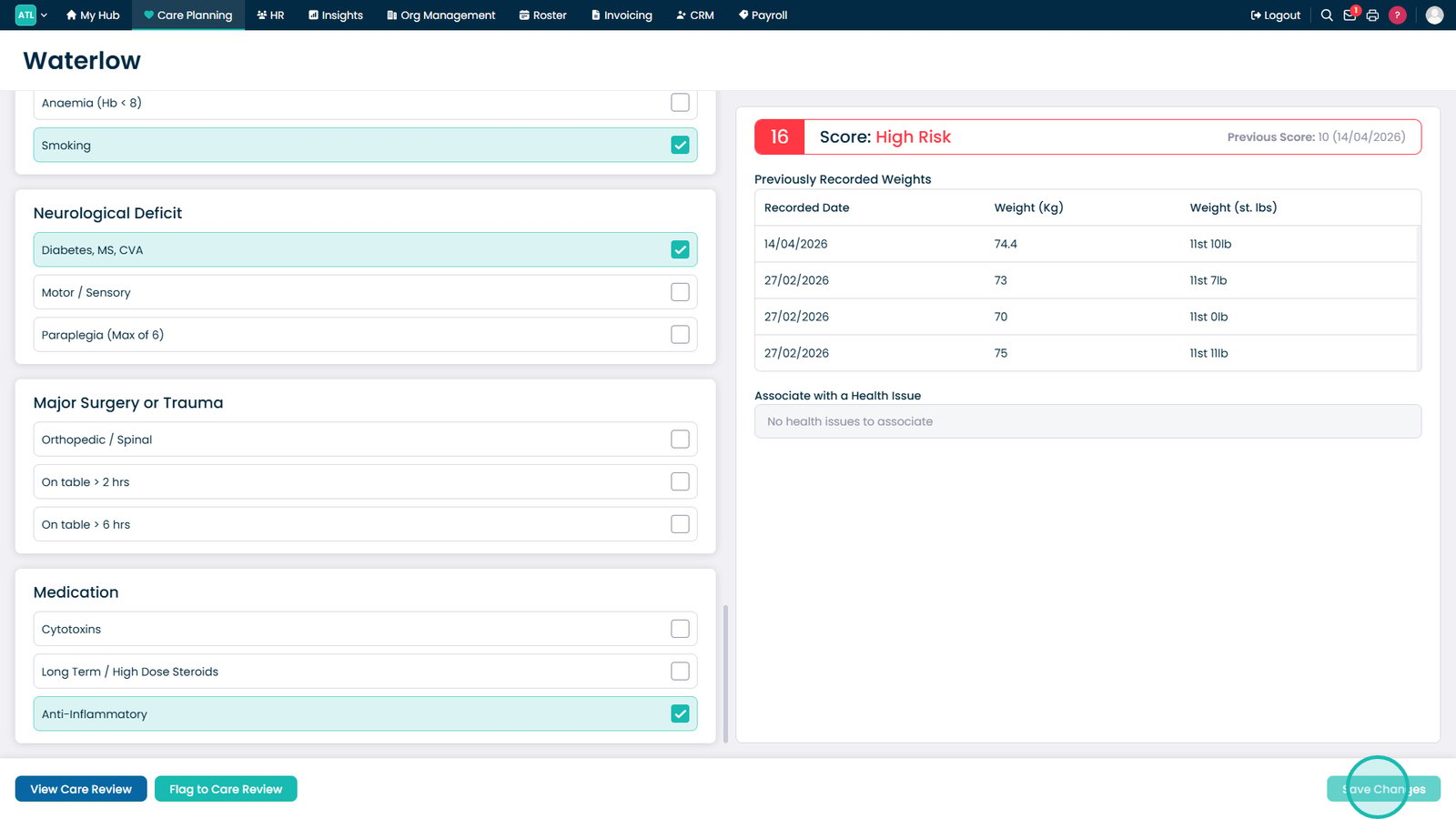
Save the completed Waterlow assessment.

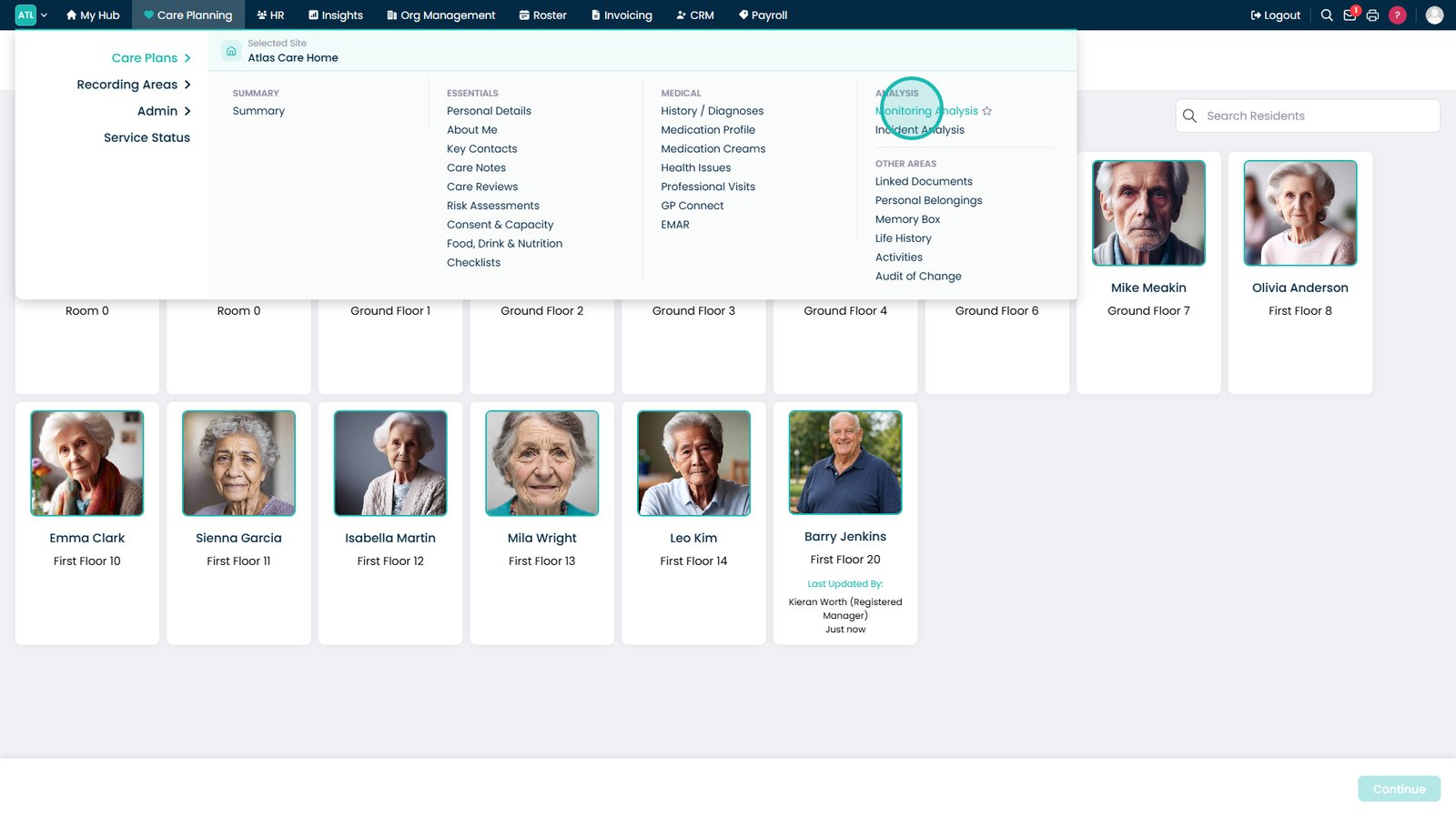
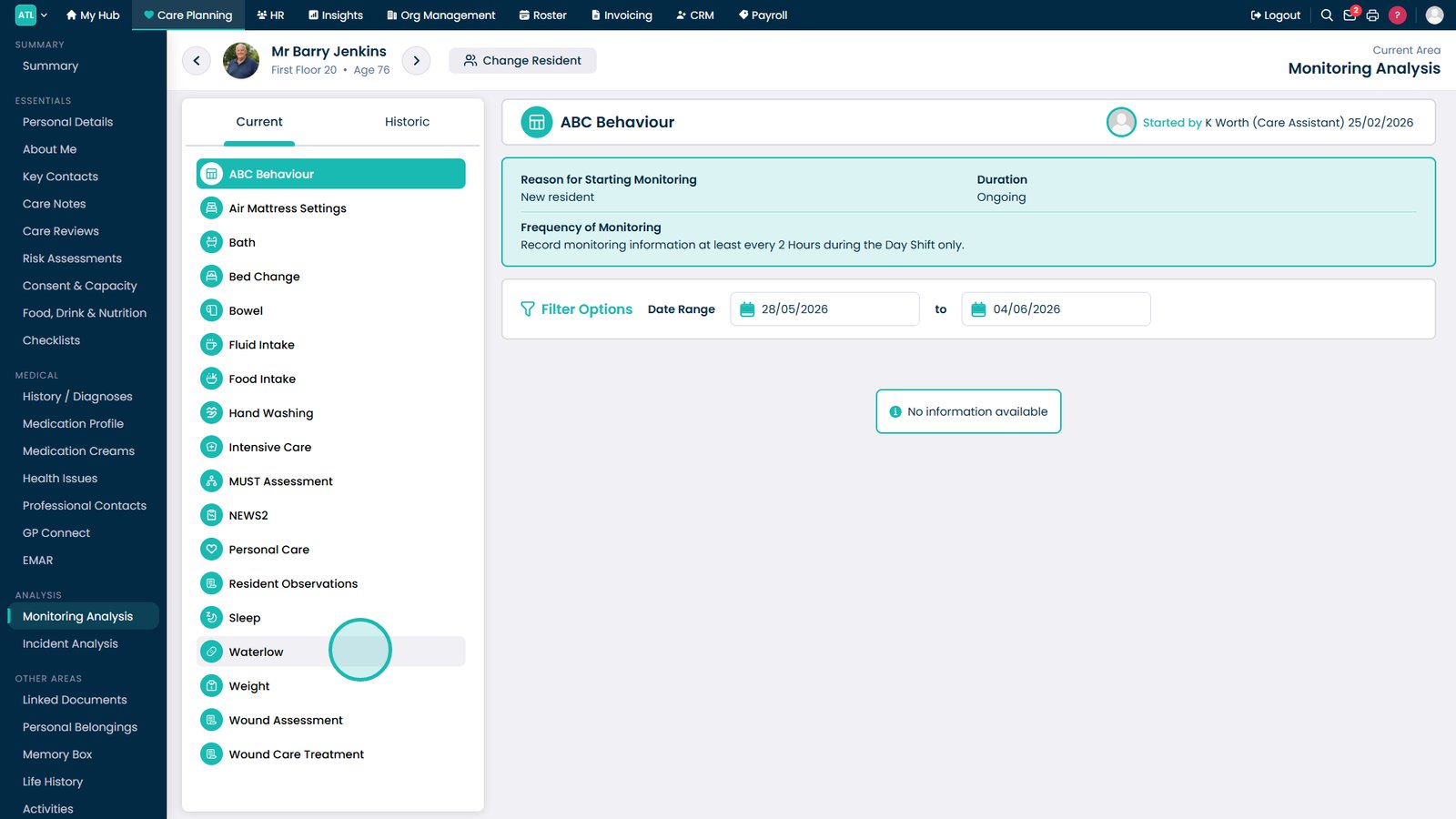
Open Monitoring Analysis to review Waterlow trends.

Select the resident whose Waterlow records you want to review.

Select Waterlow from the analysis menu.

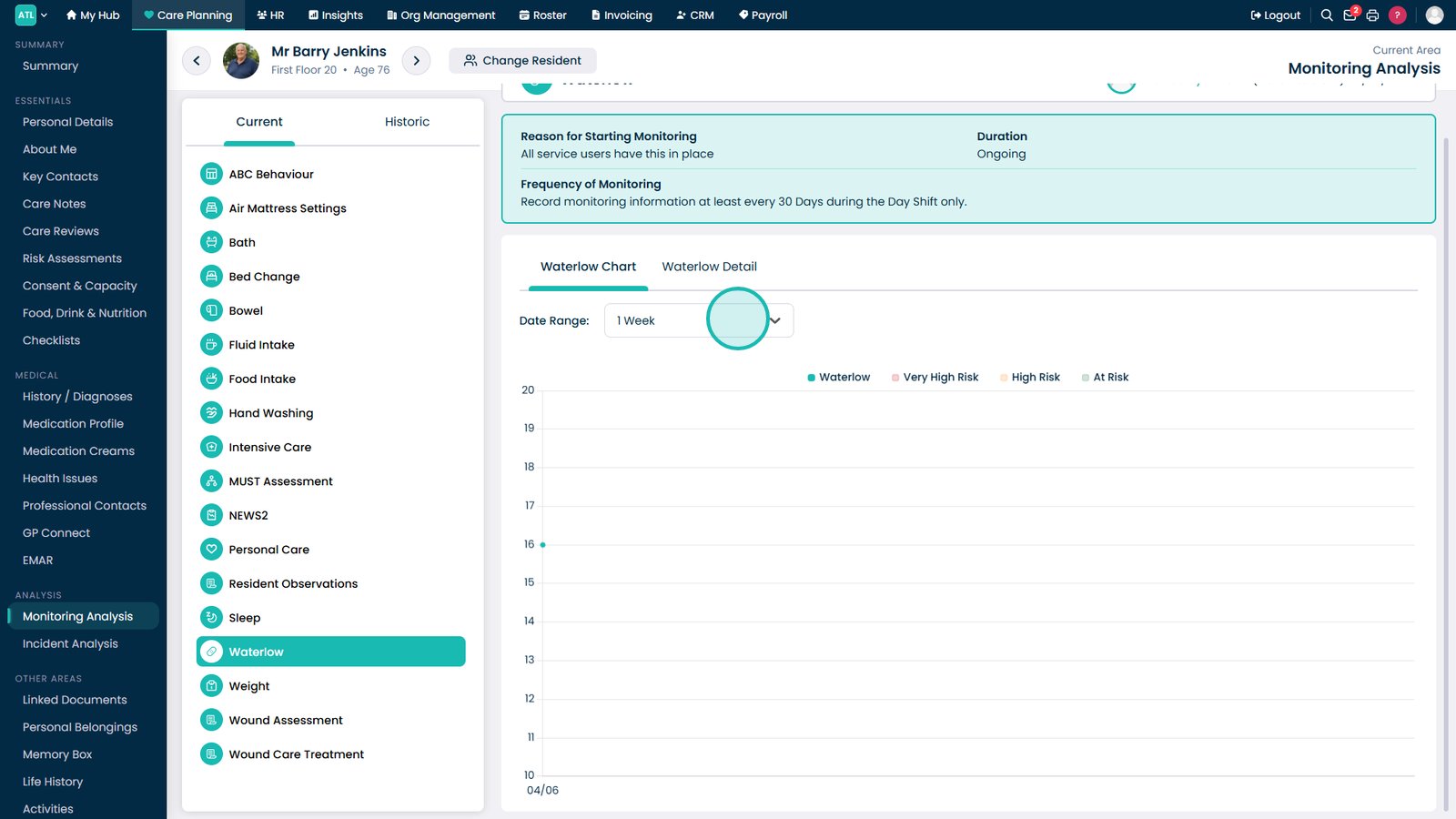
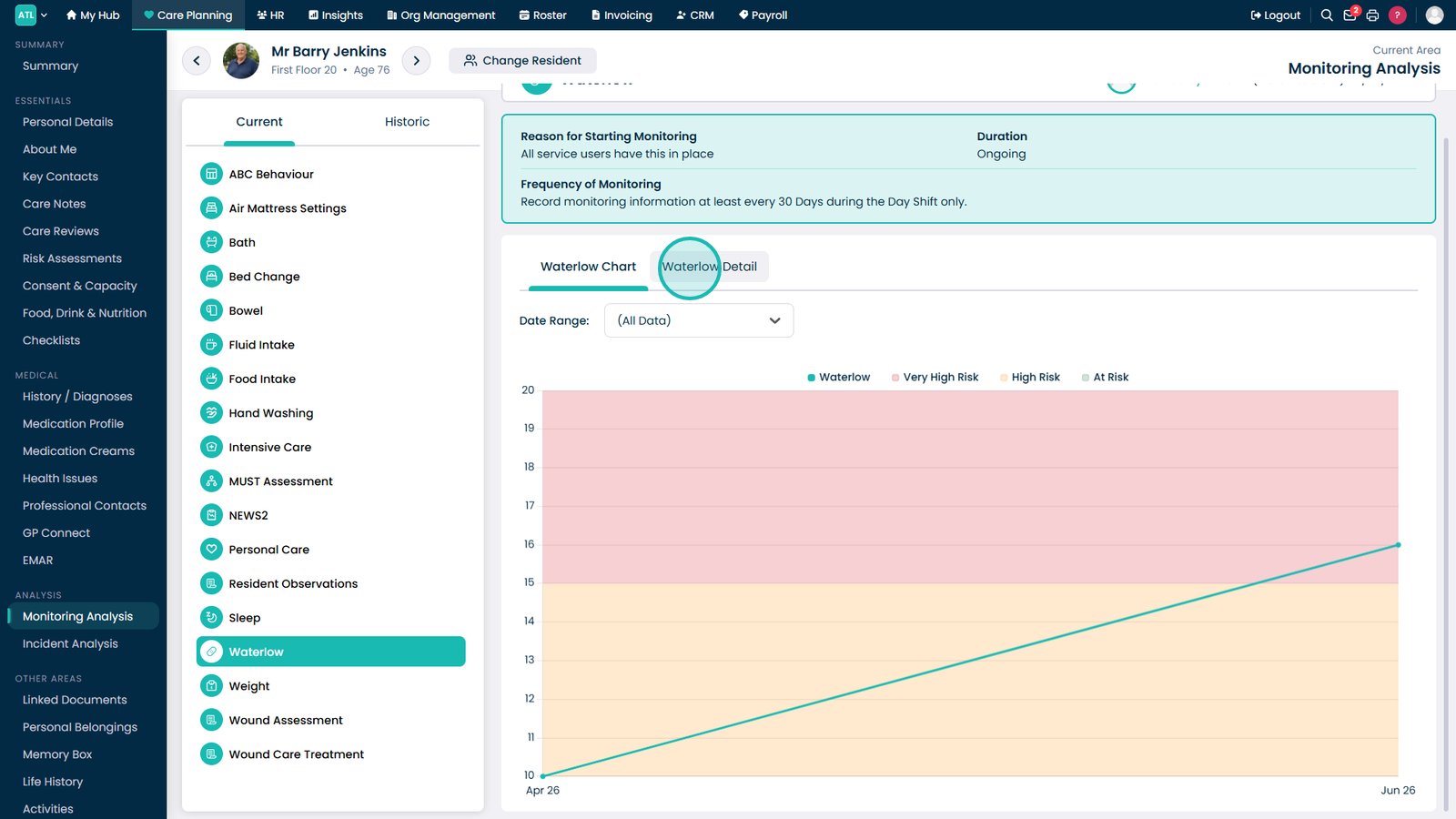
Adjust the date range to view Waterlow scores over different periods.

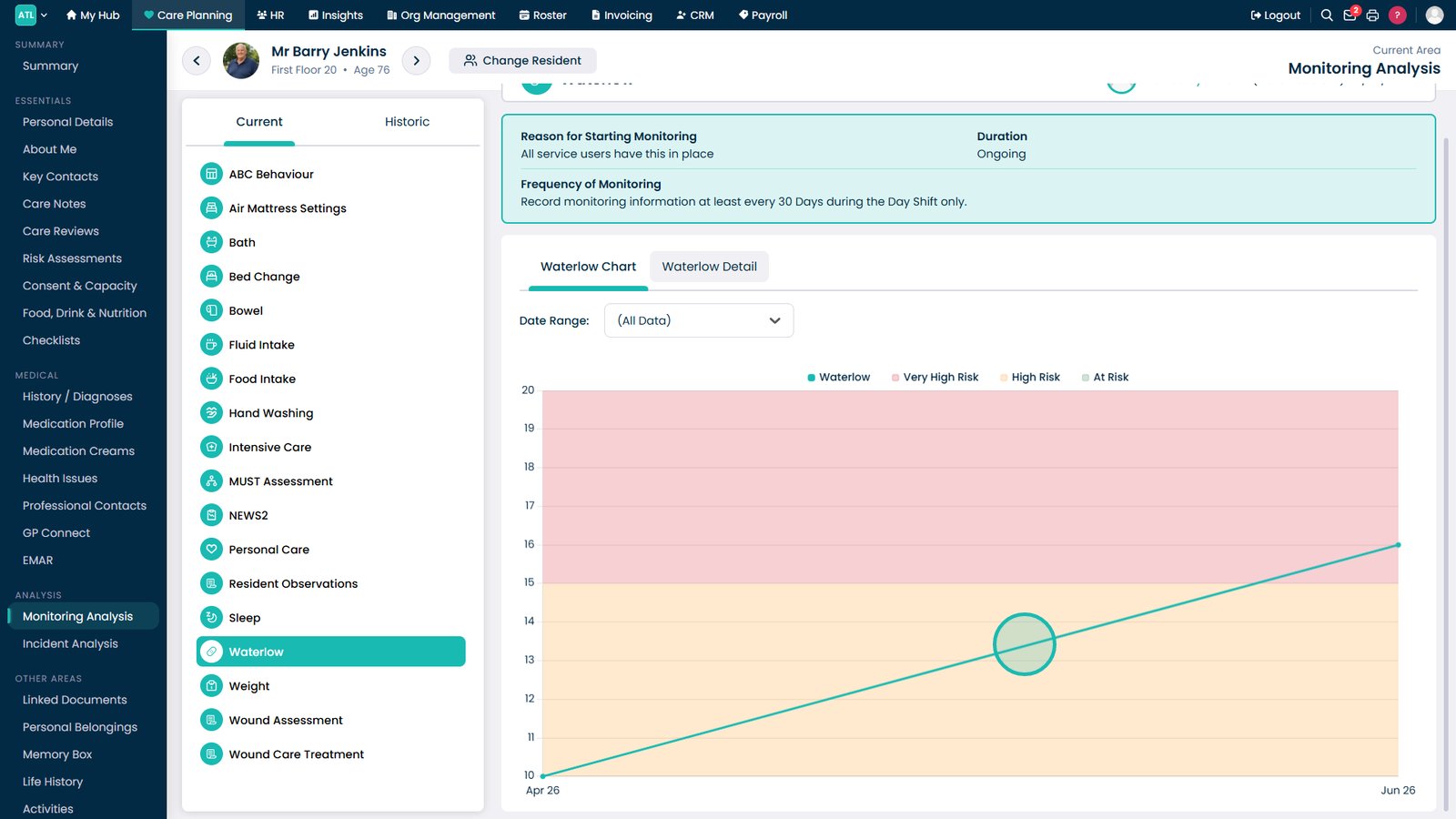
Review score trends and changes using the Waterlow chart.

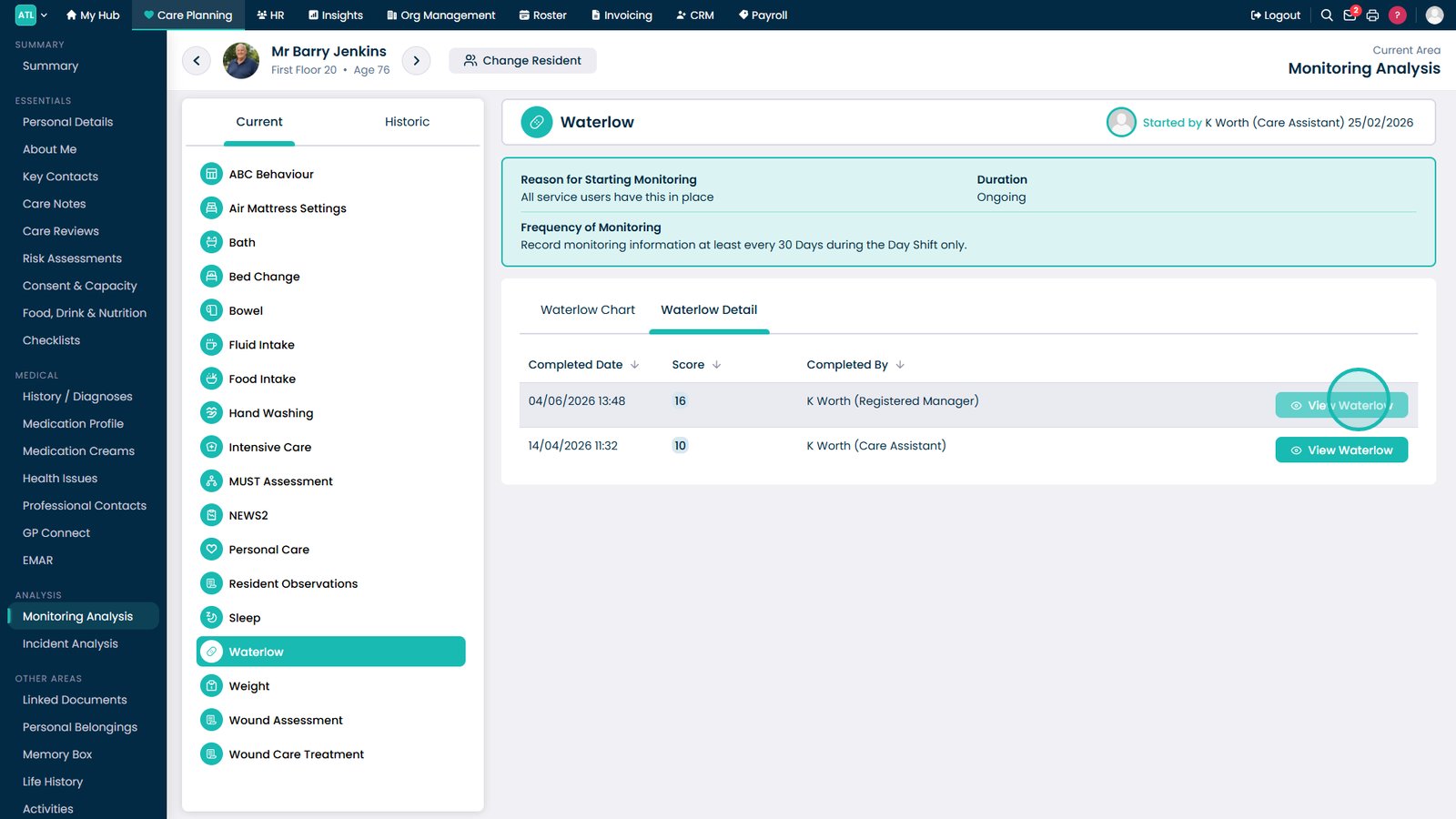
Open the Waterlow Detail tab for a full assessment breakdown.

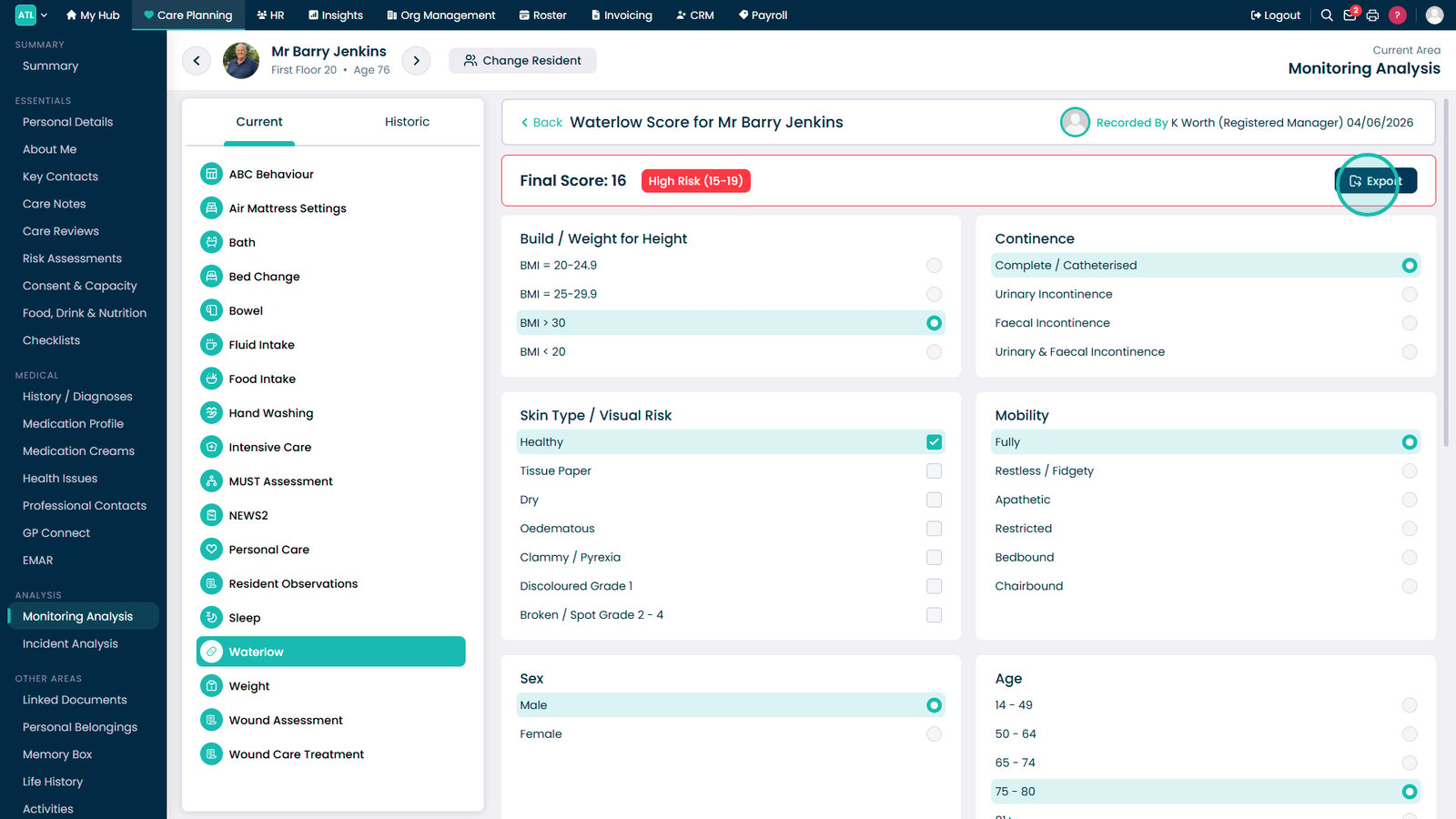
View an individual Waterlow assessment for more detail.

Export the assessment to PDF if required.

Top tip

Review Waterlow scores regularly and compare them over time, as increasing scores can highlight changes in a resident's condition before pressure damage occurs.

Was this guide helpful?

Need more help?

Can't find what you're looking for? Our support team is here to help.

Contact Support

Or call us on

On this page