How to Record ABC Behaviour
This guide explains how to record an ABC Behaviour entry by documenting the antecedent, behaviour, and consequence.
Takes 3 minutes
For: Care Staff
Updated: 17th July 2026
Introduction
The ABC Behaviour module allows you to record behavioural incidents using the Antecedent, Behaviour, and Consequence (ABC) framework. You can document what happened before, during, and after the behaviour, record the date, time, and location, and highlight the record if further attention is required.
In this guide you'll learn how to:
- Open the ABC Behaviour recording area
- Select a service user
- Complete the ABC behaviour record
- Record the date, time, and location
- Save the completed record
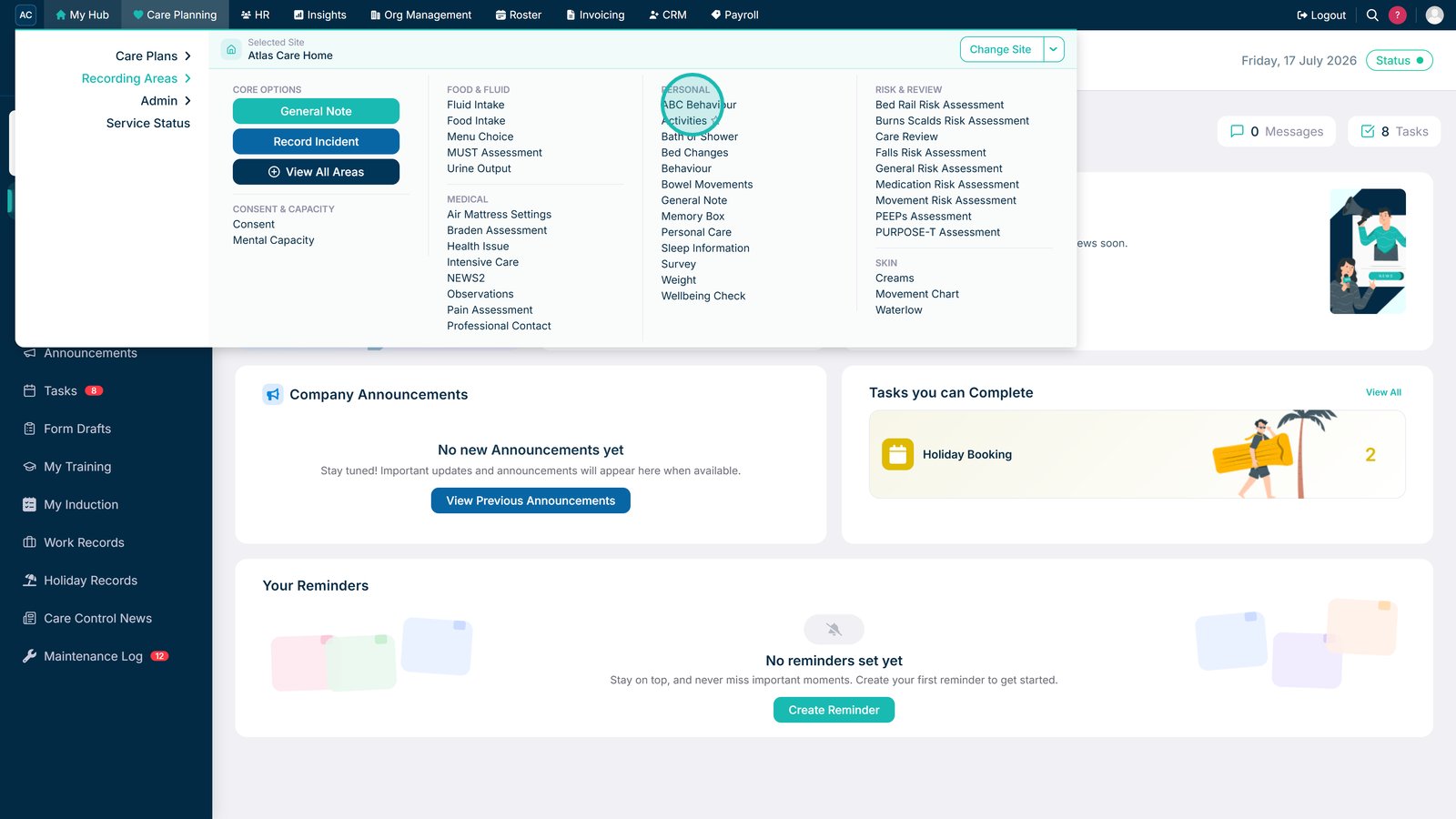
Select ABC Behaviour under Recording Areas in Care Planning.

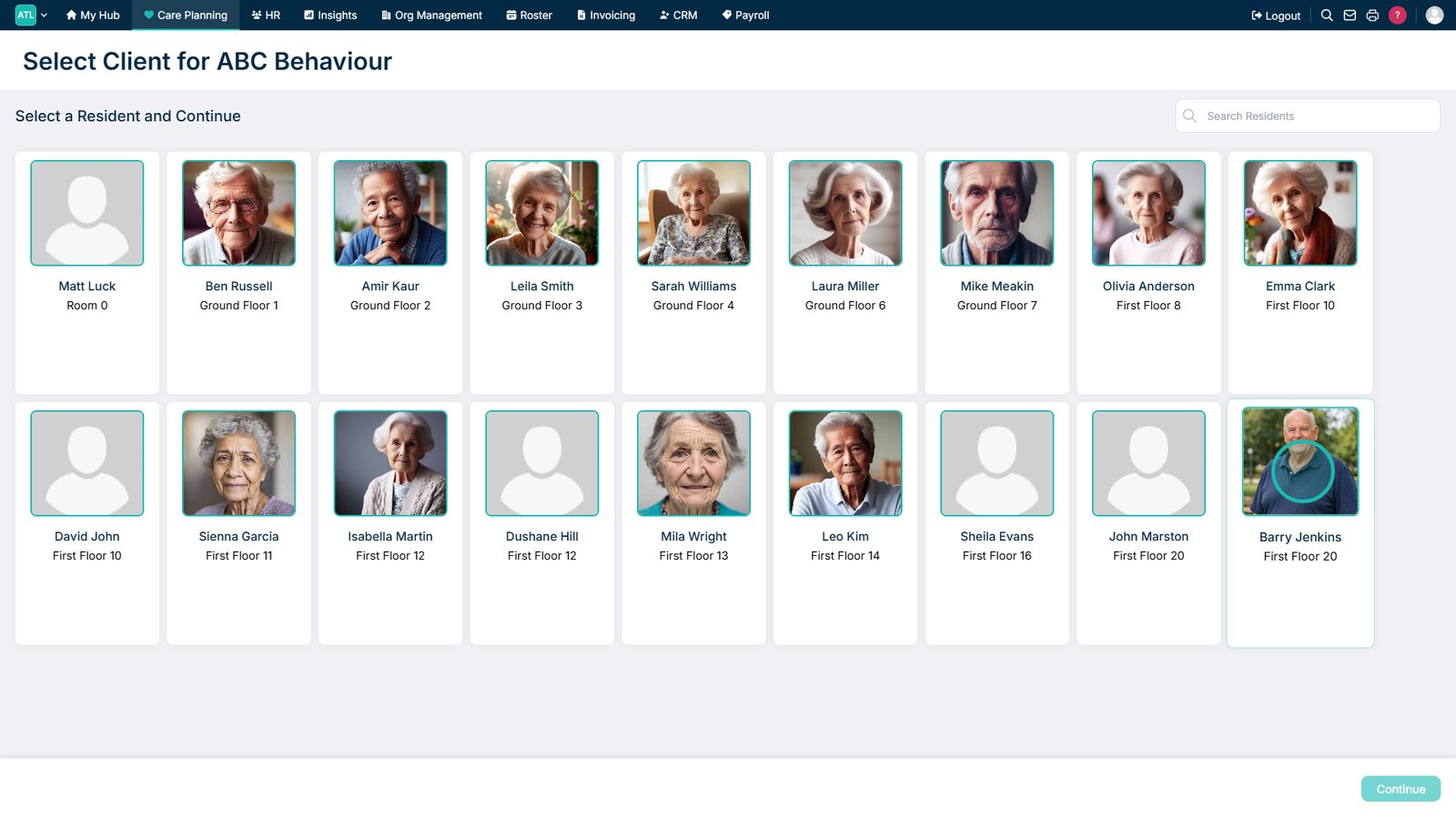
Select the service user you want to record the behaviour for.

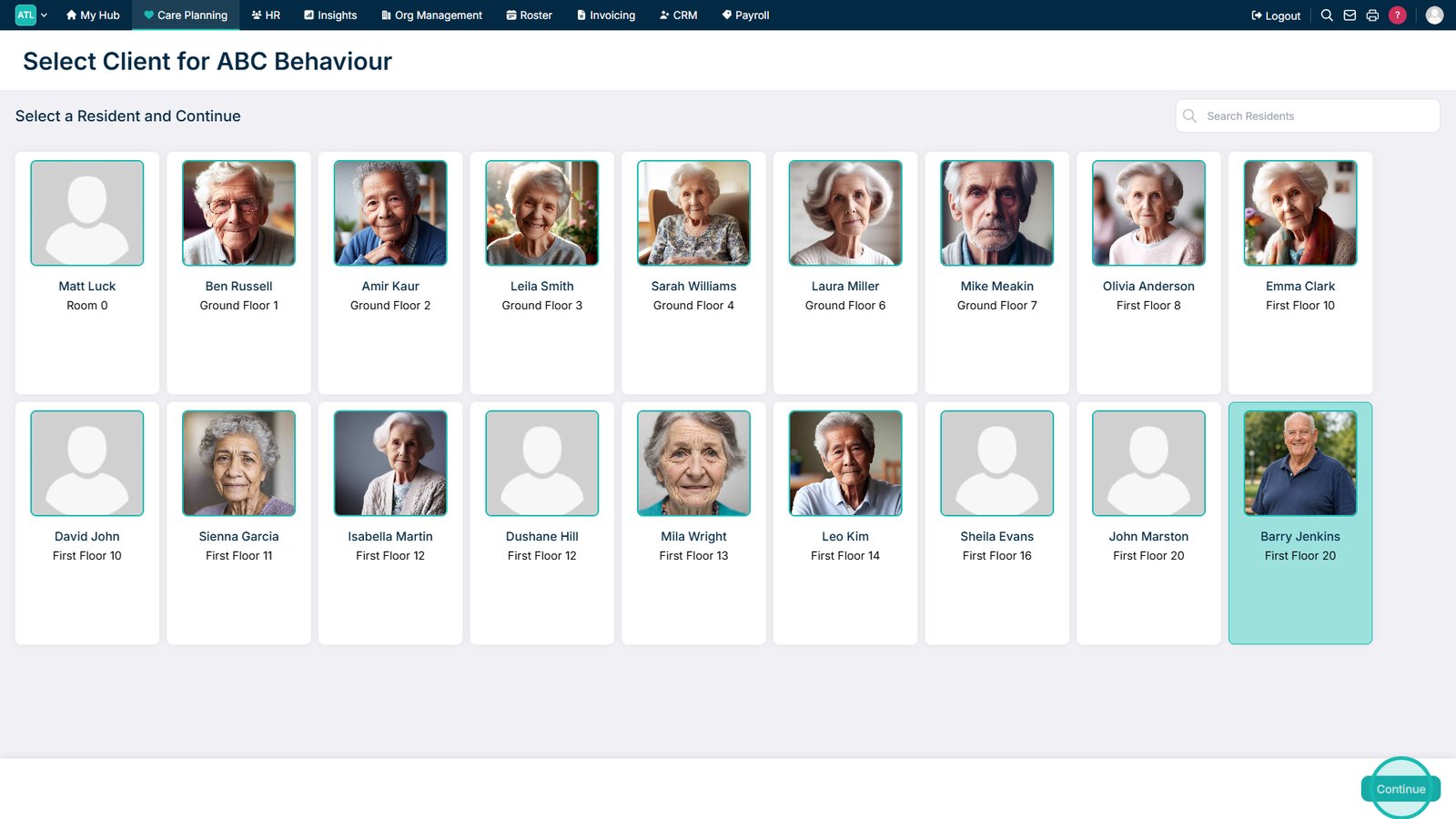
Select Continue.

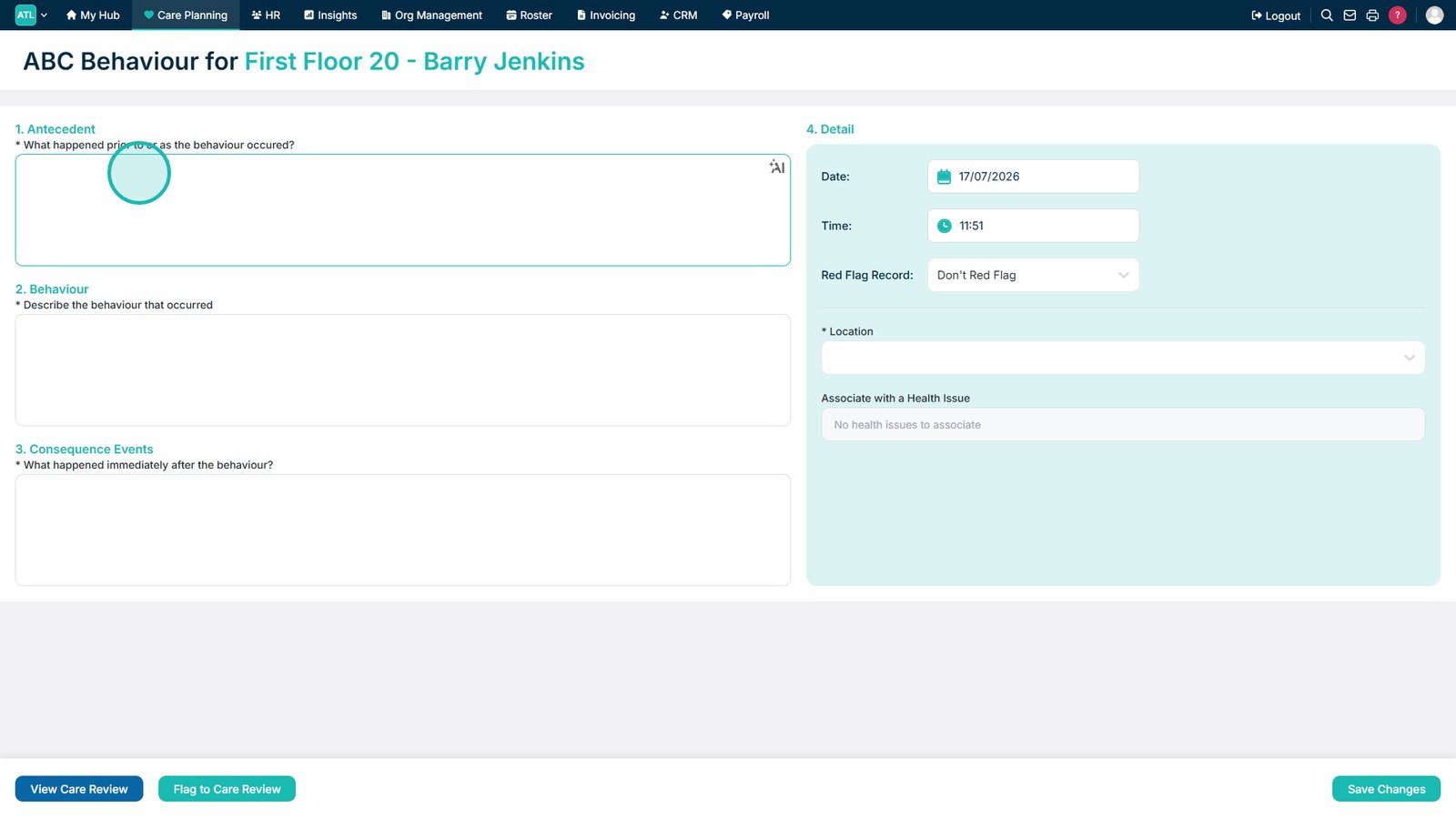
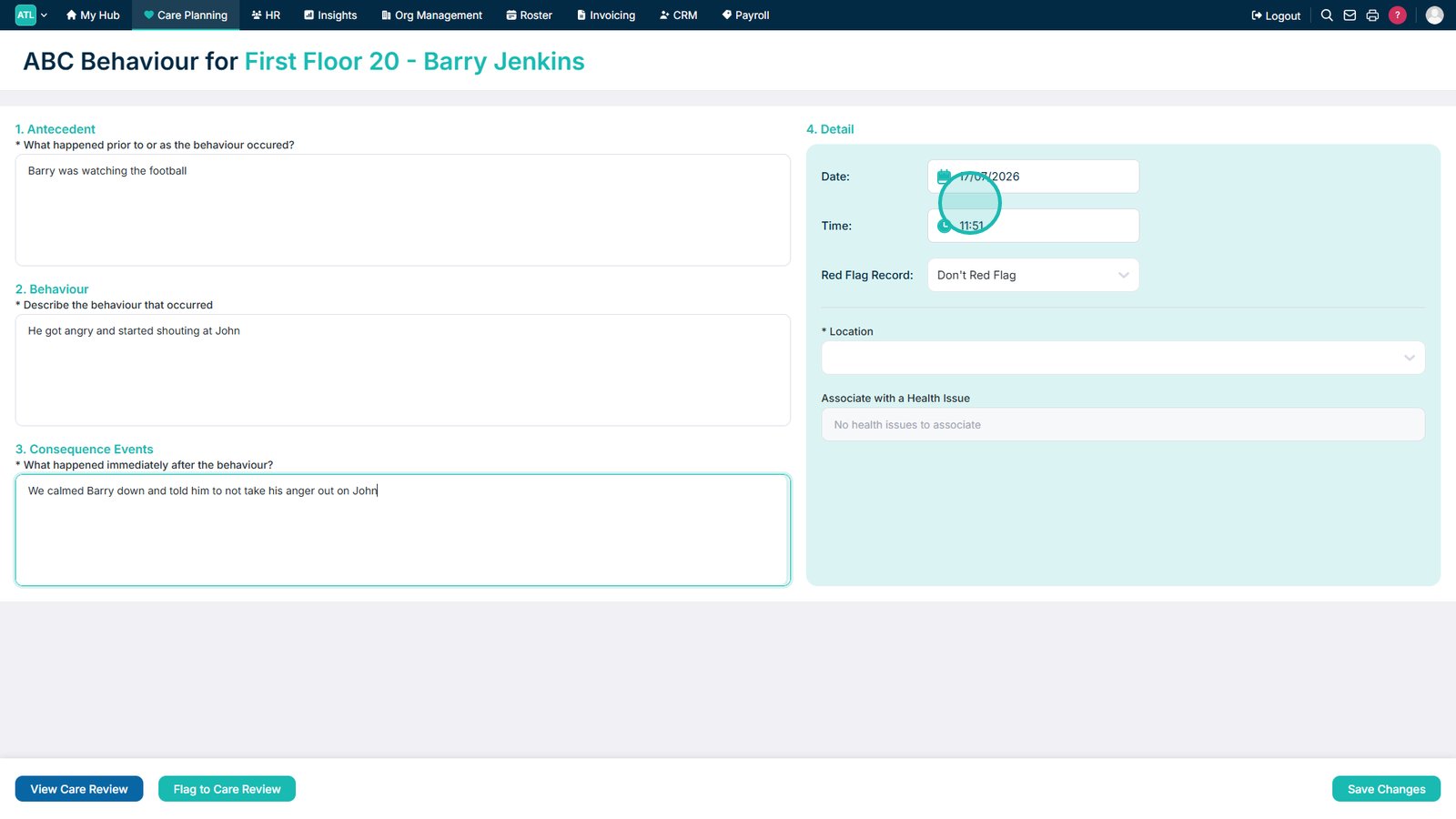
Complete the Antecedent, Behaviour, and Consequence sections.

Enter the date and time the behaviour occurred.

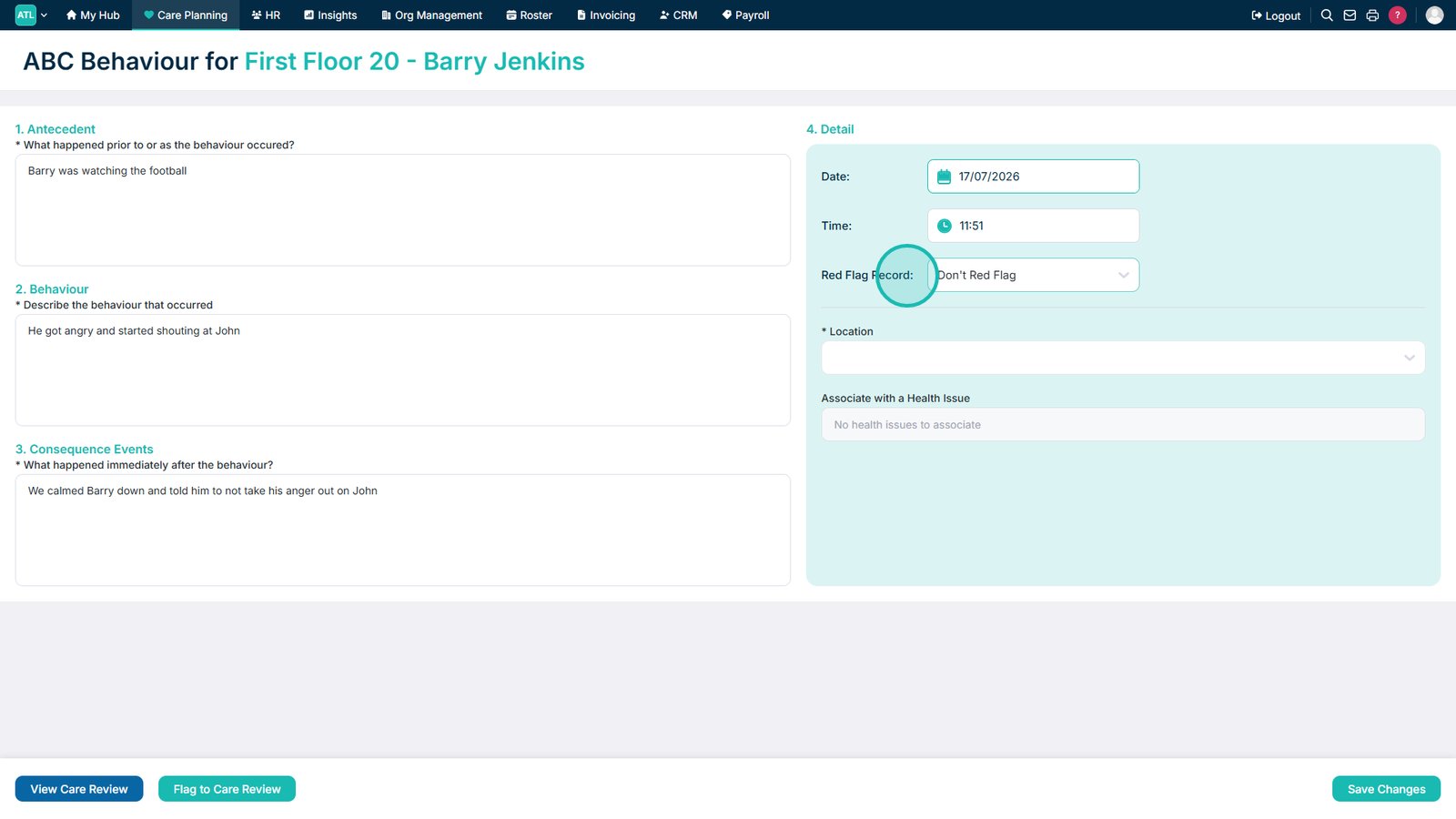
Choose whether to apply a red flag to the record.

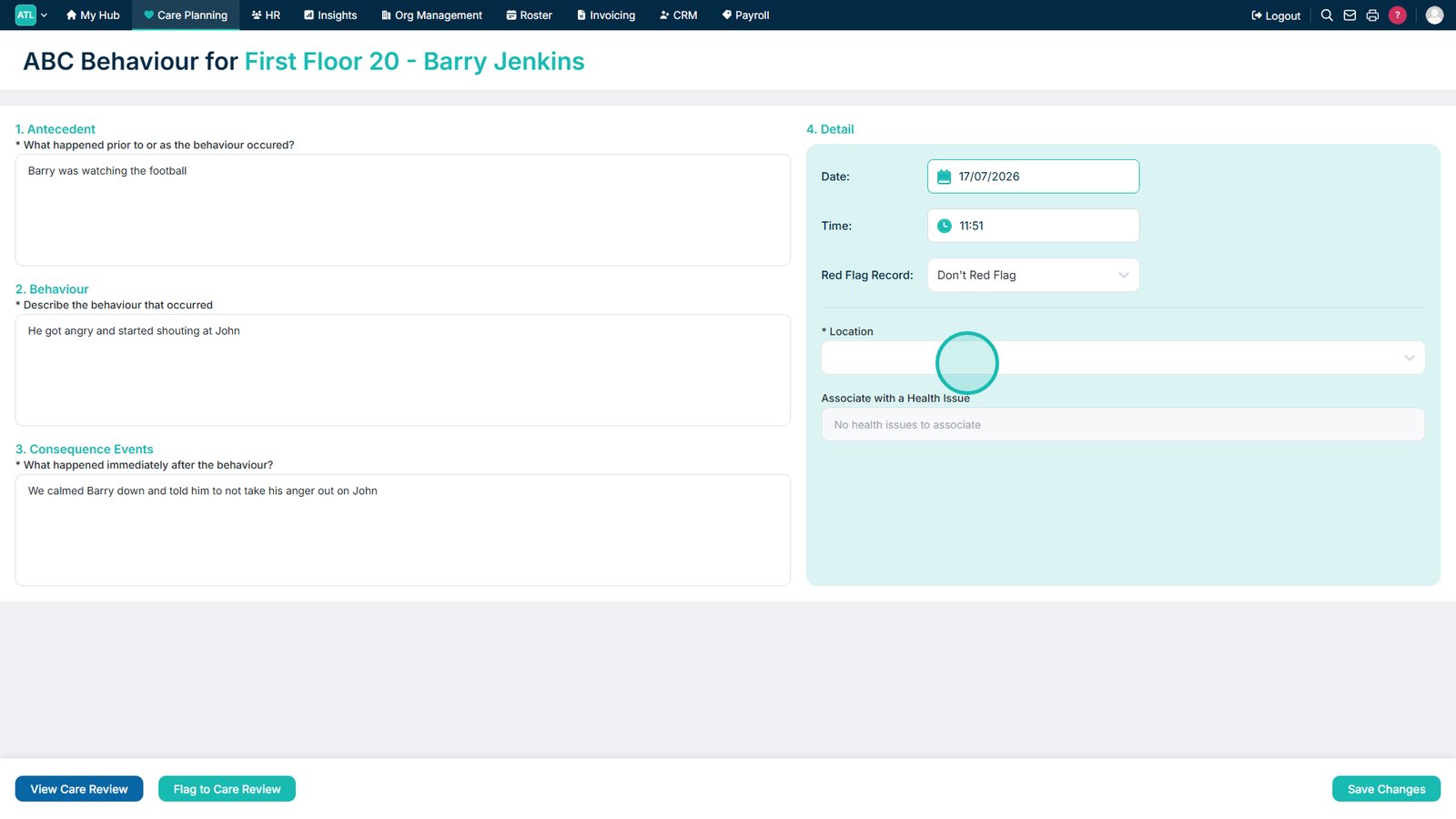
Select the location where the behaviour took place.

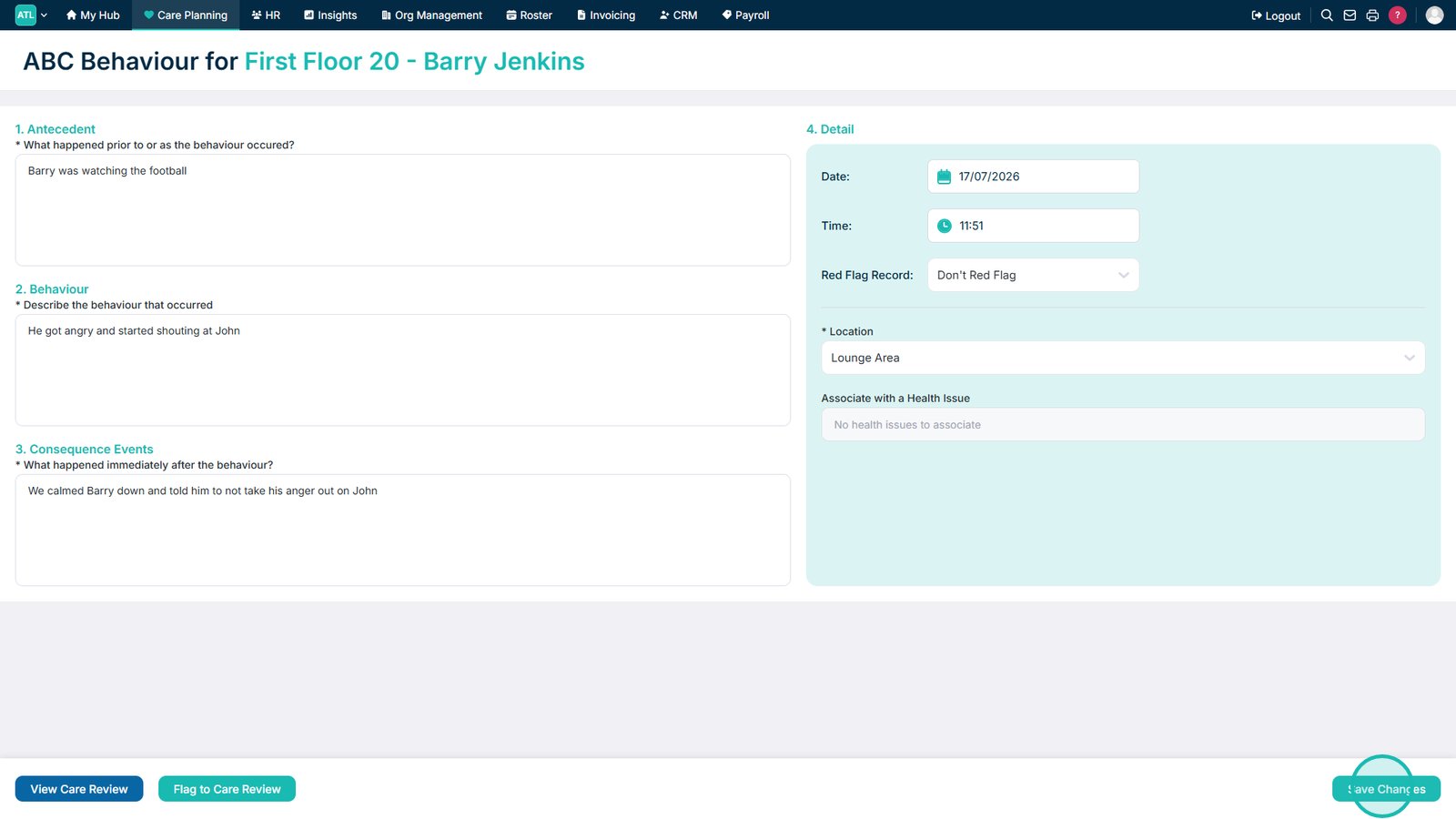
Select Save Changes to save the behaviour record.

Top tip
Complete all three ABC sections with clear, factual information to provide an accurate record of the behaviour and any contributing factors.
Need more help?
Can't find what you're looking for? Our support team is here to help.
Contact SupportOr call us on