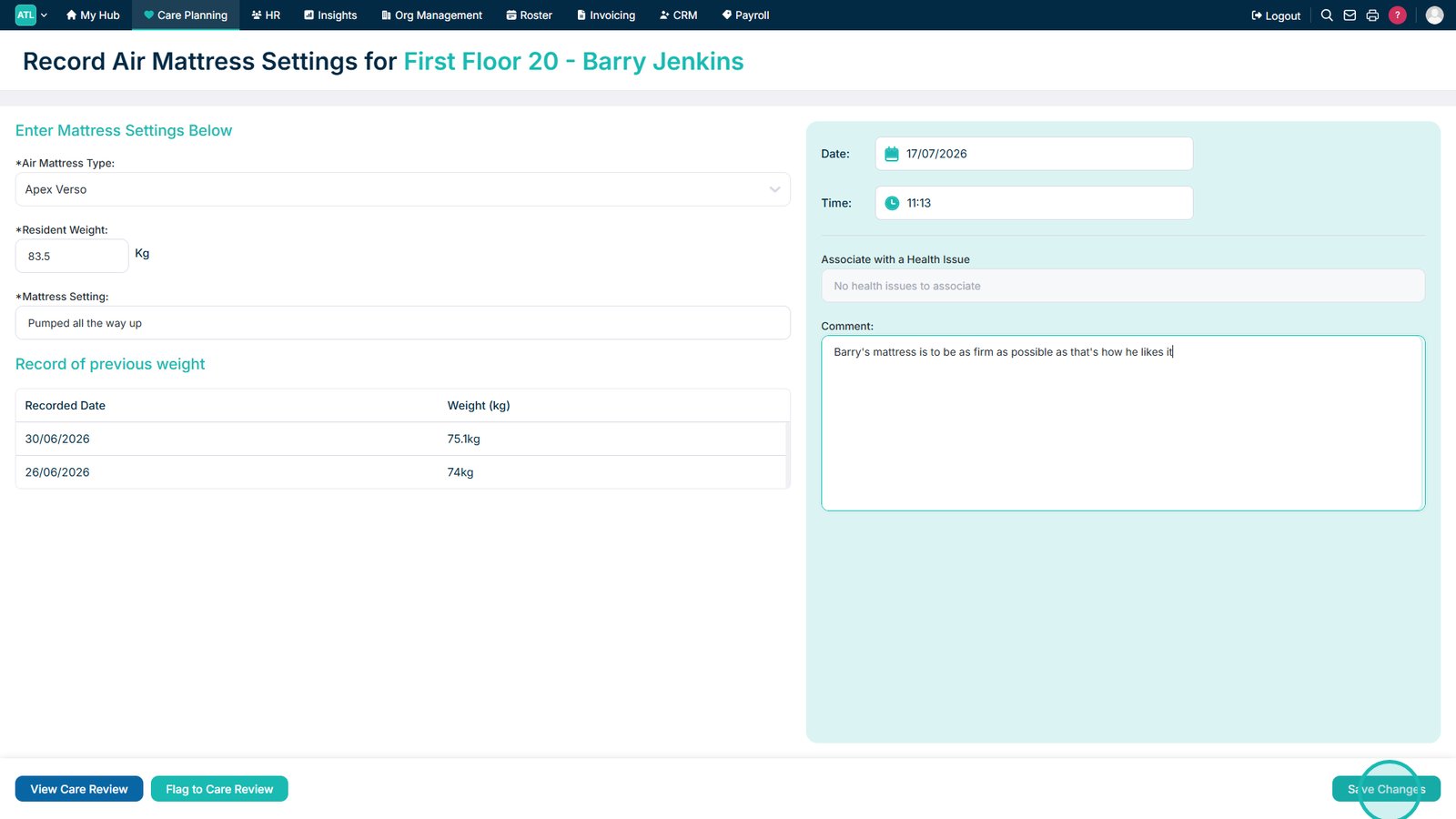
This guide explains how to record air mattress settings for a service user.
Takes 3 minutes
For: Care Staff
Updated: 16th July 2026
Introduction
The Air Mattress Settings module allows you to record the type of air mattress used by a service user, their current weight, and the corresponding mattress settings. You can also review previous weight entries, amend the recording date and time, and add supporting comments.
In this guide you'll learn how to:
Open the Air Mattress Settings recording area
Select a service user
Record the mattress type and settings
Enter the service user’s weight
Save the completed record
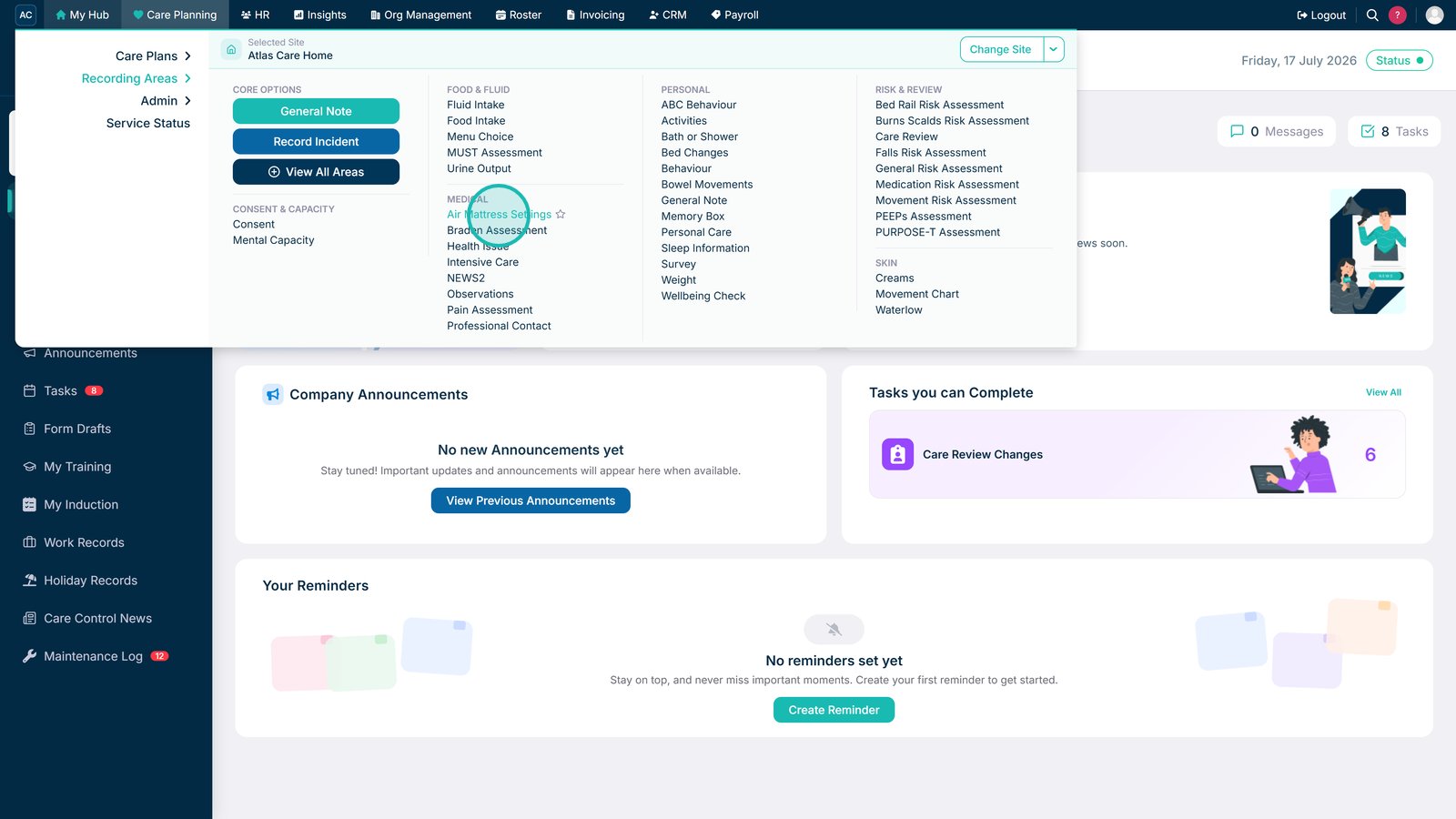
Select Air Mattress Settings under Recording Areas in Care Planning.
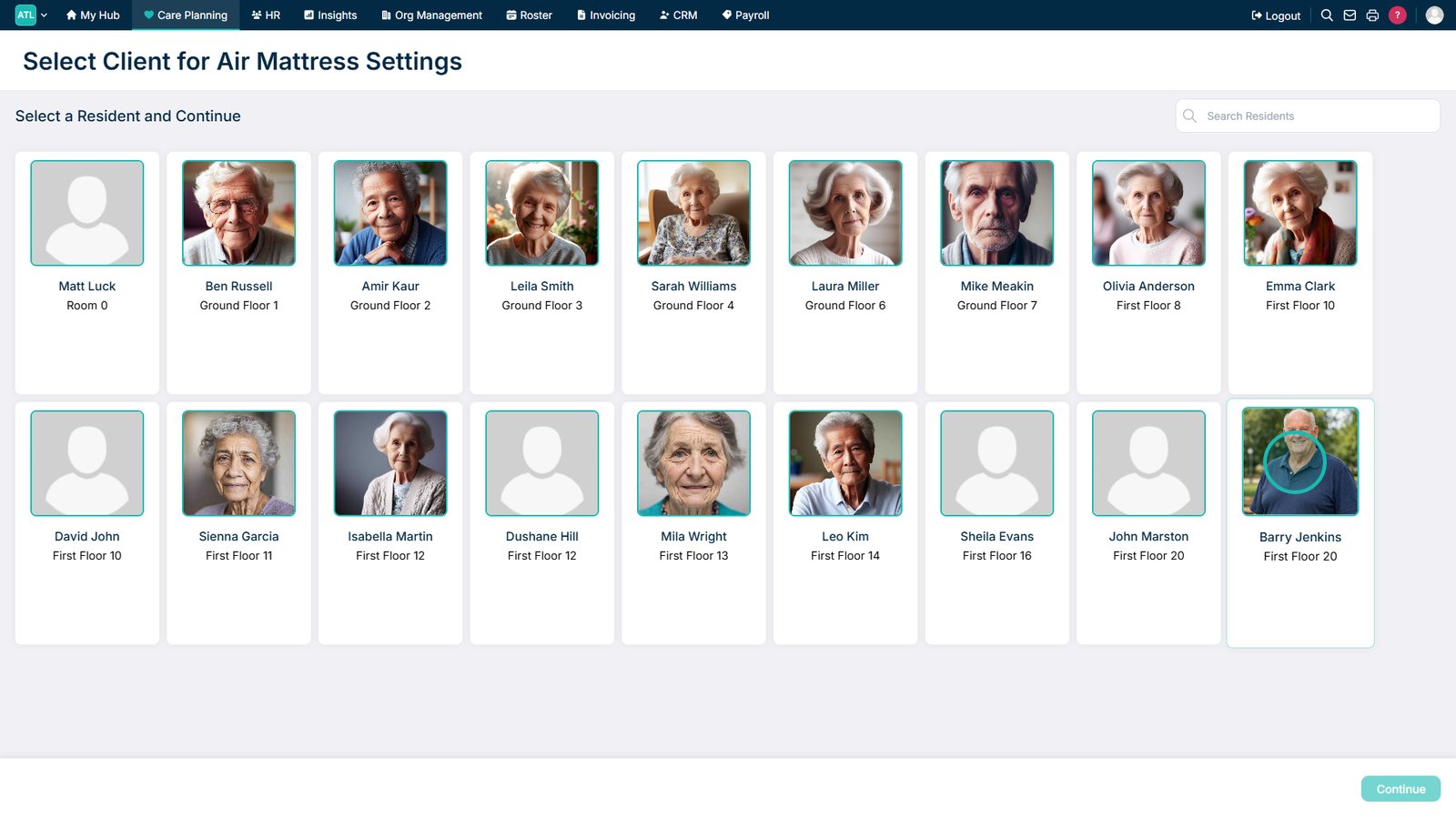
Select a service user.
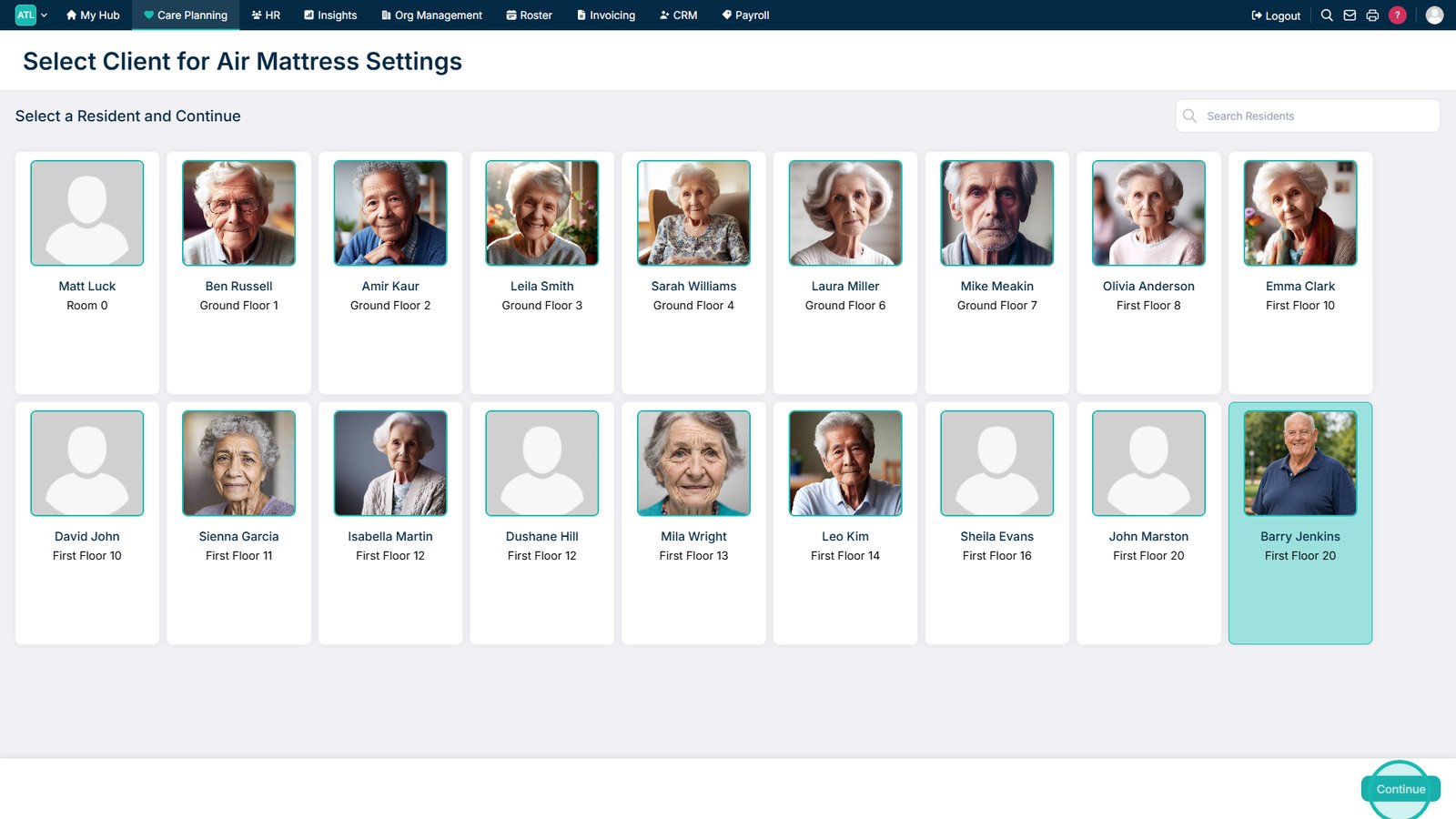
Select Continue to record the service user’s air mattress settings.
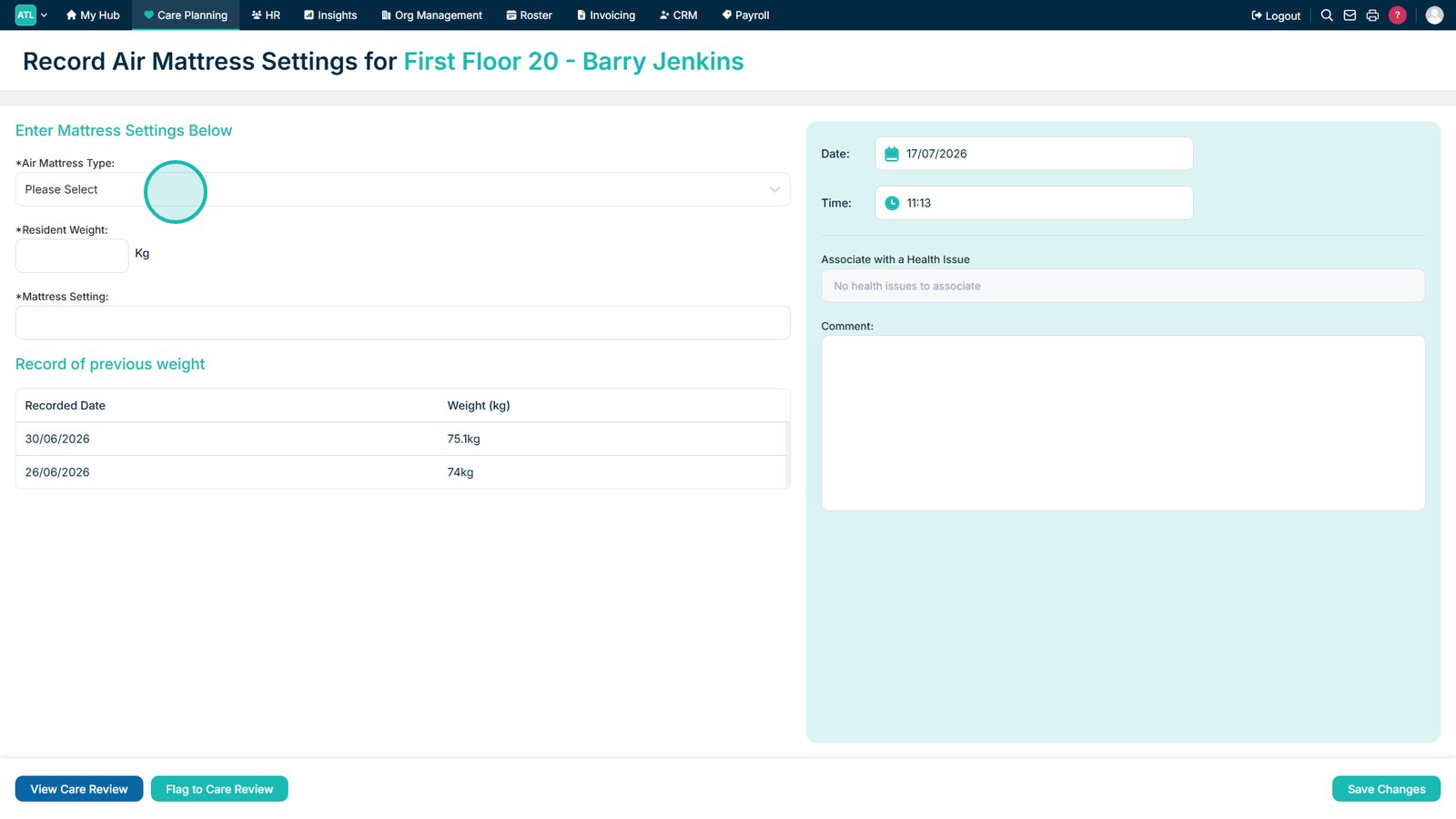
Select the service user’s air mattress from the drop-down list.
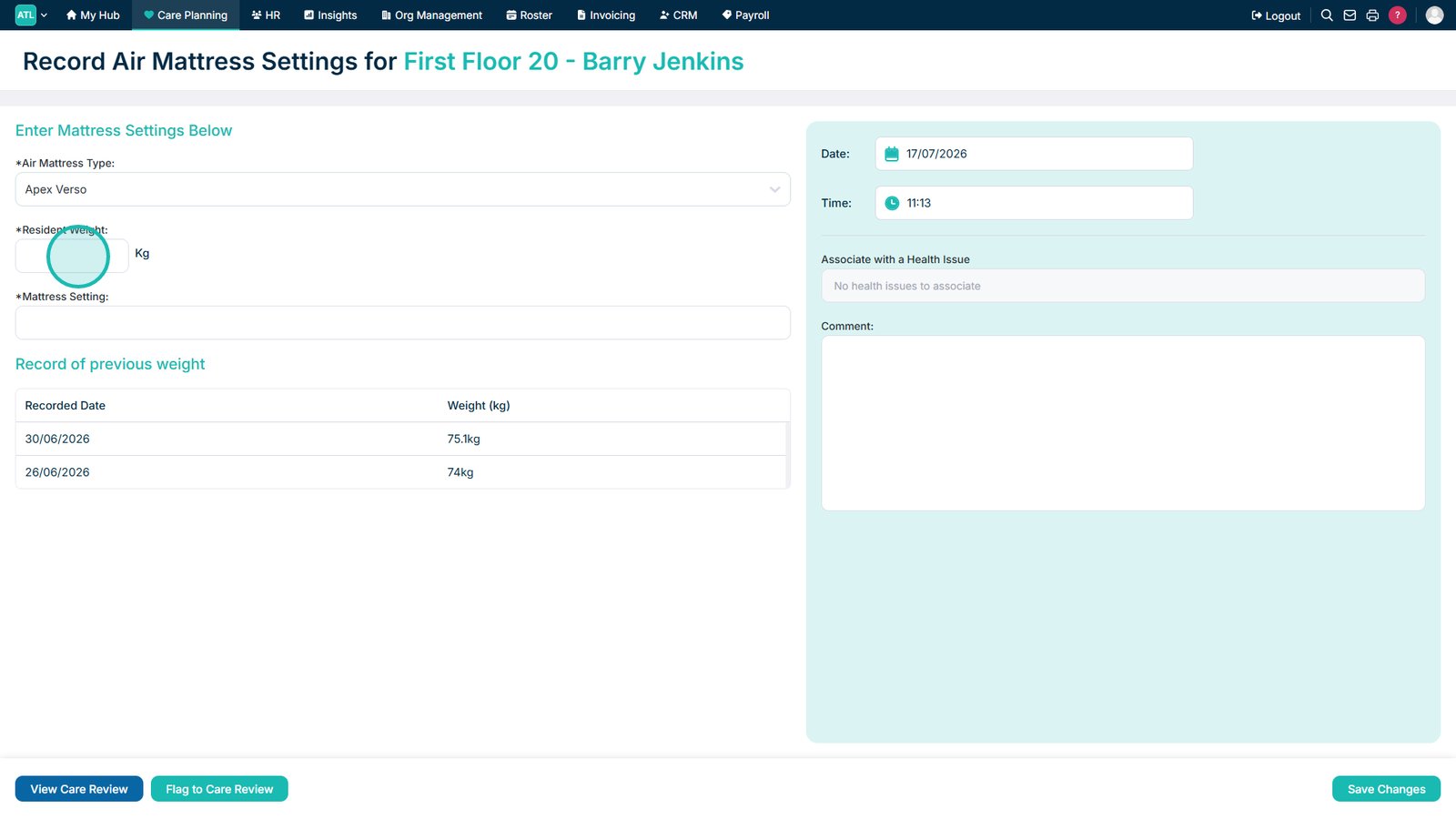
Enter the service user’s weight. Previous entries are displayed for reference.
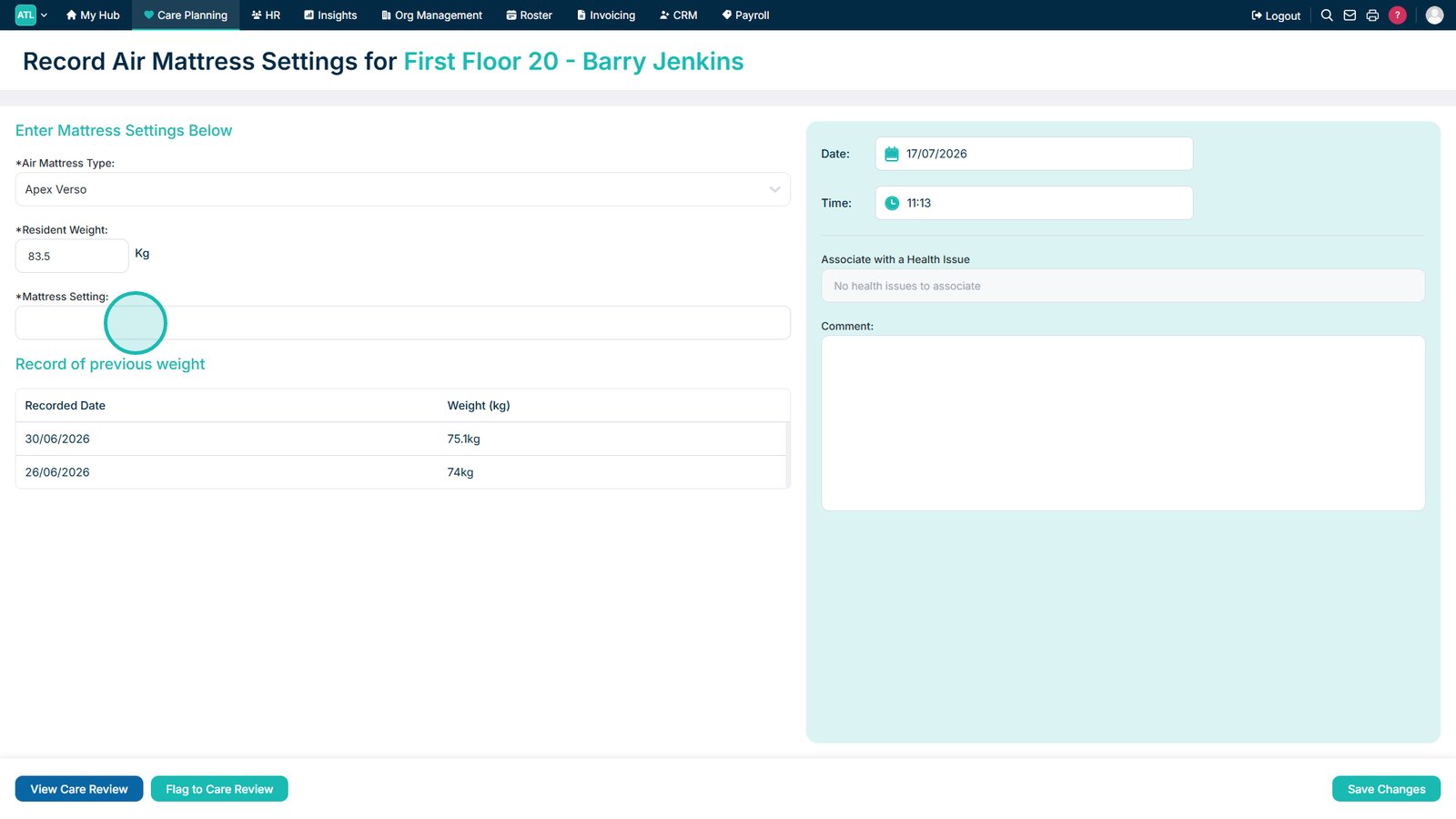
Enter the current mattress settings.
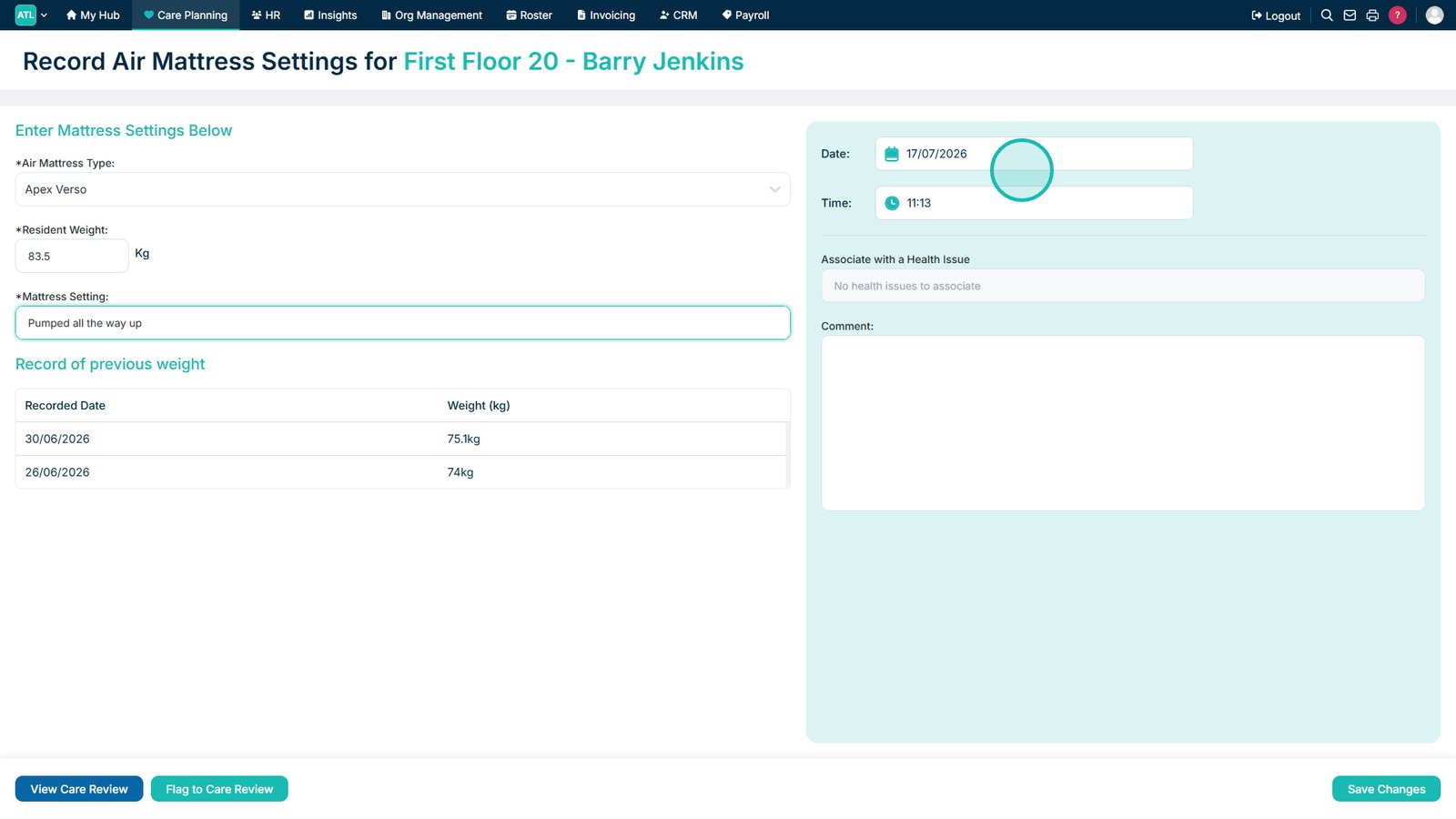
Review the date and time, and amend them if required.
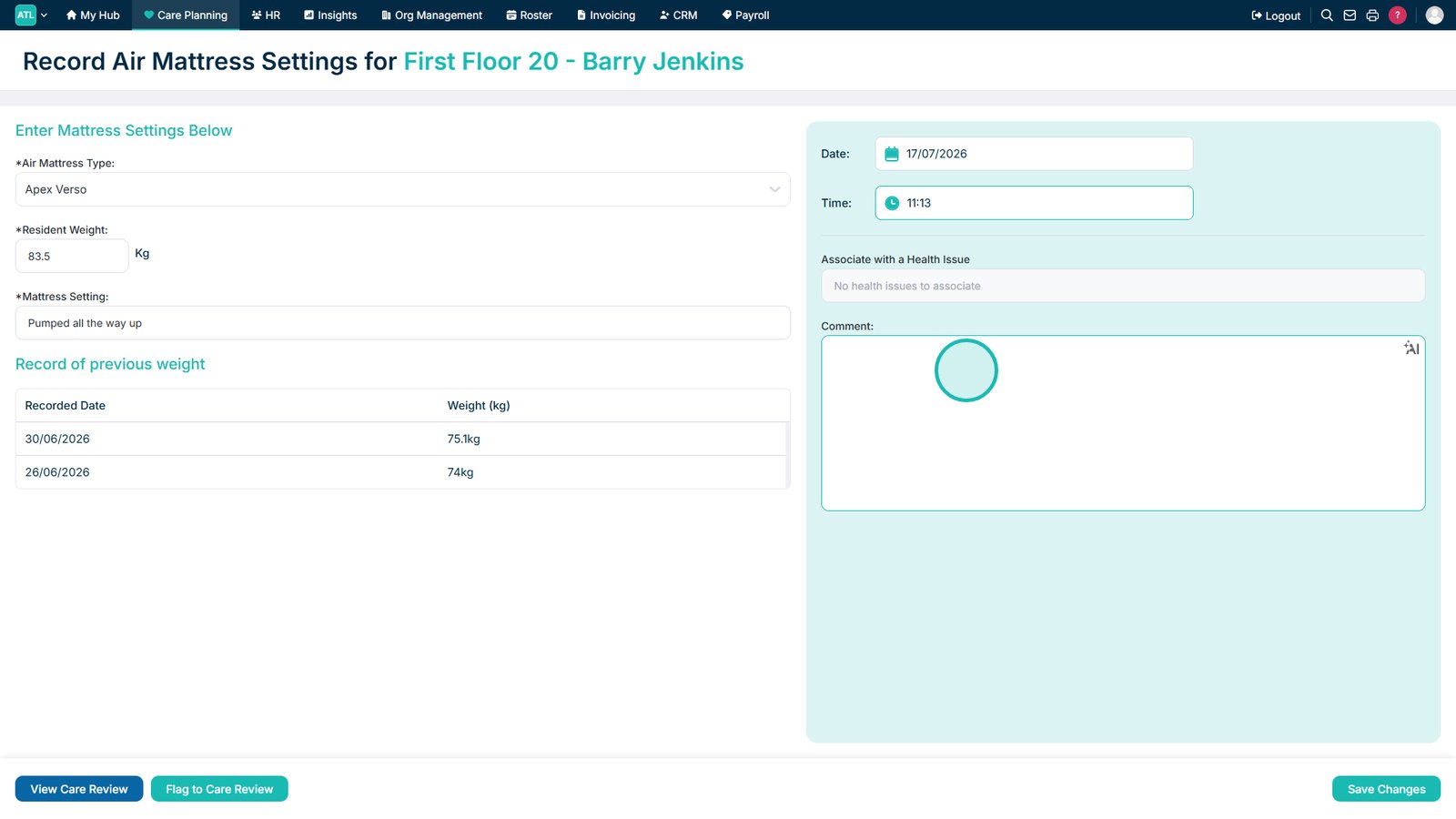
Add a comment if further information is required.
Select Save Changes to save the air mattress settings record.
Top tip
Check that the service user’s weight and mattress settings are accurate before saving, as these details help ensure the mattress is configured appropriately.