This guide explains how to record an Intensive Care monitoring entry
Takes 5 minutes
For: Nurses/Care Staff
Updated: 16th July 2026
Introduction
The Intensive Care module allows you to record intensive care monitoring for a service user. You can select completed care activities, add supporting comments, highlight concerns with a red flag, and save the completed monitoring record.
In this guide you'll learn how to:
Open the Intensive Care module
Select a service user
Record completed care activities
Add comments or a red flag
Save the monitoring record
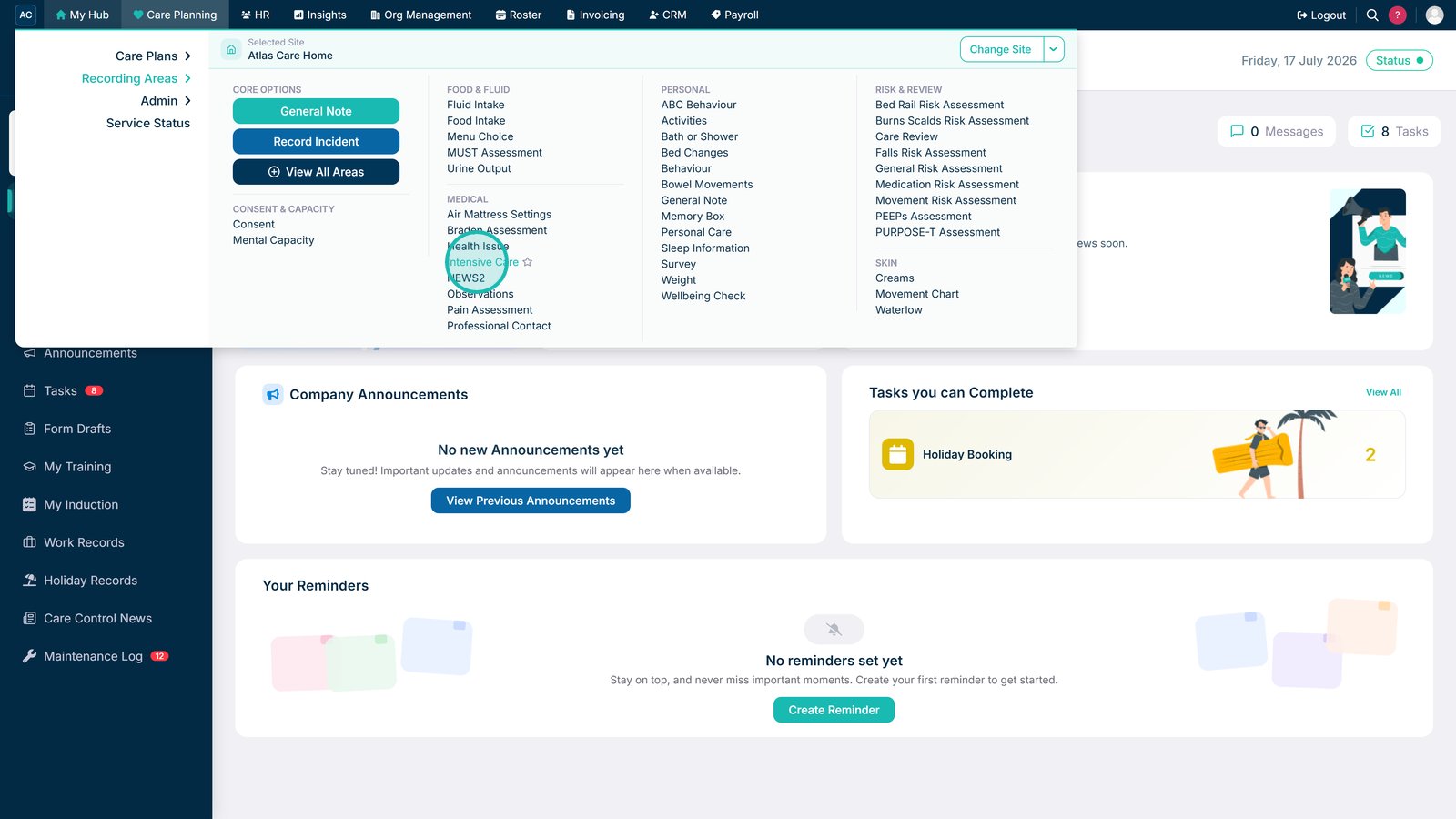
Select Intensive Care under Recording Areas in Care Planning.
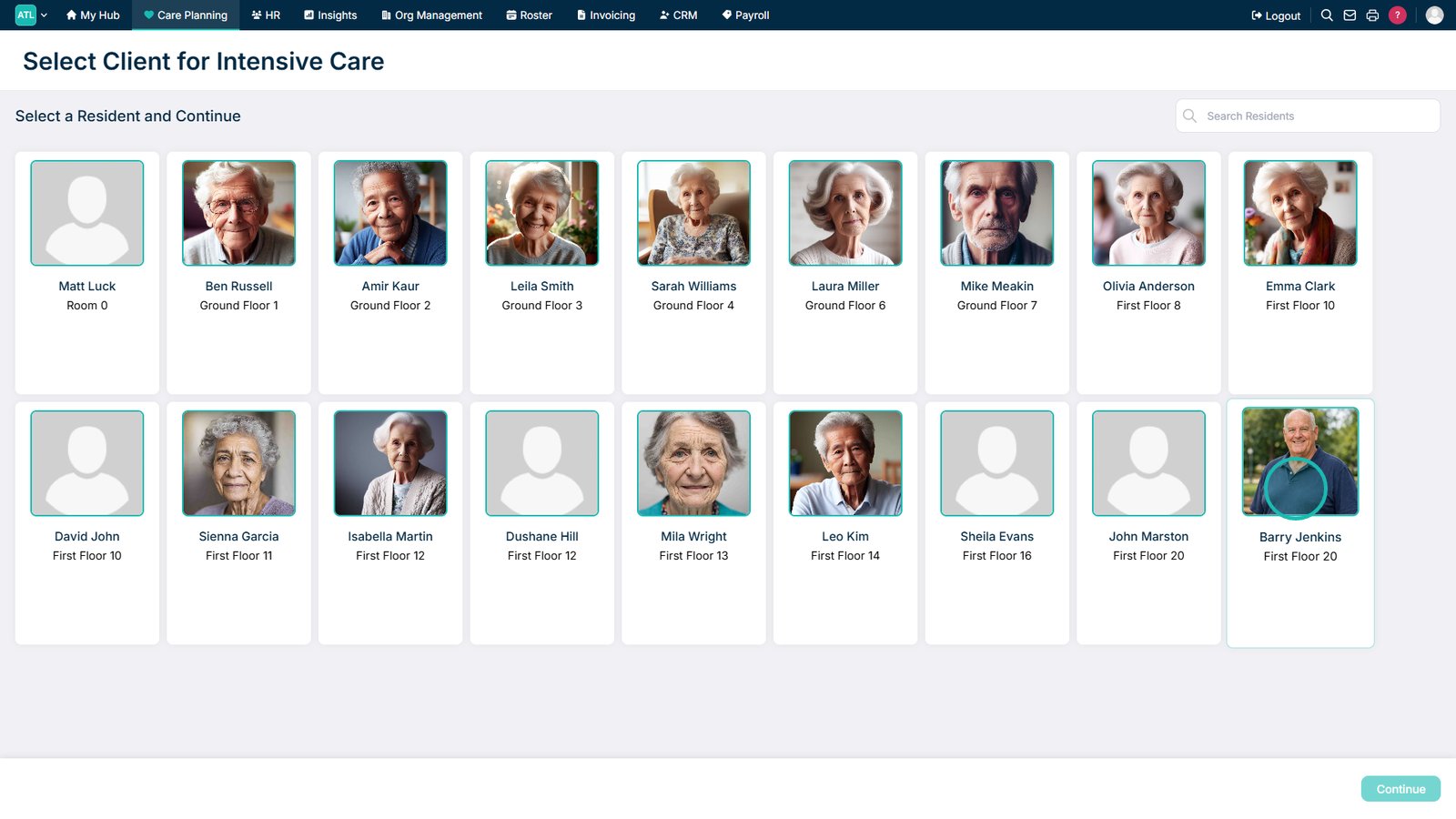
Select a service user.
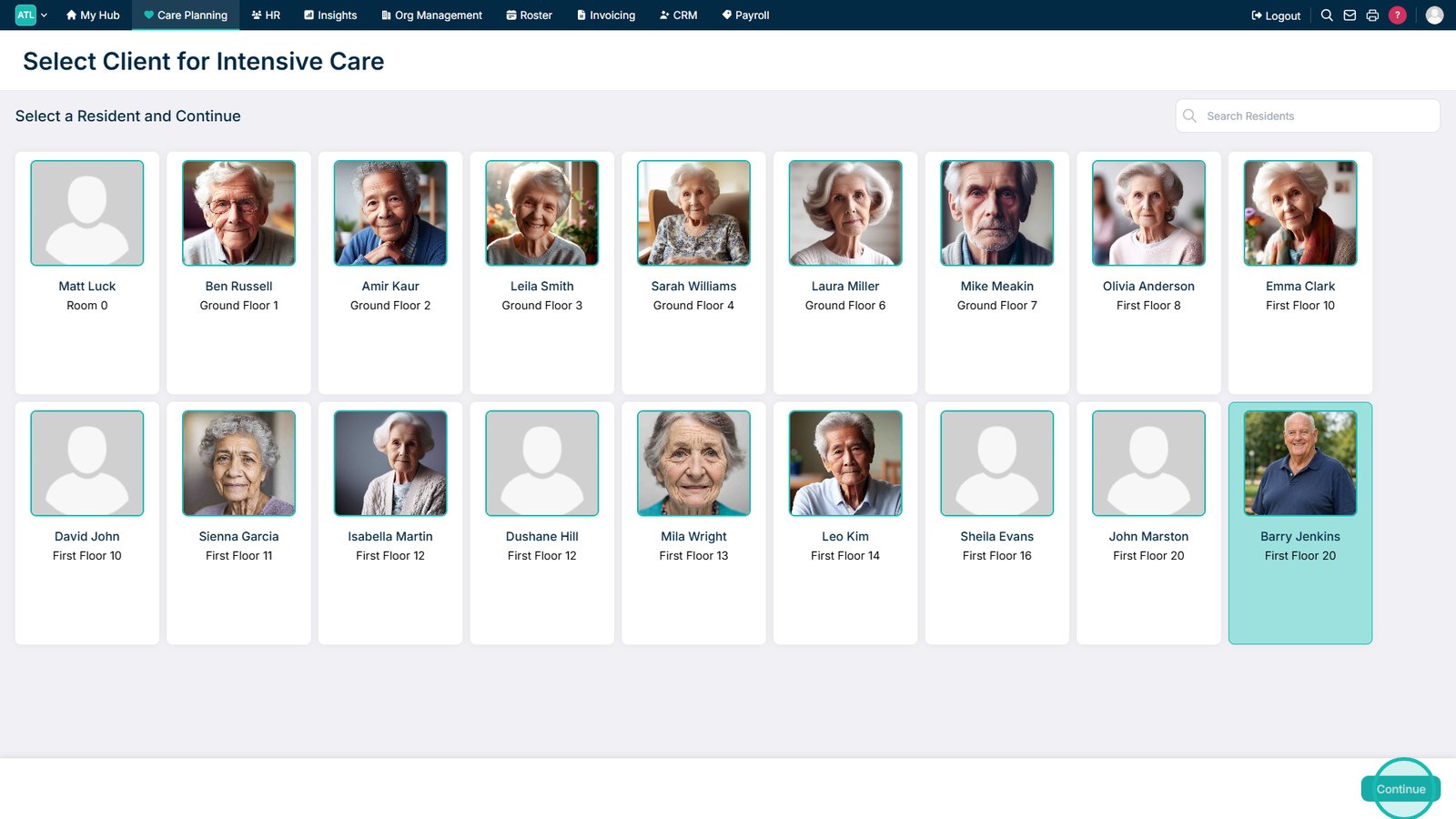
Select Continue to open Intensive Care monitoring for the service user.
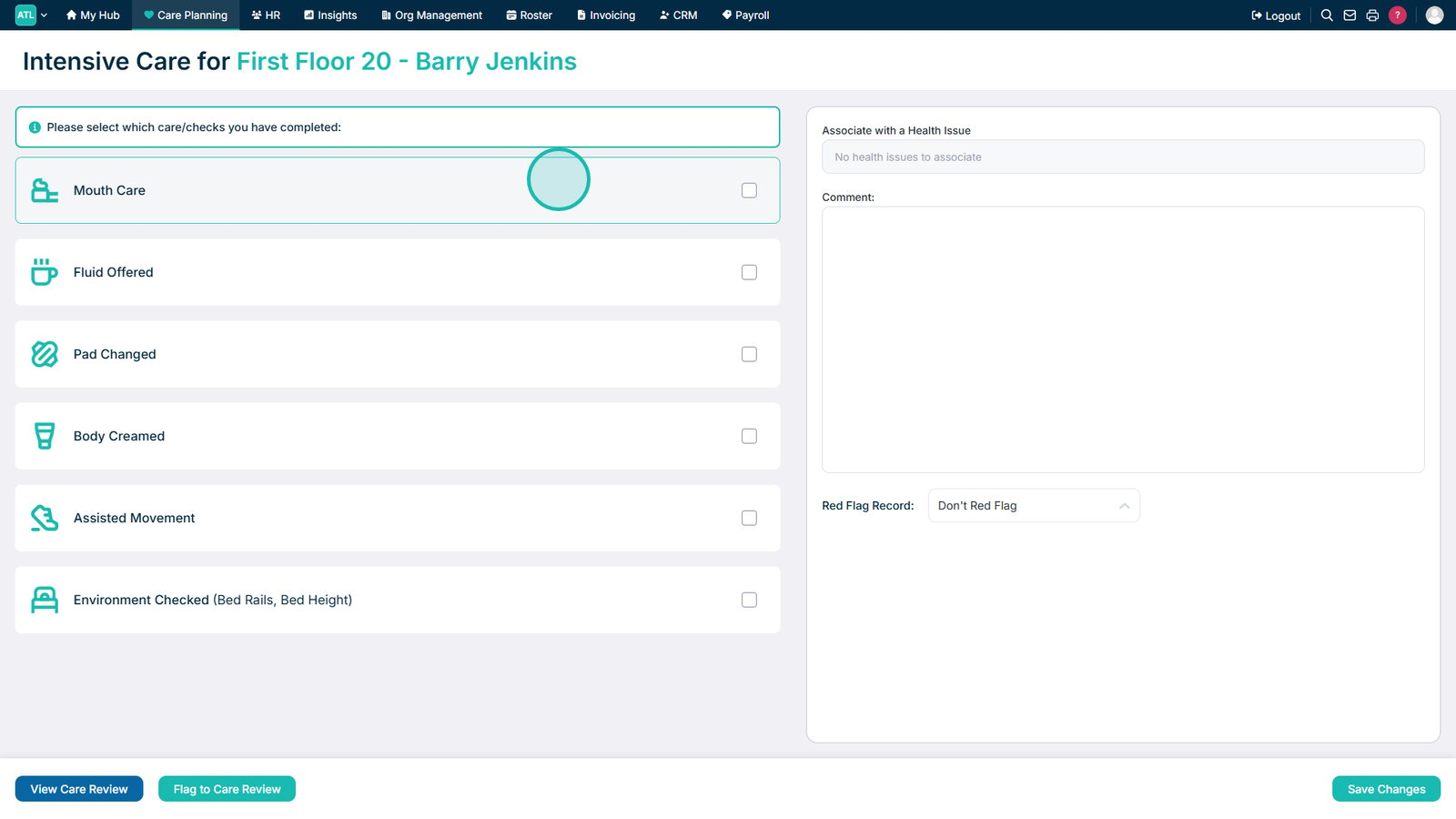
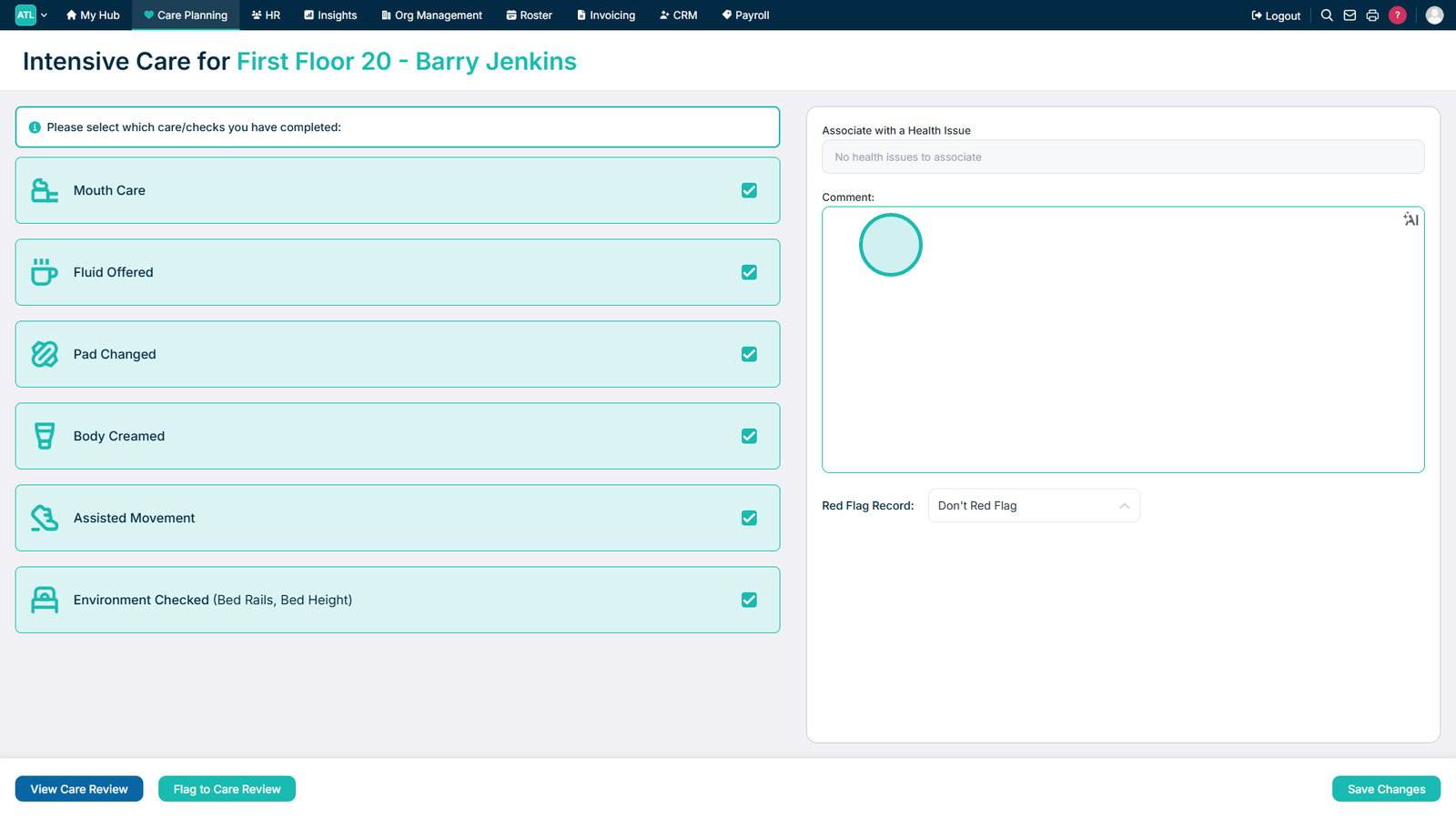
Select the completed care activities from the list.
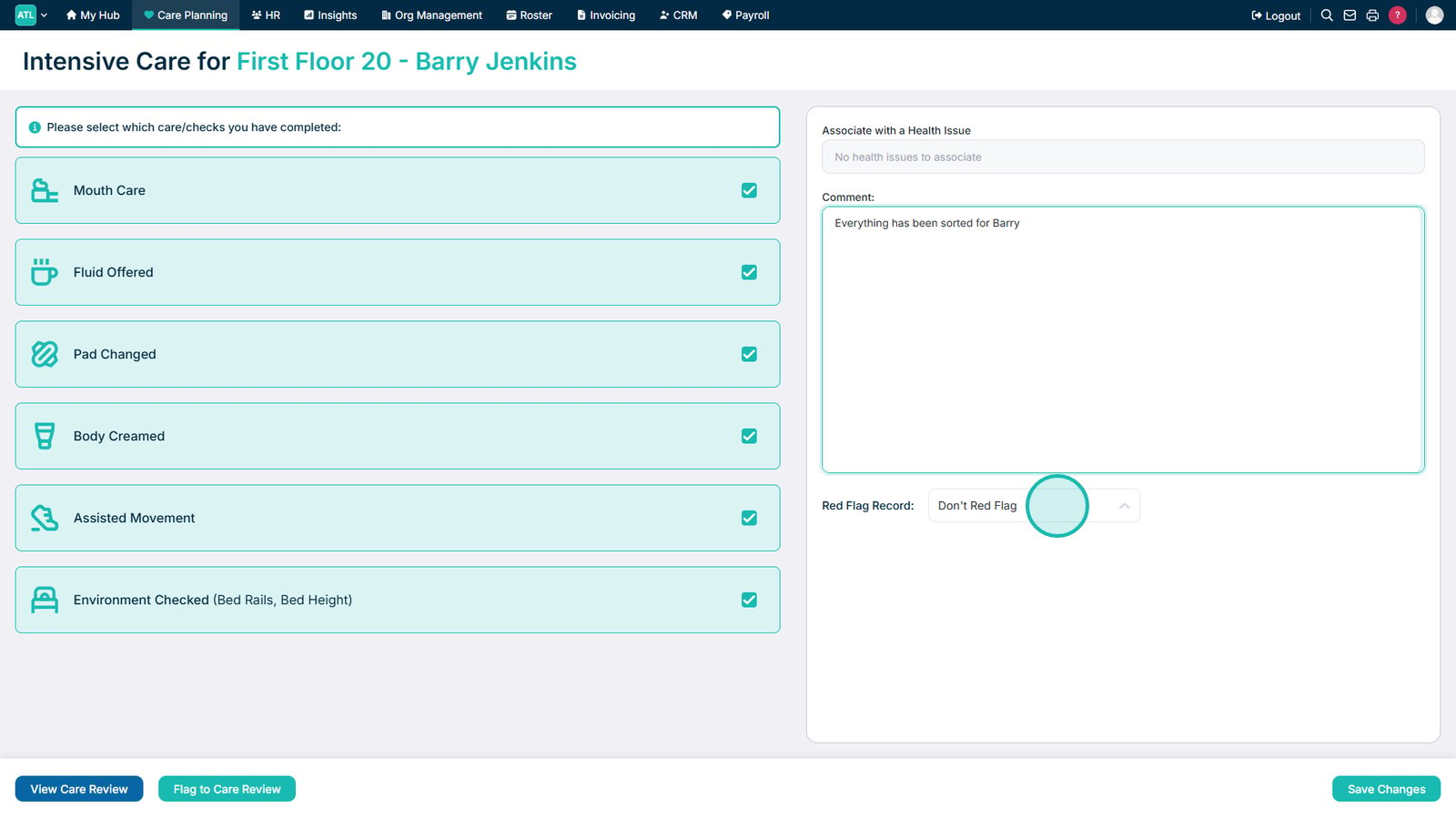
Add a comment if required.
Apply a red flag if the record contains concerns that require attention.
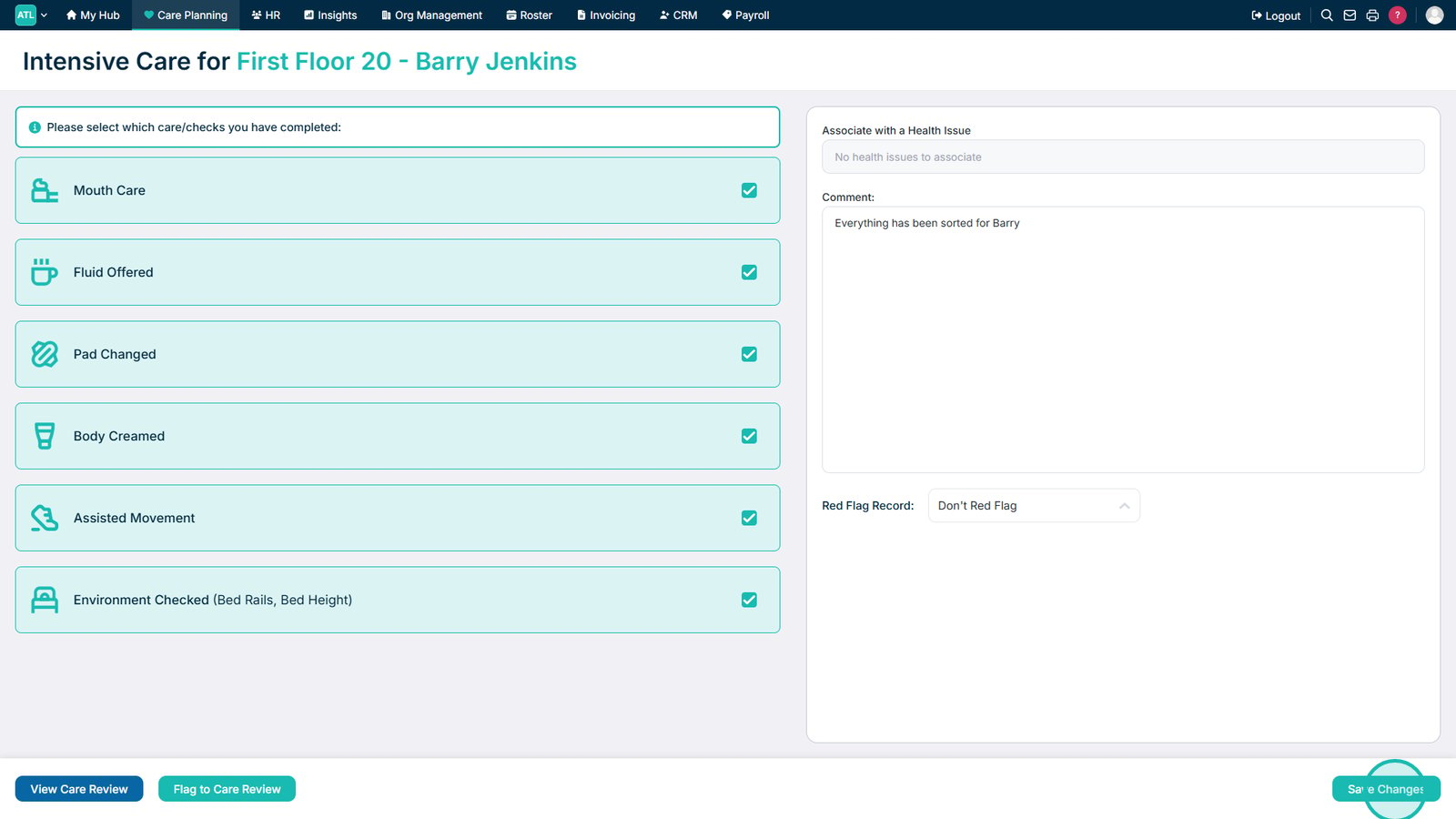
Select Save Changes to save the monitoring record.
Top tip
Add a comment or apply a red flag whenever additional context or follow-up is required to ensure important information is highlighted to other staff.