How to Record Sleep Information
This guide will walk you through recording Sleep Information observations within Care Control Cloud.
Takes 3 minutes
For: Care Staff
Updated: 3rd June 2026
Introduction
Sleep Information records help care teams monitor sleep patterns, identify changes in sleeping habits, and evidence overnight care and observations. Maintaining accurate sleep records supports resident wellbeing, care planning, and the identification of potential health concerns.
In this guide you'll learn how to:
- Select a resident
- Record sleep observations
- Choose sleep statuses
- Document actions taken
- Save sleep records
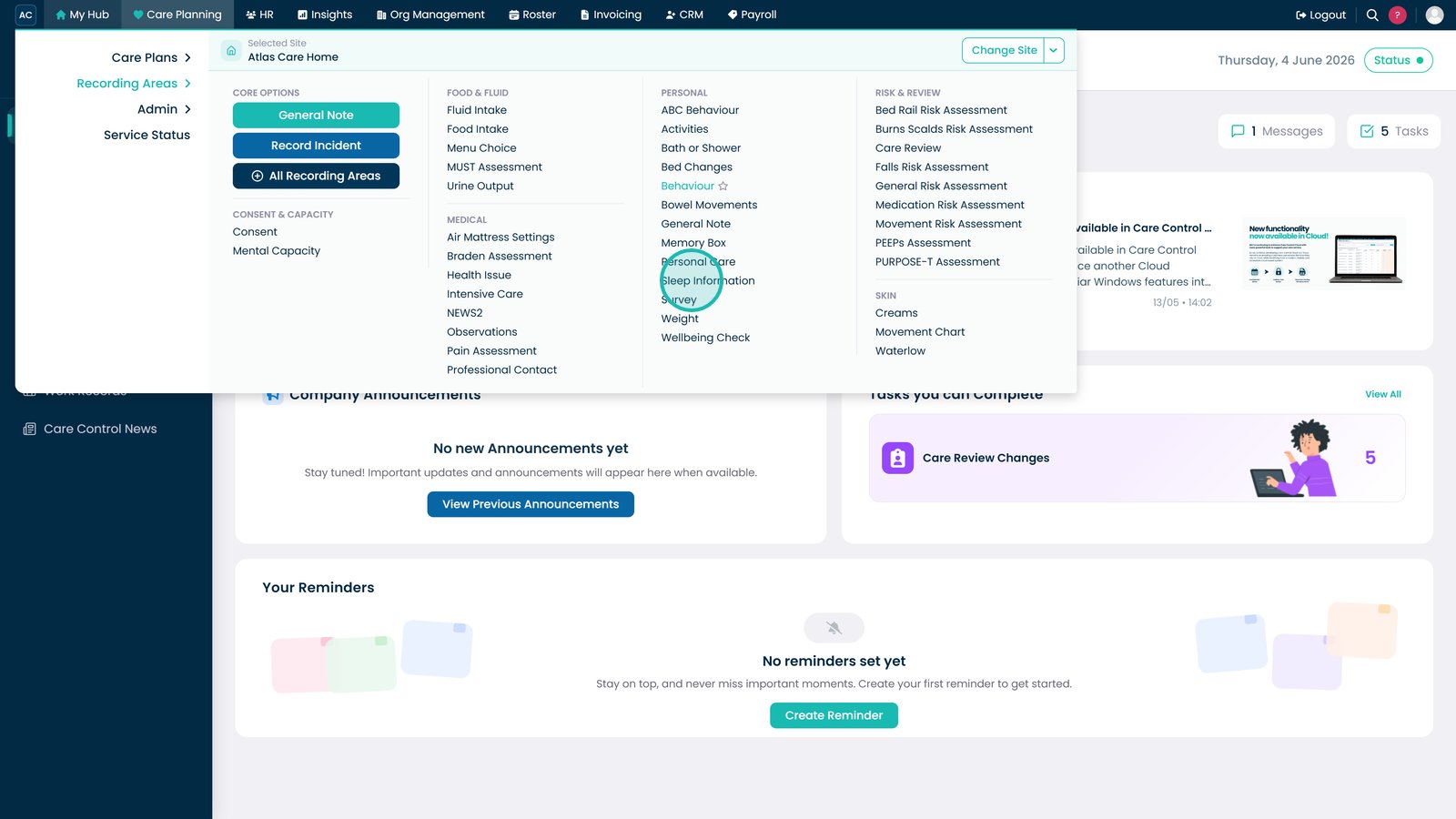
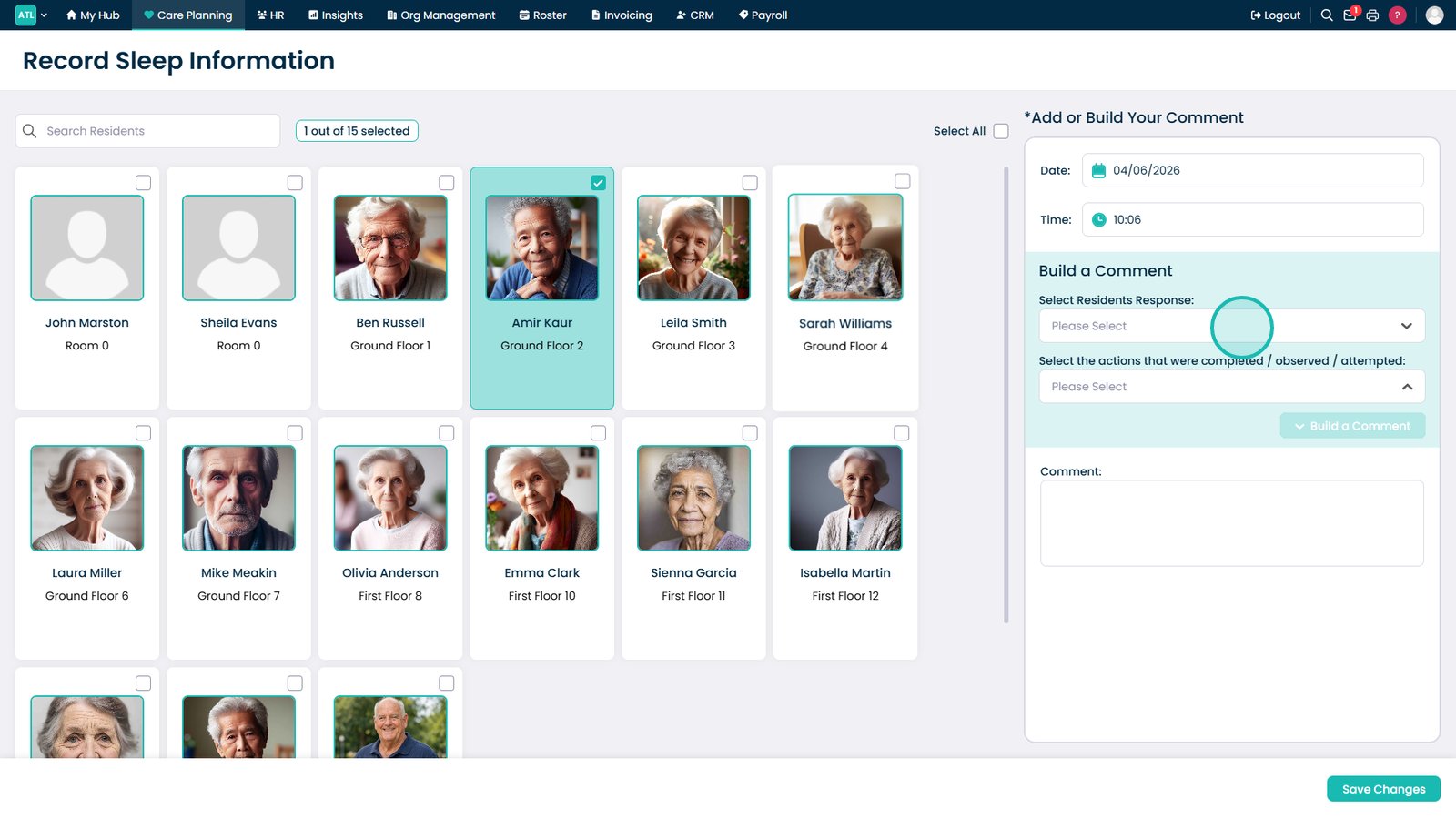
Open Sleep Information.

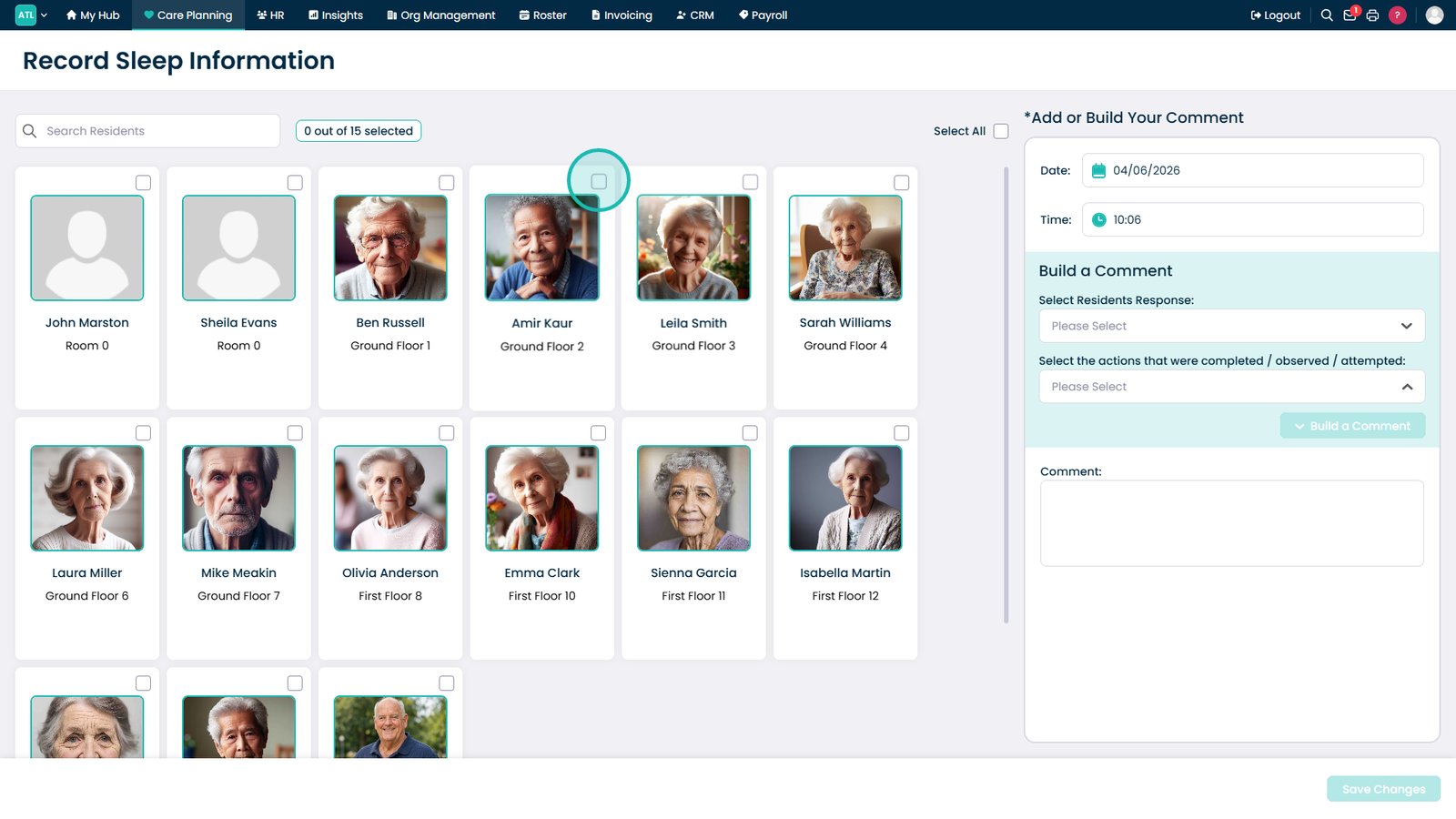
Select the resident.

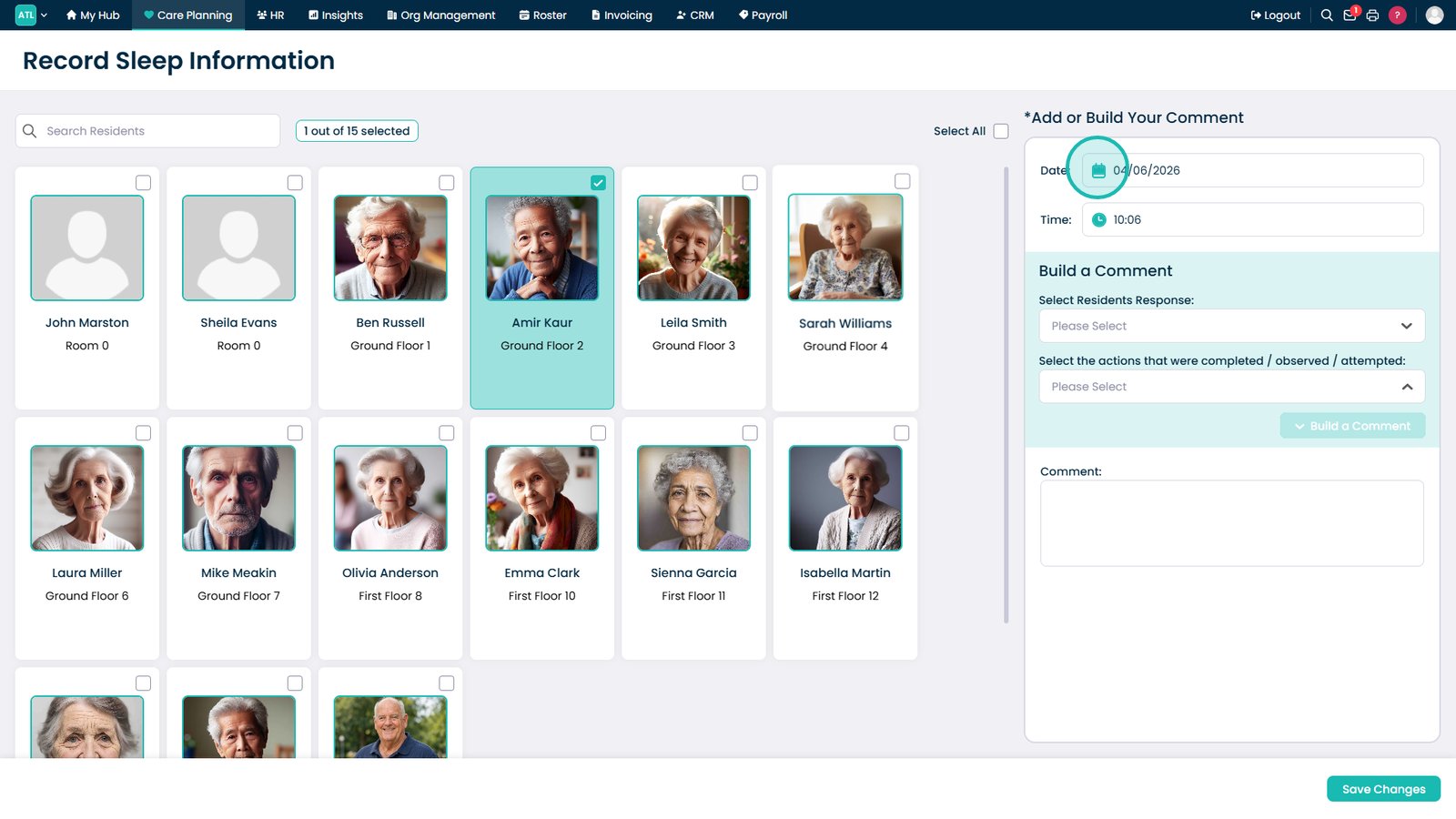
Set the observation date.

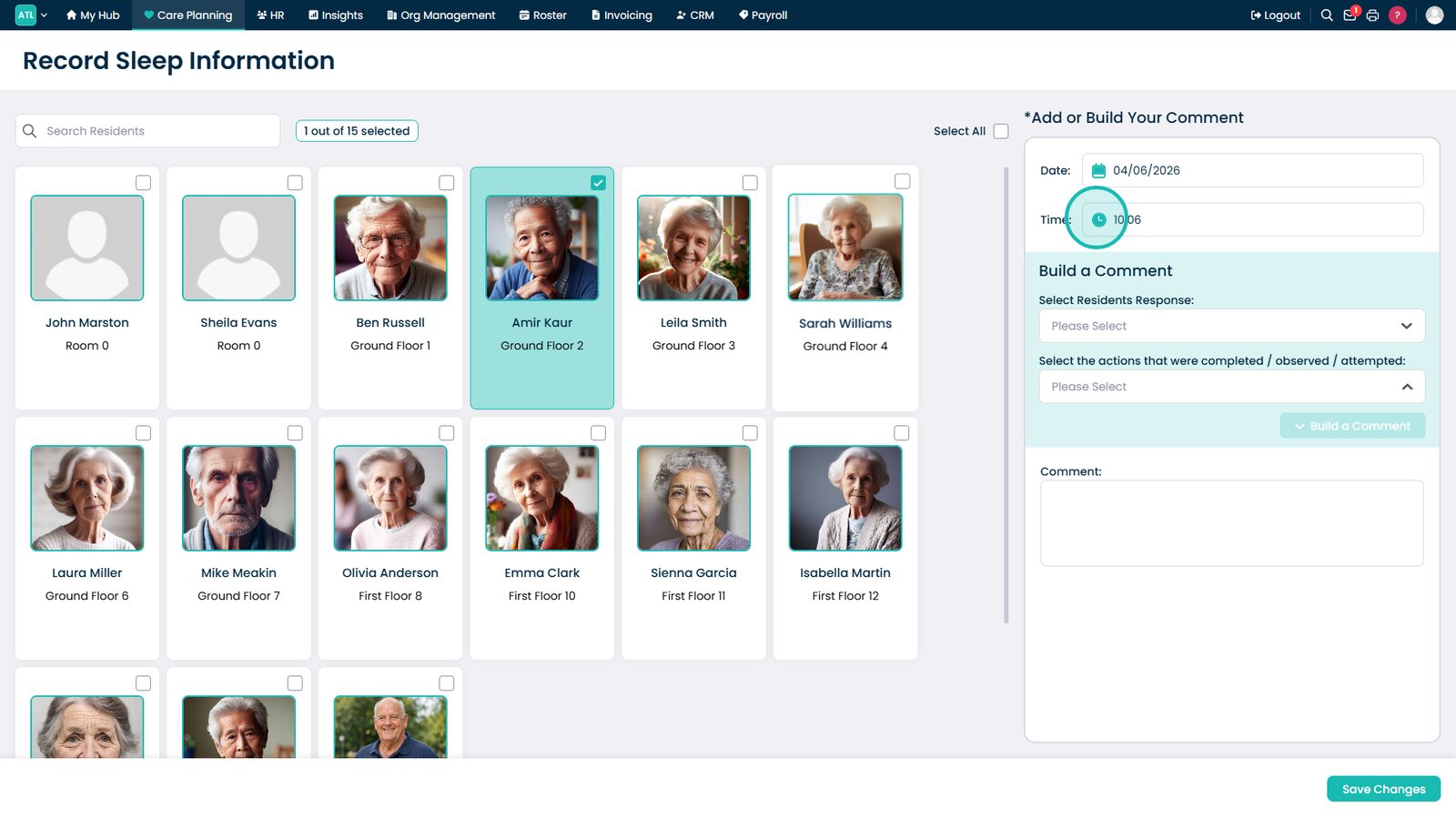
Set the observation time.

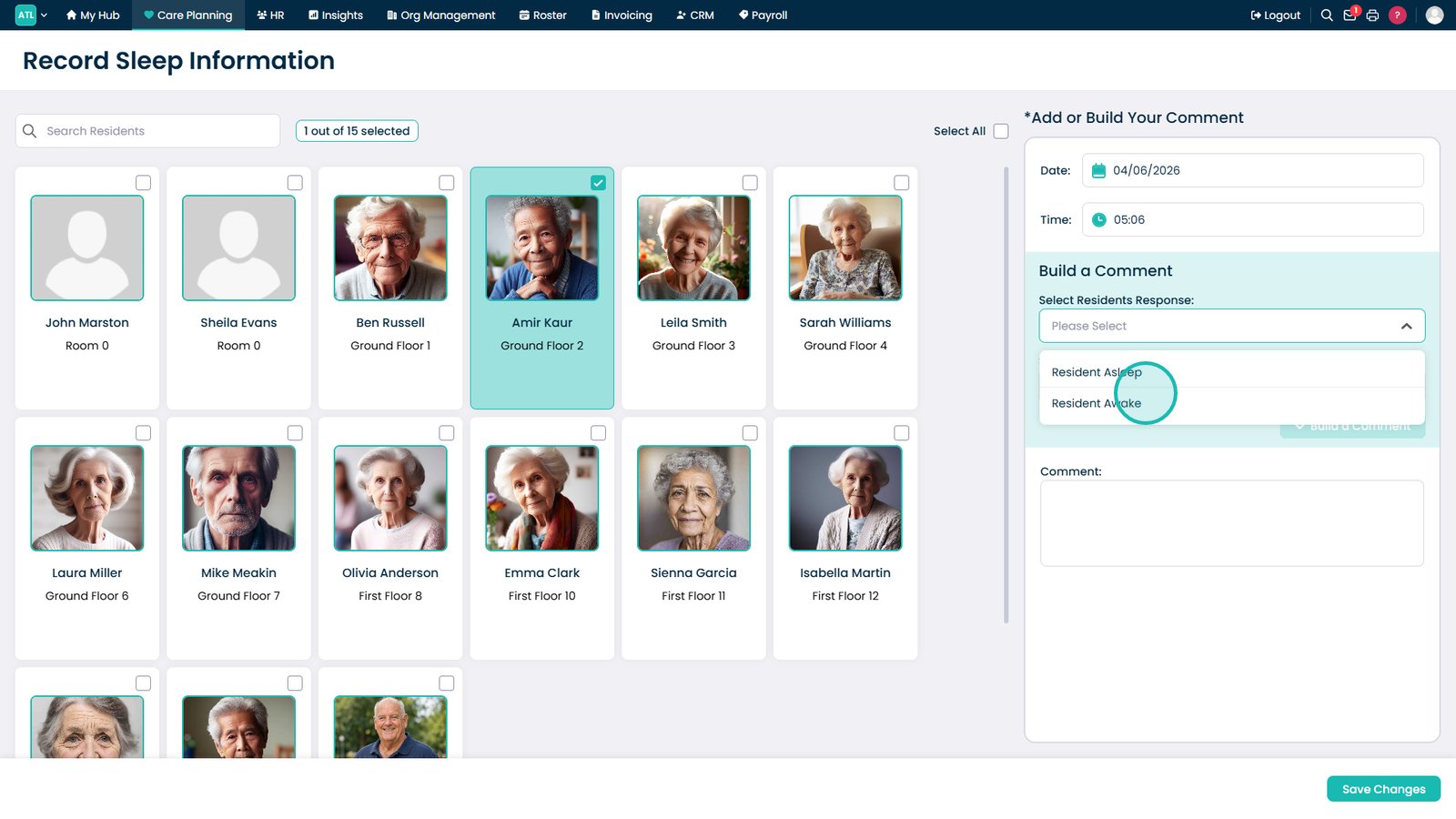
Open the sleep status list.

Select a sleep status.

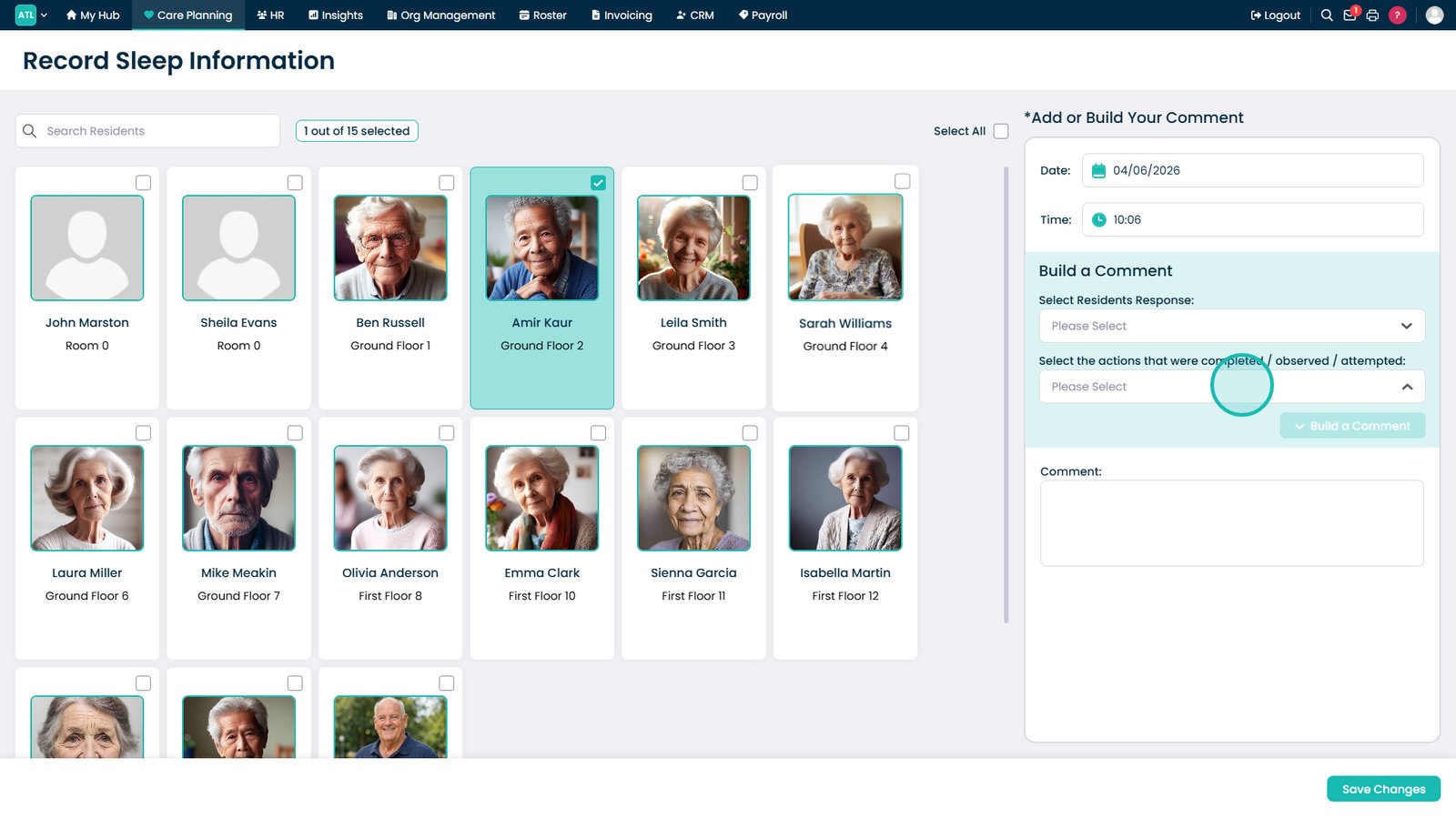
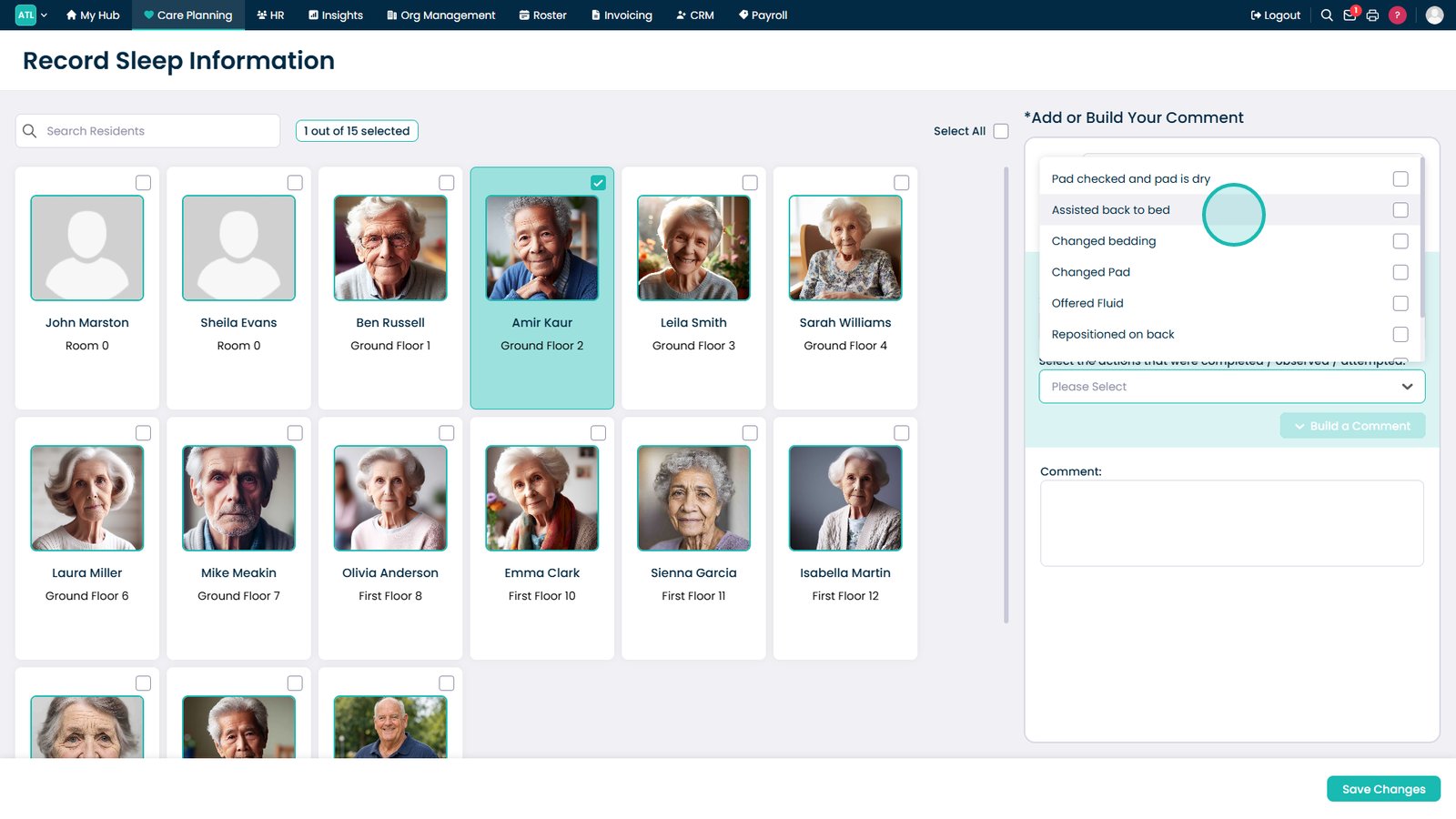
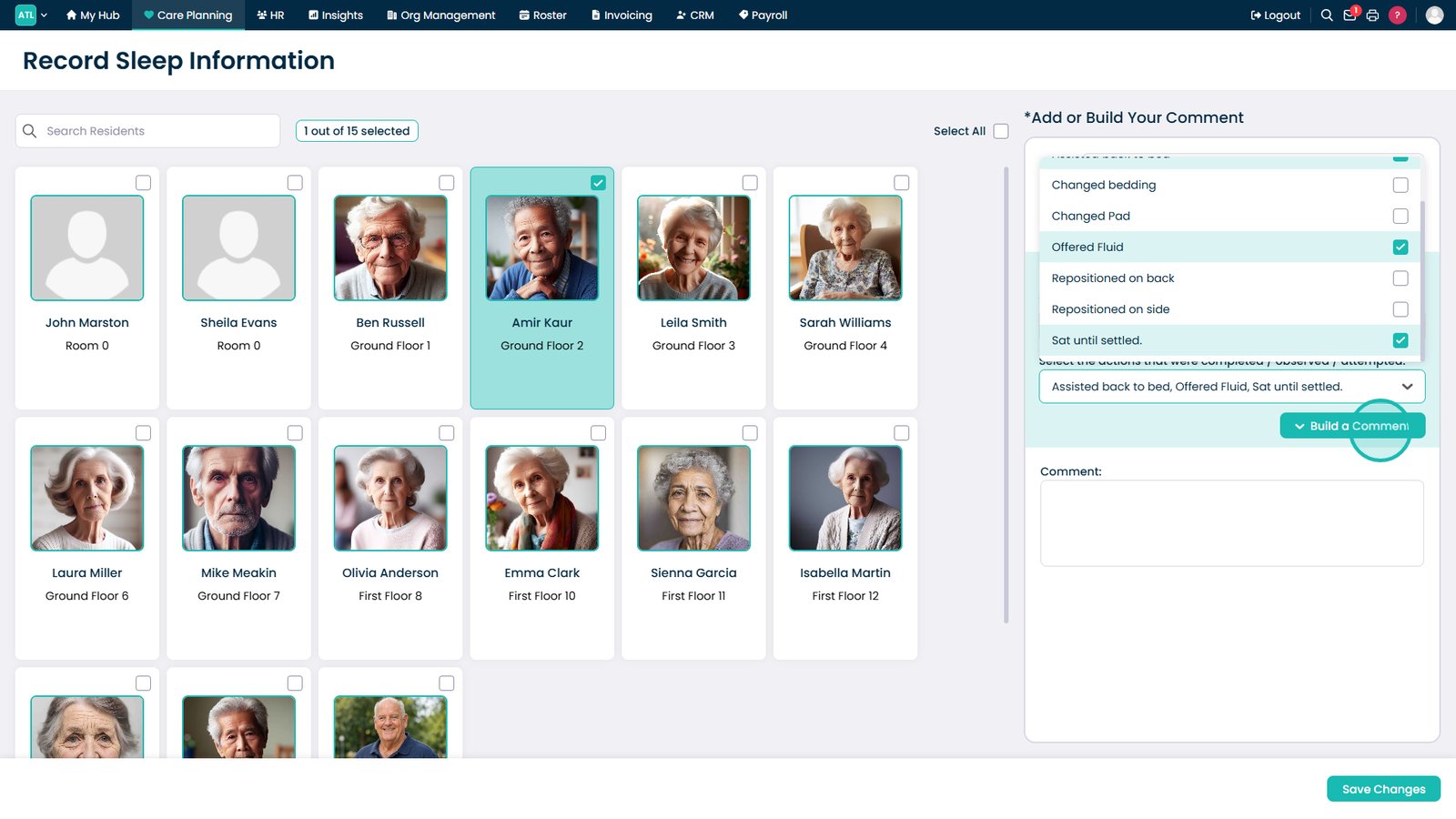
Open the actions list.

Select any actions taken.

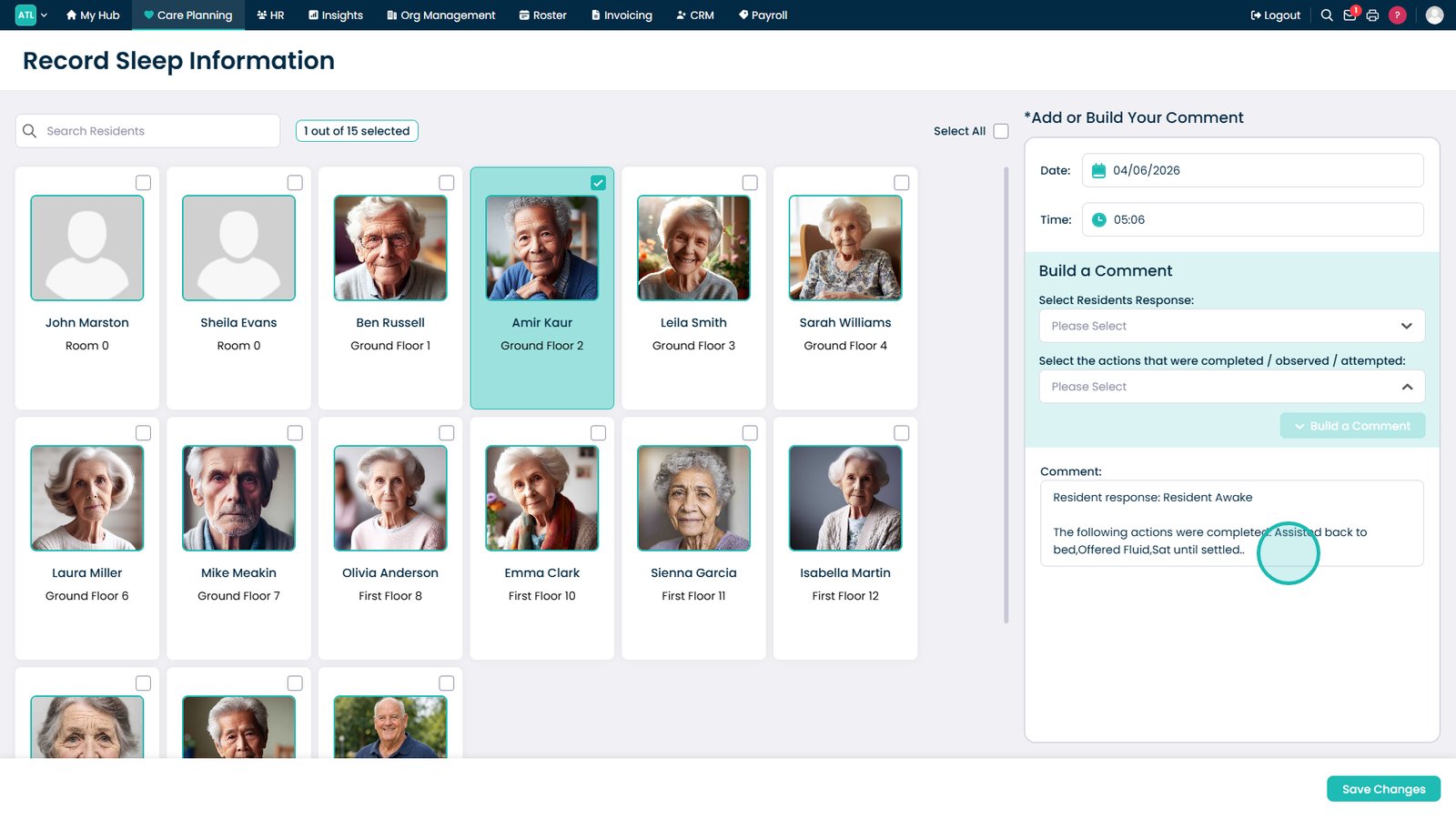
Select Build a Comment.

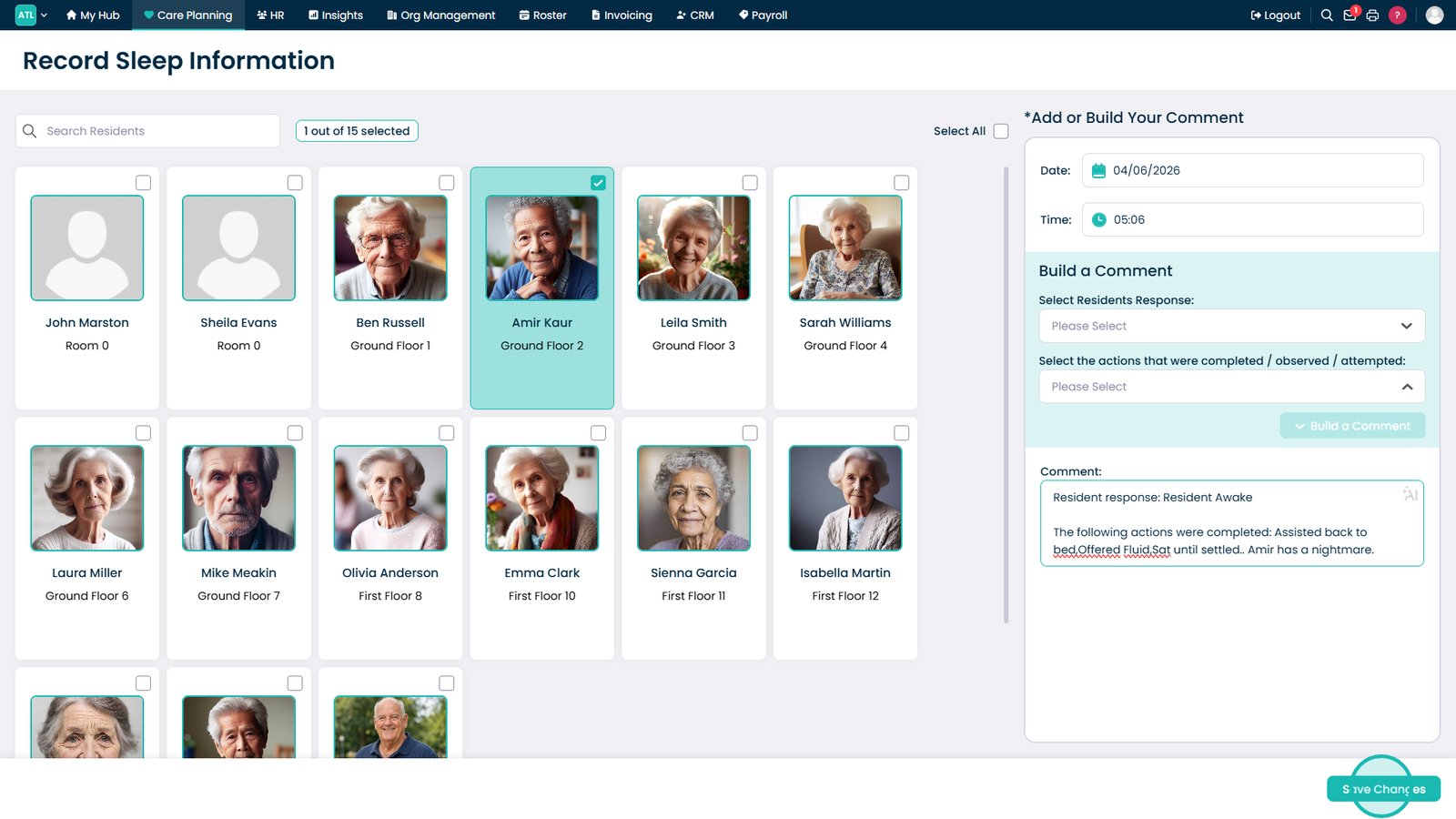
Add additional details if required.

Select Save Changes.

Top tip
Use the comment builder to quickly create consistent sleep records, then add extra details where needed to provide additional context for the observation.
Need more help?
Can't find what you're looking for? Our support team is here to help.
Contact SupportOr call us on