This new feature allows you to record the specific agency staff currently working, rather than using a generic agency name.
It’s especially useful for accurately tracking who is on-site, improving transparency and accountability. By logging the names of individual agency workers, you can maintain clearer records, streamline communication, and ensure compliance with staffing requirements. This also helps with reporting, audits, and future planning, as you’ll have a precise history of which agency staff were present at any given time.
Interactive Guide
Text based guide
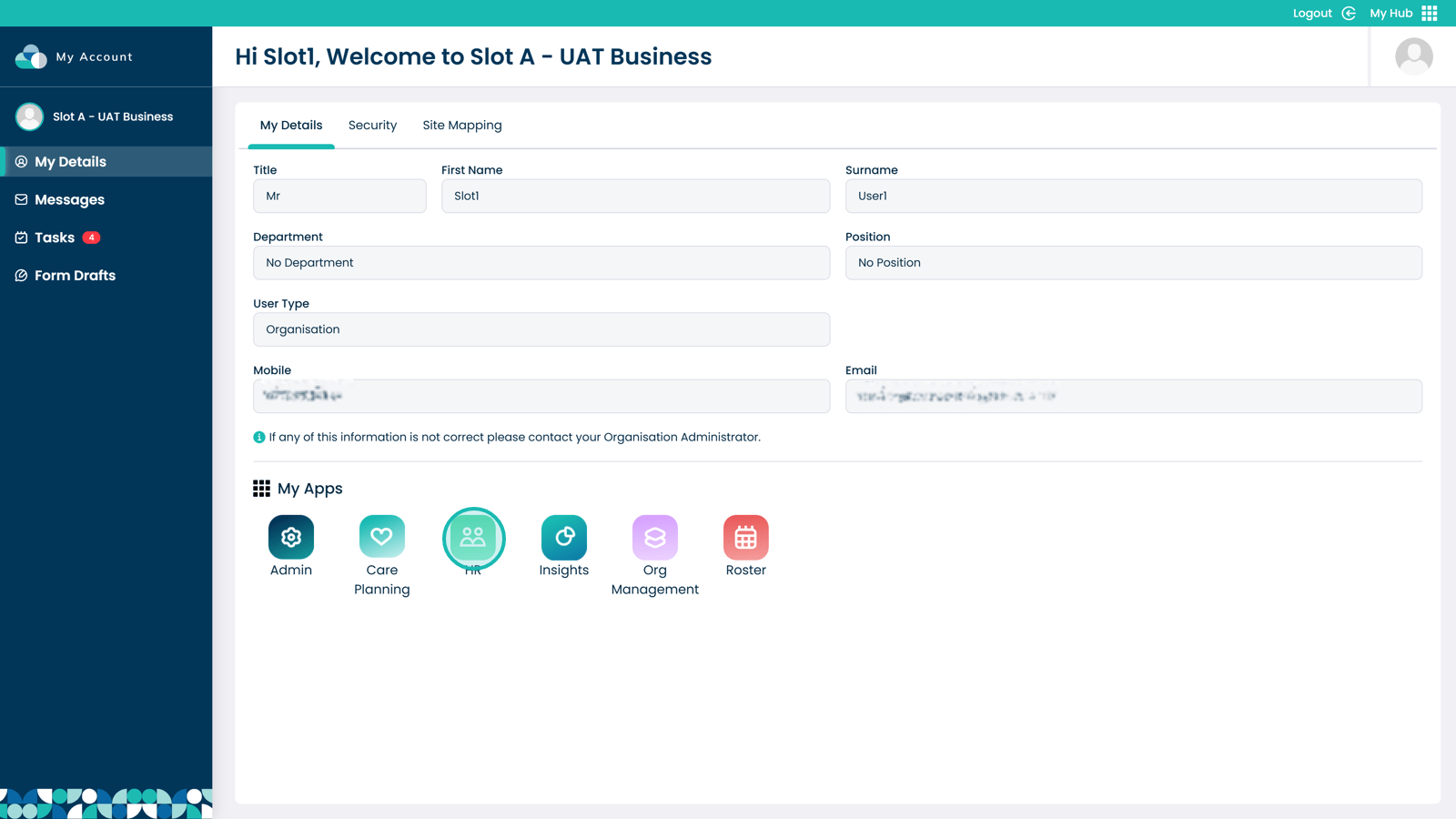
Enter the HR app
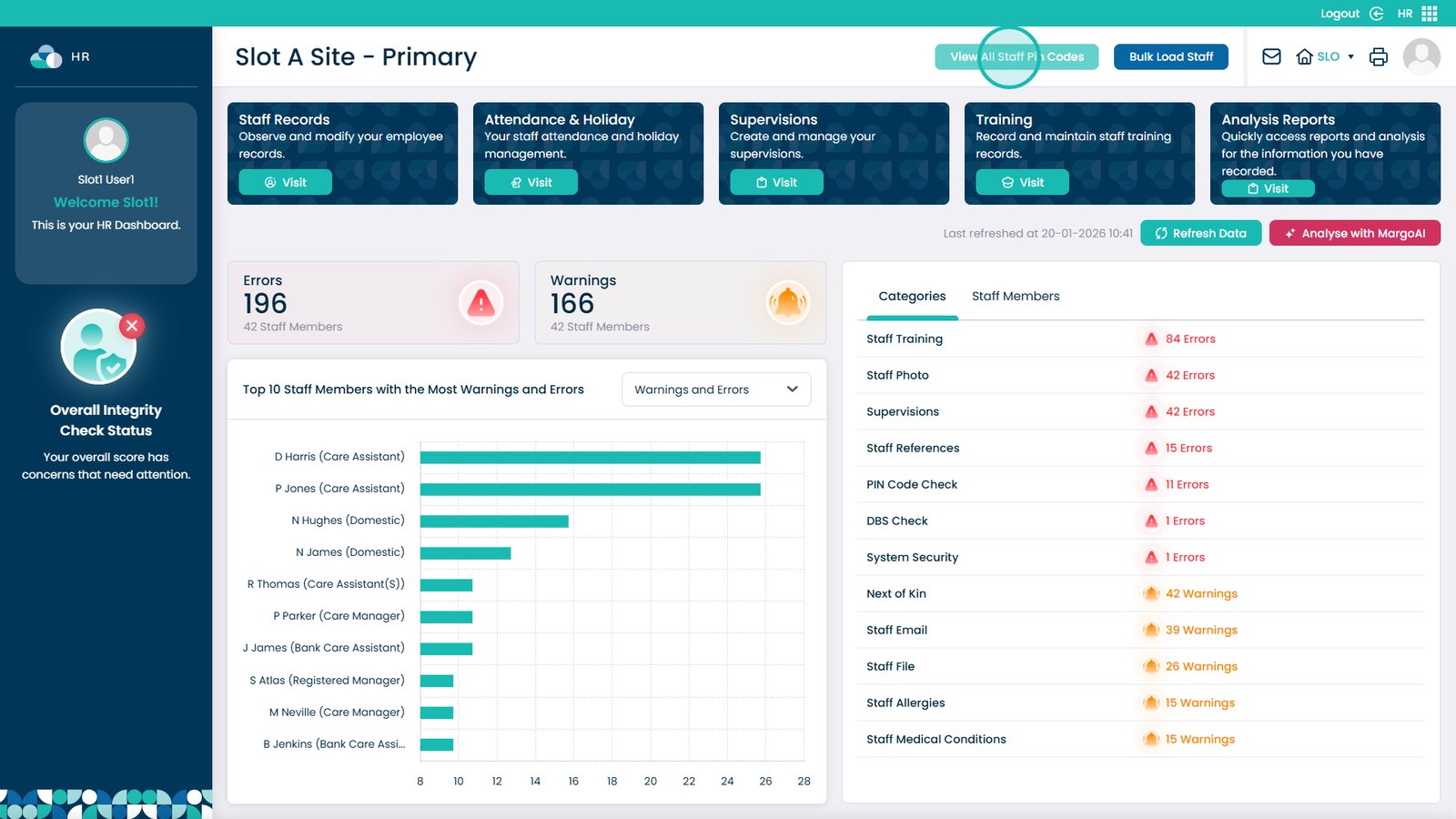
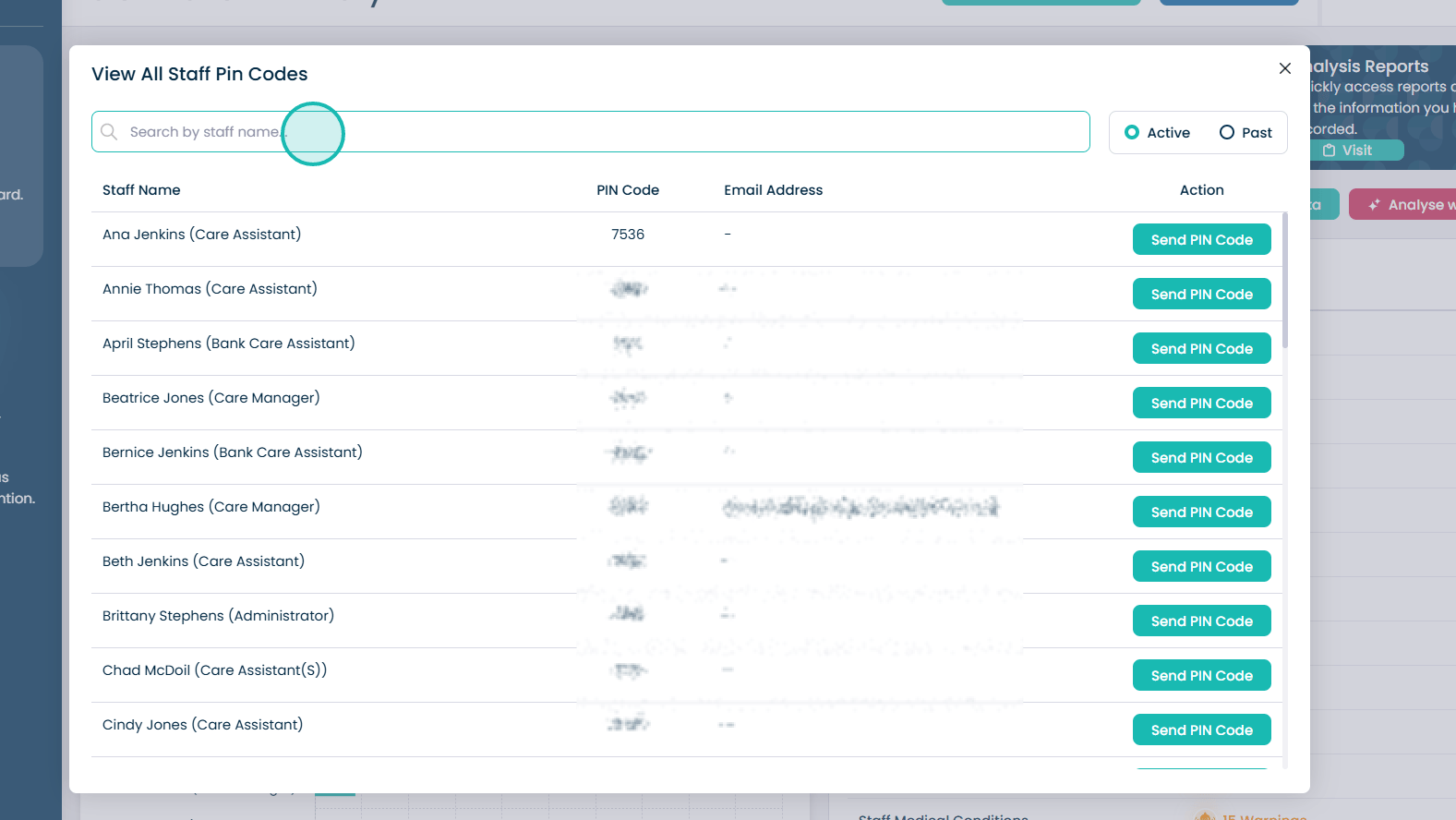
Click View All Staff Pin Codes at the top of the screen
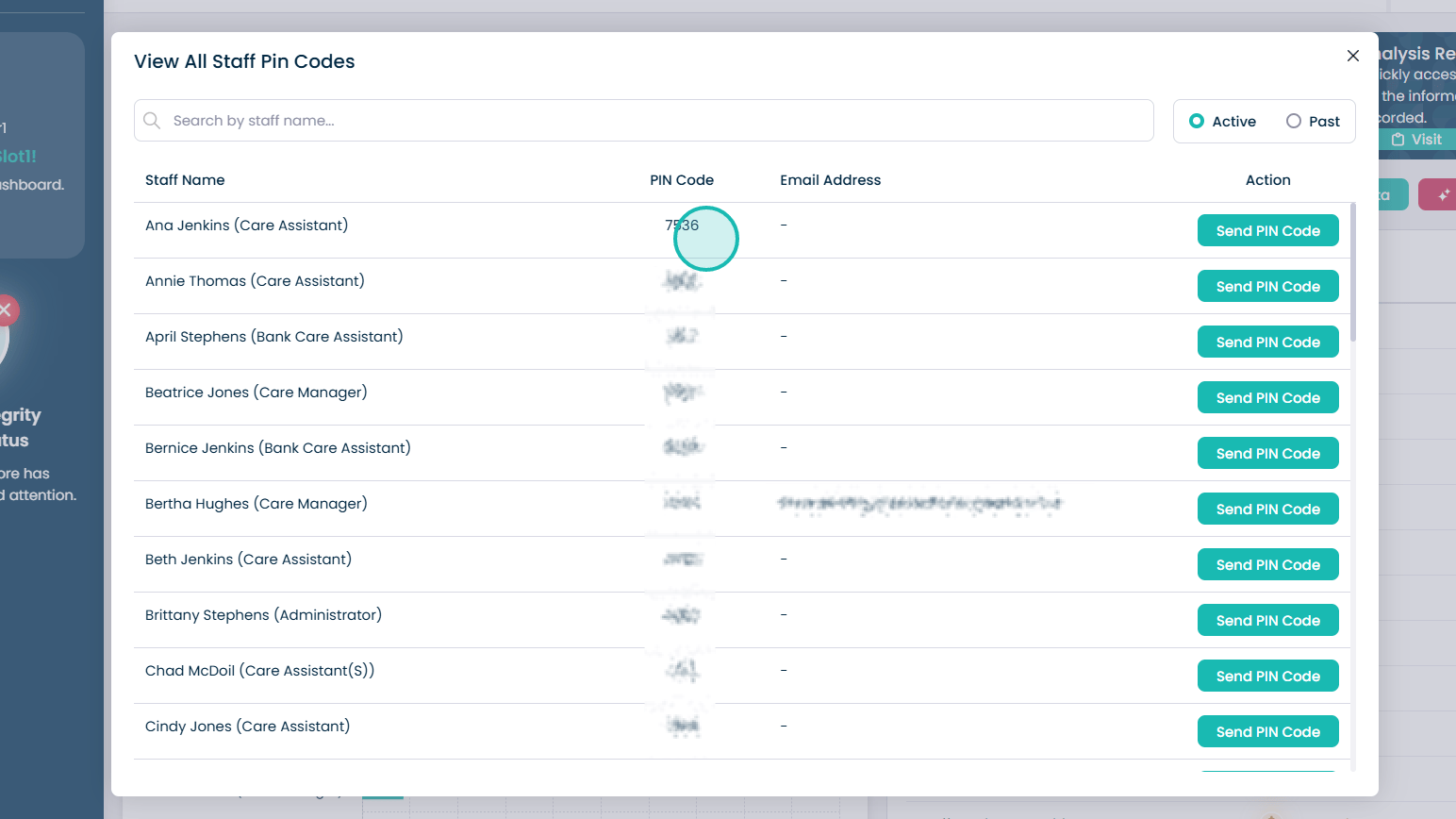
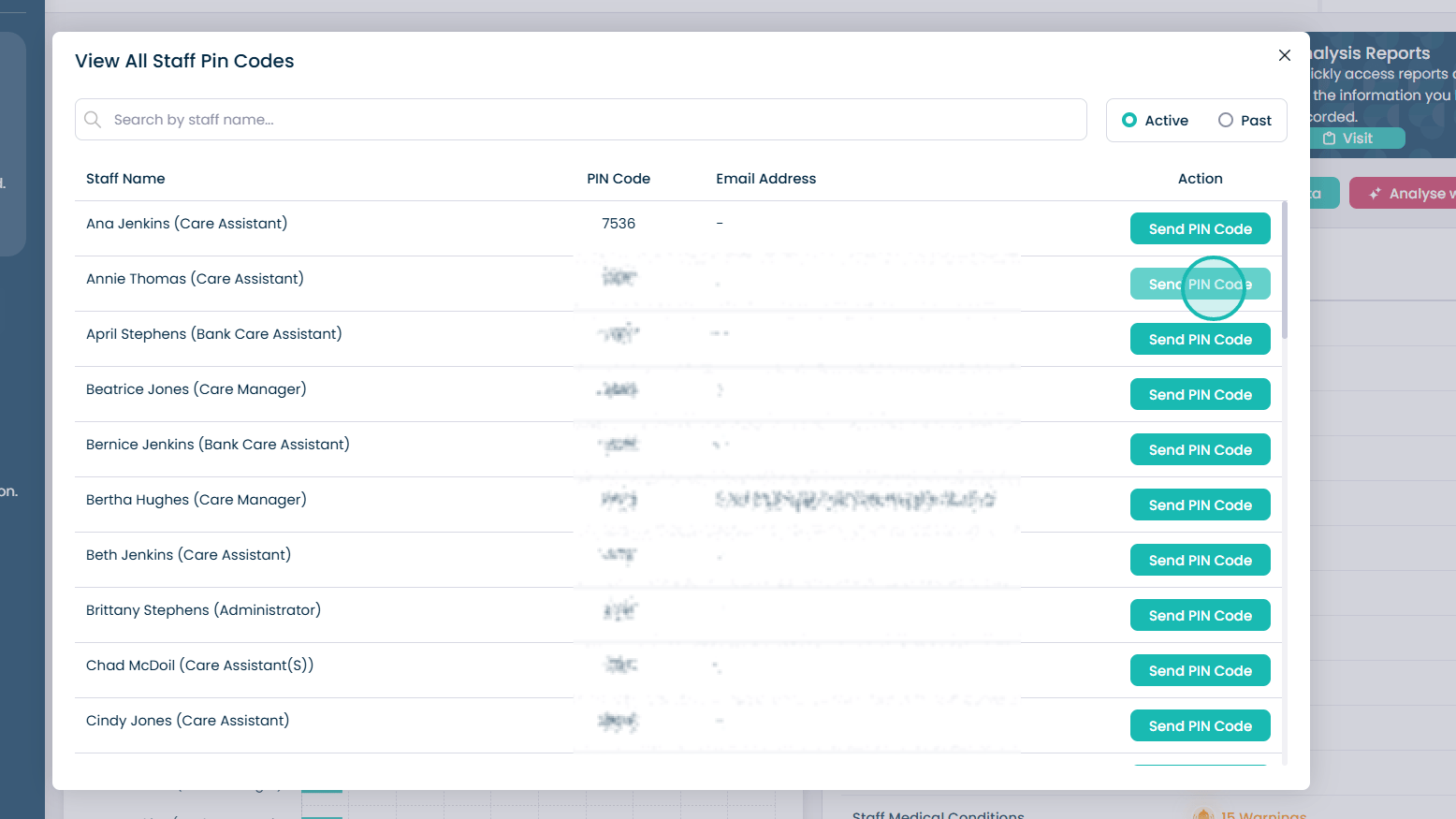
You can now view all the staff PIN codes here
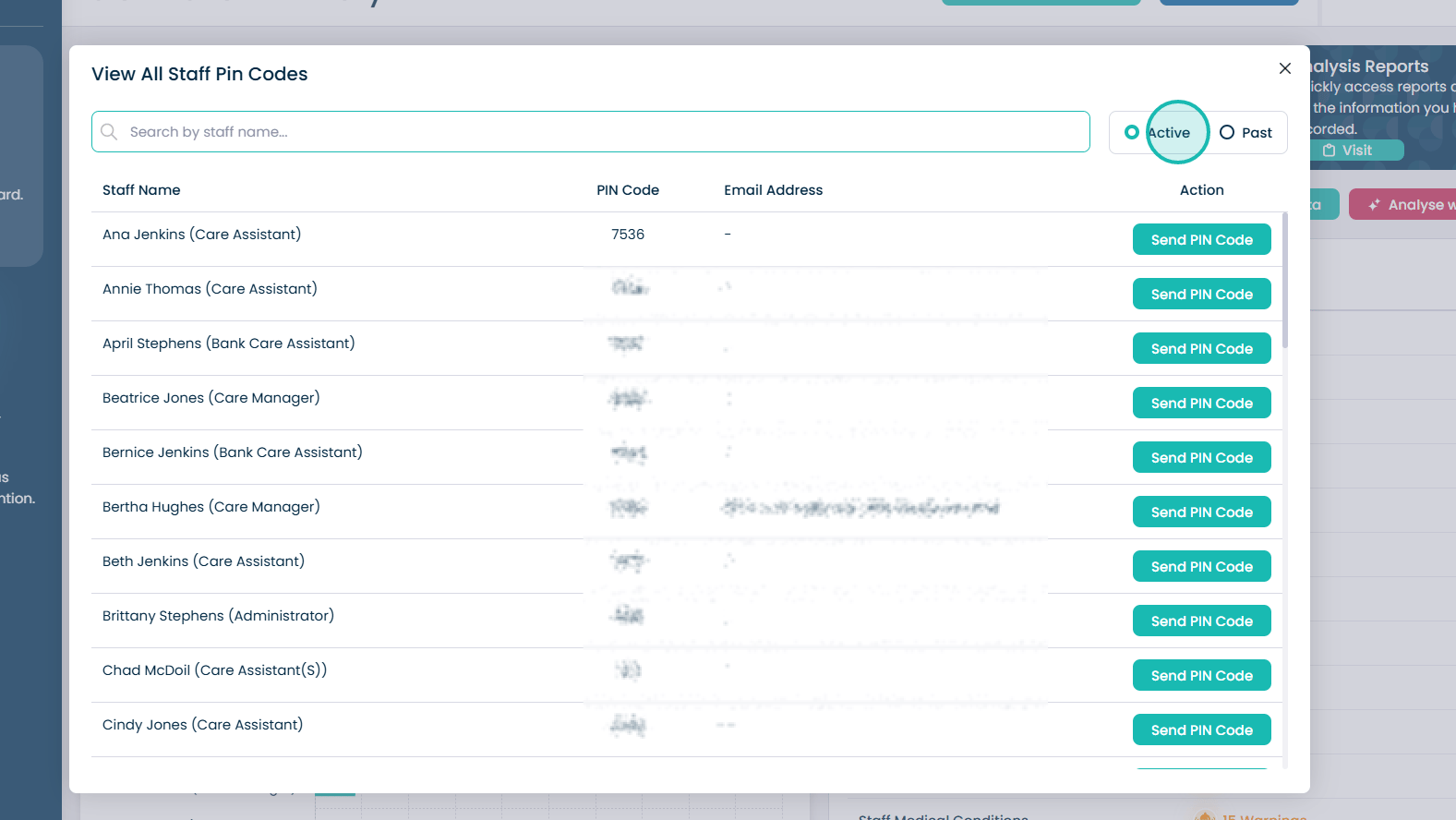
You can view both Active and Past PIN codes using the Active and Past toggles
Use the Search bar to search for a specific staff member if required
Click Send PIN Code to send the staff member an email and Care Control message with a reminder of their PIN code