Bank Holiday Closure Notice: We will be closed on the 3rd April for the Easter bank holiday, so our customer service team will not be available on this day. If you need to get in touch, you can still use our customer contact form and we will get back to you as soon as possible. Even better, Margo will still be available on our phone lines to help with your queries whenever you need support. We hope you have a lovely Easter weekend 🐣
The Site Level CRM Dashboard gives you a centralised view of everything happening at a specific site within Care Control Cloud. It allows you to quickly check home occupancy, bed details, and room availability, as well as track pre-assessment requests at every stage — from incoming requests through to completed and processed assessments. This guide walks you through how to navigate the CRM app, access the site dashboard, and make use of the tabs available to stay on top of your enquiries and admissions pipeline.
Interactive Guide
Text based guide
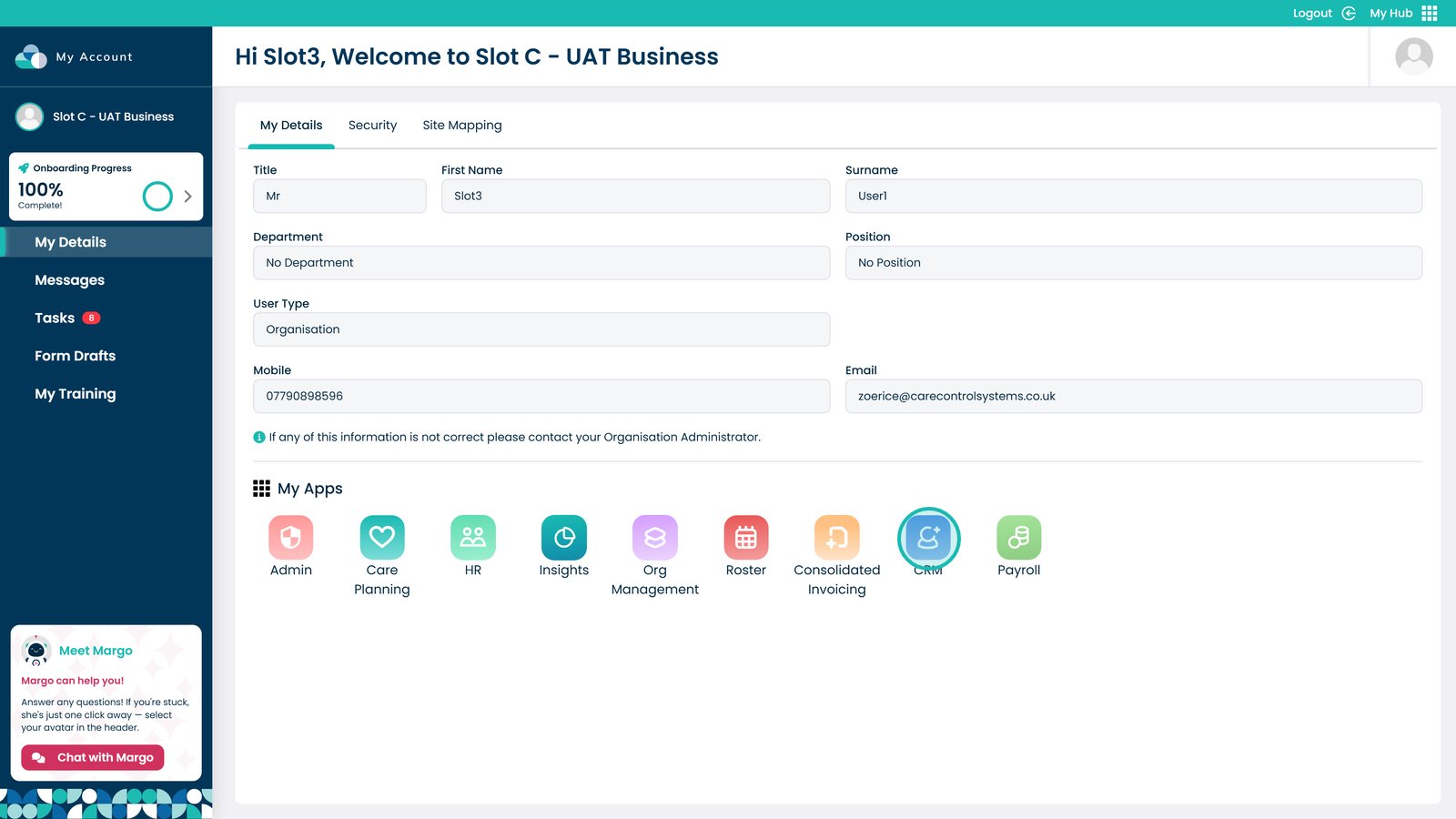
Open the CRM App
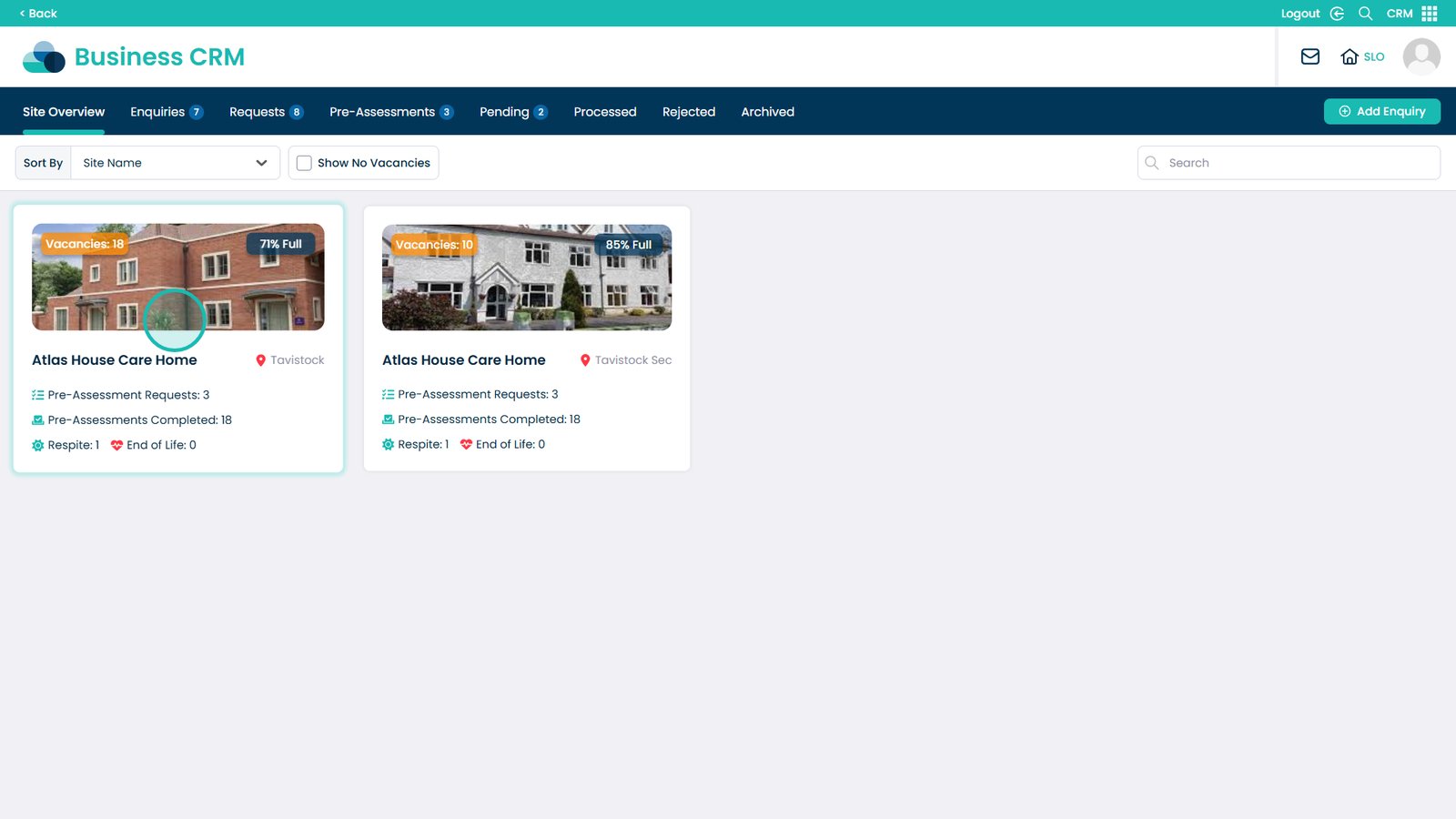
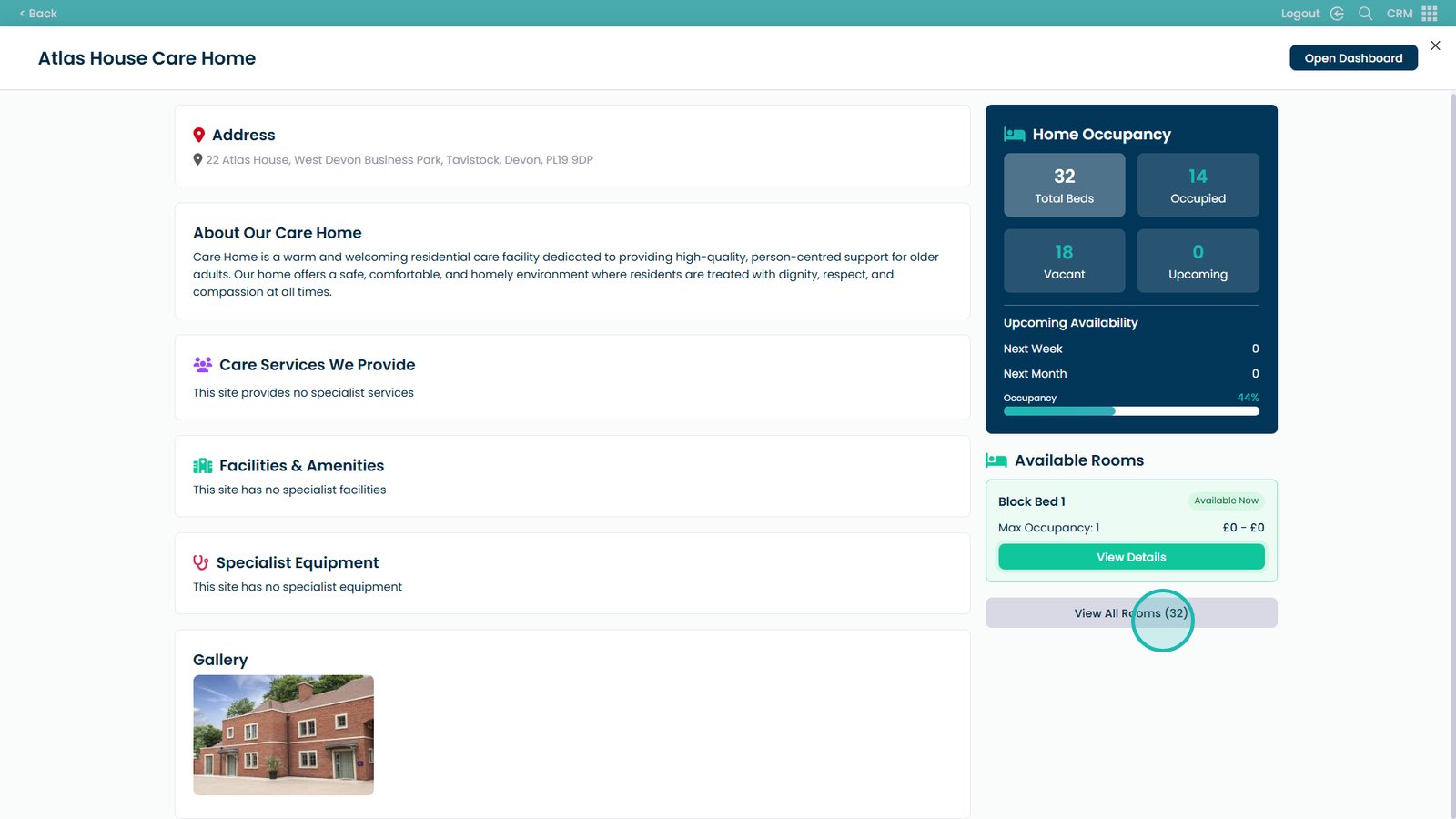
Select which site you want to view
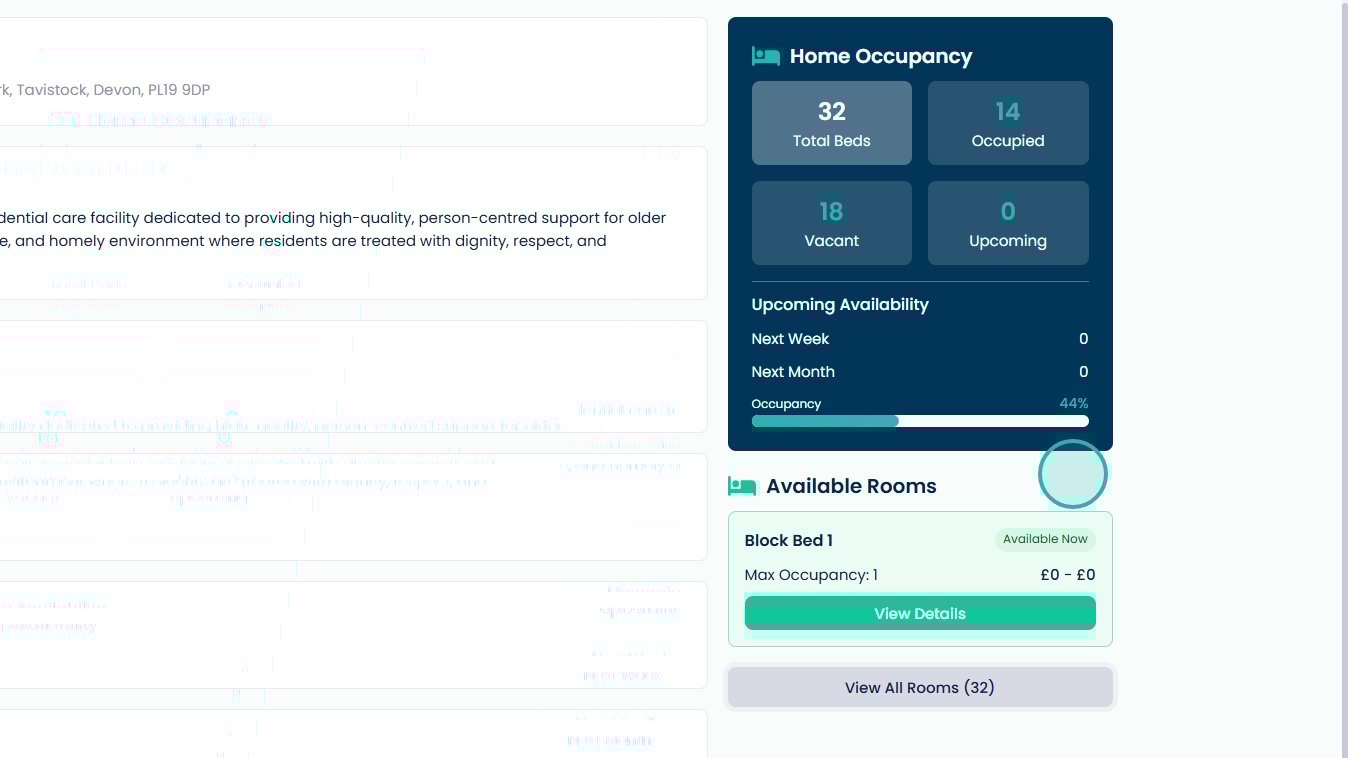
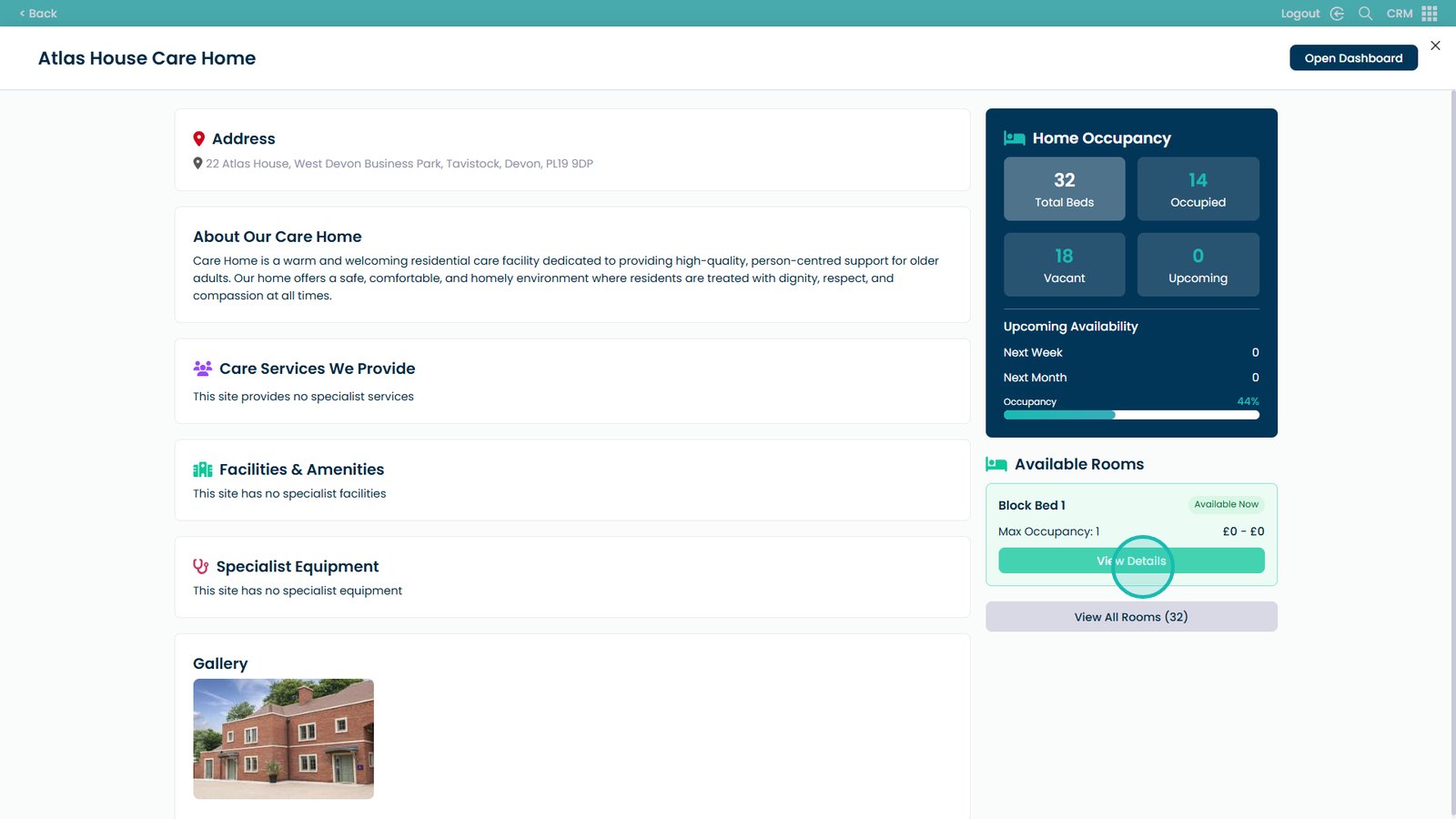
This quick overview will show you the Home Occupancy
The bed details
And the ability to view all the rooms
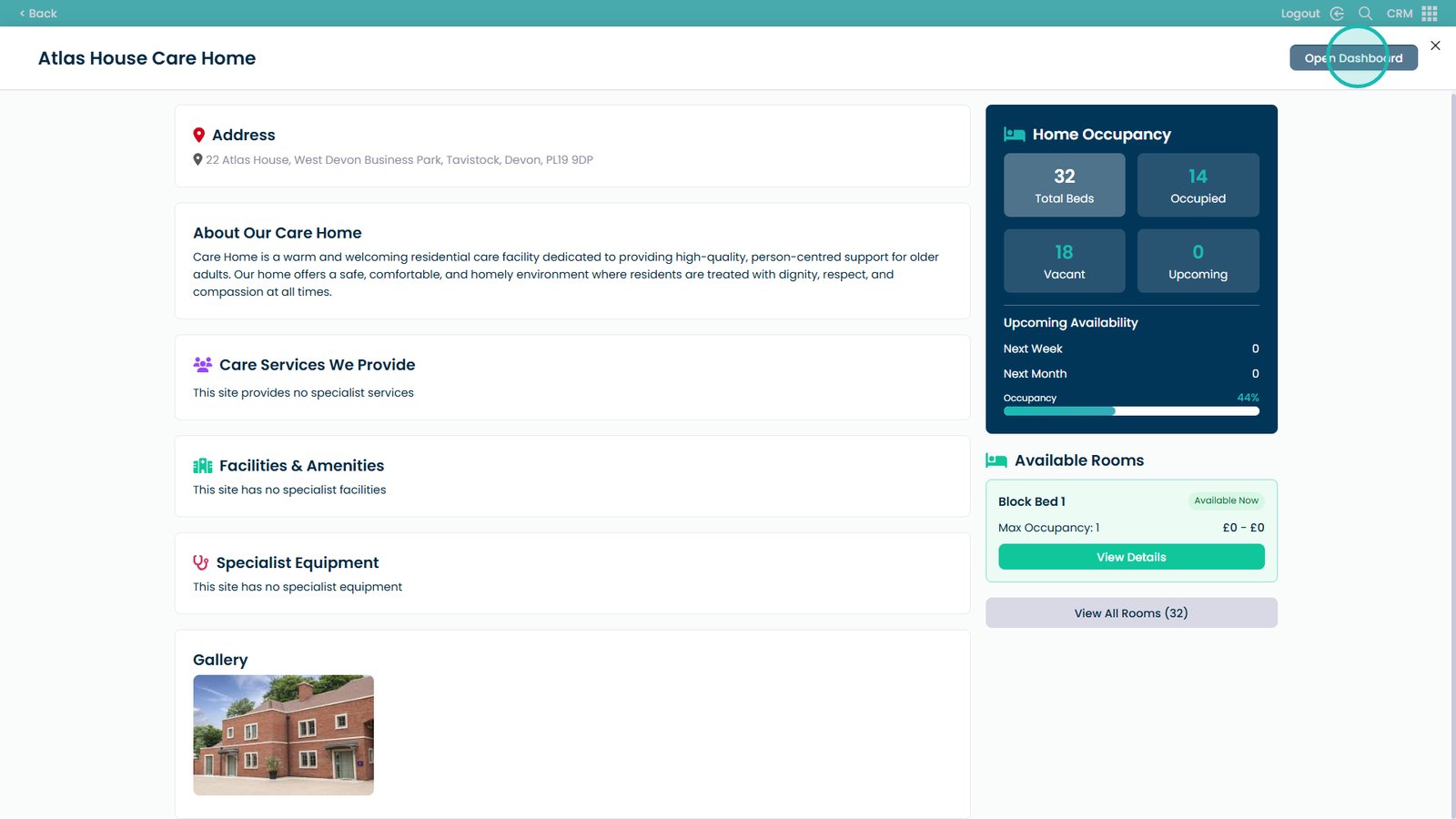
Click Open Dashboard
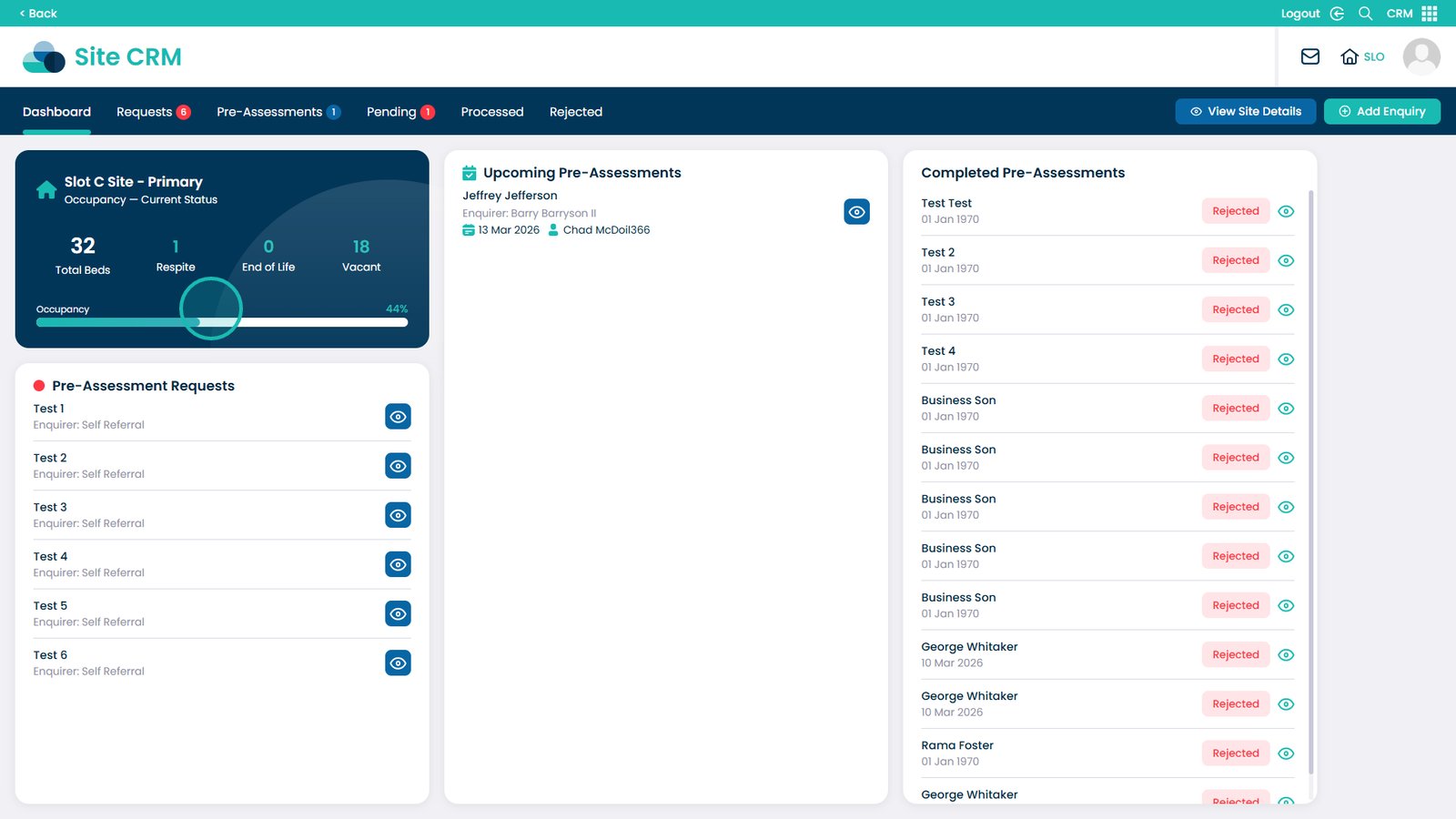
Here you can see a quick overview of the occupancy status
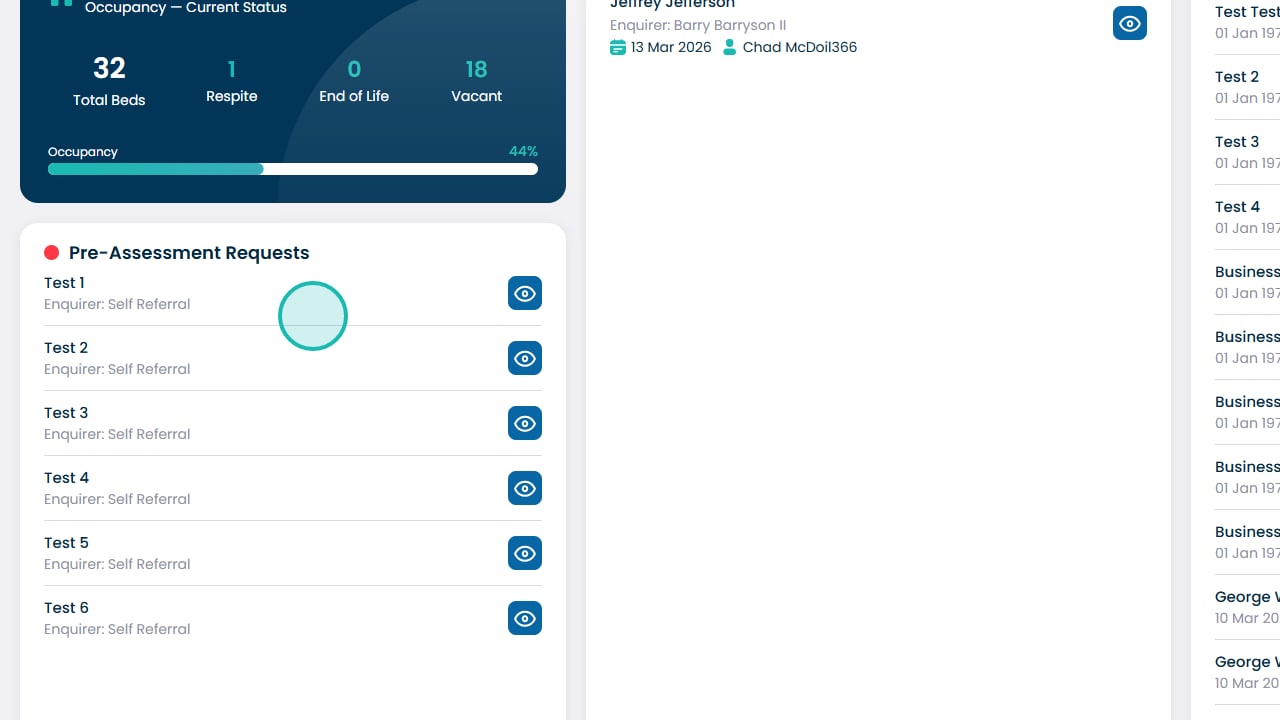
You can also view all of the pre-assessment requests
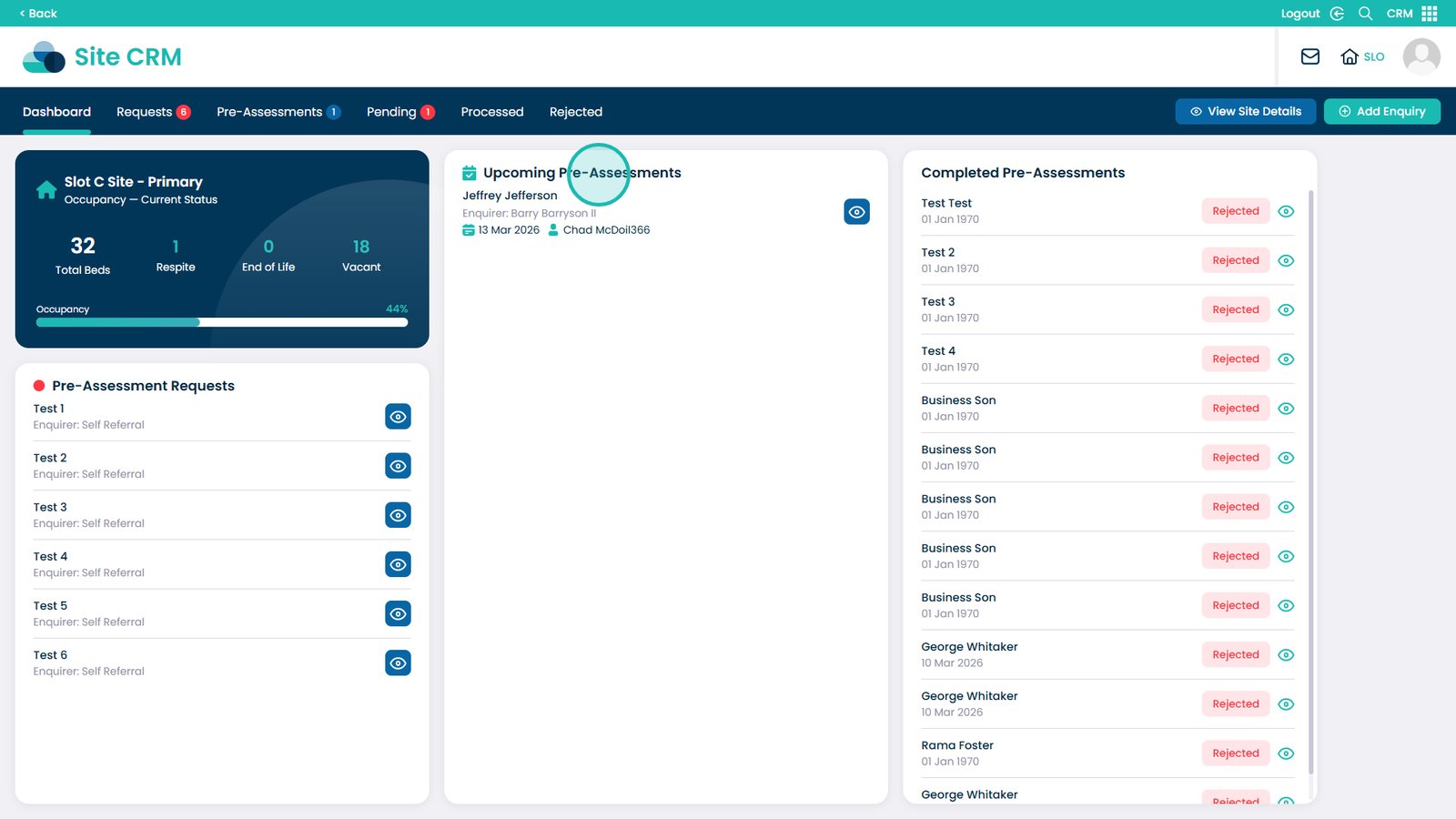
All of the booked upcoming pre-assessments
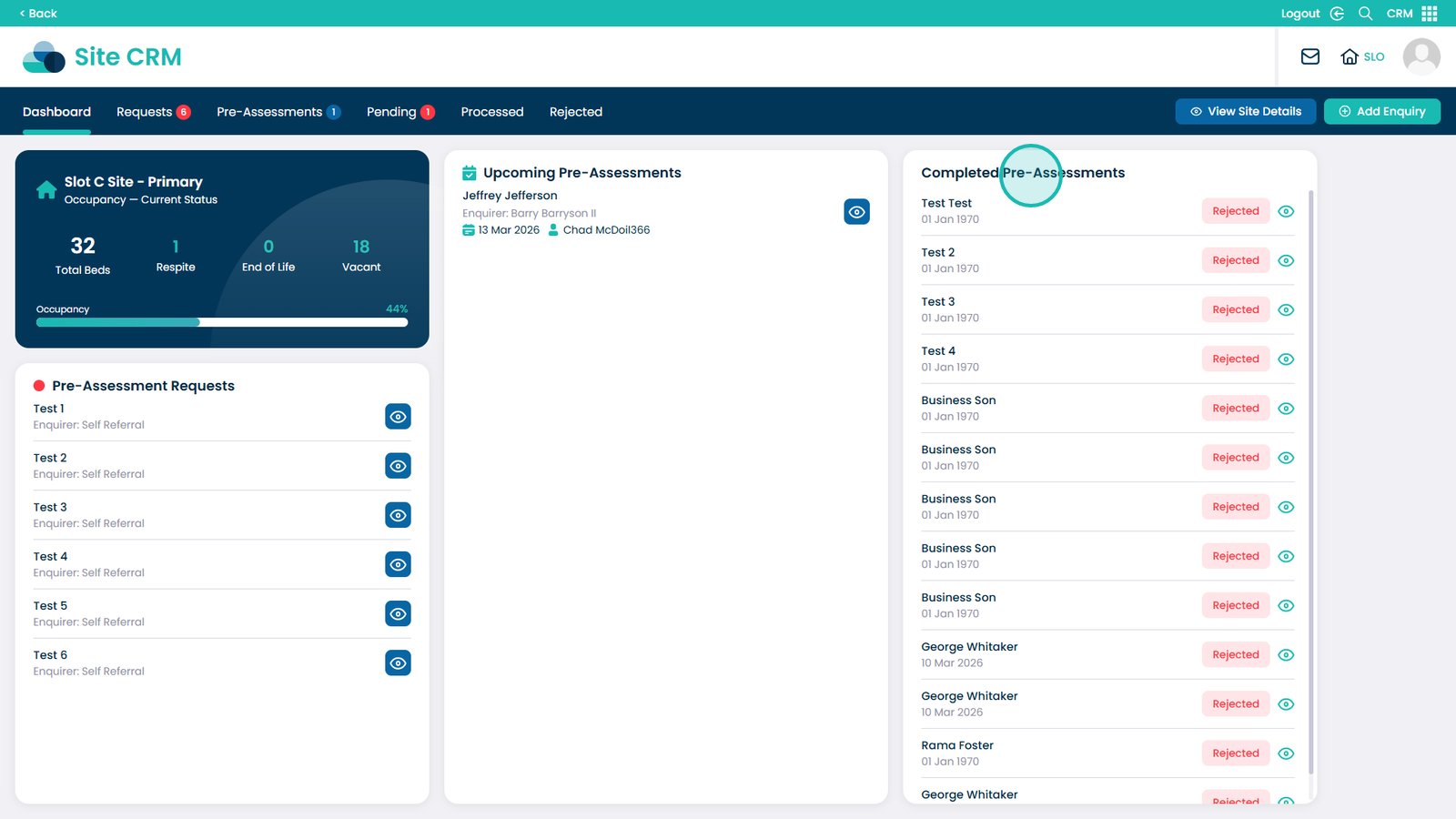
And all of the completed pre-assessments
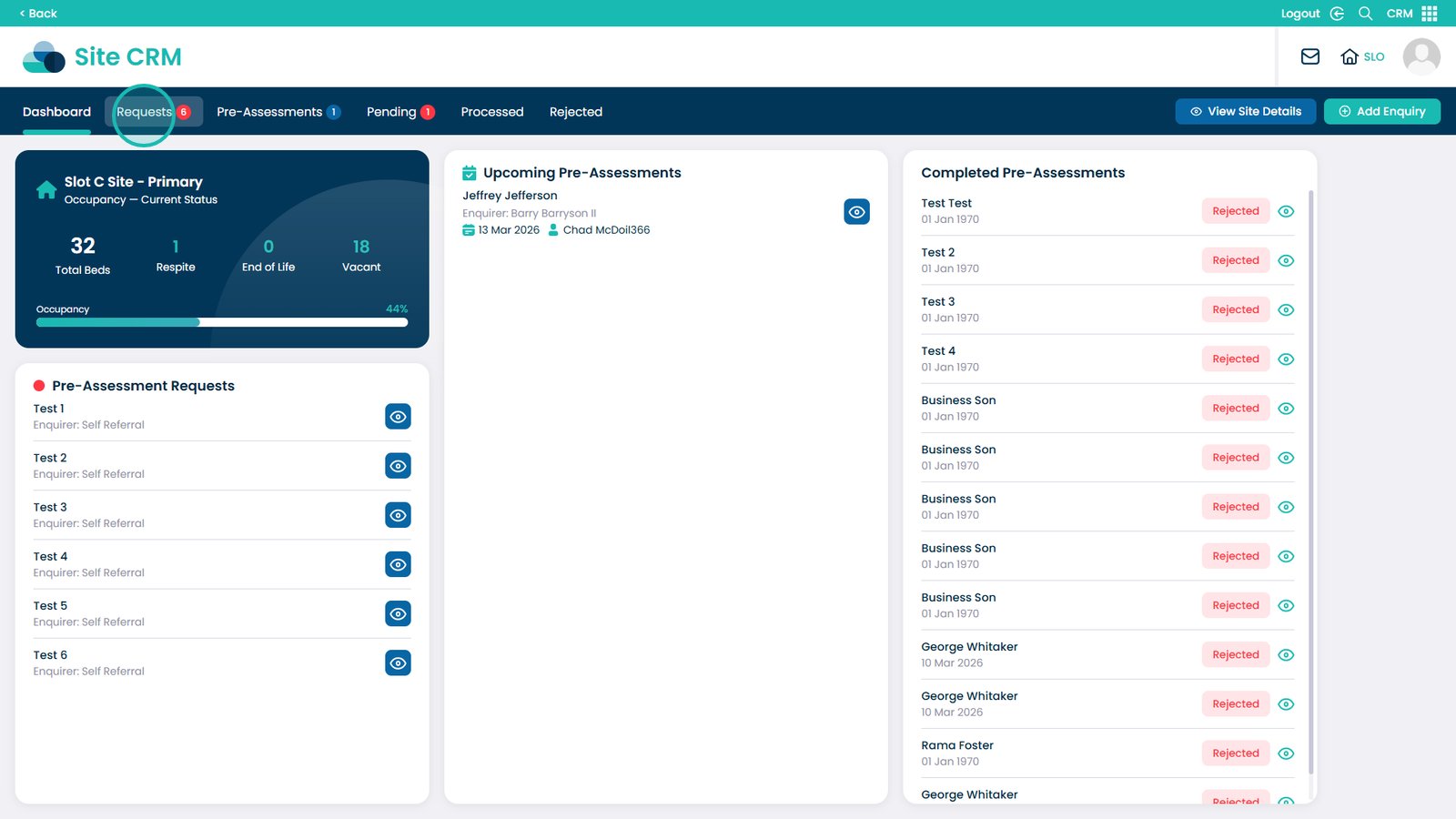
Click the Requests tab to view further details on the current requests
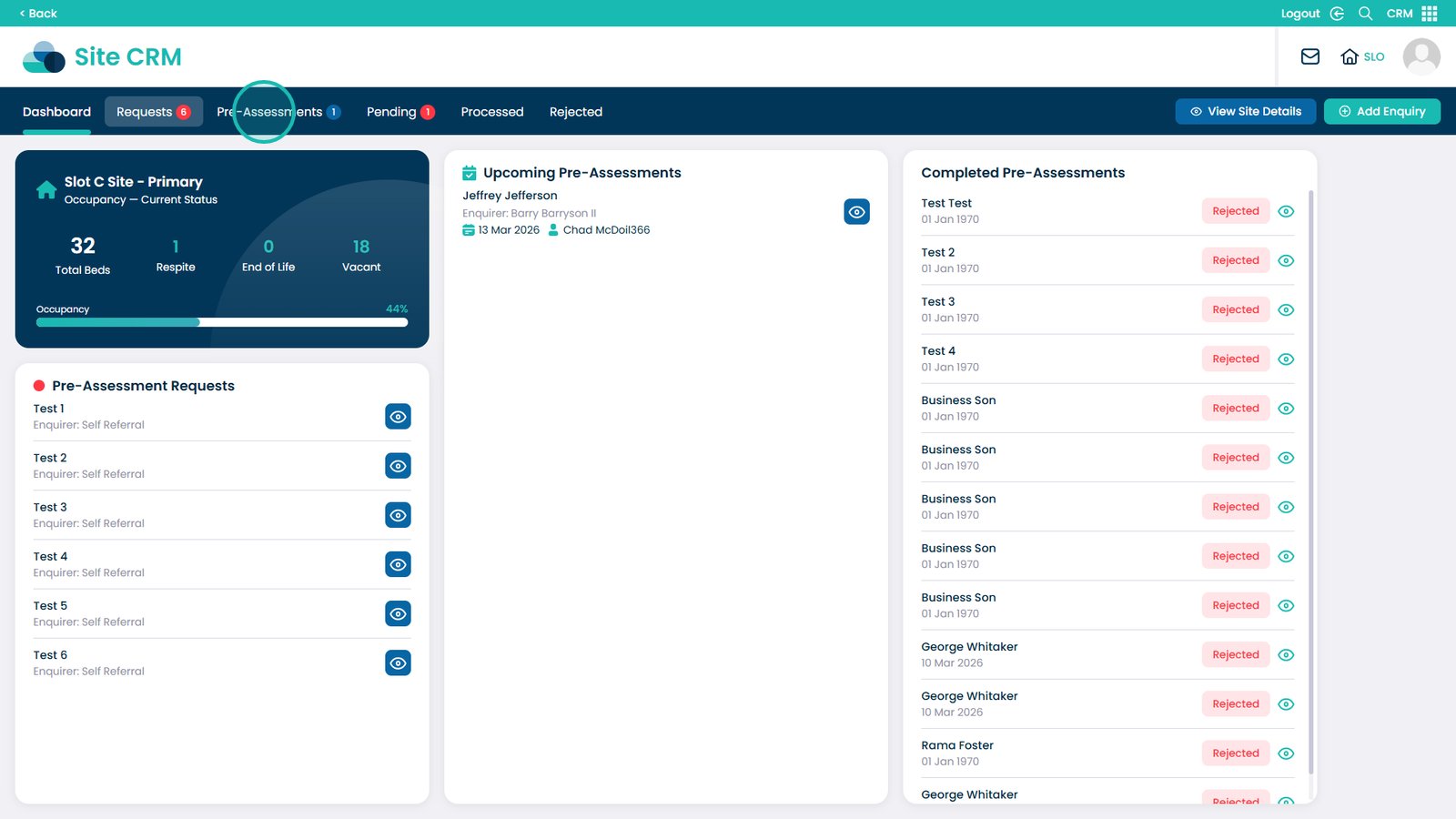
Click the Pre-Assessments tab to view further details on the current pre-assessments
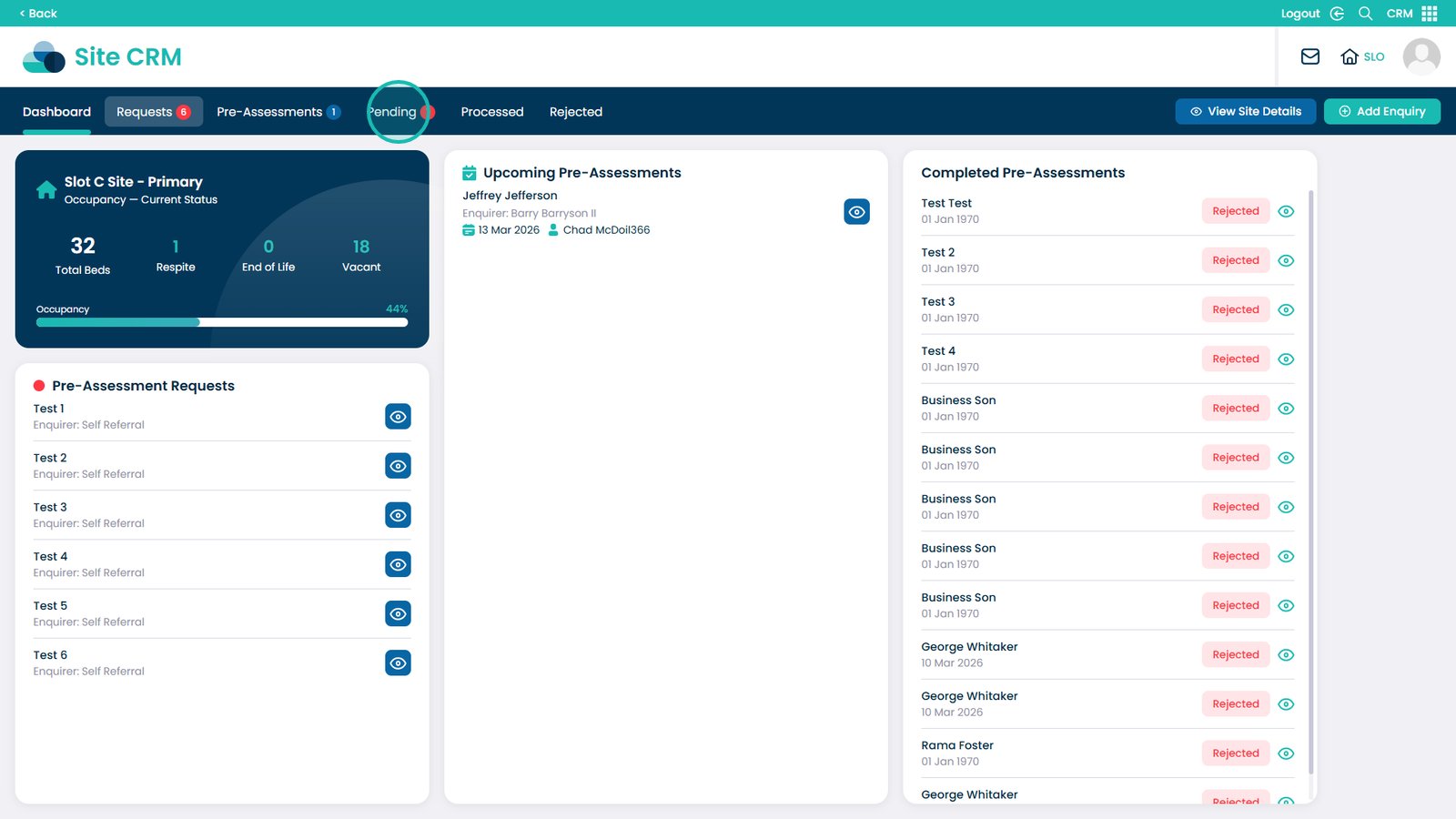
Click the Pending tab to view further details on the currently pending assessments
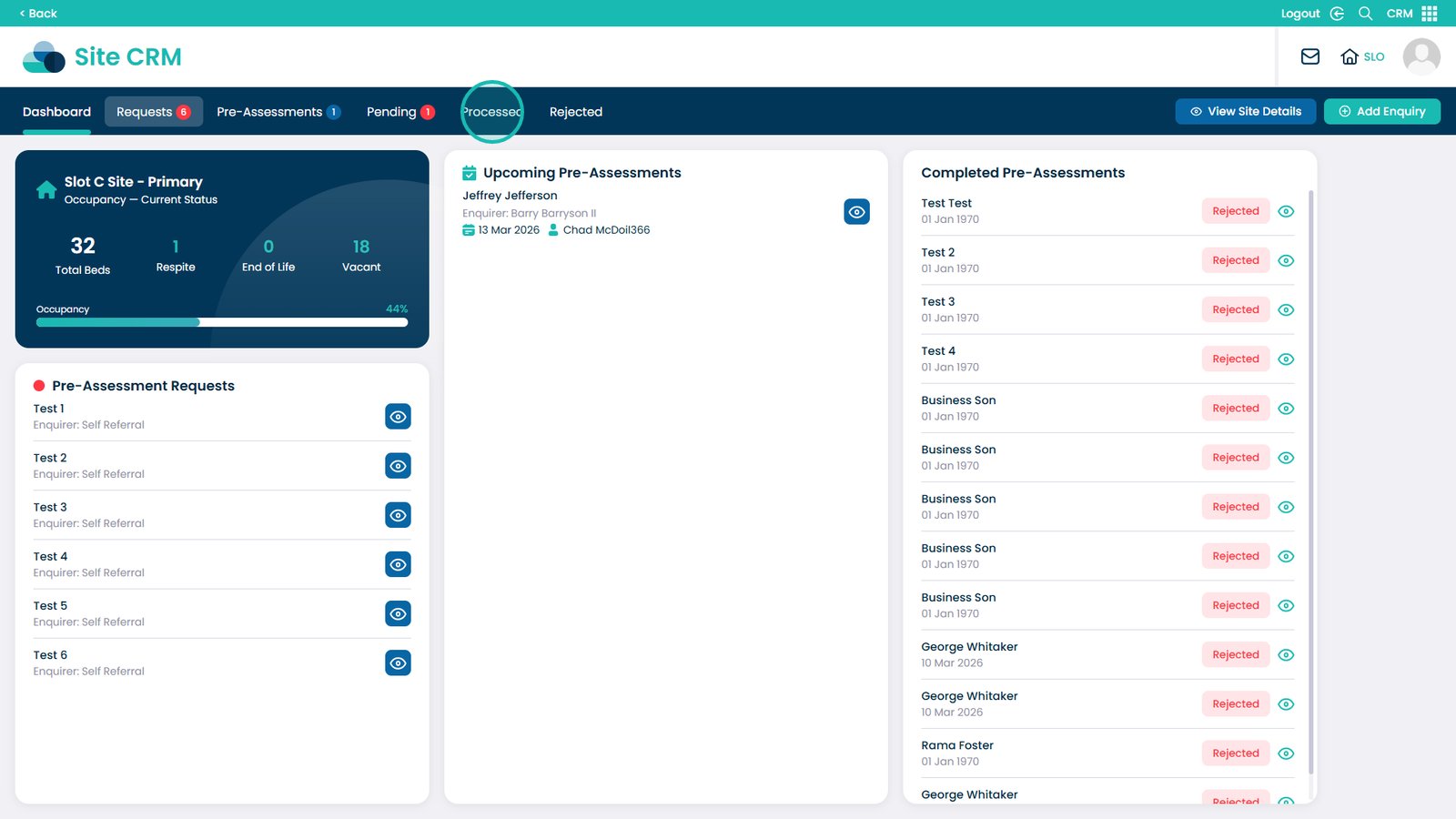
Click the Processed tab to view further details on all of the processed service users
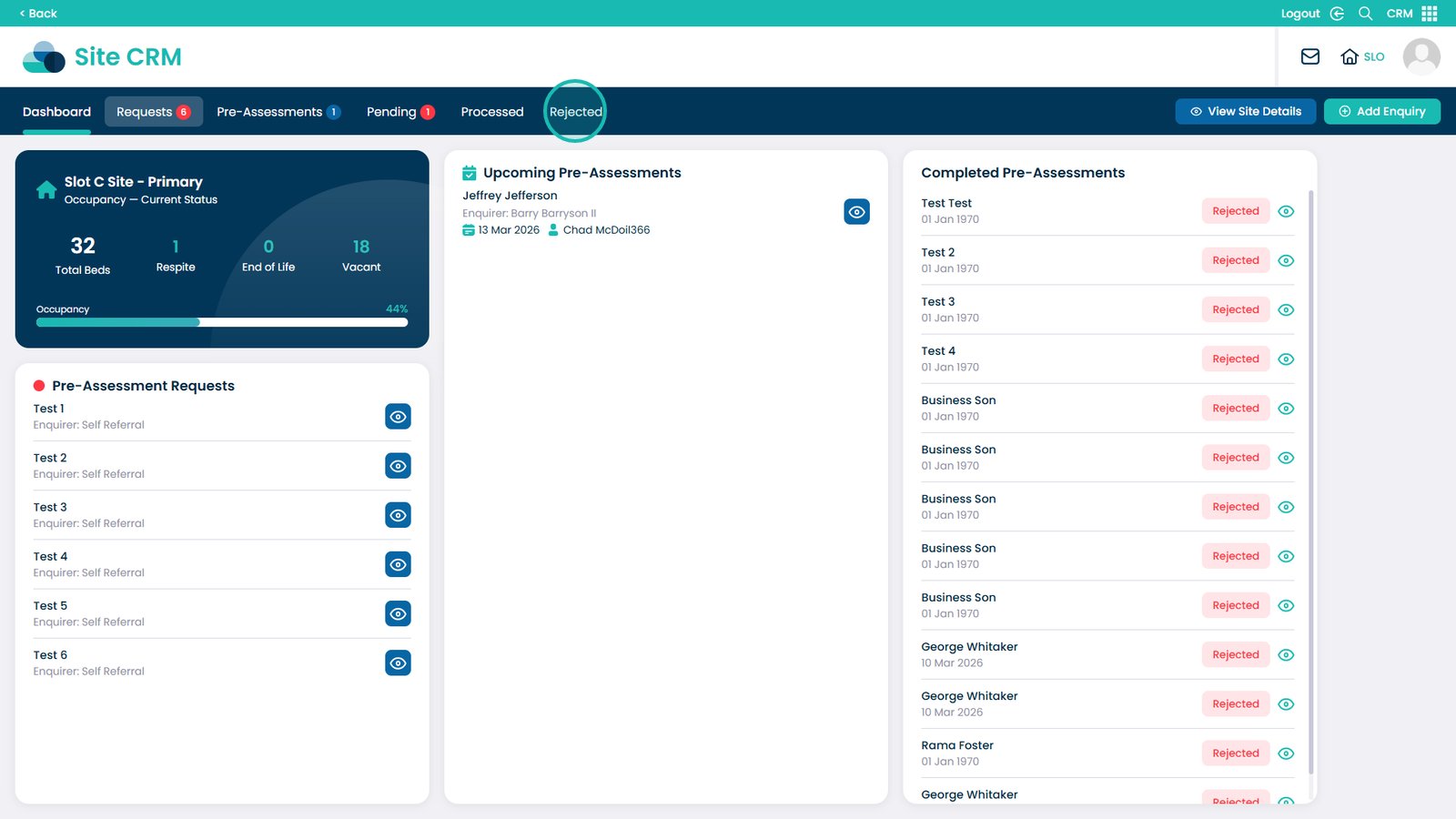
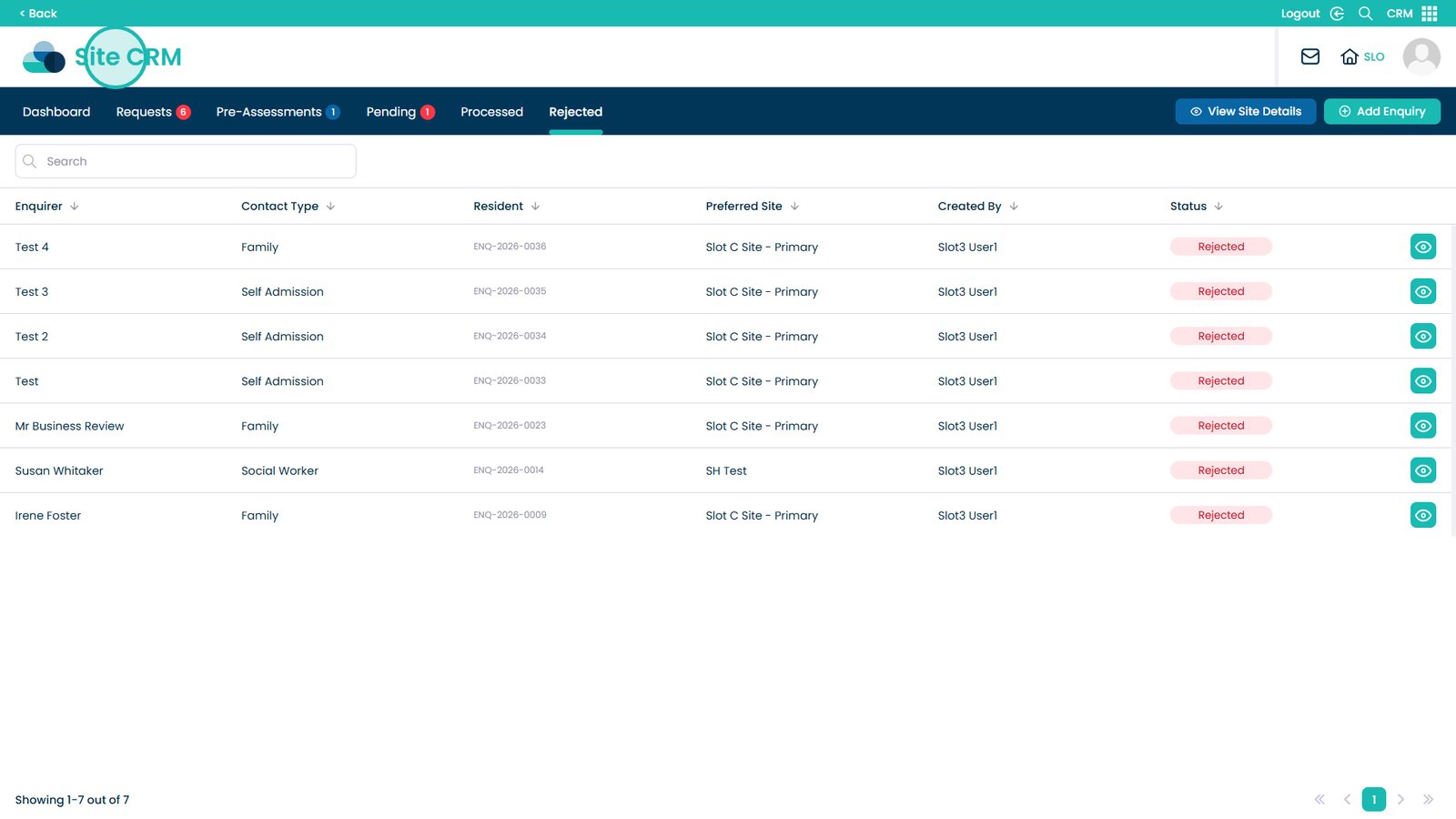
Click the Rejected tab to view further details on all of the rejected requests
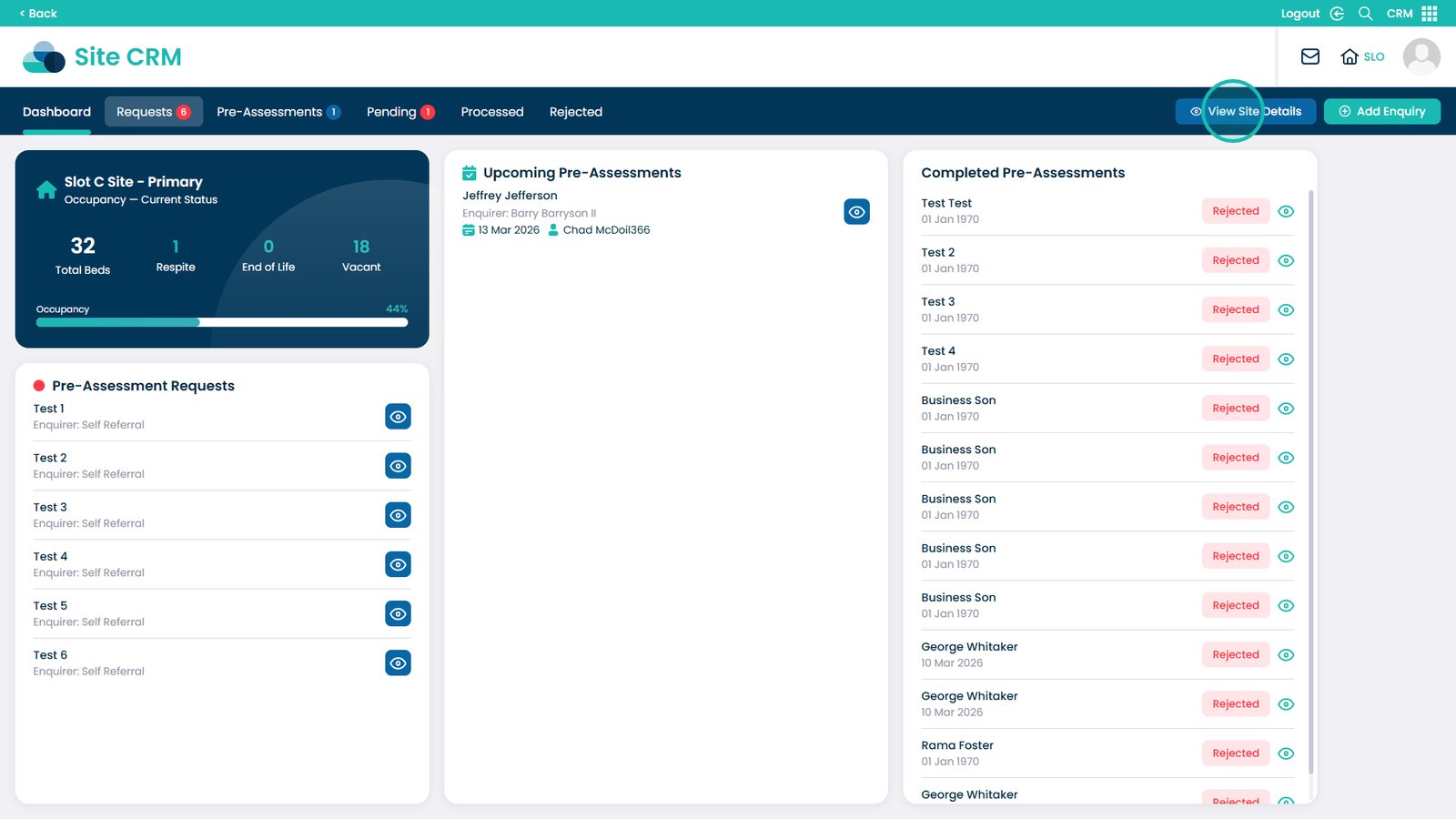
You can return to viewing an overview of the site by clicking View Site Details
To return to the Business CRM view, click the Site CRM text