You could win a £250 Amazon gift card! All you need to do is spare us 3 minutes of your time. Click here to find out more!
This guide will cover how to install Care Control applications on Apple or Android devices.
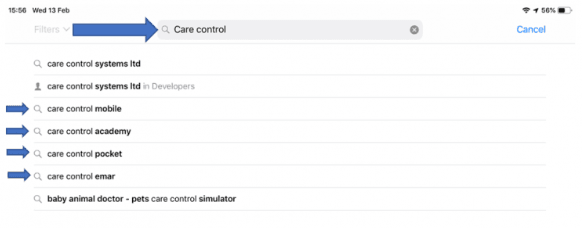
For Apple devices, first, navigate to AppStore.
Using the search feature, type Care Control.
Select the desired application from the search result list.
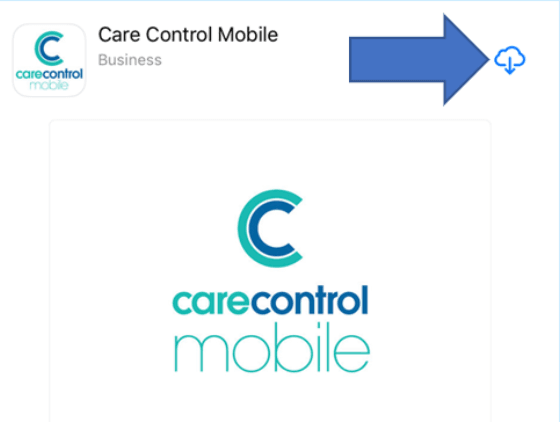
In this example, we will choose Care Control Mobile. Press the Download icon next to the application name.
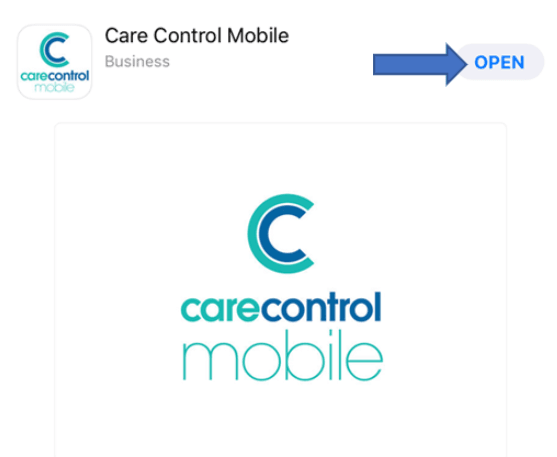
After the application has been installed, you will be able to open it.
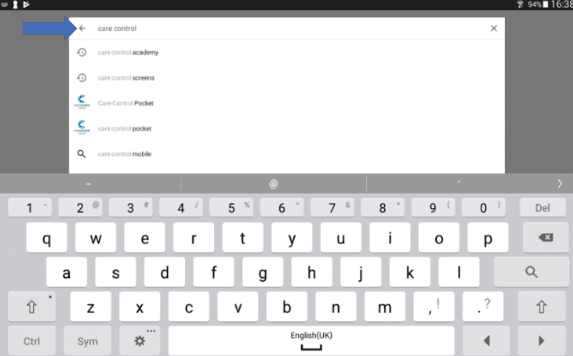
For Android devices, navigate to the Google PlayStore.
In this example, we will install CC Mobile. Press the three dots to the right-hand side of the application name.
Select Install.
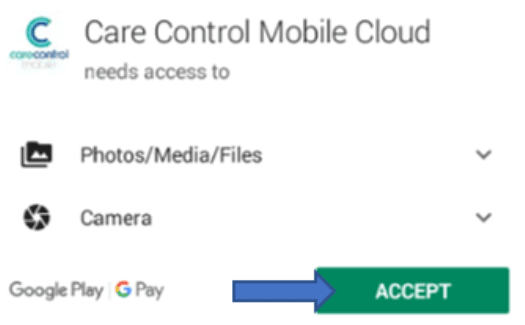
Accept the access permission pop-up.
Care Control will download and should appear on your application list.