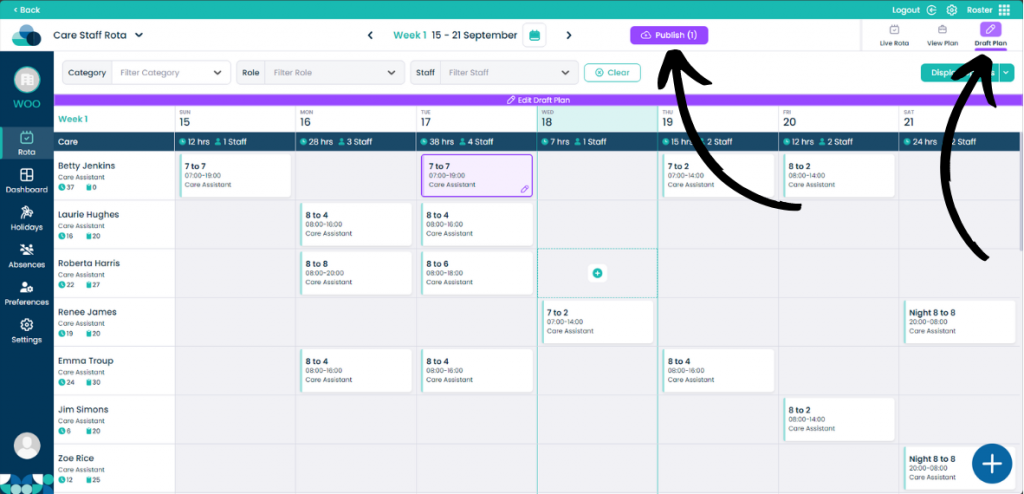
Moving shifts in Roster Cloud is easy and fast allowing you to easily cover shifts and move them between days.
Step 1:
When on your rota screen, select Draft Plan and then Edit Draft Plan.
Step 2:
On the rota display, hold Left click on the mouse over a shift. Now drag the shift into a new cell. When the shift is over the cell let go of Left click and the shift will now be moved.