Bank Holiday Closure Notice: We will be closed on the 3rd April for the Easter bank holiday, so our customer service team will not be available on this day. If you need to get in touch, you can still use our customer contact form and we will get back to you as soon as possible. Even better, Margo will still be available on our phone lines to help with your queries whenever you need support. We hope you have a lovely Easter weekend 🐣
View Categories
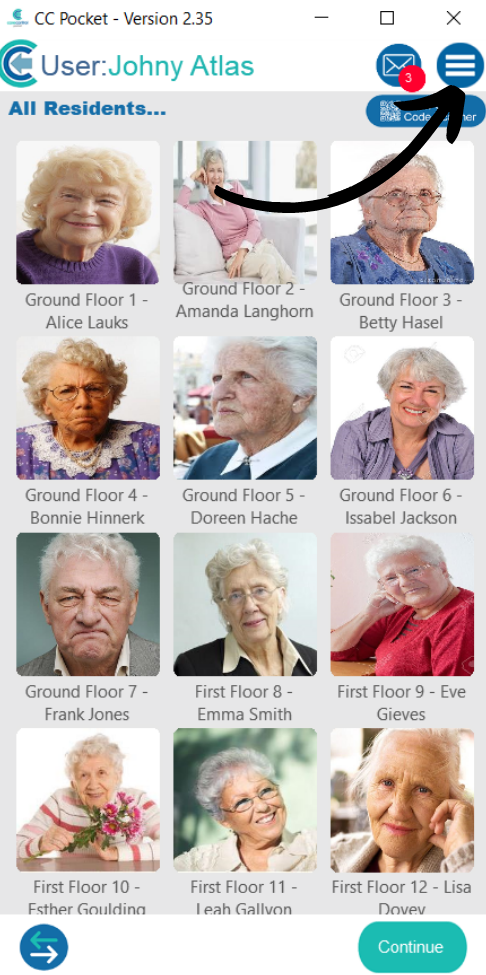
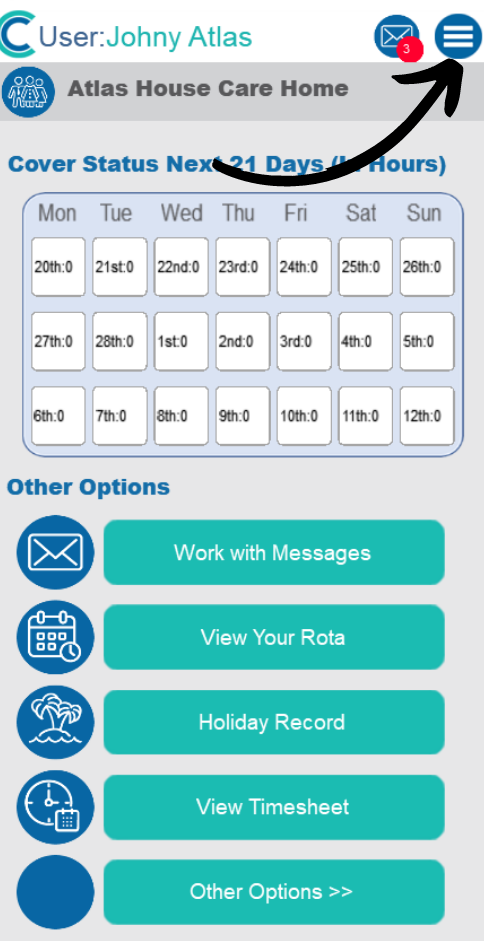
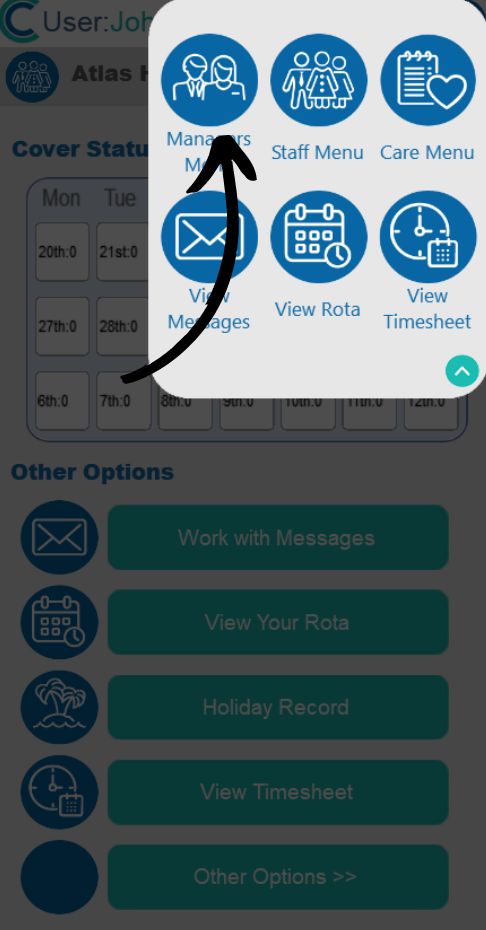
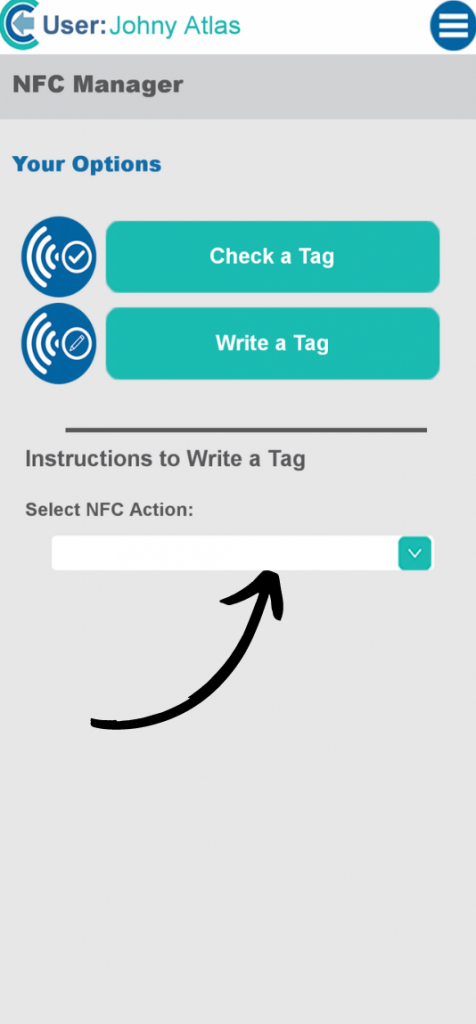
NFC Tagging on Pocket
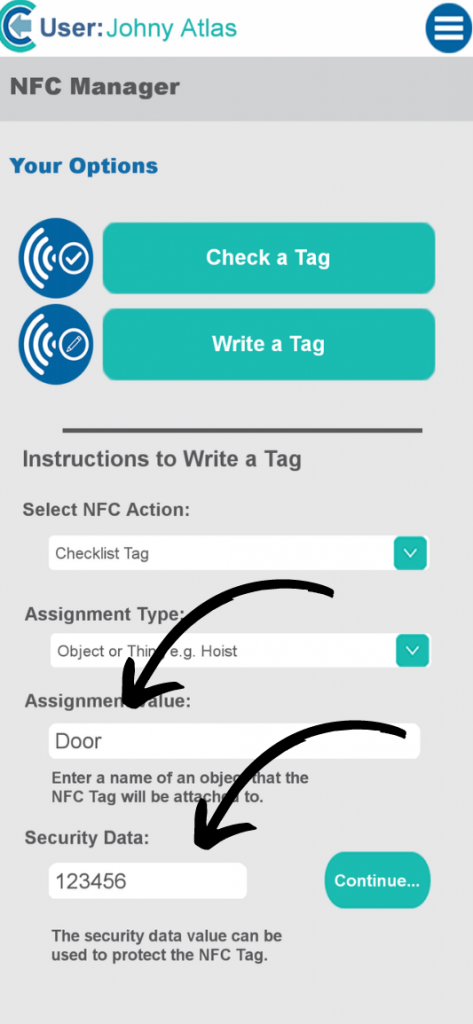
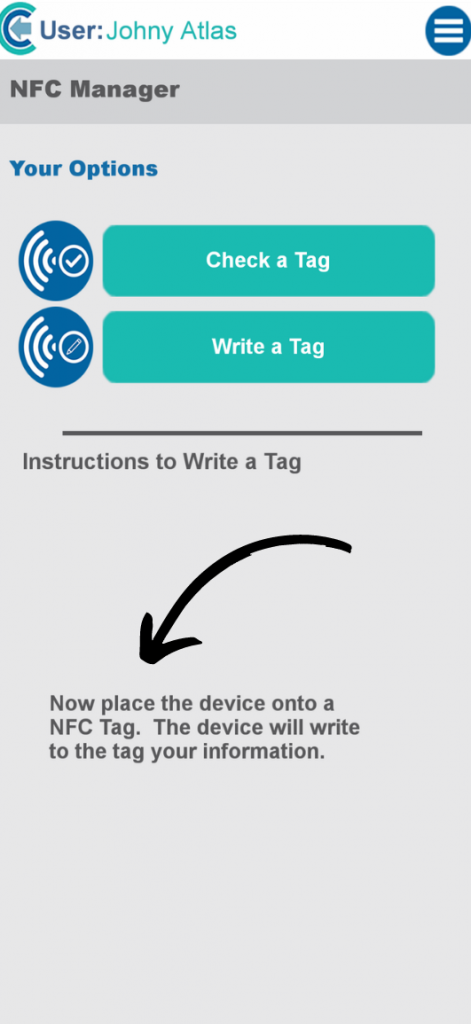
NFC stands for Near Field Communication; it is a wireless radio communication technology. Care Control has created checklist that allows users to use NFC Tag, it is a way of using smart small tags to hold information, that trigger a checklist to appear on their device and more!
Most mobile phones can read NFC Tags. We have added support within Care Control Pocket to enable you to configure and use NFC Tags.
Here are a few examples:
Hoist, wheelchair, room check, checking in/out, a tag next to your bed to activate good morning/night routines, cooking prep, maintenance tasks, house checks.