This guide will cover how to record a Pain Assessment on Care Control Cloud. These assessments can be used to monitor pain experienced by a service user as well as create a basis for steps to recovery.
1
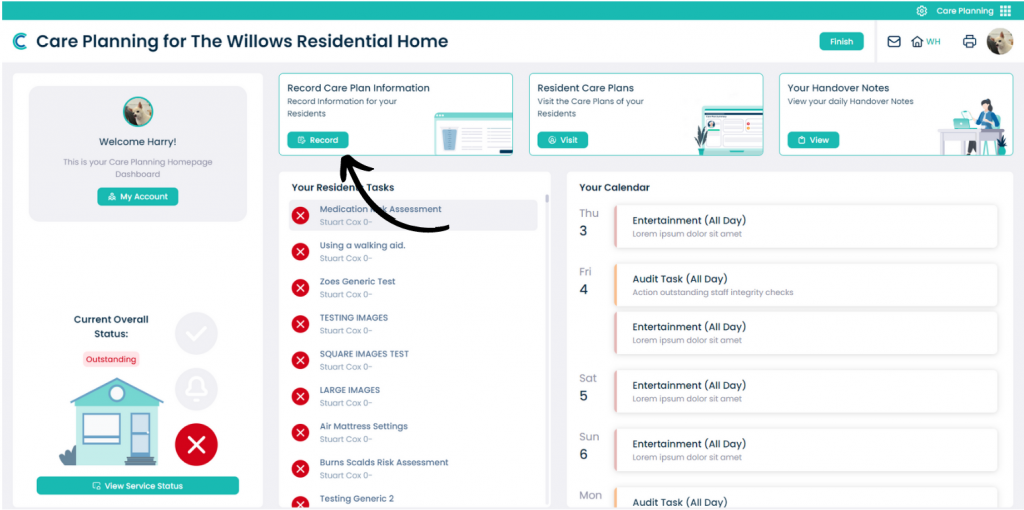
In the Care Planning application on Care Control Cloud, select Record Care Plan Information.
2
A list of common recording options will be displayed. Here, select More Options.
3
A list of all recording options will be displayed. Here, select Pain Assessment.
4
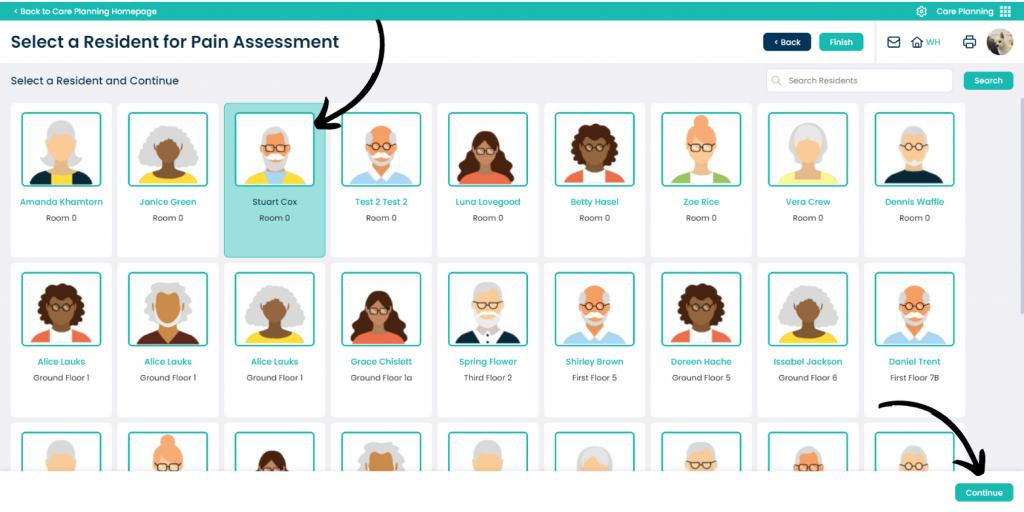
Select the Service User you wish to record for and press Continue.
5
Complete the form on the left hand side via the drop-down options regarding pain and how the service user is expressing it.
A score and message will be generated based upon the chosen parameters.
You can also add a Comment in the text box to add further information.