This guide will cover how to record Personal Care on Care Control Cloud. This area of monitoring helps track important, one-on-one time spent with service users and can include things like help getting dressed, oral care and hair grooming. Personal Care is commonly expected to be given at least 2 times a day.
1
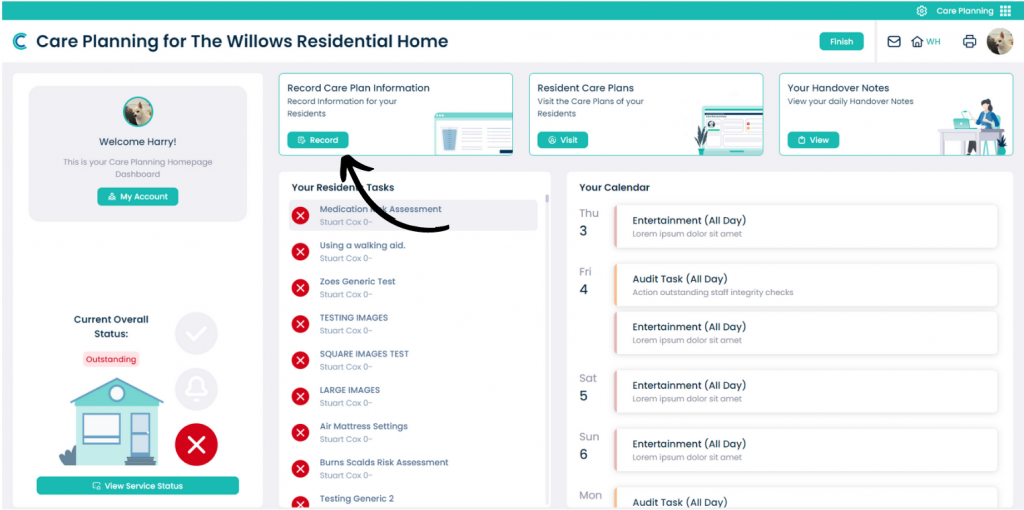
In the Care Planning tab on Care Control Cloud, select Record Care Plan Information.
2
A list of common recording options will be displayed. Here, select Personal Care.
3
First, select the service user from the list on the left hand side. Then, Build a Comment using the two drop down lists. You can then choose to auto-create a note via the Build Comment button.
You can also enter text in the Comment box manually. In the example shown here, the first 2 lines of the comment are generated from the comment builder, and the third has been typed in manually.