This guide will cover how to print a blank quality survey from Care Control Windows. This could be useful if you wanted to email a copy or give someone a paper version of the survey.
1
In the Administration of Care Control Windows, navigate to the Quality Survey tool, which can be found under the Communication tab.
2
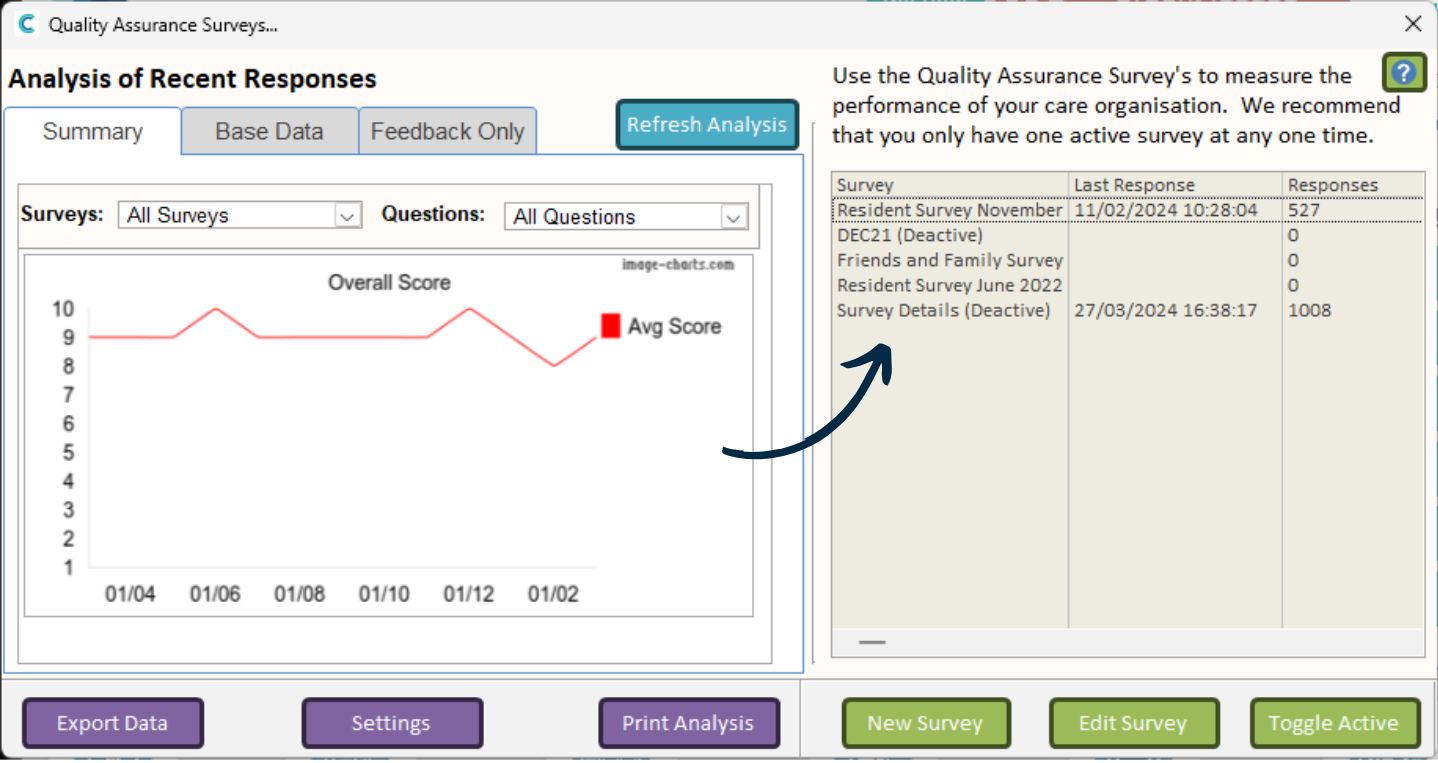
A new window will open. A list of the Quality Surveys on your system will display on the right hand side.
3
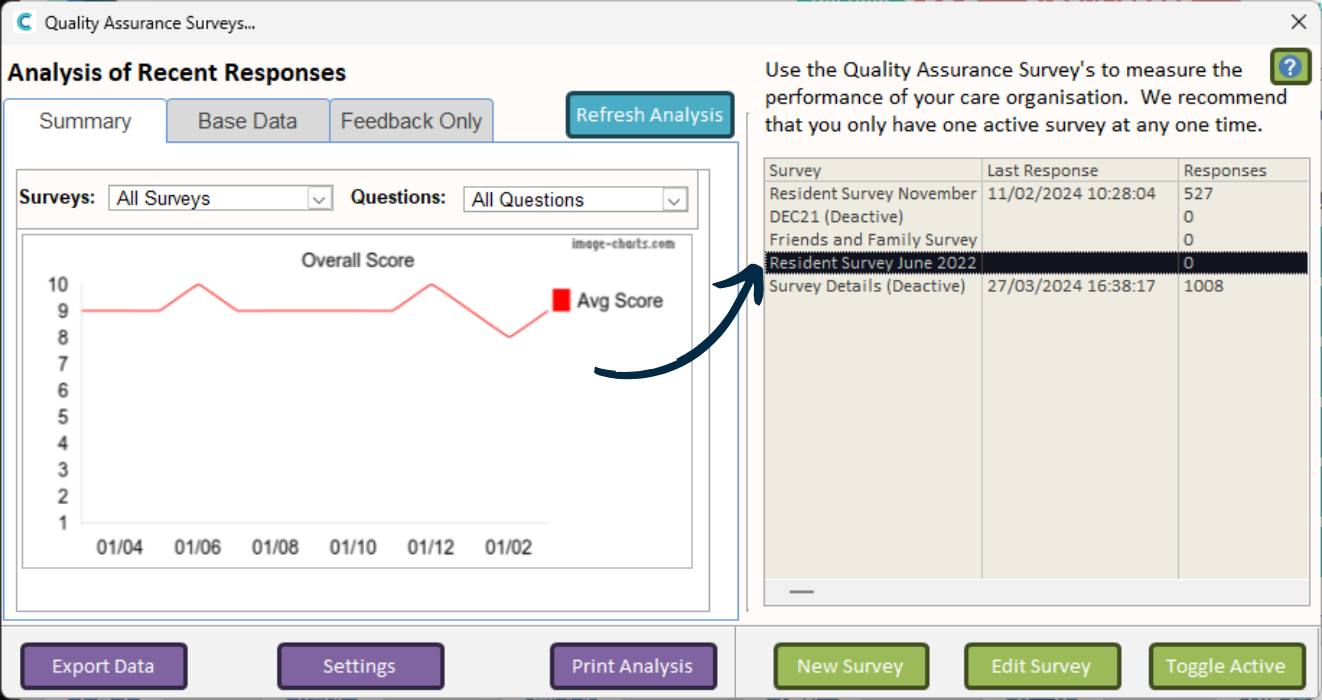
Double click on the survey you wish to print.
4
Another window will open with the contents of the selected survey.
Press the Print button at the top.
5
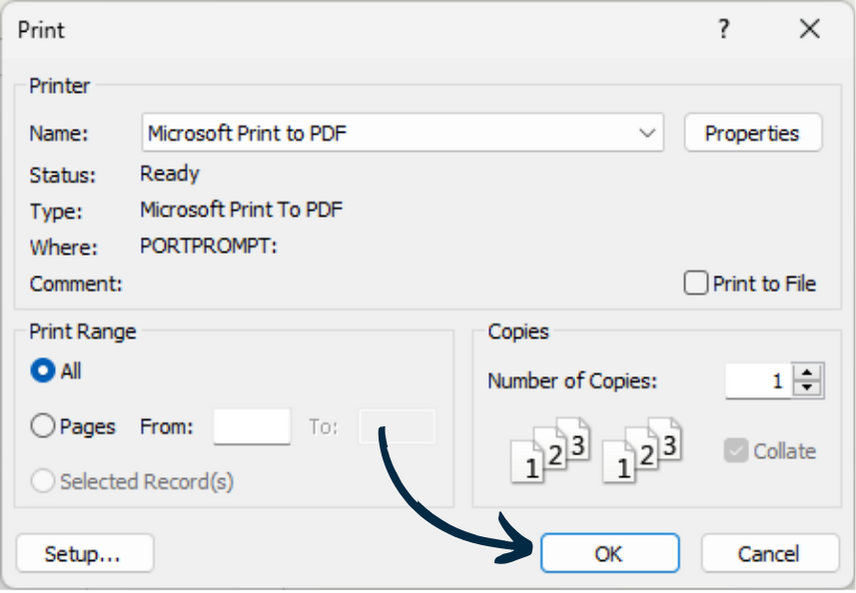
A print dialogue will open, continue to choose your printer, number of copies etc.