⚠️ System update: We are aware of an issue affecting certain areas and user roles within the system following the new Navigation Menu release. Please note that Super Admin access is working as expected. Our Development Team is actively investigating the issue and working to implement a resolution as quickly as possible. We appreciate your patience and understanding while we work to restore full functionality.

View Categories

Org Man Setting up Single Sign On

This guide will cover setting up Single Sign On for Cloud within Org Management

Please follow the interactive guide below, a written guide is also available at the bottom of the page.

Written guide

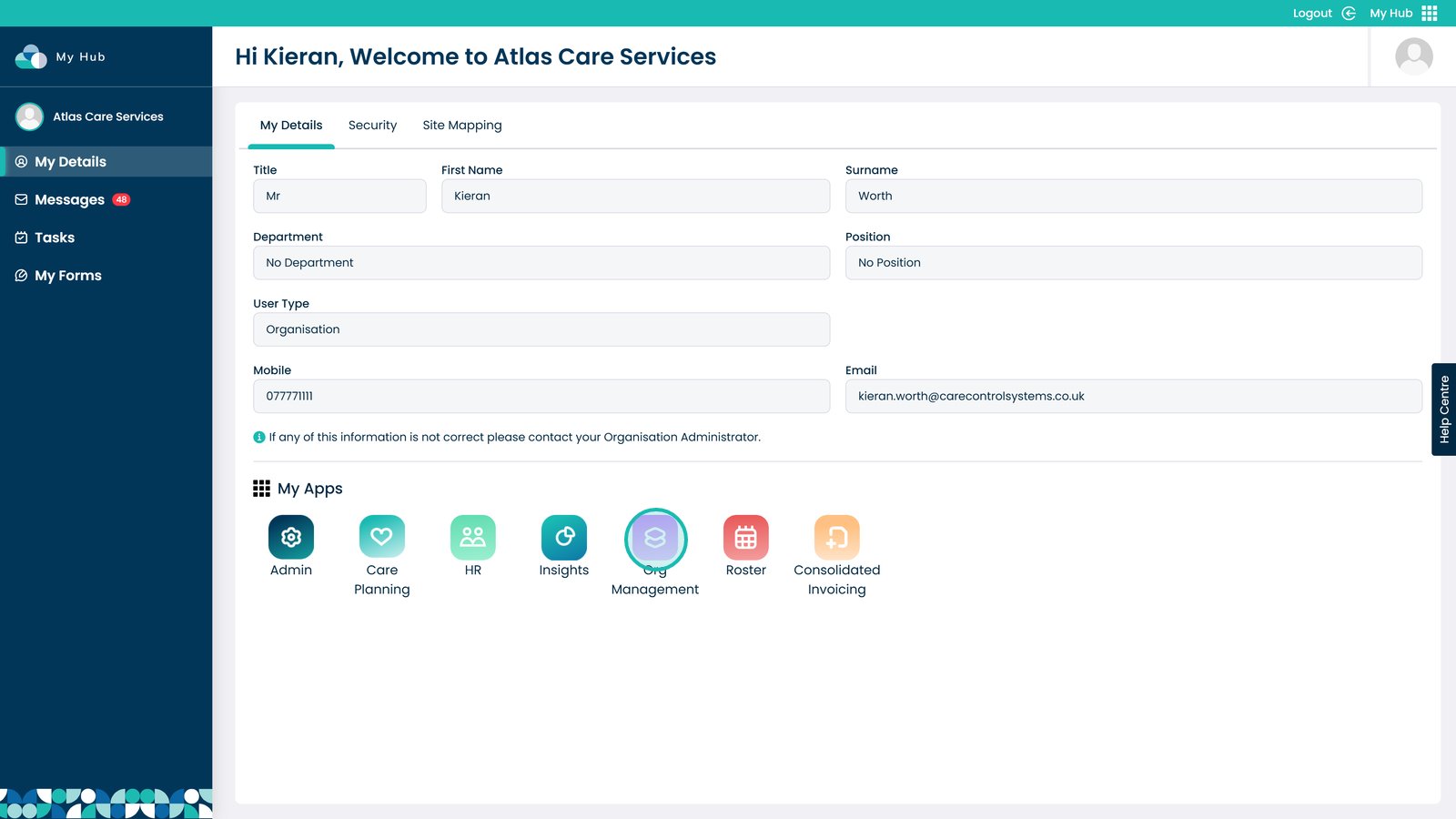
1. Open the Org Management App
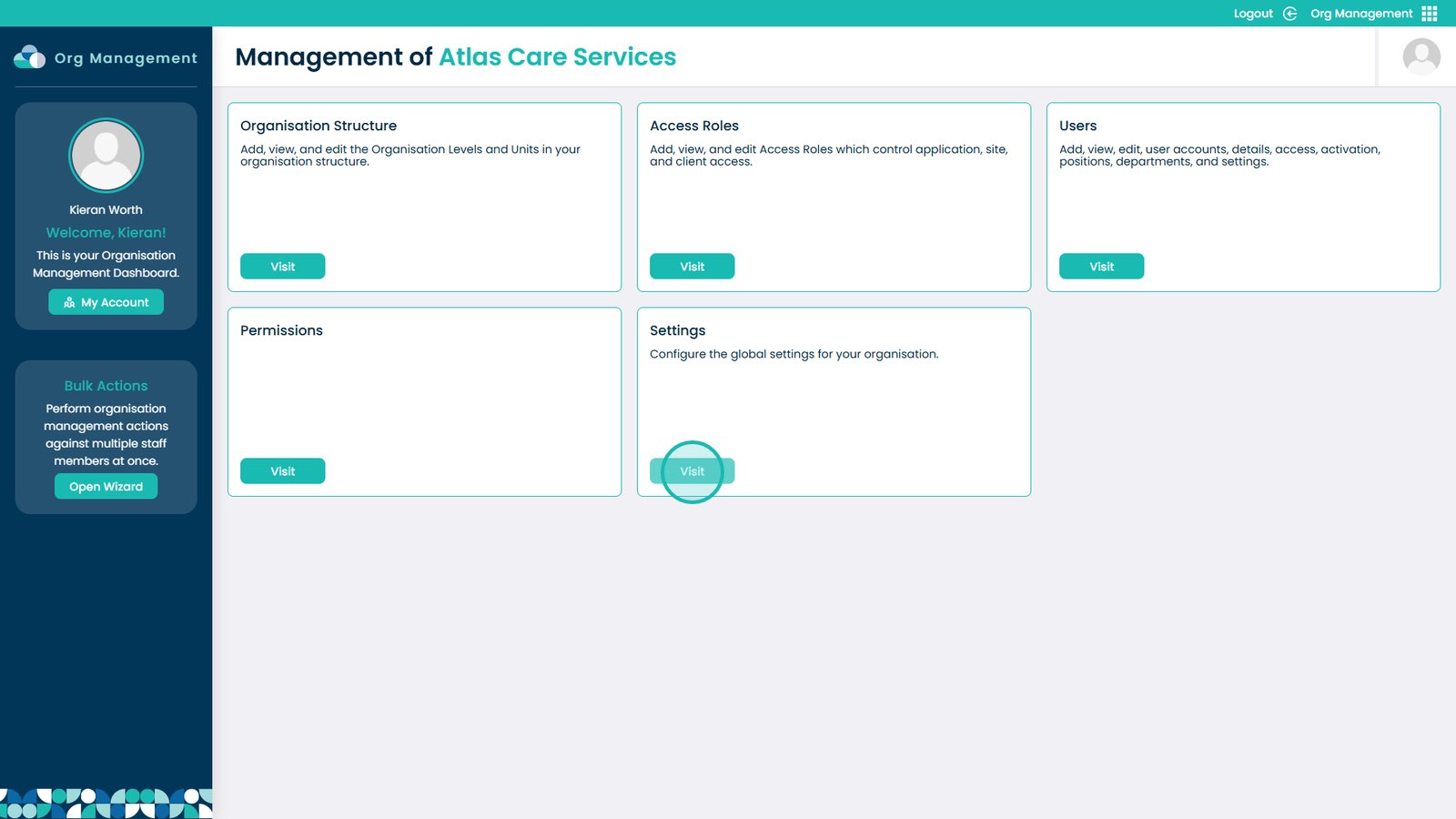
2. Visit the Settings area
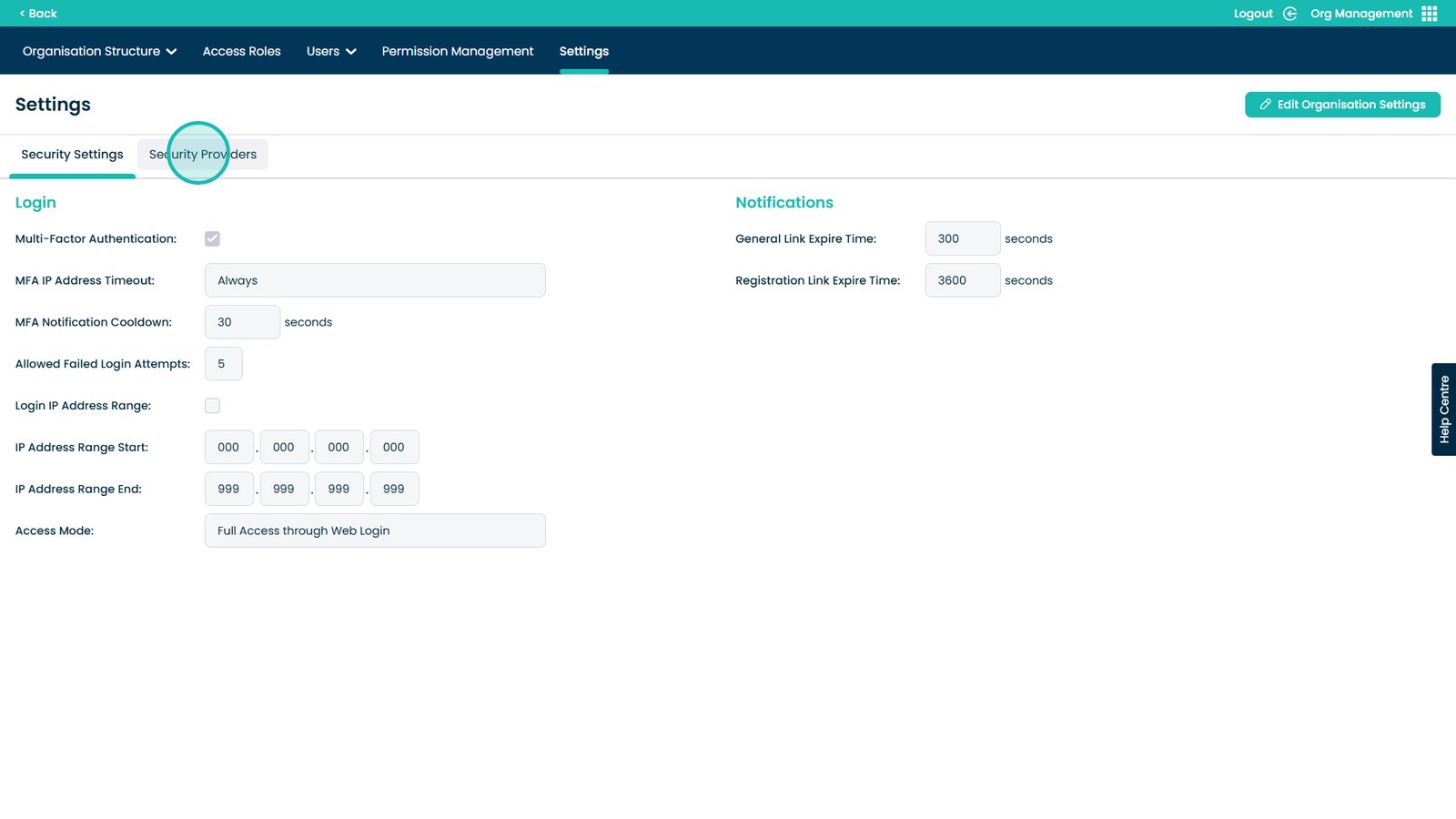
3. Open the Security Providers tab
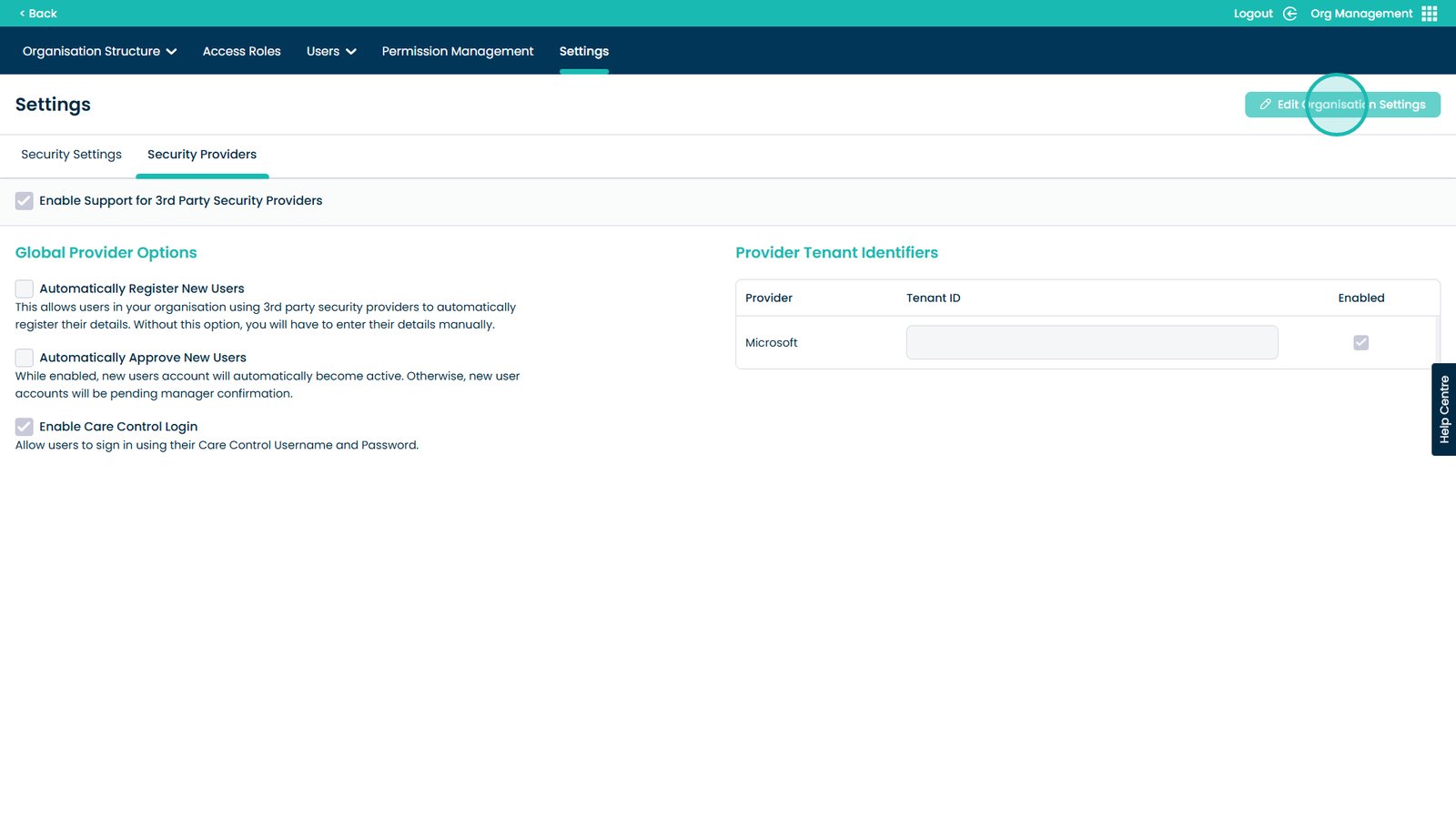
4. Edit Organisation Settings
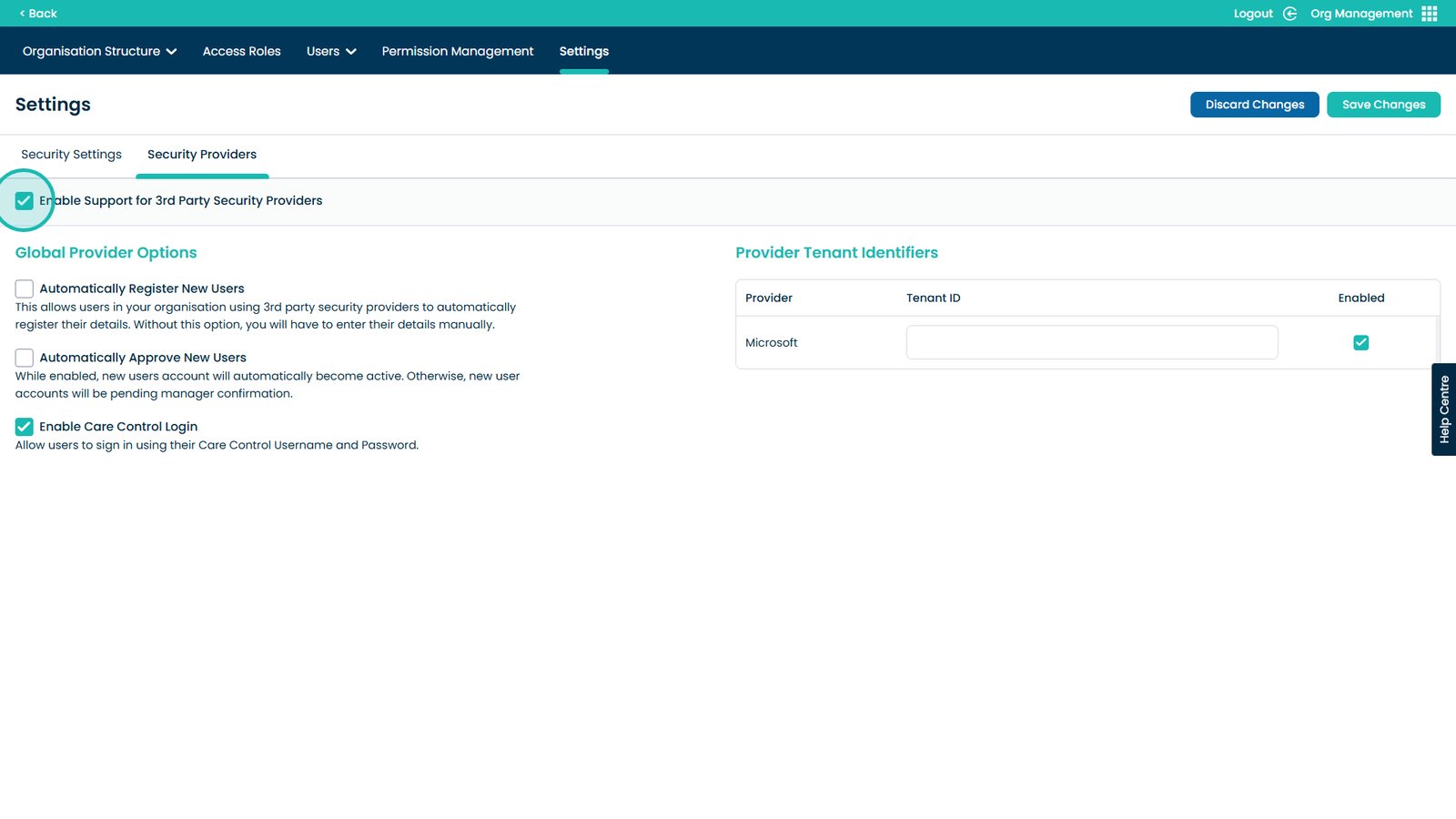
5. Click to Enable support for 3rd Party Security Providers
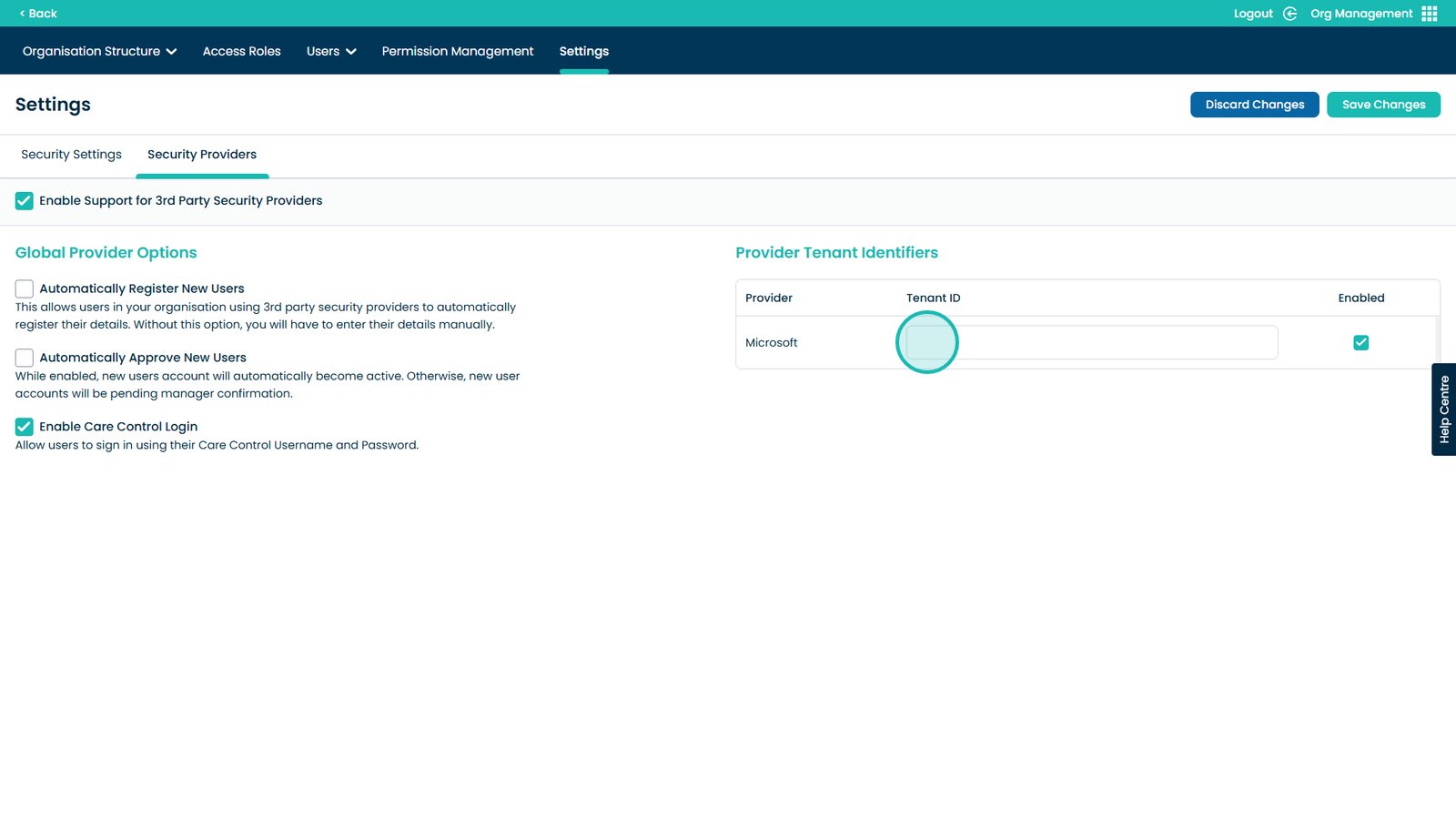
6. Paste the Tenant ID here. You can find it on your Microsoft Azure account
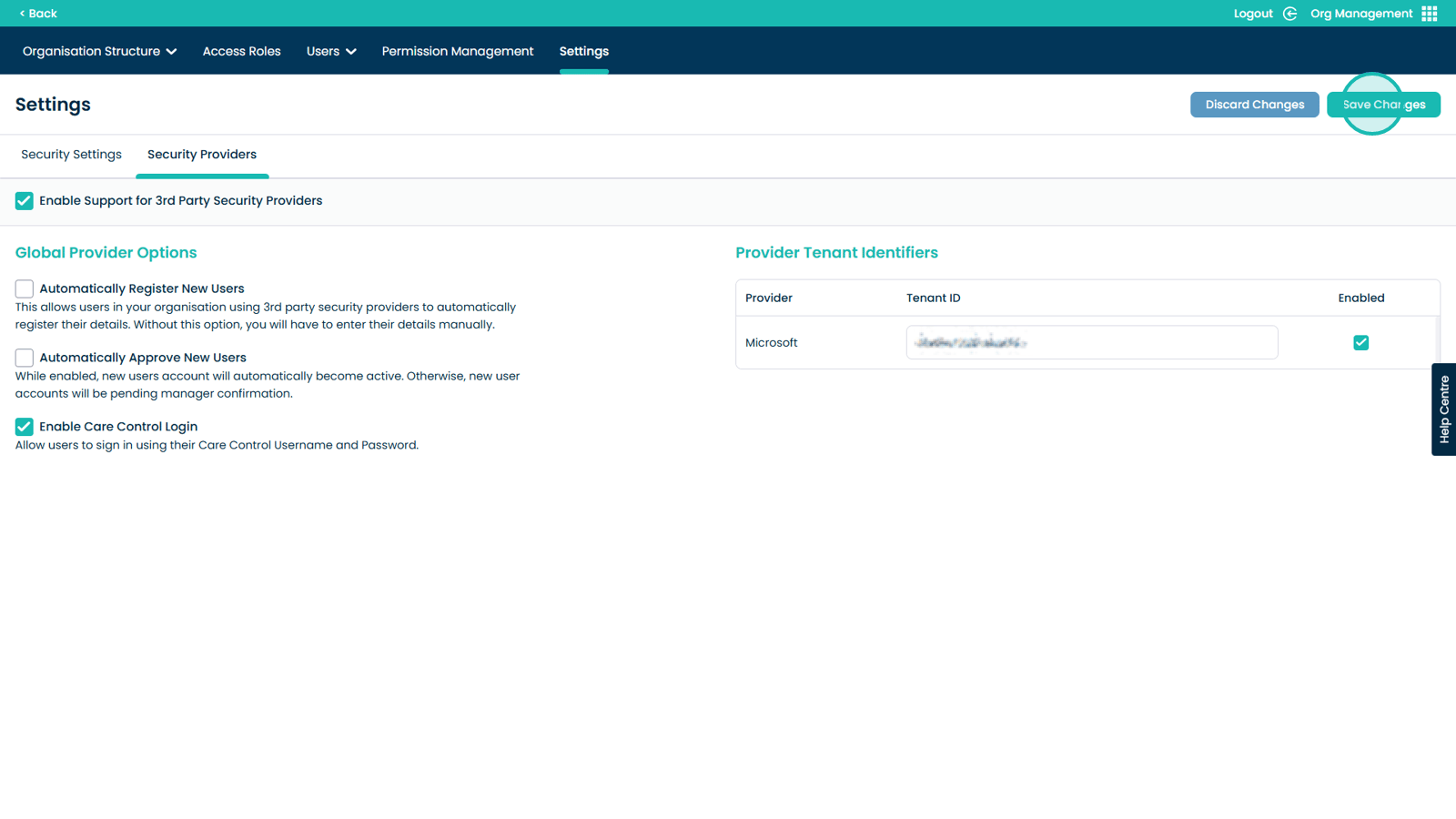
7. Click Save Changes to complete the Single Sign-On setup