The new fastest and easiest way to access Care Control
Introducing Care Control Gateway. Your replacement for Launcher and Windows.
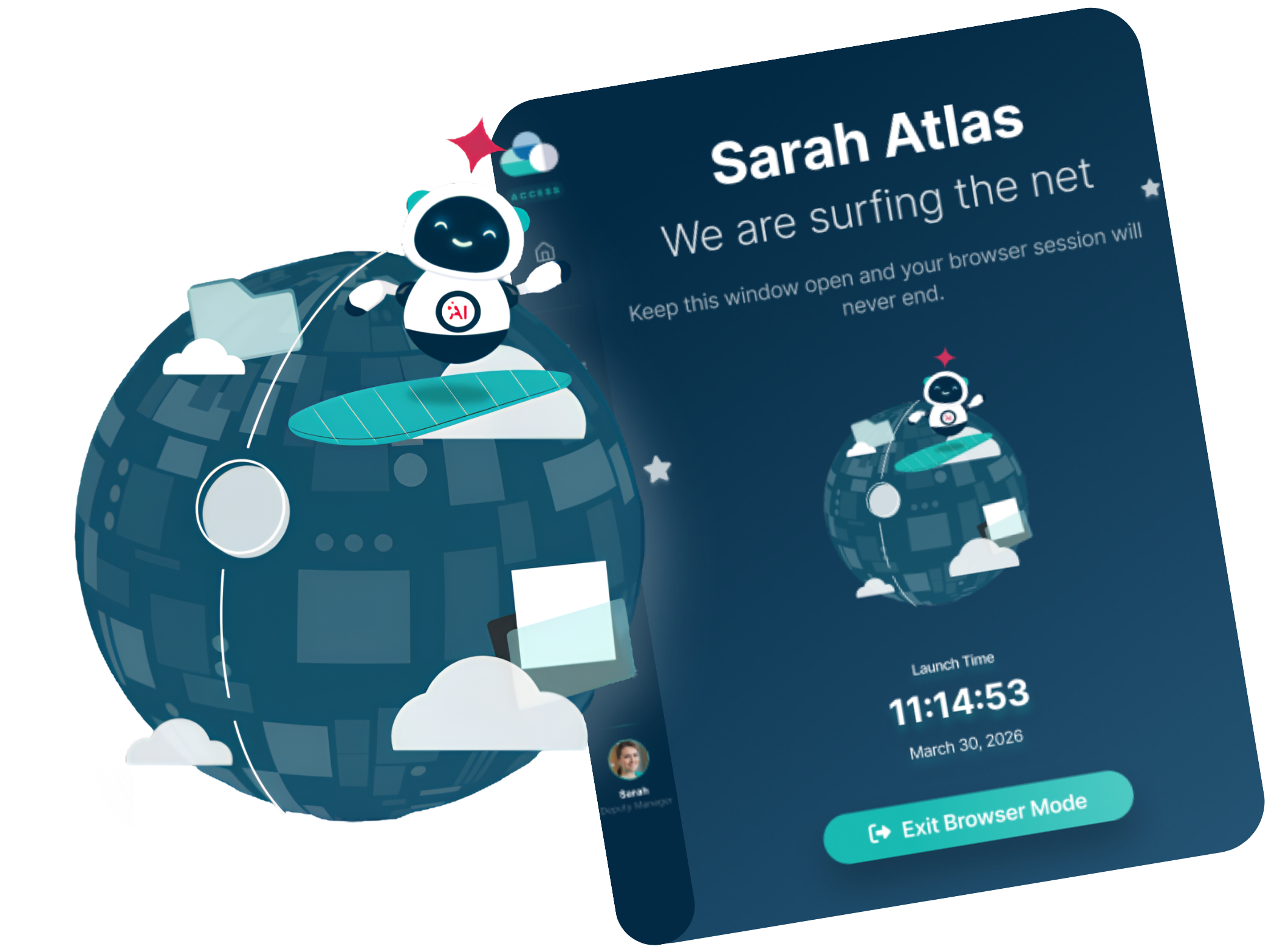
Access Care Control with ease! Care Control Gateway is the brand new app that allows you to access Care Control Cloud, view Kiosk mode and much more!
Introducing Gateway
Everything you need to set up Gateway and get started with confidence.
Watch this quick introduction to Gateway, where our Customer Success Manager, Natasha Crook, guides you through the setup process and shows you everything you need to get started. By the end, you’ll be ready to take the next step in your Care Control journey.
Explore before you begin
Discover how Gateway works with a guided, interactive walkthrough.
Take a guided tour of the Gateway app and explore its key features in a safe, interactive environment. Work through each step at your own pace, familiarise yourself with the interface, and build confidence before you start using Gateway in your day-to-day workflow.
Watch the Webinar
Take a deeper dive into Gateway with our recorded webinar.
Missed our live Gateway webinar? Catch up with the recording to see Gateway in action, explore its key features, and hear practical guidance from our team. It’s a great way to deepen your understanding and pick up useful tips before you start using Gateway.
Q&A
If you would like to trial Gateway, please email our support team at support@carecontrolsystems.co.uk
Gateway is not fully released currently so you may experience issues, if you do please raise a support ticket and our team will be able to assist you.
A download link for Gateway will be available on our Downloads page once it is live. During the trial period, please contact our Support Team to request the installation link.
Launcher will remain available for existing users, but it will no longer be available to download. This means that new staff members will access Care Control Cloud through Gateway. As Launcher will be retired in the future, we encourage all customers to make the move to Gateway as soon as possible.
Gateway is a secure desktop application designed to replace Launcher and Windows sign-in. It is not a web-based sign-in solution. Access is restricted to devices where Gateway has been installed, providing an additional layer of security, with users signing in using a PIN.
For organisations using Care Control Cloud, single sign-on (SSO) is available if required. However, for the majority of staff, we recommend using Gateway’s secure device-based sign-in for the best balance of security and ease of access.
No. Gateway only needs to be installed once on each device, not for every individual user. Once the Gateway app has been installed, multiple users can sign in and use it without needing to contact us individually.
During the trial period, please request the installation link from our Support Team. From the end of August, the Gateway download will be available on our Downloads page.
If you are on Windows, please follow this guide: Setting up One Time Codes – Care Control Learning Hub
If you are using Cloud, please follow this guide: Creating a One Time Code in Cloud – Care Control Learning Hub
Gateway uses a different sign-in method to provide an enhanced level of security. Rather than using a Site Code, Gateway requires devices to be registered before they can be used, with users signing in using their own PIN. This helps ensure that only authorised users can access Care Control from approved devices, while also making the sign-in process simpler for day-to-day use.