You could win a £250 Amazon gift card! All you need to do is spare us 3 minutes of your time. Click here to find out more!
In the scenario where the Care Control eMAR system is not used, turning it off allows the use of the medication profile on a service users Care Plan.
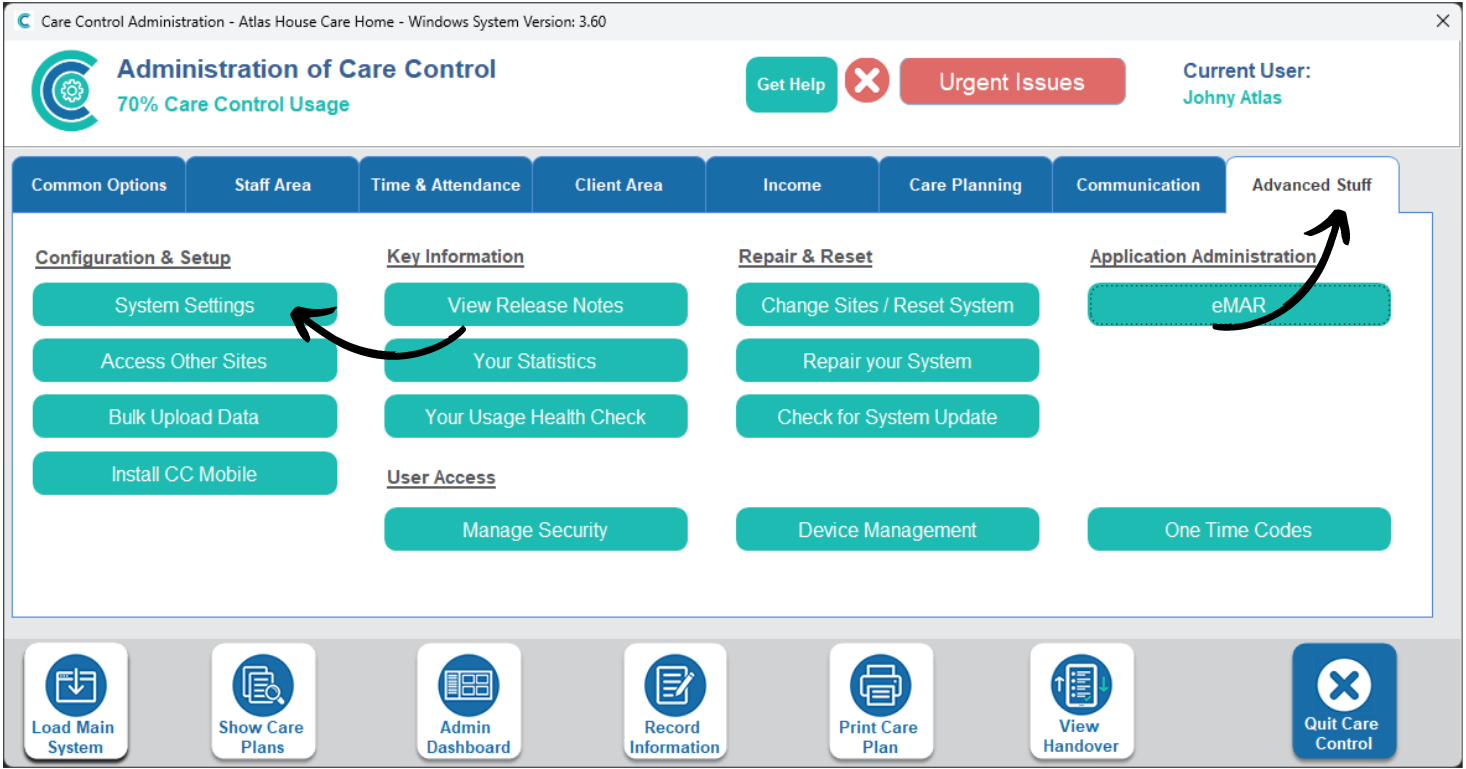
In the Administration of Care Control Windows, open the System Settings which can be found under the Advanced Stuff tab.
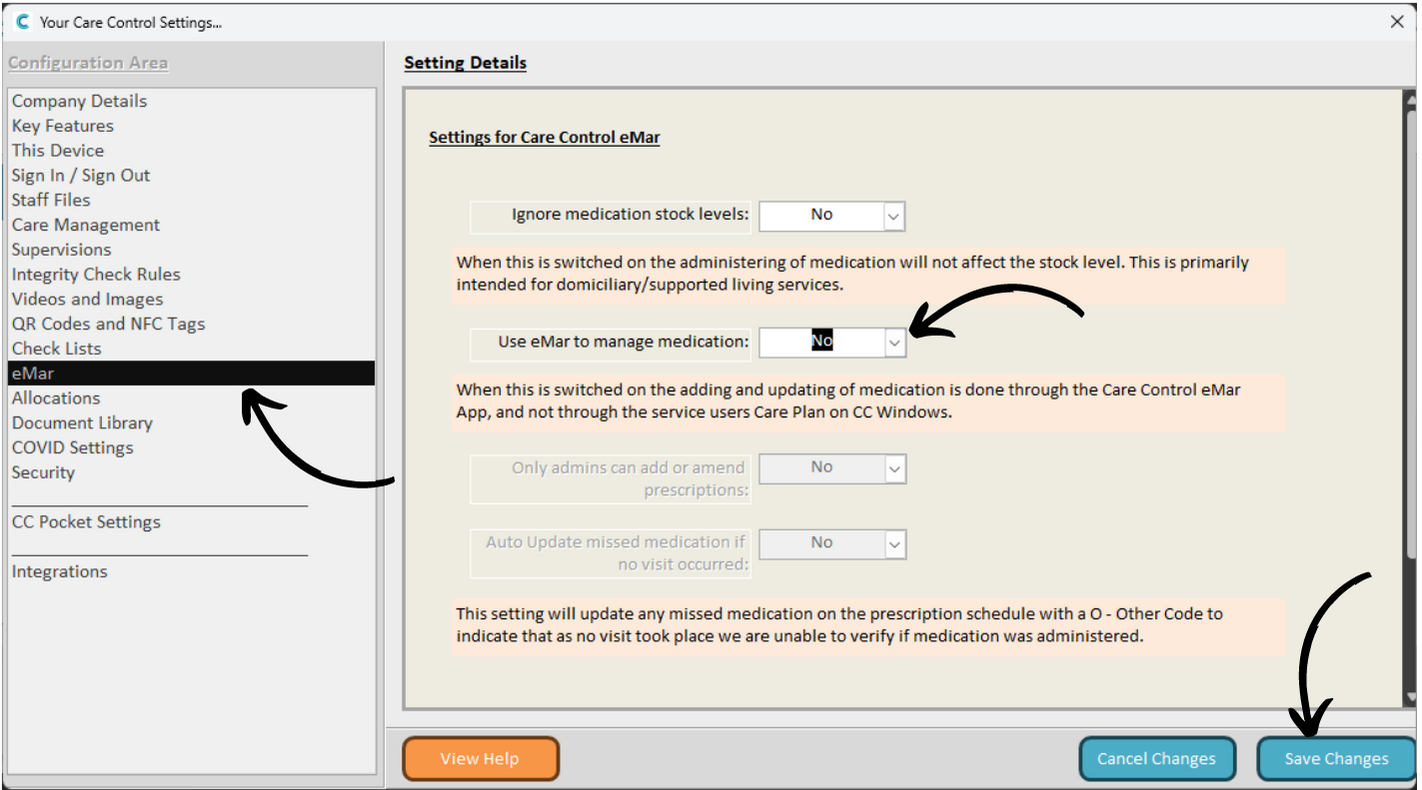
Here, select the eMAR tab from the menu on the left hand side.
Finally, look for the setting labelled “Use eMAR to manage medication” and set it as No.
Make sure to Save Changes after making any amendments.