🚀 UPCOMING WEBINAR: See Payroll in Care Control Cloud in action on Thursday 18th June and discover how to manage payroll more efficiently from one connected system. Click here to find out more!

View Categories

Observations

This guide will cover how to record Observations on Care Control Cloud. This monitoring area allows for recording of basic health measurements such as blood pressure, heart rate, blood sugar level and more.

1

In the Care Planning application on Care Control Cloud, select Record Care Plan Information.

2

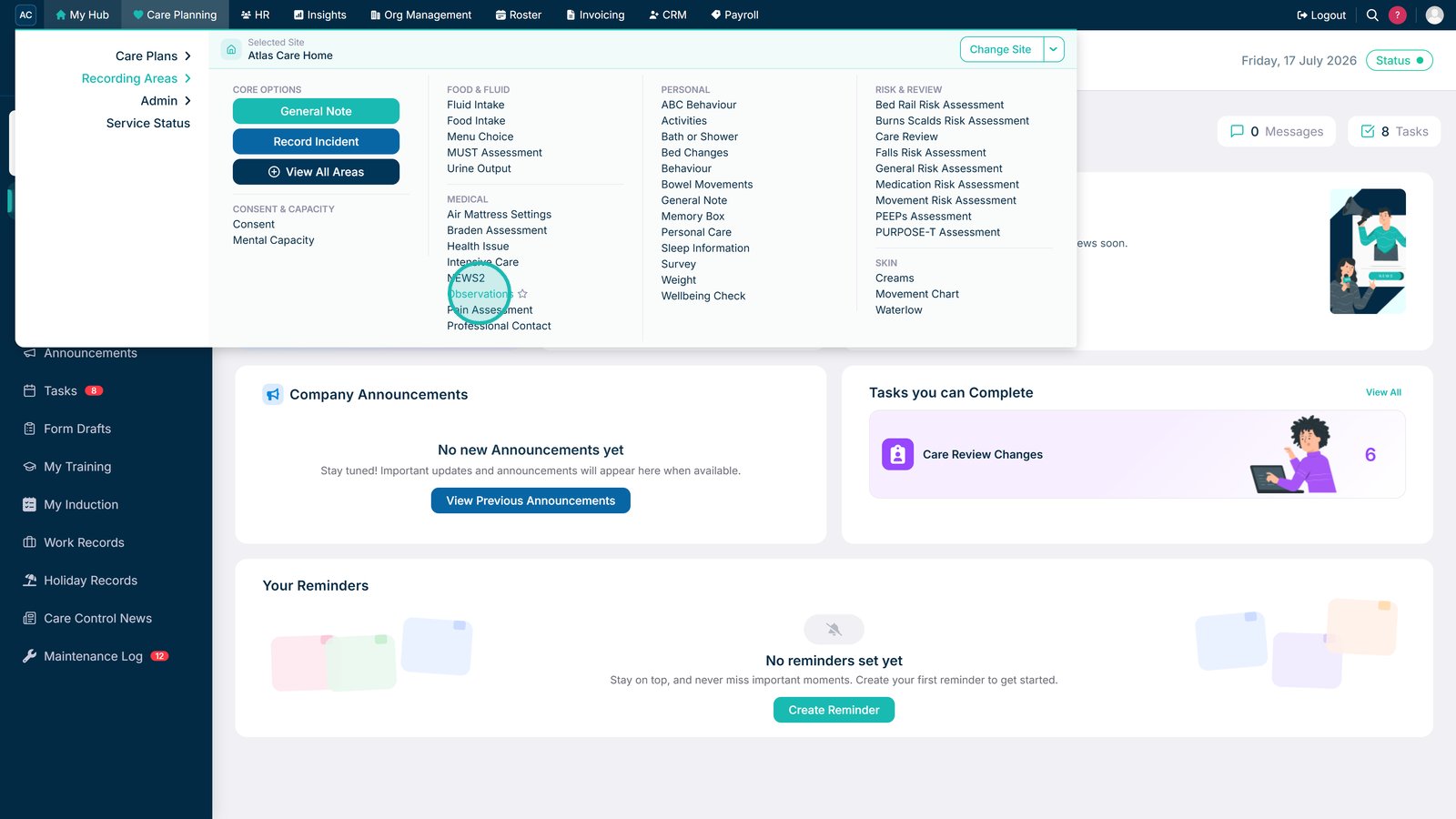
A list of common recording options will be displayed. Here, select More Options.

3

A list of all recording options will be displayed. Here, select Observations.

4

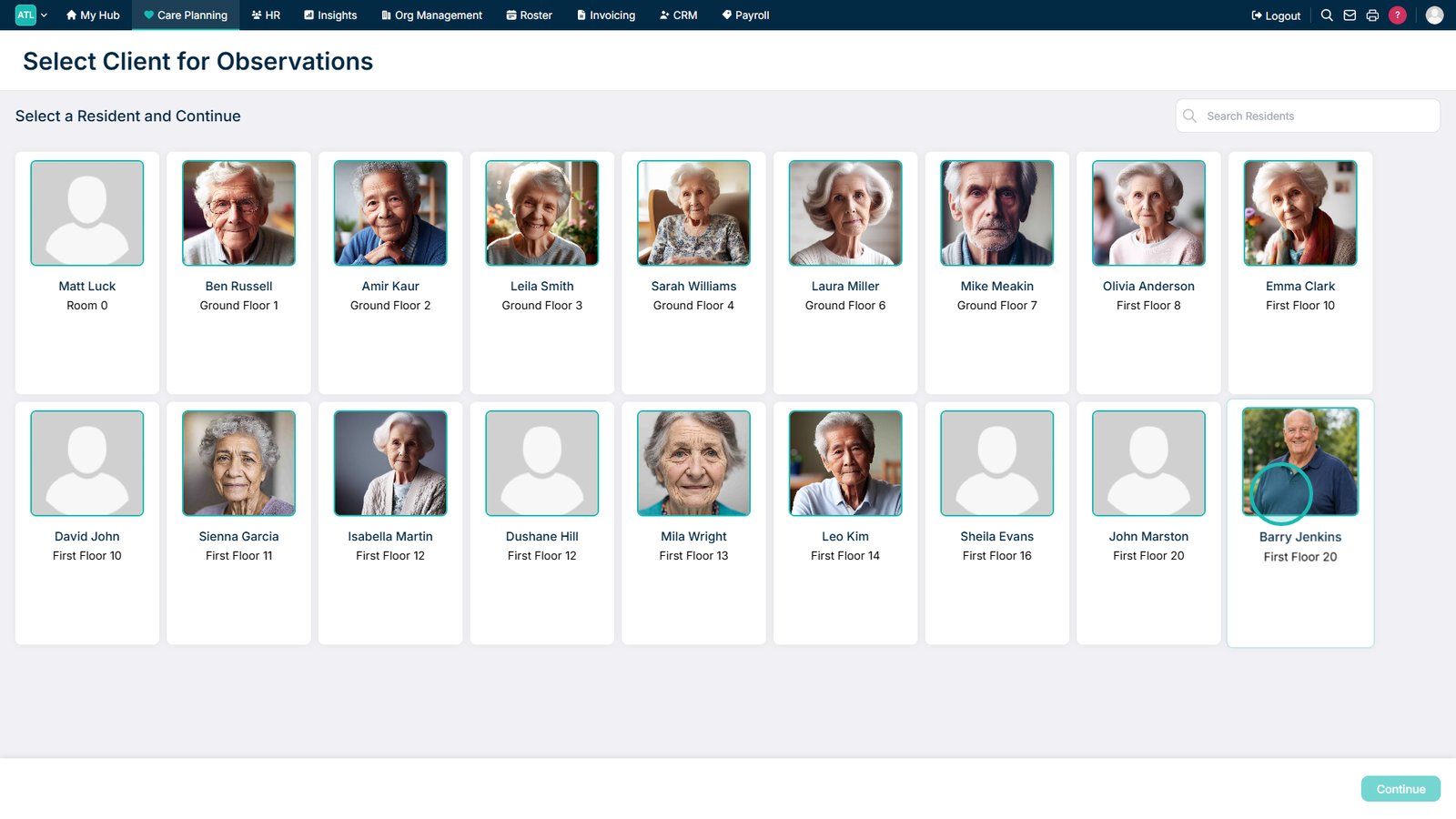
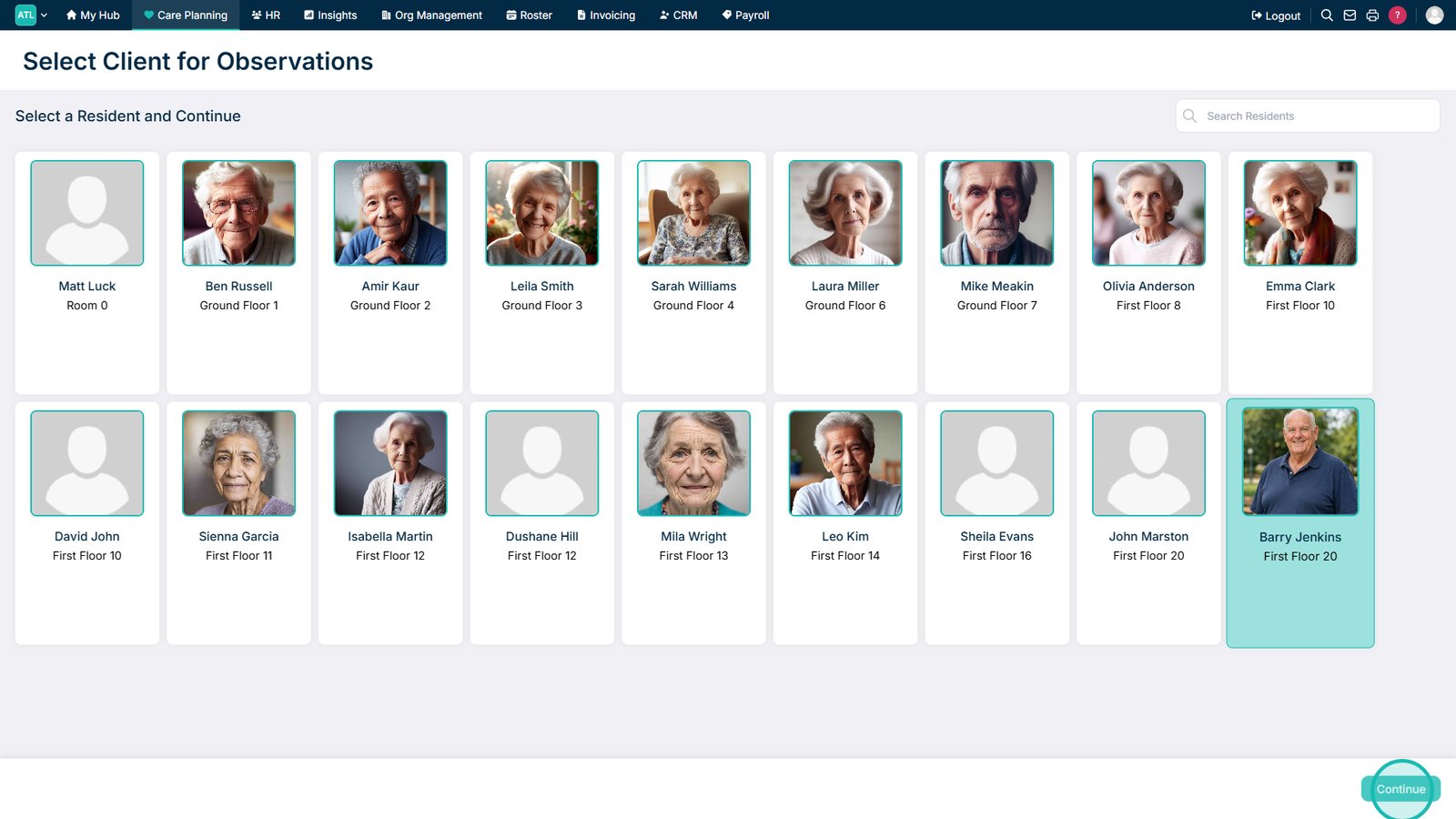
Select the Service User you wish to record for and press Continue.

5

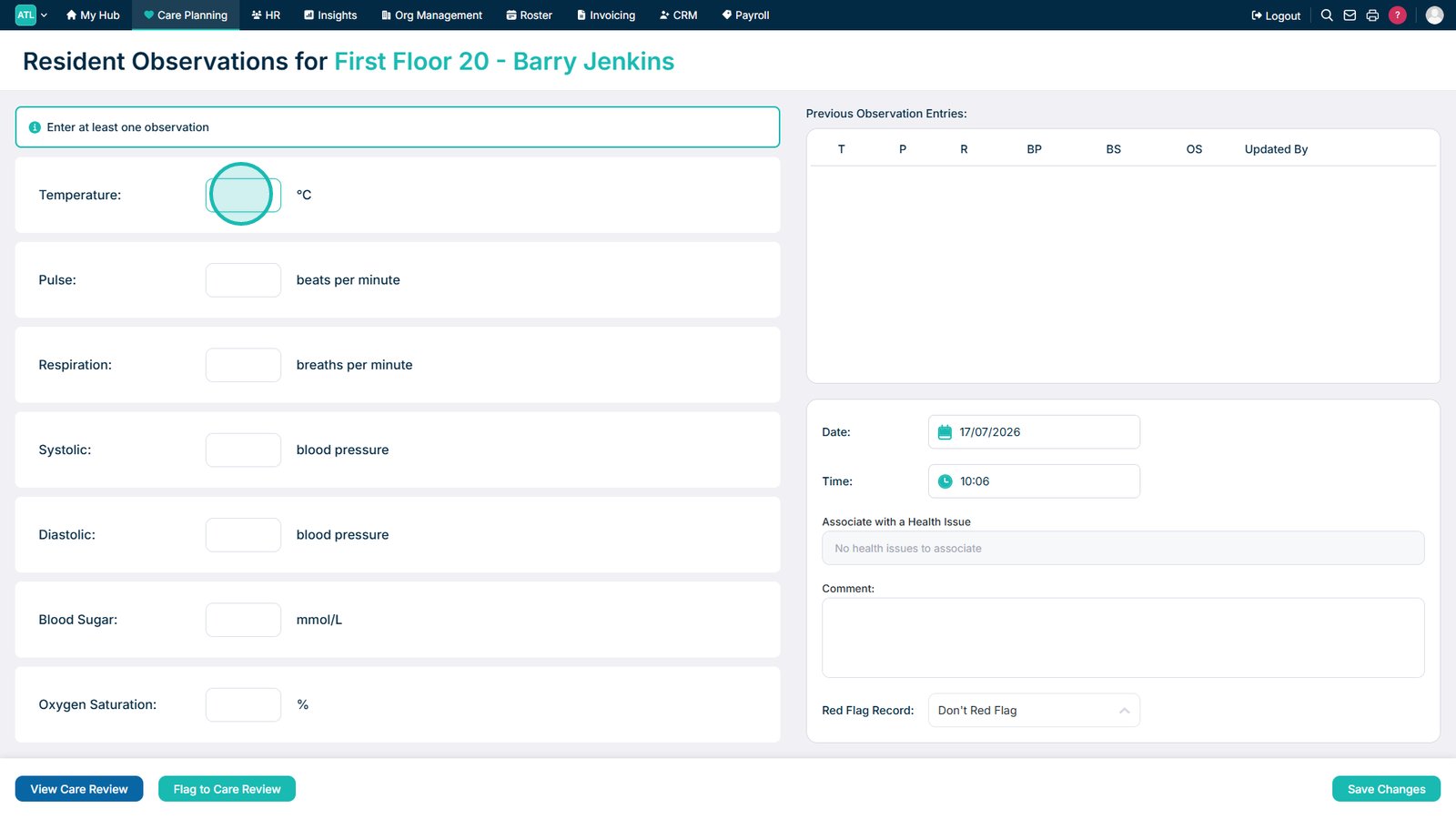
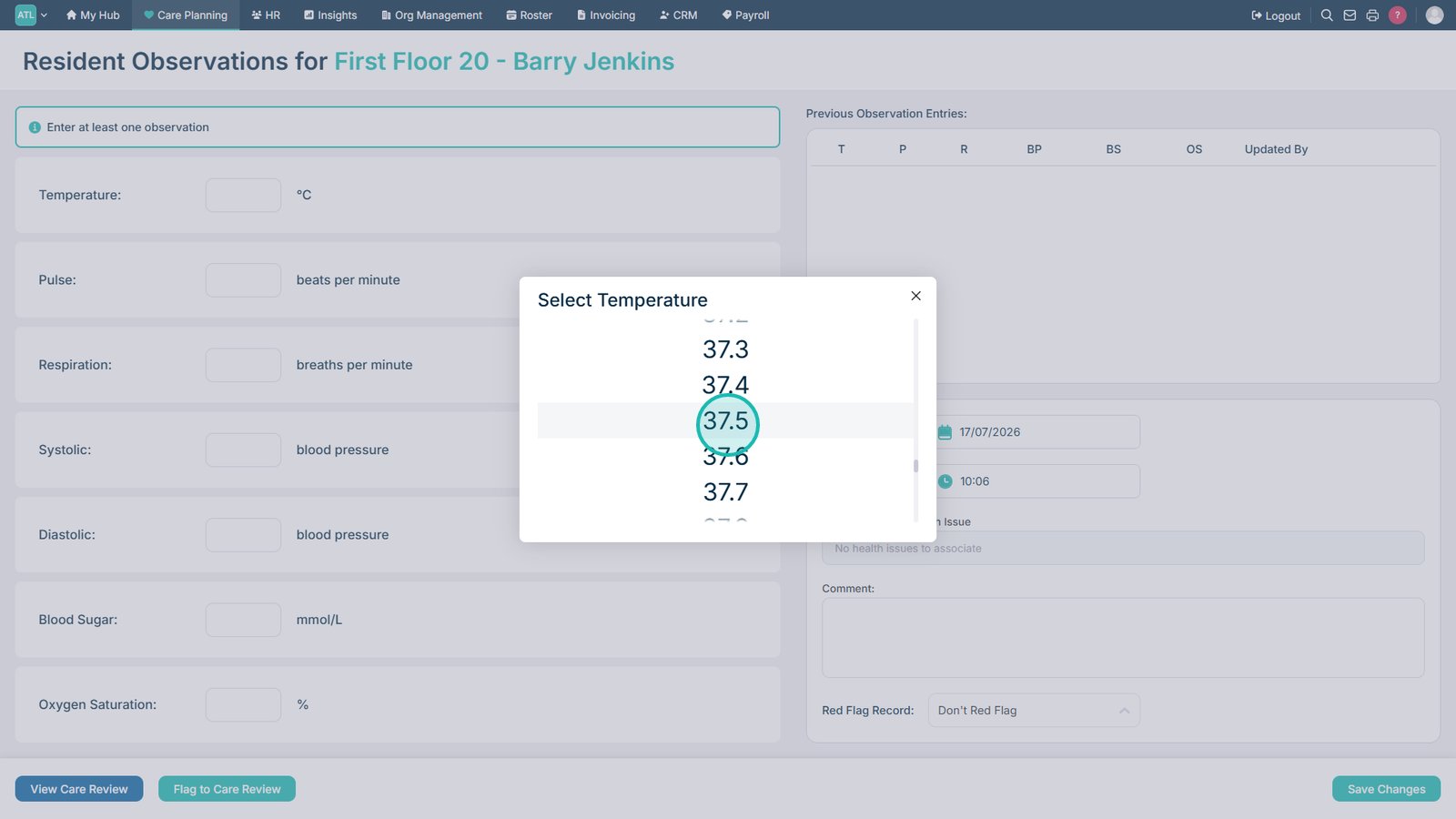
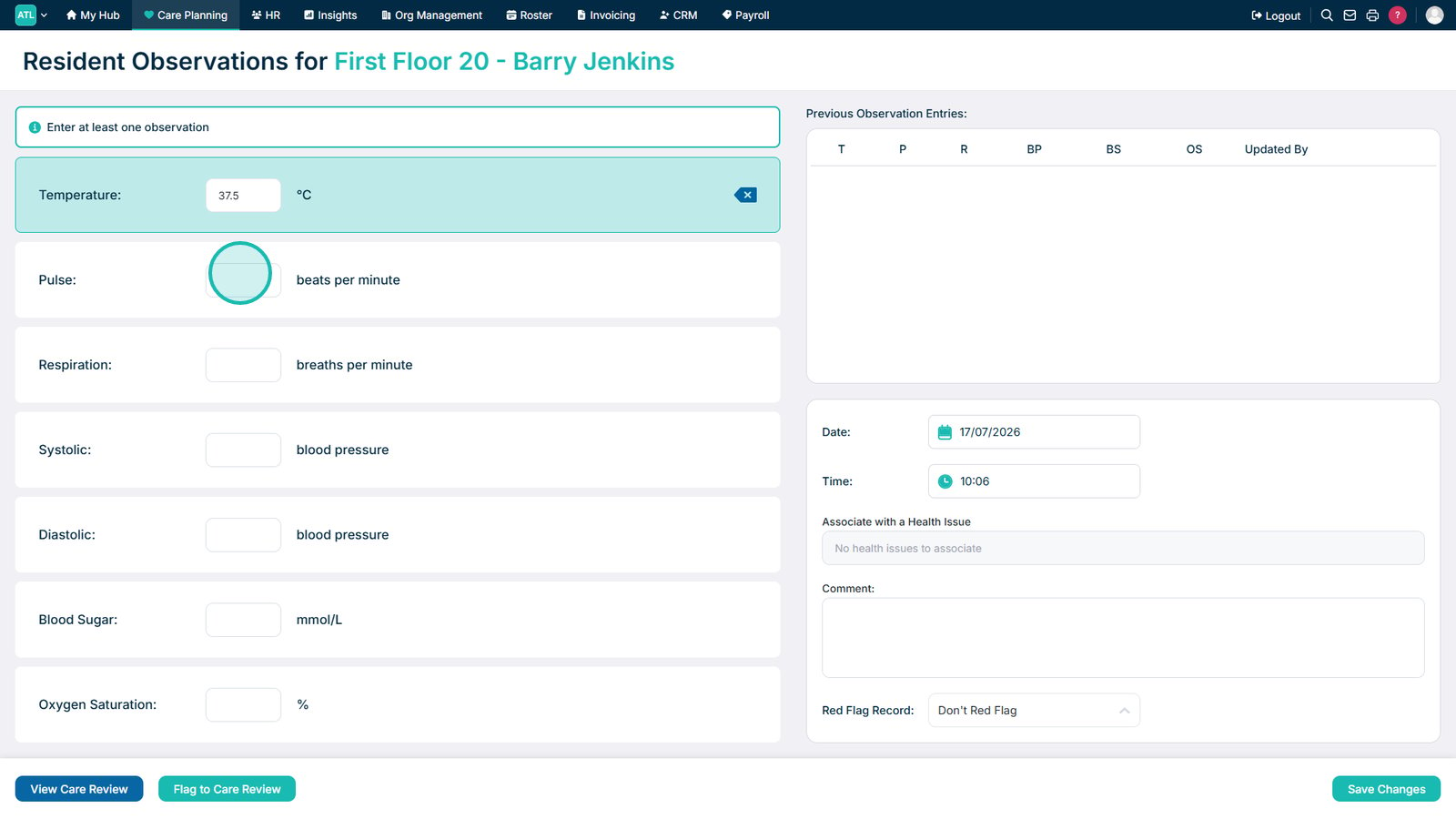
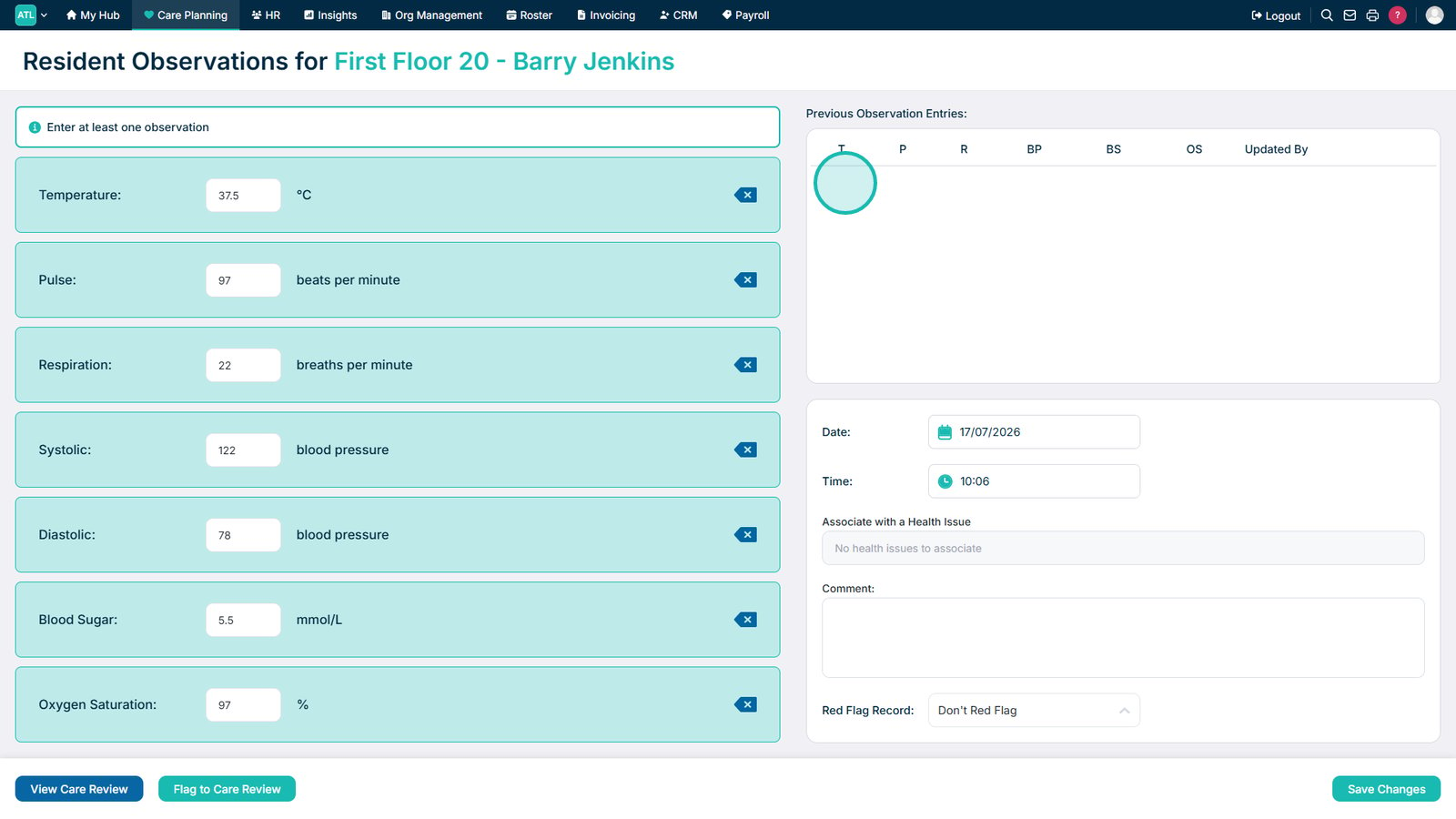
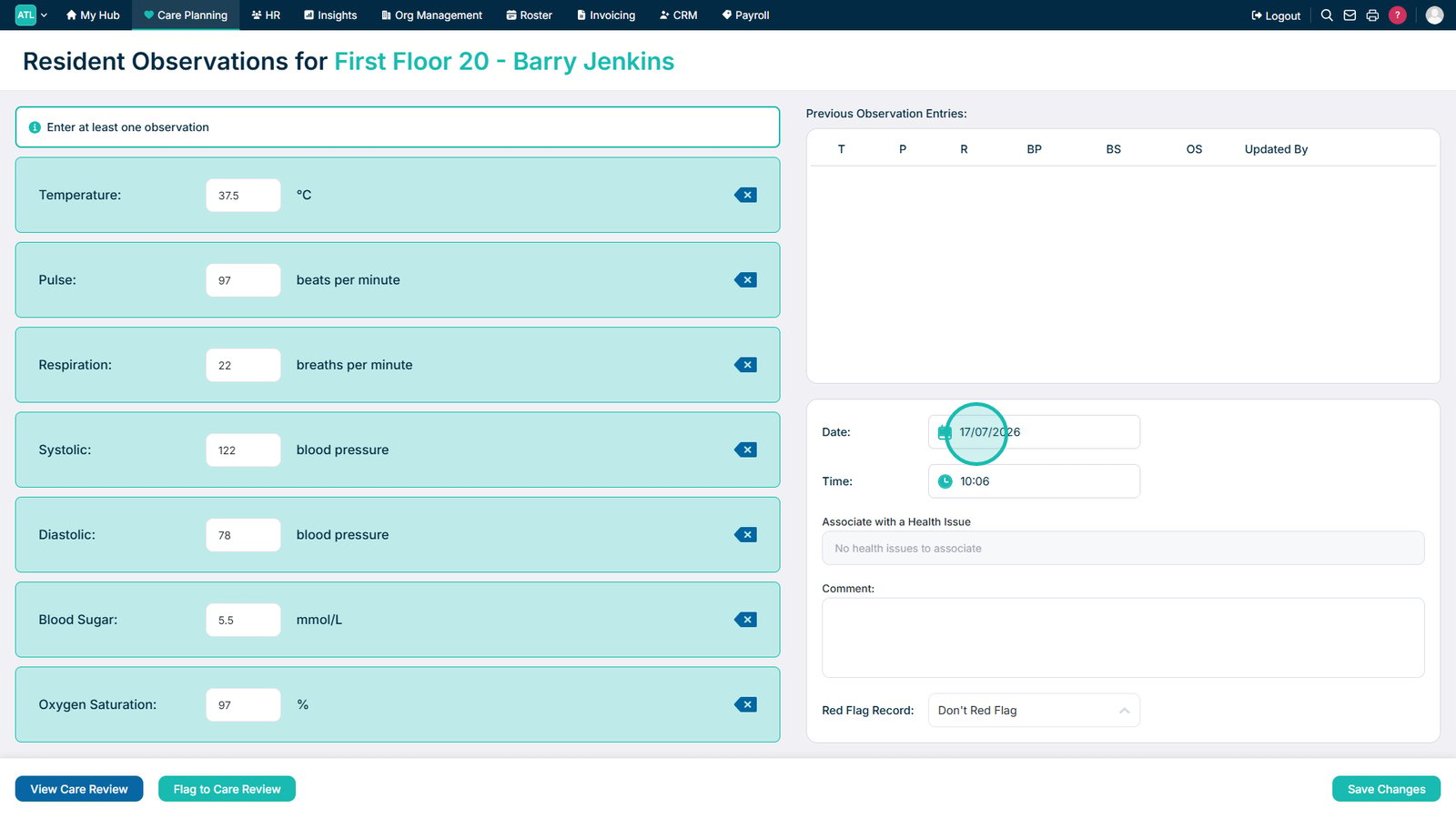
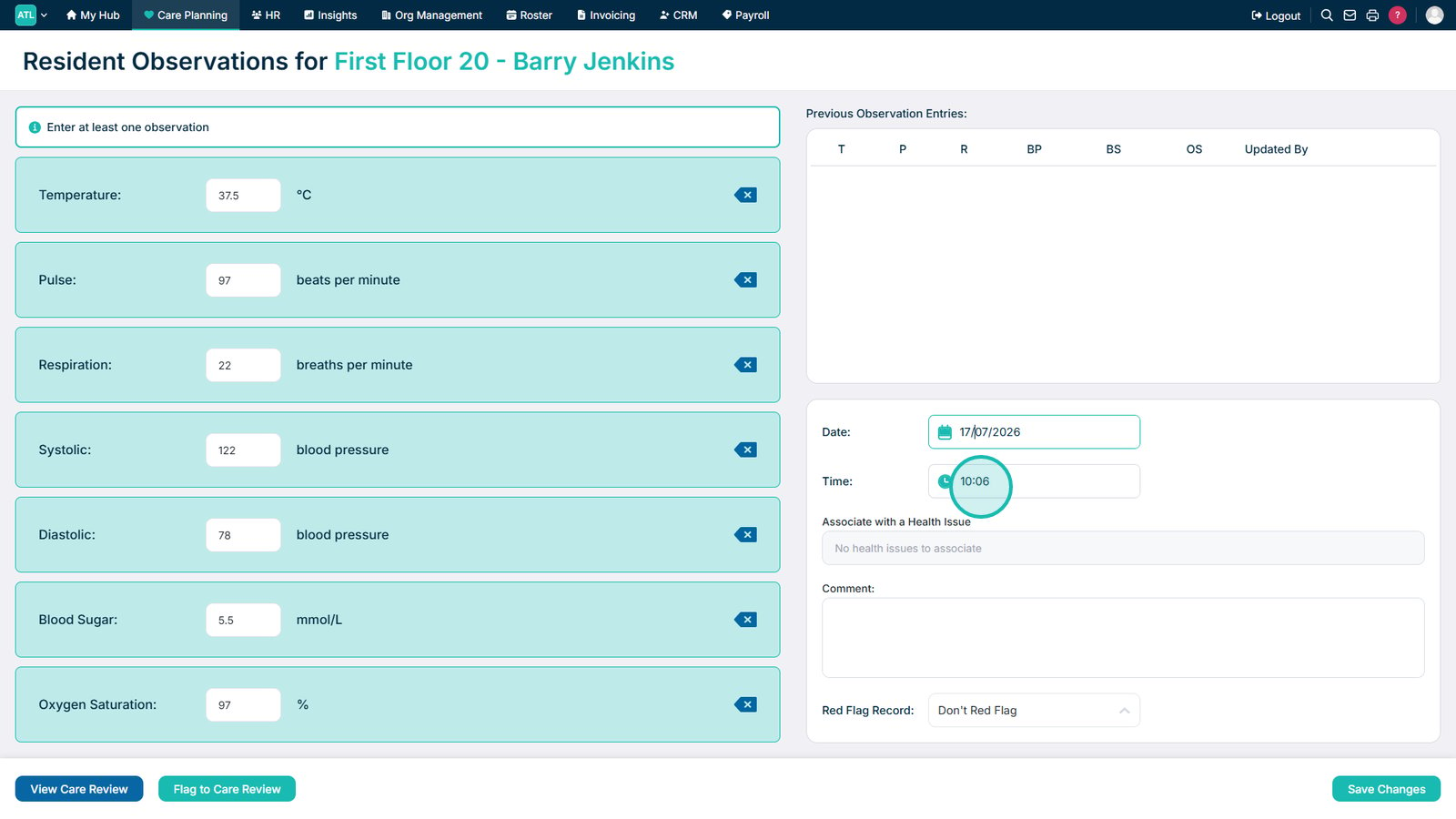
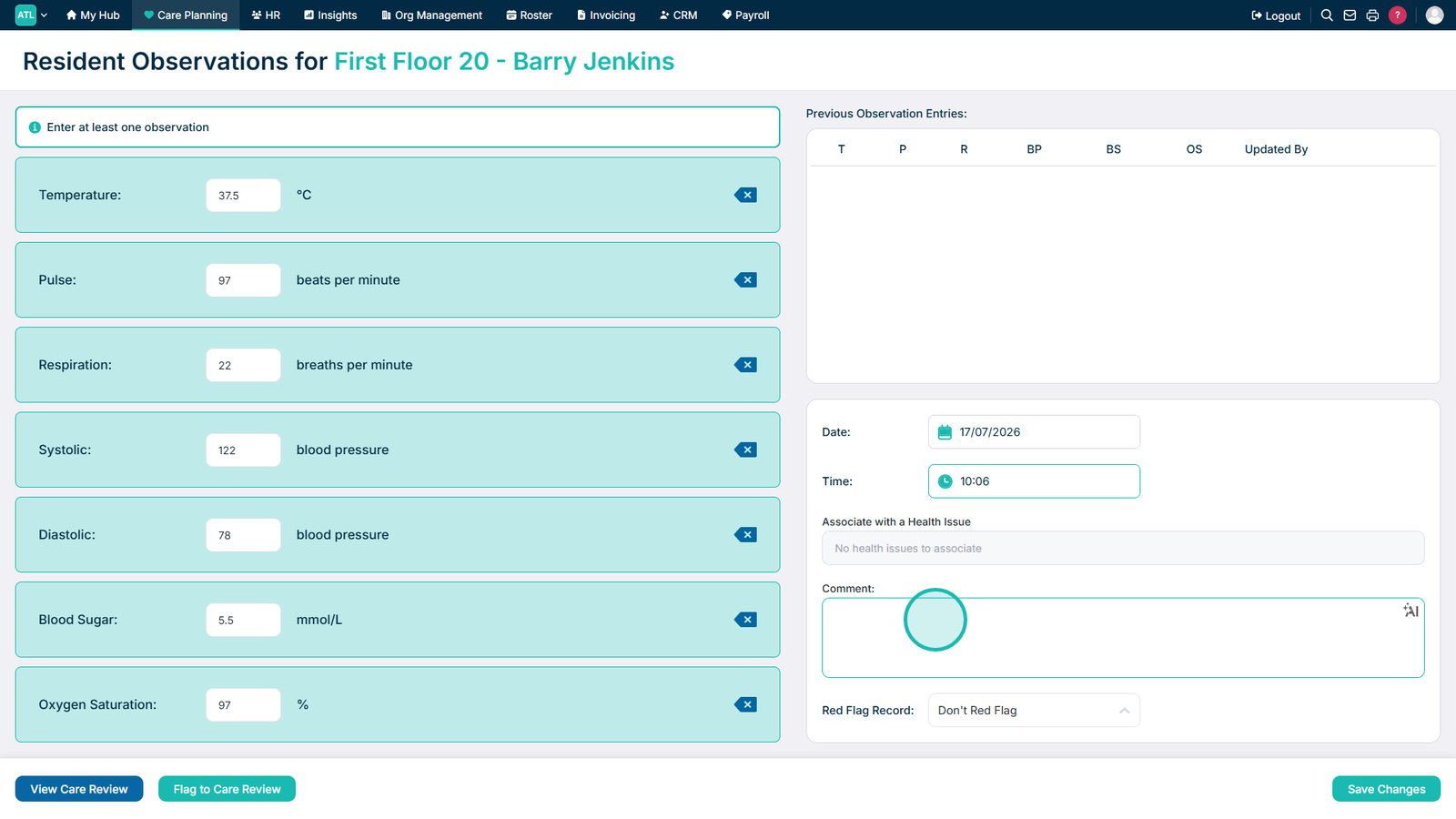
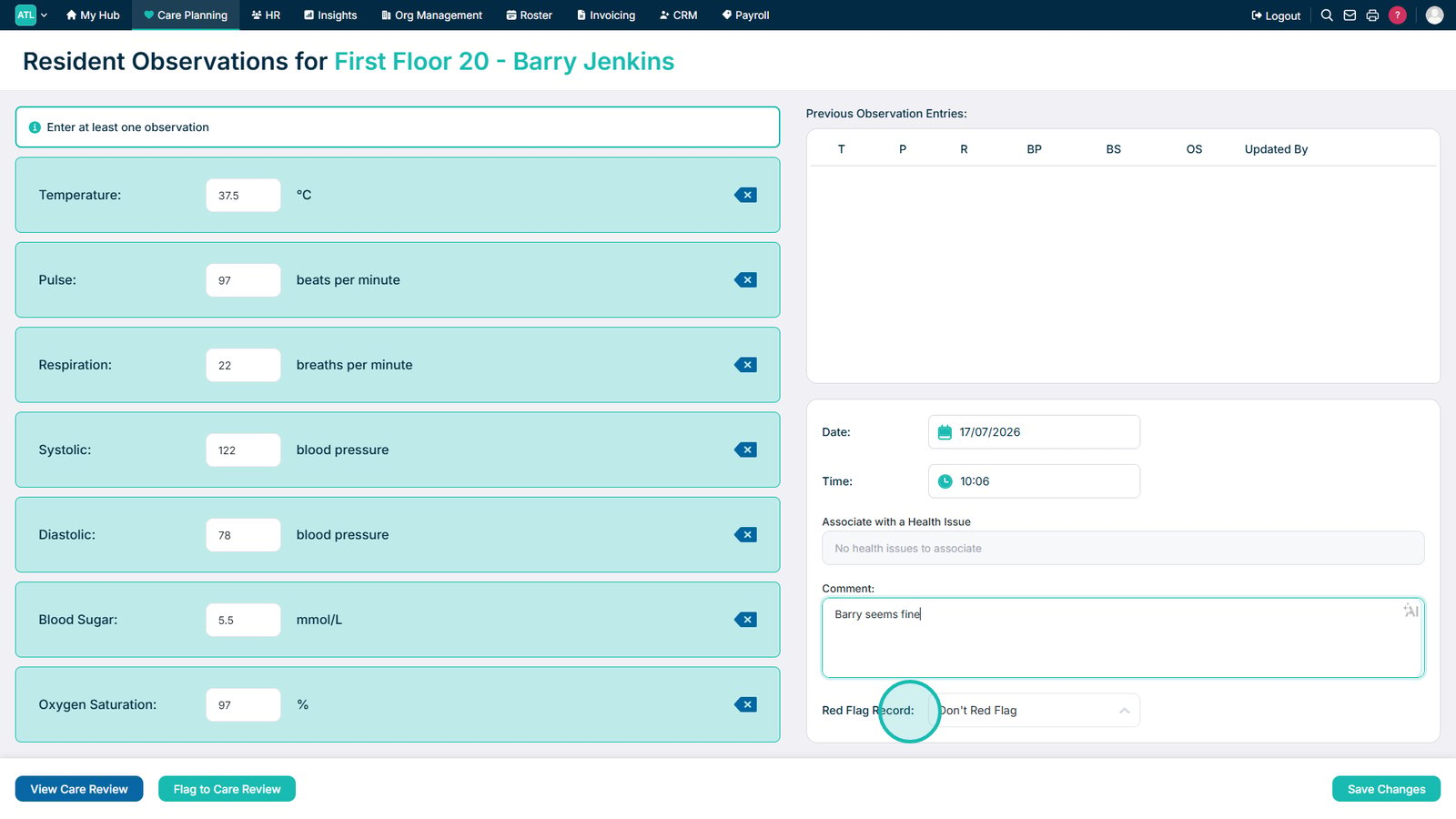
Enter the available measurements in the boxes on the left hand side. This includes statistics such as temperature, blood pressure and blood sugar. You can also add a Comment in the text box on the right hand side.

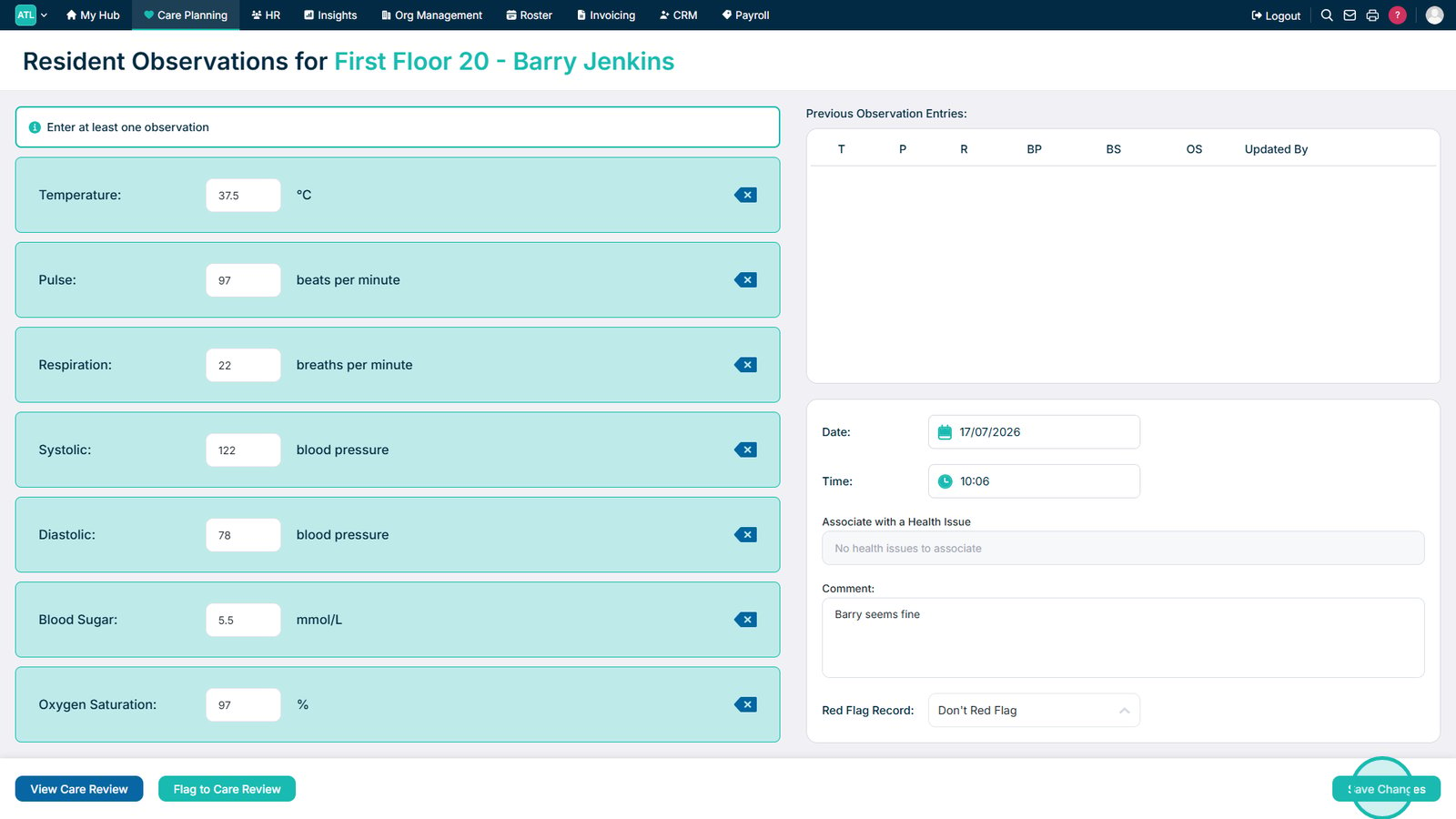
After completing the form, press Save Changes.