🚀 UPCOMING WEBINAR: See Payroll in Care Control Cloud in action on Thursday 18th June and discover how to manage payroll more efficiently from one connected system. Click here to find out more!

View Categories

Mark a shift as no longer required on Cloud Roster

If a shift is no longer needed for that day, you can mark it as no longer required with ease.

Step 1:

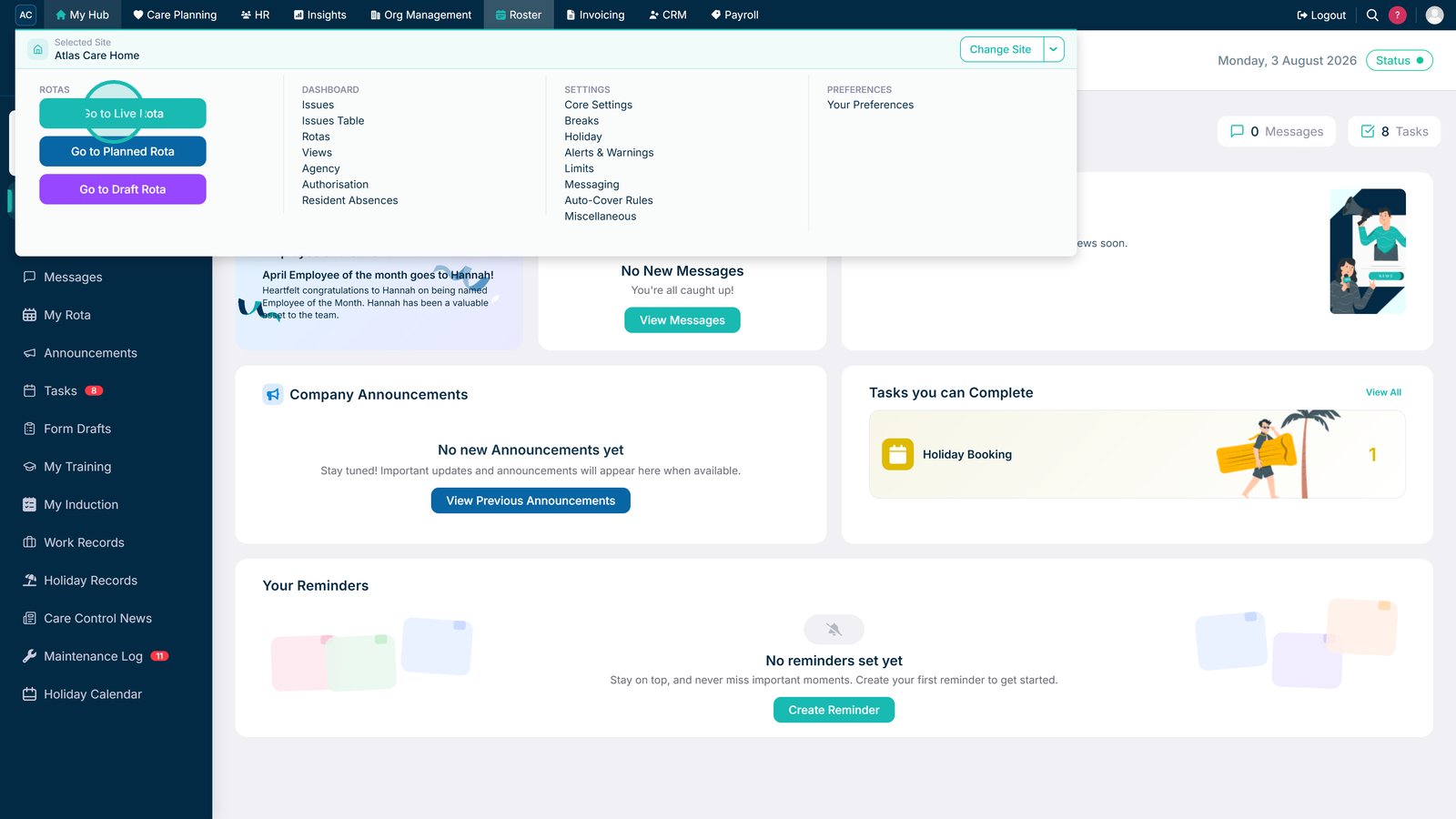
Navigate to the Live Rota.

Step 2:

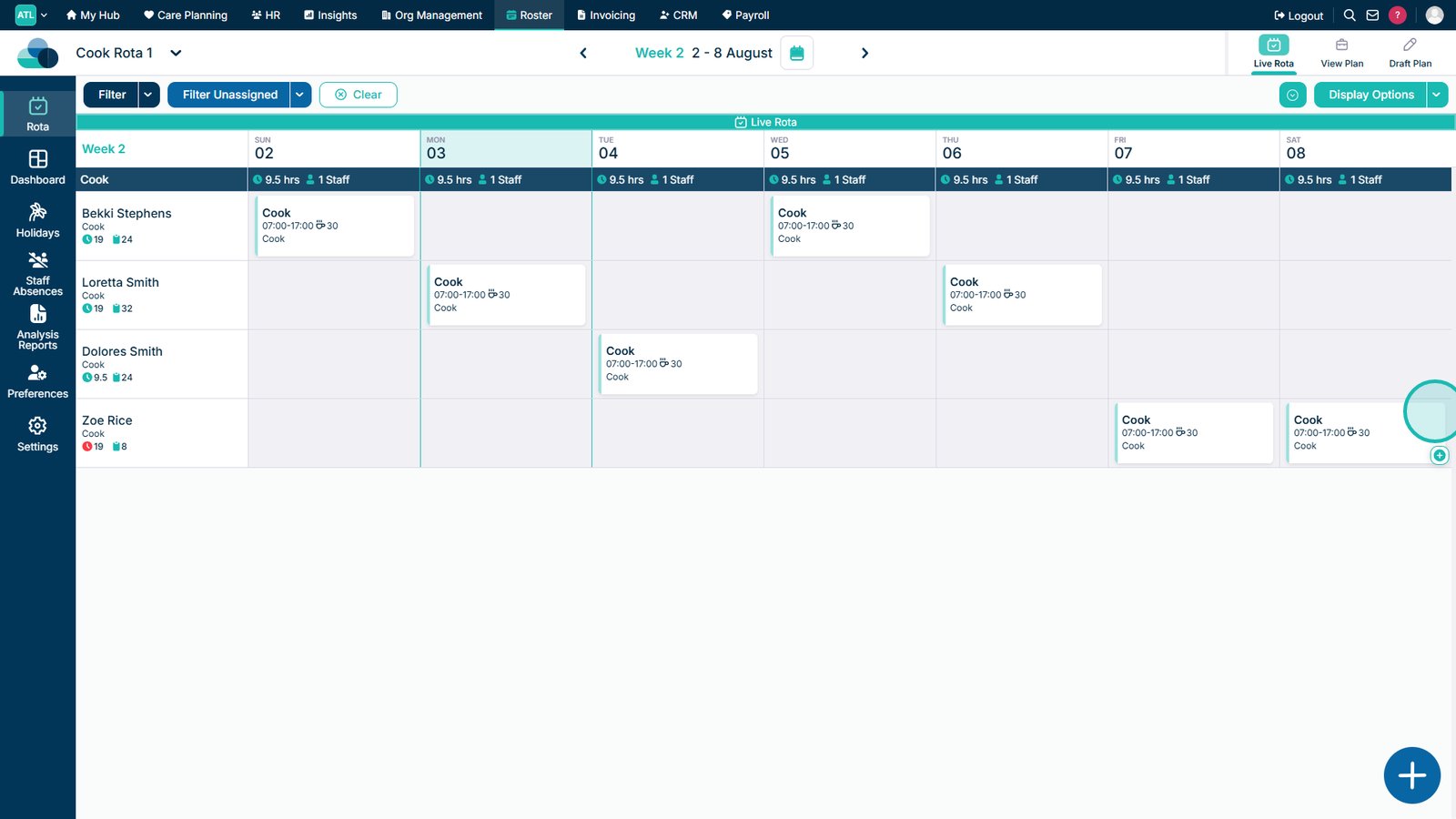
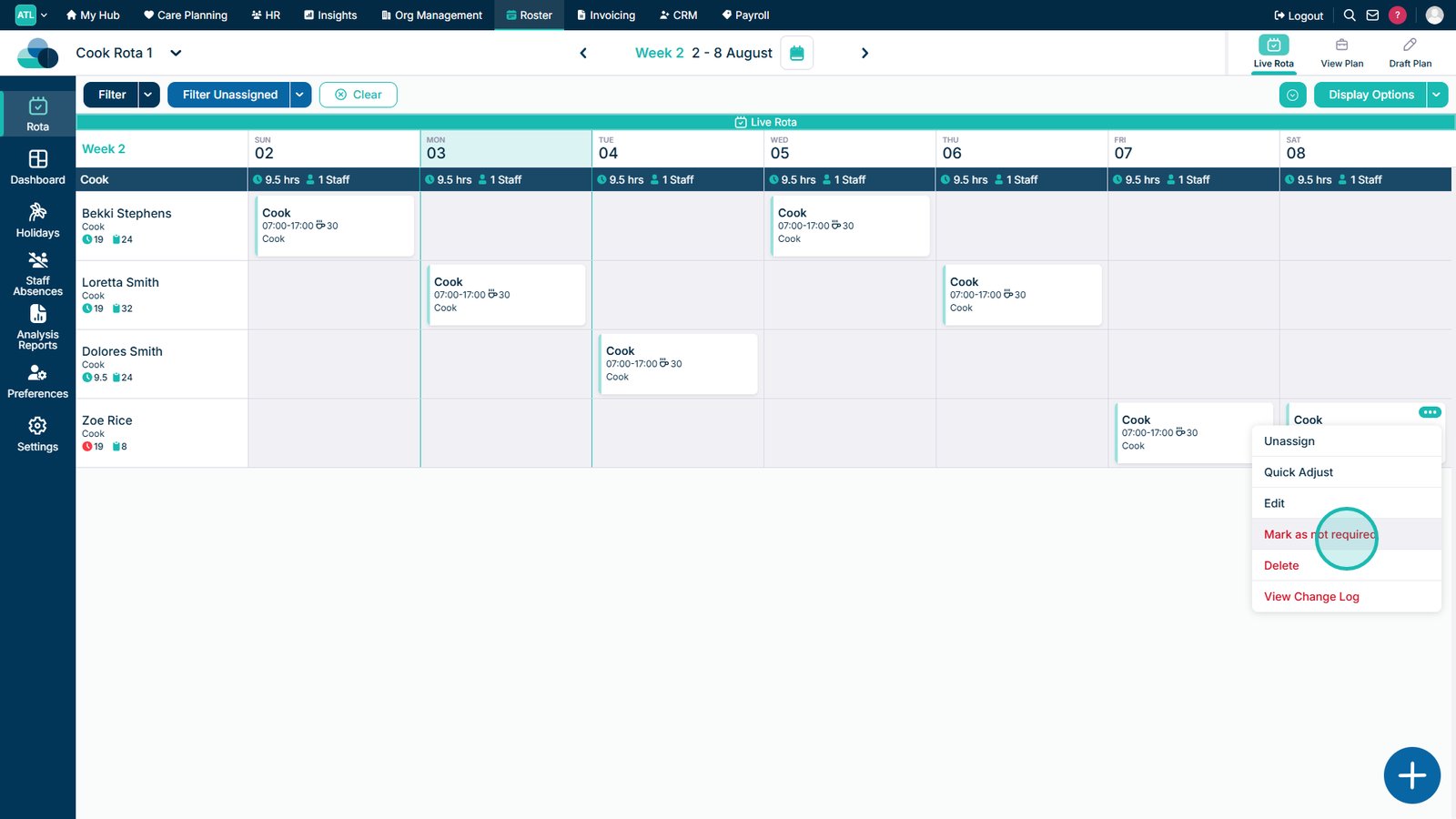
On a shift, click the three dots in the top right of a shift. Then click Mark as not required.

Step 3:

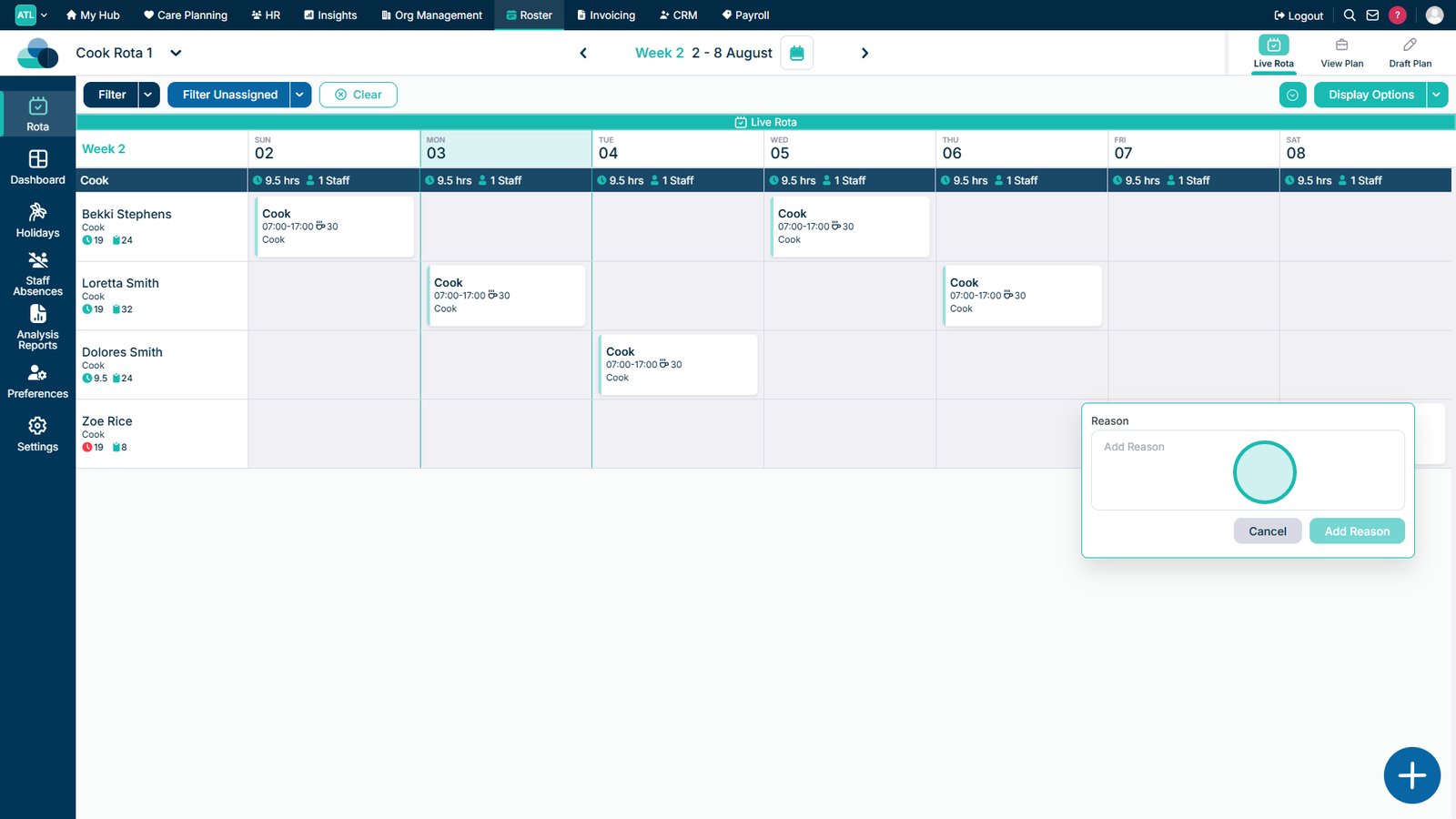
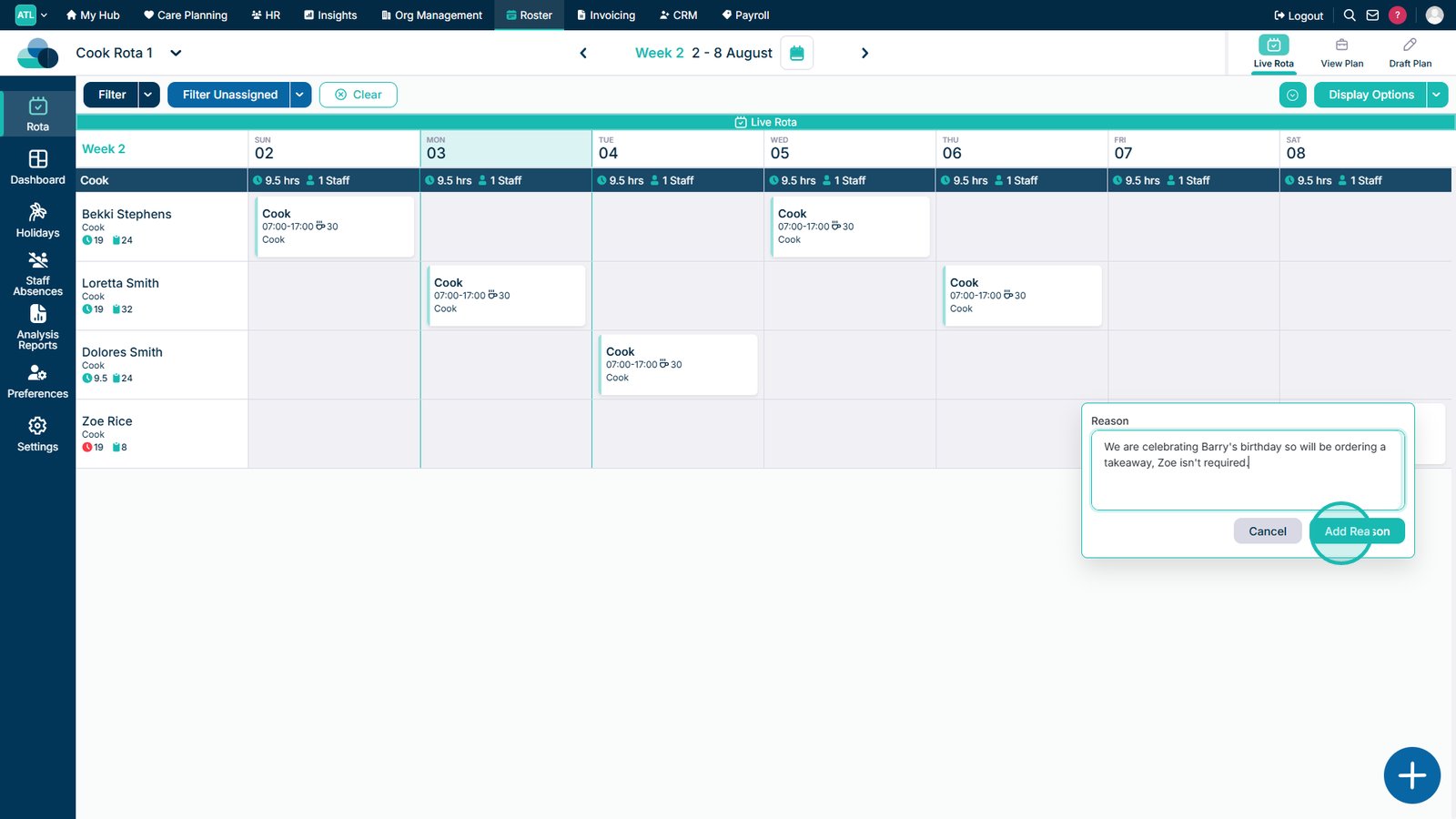
You can then input the Reason for the shift not being required. For example, the chef will not be required on Sunday due to the staff ordering a takeaway. When you are happy with the reason, click Add Reason.

Step 4:

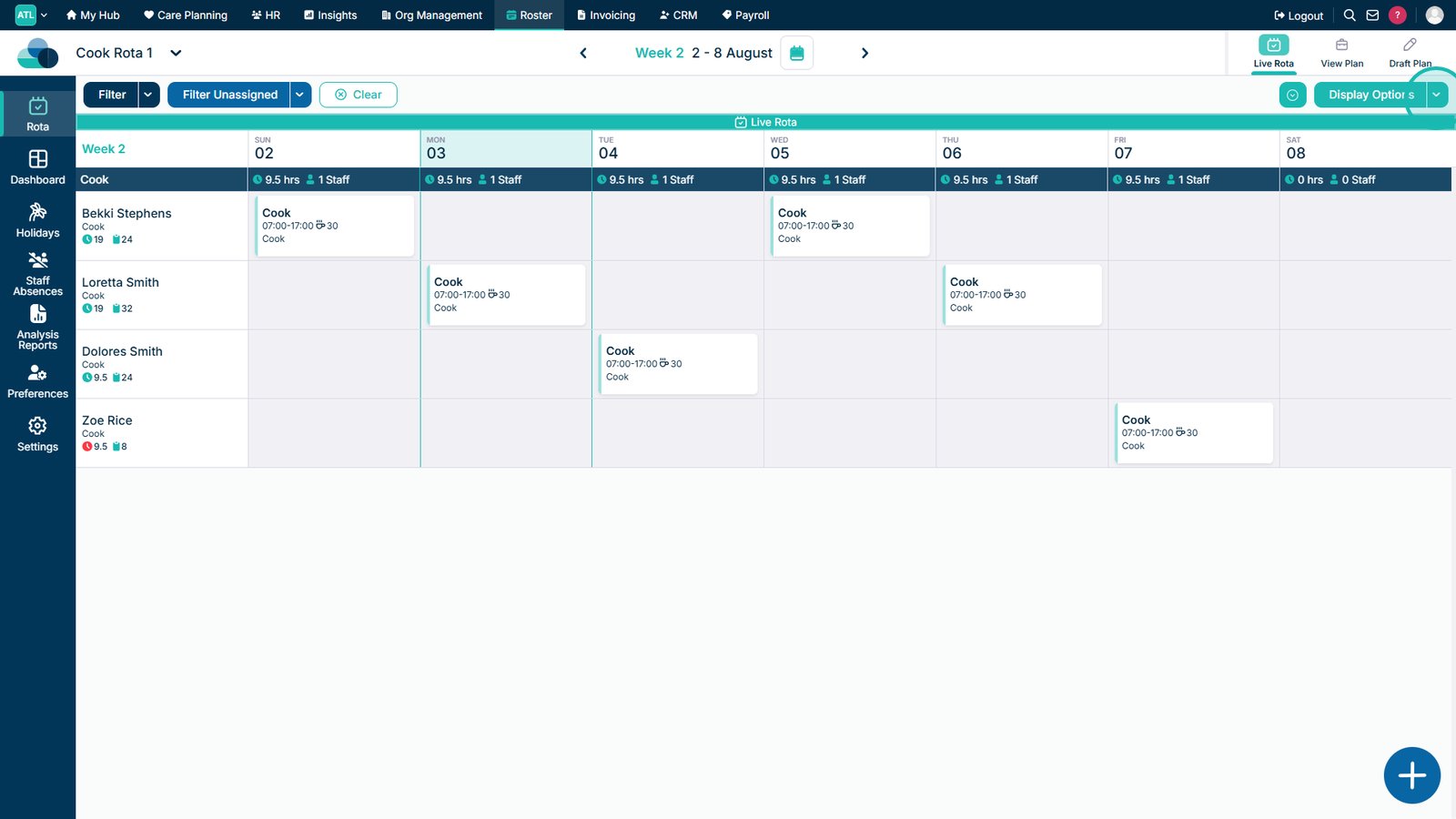
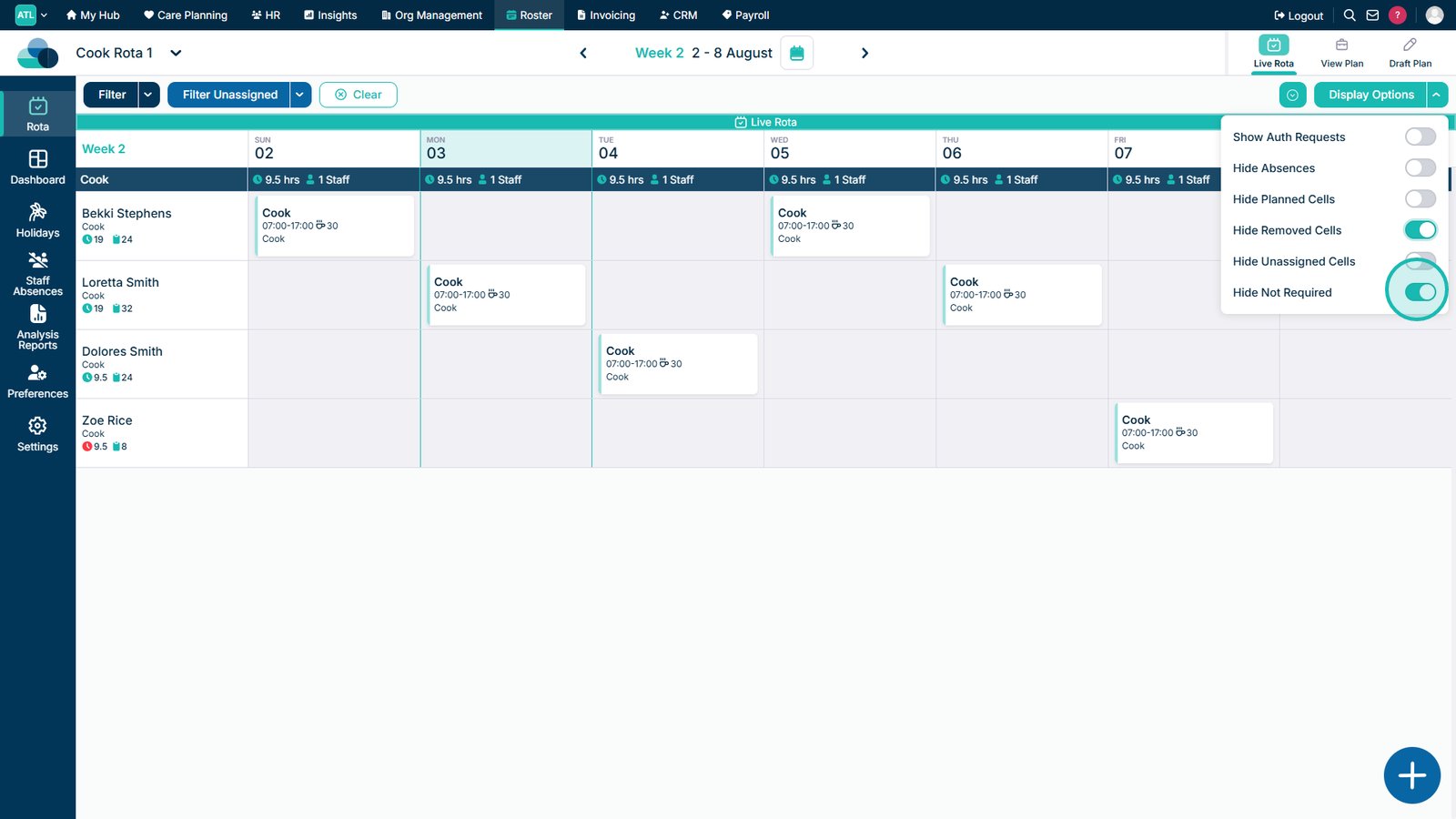
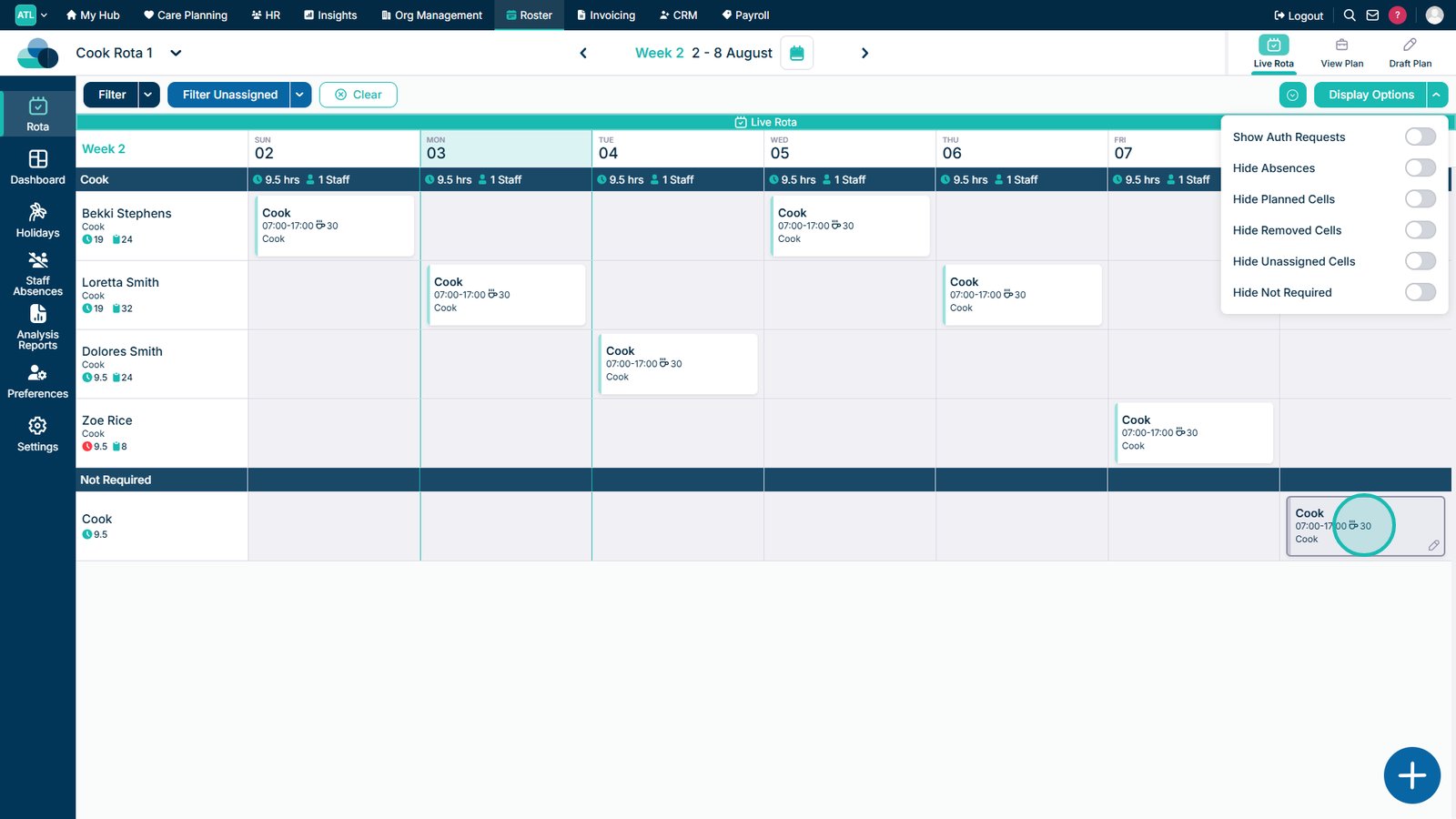
Now the shift will be marked as Not Required and will be put into a separate row.