We’ve introduced a new Waterlow recording version designed to improve accuracy, flexibility, and visibility across your care planning.
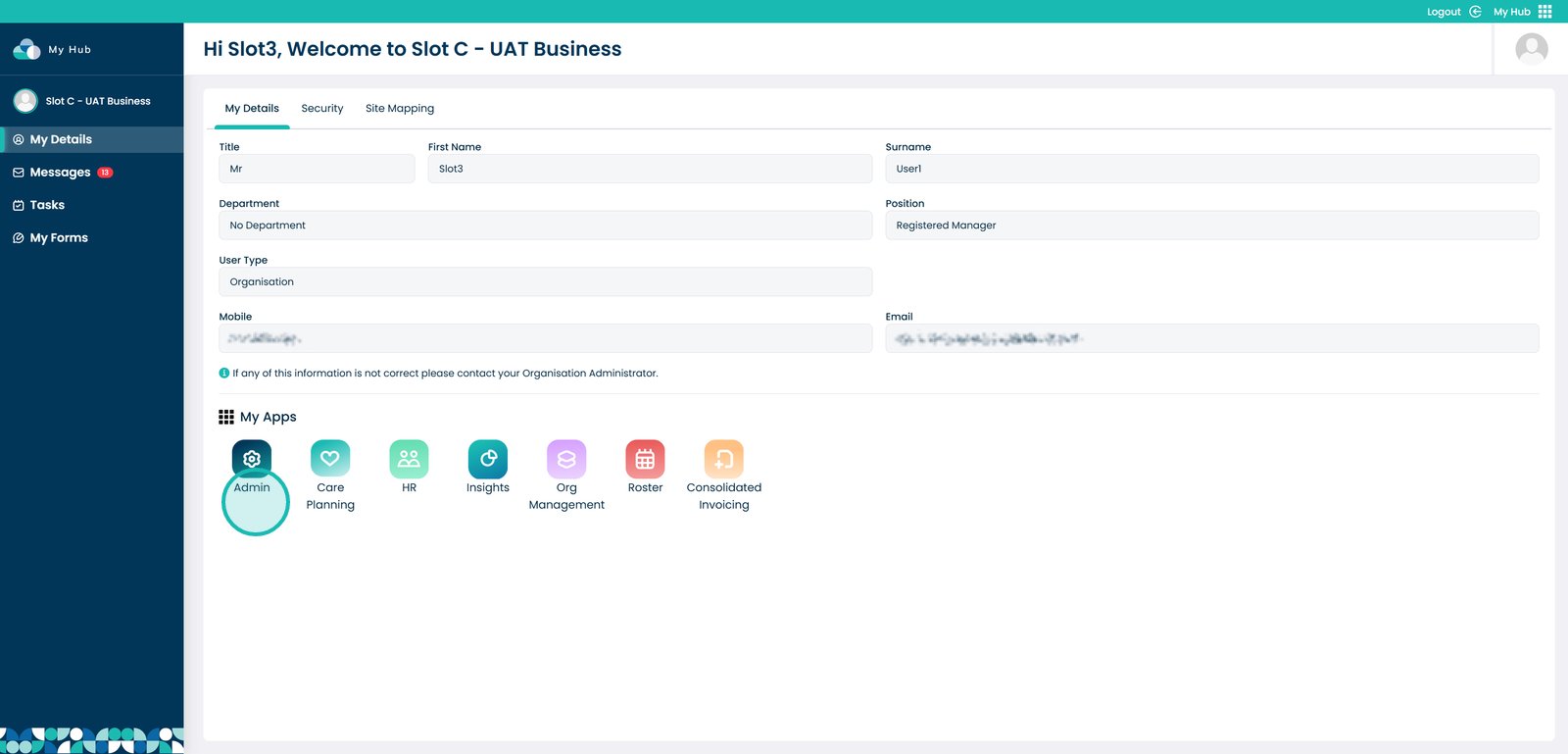
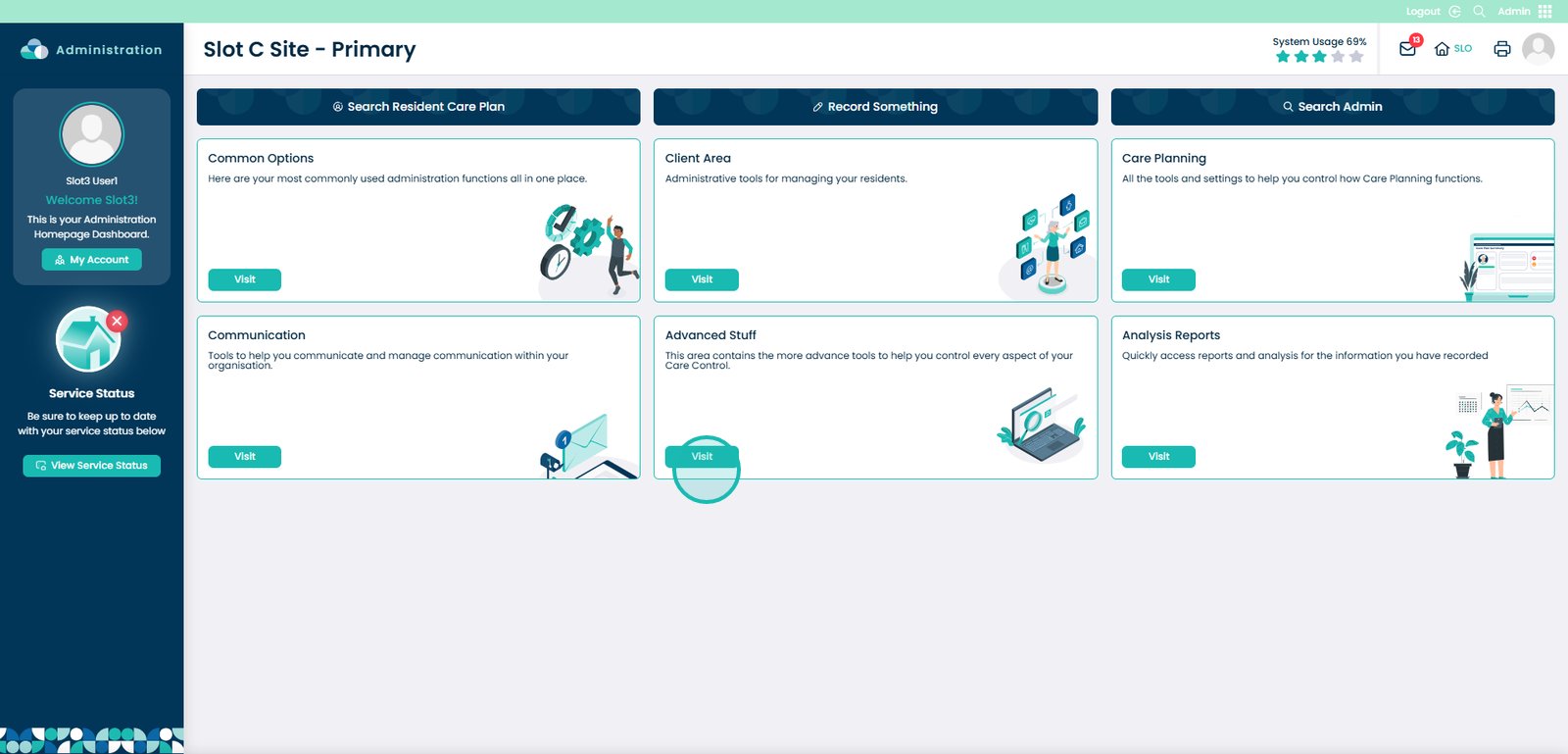
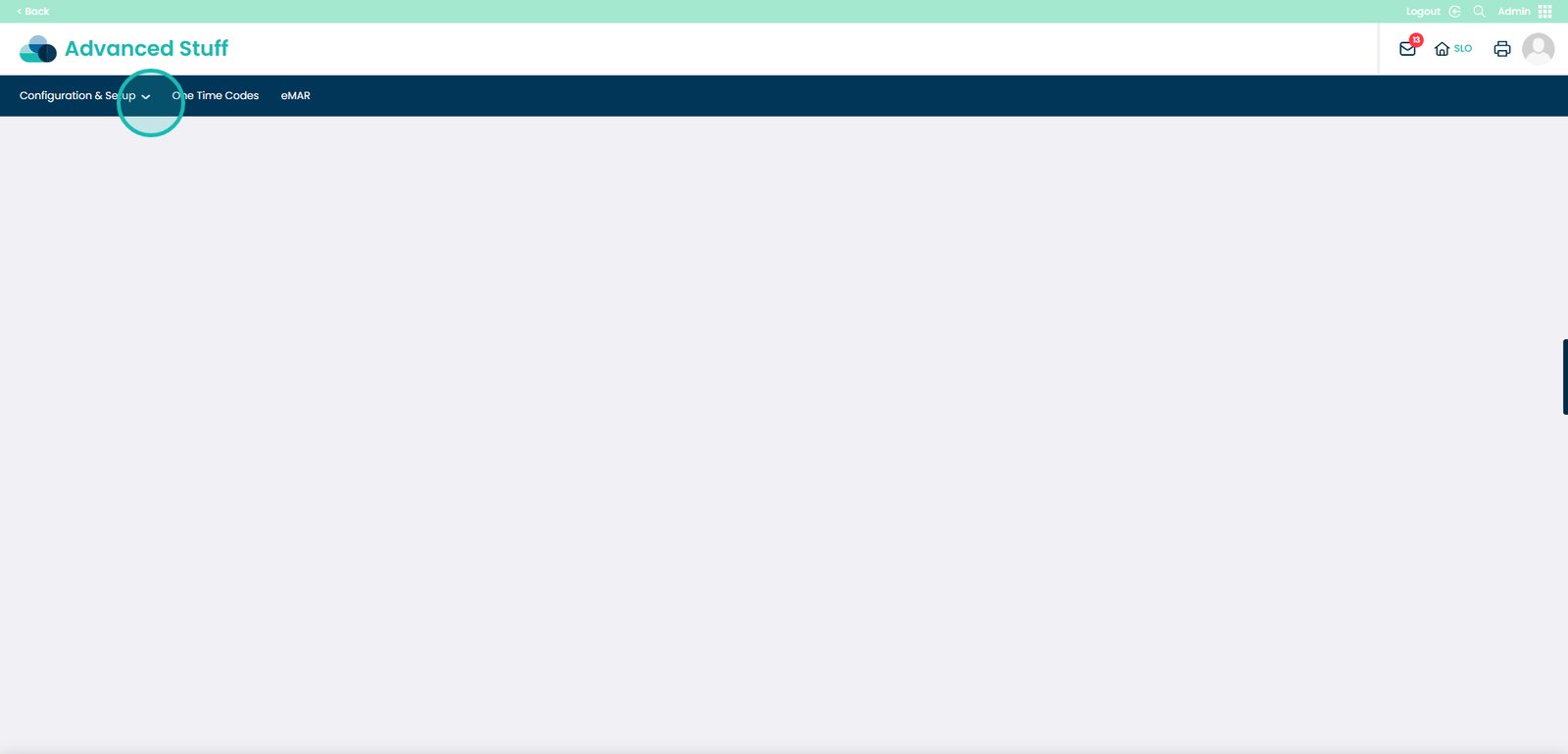
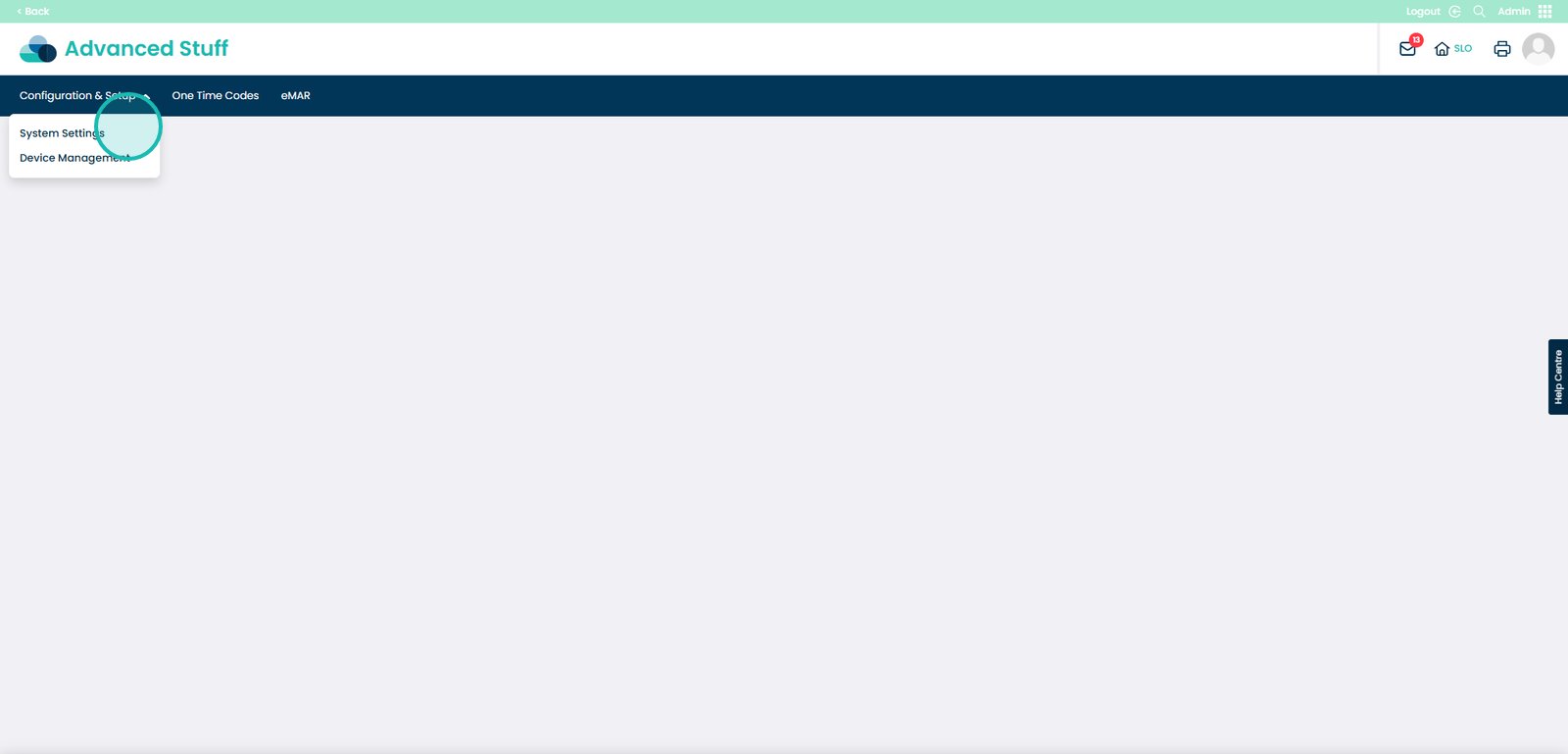
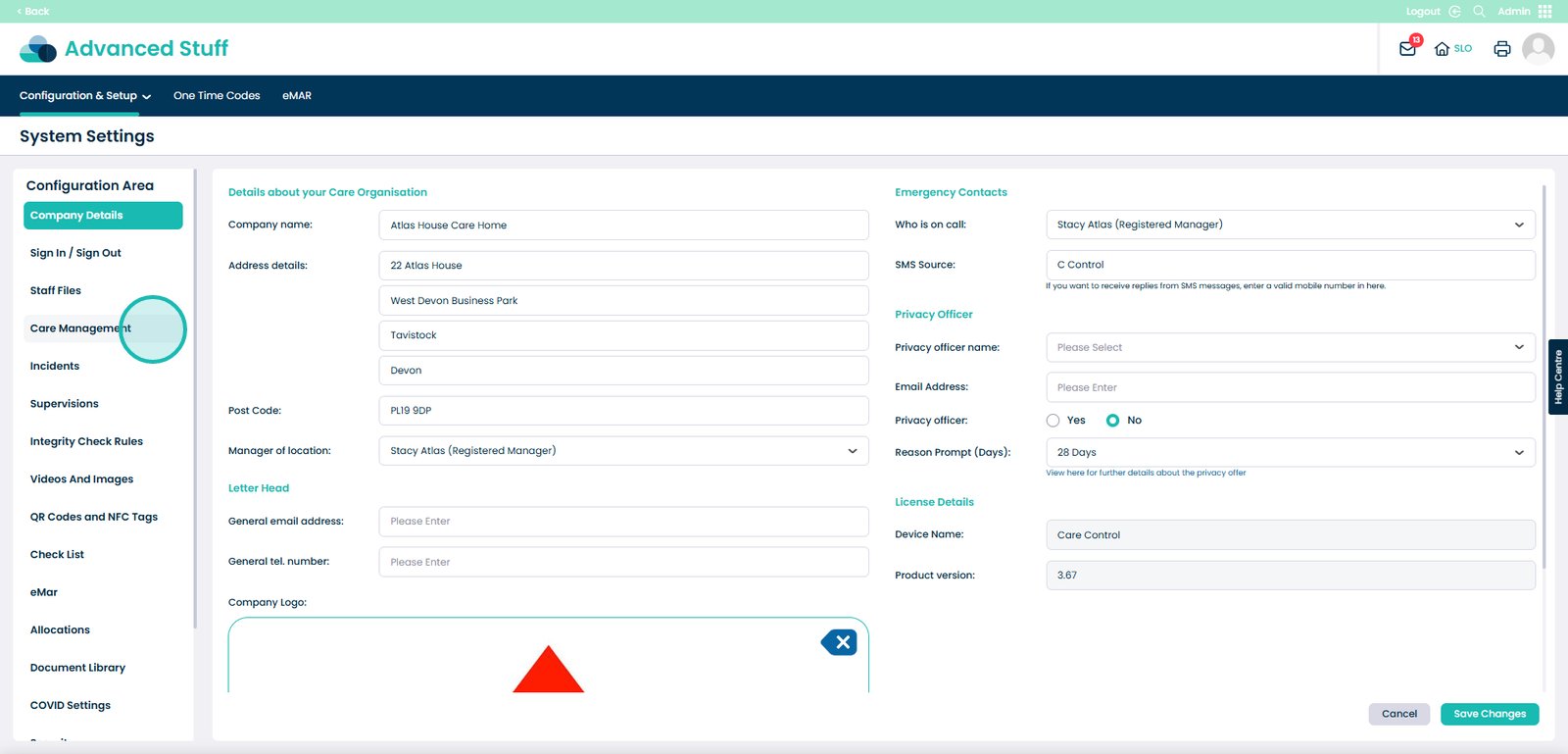
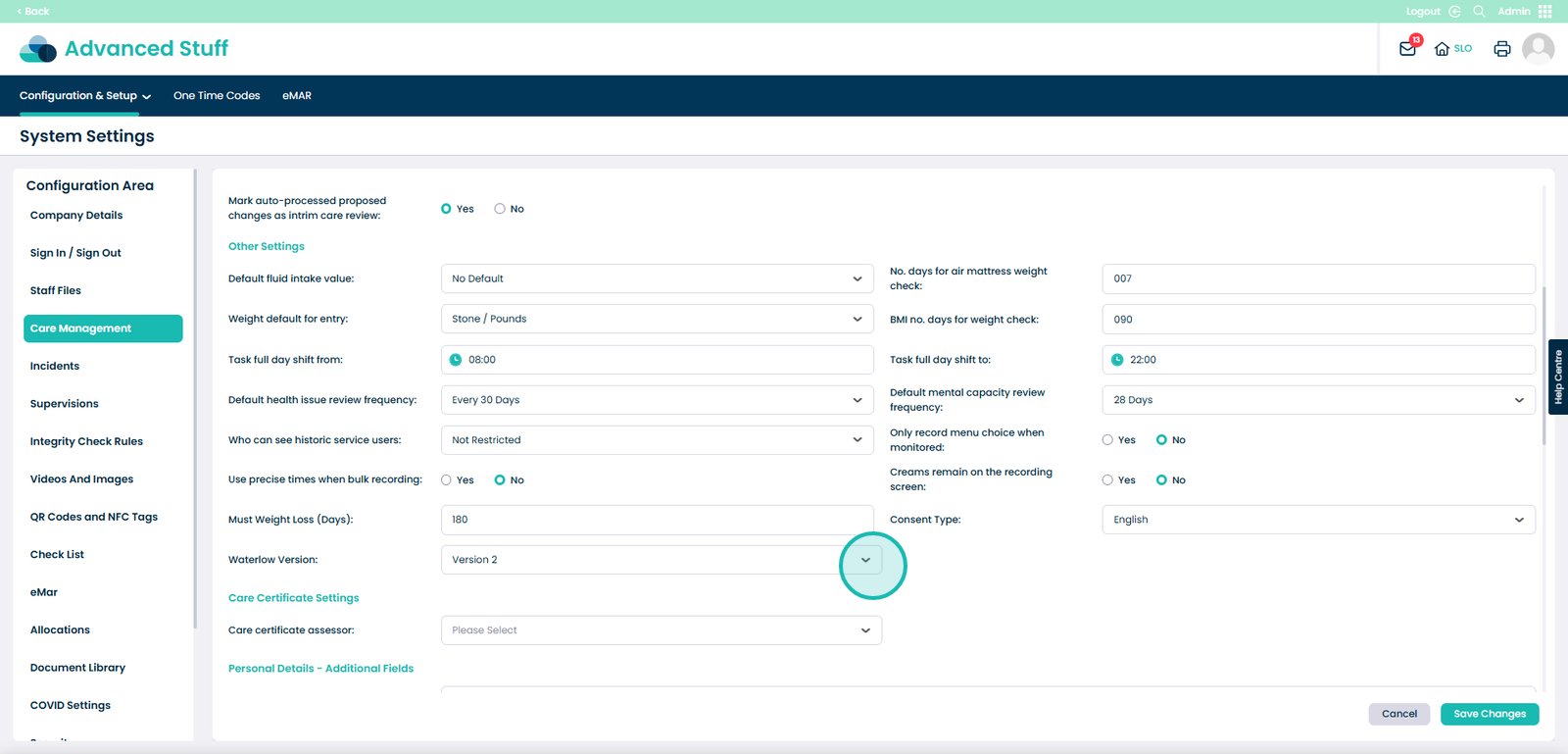
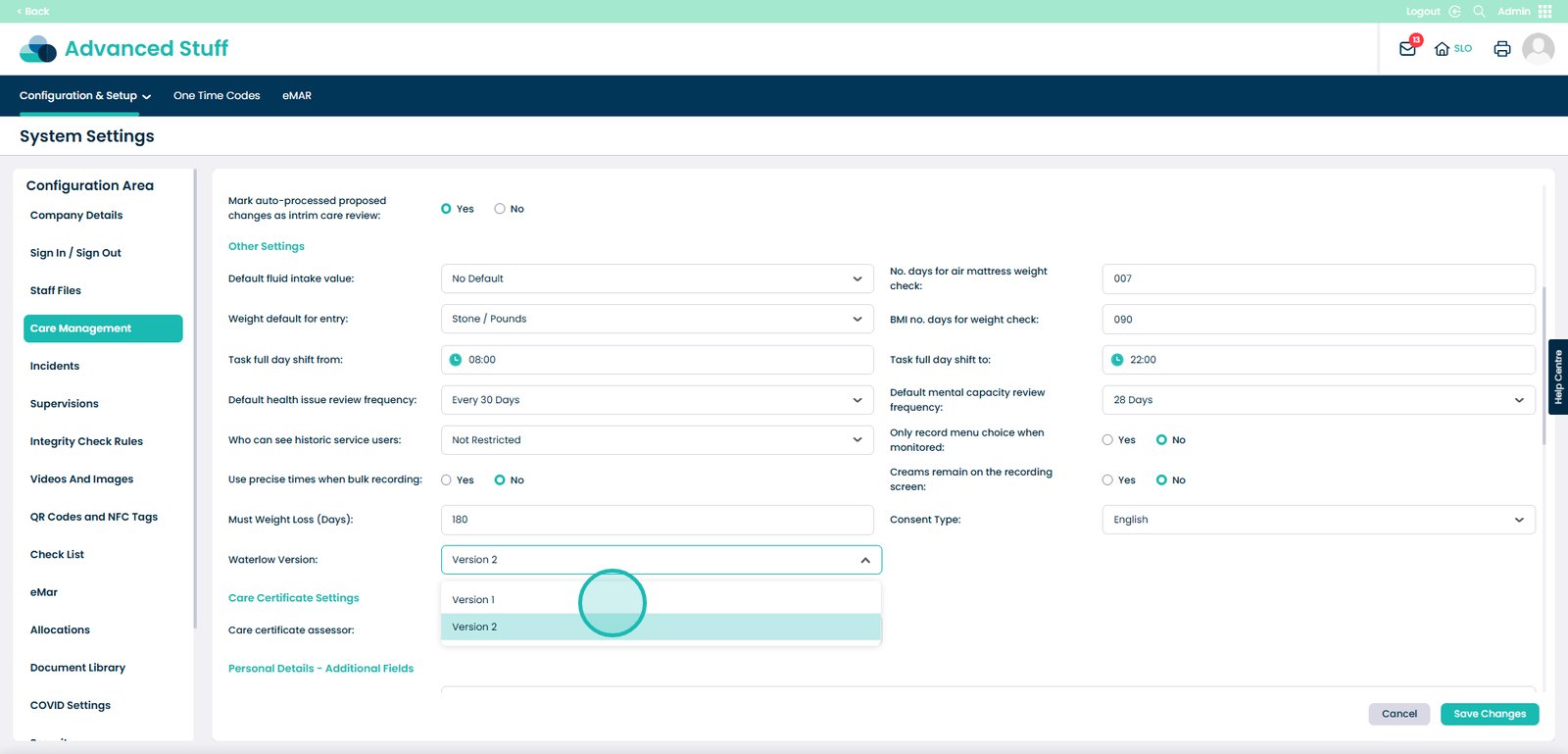
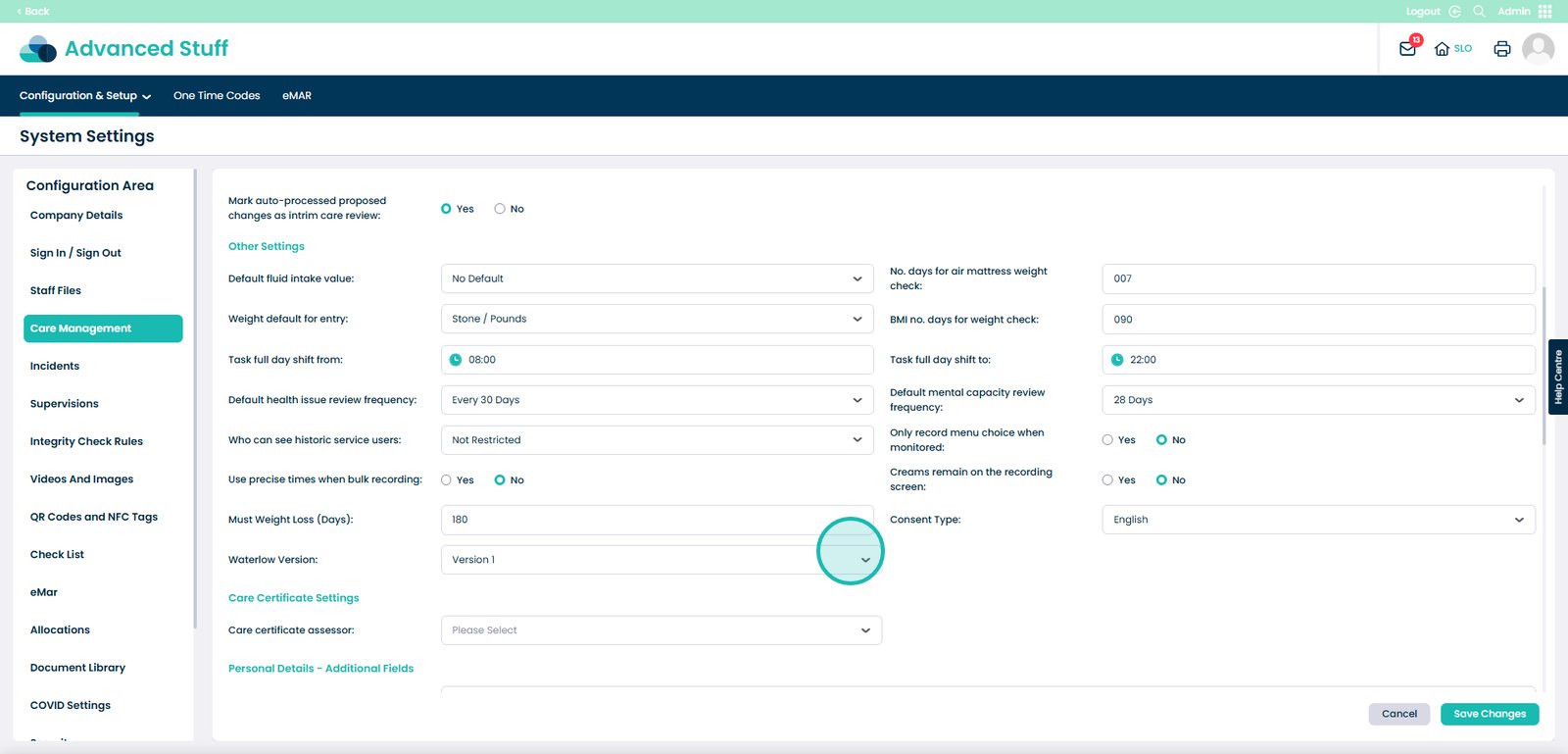
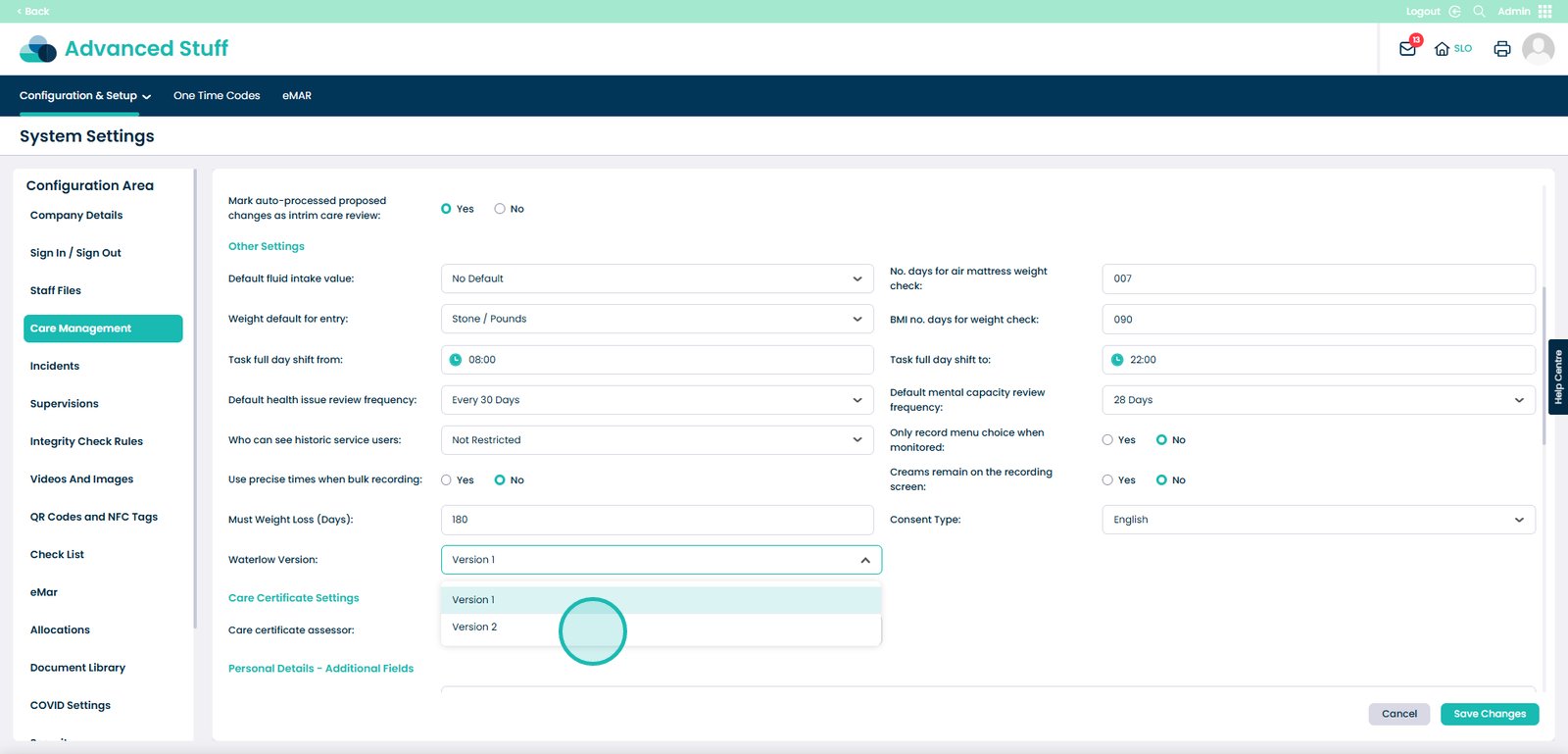
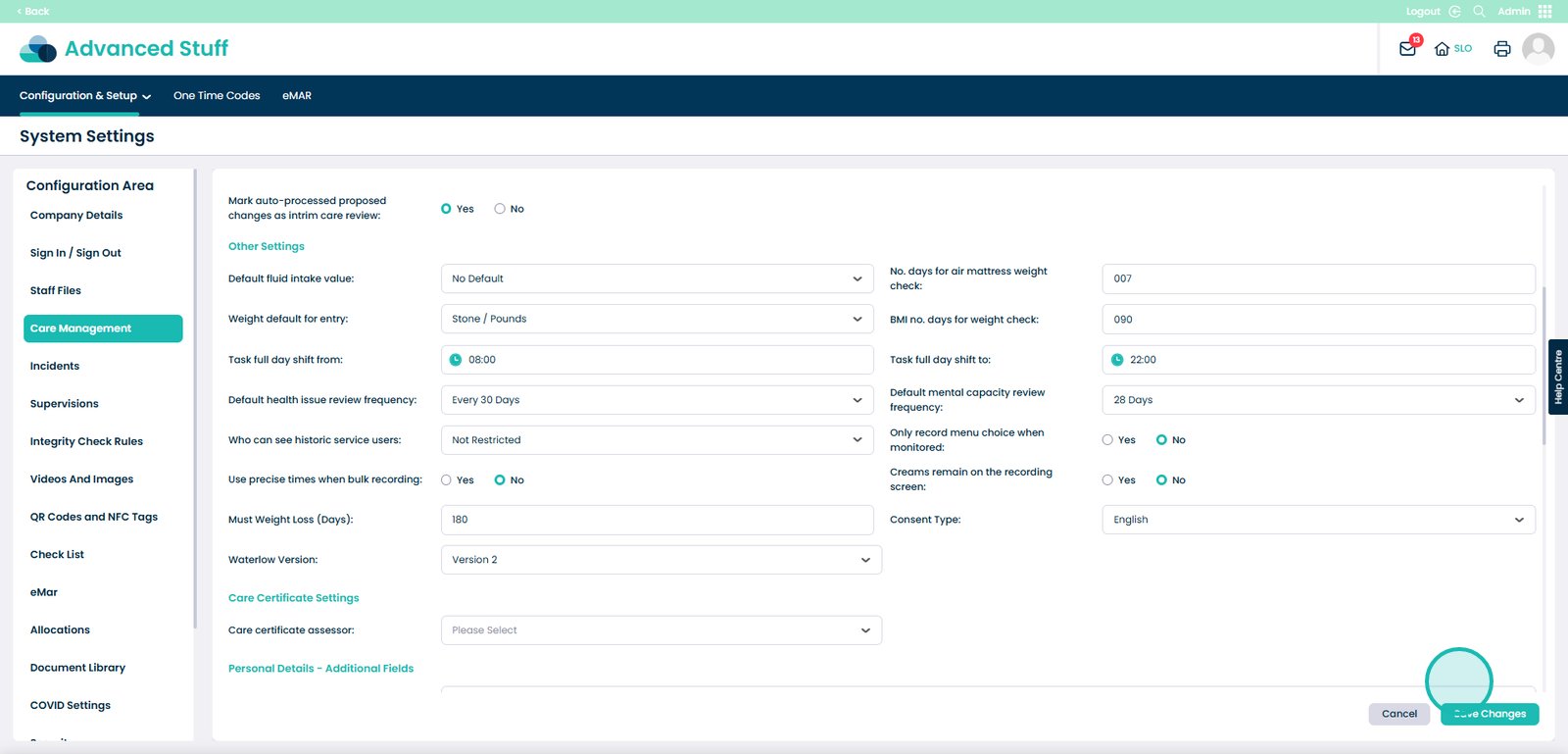
This updated version – available via Cloud Admin Settings > Care Management – allows you to enable Version 2 of the Waterlow assessment. It includes enhanced multiselect options and a more refined scoring system, helping your team record risk levels in a more detailed and clinically relevant way.
By switching to the new version:
You’ll improve the accuracy of pressure ulcer risk assessments
Staff can select multiple relevant factors rather than being limited to a single option
You’ll gain better transparency and reporting for audits and internal reviews
It’s optional, so you can stick with Version 1 if preferred. But if you’re looking to modernise your assessments and move away from more rigid scoring, Version 2 gives you the flexibility to do that.
Please note: Version 2 is only available on Care Control Cloud and not in the Windows version of the system.