How to activate Draft Monitoring Types
This guide will walk you through the steps to activate monitoring types within the Care Control Admin App. Follow each step carefully to ensure the correct configuration and activation of your monitoring settings. Screenshots are included to help you navigate the process with ease.
Interactive Guide
Text based guide
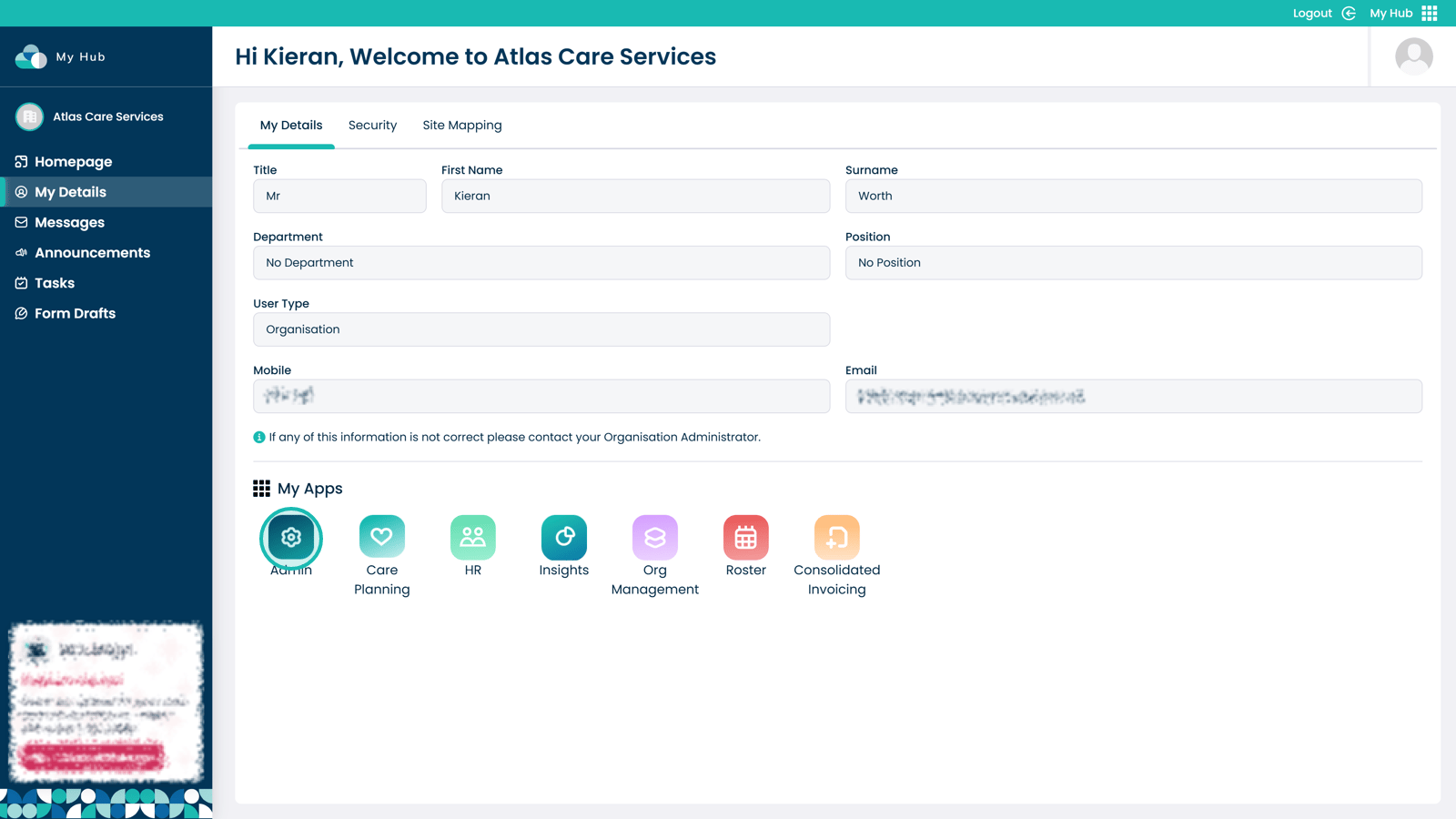
Enter the Admin App

Â
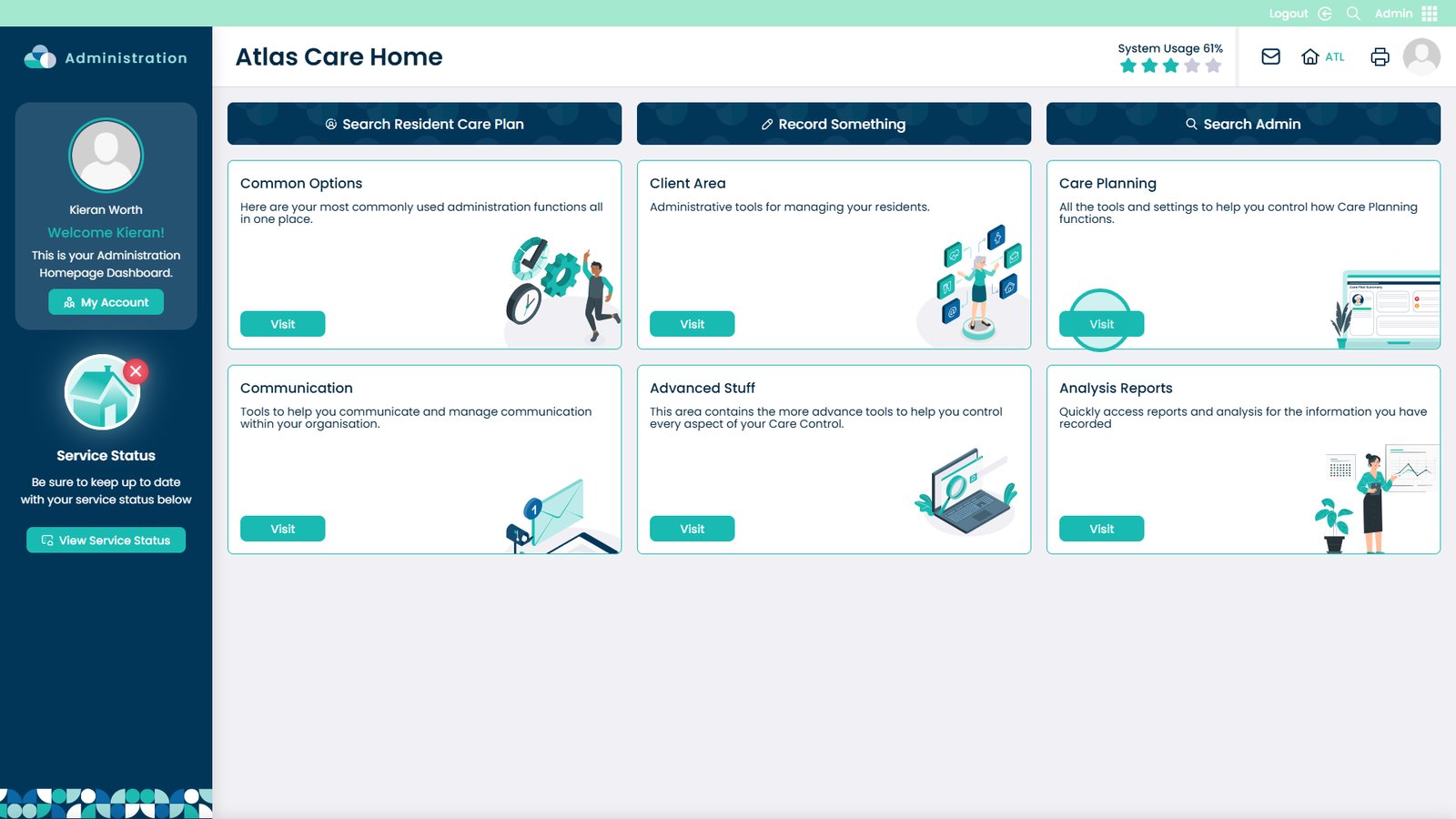
Select Visit on the Care Planning area

Â
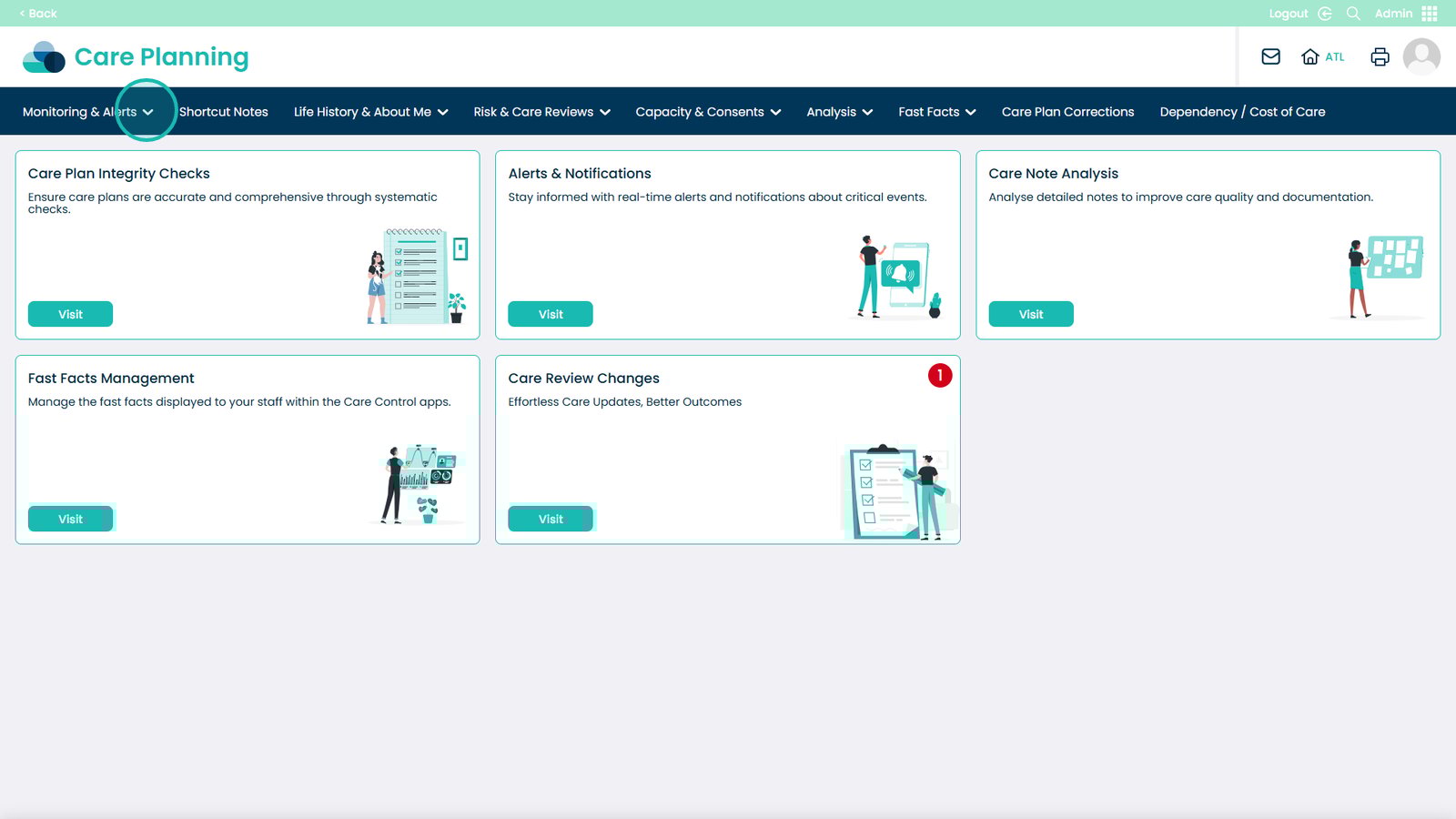
Open the Monitoring & Alerts menu

Â
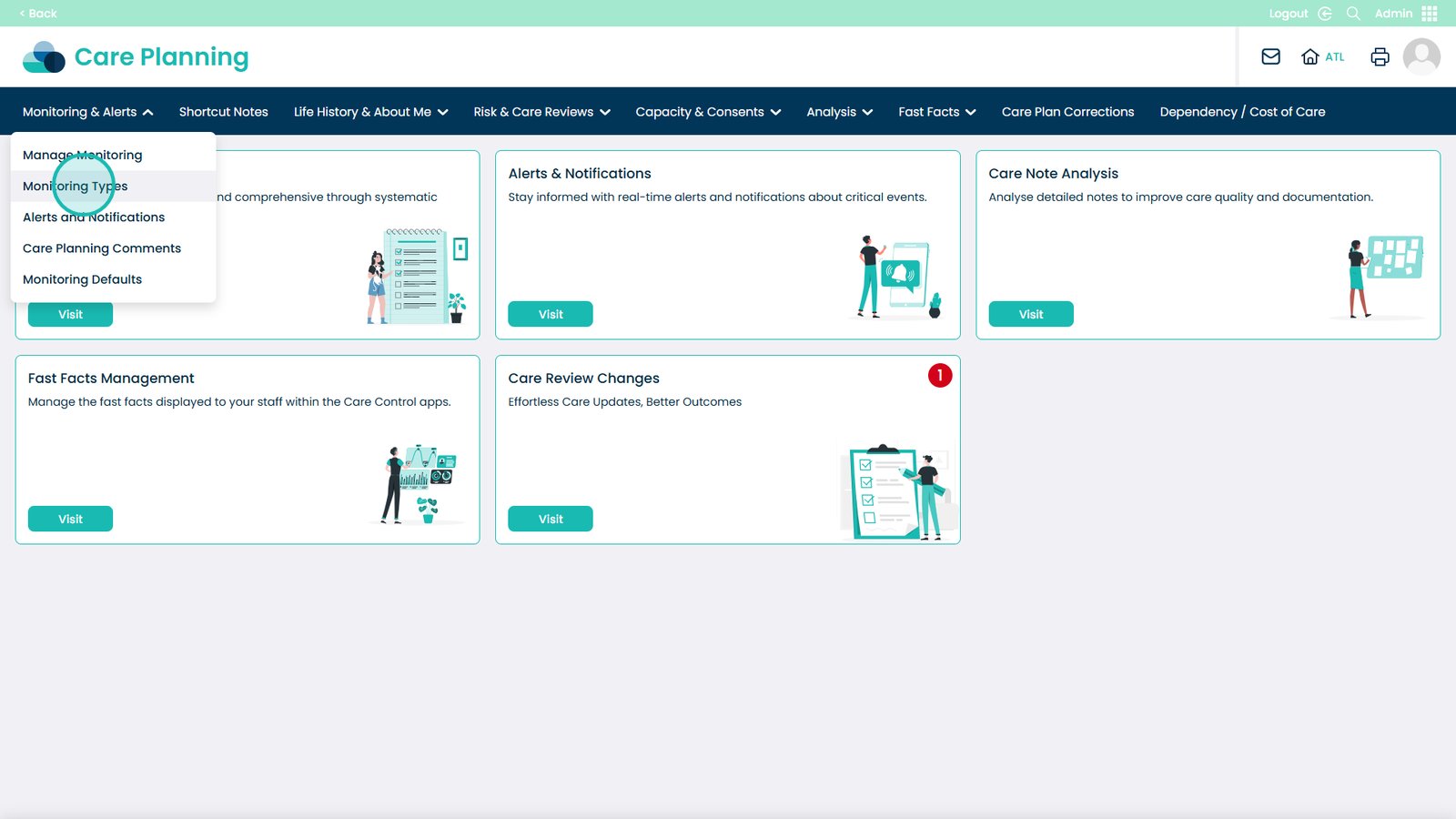
Select Monitoring Types

Â
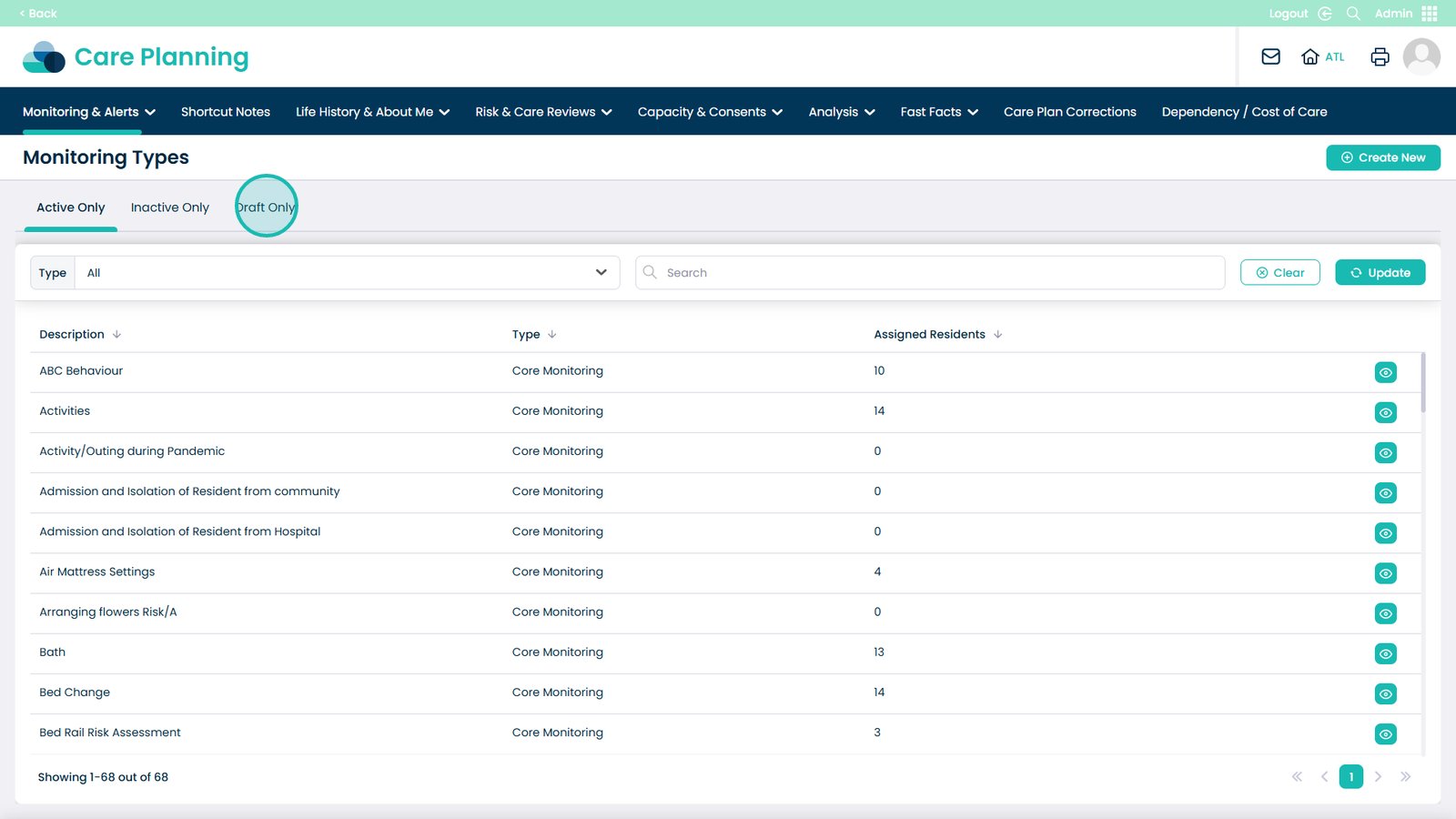
Choose the Draft Only tab

Â
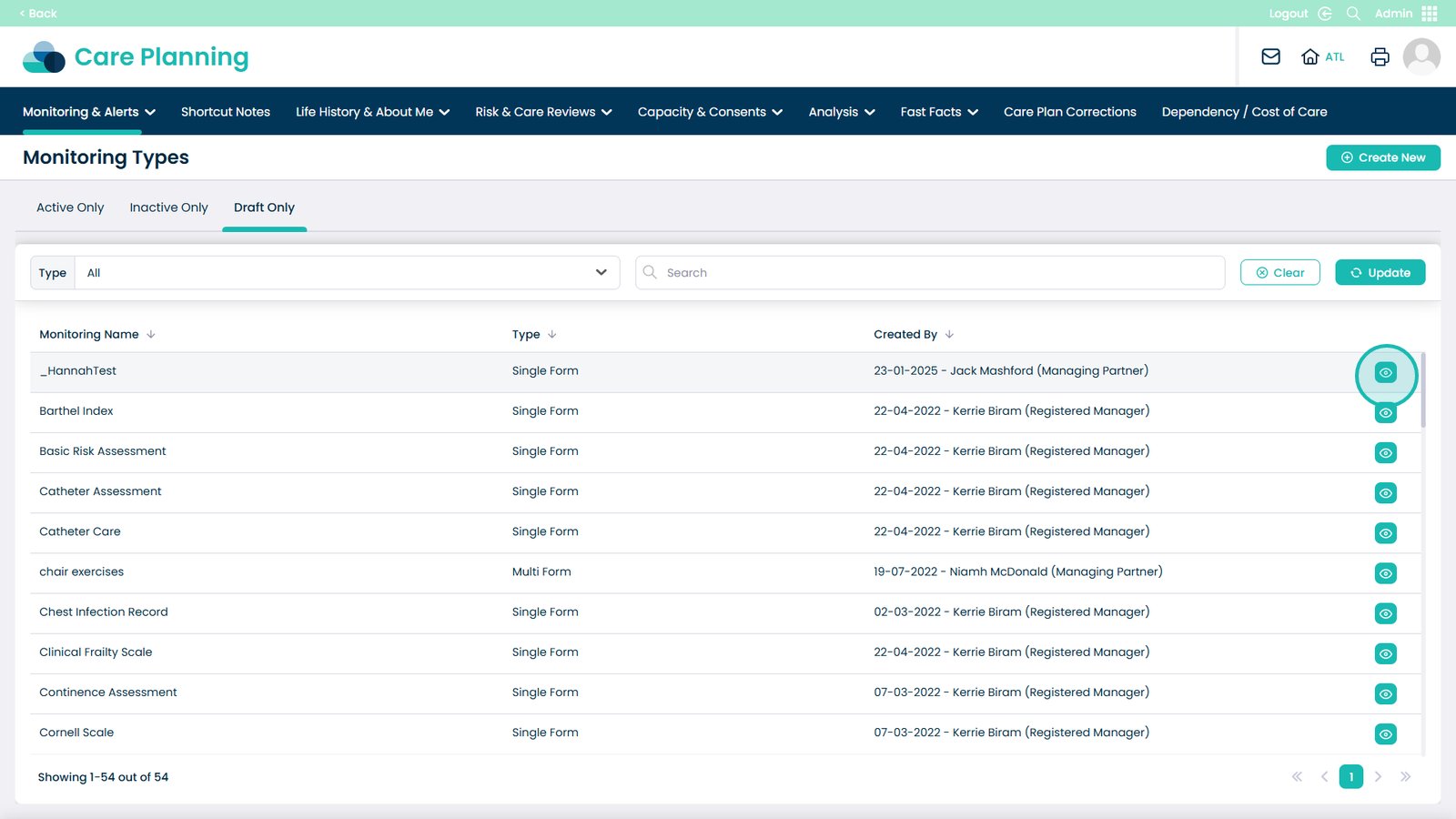
On the monitoring you would like to activate, select the eye icon next to it

Â
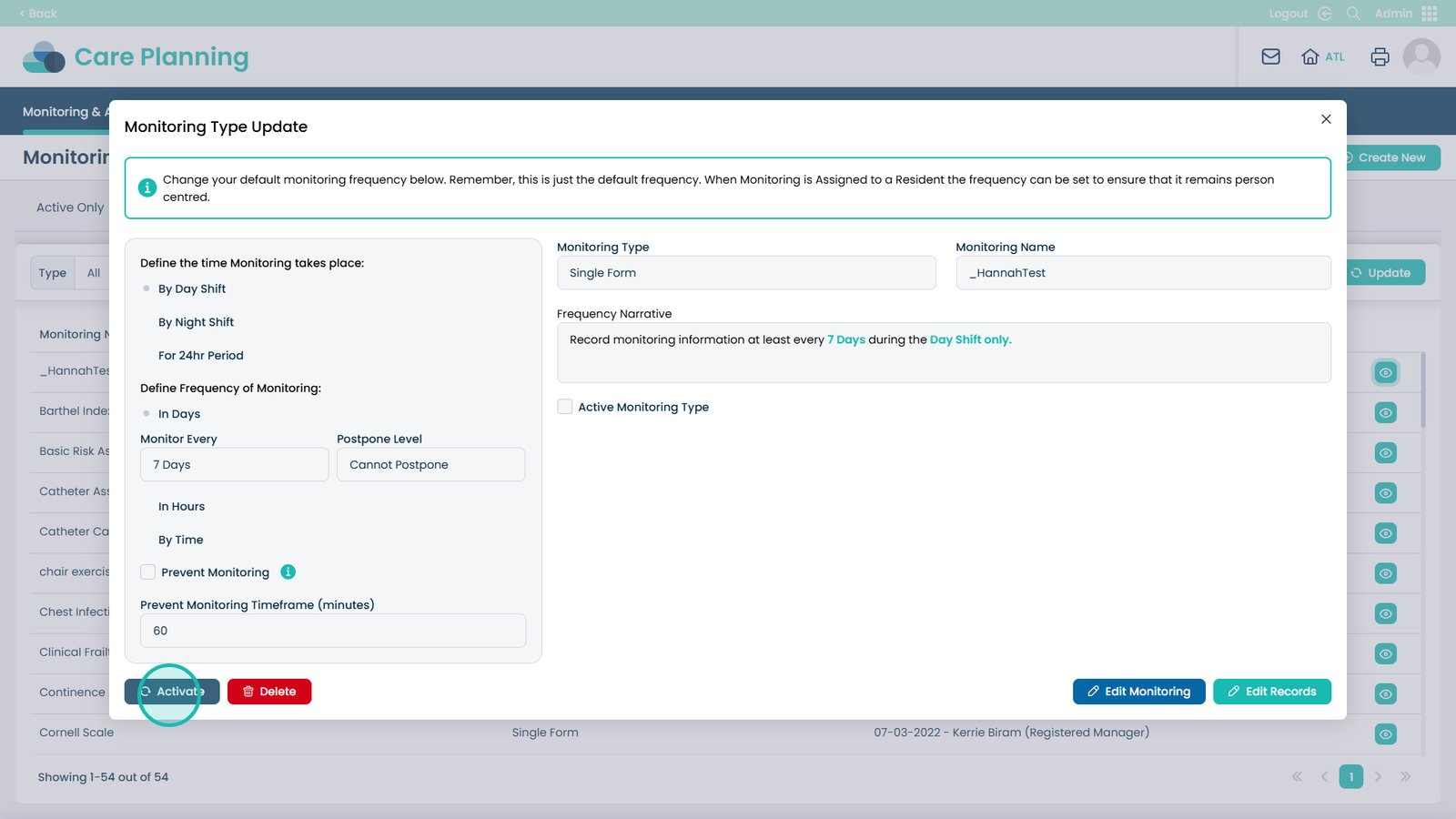
Select Activate

Â
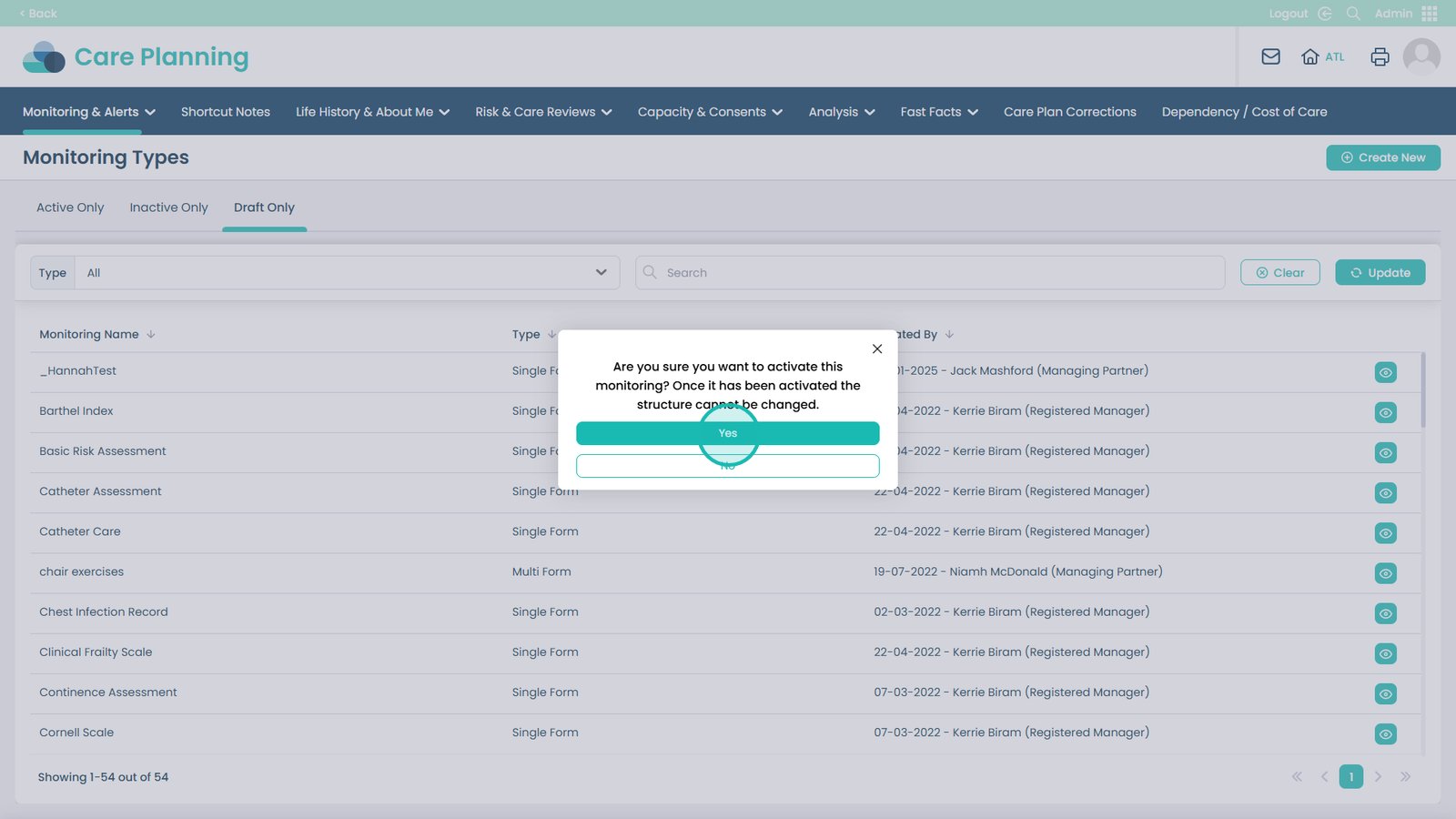
Select Yes