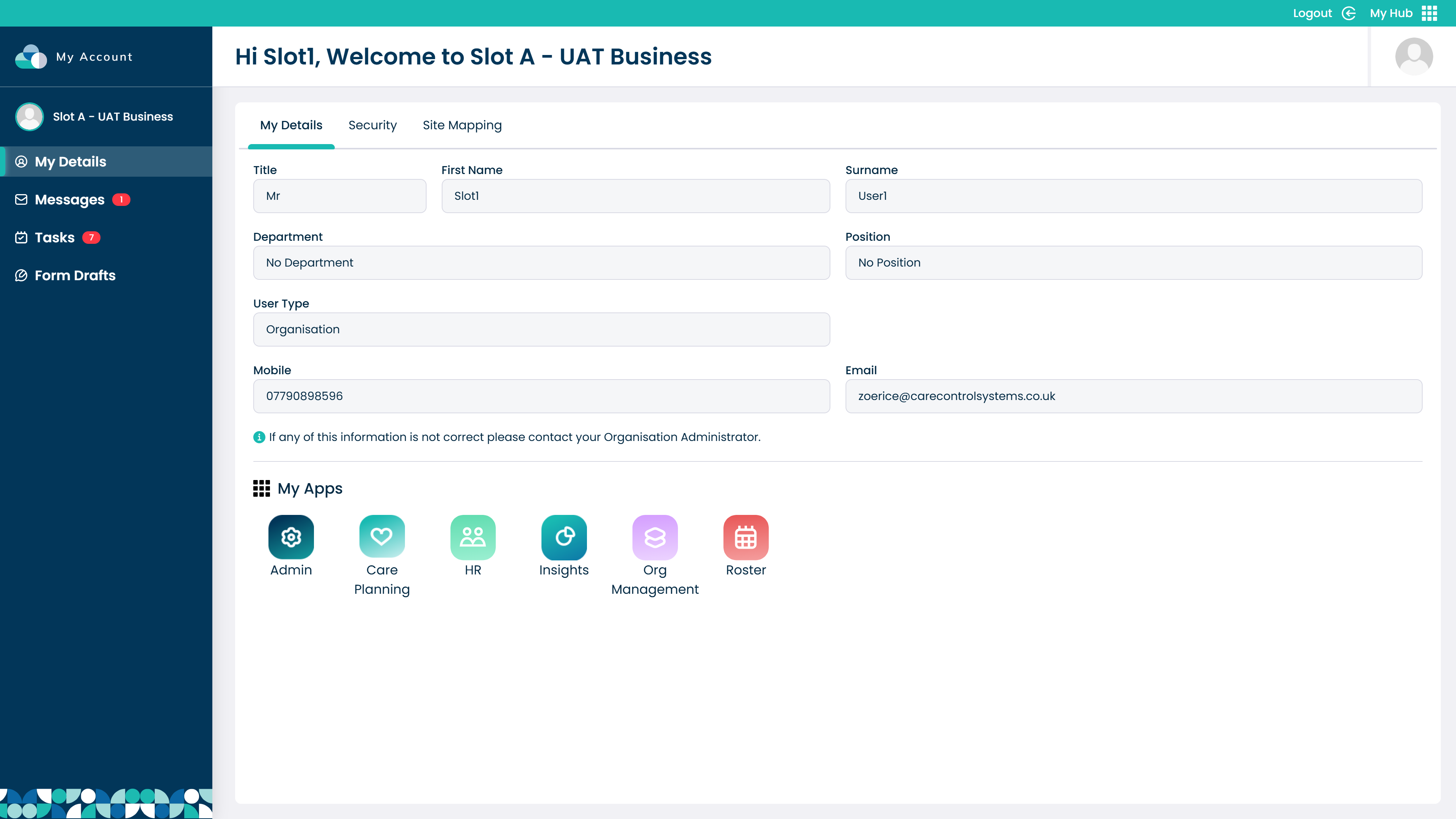
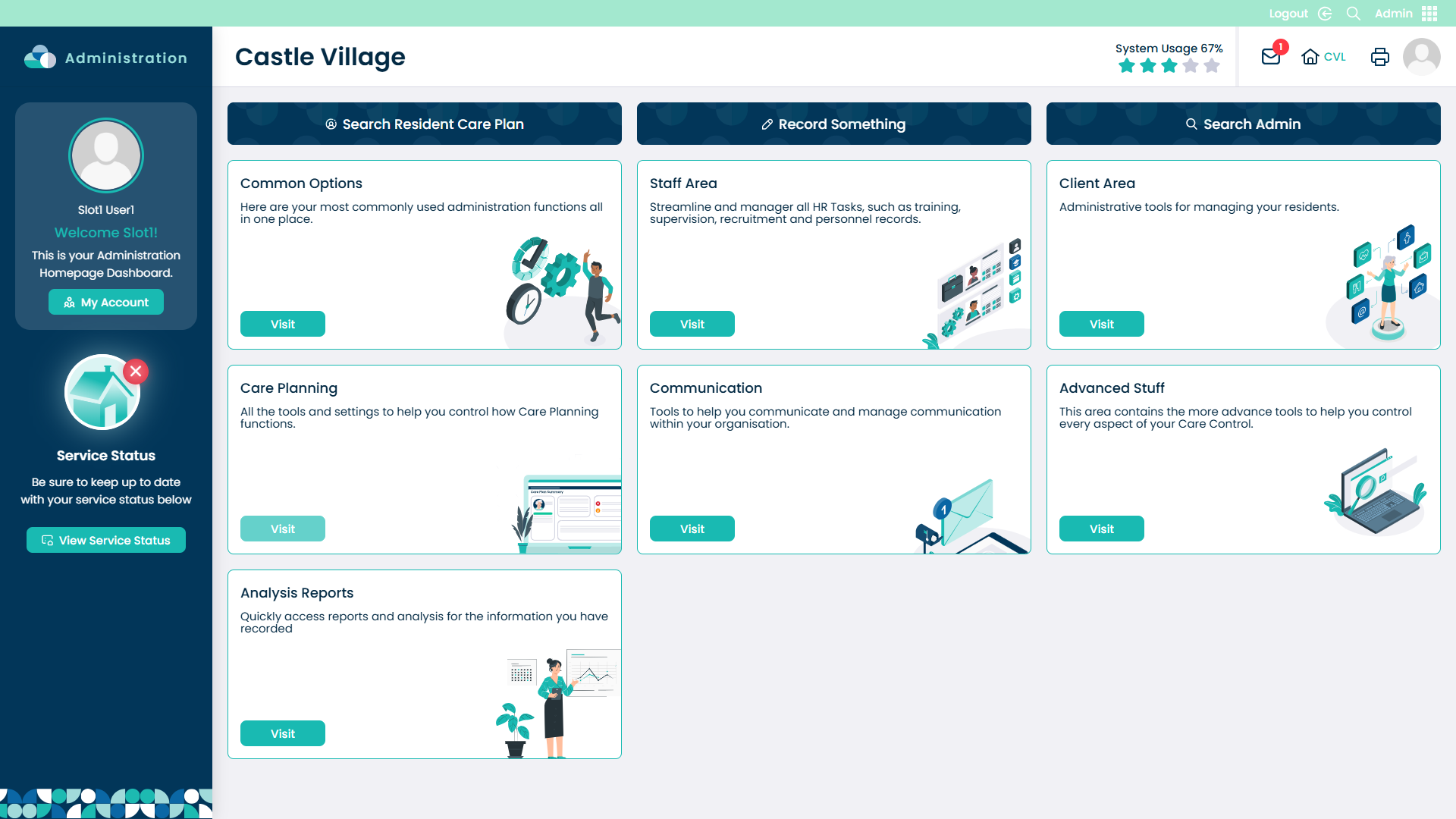
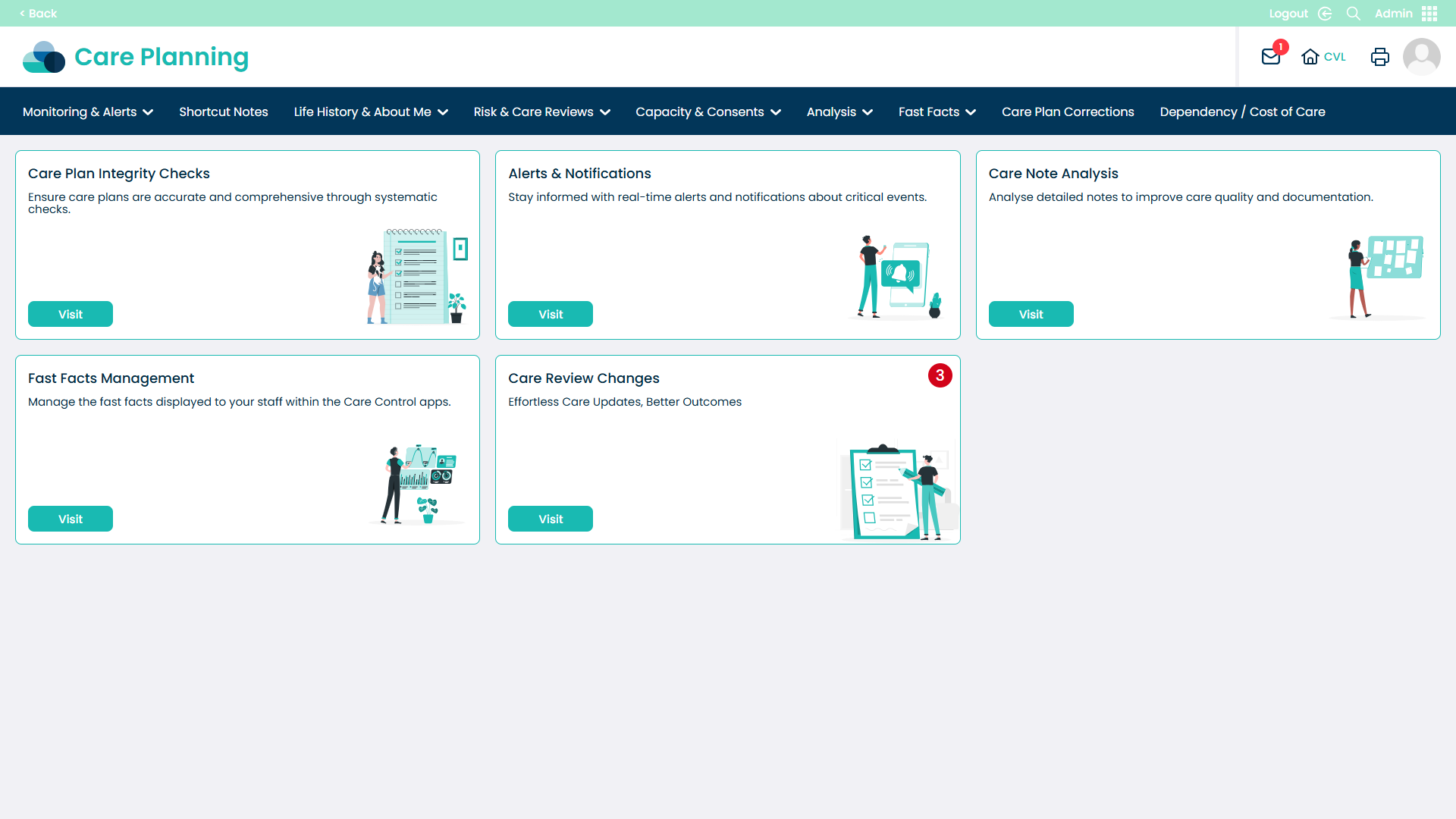
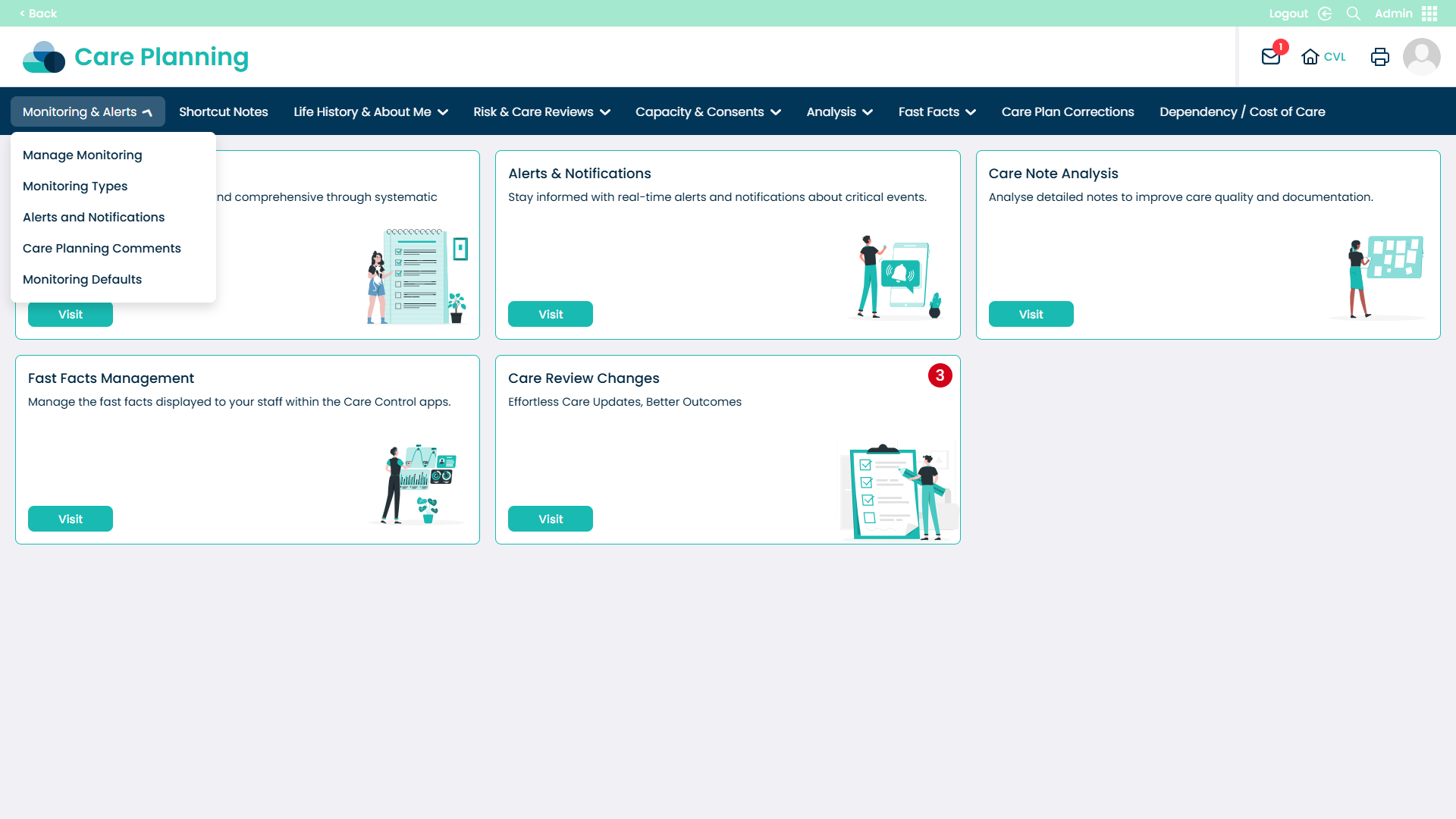
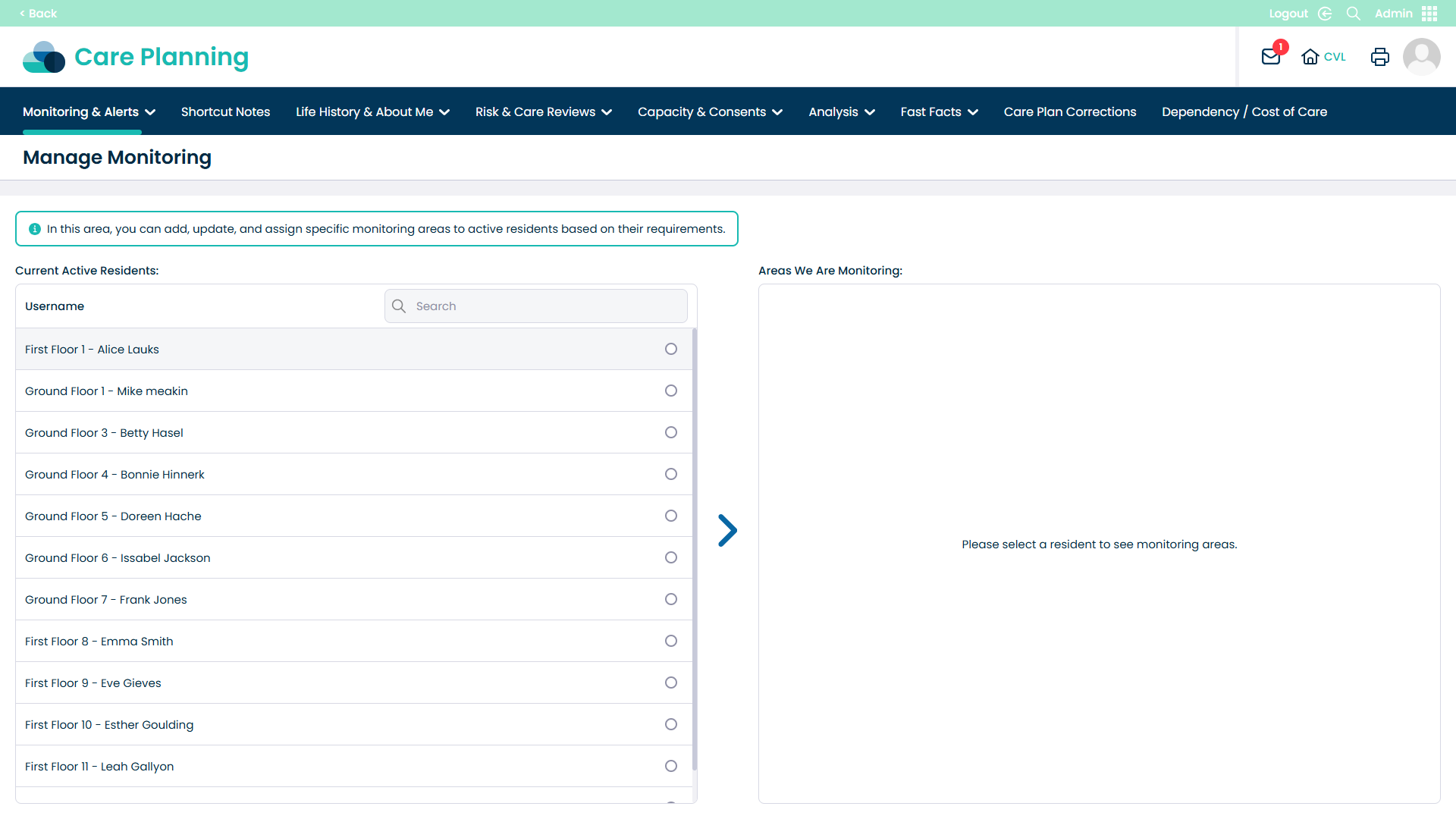
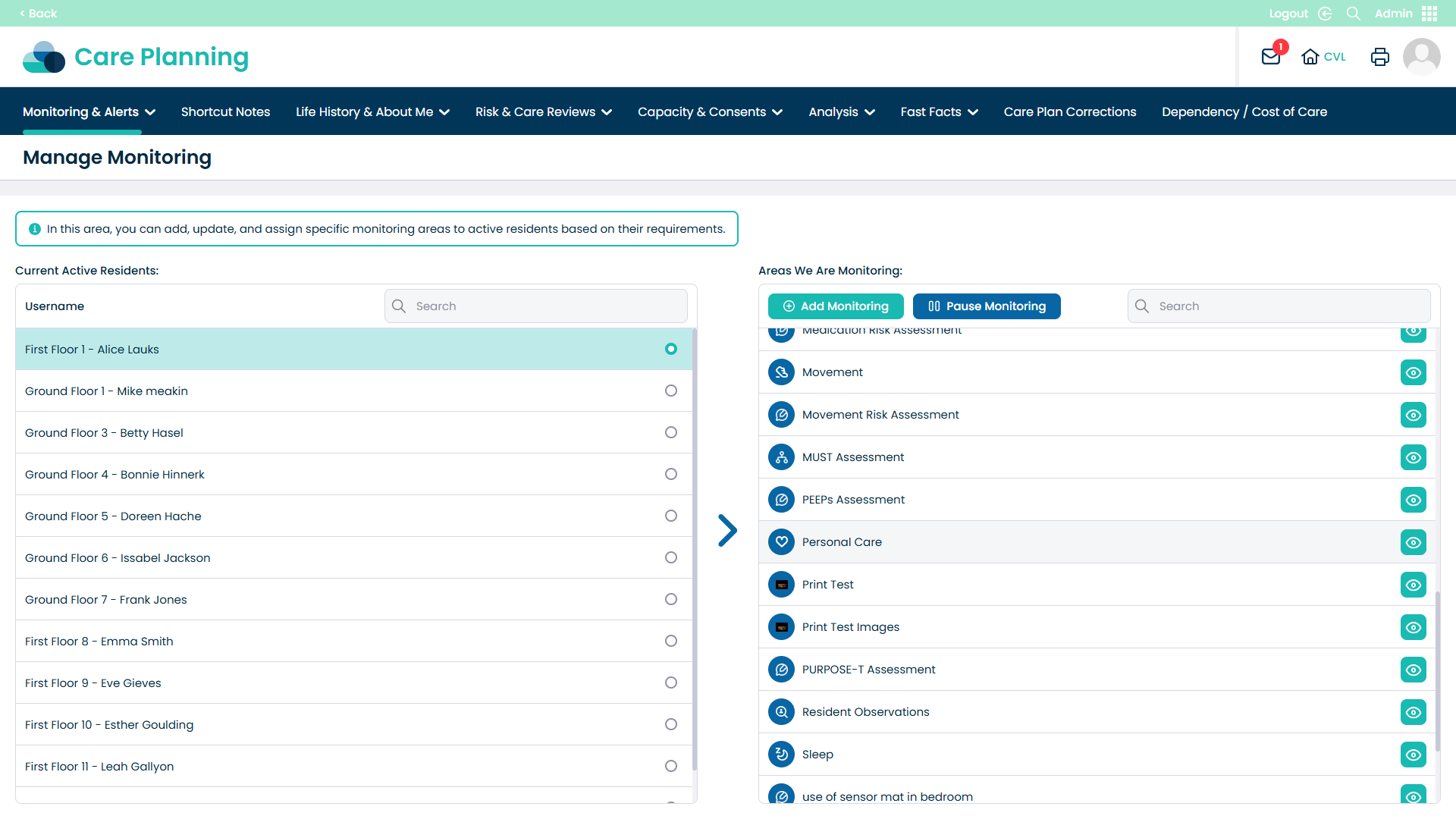
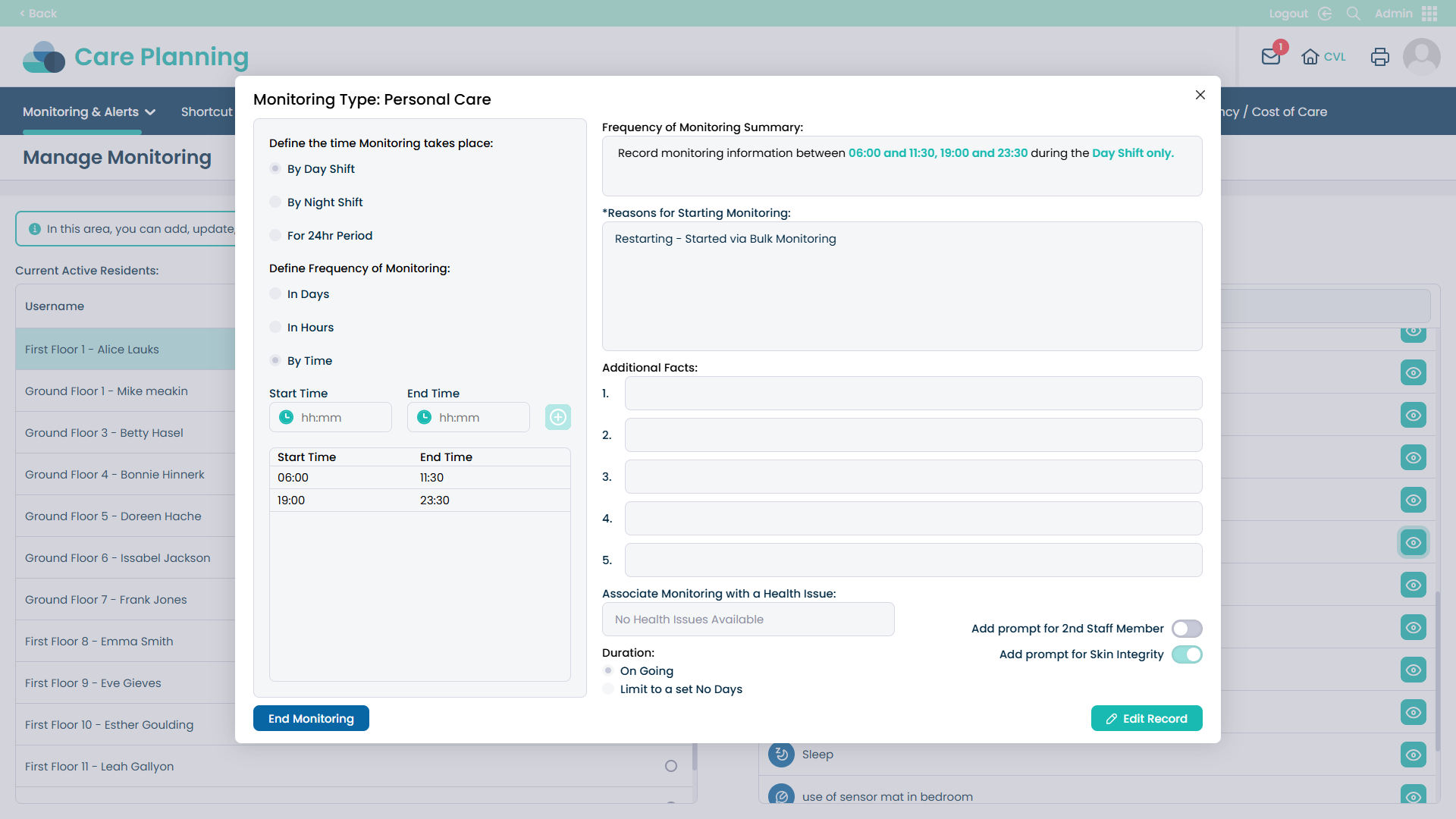
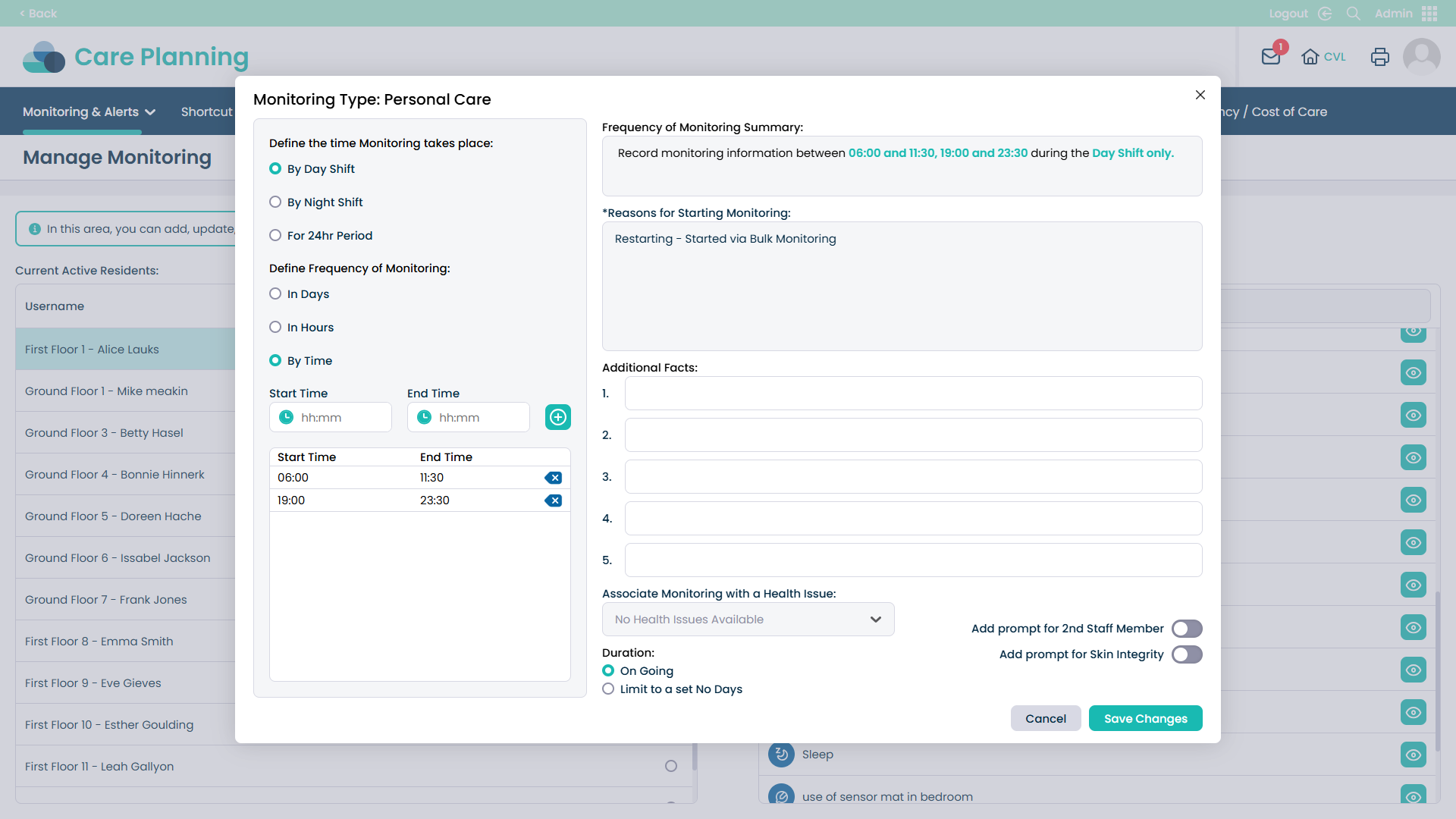
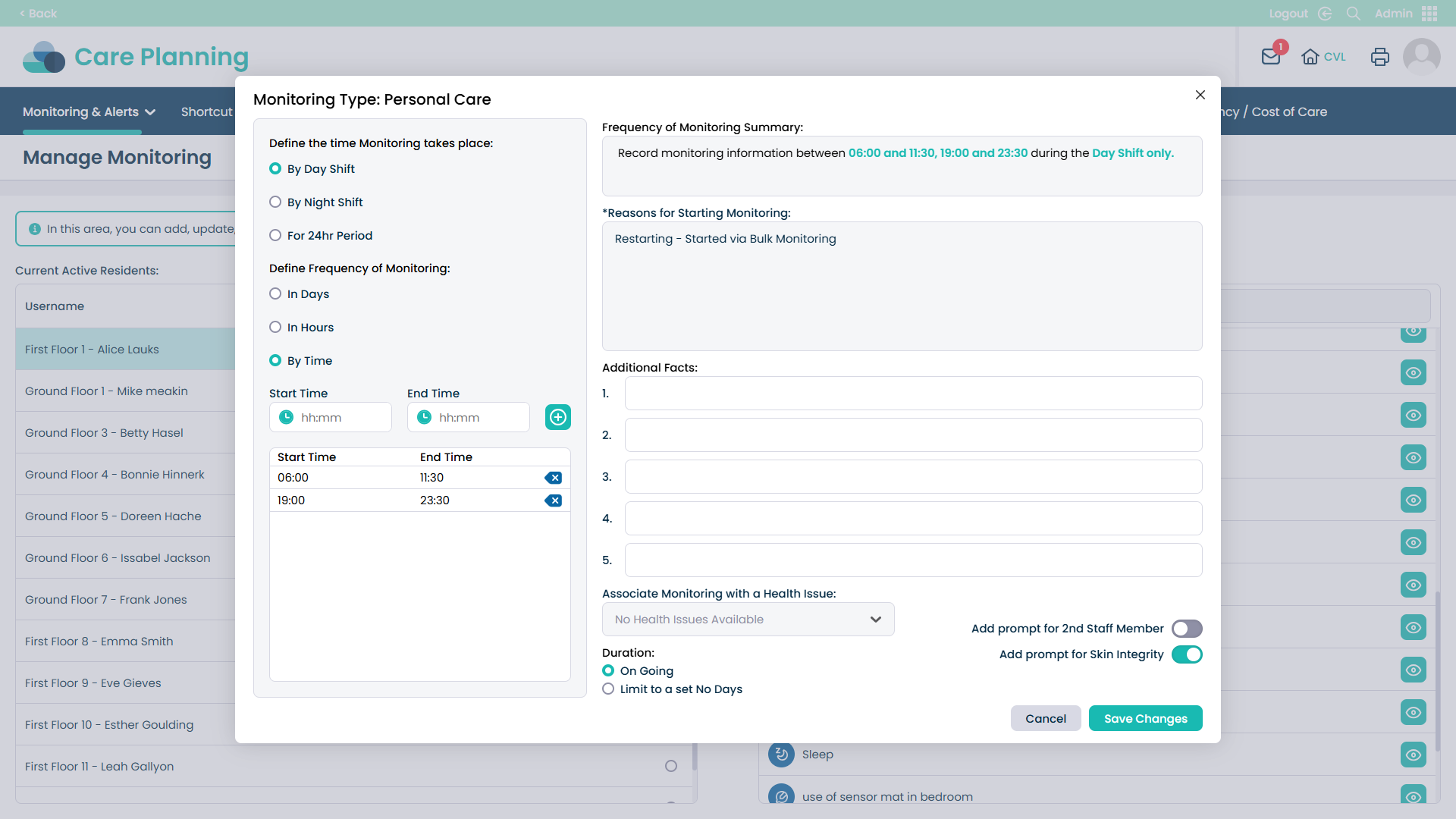
This guide explains how to enable and use the new Skin Integrity Check prompt in the Personal Care and Bath Monitoring sections of Care Control. The feature is activated through Manage Monitoring – Cloud in the Admin App.
When enabled, carers are automatically prompted on Pocket to complete a Skin Integrity Check after providing care. This ensures that any observed skin issues, such as redness, pressure areas, or wounds are consistently recorded as part of daily care routines.
The update supports proactive care monitoring and strengthens compliance with CQC standards, helping care providers demonstrate safe, person-centred care practices. By enabling this prompt, your service maintains accurate evidence of skin integrity checks and promotes best practice in every care interaction.