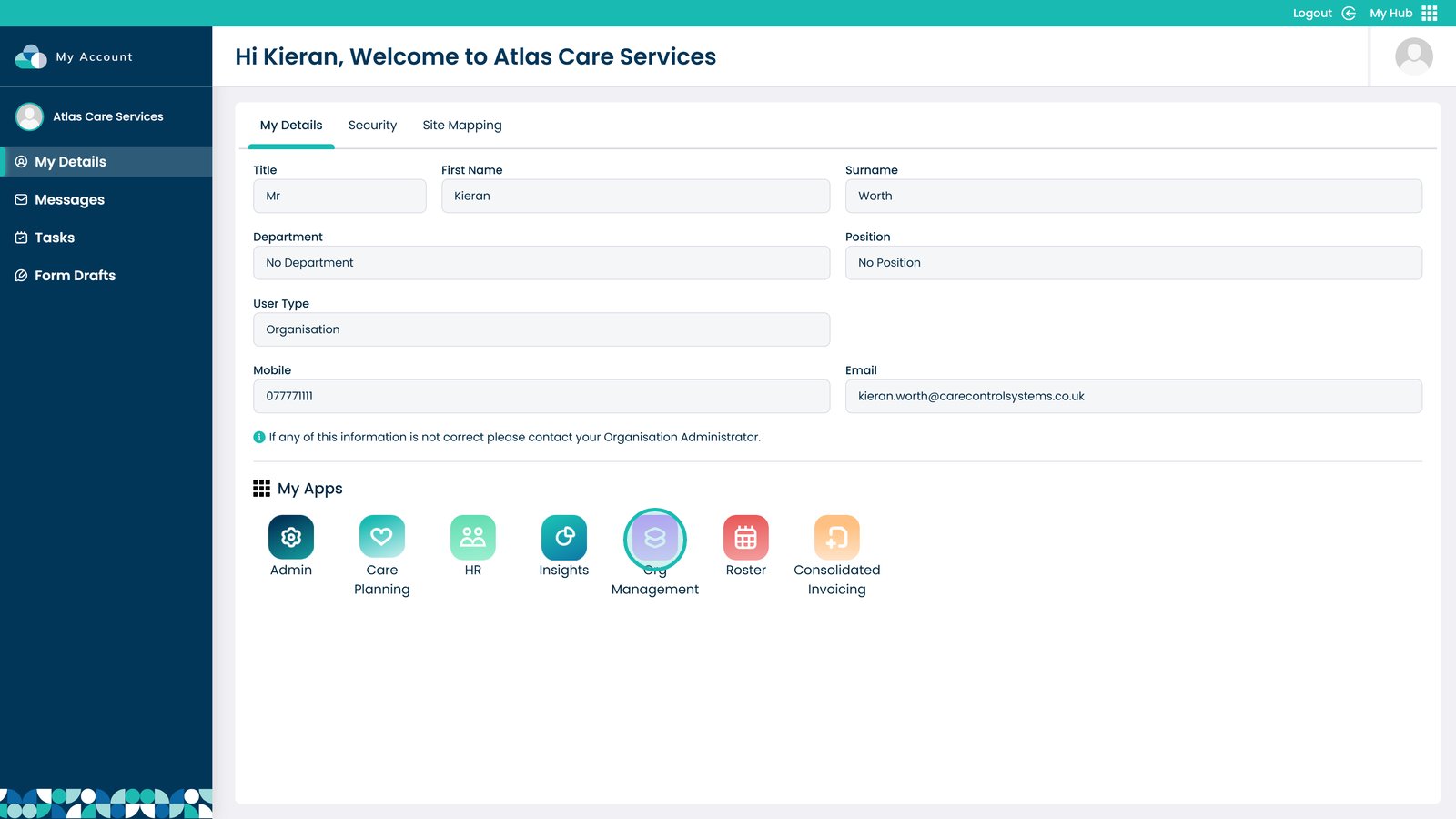
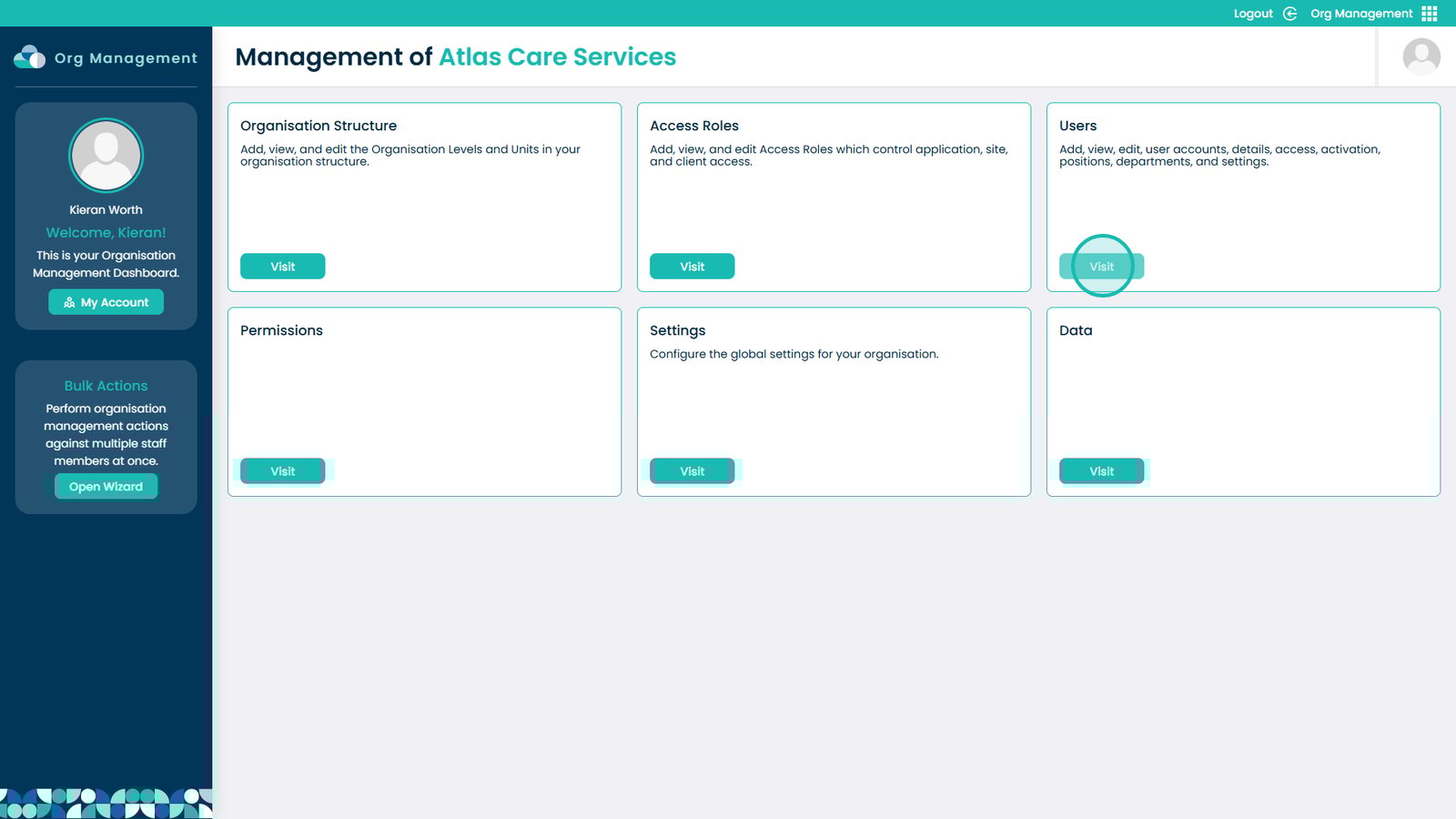
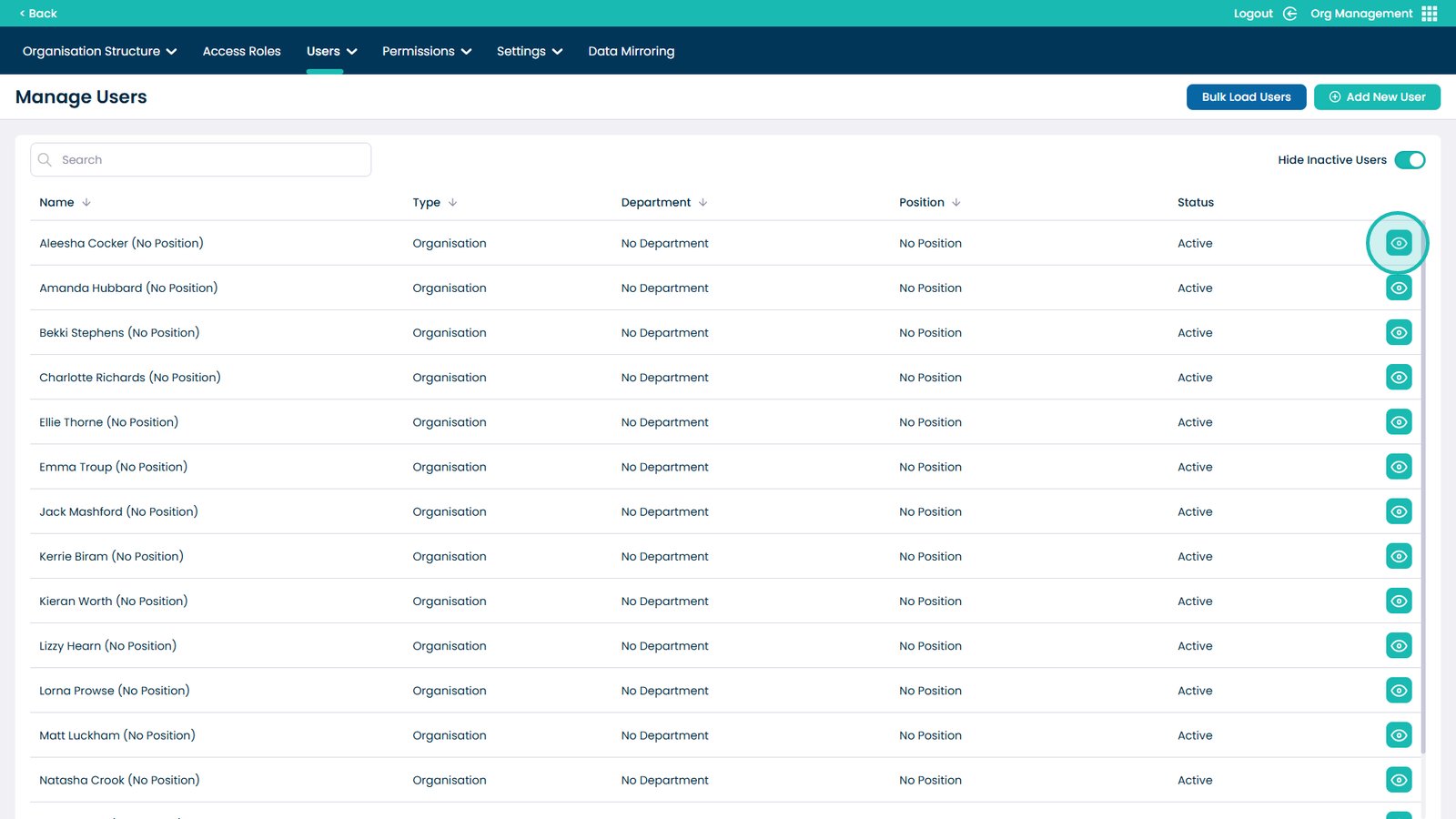
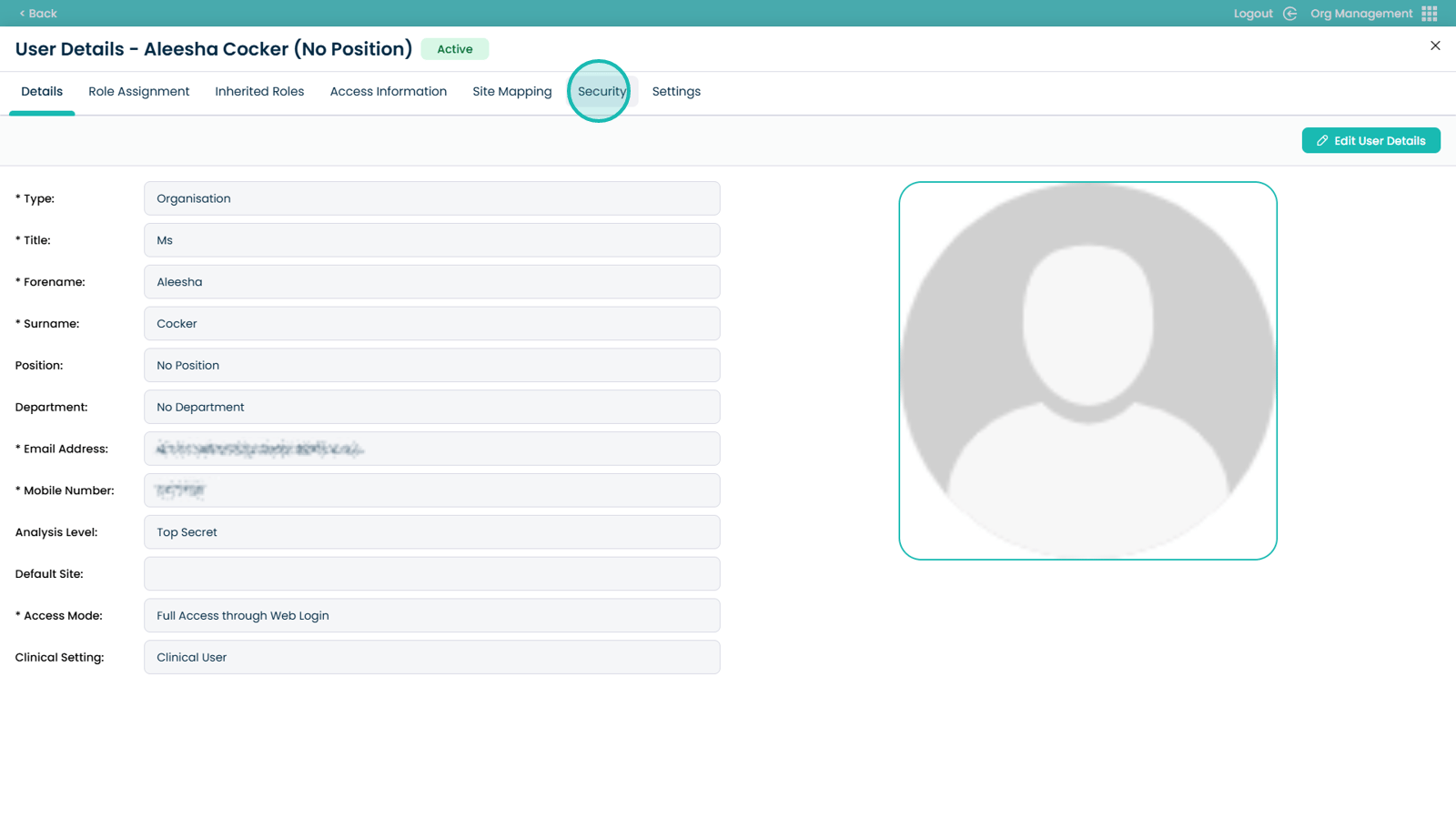
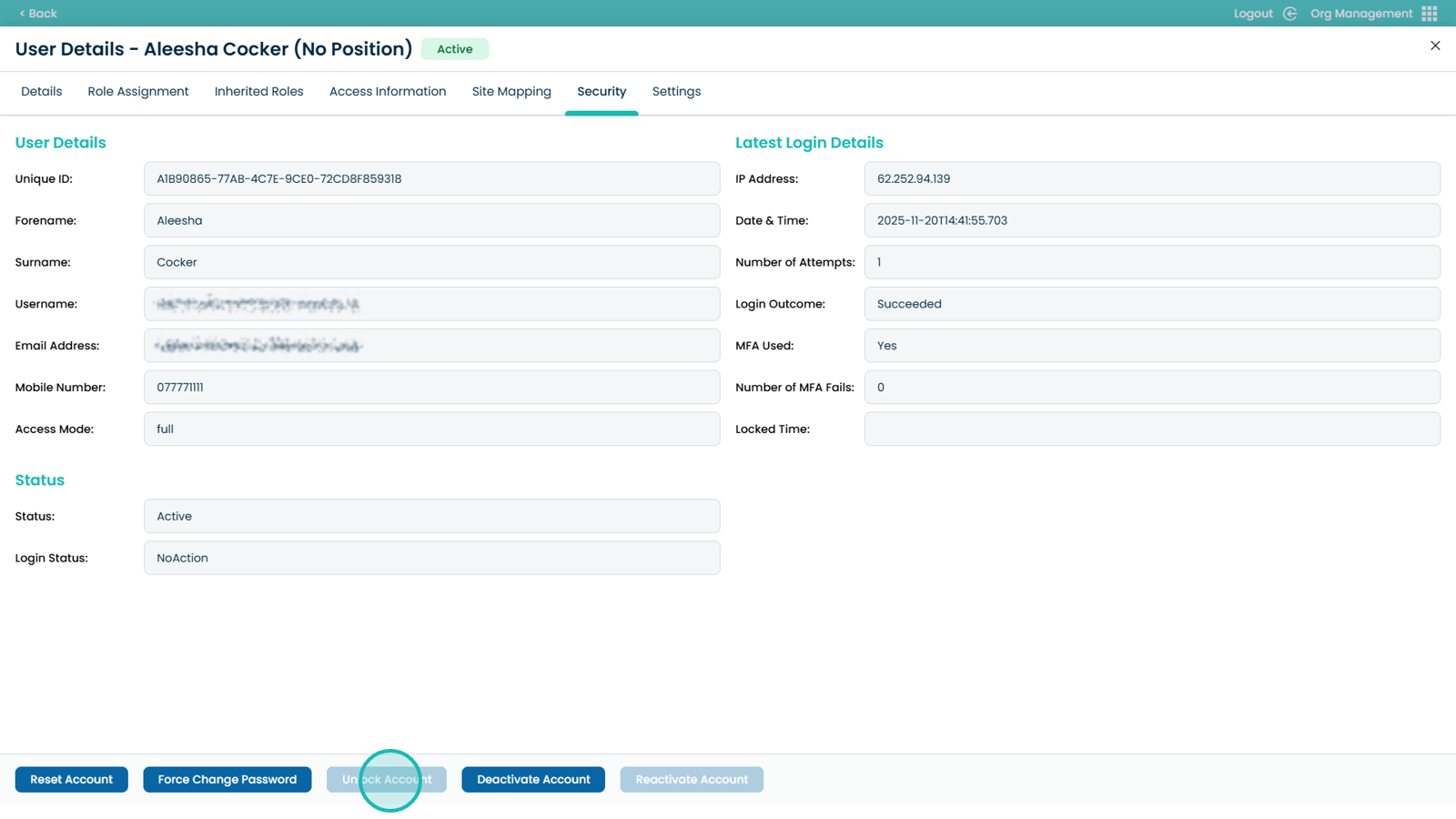
This guide explains how to unlock a user account in the Org Management App. It provides simple, step-by-step instructions that show you how to locate a user, open their security settings, and restore their access. The unlock feature is useful because it helps you quickly support staff who have been locked out due to incorrect passwords or security policies.
By unlocking the account, you can reduce downtime, avoid delays in daily tasks, and keep your organisation running smoothly. Use this guide whenever a team member cannot sign in and needs their account access reactivated.