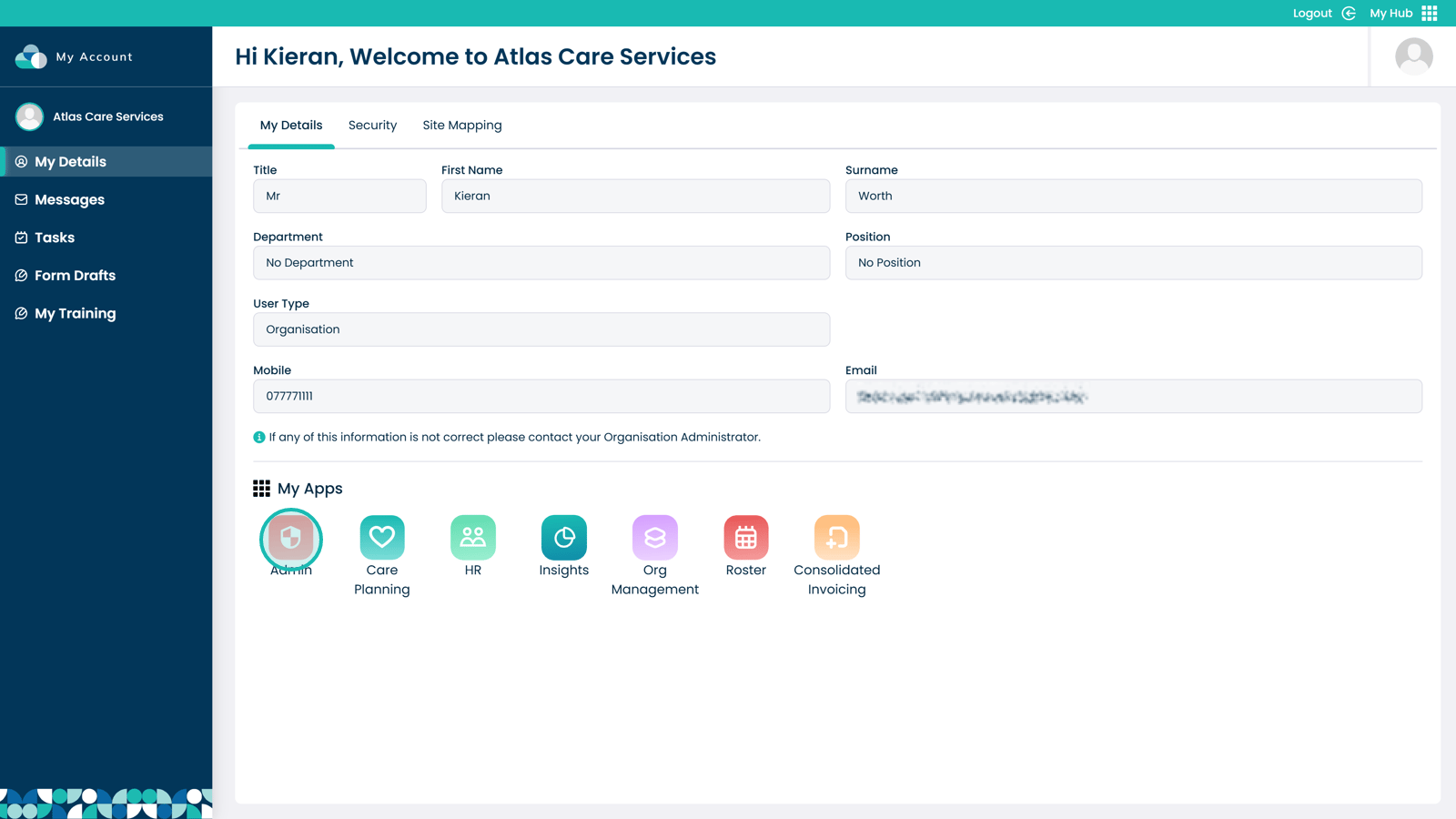
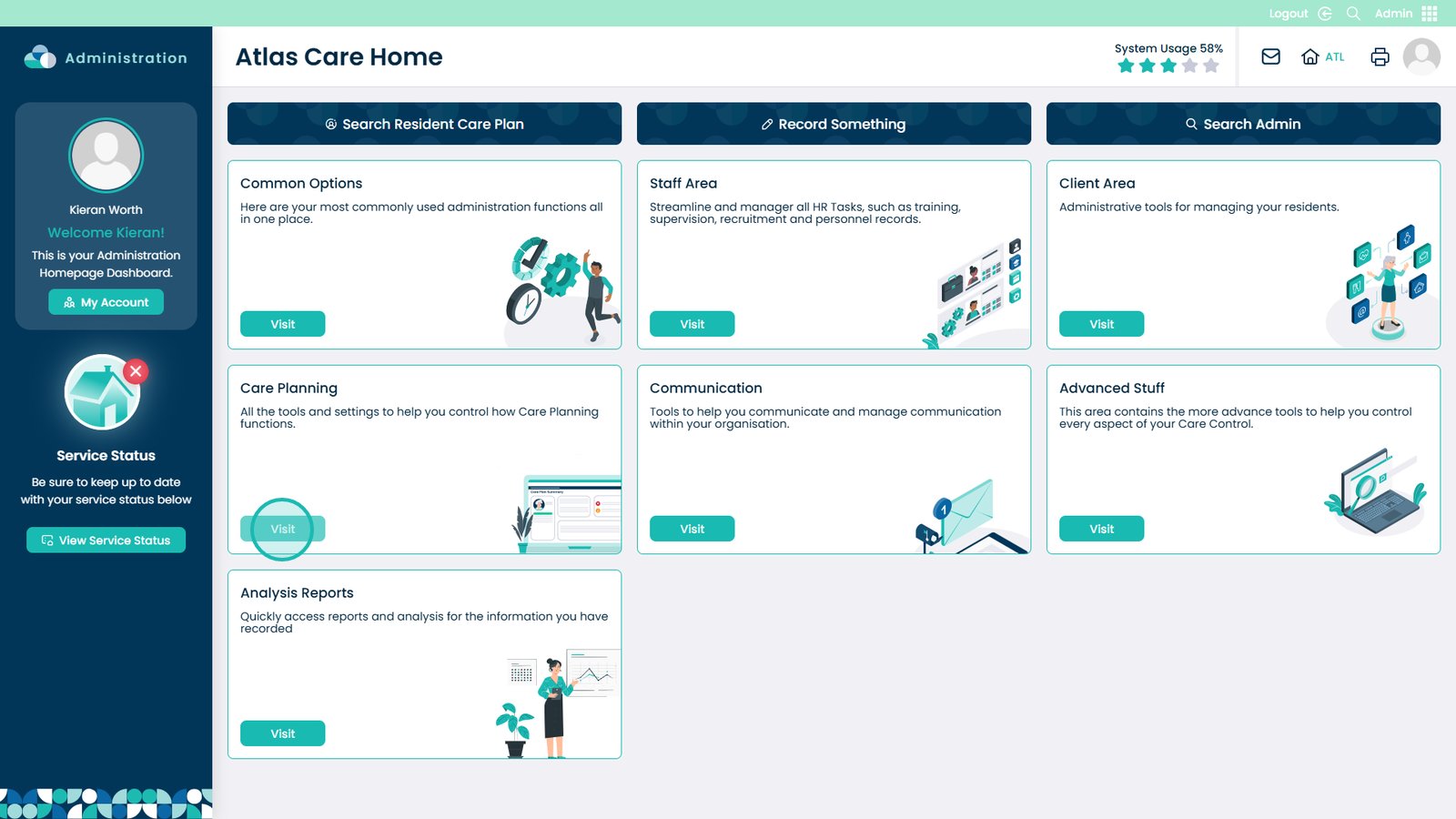
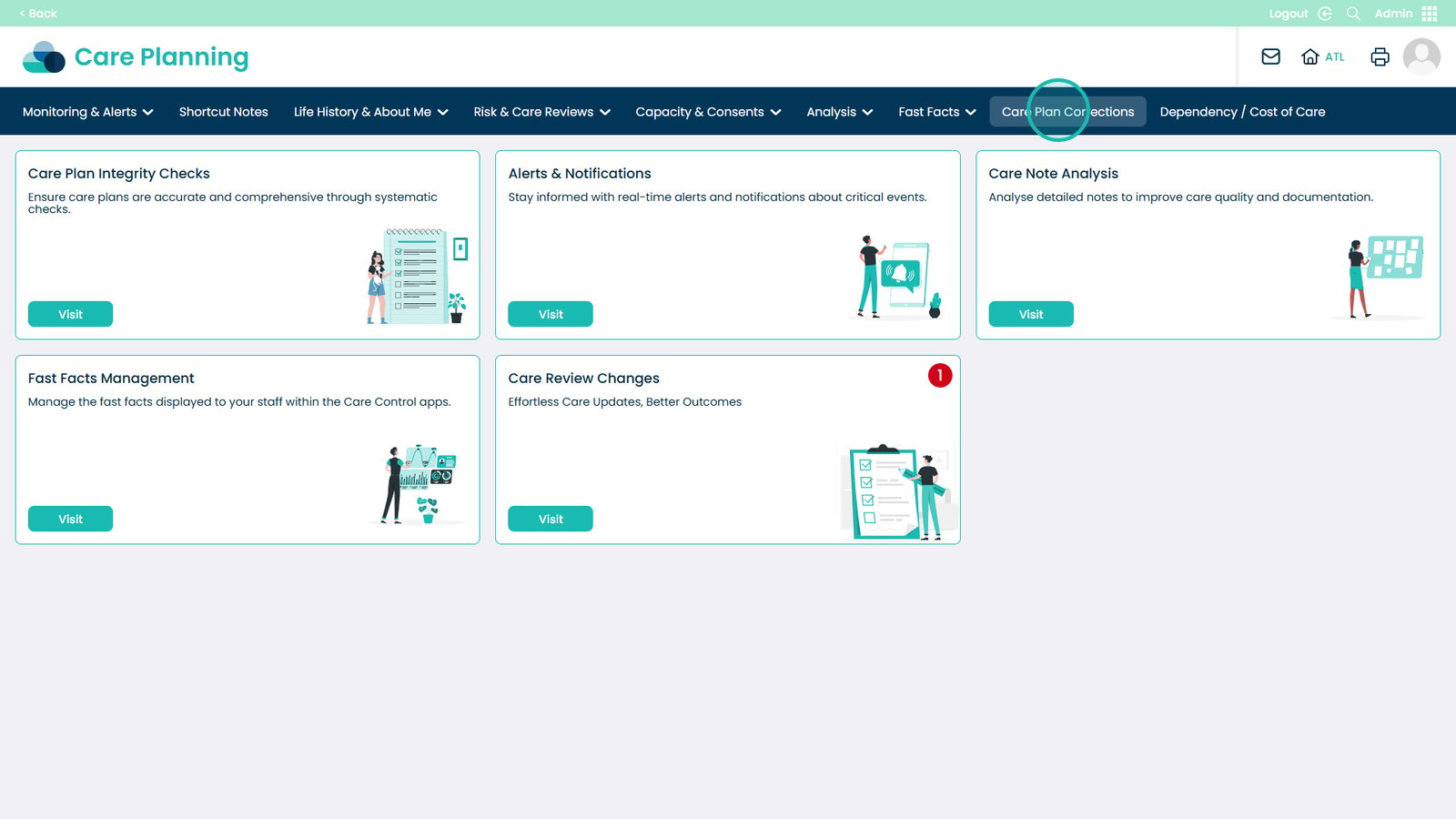
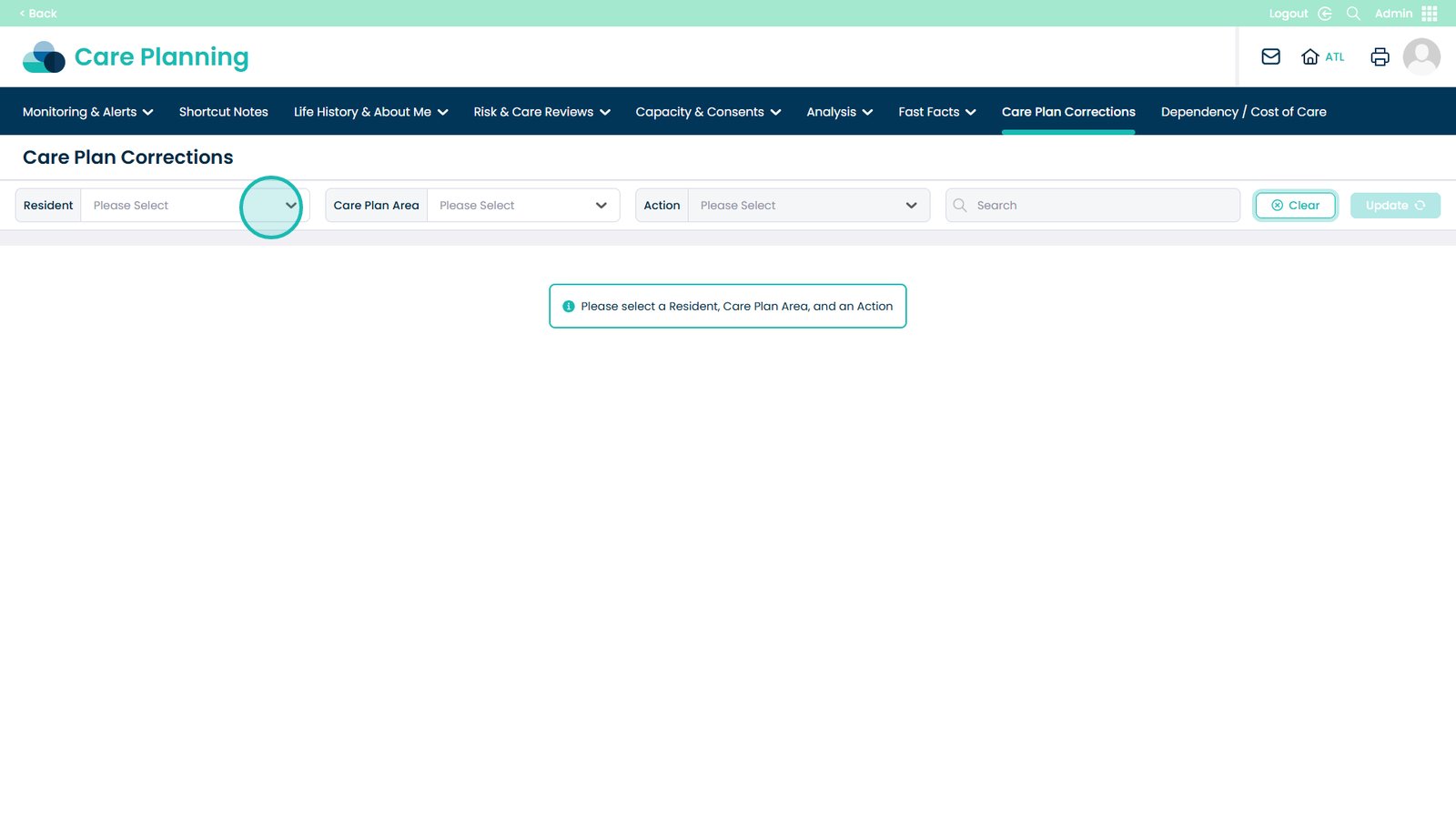
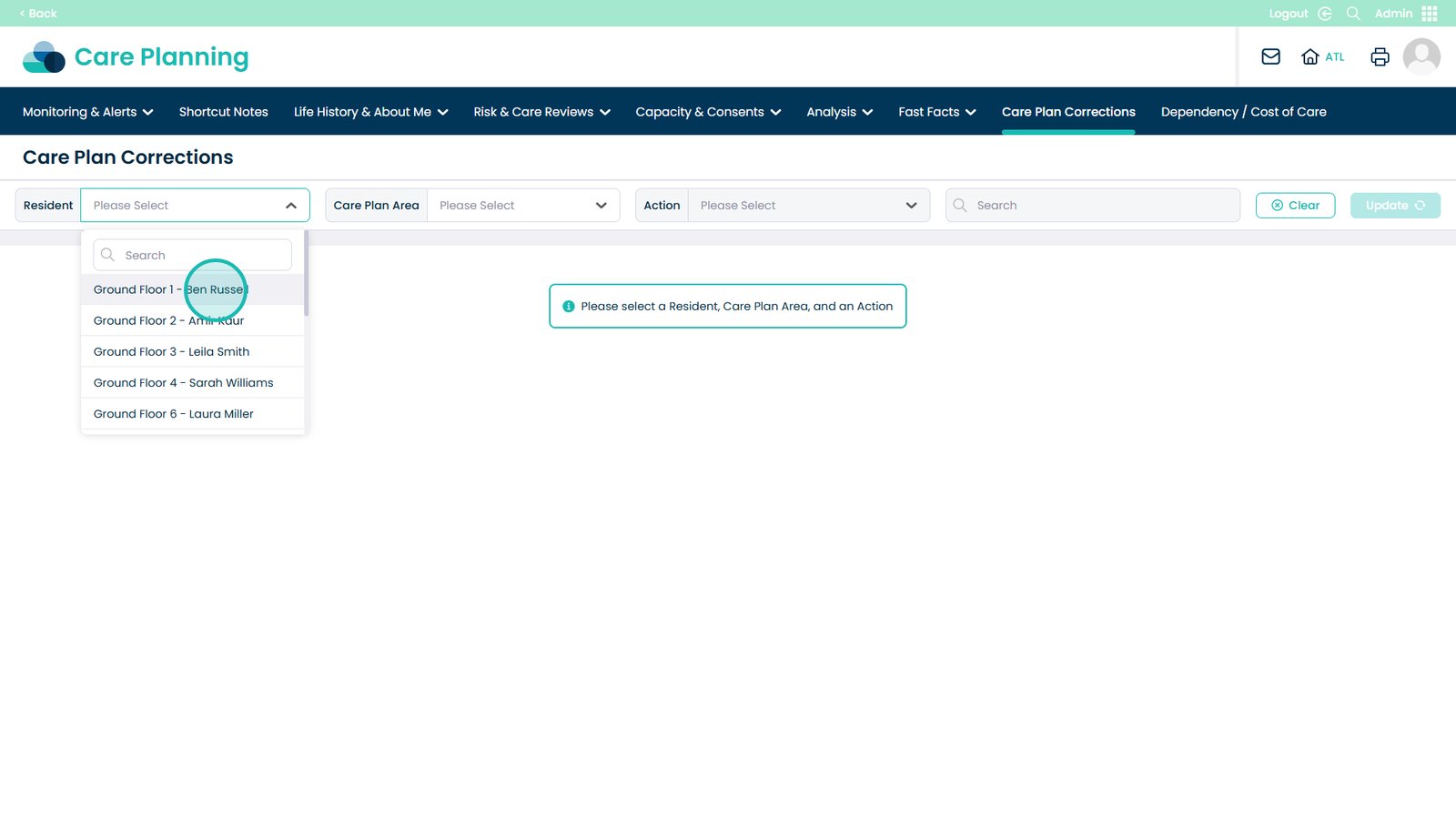
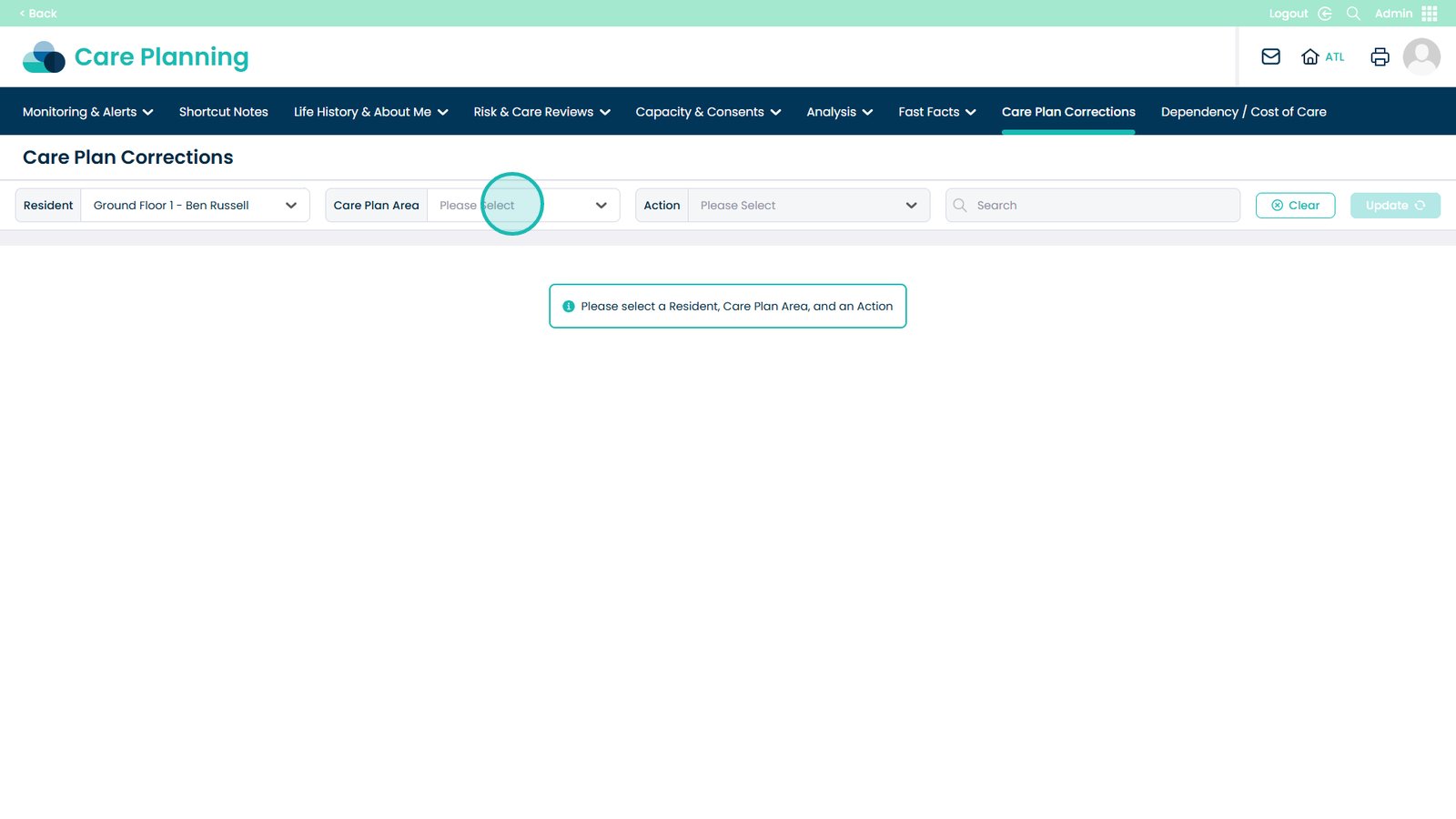
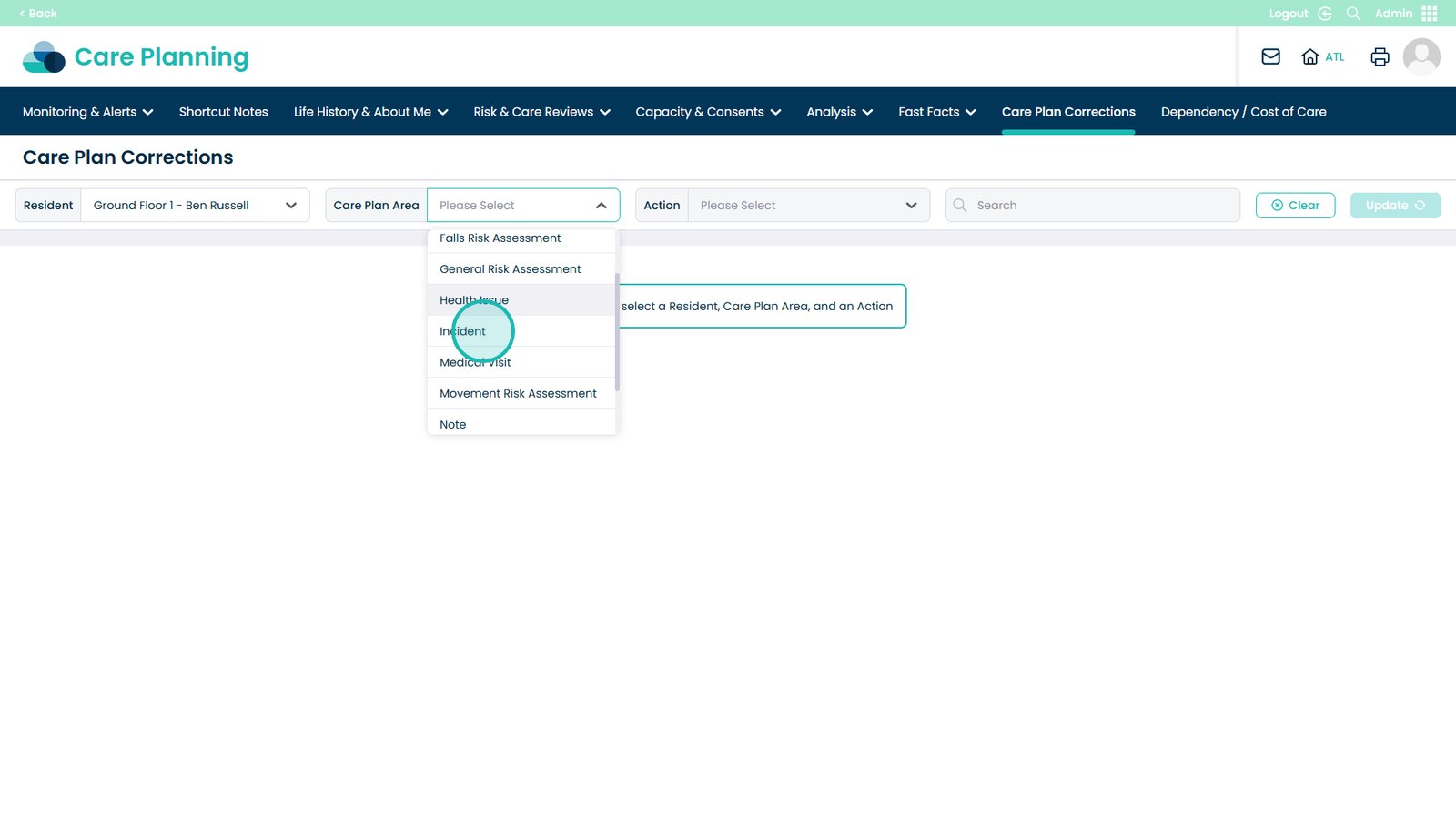
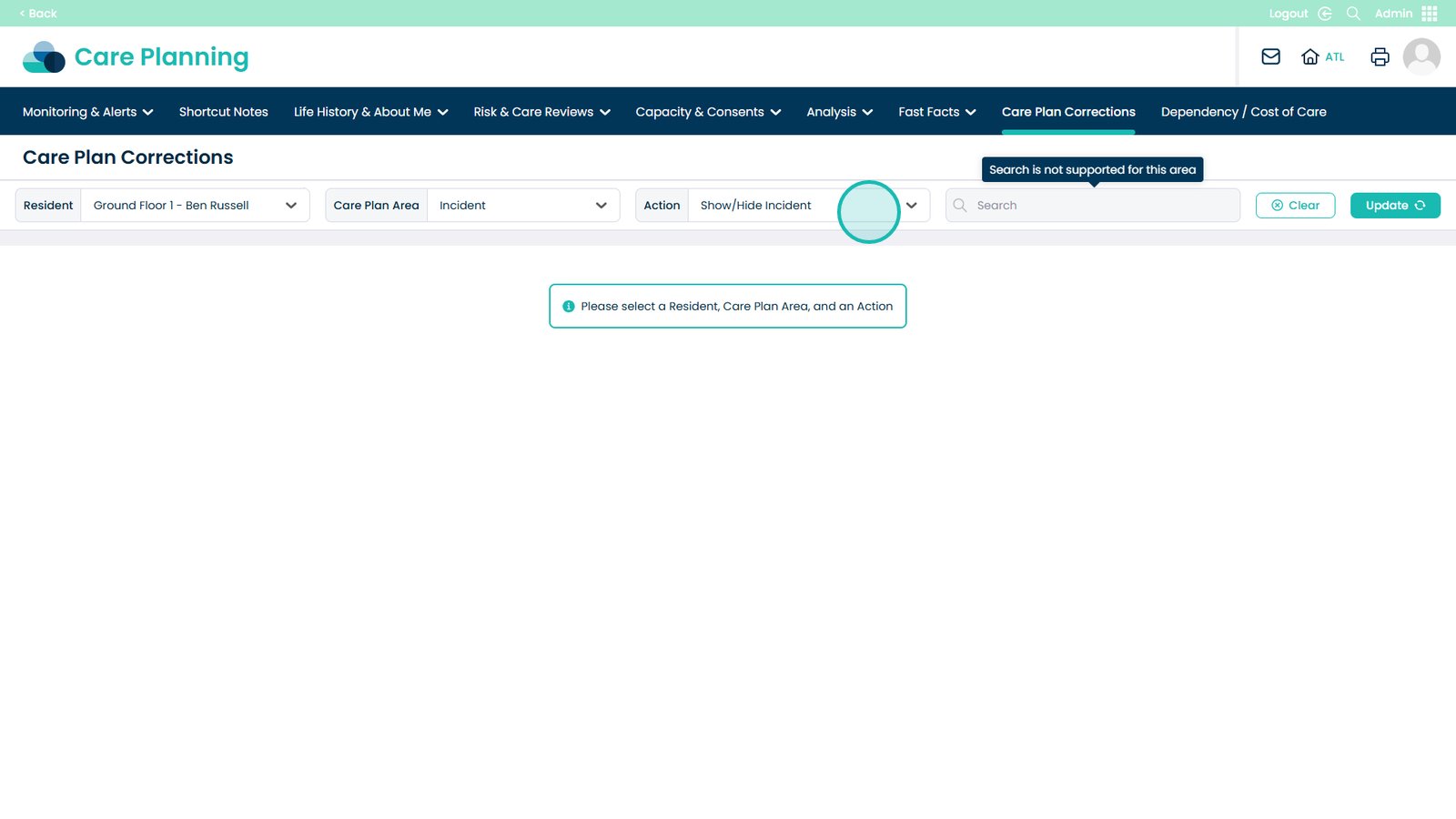
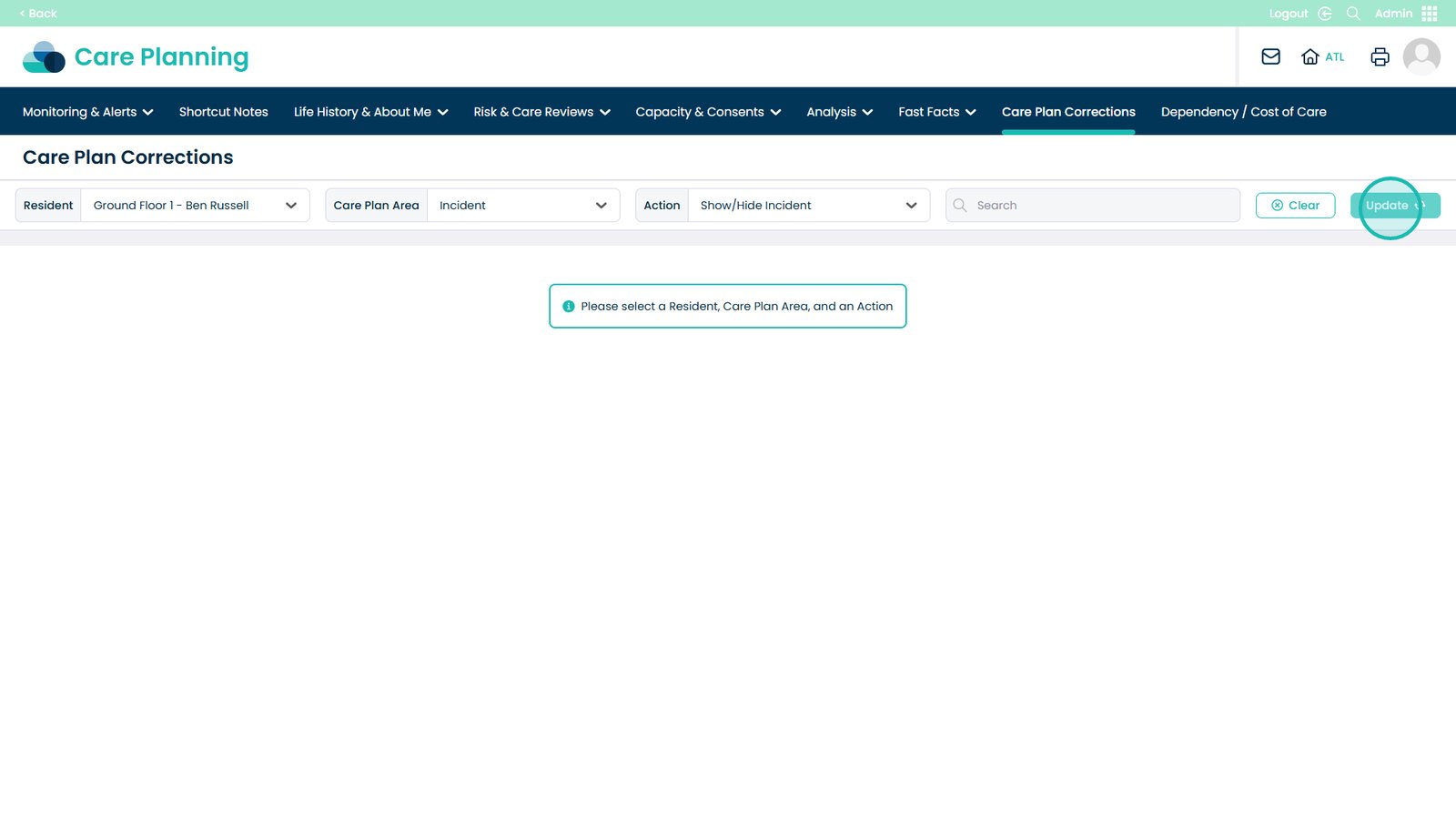
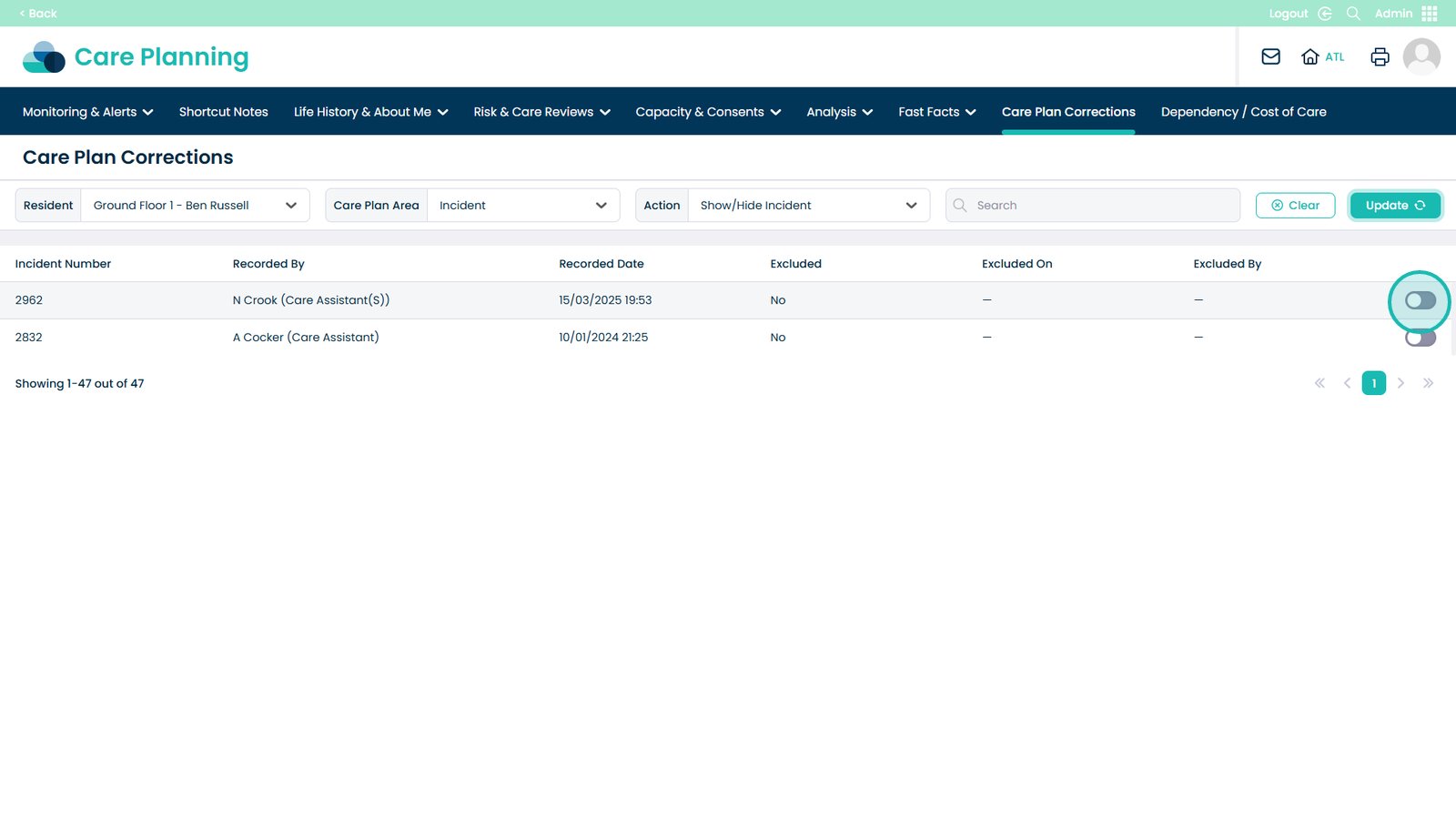
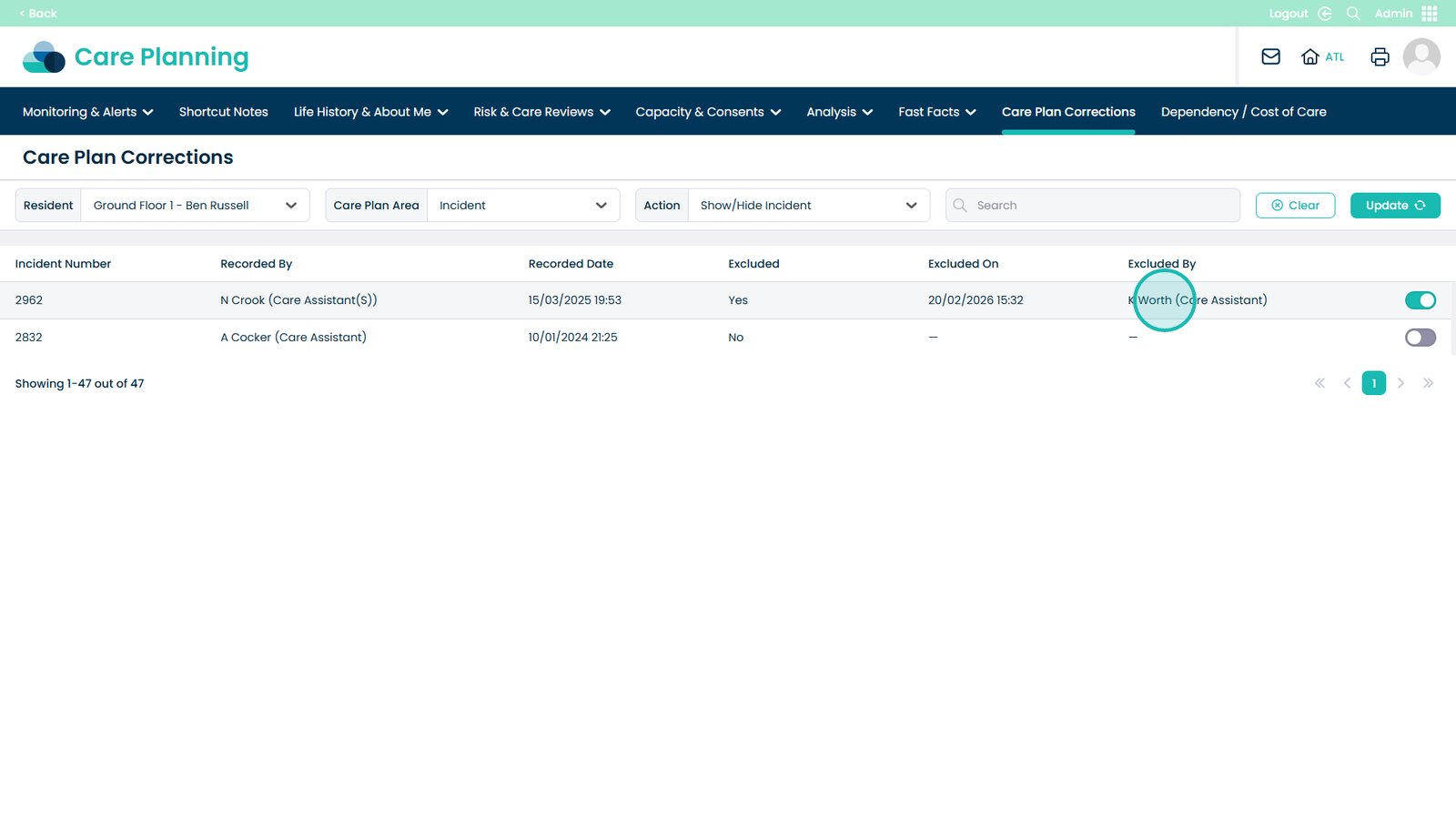
This guide explains how to exclude an Incident using the Care Plan Corrections feature within the Admin app. This allows authorised users to control whether specific incidents are displayed or included within care planning records.
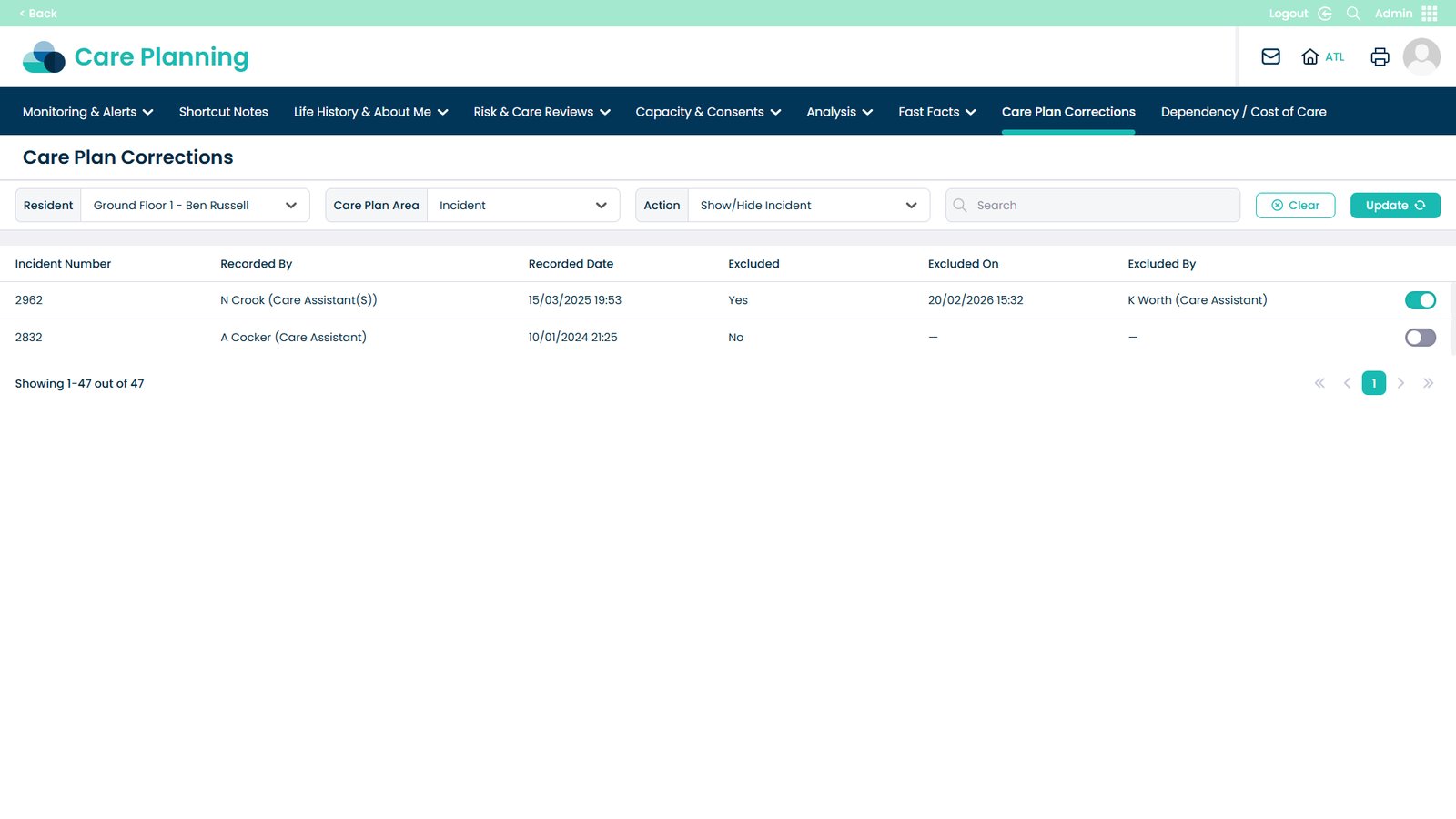
By excluding an incident, you can ensure that only relevant or appropriate information is reflected within the care plan view, while still maintaining a full audit trail. The system records who made the change and when it was applied, supporting transparency, accountability, and compliance with reporting requirements.