This guide will cover how to record ABC Behaviour monitoring on Care Control Cloud. This tool allows recording of certain behaviours, what triggers them and was the consequences of them are.
1
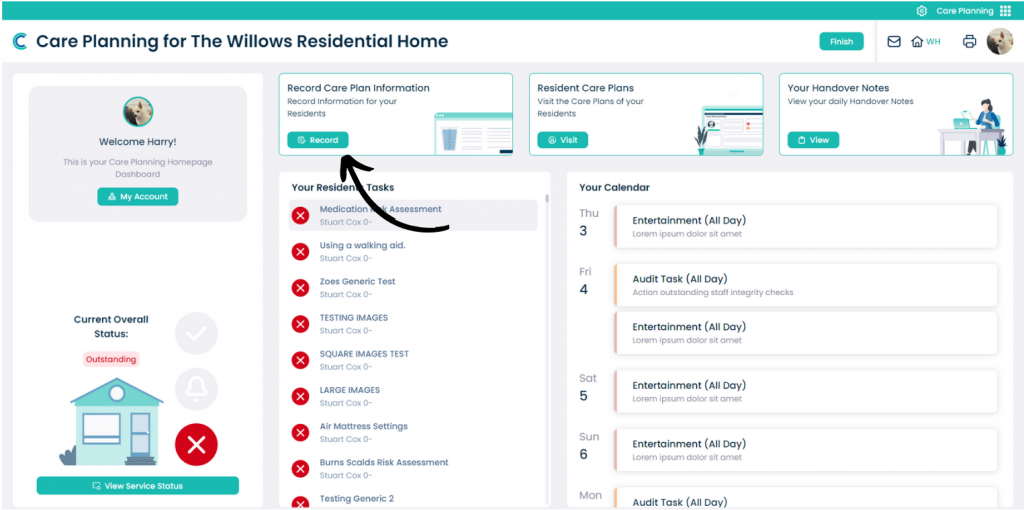
In the Care Planning application on Care Control Cloud, select Record Care Plan Information.
2
A list of common recording options will be displayed. On the left hand side of this window, press More Options.
3
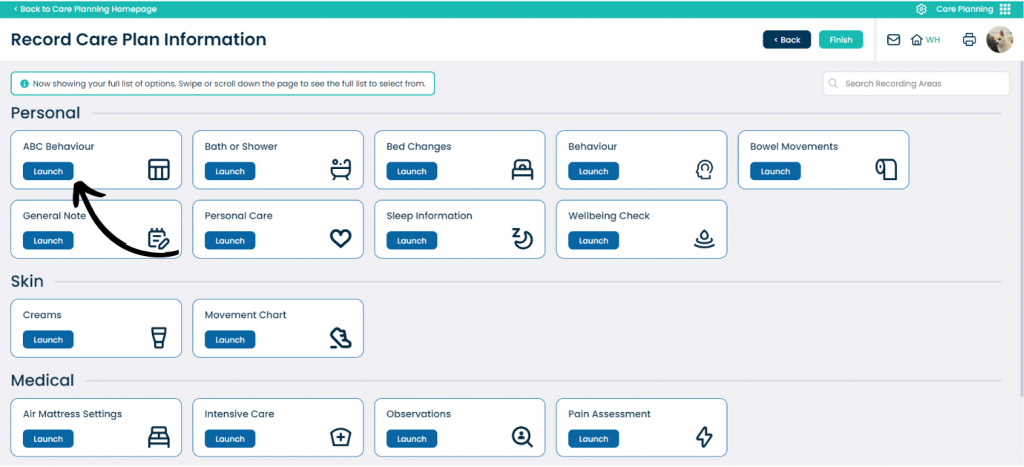
A list of all the recording options will be displayed. Here, select ABC Behaviour.
4
Next, select the service user you wish to record for and press Continue.
5
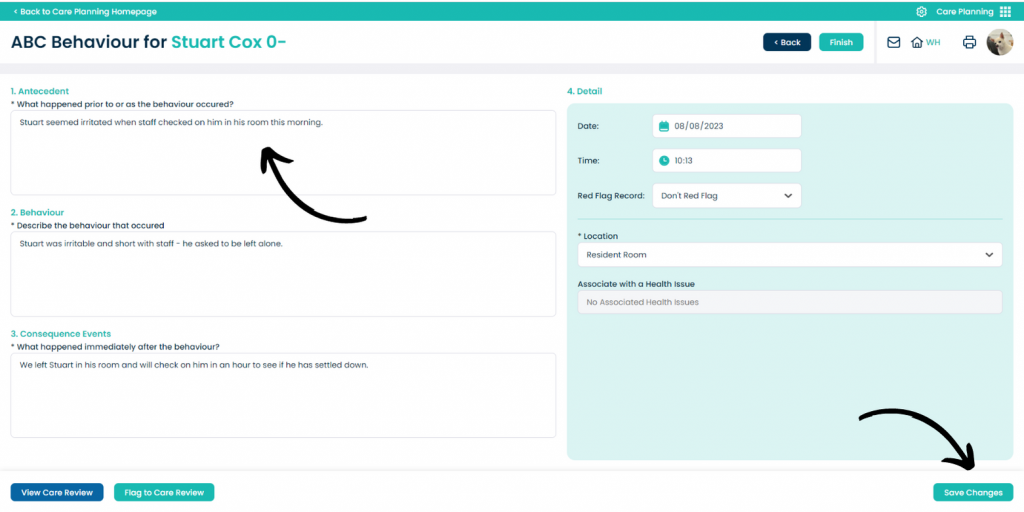
A blank form will open – it is broken into 4 sections:
– 1 – What happened prior?
– 2 – What was the behaviour?
– 3 – What were the consequences of the behaviour?